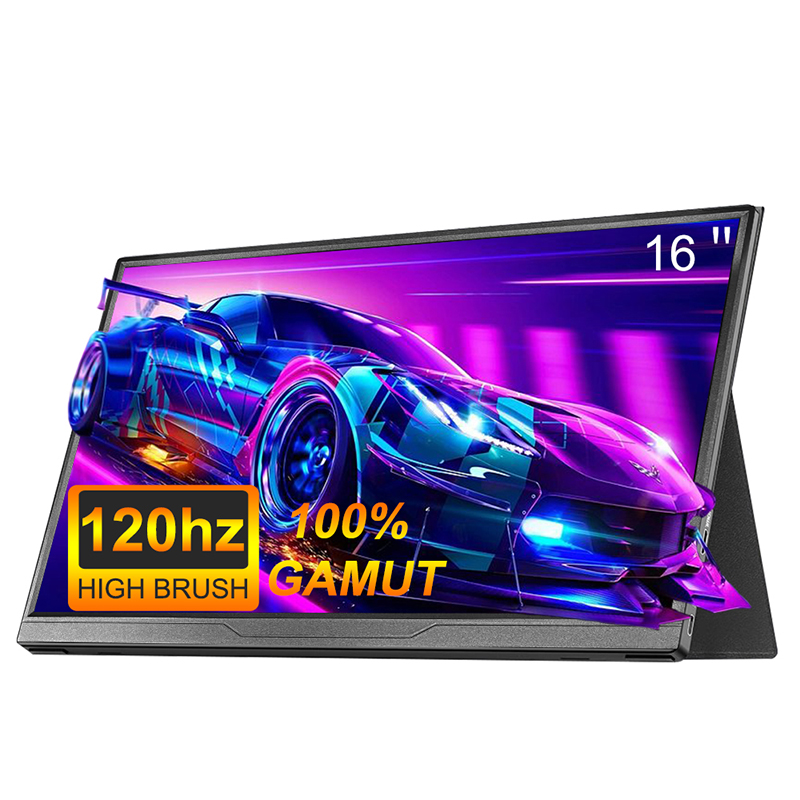











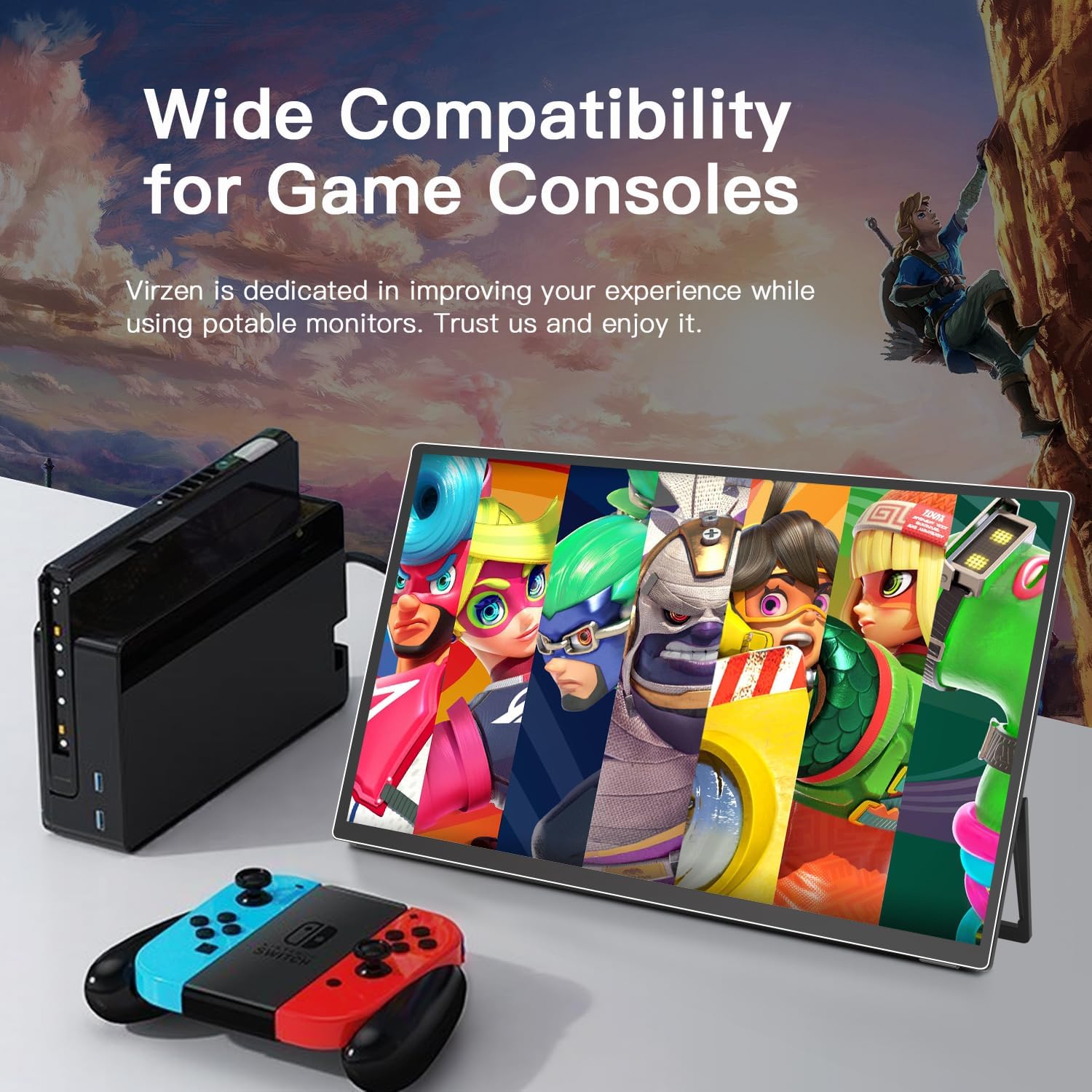
UPERFECT Portable Monitor 21.5 inch 1080P 100Hz HDR HDMI USB-C Travel Screen For Laptop MacBook PC Xbox Large External Display








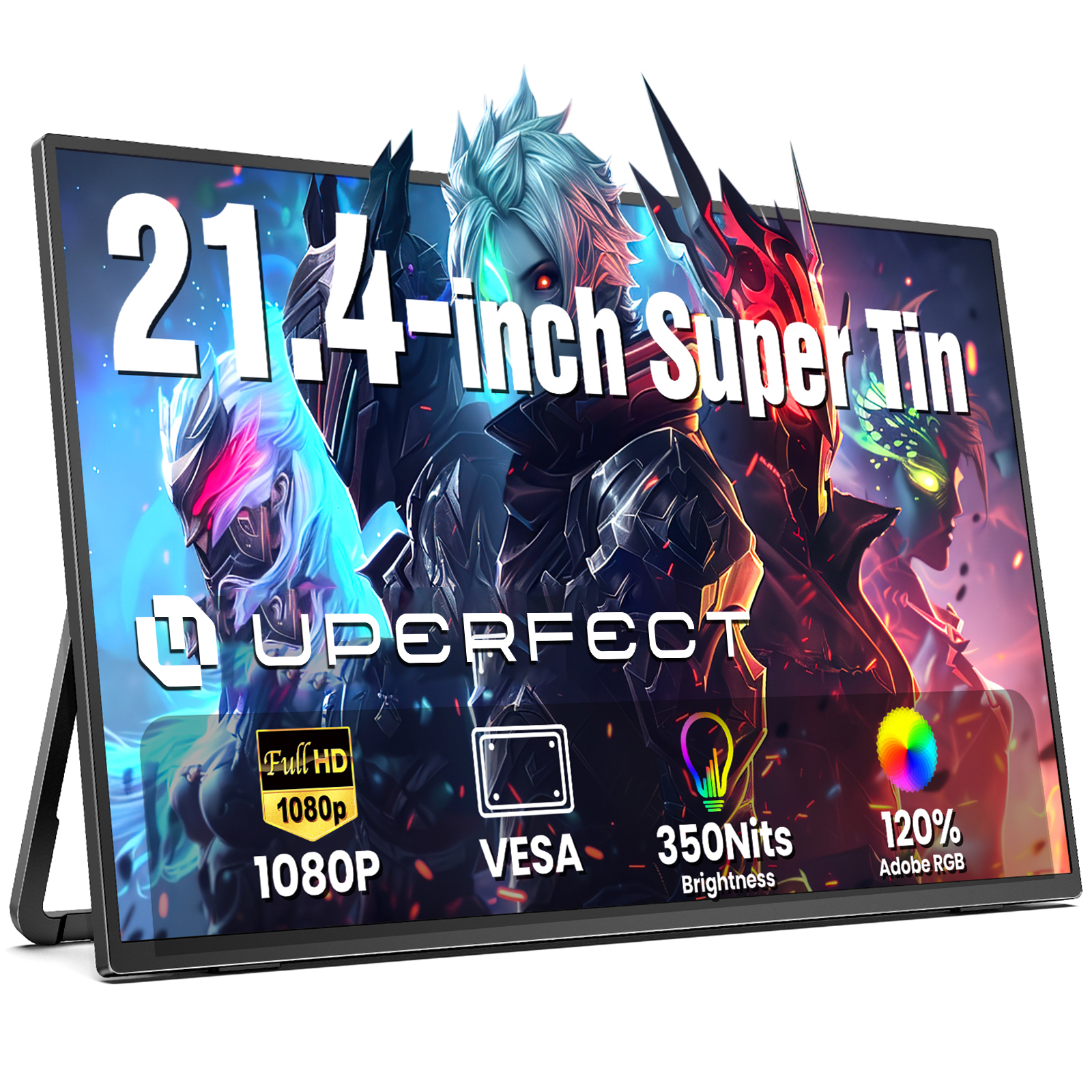
UPERFECT 21.4-Inch Portable Monitor 100Hz
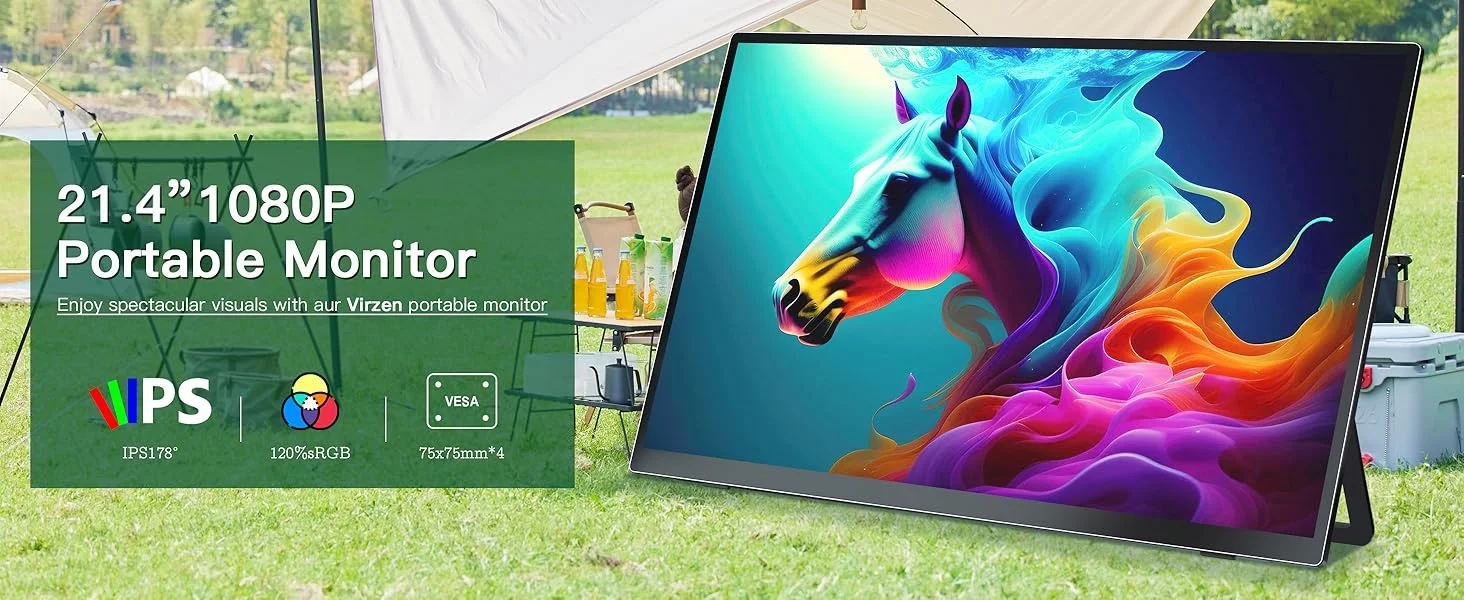
UPERFECT 21.4-in Large Display Screen
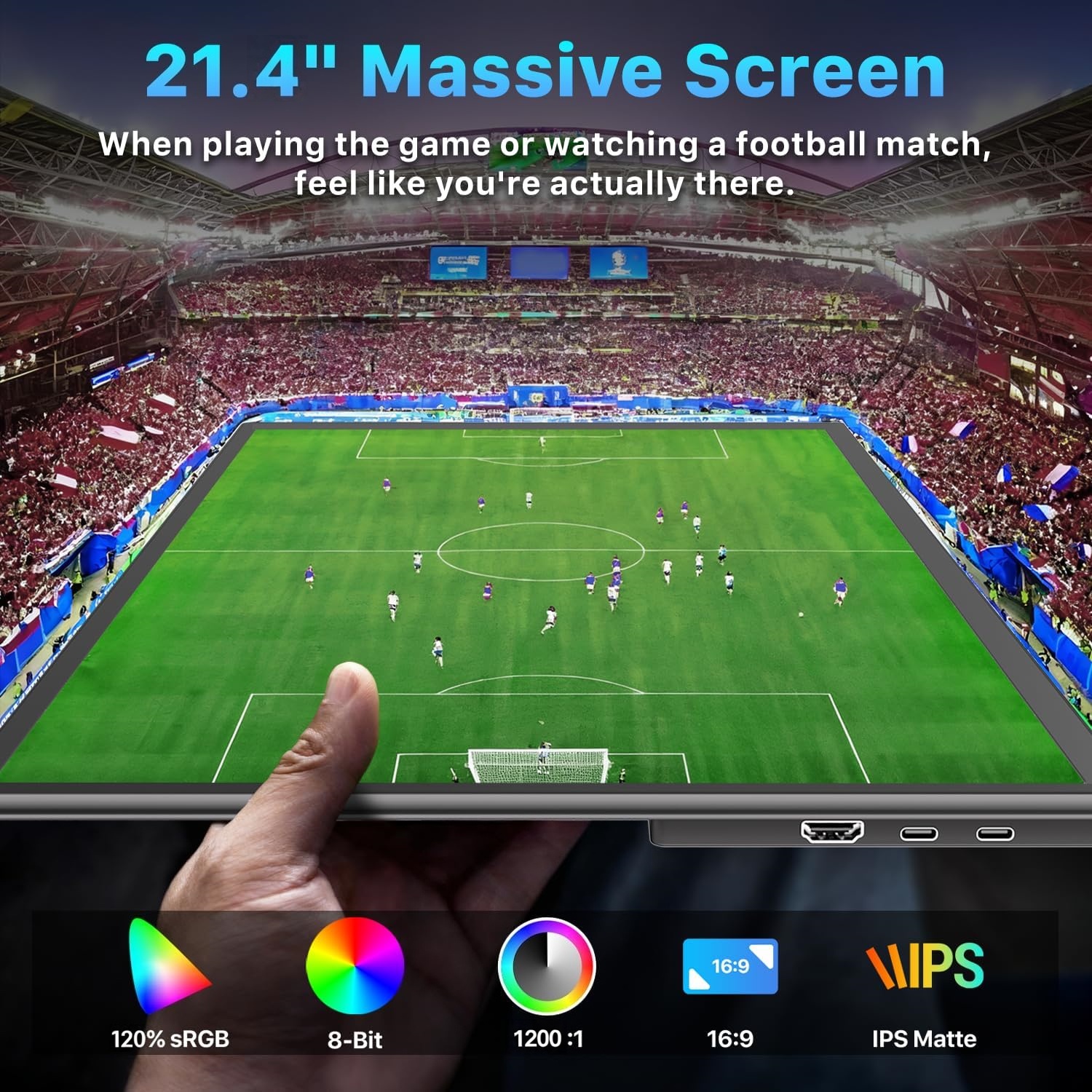
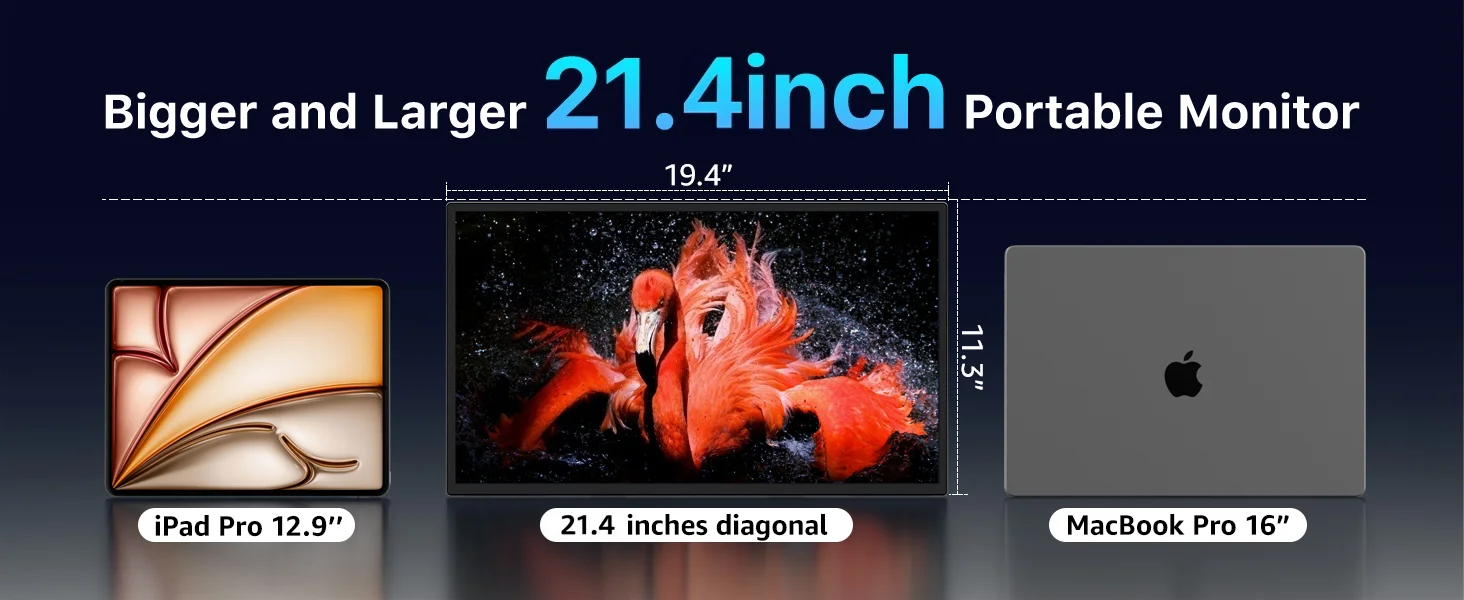
Compared to traditional bulky computer monitors, the UPERFECT 21.4" largeh portable monitor achieves a perfect balance between screen size and portability.
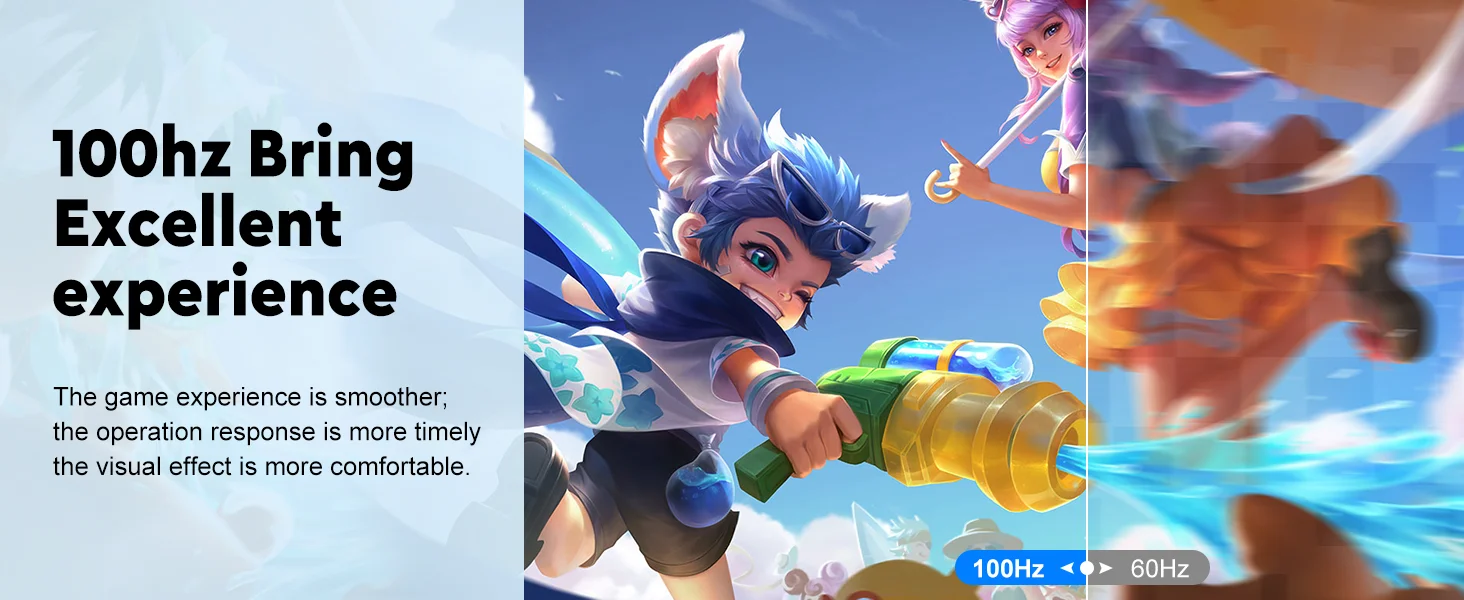
100Hz Refresh Rate
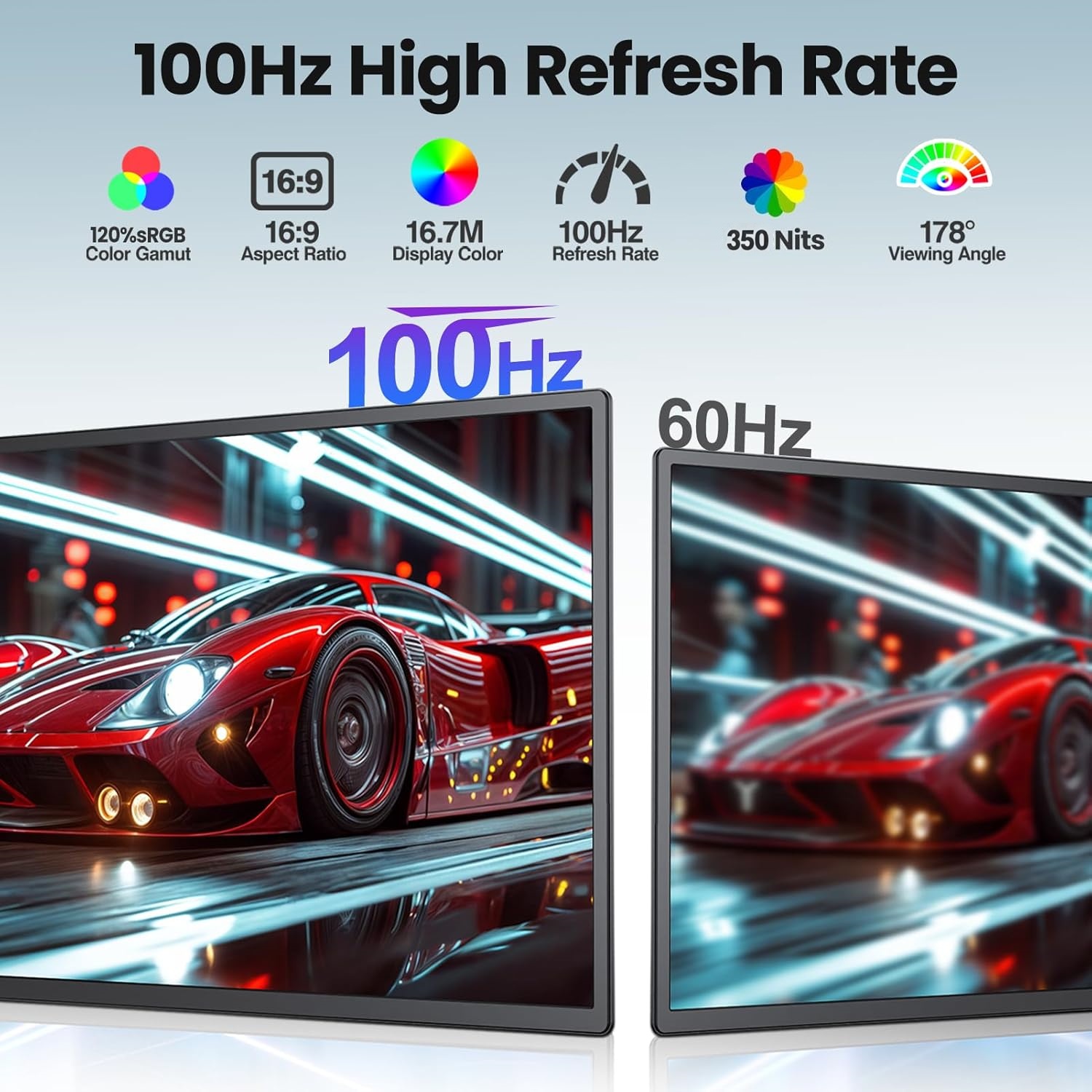
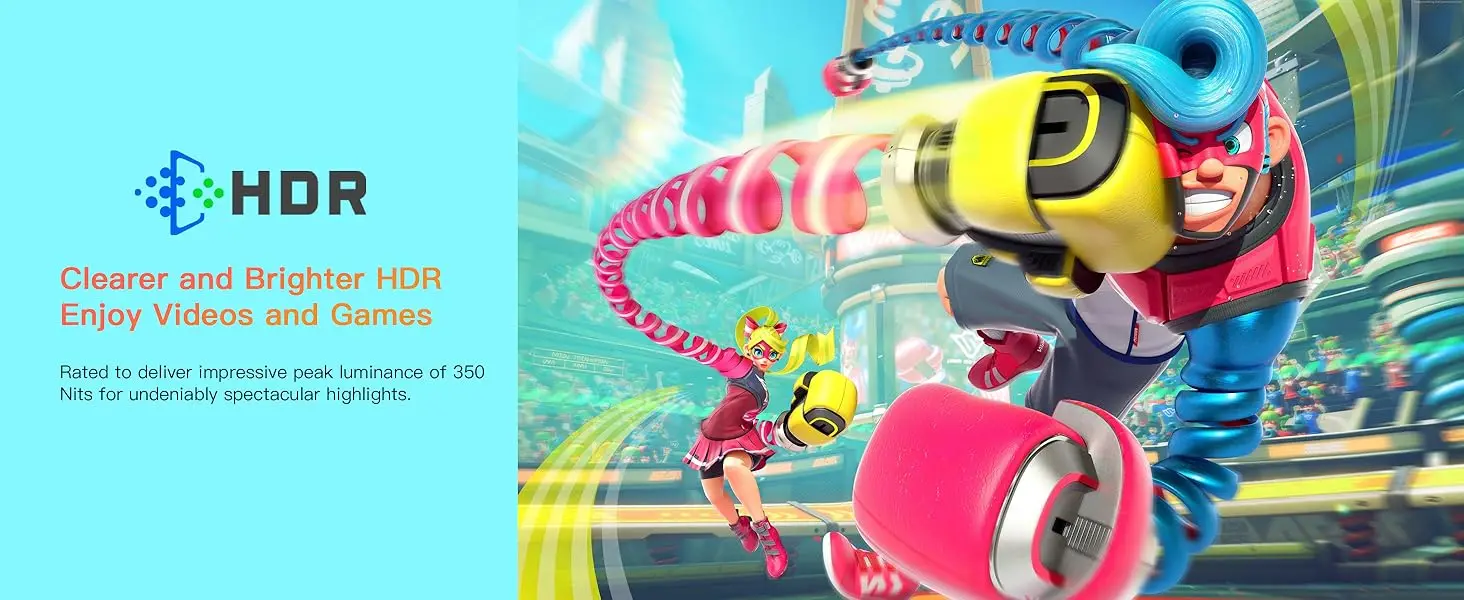
This 21.4-inch large-screen portable gaming monitor boasts an upgraded 100Hz refresh rate, delivering faster response time and smoother movements, giving you an edge in games and providing a more comfortable and fluid experience. It's perfect for gaming and action-packed content. With built-in dual speakers for videos and games, it creates an immersive gaming experience and a visual feast. smoother, clearer motion

120% sRGB Color Gamut
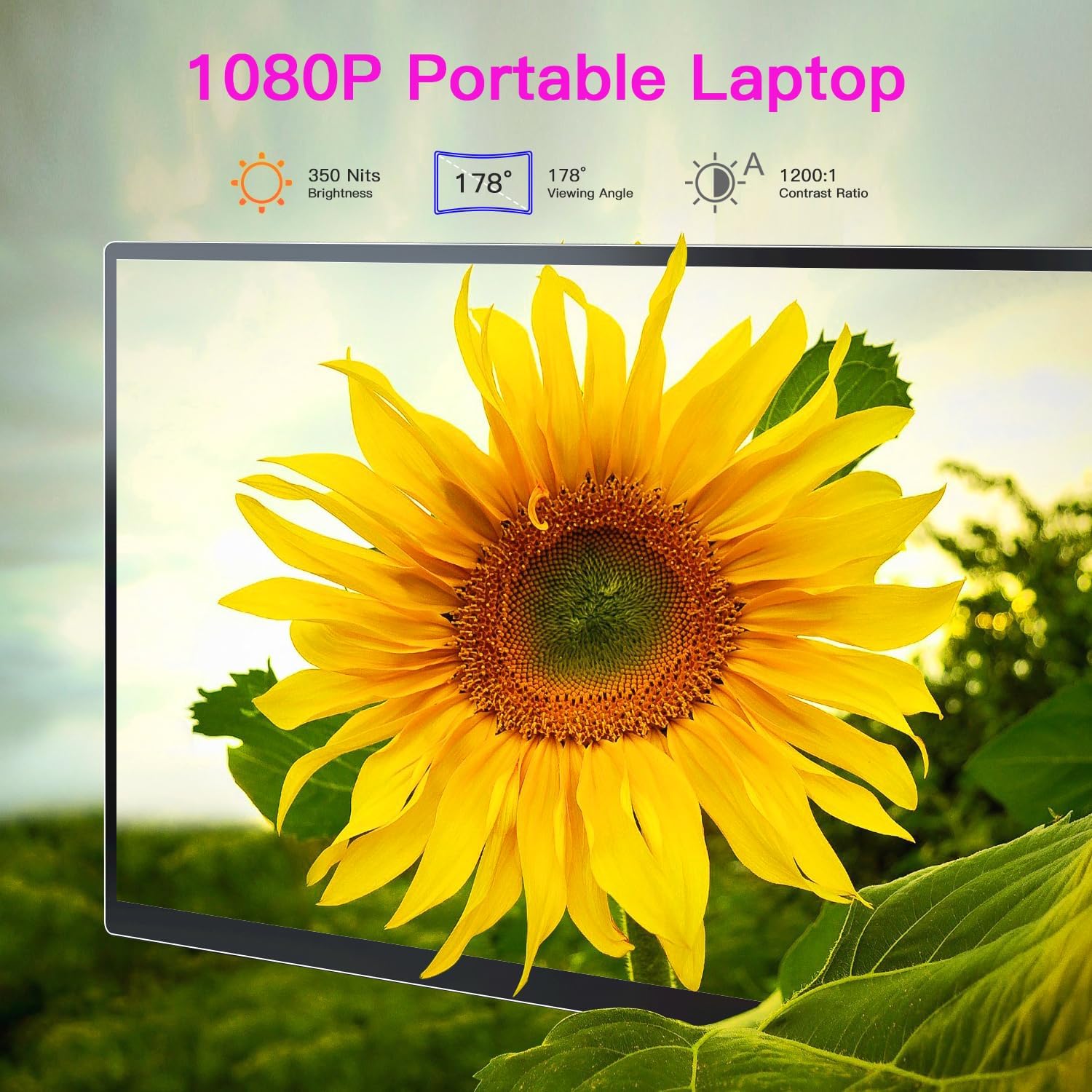
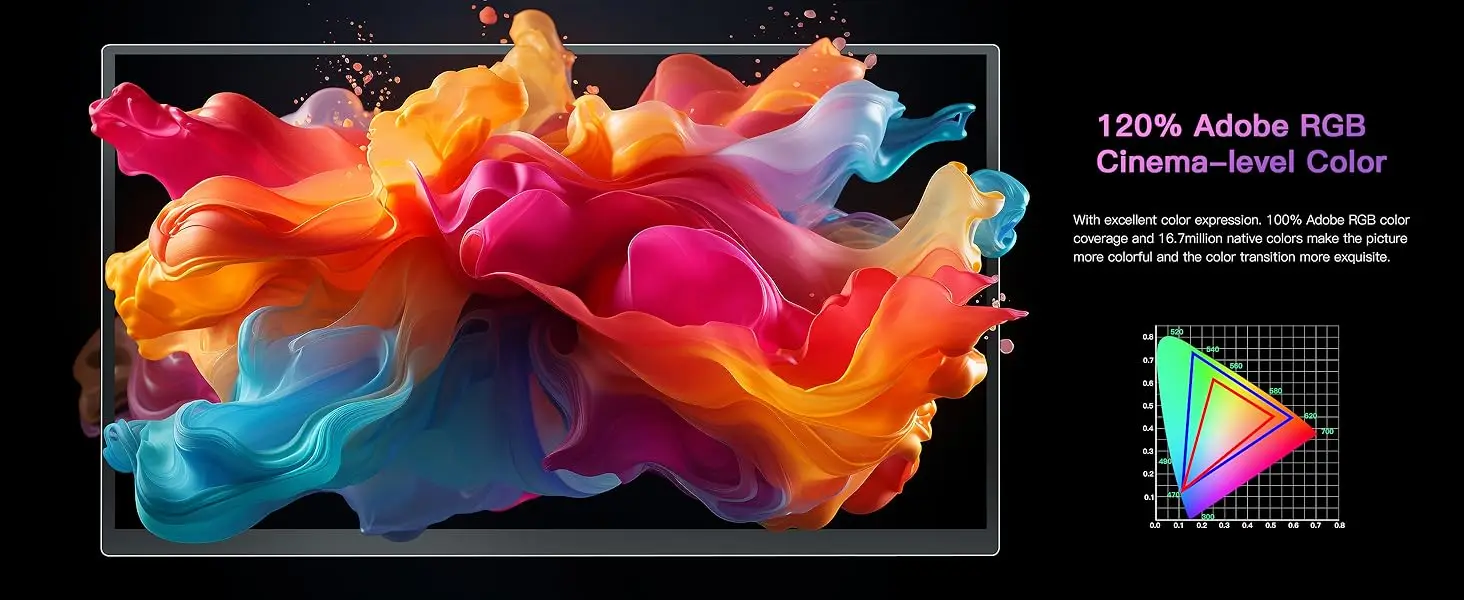
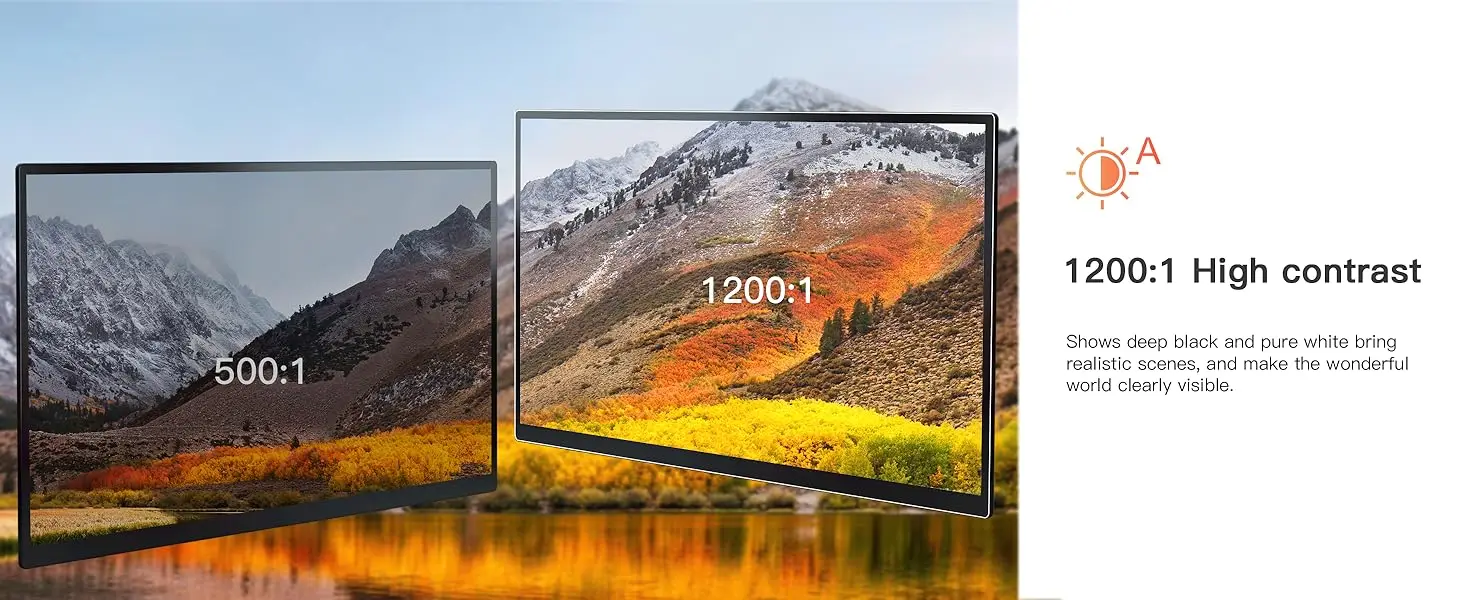
Upperizon 21.4-inch monitor adopts a 1920x1080 FHD LCD screen, featuring 120% sRGB color gamut, 8-bit color depth, 16.7 million colors display, 350 nits brightness, and 1200:1 contrast ratio, delivering true-to-life hues and sharp details.

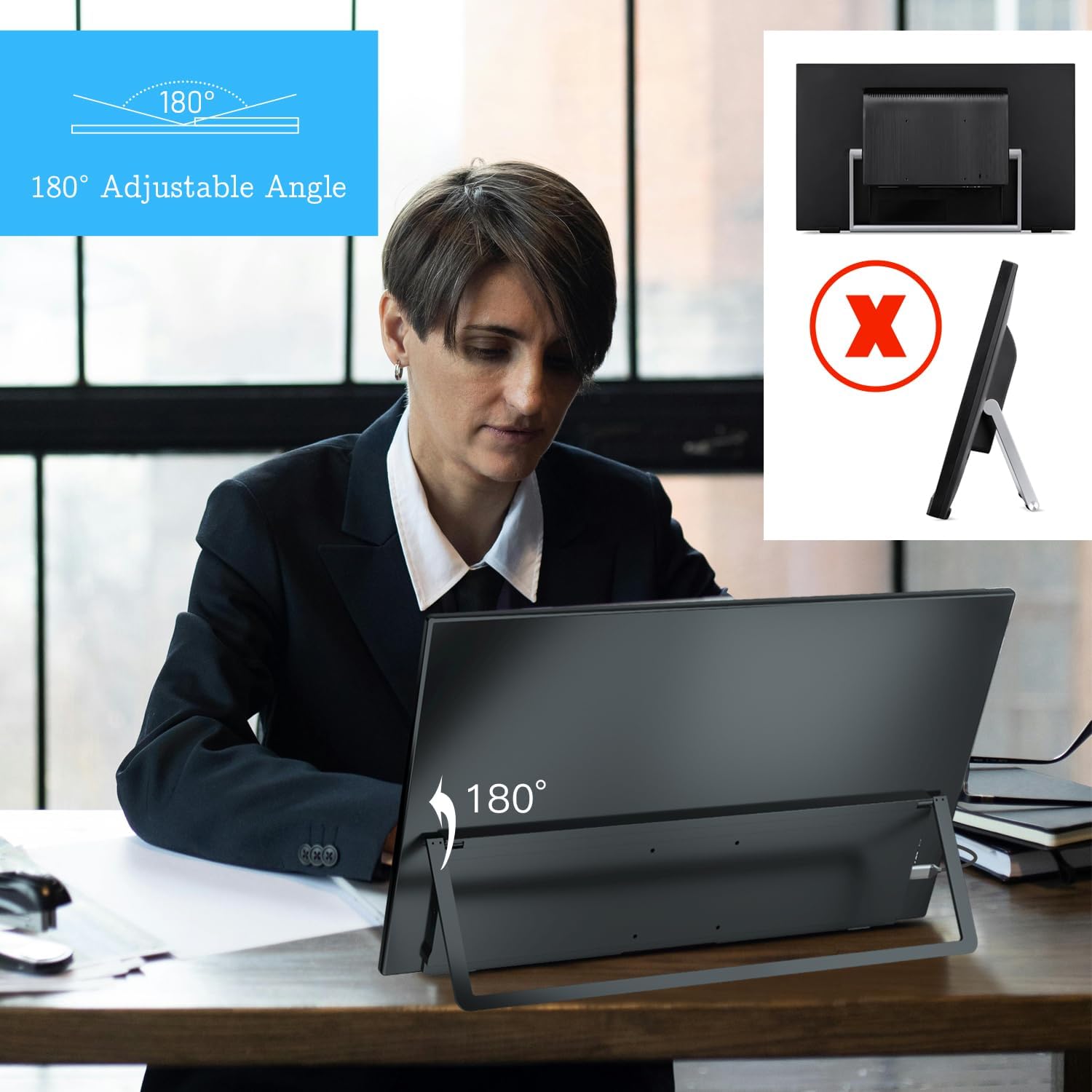
180°Adjustable + VESA Mount
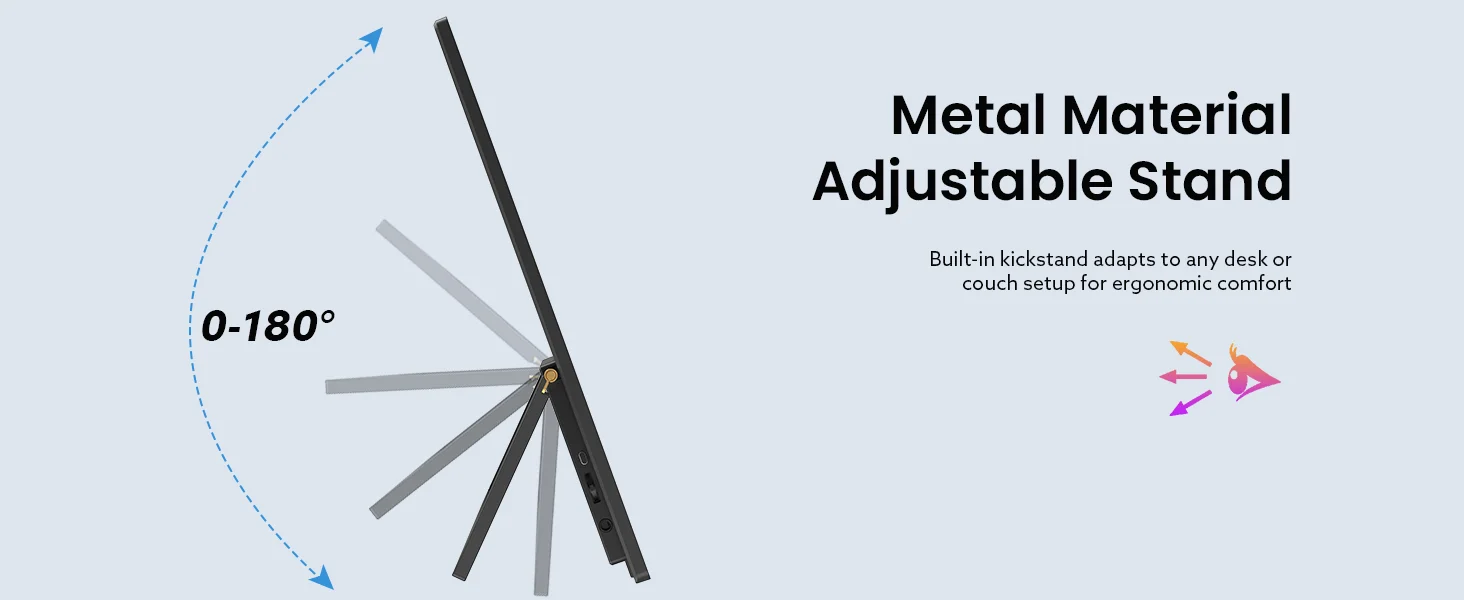
Gaming monitor with Adjustable Stand + VESA Mount,which let you freedom in Your laptop monitor extender Tilt the screen from 0° to 180° to adapt to different usage scenarios.It also supports M4*6mm VESA wall - mounting, allowing you to install it on walls or arms
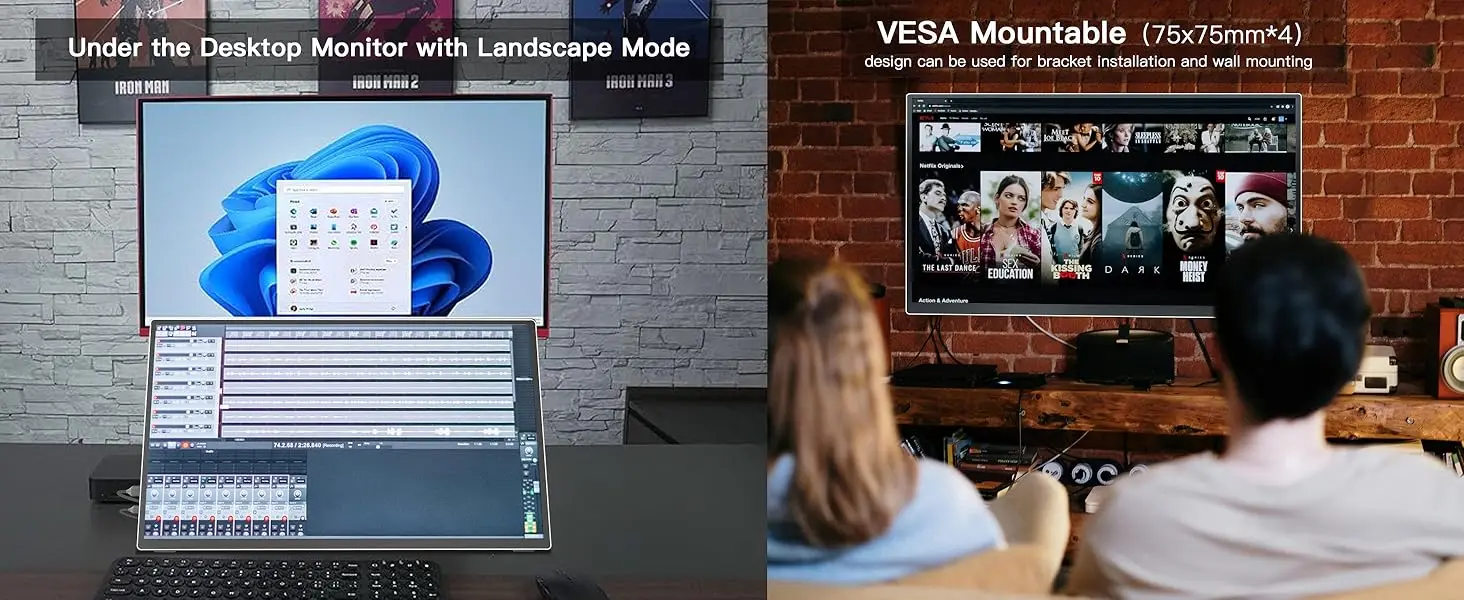
Portable Monitor for Laptop
Equipped with USB-C and HDMI ports, this 21.5" portable travel monitor is compatible with most devices including MacBook, Surface, laptop, PC, Xbox, PS4/5, and more. Just enjoy the USB-C plug & play convenience, please confirm your device has the Thunderbolt 3/4/5 or Full-featured USB-C port. If you meet the issue of screen flickering, normally caused by insufficient power supply, please use the original power adapter for power
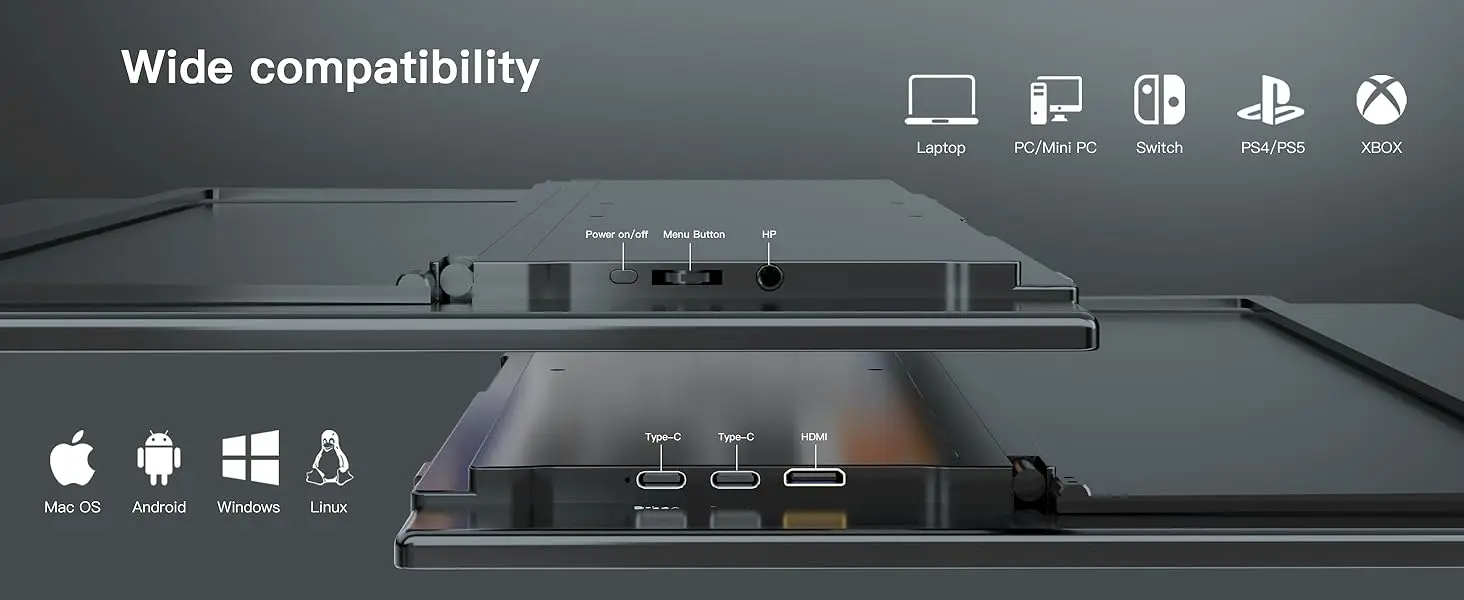
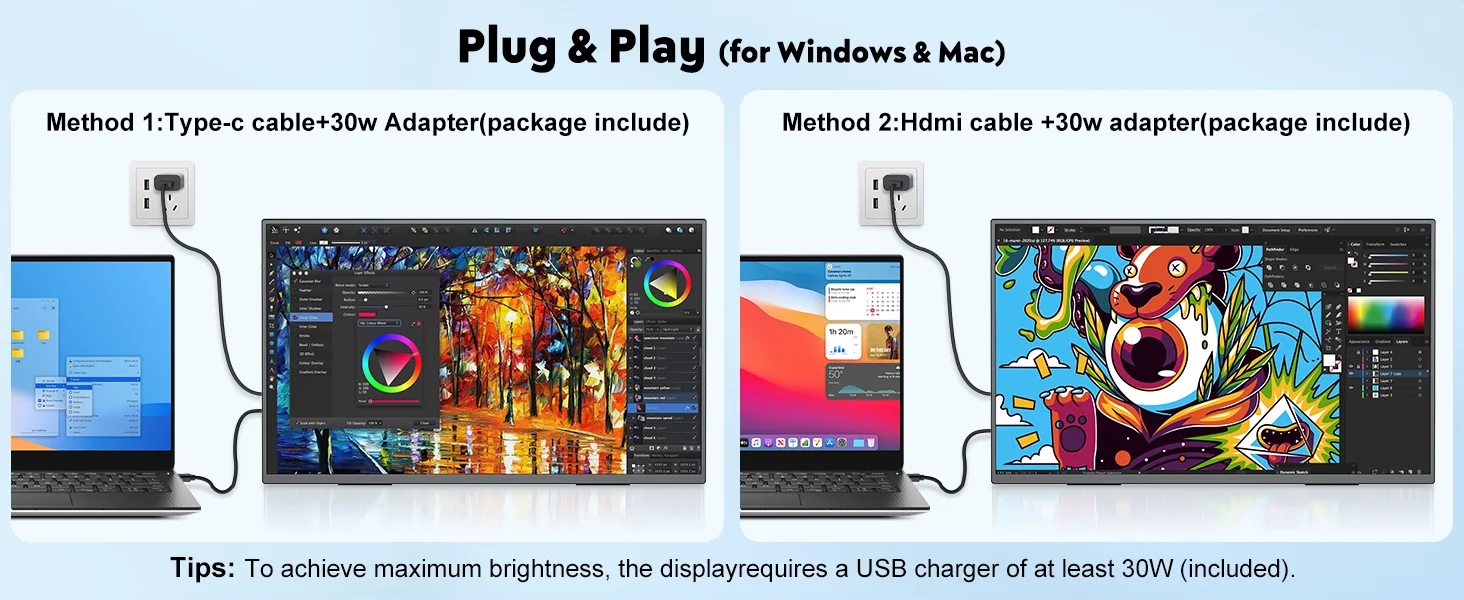
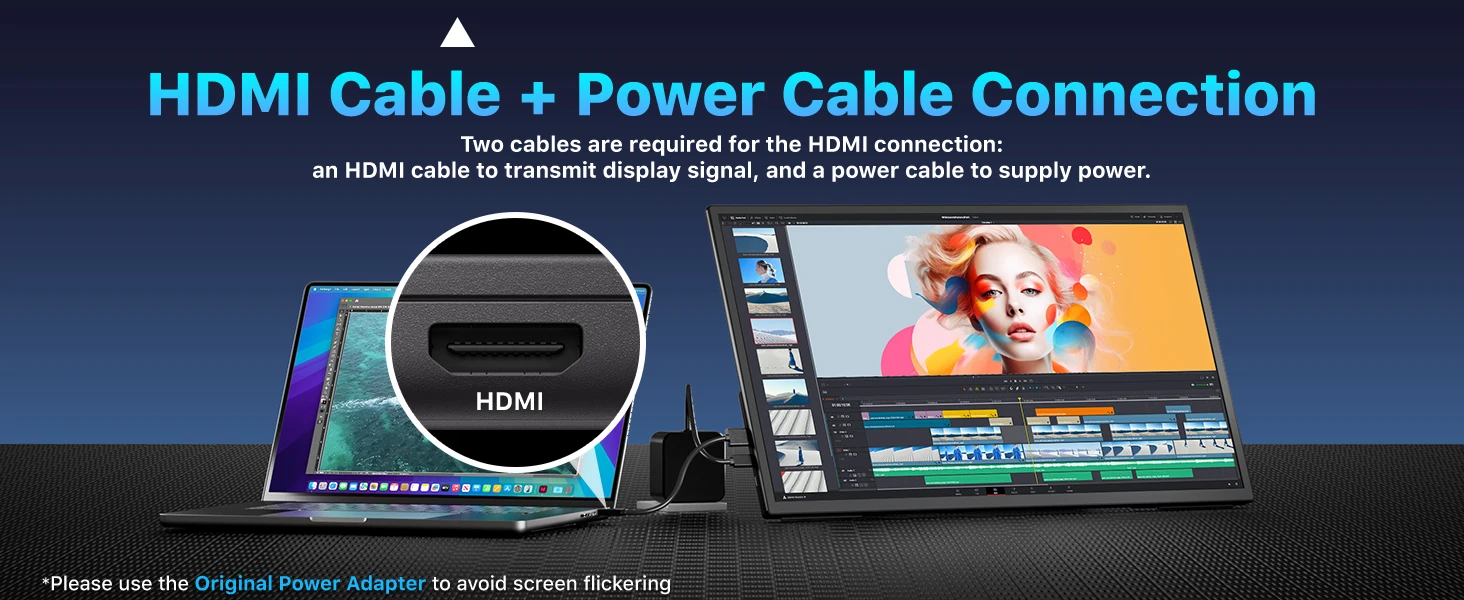
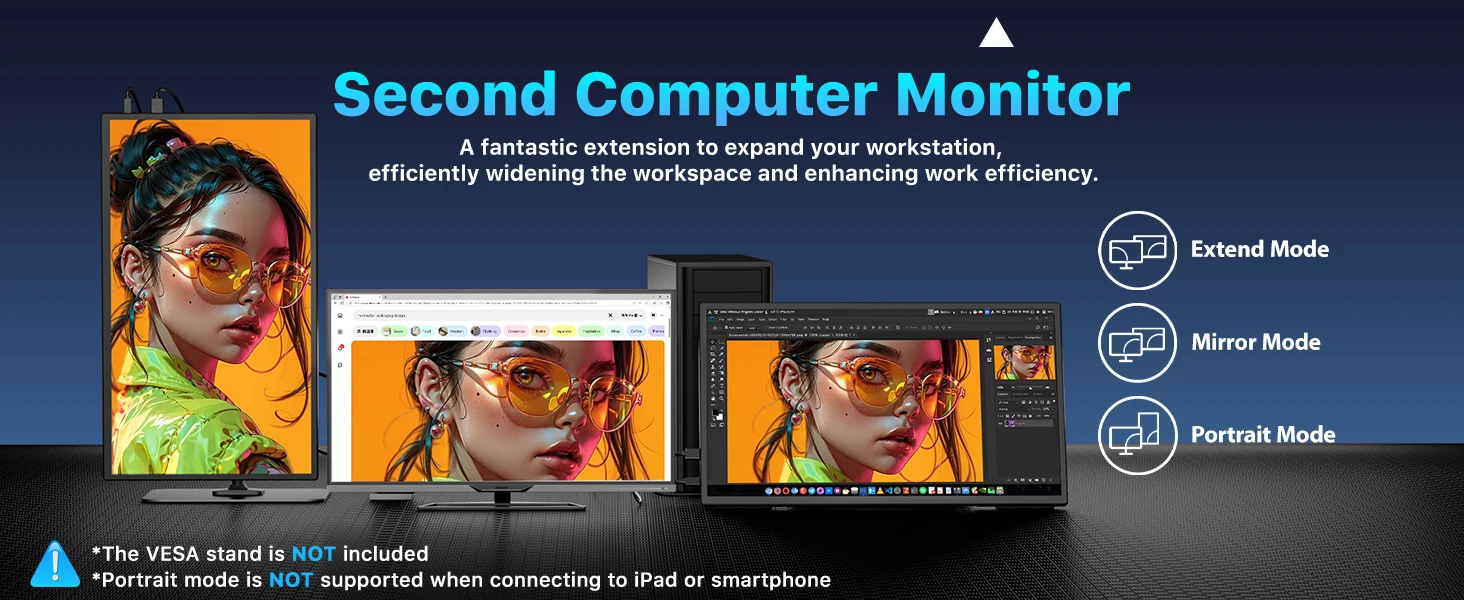
Plug-and-Play Portable Monitor With A Super-Large Screen
This 21.5-inch large-sized and ultra-thin monitor provides unparalleled visual experiences for your work, business, gaming, and entertainment. The Virzen -inch monitor is plug-and-play, requiring only a single USB-C cable to connect to your computer, XBOX, Console, laptop, mini PC, and more.
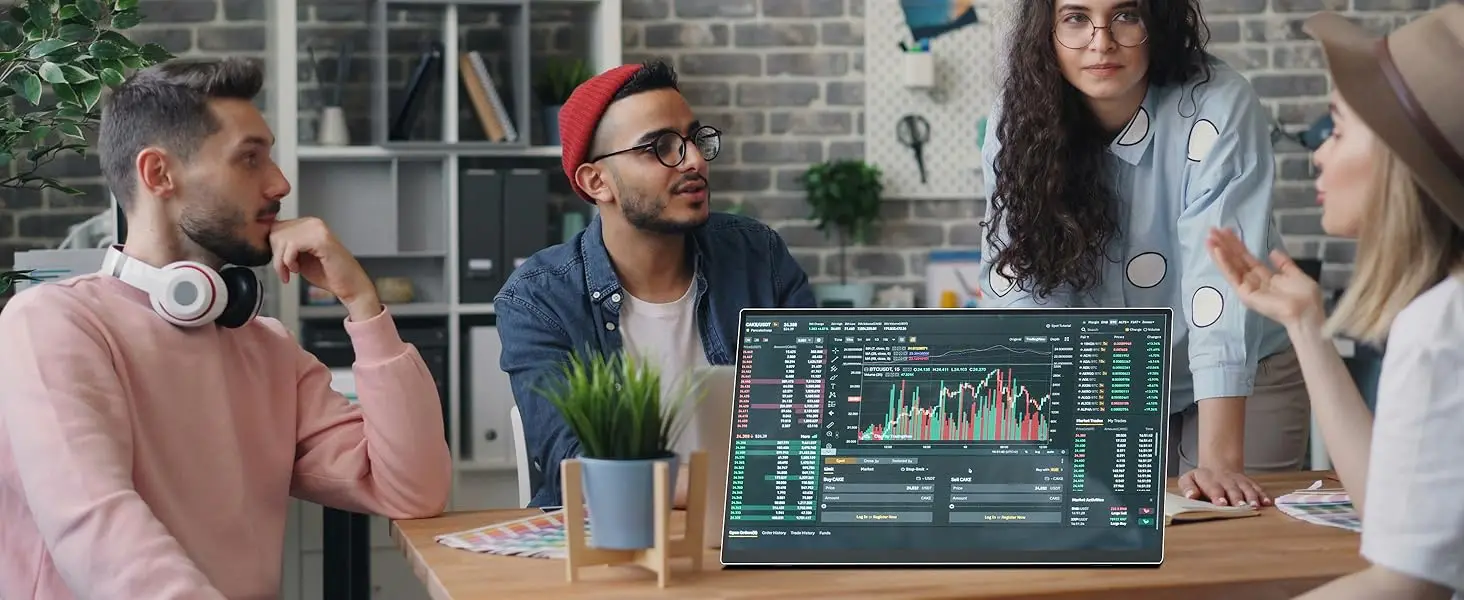
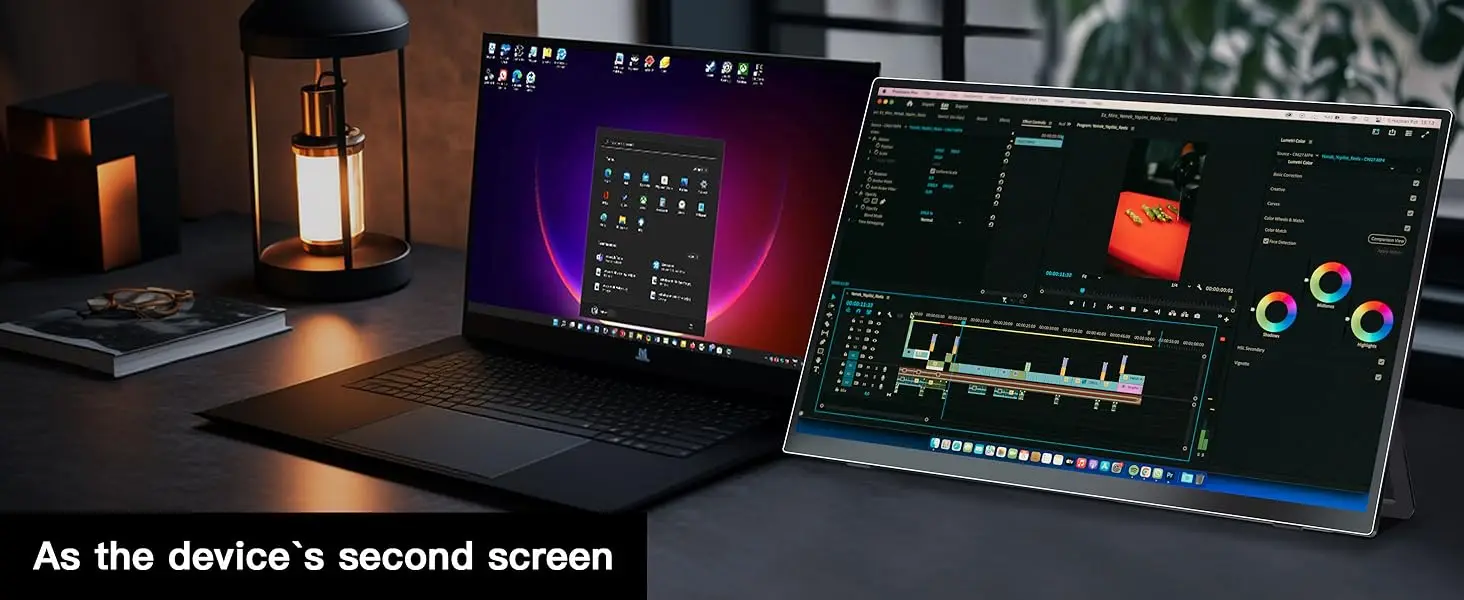
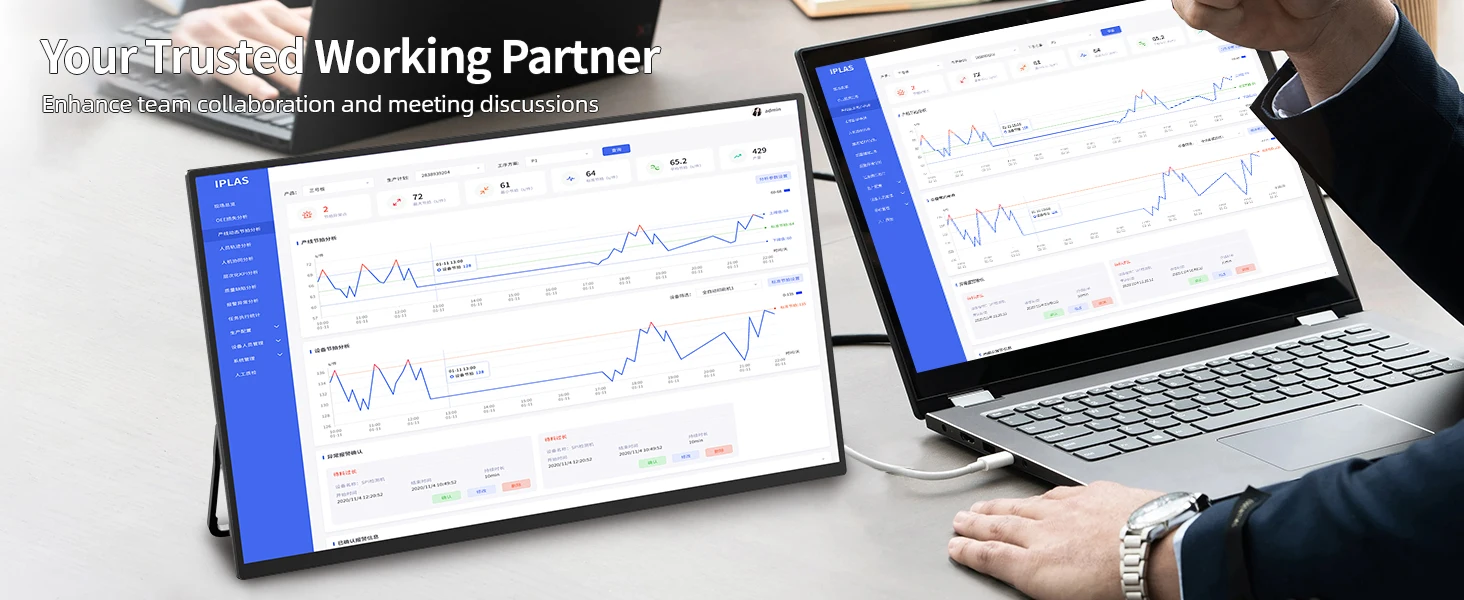
Compact and Portable
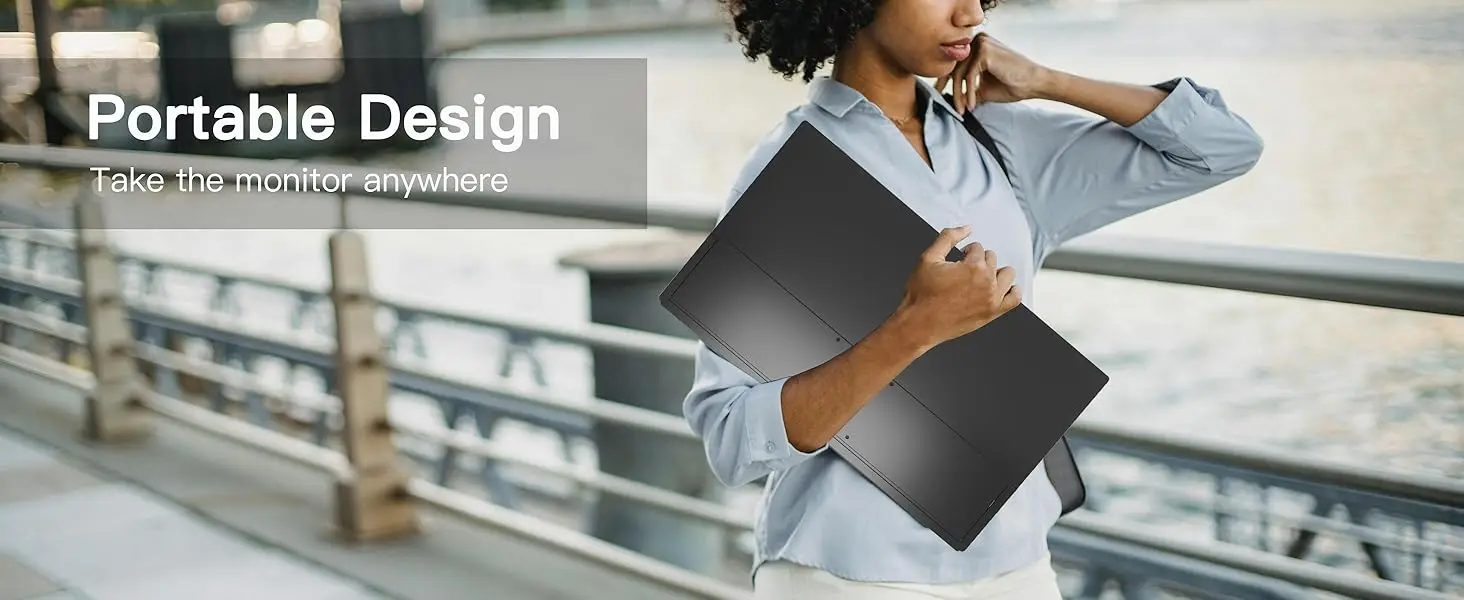
Slim and lightweight design with an ultra-thinprofile, making it perfect for space-saving setups or on-the-go use.

What's in the box?
1 * 21.4"Monitor
1 * Standard HDMI Cable (4K)
2 * USB-C Cables
4 * M4 * 5mm VESA Screws
1 * PD 30W Power Connector
1 * Instruction Manual
Specifications:
Panel Type: 21.4” VA Screen
Resolution: 1920*1080 FHD
Display Color: 16.7M(6bit+FRC)
Visual Angle: 178° Full View Angle
Contrast Ratio: 1200:1
Brightness: 350 cd/㎡
Refresh Rate: 100Hz
Touchscreen :No Touch
NTSC: 72%
sRGB: 120%
Response time : 25ms
Product Size: 495*287*16*9mm
Net Weight: 1.51 kg
Bulit-in Speakers: Dual 8Ω 1W Speakers
Input Interface:
√ 1* HDMI (Signal Source)
√ 2* Type-C (Full Function)
√ 1* 3.5mm Headphone Jack
√ 1* USB OTG (USB-A interface, for hard drive data transfer, connecting mouse and keyboard.)
VESA:75mm*75mm
Screen Type: Matte Screen
Stand Holder :Yes
Cover Case: No
Built-in Battery :No
Gravity Sensor :No
Support Single Type-C Cable For Display & Power Device Model
- Mobile Phones Support USB 3.1:
For Samsung: Samsung Galaxy S8, S8+, S9, S9+, S10, S10+, S10e,S20,S20+,S20 Ultra,S21,S21+,S21 Ultra,S22,S22+,S22 Ultra, Note 8, Note 9,Note 10
For Huawei: P50 Pocket/40 Pro/40/30/20/10/9 Series, Mate X/Xs/X2/40 Pro/40/30/20/10/9 Series, Honor Note 10,Honor Magic V/3/Pro/Pro+/4/4 Pro/4 Ultimate;
For SONY: Xperia 1 / 1 II/1 III/1 IV/5/5 II/5 III/10 III/Pro/Pro-I;
For OnePlus: 7/7 Pro/8/8 Pro/9/9R/9 Pro;
For OPPO: Find X3 Pro/Reno 10x Zoom/Reno 5G/R17 Pro (OPPO RX17 Pro in Europe);
For LG: V60/V50/V40/V35/V30/V30+/V20 Series,G8/G7/G6/G6+(with Dec 2018 update)*functionality has not been tested*/G5 Series,Q8;
For HTC: 10/U Ultra/U11/U11+/U12+/U19e,Exodus 1;
For ASUS:ROG Phone/Phone II/Phone 3/Phone 5/Phone 5s Series,ZenFone 3 Ultra,ZenFone AR,ZenFone Ares;
For Motorola: Edge+/Edge S (China variant)/Moto G100 (global version for European market)/ Edge 20 Pro/30 Pro(global variant)/X30;
For Xiaomi: Black Shark 2/3/4;
For ZTE: Axon 9 Pro/10 Pro,Nubia Red Magic 6S Pro/7/7 Pro;
Others: BlackBerry Key2,BQ Aquaris X2,Essential Phone,Fairphone 4,Lenovo Legion Phone Duel/2 Pro/Duel 2,NOKIA 9 PureView, Microsoft Lumia 950/950 XL, HP Elite x3,Razer Phone/Phone 2,Fairphone 4;
*NOTE: If you can not find your devices above, please use IOS/Android to HDMI Adapter for connecting.
- Laptops Support Thunderbolt 3 or USB 3.1:
For Apple: Apple MacBook Pro (Late 2016) and newer,Apple MacBook Air (Late 2018) and newer ;
For Huawei: MateBook D/X/X Pro/E/13, MagicBook;
For ASUS: ZenBook, U4100UN, U5100UQ, ROG Series;
For HP: EliteBook Folio G1, Spectre 13,ZbookZbook Studio;
For Dell: G3/G5/G7 Series, Inspiron 5000/7000 Series, XPS12/13/15;
For Lenovo: Thinkpad E580/T470/T470s/T480/T480s/X1 Carbon (2017-2019);
For MIUI: Air 12.5"/133.3", Pro 15.6", MI Game NoteBook
For Google: ChromeBook Pixels
For Razer: Blade Stealth Series (All)
For Microsoft: Surface Book 2
Others: Acer Swift 5,MSI GS60 6QE,Gigabyte Aero 15x/15 x9/15 y9;
*NOTE: If you can not find your devices above, please use mini HDMI cable instead.
Q: Why does my monitor not turn on?
1.Please check whether the Type-C port of your device is a full-featured Type-C port,which can support power and signal transmission. If not, please use HDMI to MiniHDMl cable to transmit video signal, and use USB-C to USB-C cable to connectexternal power supply.
2.This may be caused by insufficient power supply.The minimum power requirementfor the monitor is PD 18W.Especially when you need to run the display at 2K 120hz,the power consumption will be relatively large, it is recommended to use an externalpower supply, otherwise the monitor may not work properly.
3.If the above steps still cannot solve your issue, please feel free to contact us.
Q: lt says "no signal", what to do?
1.When connecting with a USB-C cable, make sure your device supportsUSB3.1./Thunderbolt 3.If not, please add a Mini HDMl to HDMl cable for signaltransmission.
2.Please make sure to use the original cables.
3.Please try another device.If it still fails, please tell us for a replacement.
Q:My Android phone has a USB-C port, does this monitor work with my phone/tablet by the original USB-C to USB-C cable?
Android phones work with monitor via original USB-C cable:
1)Samsung(S8/S9/S10/S20/S21/S22series; Note8/9/10/20; Galaxy Fold, Z Fold 2/3/4)
2)Google Pixel 8/9 series
Others need an HDTV cable to work.
Connect monitor to power to avoid power shortage.
Q:How do I connect the iPhone to the monitor?
1. iPhone 15&16 series(excluding iPhone 16e) works with the monitor by the original monitor USB-C cable
2. iPhone before 15 series(e,g iPhone 13) needs an Apple Lightning Digital AV Adapter
3. Please use original power adapter to power the monitor
Q: why does my monitor turn off when I turn up the brightness?
This is caused by insufficient power supply.Turning up the brightness will increasethe power consumption, which can be solved by an external power supply.
Q:What should I do if my monitor screen keeps flickering?
Please make sure you’re powering the monitor by the original power adapter in the package.
Q: Abnormal conditions occurred - such as a splash screen, spots when using themonitor or constant restarts.
1.It is generally caused by an insufficient power supply.The monitor require highpower support.Please use the original cable included to power the monitor.
2. lf you use a mobile power bank to power the monitor, please confirm whether thepower of the power bank reaches 30W or more.In addition, if you need a power bank,please contact us
3.lf none of the above solutions work, please try another device. lf it still failed,please contact us for a replacement.

関連製品