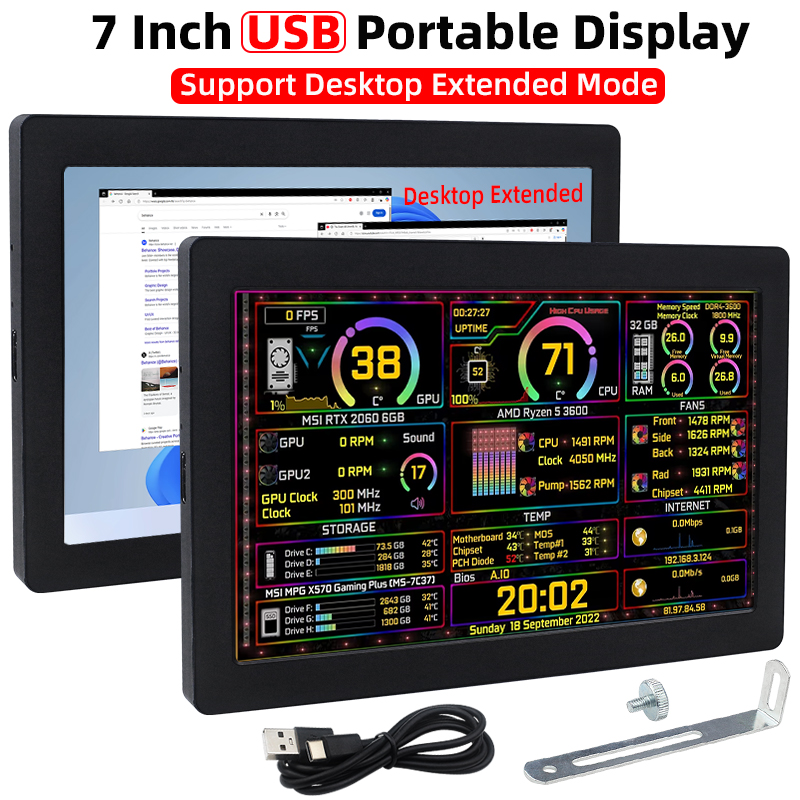











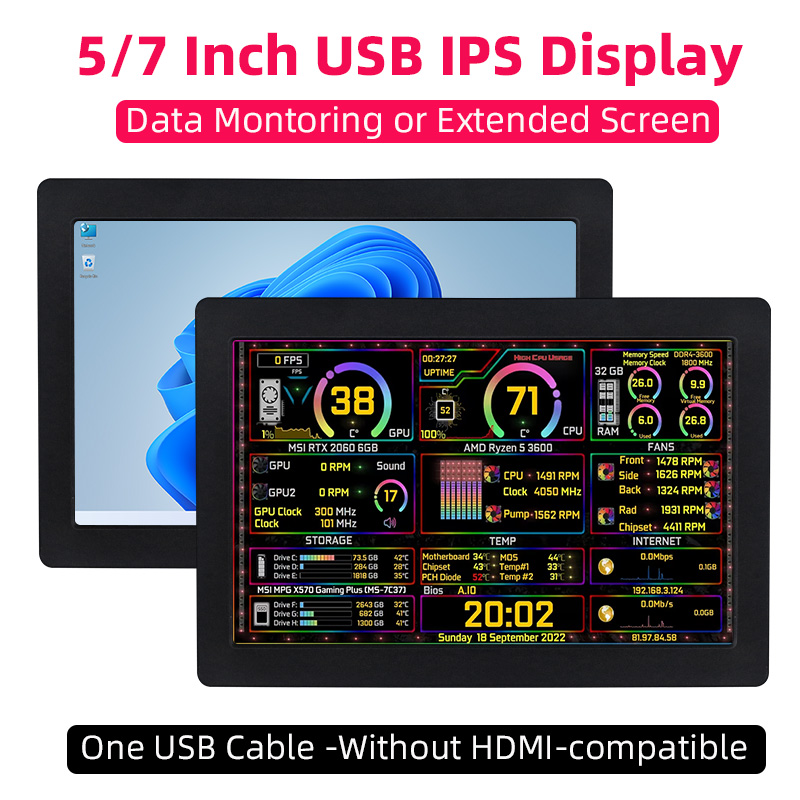
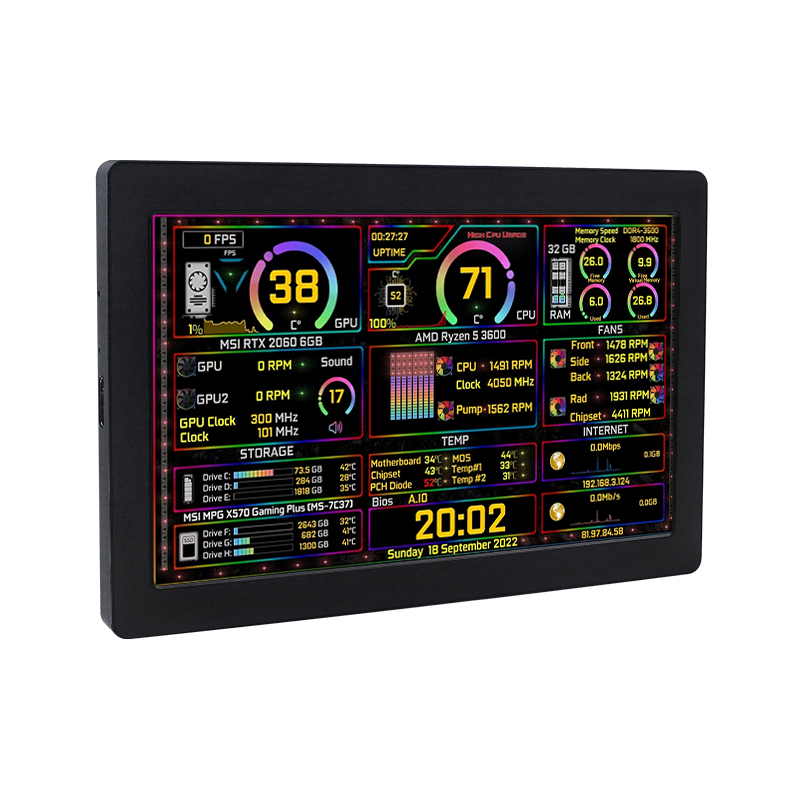
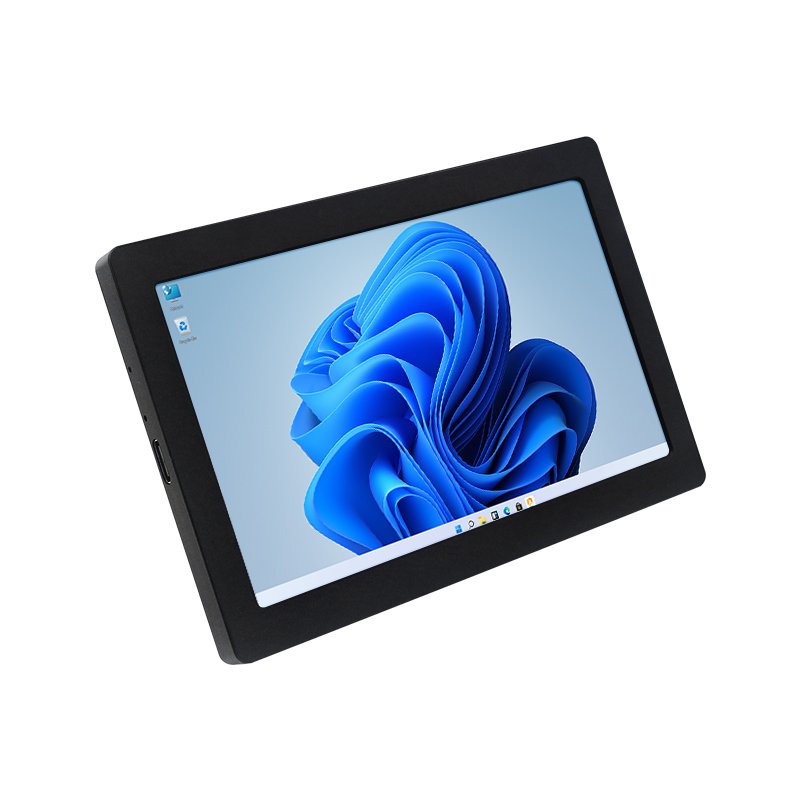
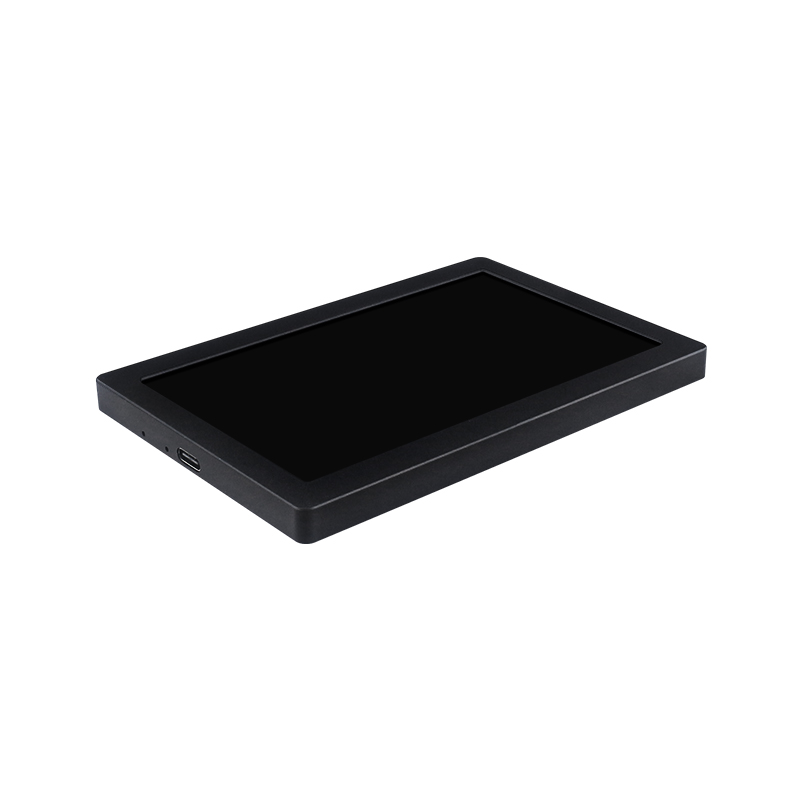
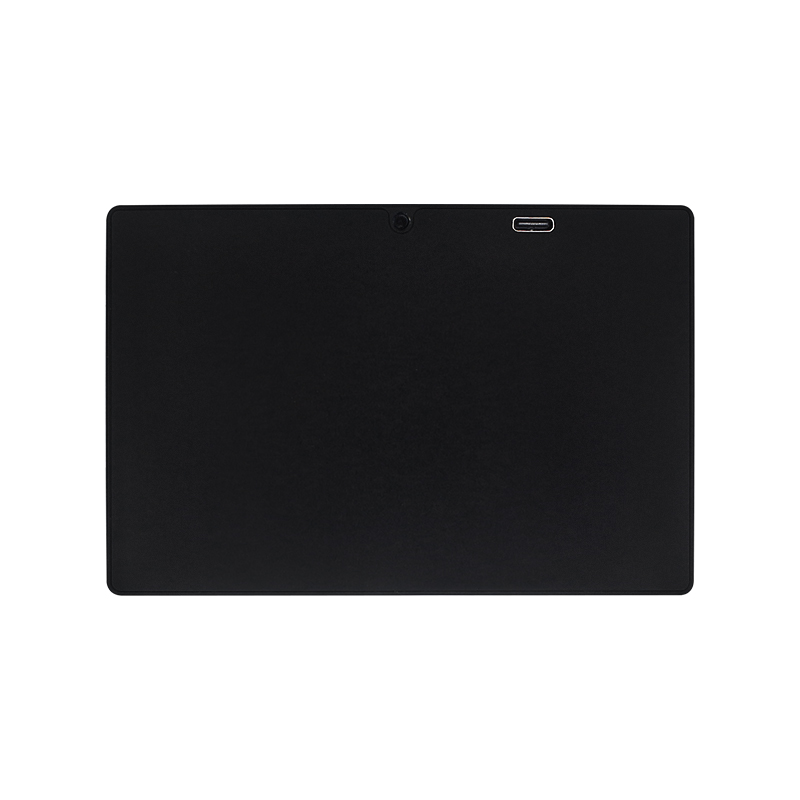
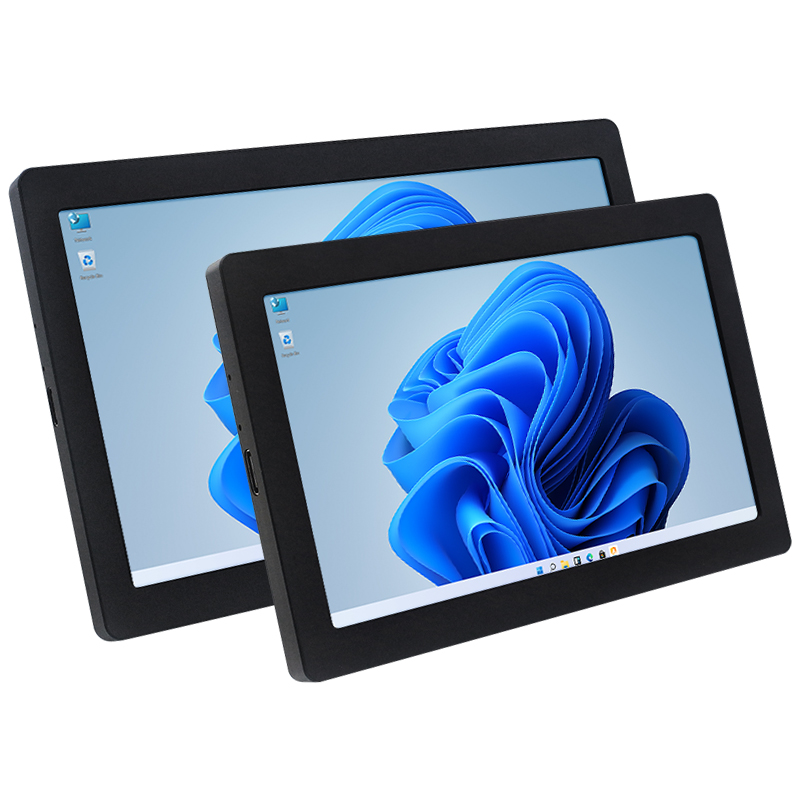
5 / 7 Inch IPS USB Secondary Screen 1024*600 ONE Cable AIDA64 Monitoring Display Support Desktop Extended LCD for Win10/11




5 / 7 Inch IPS USB Secondary Screen 1024*600 ONE Cable AIDA64 Monitoring Display Support Desktop Extended LCD for Win10/11
Note: This USB screen need to install the driver to use.
User manul & driver download :
5 inch: //www.lcdwiki.com/5inch_PC_Sub_Display
7 Inch: //www.lcdwiki.com/7inch_PC_Sub_Display
Introduction:
1. USB One-Line-Through Monitor
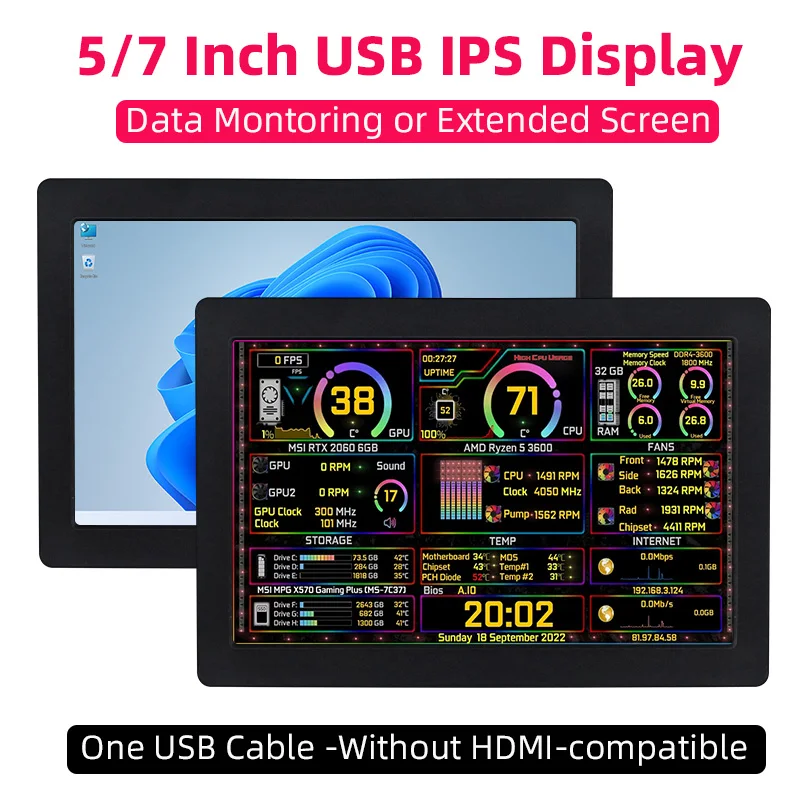
Only one USB cable is needed to connect to the USB port of the computer to communicate and transmit the computer screen data. There is no need for HDMI-compatible or other connection cables.
Note: The USB one-line-through function only supports Windows10/Windows11 systems and requires the installation of drivers.
2. CNC Fine-Carved Integrated Shell
The shell is made of integrated aluminum material and is integrally formed by CNC carving. The shell is round and has a texture, with meticulous carving.
3. Supports Brightness Adjustment
The brightness is adjustable, and the last brightness setting is automatically maintained when the power is off, which is convenient for DIY.
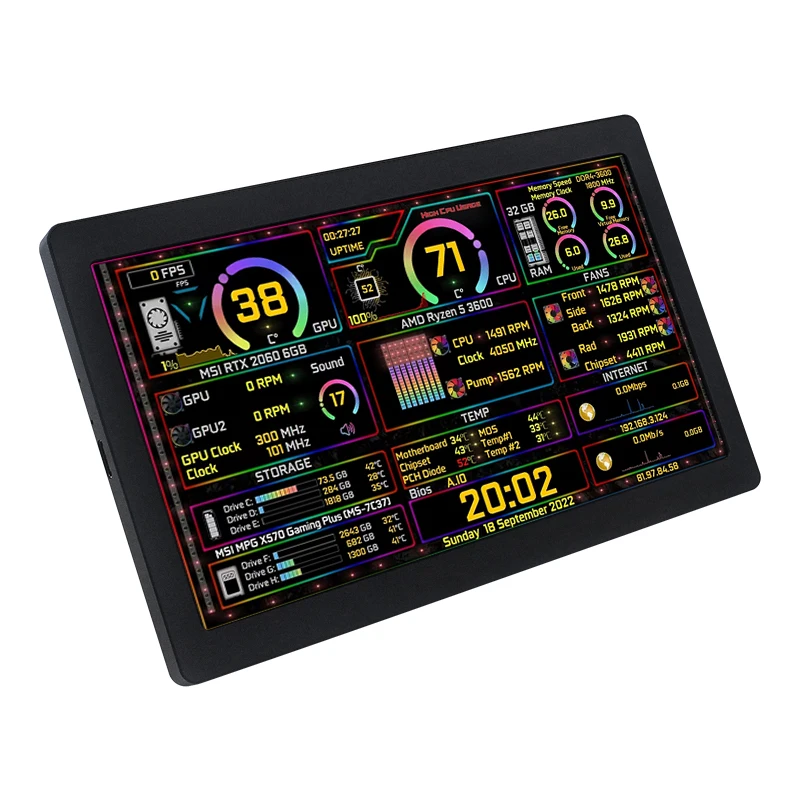
4. Application Scenario ① - DIY of Chassis Secondary Screen
With the AIDA64 software, it can be used as a USB secondary screen to display the running information of the CPU, memory, hard disk, etc. in real time.
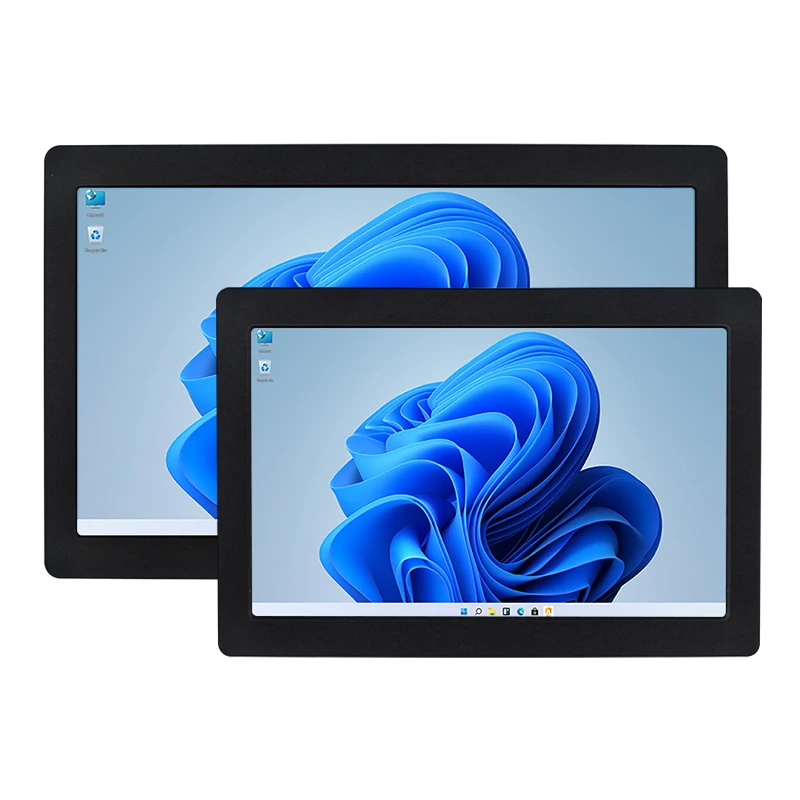
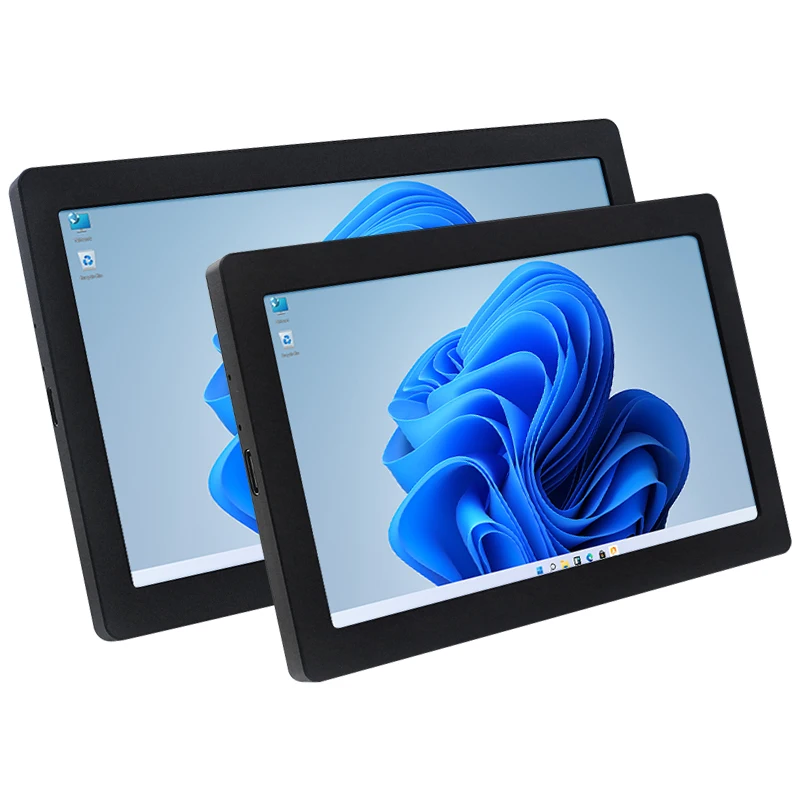
5. Application Scenario ② - USB Computer Desktop Secondary Screen
Just connect one USB cable to any USB port of a Windows10/11 computer. After installing the driver, it can be used as a computer secondary screen, without occupying other HDMI-compatible/DVI/DP/VGA ports of the host.
6. Application Scenario ③ - Industrial Control Host Monitoring Screen
Connect to the USB port of an industrial control host with Windows10/11 system, it can be used as an industrial control host monitoring screen and for debugging parameters when going out. The connection is convenient, portable, simple, and cost-effective.
Specification
1. Screen Type: IPS Screen
2. Screen Size: 5 inch / 7 inch
3. Resolution: 1024 x 600
4. Brightness: 500
5. Touch Type: No touch
6. Backlight Adjustable: Adjustale by button (using a SIM card pin is required)
7. Power Supply: Type-C, 5V
8. Overall Power: 2.1W
9. Size:
5 inch: 124.8*84.4*8.5 mm
7 inch: 171.8*108.6*9.0 mm
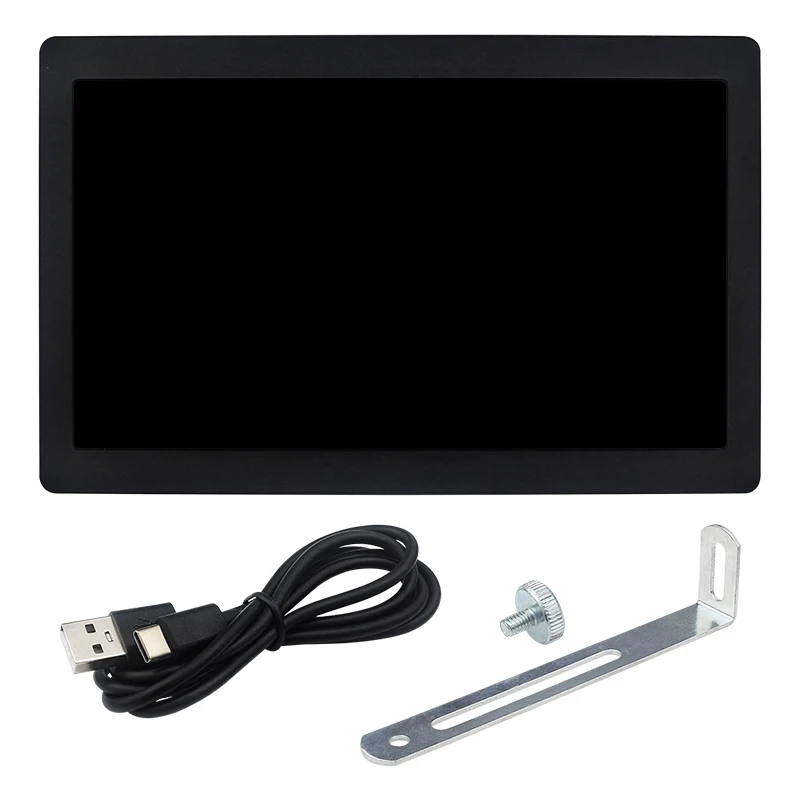
What's Included
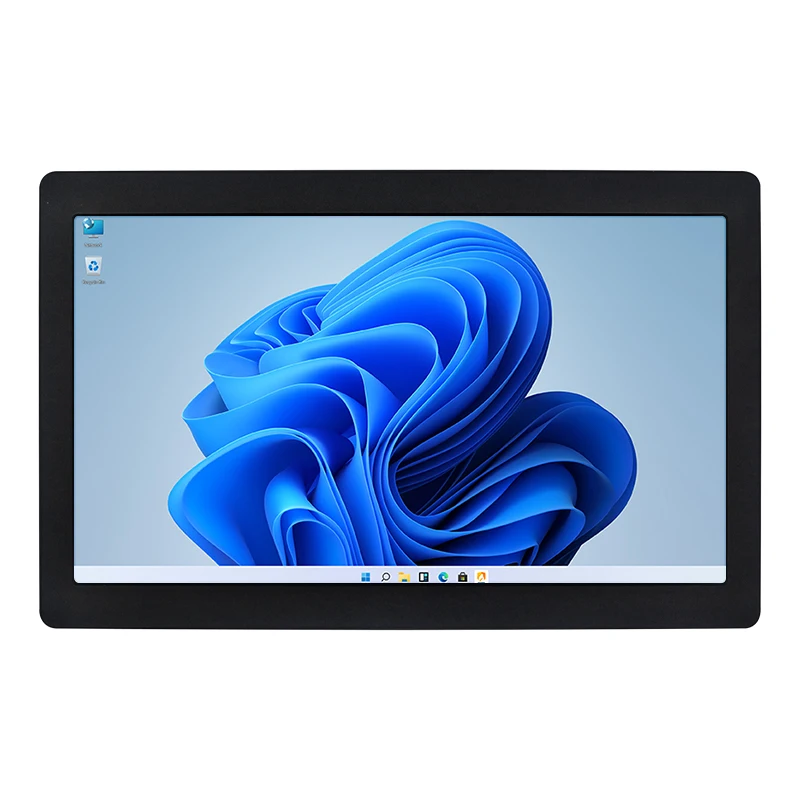
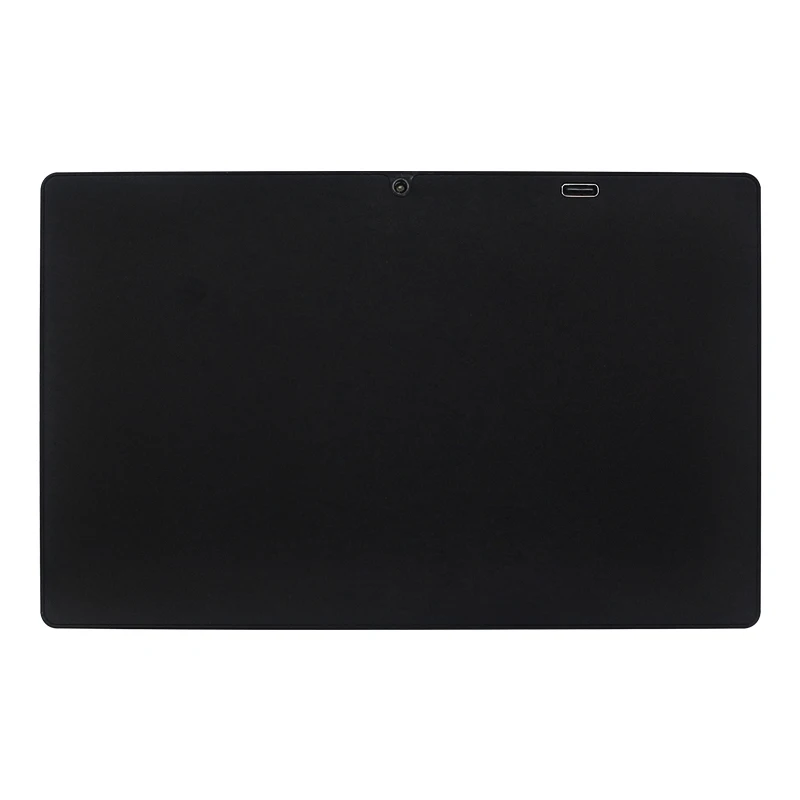
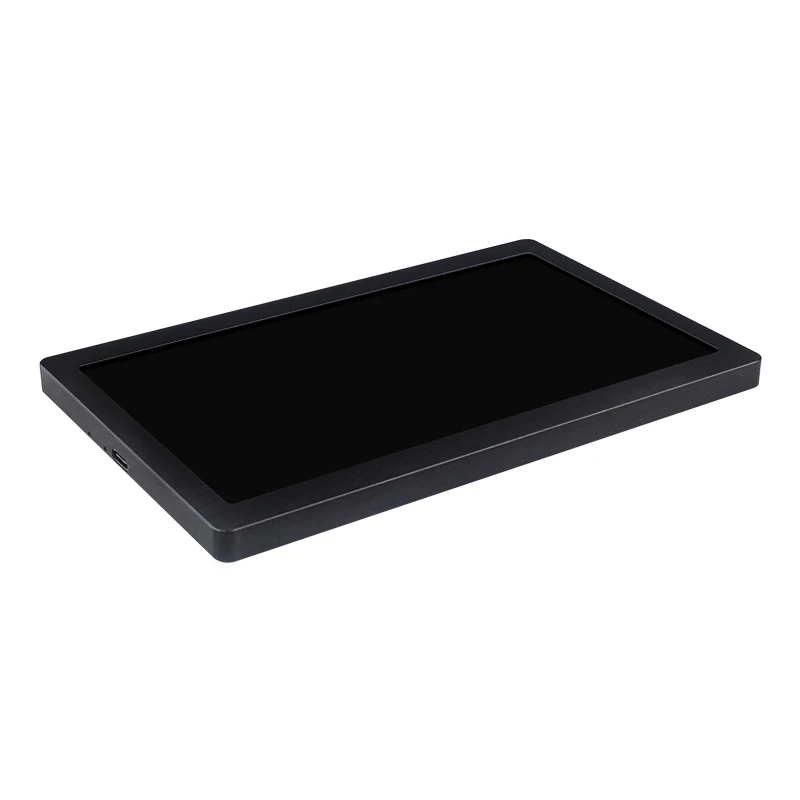
Product Photos
Frequently Asked Questions
FAQ 1. If you encounter problems such as a flower screen or a black screen
Solutions:
When the screen is black, first check if the light is on; if the light is not on, replace the Type-C data cable/switch the USB port on the computer and then test.
Right-click on the desktop and check if the display is detected in the display settings; if not, replace the Type-C data cable/switch the USB port on the computer and then test.
Confirm whether it is in the duplicate mode in the display settings; if it is, change it to the extended mode.
Open the Task Manager, close the MS USB Display process in the processes, and then restart the program.
Confirm whether the config.int file has been replaced.
FAQ 2. After reboot, why is the screen resolution 800x600 instead of 1024x600?
Solutions:
Please check if the "config.ini" file is installed in the "C:\Program Files\Win USB Display" directory.
After installation, restart your system to enable the 1024x600 resolution.
FAQ 3. Why does the screen remain black after driver installation?
Solutions:
Ensure that the USB2.0 interface has sufficient power supply. It is recommended to connect the side monitor to the USB interface on the PC, or use the USB3.0 interface.
Open "Display" setting, click "Detect". If the secondary screen is recognized, set it to "Extend these displays".
f the secondary screen isn't recognized, check if the "MS USB Display" driver is loaded correctly in the "Device Manager".
関連製品