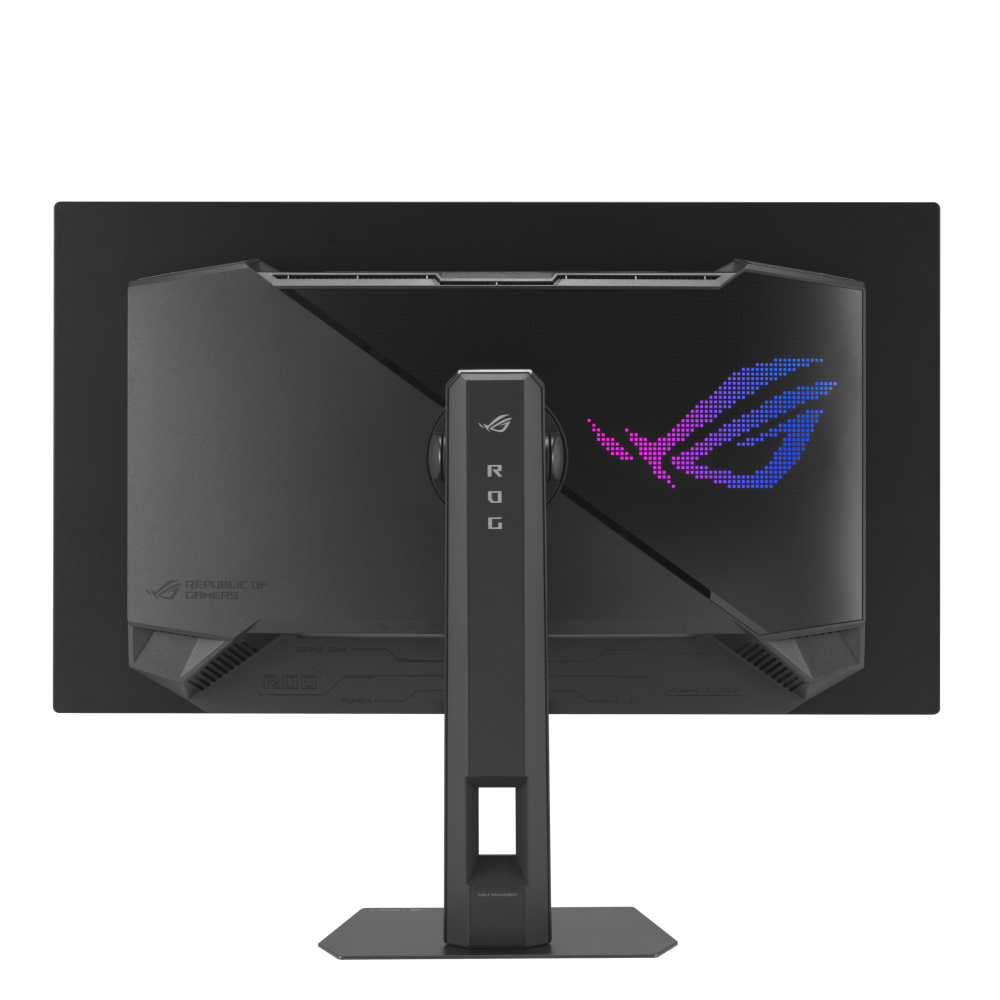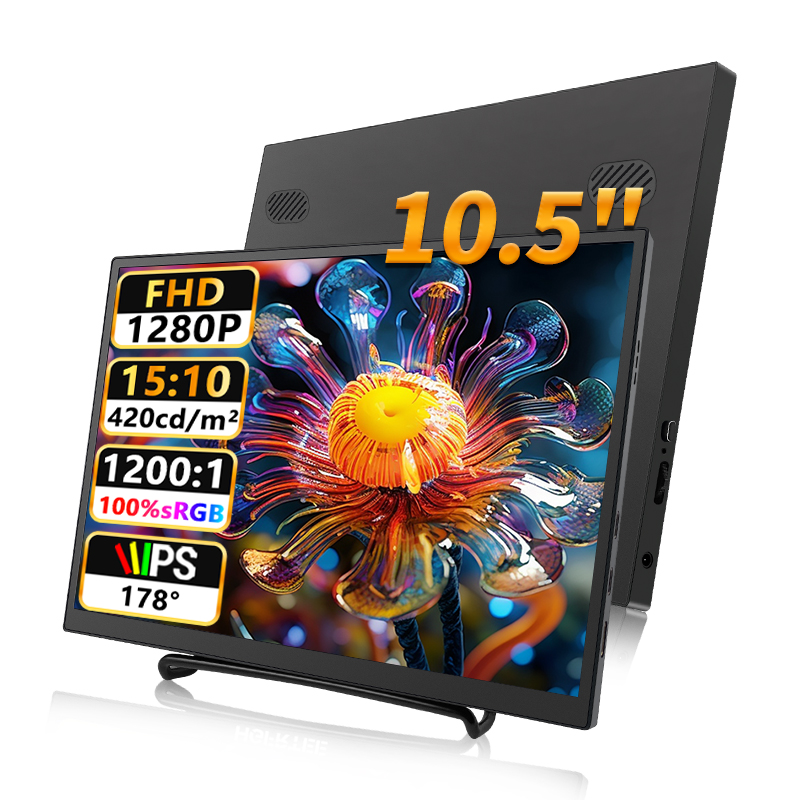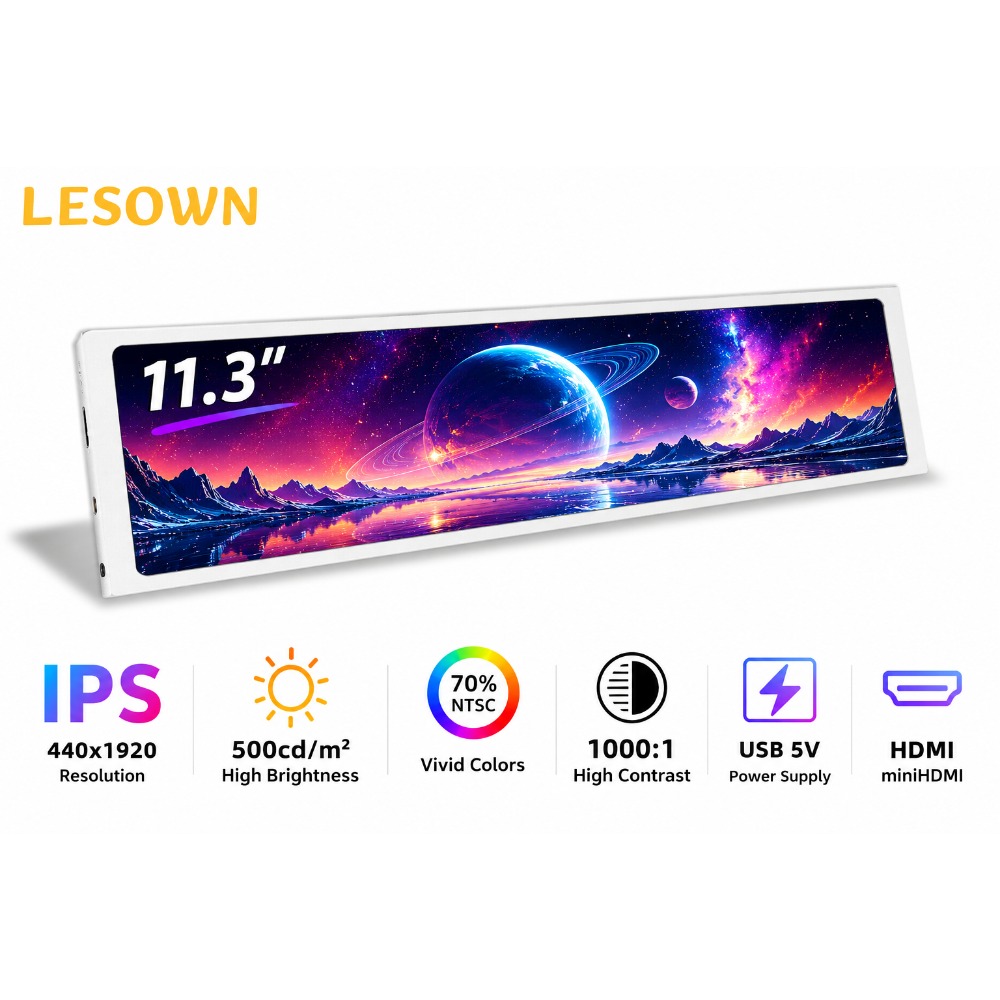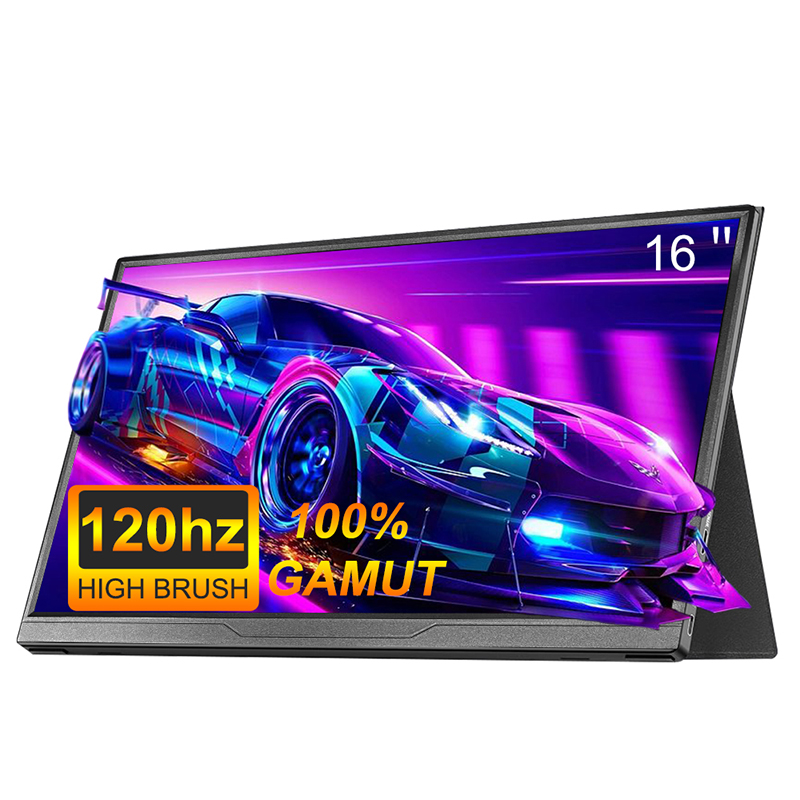










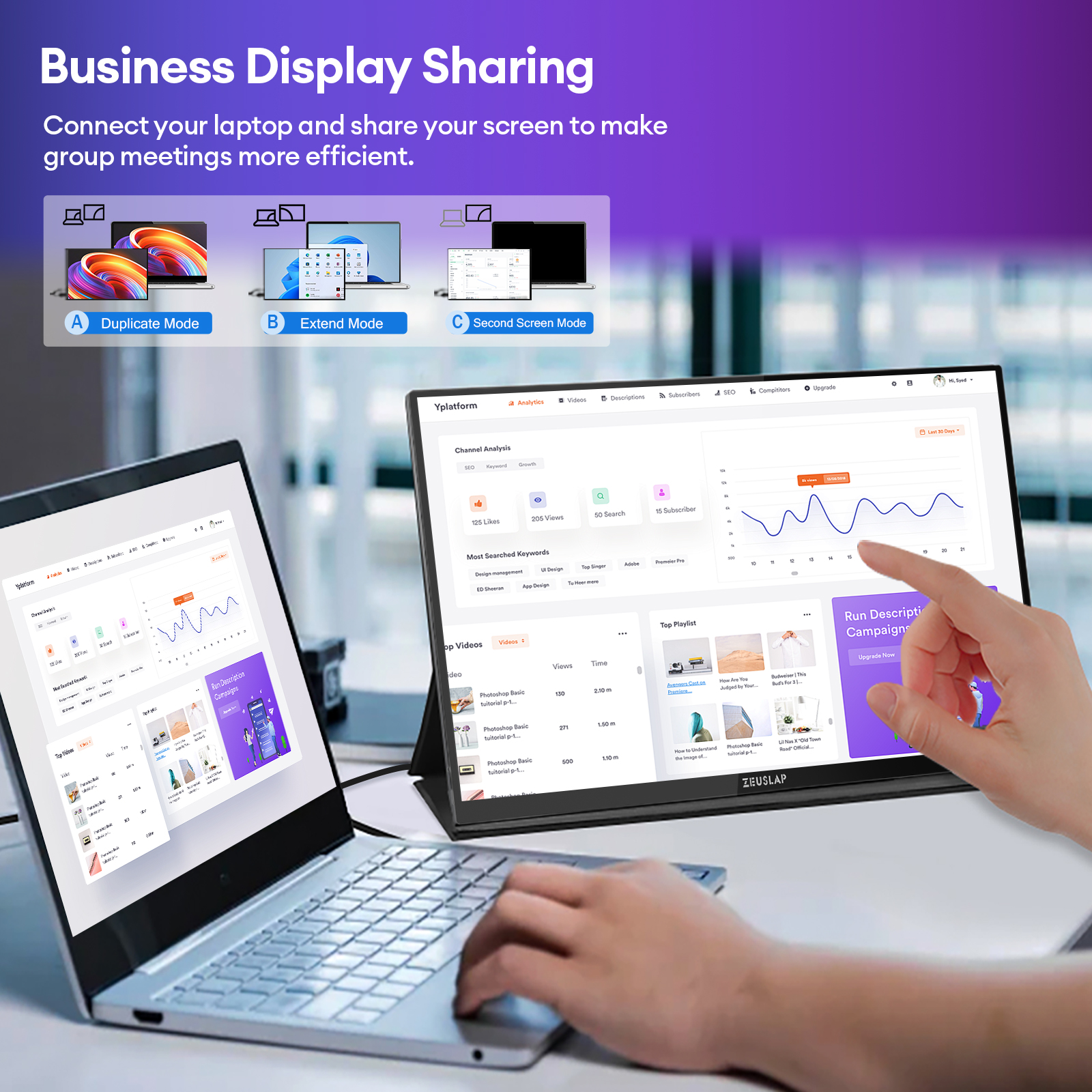
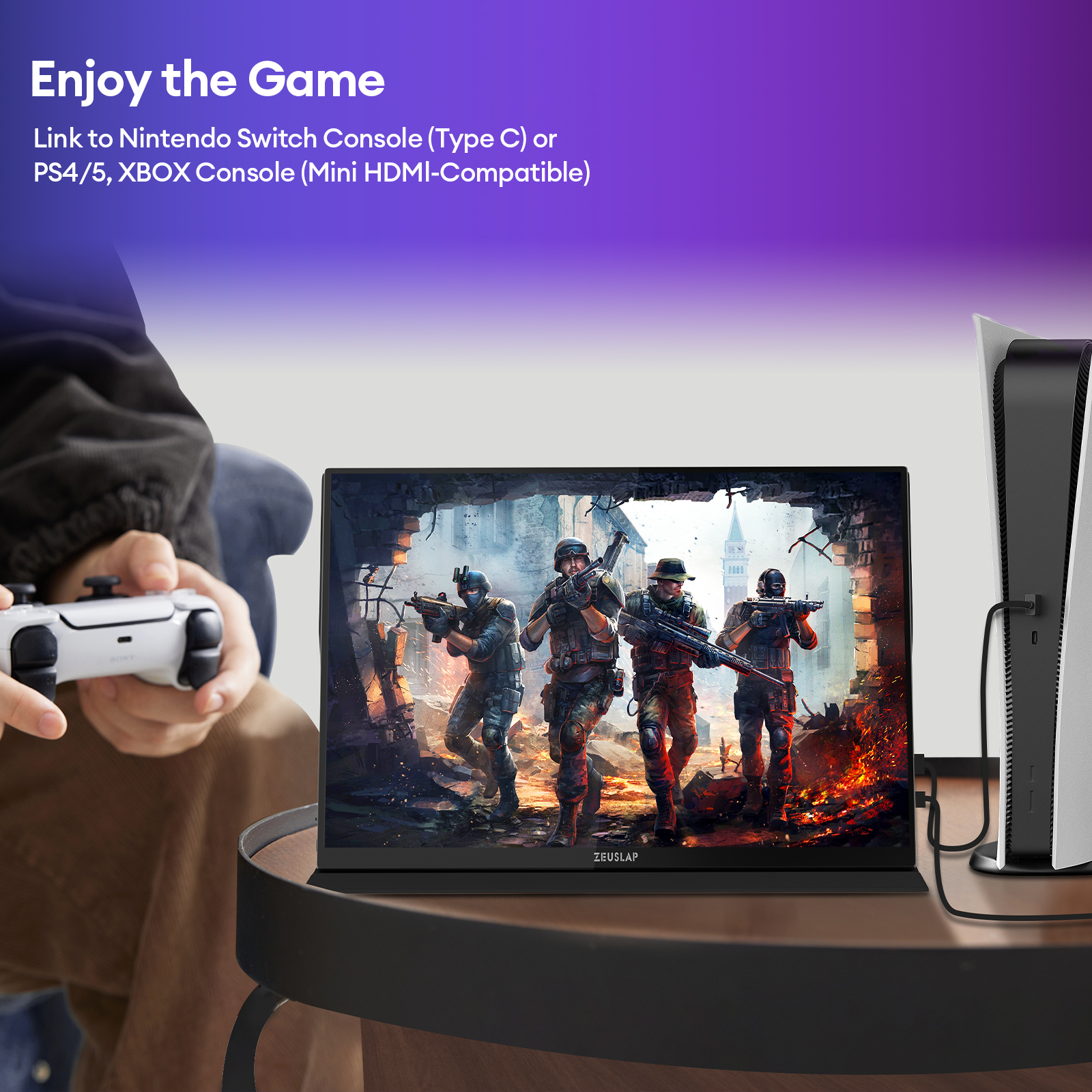
ZEUSLAP 16" 2.5K 144hz Touch Screen Portable Monitor 2560*1600 100%sRGB 500Cd/m² Travel Display for Laptop Computer



ZEUSLAP-P16KT
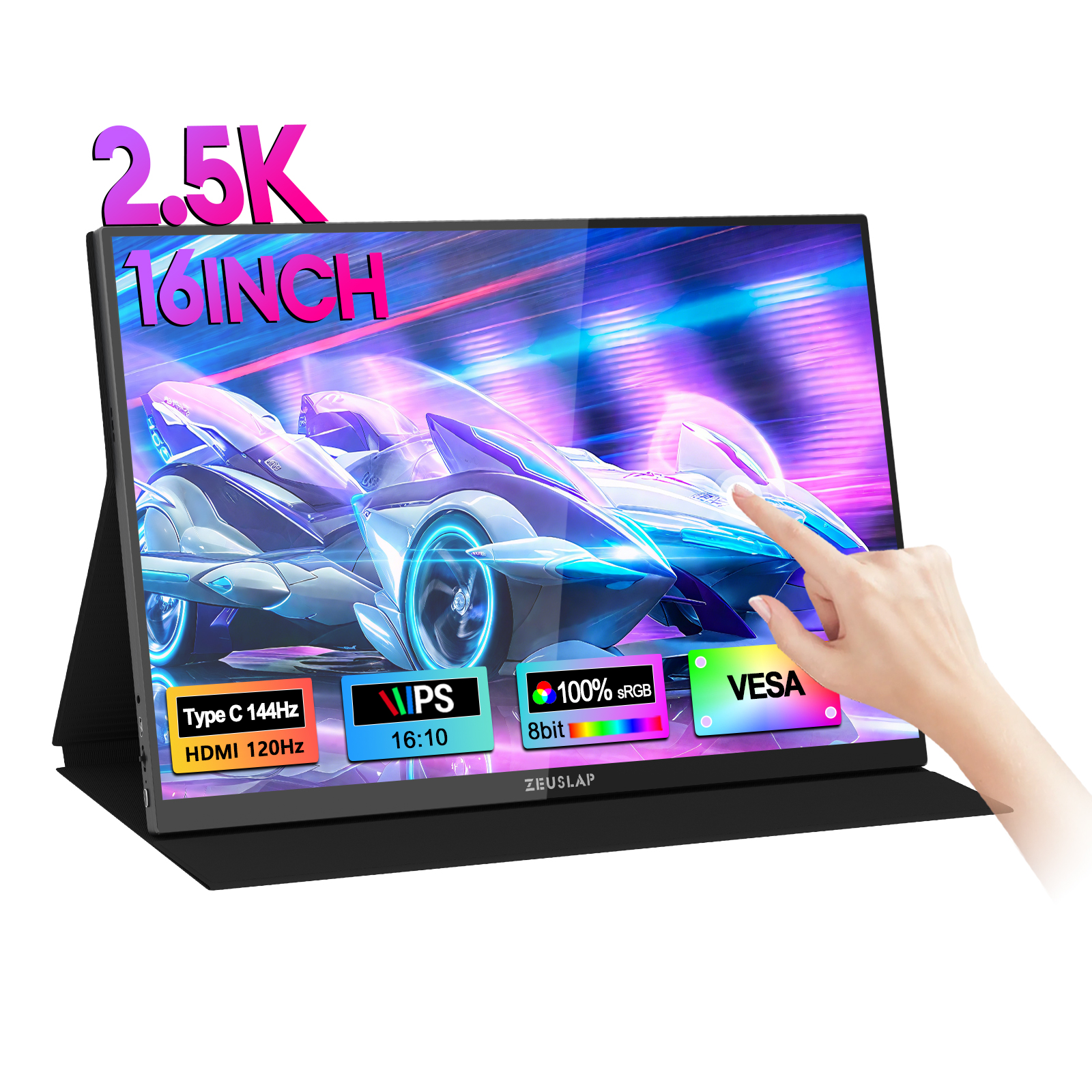
16inch QHD 144Hz 500nits Touching Function Portable Monitor
Thunderbolts Type C 3.1 Version: 144Hz
HDMI-Compatible 2.0 Version: 120Hz
Main Features:
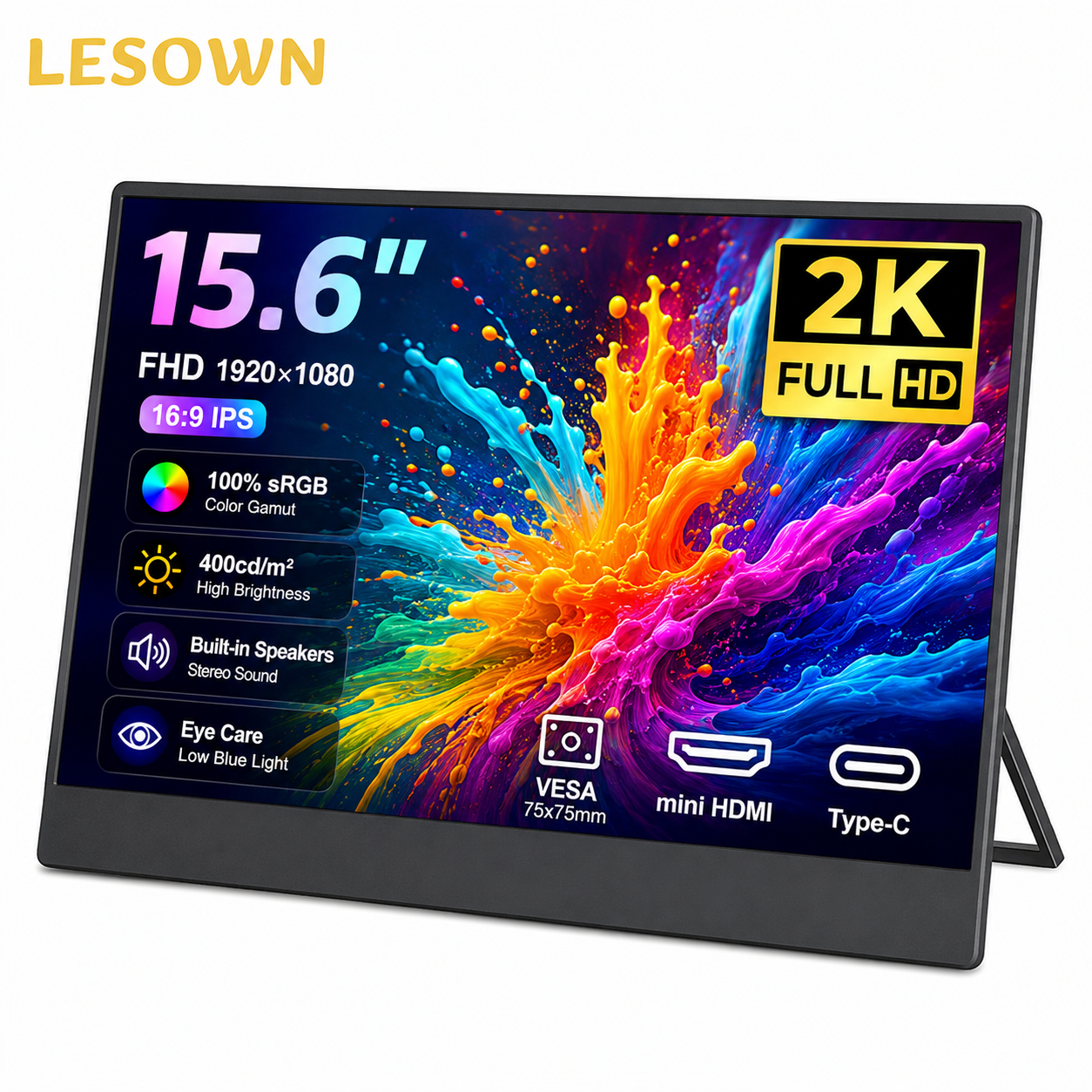
[2.5K QHD 16:10] ZEUSLAP-P16KT has a QHD resolution 2560*1600P with 16inch IPS panel at 16:10 aspect ratio, which is a main fashion display in 16:10 laptop design.
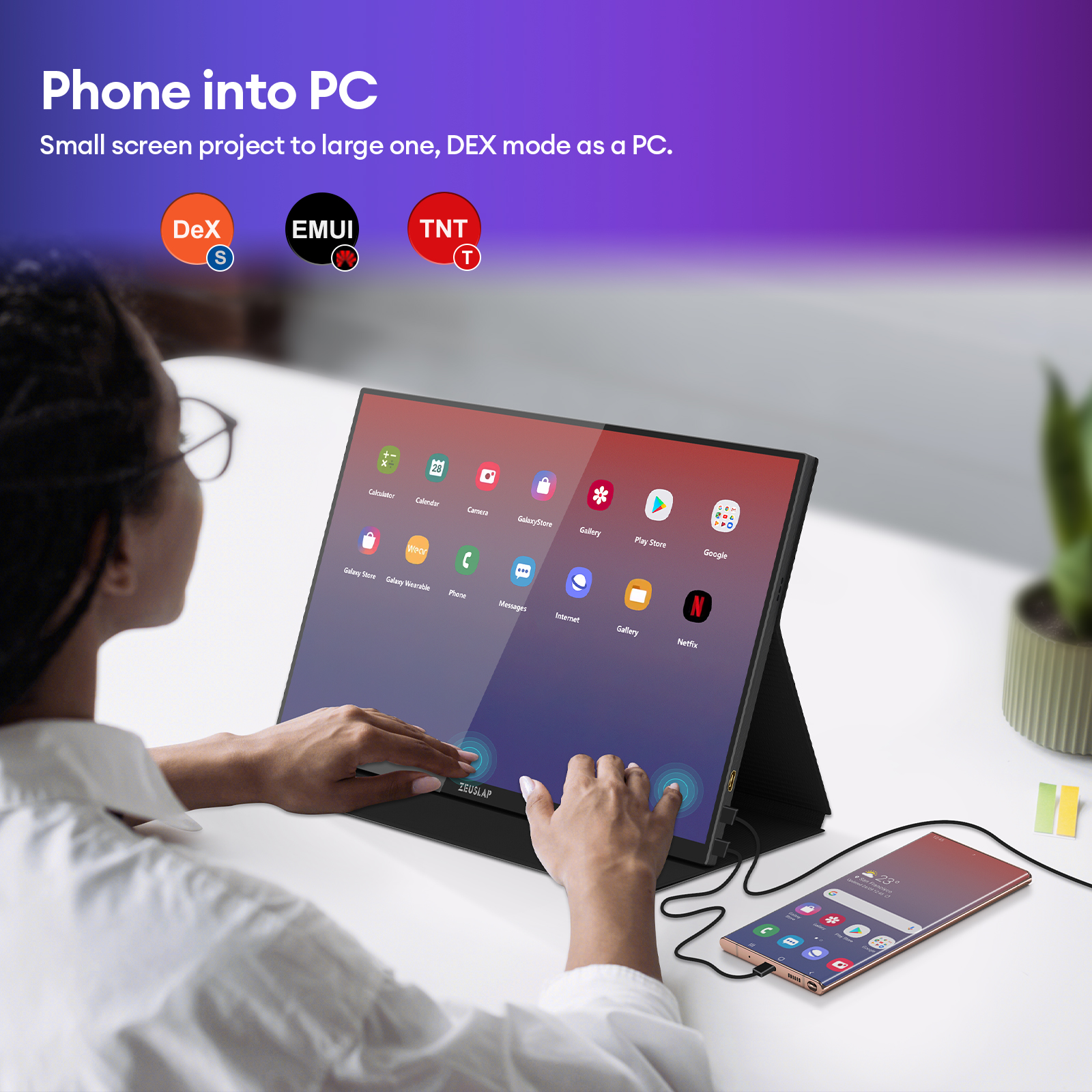
[2.5K QHD With Touch Screen Function] Laptop/PC Touch: Only support WINDOWS SYSTEM.
Phone Touch: Only support THUNDERBOLTS TYPE C phone.
[144Hz] ZEUSLAP-P16KT support thunderbolts type c connection at 144hz, and HDMI-compatible 120hz high refresh rate. Fast reaction and more efficient at work. Please check your video card supported or not.
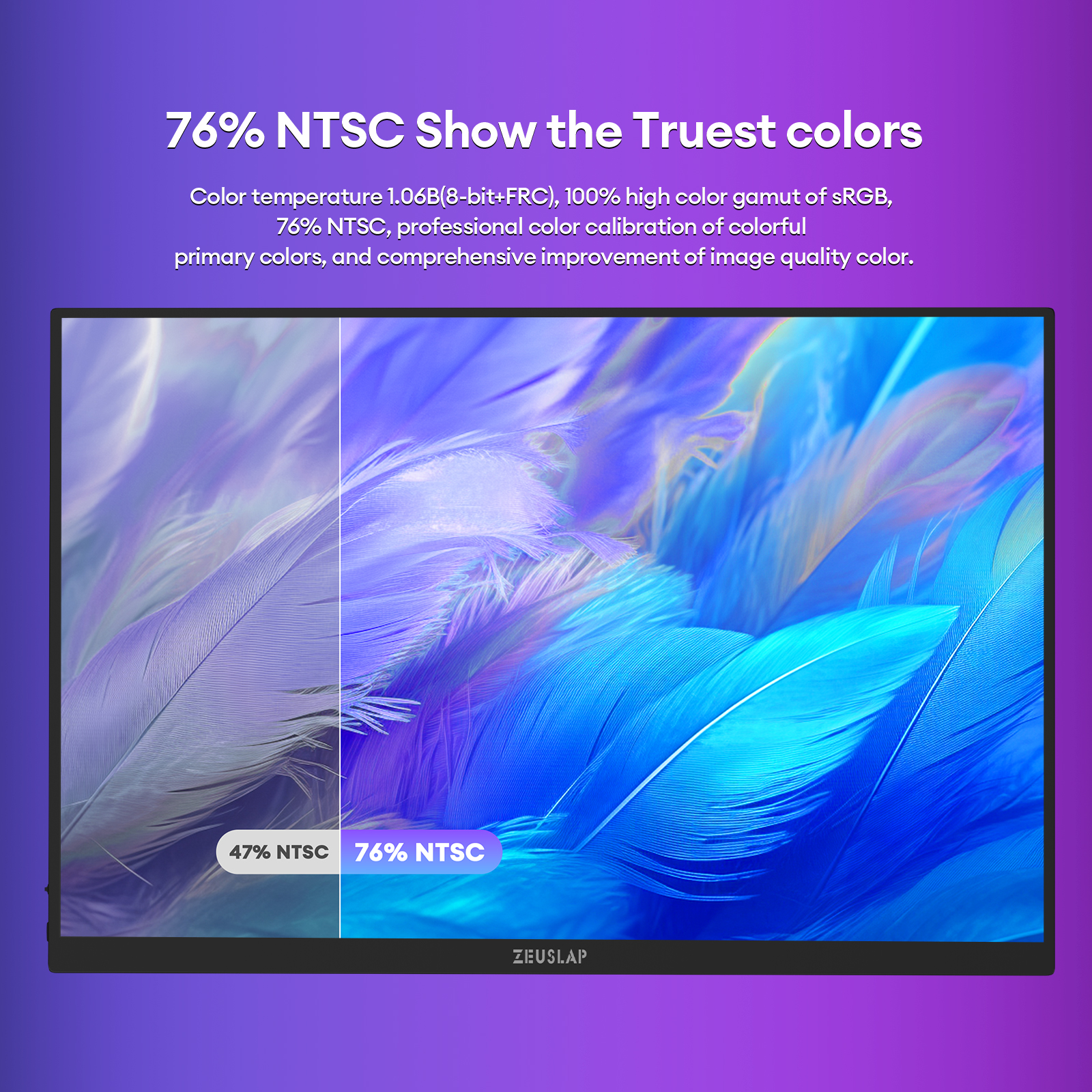
[Rich Color Gamut] ZEUSLAP-P16KT is 500nits, 1200:1, 100% sRGB, 76% NTSC, 79% DCI-P3 at 16.0B 8Bit+FRC rich color display for a vivid color display, feel at scene.
[Dual Thunderbolts Type C] ZEUSLAP-P16KT has dual thunderbolts type c, all type c ports support the power by function and mirroring function. No worry to about the wrong power by port to burn out the motherboard any more.
[Six Display Mode+OD Accelerate] ZEUSLAP-P16KT offers Standard/Game/Video/Text/FPS/RTS six display mode for different situations, besides, the OD accelerate function is much more helpful in gaming.
[All Metal Body Design] ZEUSLAP-P16KT is made by all metal material, which has an excellent dissipate heat power, no need to worry about the long time working of the heat.
144Hz Remark:
144Hz depends on the laptop/pc graphic card model, please confirm with us.
Normally mobile phone can only support 60hz, unless the phone supported 120hz.
Only some of laptops can support 144hz, please kindly confirm with us before purchase. Thanks.
How to Check the 120/144Hz in Laptop?
Windows System as example:
Display Setting-Advance Display Setting-Portable Monitor Property-List All Supported Display Mode
Important Touch Screen Notice
For the touch feature to work, your device must be connected for both video and data. Please be aware of the following:
✅ What DOES Support Touch:
Phones: Mirror mode and DeX mode
Laptops: Windows (10-point multi-touch) and Mac OS (1-point touch).
❌ What does NOT Support Touch:
All Tablets (including iPad, Android tablets, etc.)
Gaming Consoles, CCTV, TV Boxes.
Setup for Laptop Touch over HDMI:
If you are connecting your laptop via HDMI, you must ALSO connect a USB cable for touch to work:
1. Use a Mini HDMI to HDMI cable for the video connection.
2. Use a USB to Type-C cable (connect to the middle monitor port) for the touch function.
3. Remember to plug the monitor into a power outlet.
Parcel Included:
Monitor*1,
Magnetic leather sleeve*1
1.2 meter type c to type c cable*2,
1.2 meter usb to type c cable*1,
1.2 meter mini hdmi-compatible to hdmi-compatible cable*1,
30W PD charger*1,
User Manual*1,


関連製品