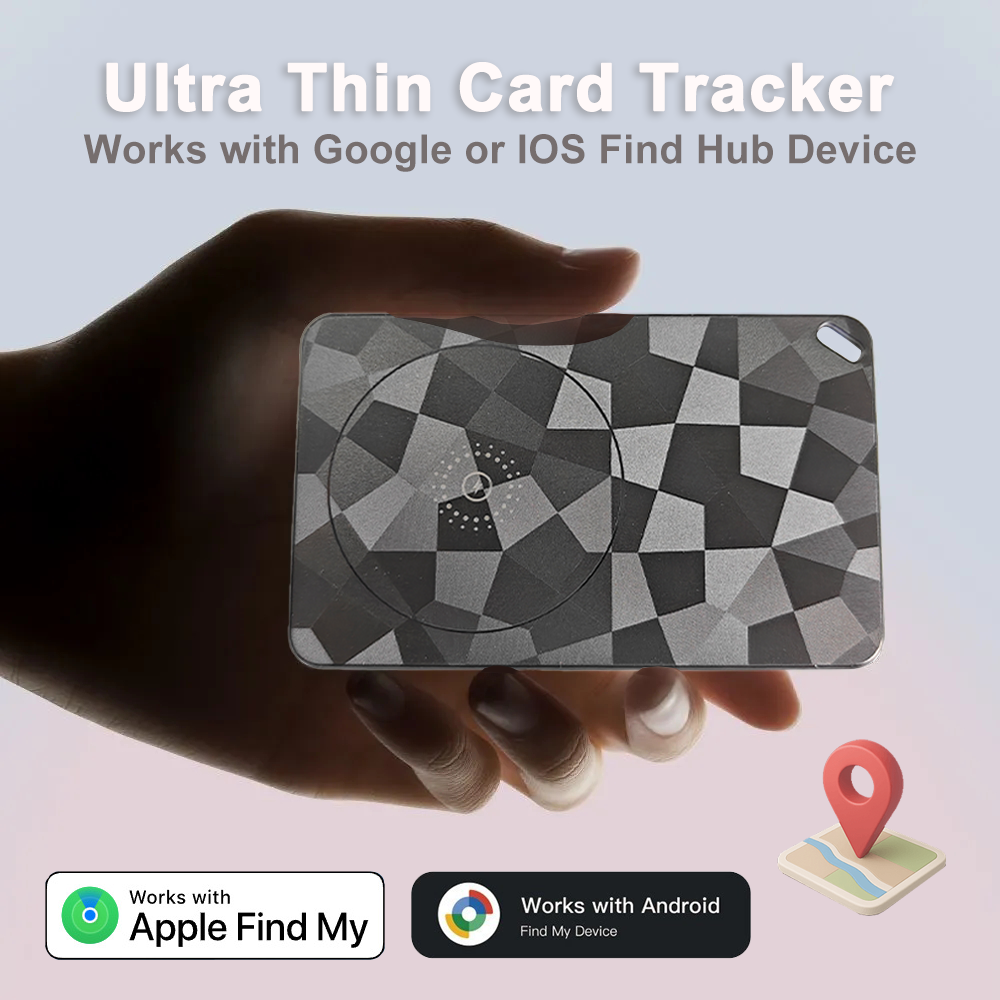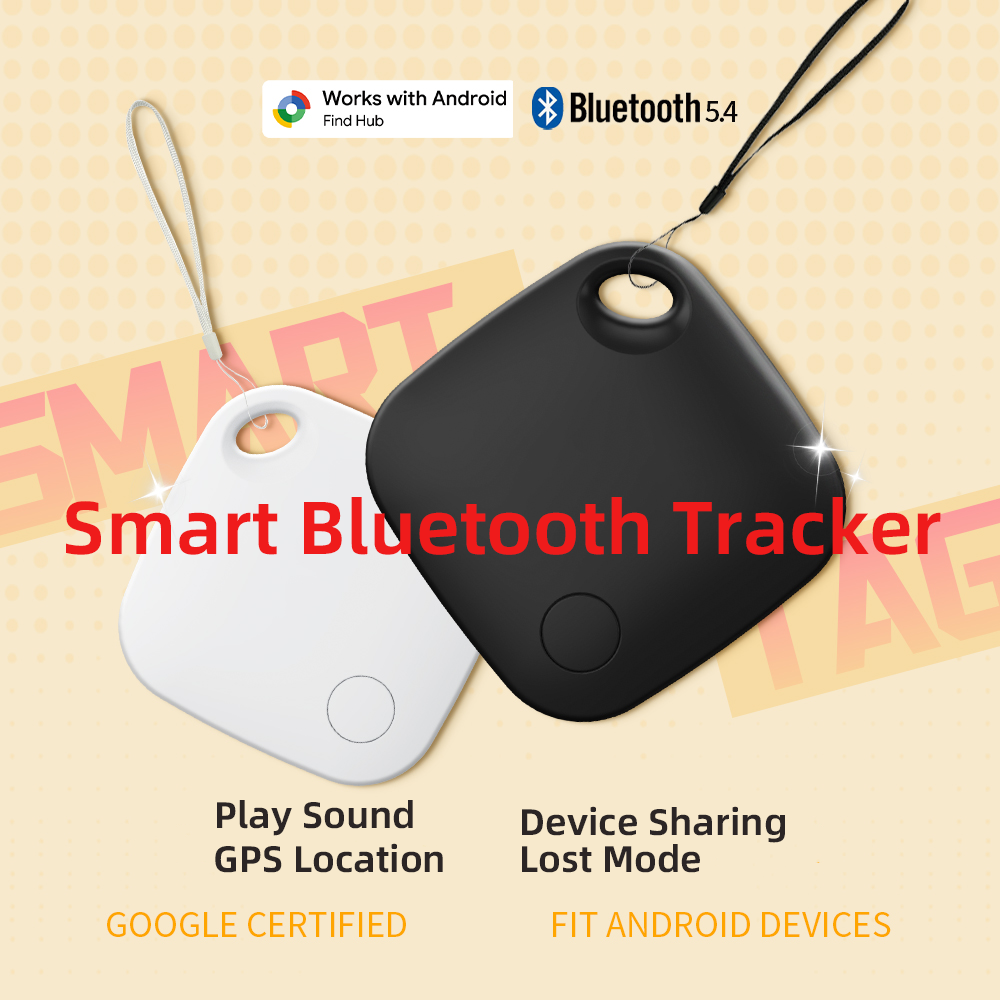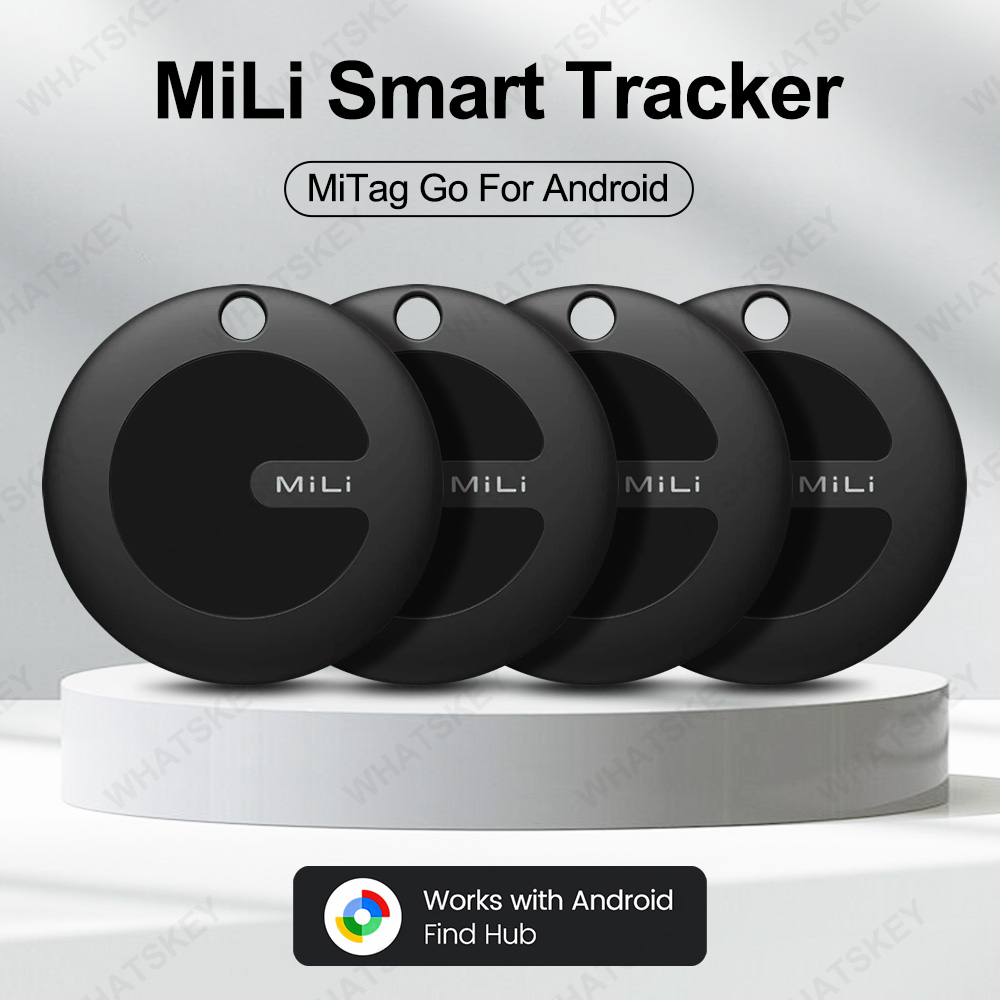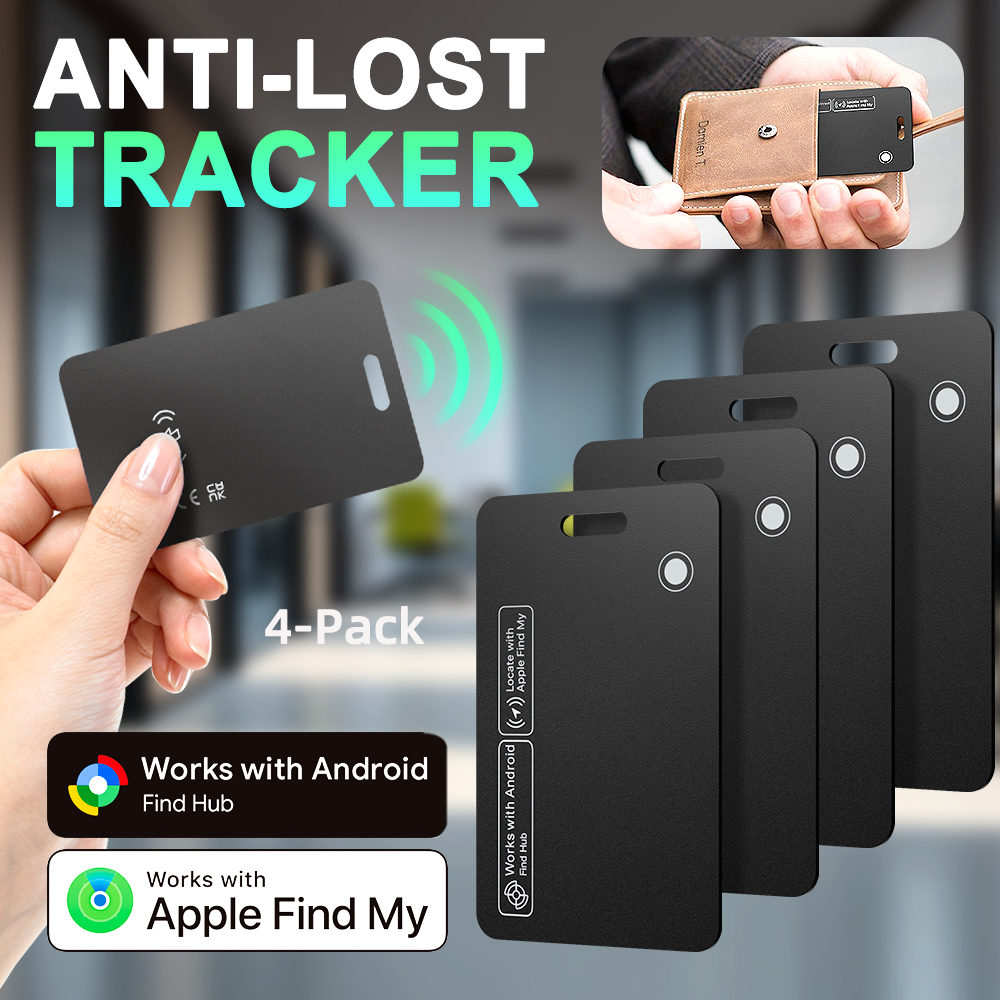










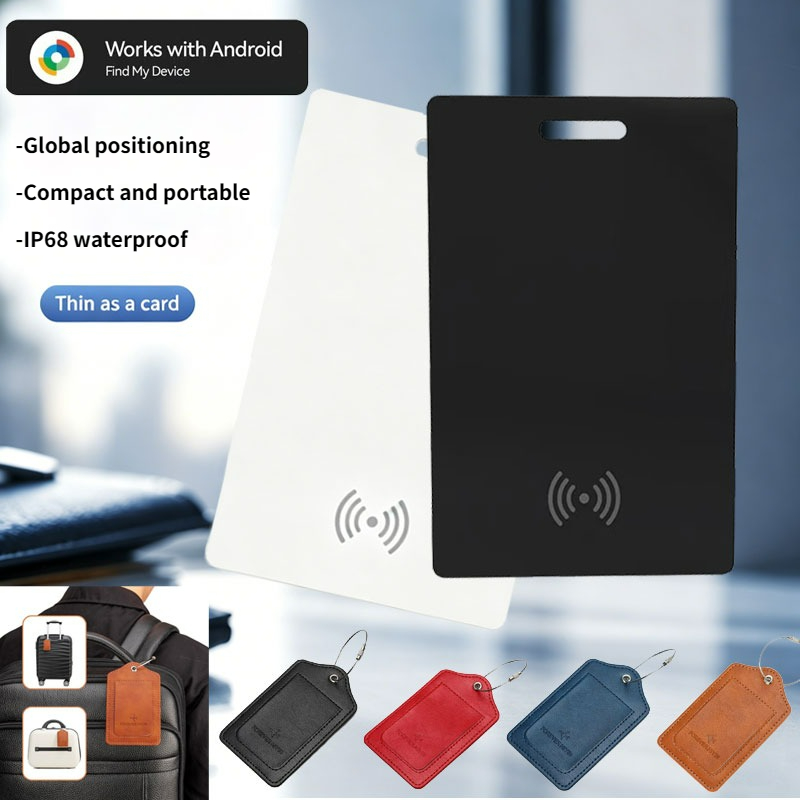
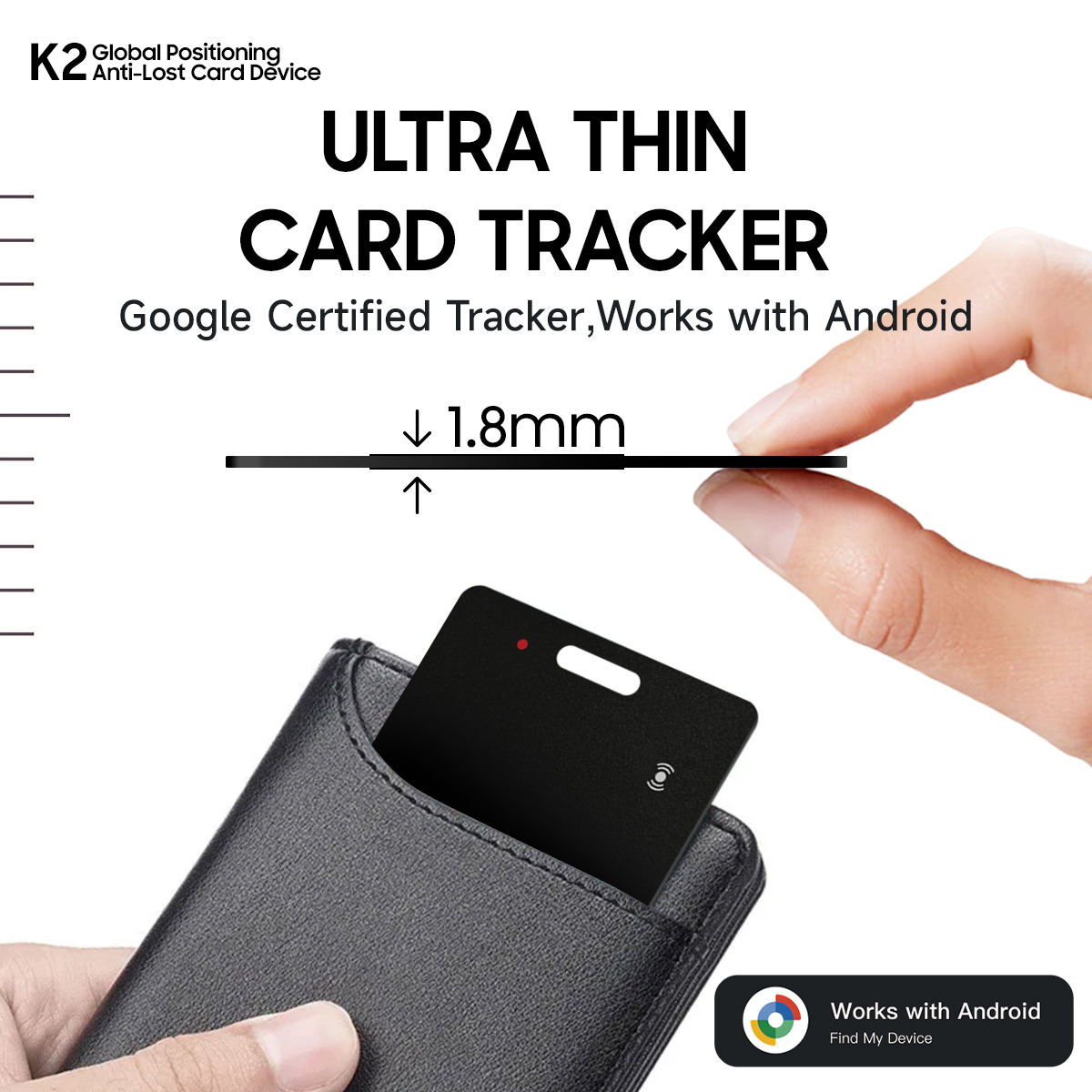
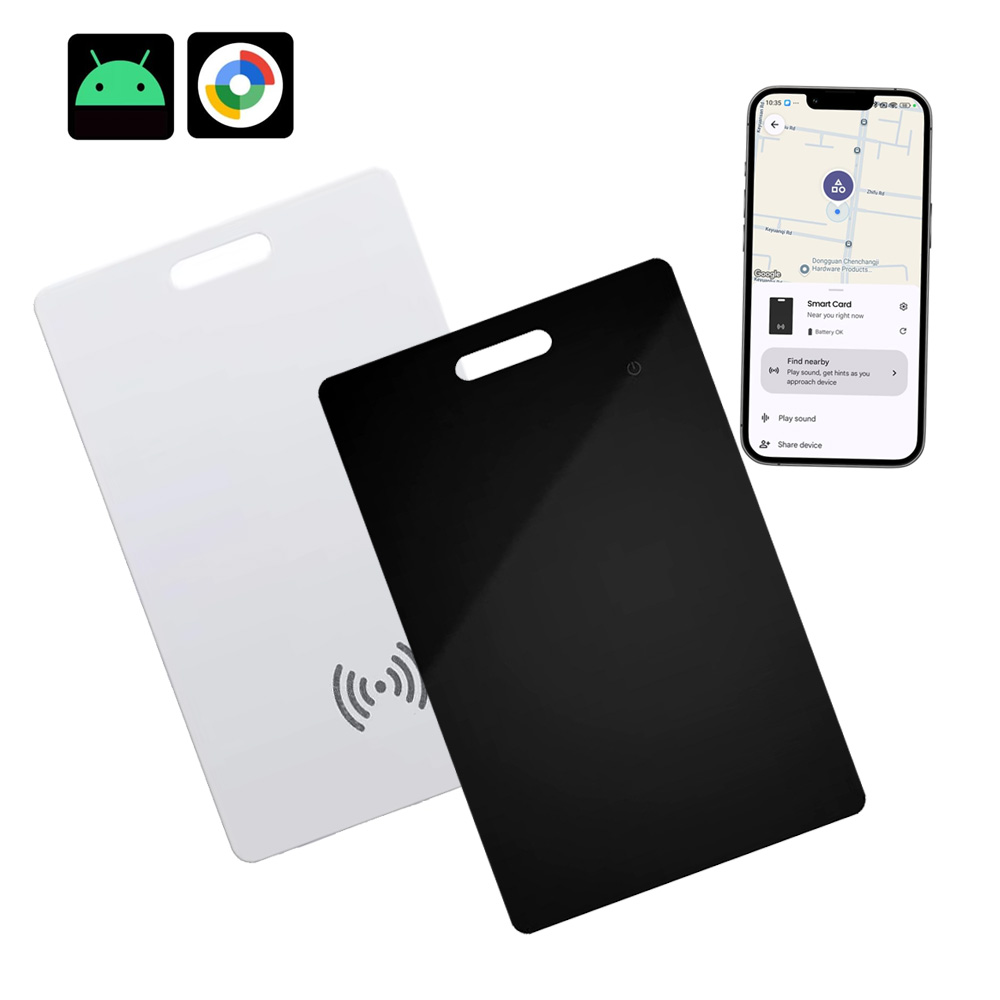

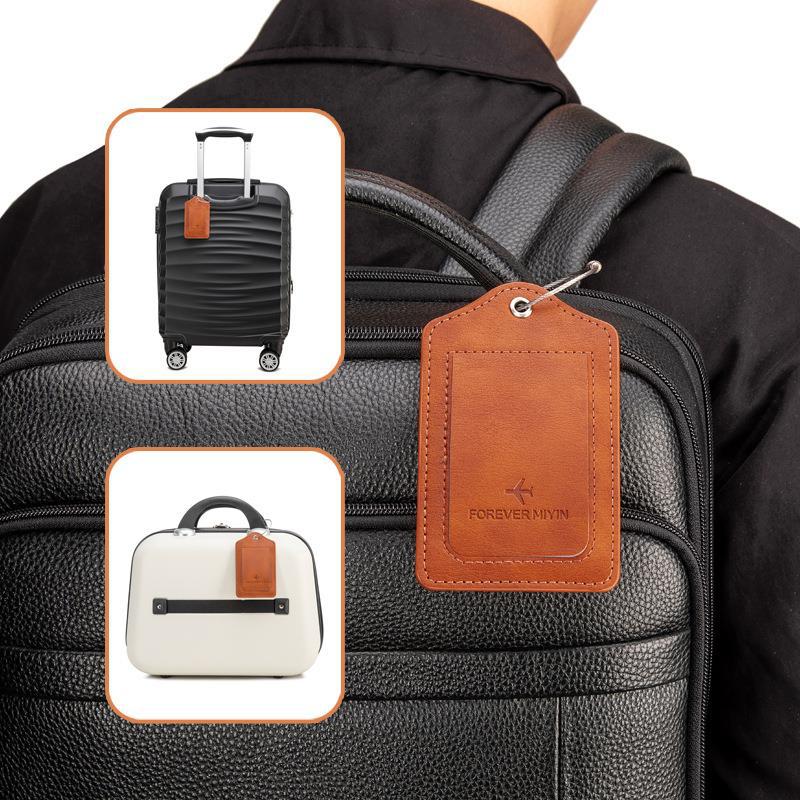
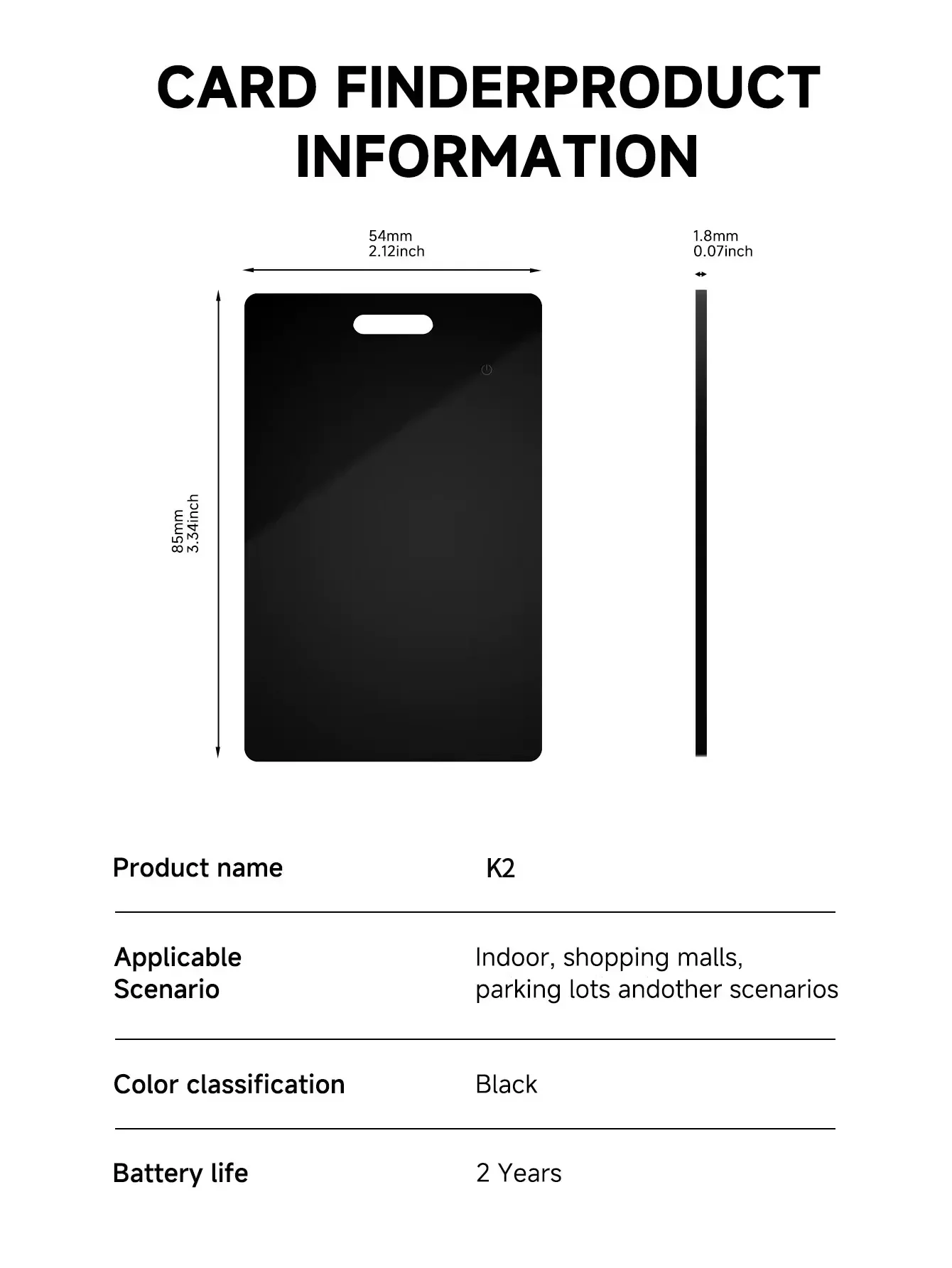
Android Compatible Waterproof Wallet GPS Tracker Card,Wireless Charging Locator for Google Find My Device,With Leather Cover






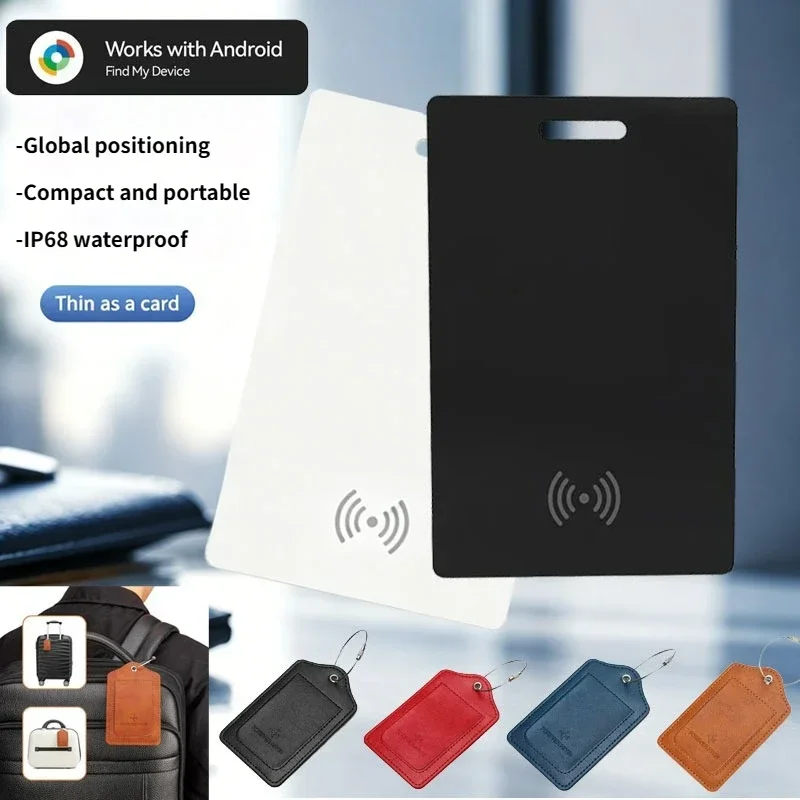
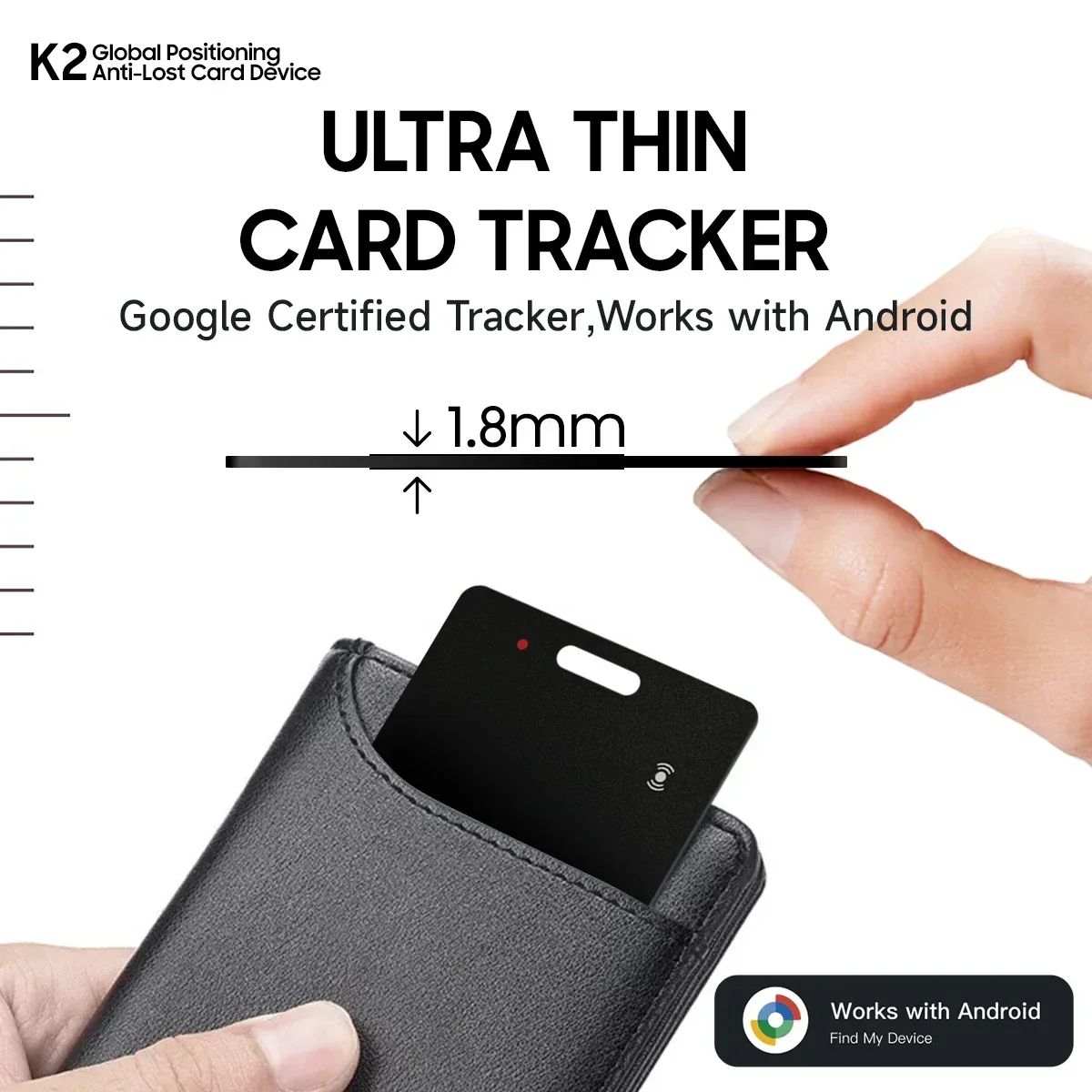
Main Features
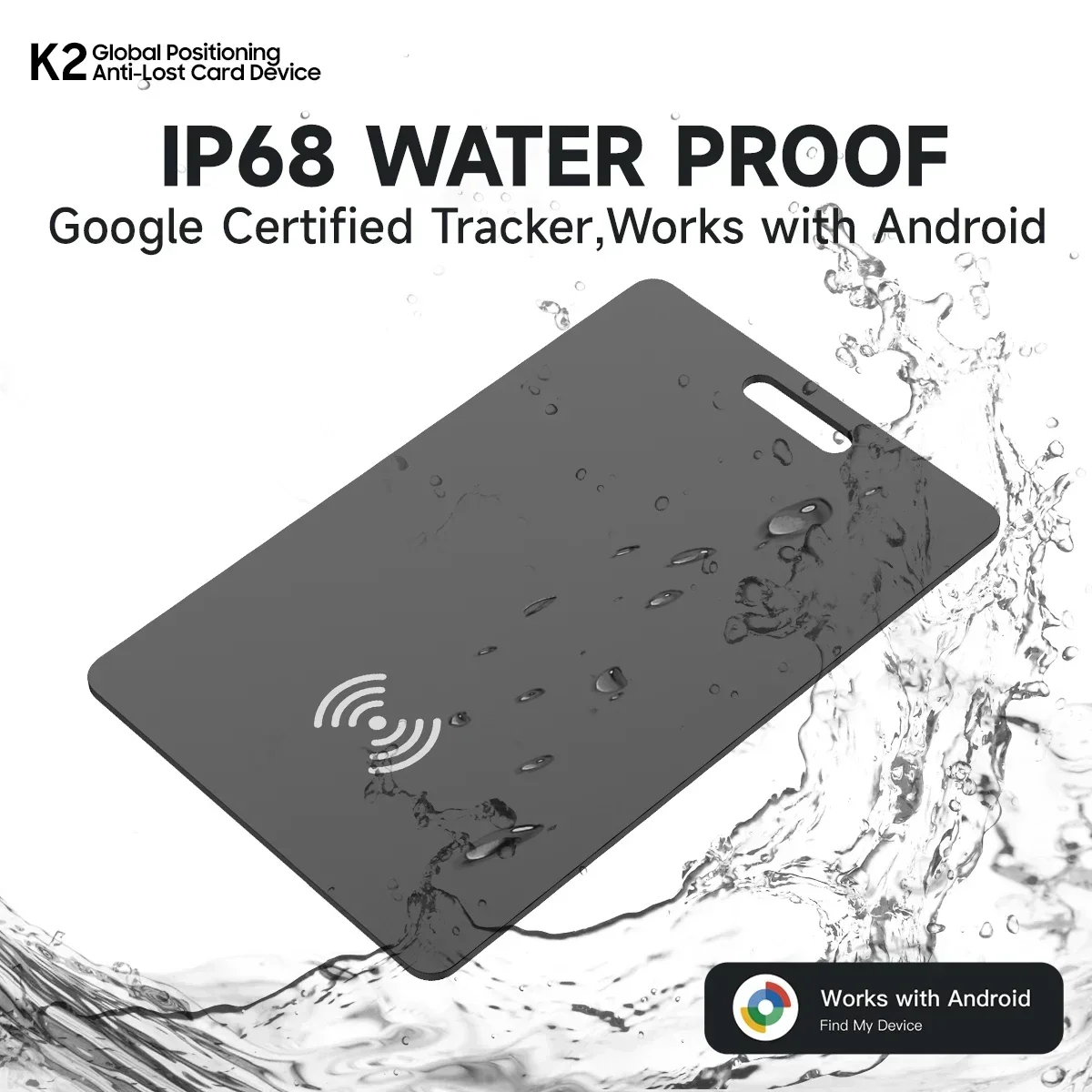
Google Certified Products
Integrate with Google Find My(Google Find Hub)
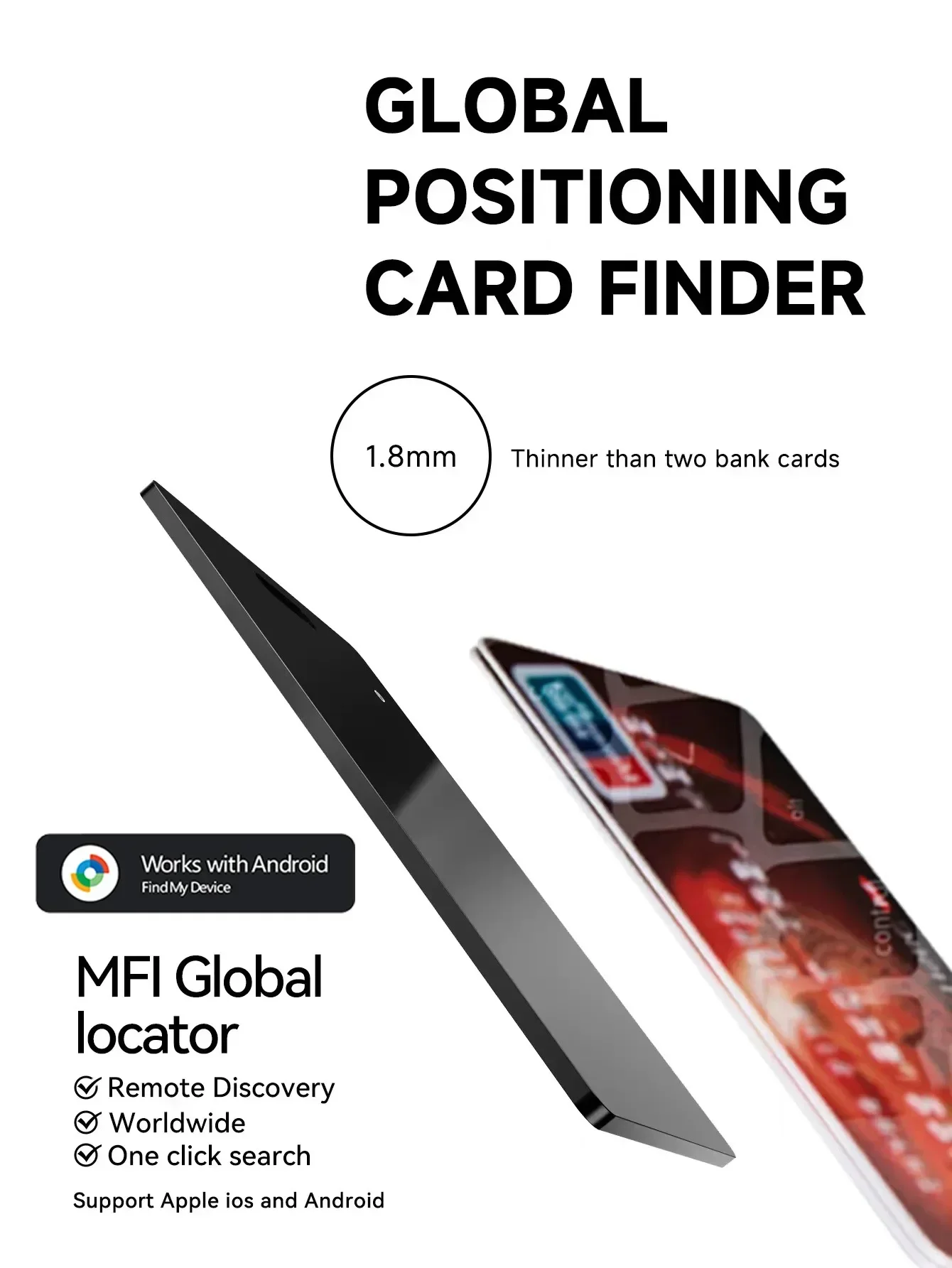
Global positioning range
• Privacy protection
Waterproof
Product Description
---Reliable protection at any time.
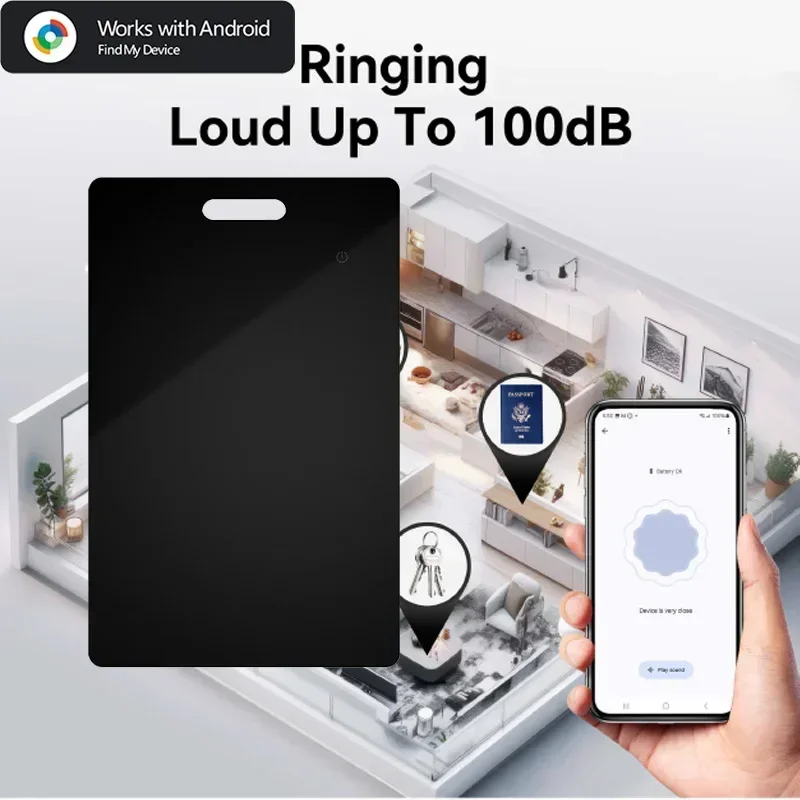
Android intelligent anti loss devices seamlessly connect to your phone. Simply open the application to immediately locate any lost items. With the new design and contract, it's meant for protection, so you can live carefree.
---Rediscover critical moments.
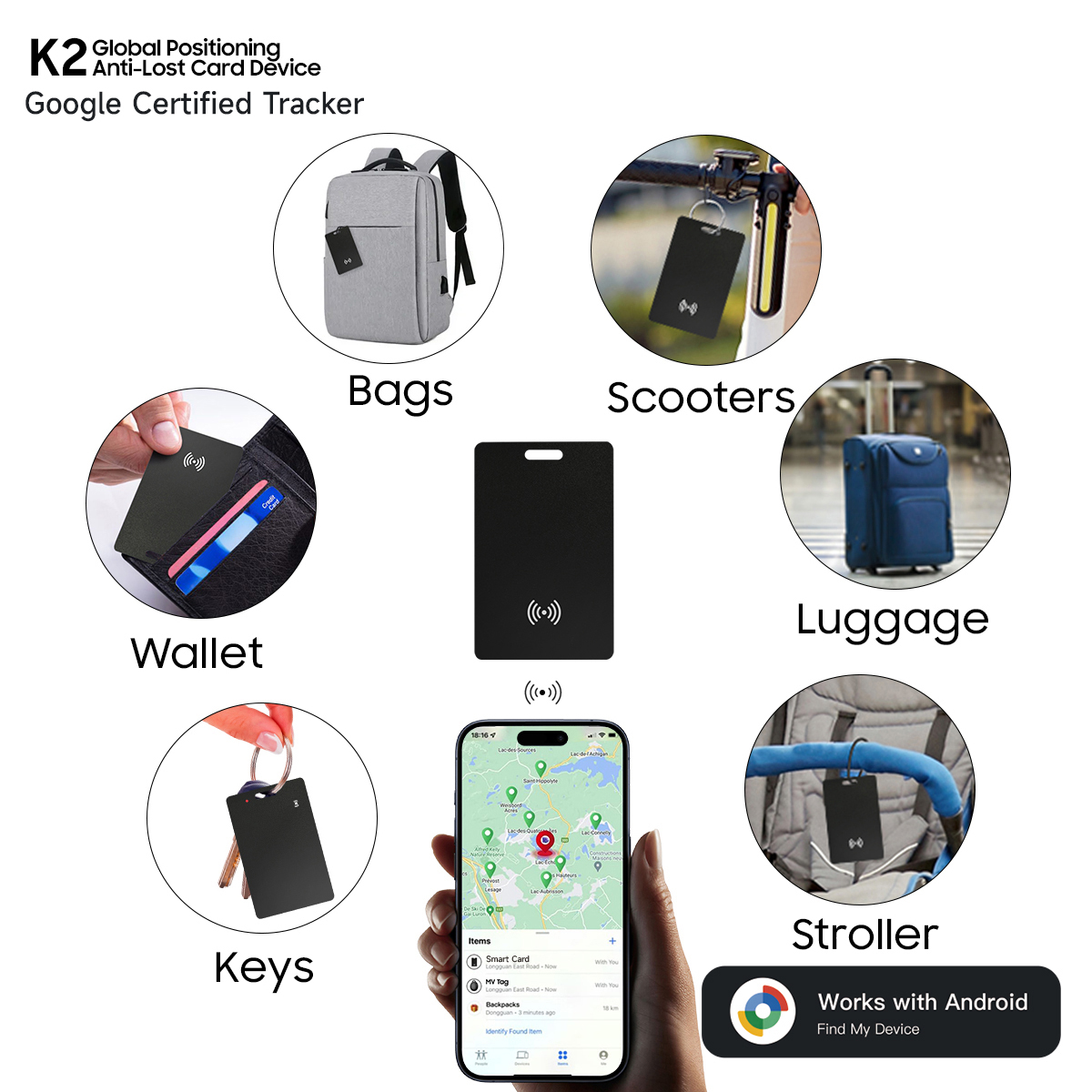
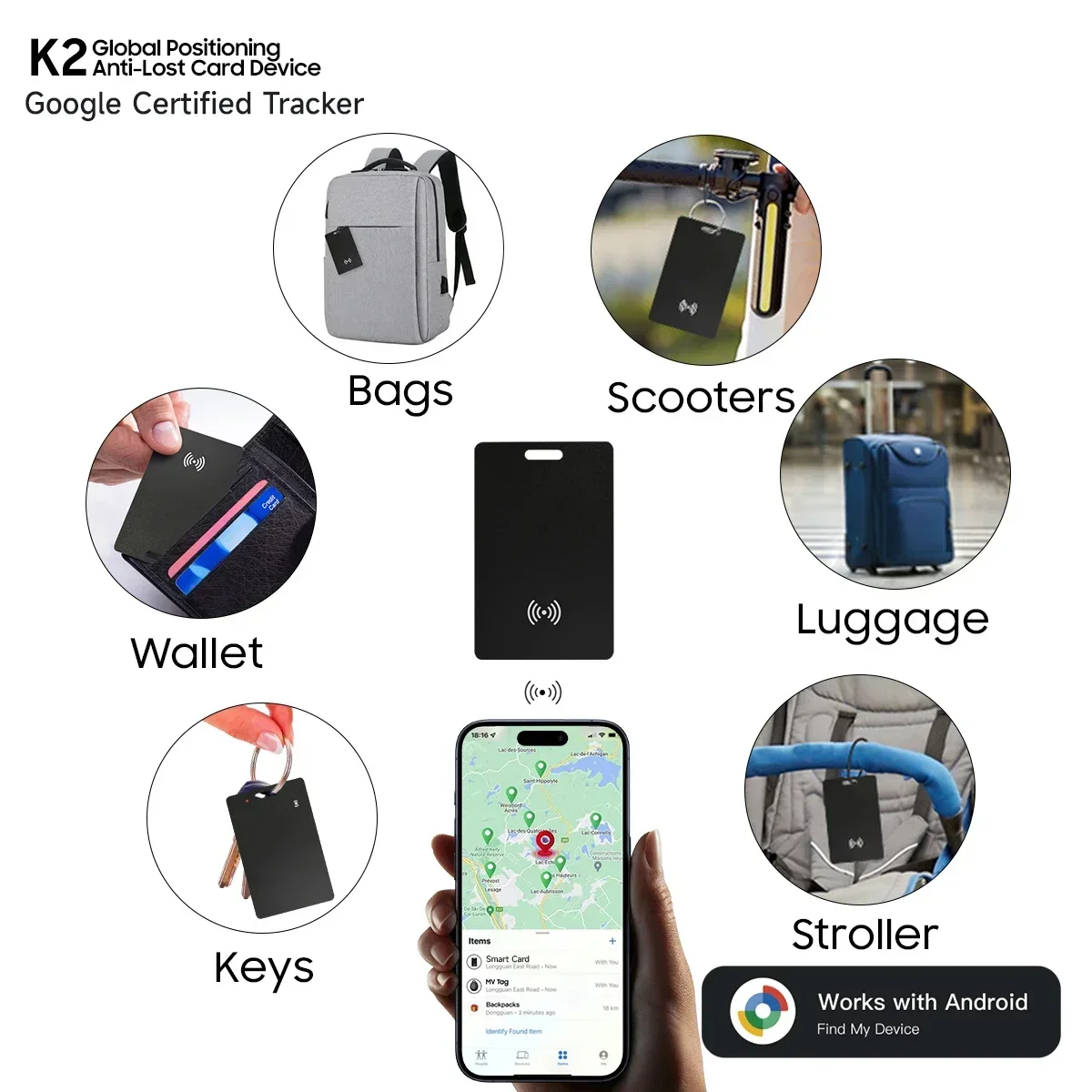
Forgot wallet or lost keys? The new Android intelligent anti loss device gives you peace of mind! Easily track your items with Android devices and protect your essentials at all times.
---Track everything, everywhere!
Say goodbye to the lost things. The new Android intelligent anti loss device can help you track all valuable items even if they are missing. Through global tracking, it is very suitable for travel.
Packaging List
• 1 * Project Finder
• 1 * Product Instructions
1. The wireless charging cable is not included in the shipment of this product. Most mobile phone wireless chargers on the market support charging for this device.
2. This product is only compatible with the Androidsystem and is not compatible with Huawei mobile phones or devices with Apple systems
.
FAQ: Why can't my Android phone connect to Tag ?
A: This is usually because the user missed the automatic pop-up window of Tag, you can try to restore the factory settings. Please refer to the product manual
How to reset: Reset steps Press twice in a row to hear the prompt sound, then press five times in a row. Do not release your hand for the fifth time. Release your hand again after hearing the prompt sound
(P.S.: If you can't connect even after reset and no automatic pop-up window appears, please refer to the Troubleshooting Guide.
//www.rexzol.com/support/google/troubleshooting)
To search for devices from the Google Find Hub APP, you can refer to the following video
Google help center:
//support.google.com/android/answer/3265955?hl=en&ref_topic=7651004&sjid=4008214467478698665-NC#zippy=

関連製品