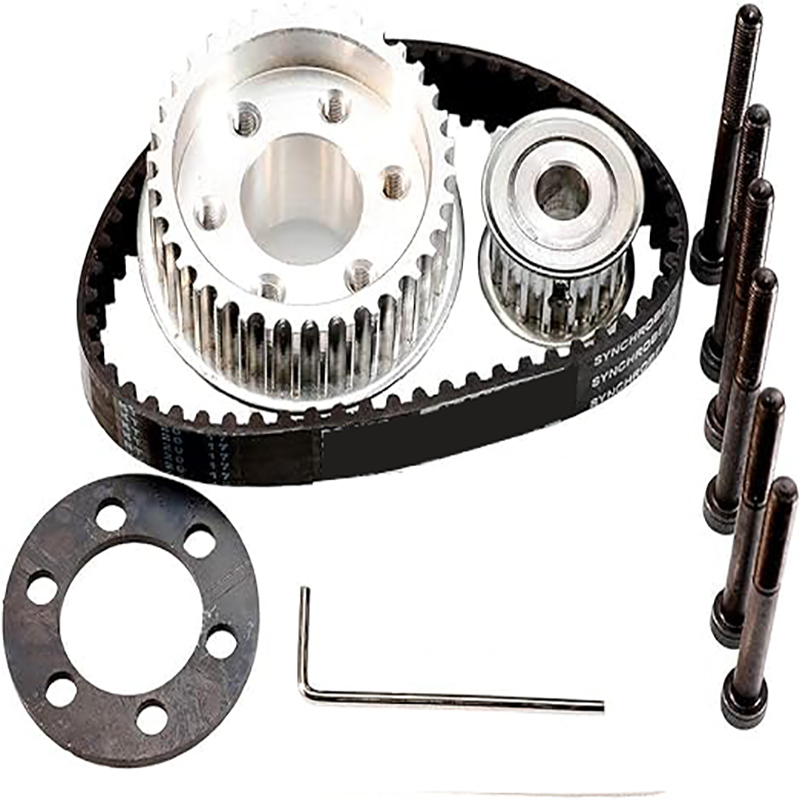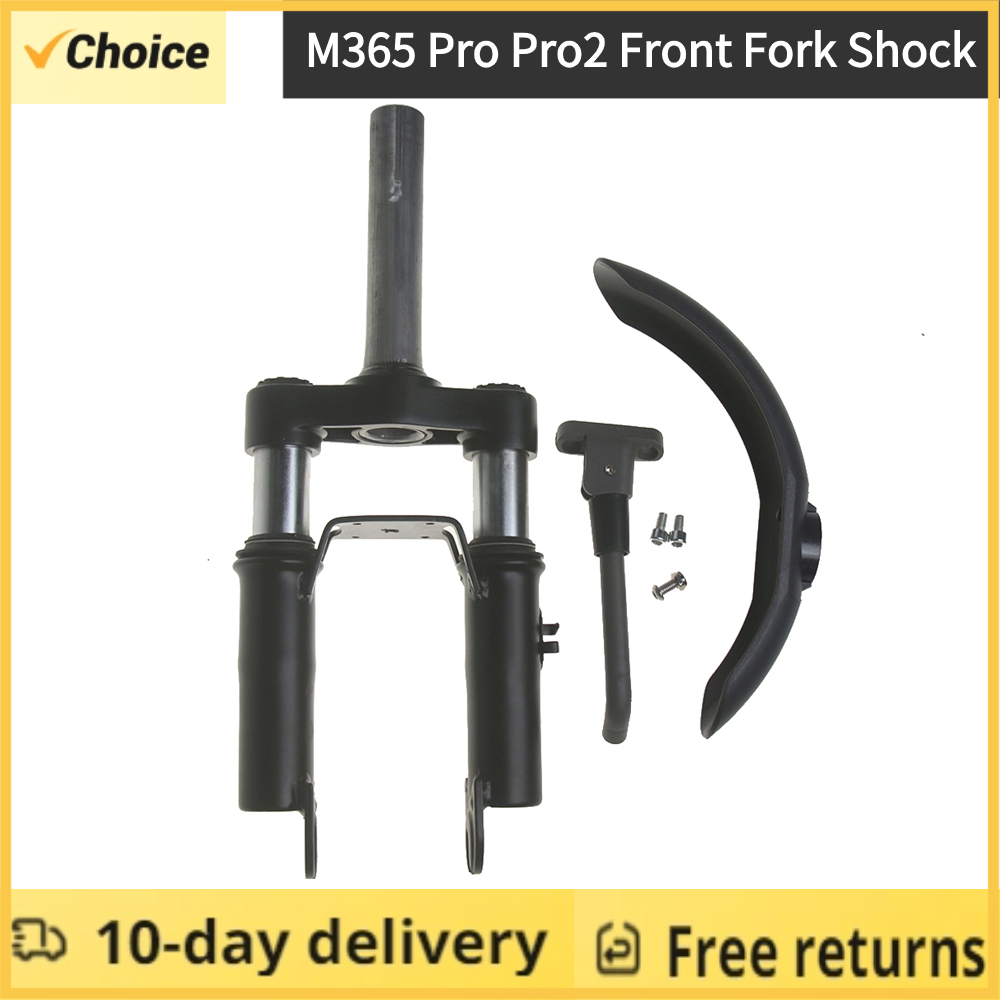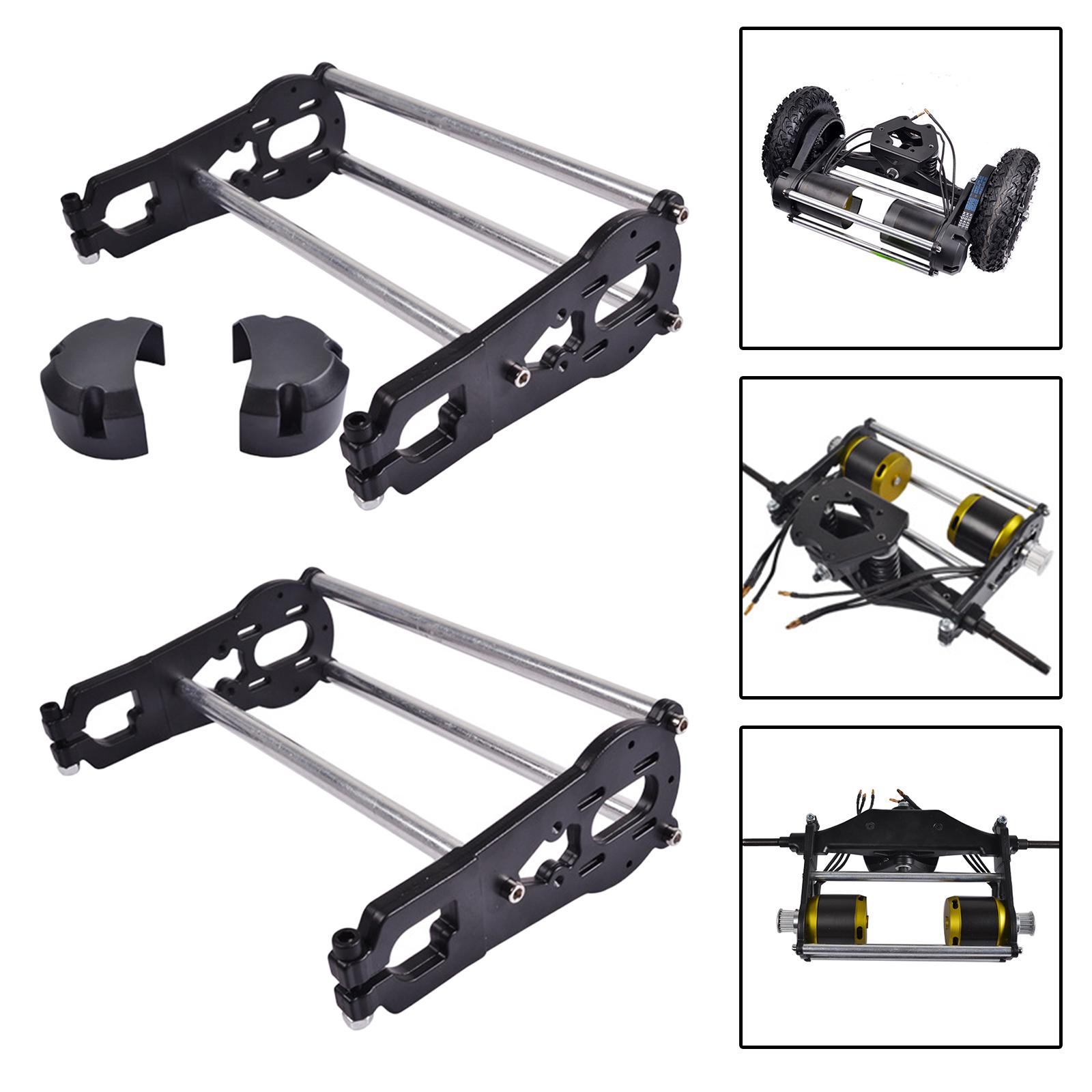









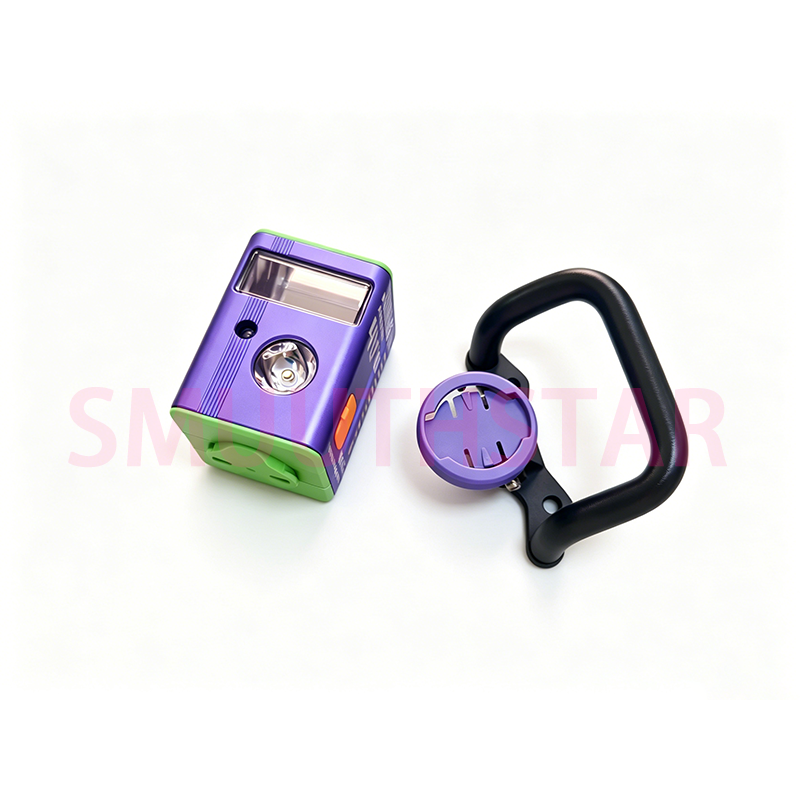
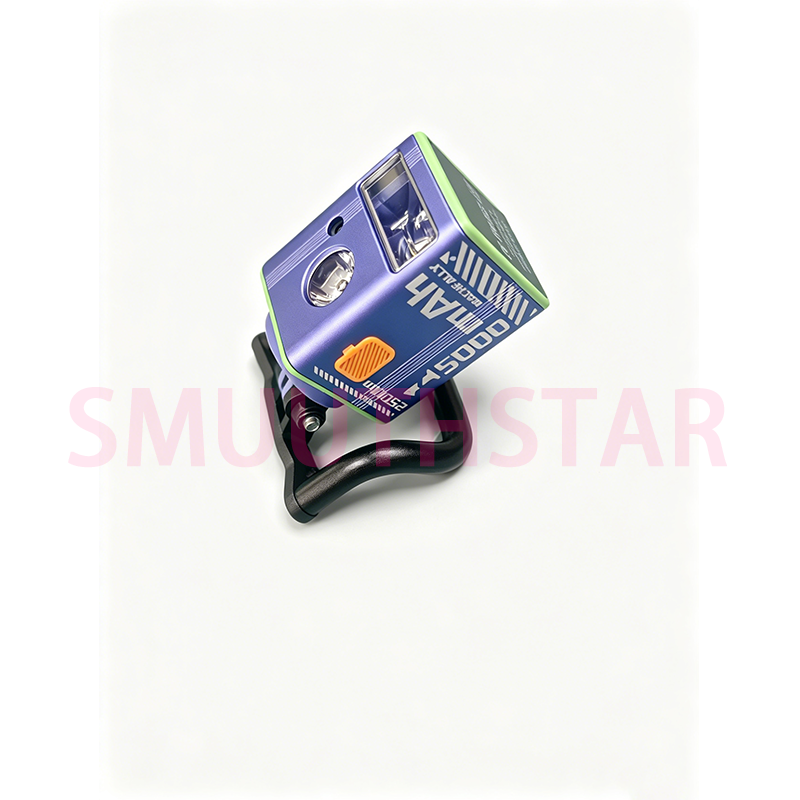
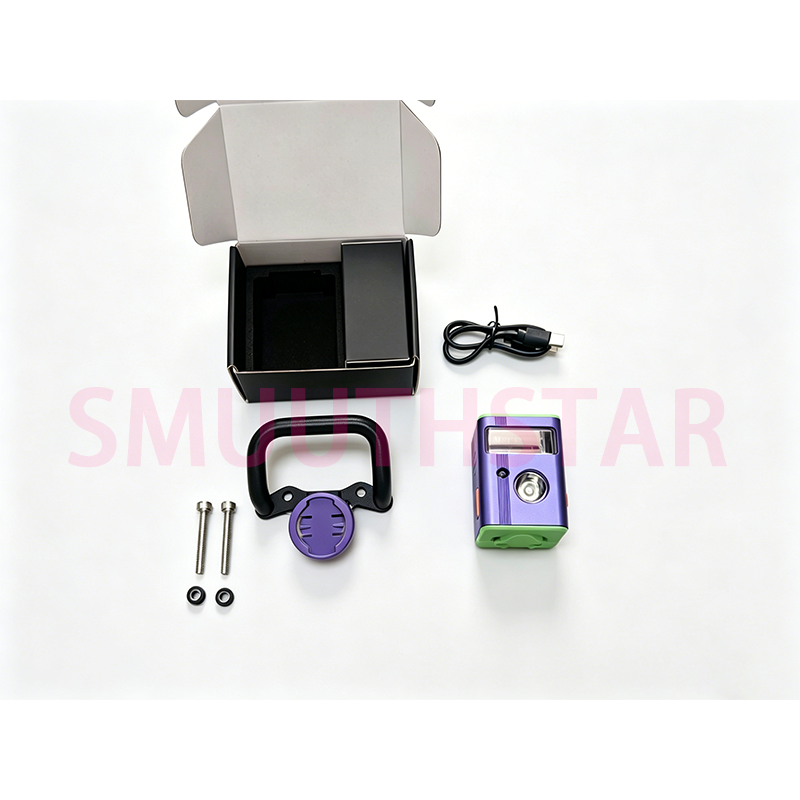
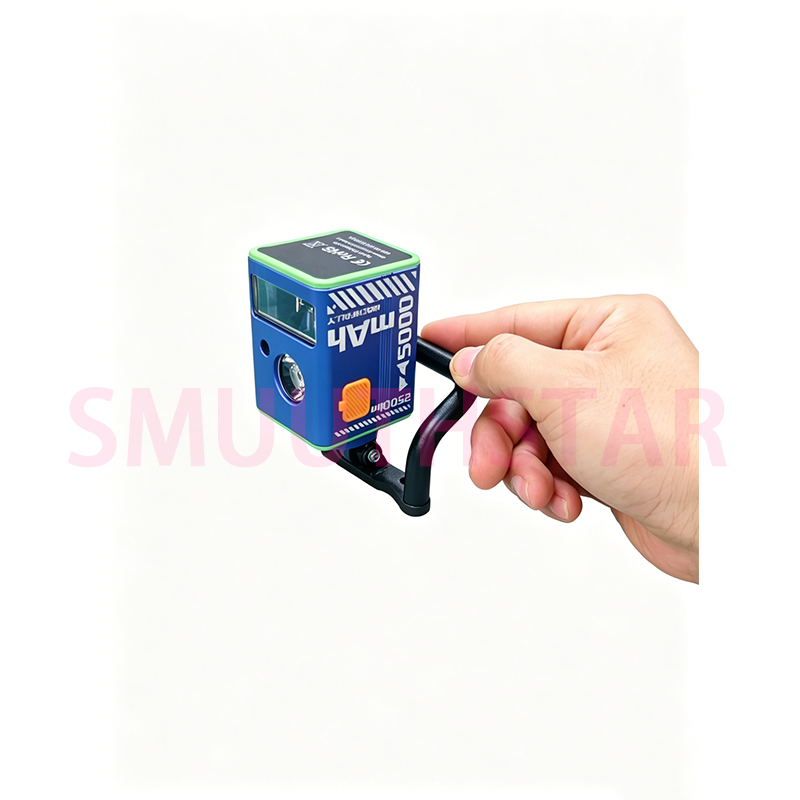
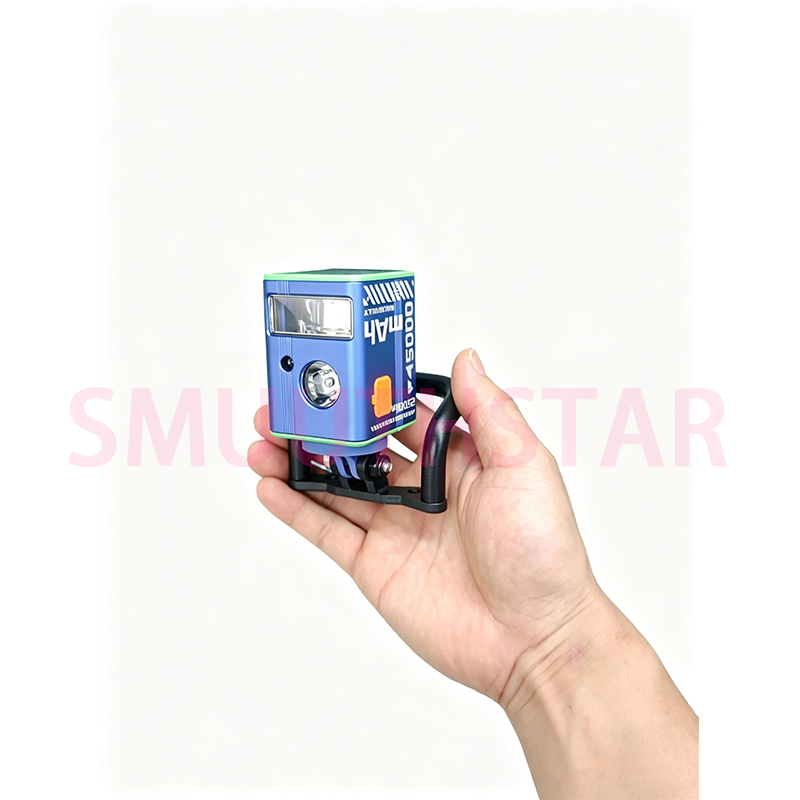
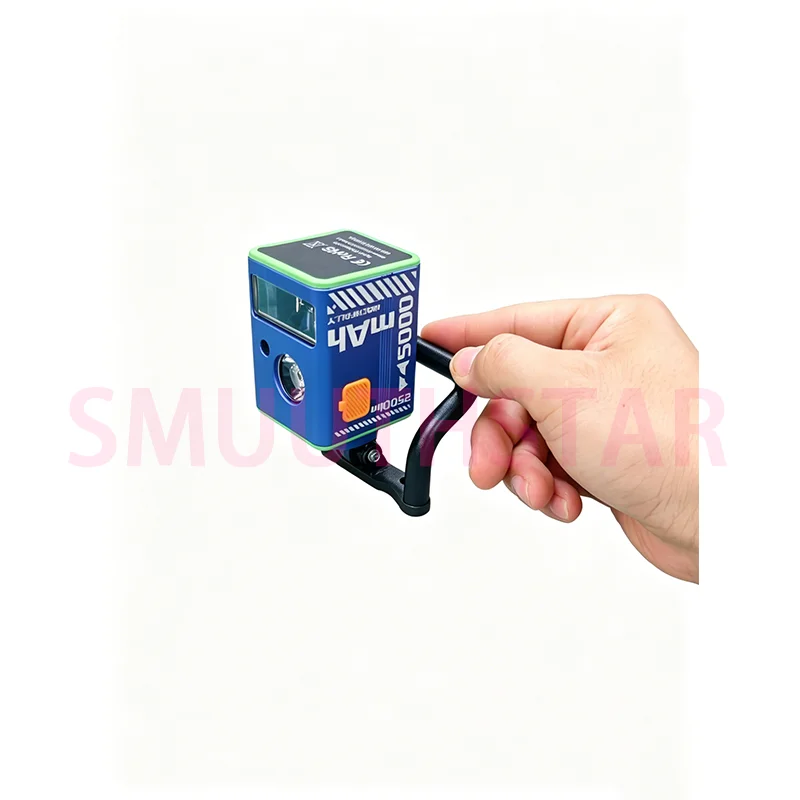
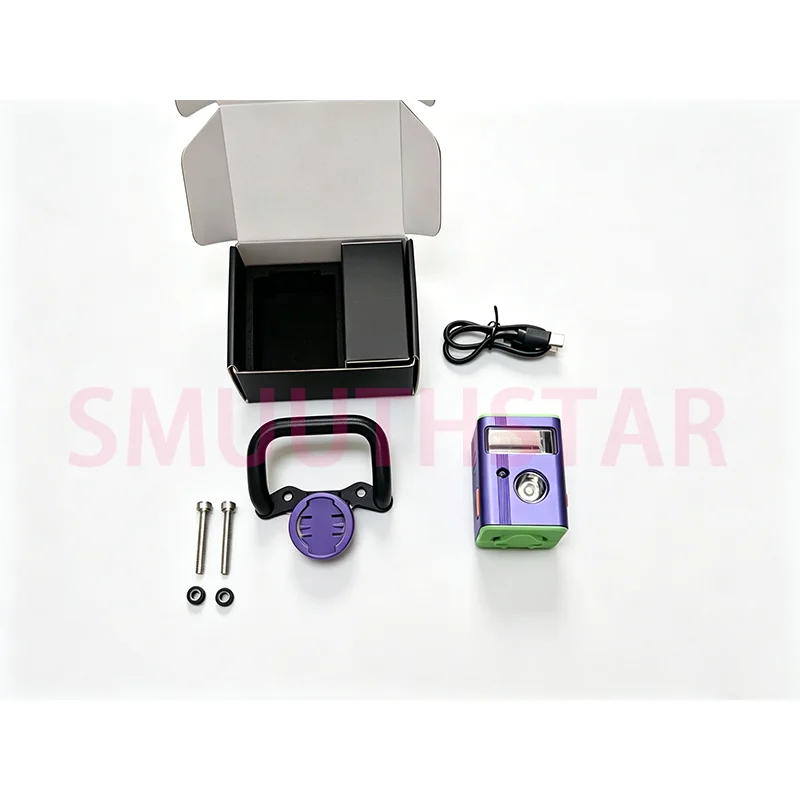
Durable Skateboard Frame Handle Adjustable Carry Grip for DIY Electric Skateboard Longboard Upgrade Accessories
価格:
$50.38
/Pc
払い戻し:

シェア:
売れ筋商品



Durable Skateboard Frame Handle Adjustable Carry Grip for DIY Electric Skateboard Longboard Upgrade Accessories
Press and hold the power button to turn on the device.
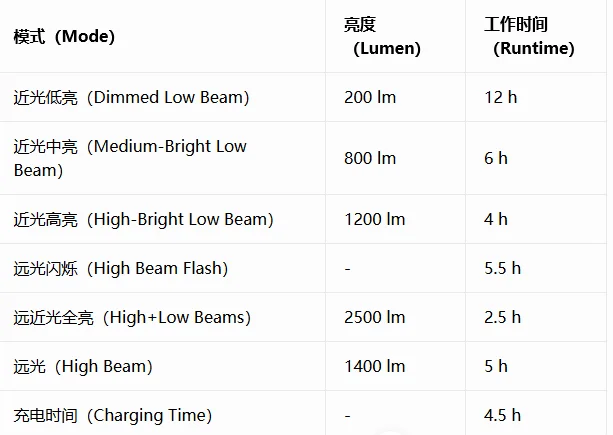
The default mode is Smart Light-Sensing Mode.
(Auto high/low beam switching based on ambient brightness)
Single press the button to switch modes in the following order:
◆Smart Light-Sensing → Dimmed Low Beam →
Medium-Bright low beam
→ High-Bright low beam → High Beam Flash
◆Double-press the power button to switch to
turn on the high and low beams on together.
(Single-press to return to the original mode)
◆Press and hold the power button to turn off
the device.
◆In Smart Light-Sensing Mode, the bicycle light
will enter sleep mode after being stationary for 1 minute;
When in sleepmode, the light will automatically wake up if
motion is detected within 1 hour.If it remains stationary in
sleep mode for 1 consecutive hours, the light will turn off automatically.
◆In the off state,Double-click the button to turn On/Off the high beam light.
The blue indicator light stays on in intelligent mode.
When the battery is 100%~50% charged, the green indicator light stays on.
When the battery level drops below 50%, the red indicator light stays on.
When the battery level drops below 20%, the main light flashes 3 times every 5 minutes to remind you to recharge.
During charging, the red indicator light stays on. When fully charged, the green indicator light stays on.
この製品のレビューはまだありません。
関連製品