








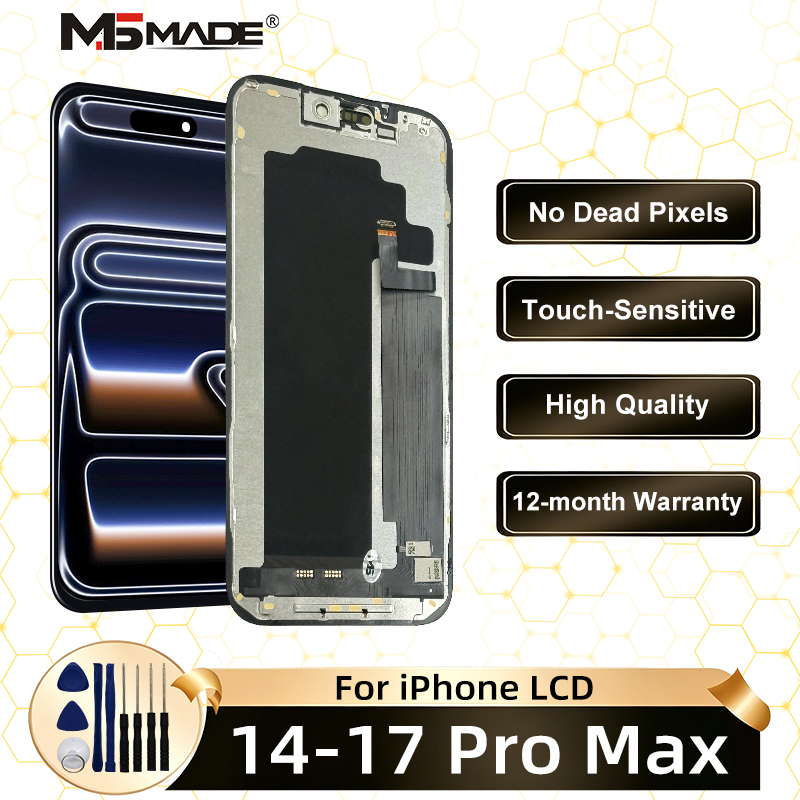
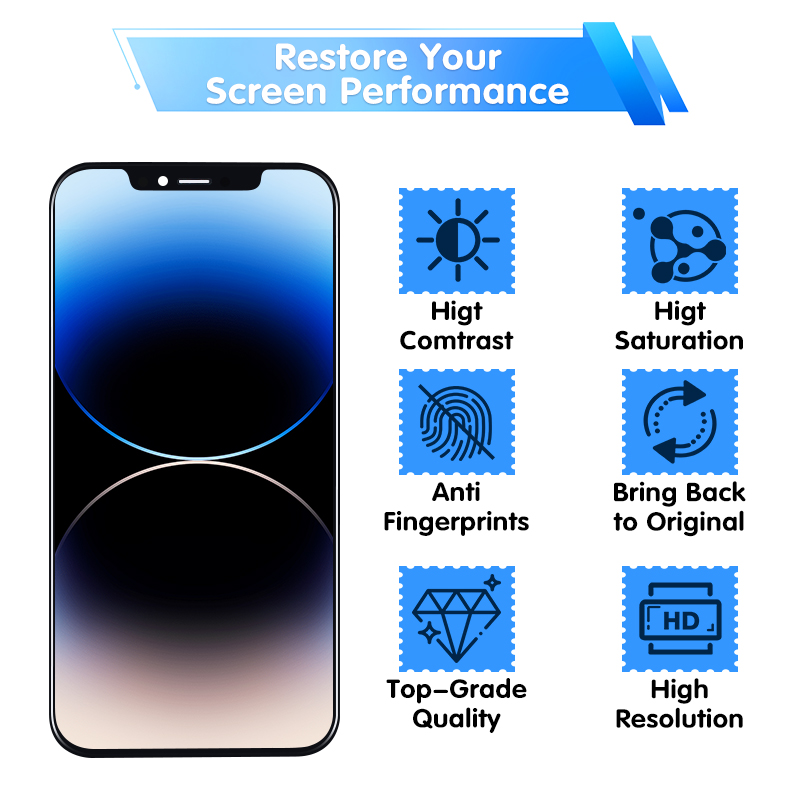
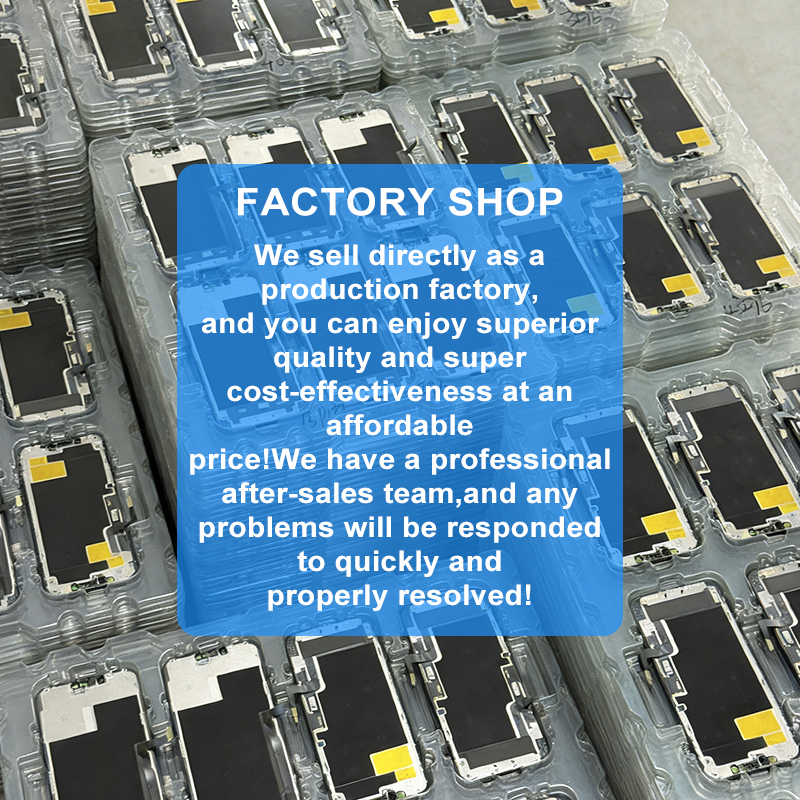
OLED 14 LCD For iPhone 15 Display 3D Touch 16 Pro Max Screen 17 Pro Max Replacement Ture Tone 14ProMax LCD 12 Incell 16 Display
価格:
$14.99
/Pc
払い戻し:

シェア:
売れ筋商品



OLED 14 LCD For iPhone 15 Display 3D Touch 16 Pro Max Screen 17 Pro Max Replacement Ture Tone 14ProMax LCD 11 incell 16 Display
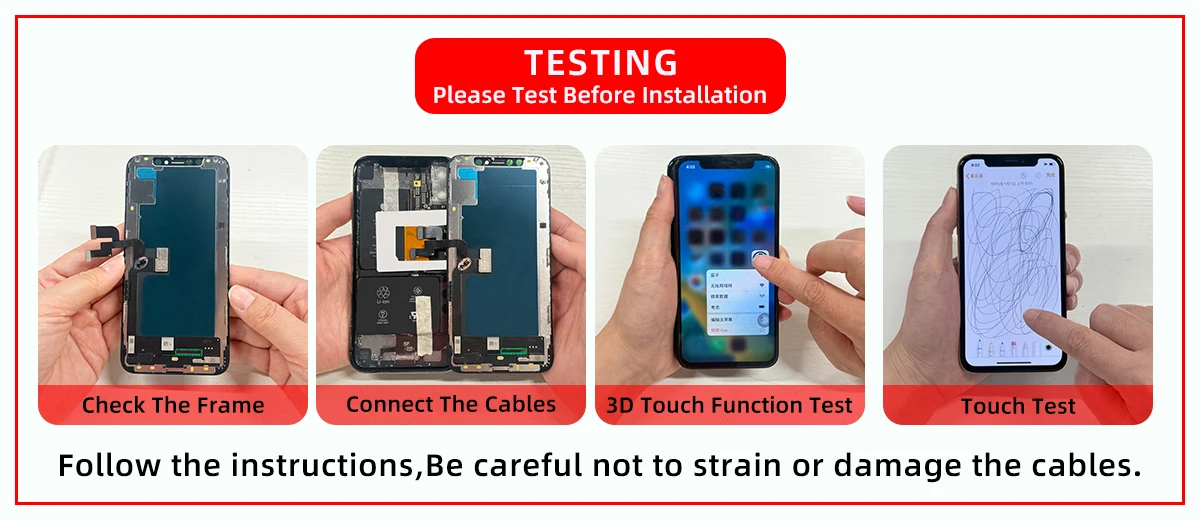
Important Installation Notes:
1. Power Off Completely
Always turn off your phone before starting any repair.
2. Disconnect Battery First
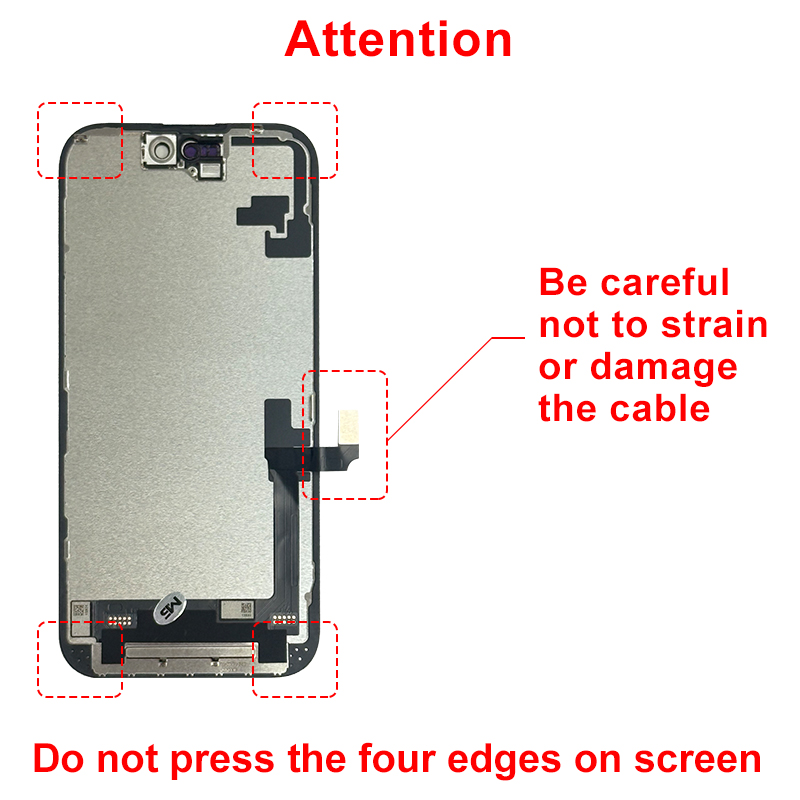
Disconnect the battery flex cable before handling any other components to avoid short circuits.
3. Transfer Original Parts for Key Functions
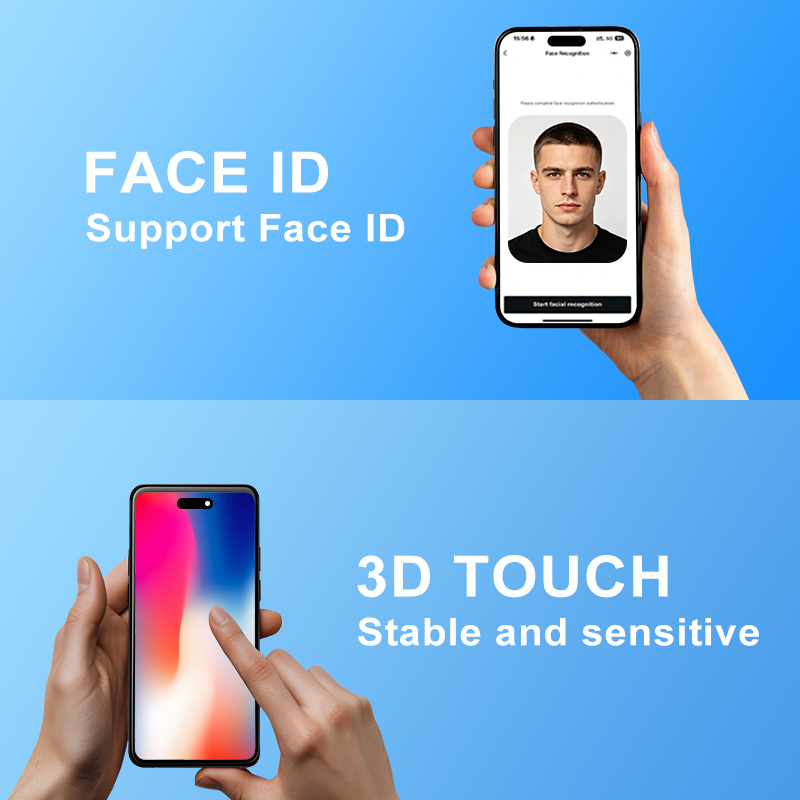
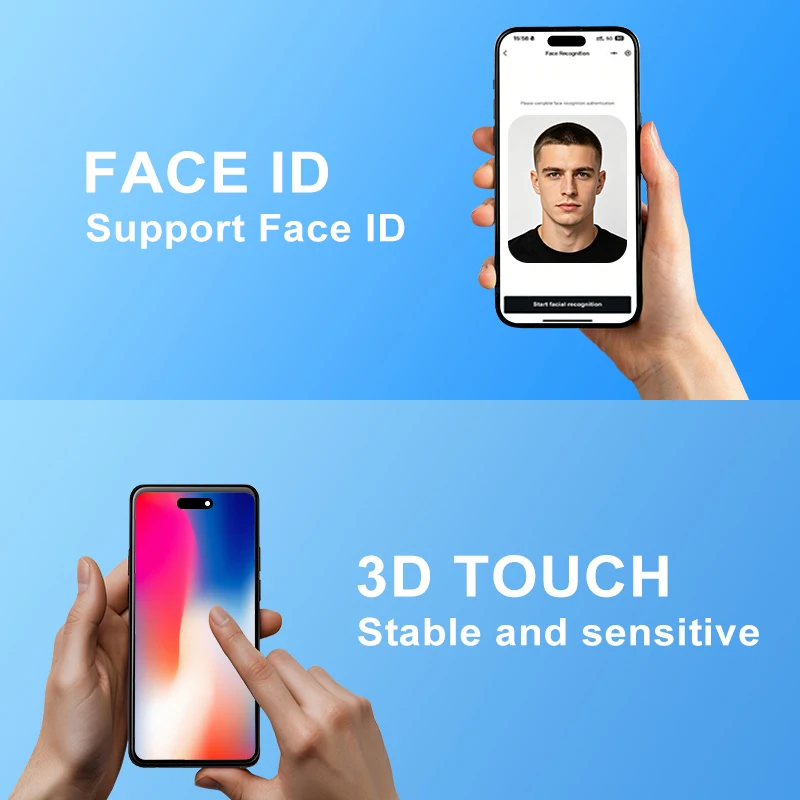
Face ID ( for iPhone X and later): You MUST transfer the original earpiece/sensor assembly from your old screen. Using the new screen’s pre-installed flex cable will disable Face ID.
4. True Tone
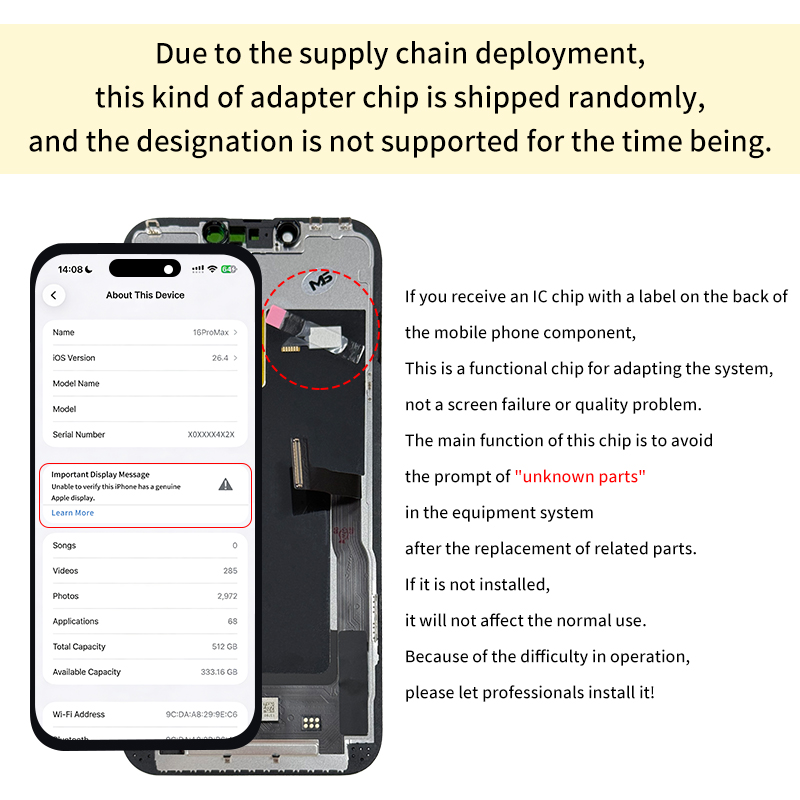
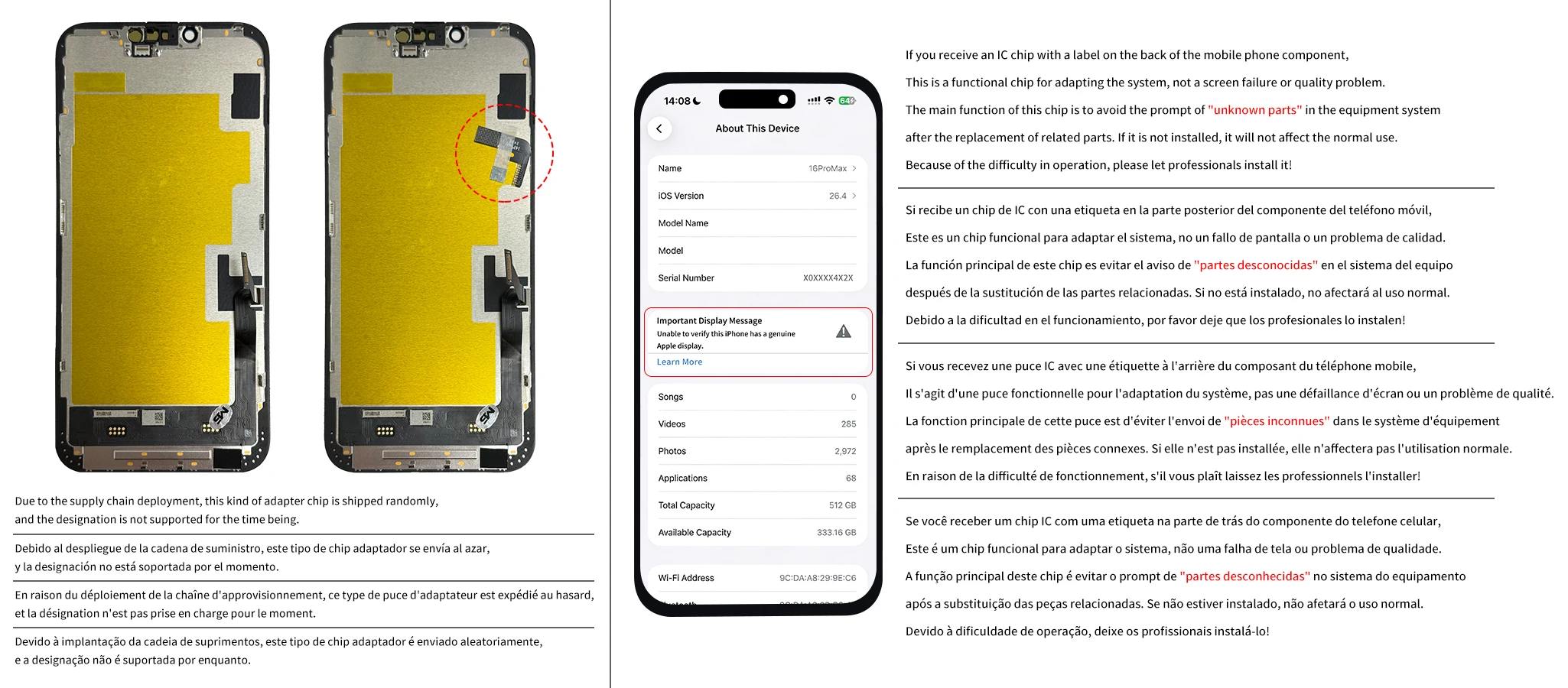
True Tone requires the original screen’s IC or reprogramming. It may not work after replacement (this is normal for third‑party screens).
5. Post‑Installation Calibration
After installation, go to Settings > General > About > Parts & Service History. If “Finish Repair” appears, tap it and follow the on‑screen instructions (Wi‑Fi required, battery >20%). This step is essential for full screen functionality.
For iPhone 12 Display
For iPhone 14 / 14 Plus / 14 Pro / 14 Pro Max Display
For iPhone 15 / 15 Plus / 15 Pro / 15 Pro Max LCD
For iPhone 16 / 16 Plus / 16 Pro / 16 Pro Max LCD
For iPhone 17 / 17 Pro / 17 Pro Max LCD
Package contains:
1*pcs LCD display screen
1*set of maintenance tools


この製品のレビューはまだありません。
関連製品