










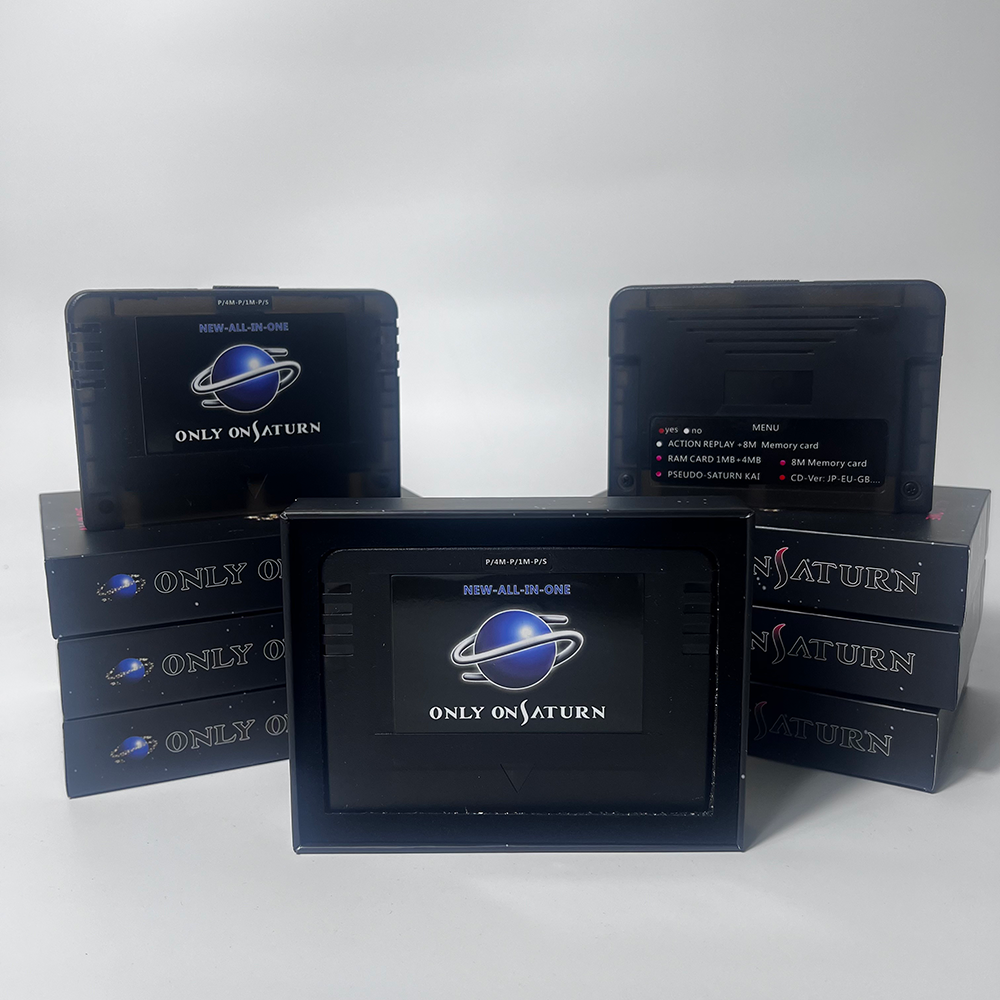
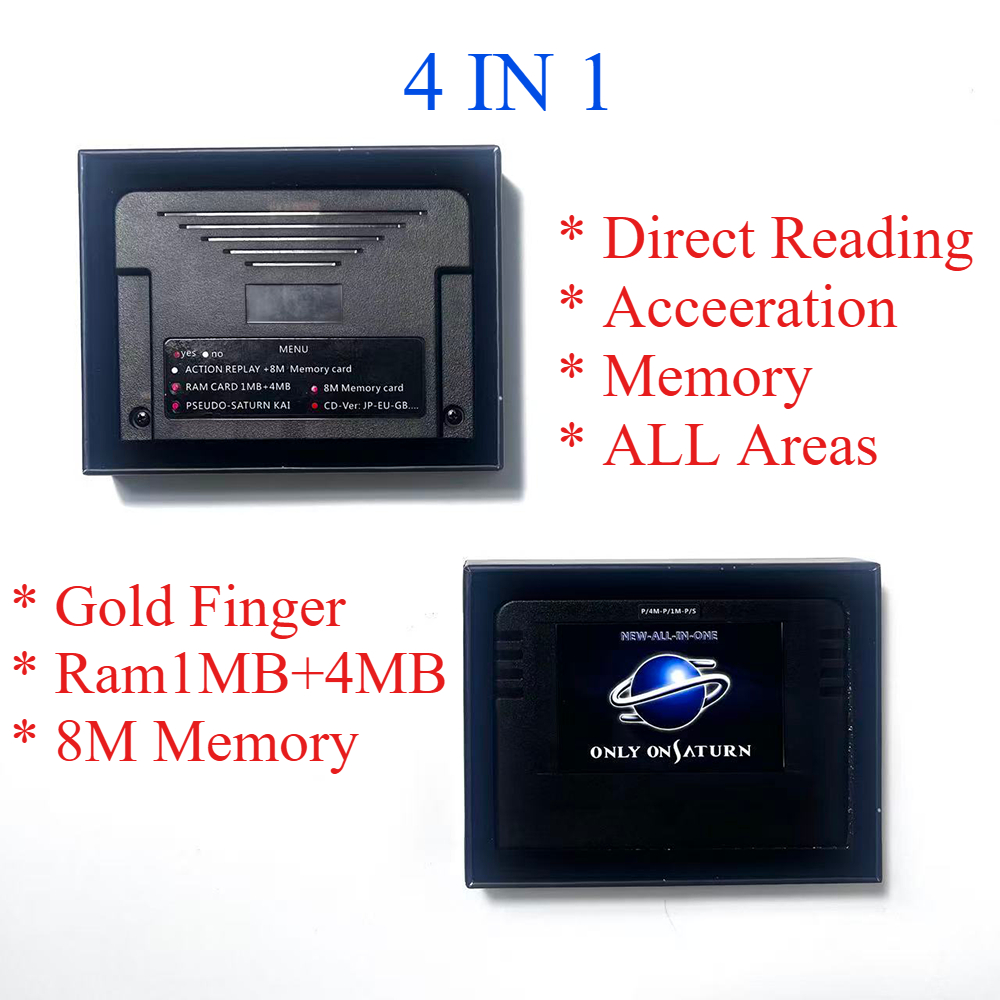
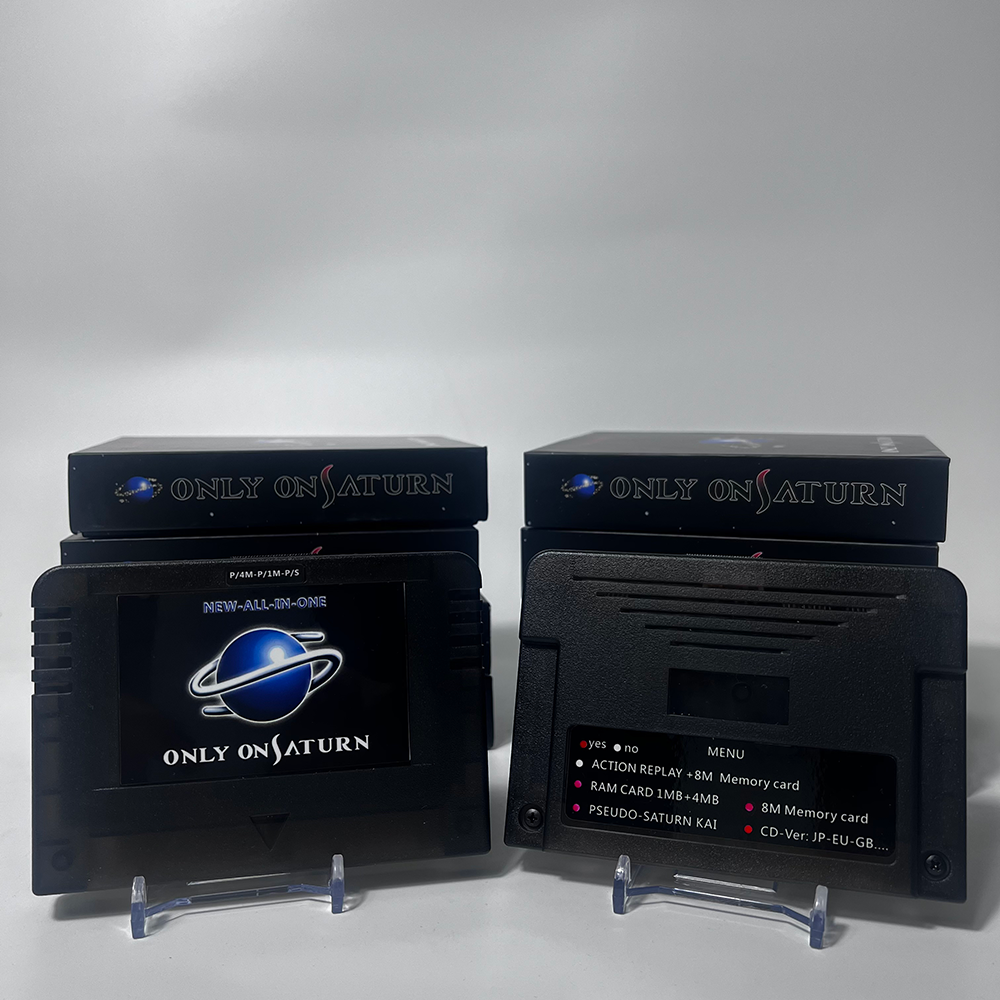
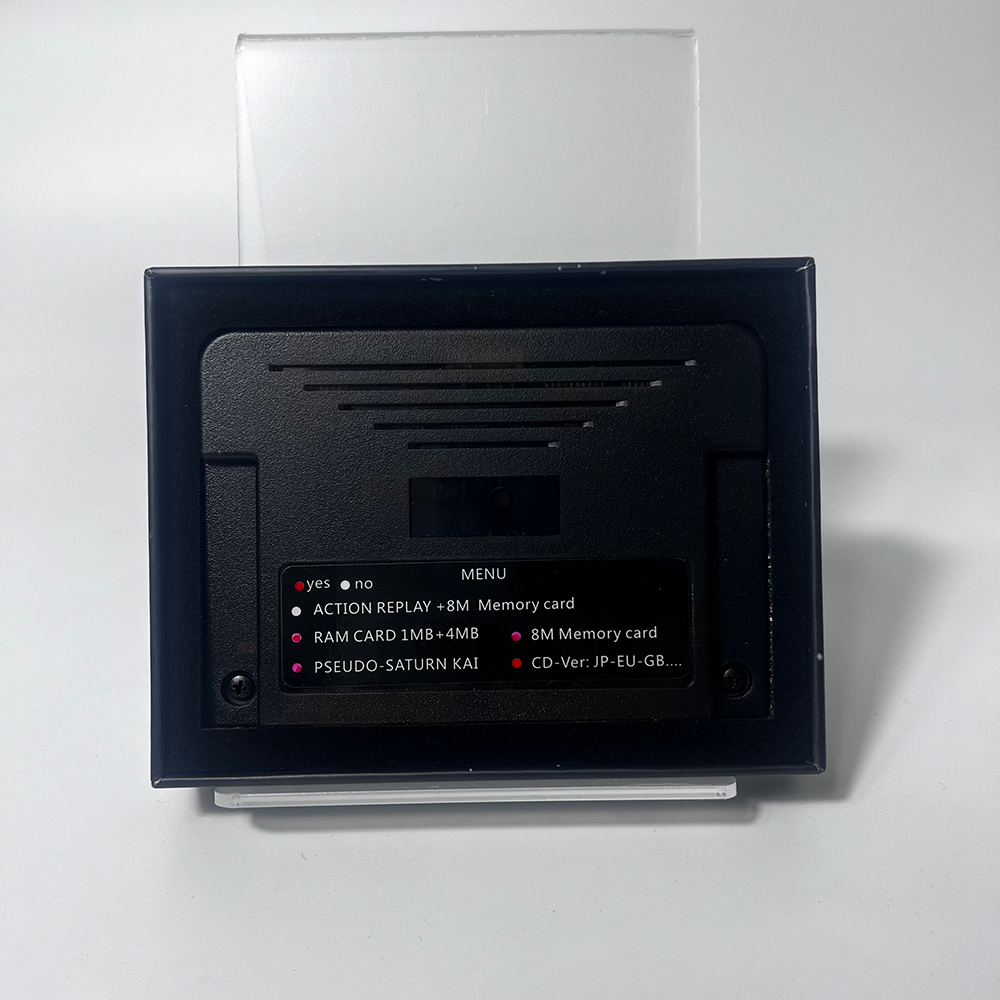
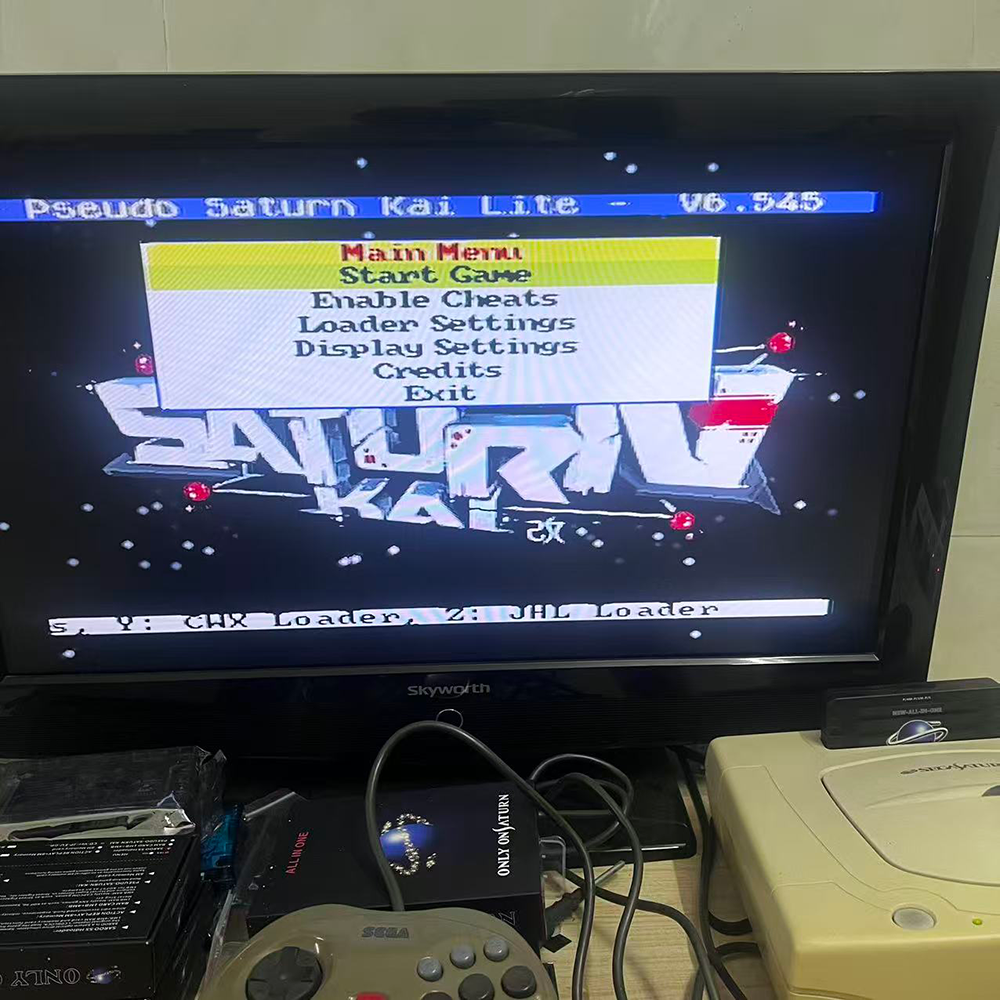
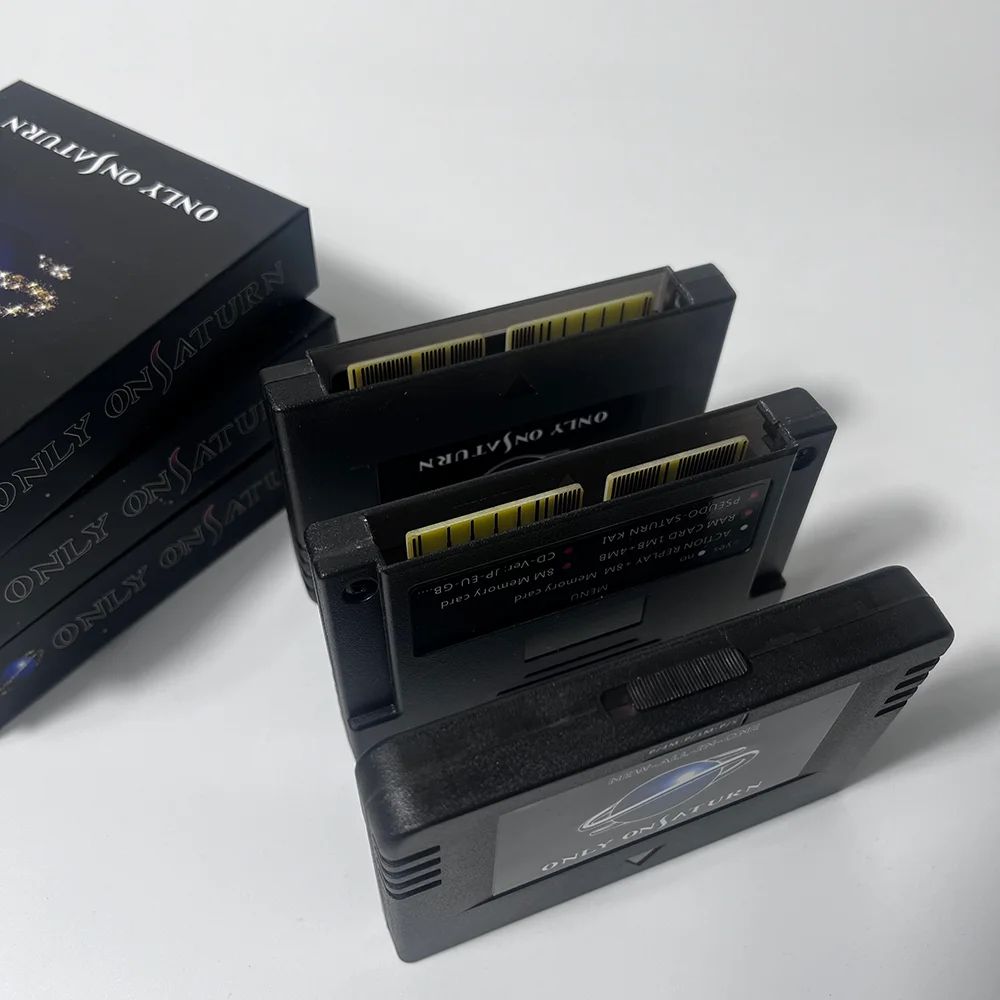
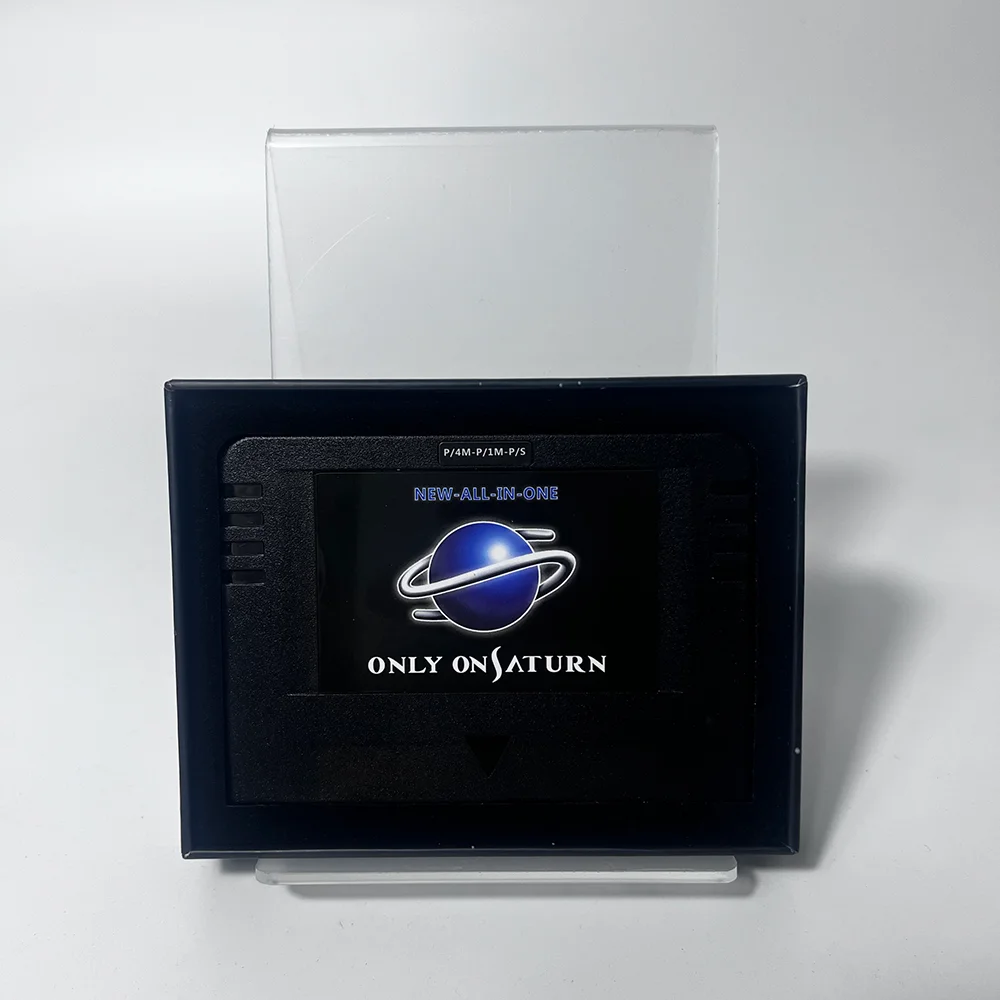
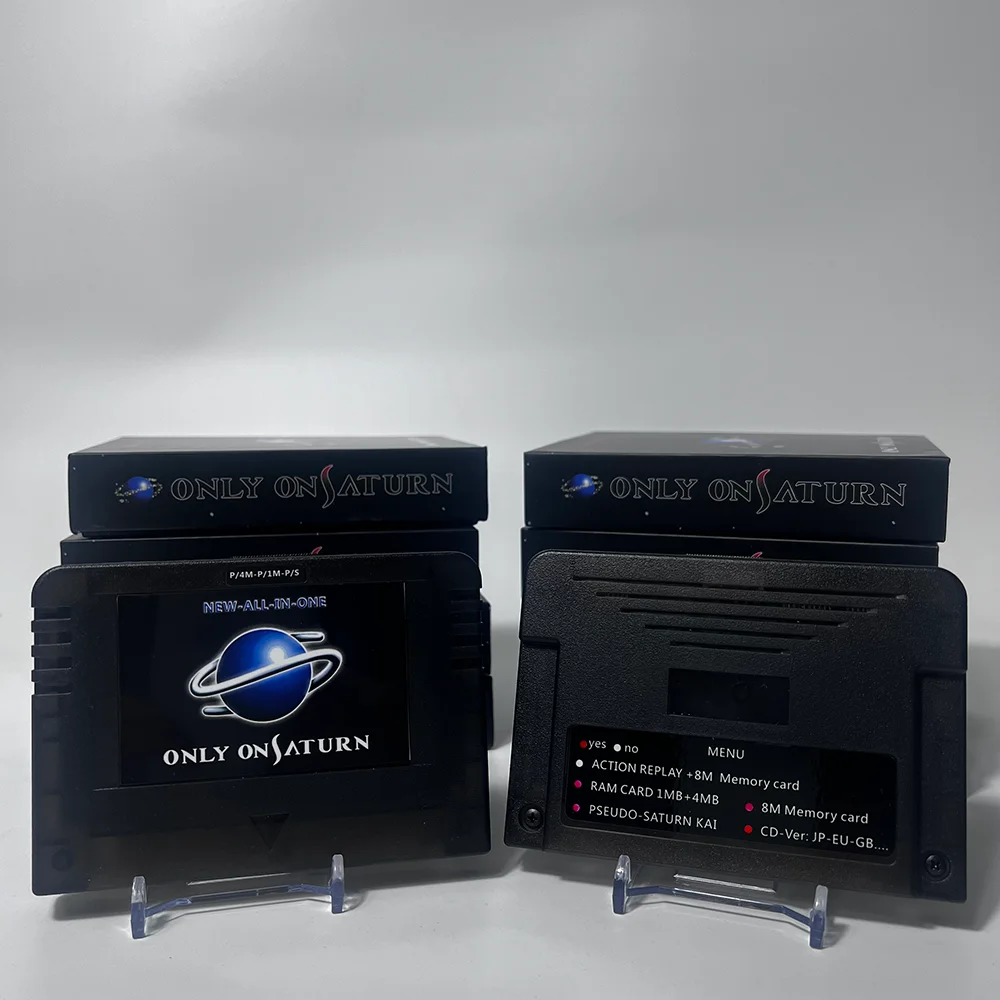
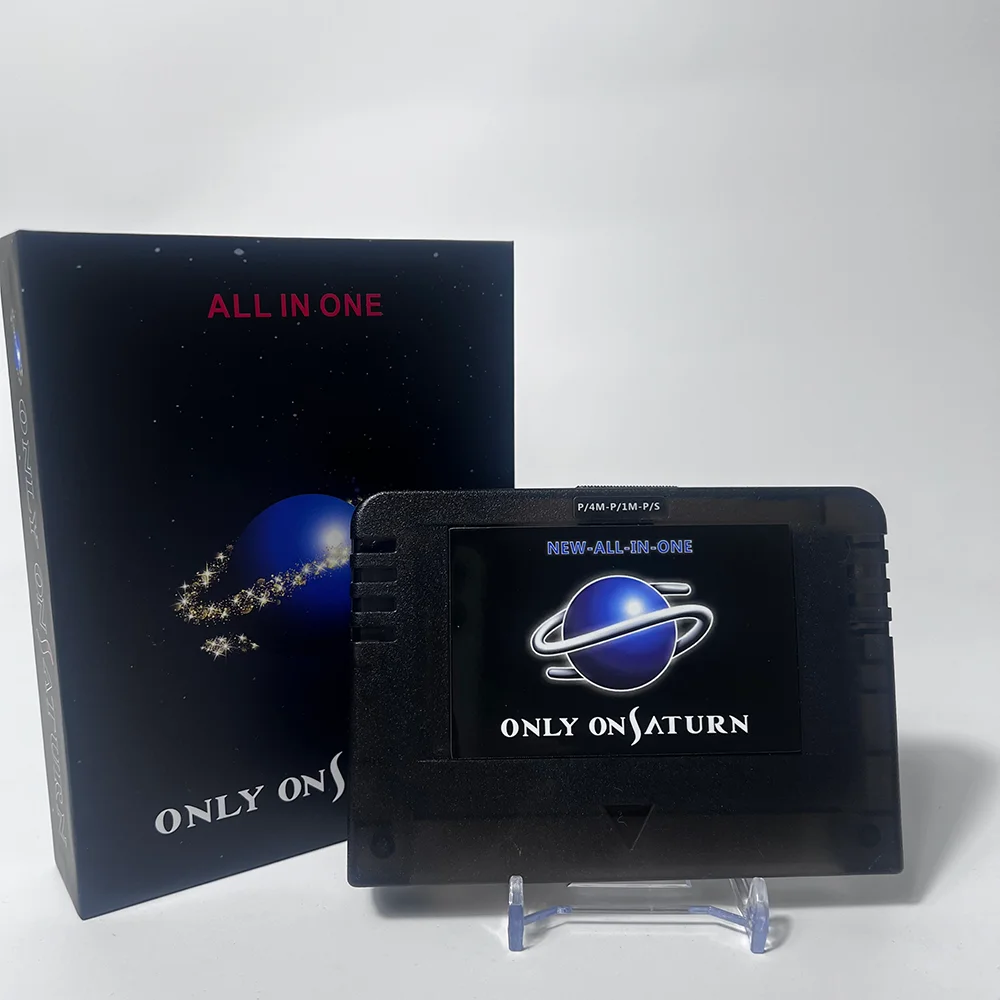
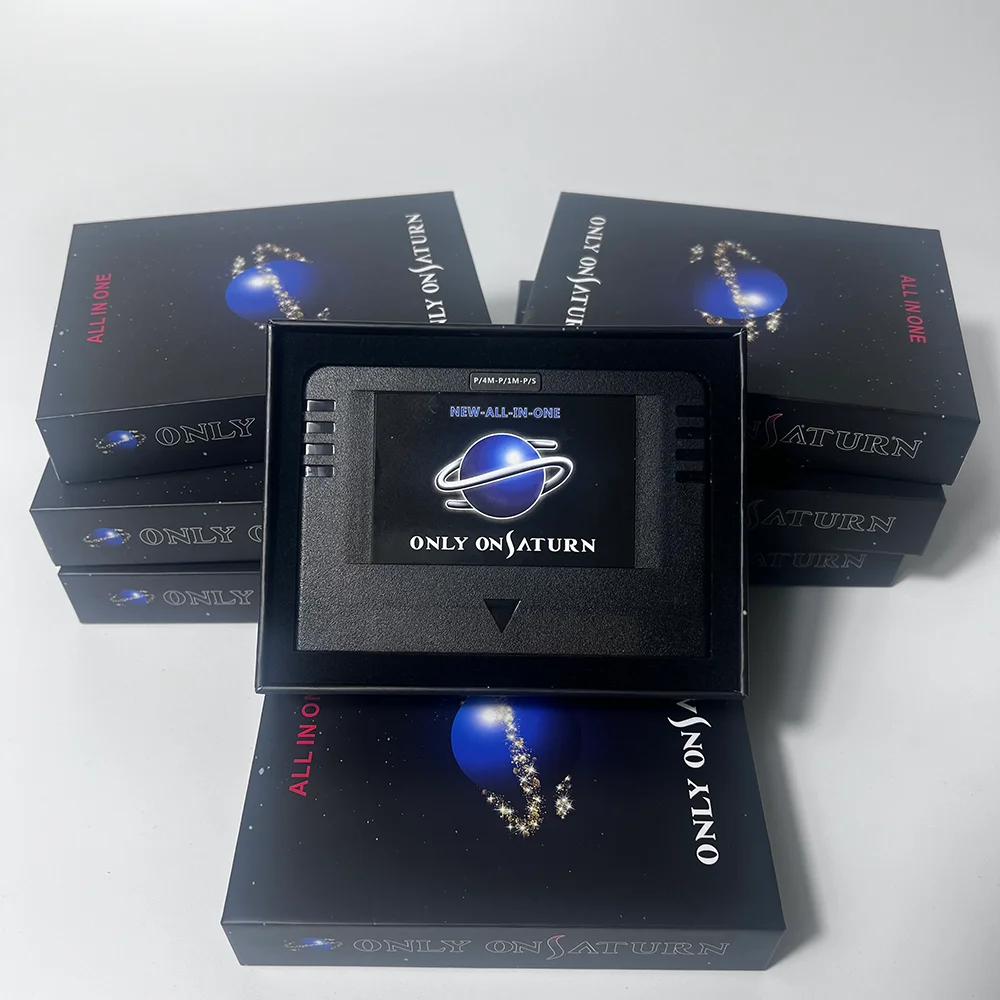
Pseudo Saturn 4 in1 NEW-ALL-IN-1 With Direct Reading 4M Accelerator Goldfinger Function Action Replay 8MB Memory Card Cartridge







Features:
New production improvement, the host is easy to recognize and use than the original card, the function is as follows:
1: Direct reading function, you can play D disk without changing the machine and installing direct reading, you can use which machine you want to plug in, regardless of the model, the dual system basically takes all games without worrying about compatibility issues.
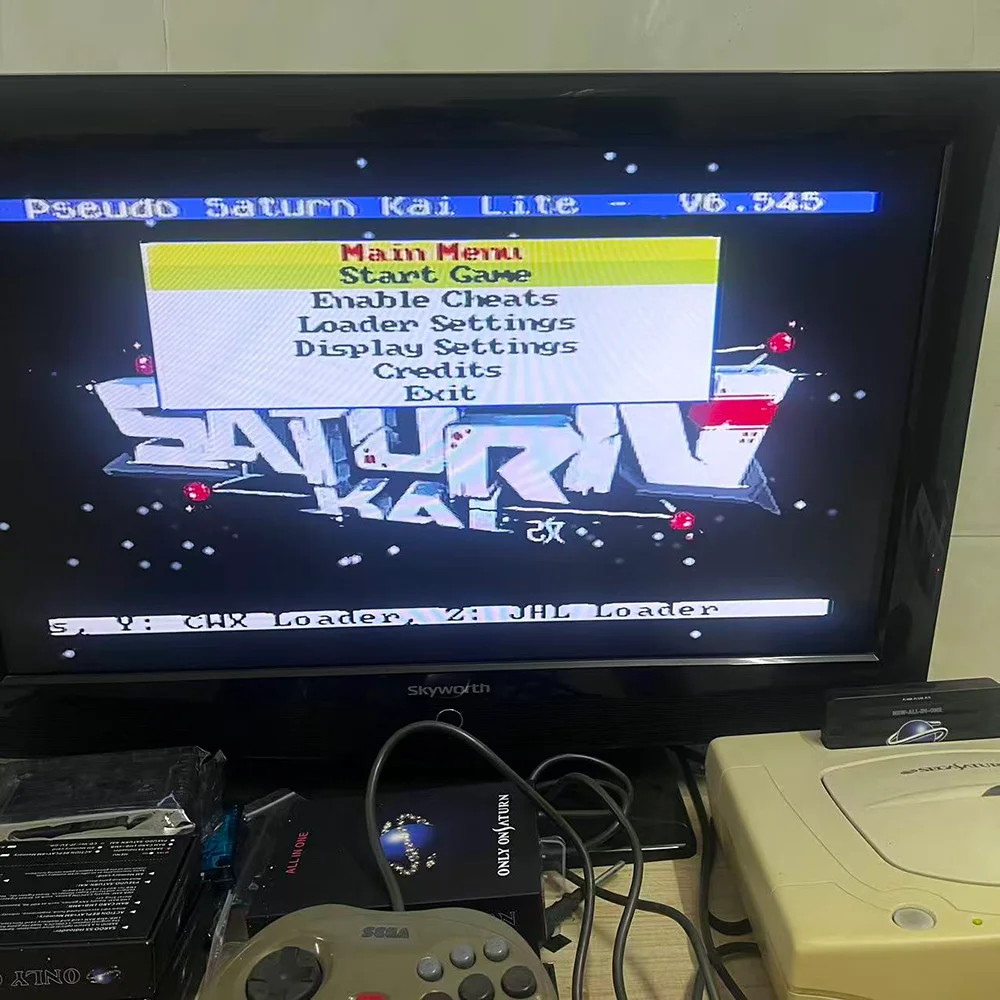
Instructions for use: After inserting the card, open the opportunity to enter the direct reading screen (if there is no entry language, follow the card insertion skills below). On the direct reading screen, there are 0831 and 0832 to choose to enter and you can play the game. Note that if you open the CD cover in 0831, you cannot return to the nine-ball screen. It is convenient to change the disc. To return to the nine-ball screen, you need to select the 0832 system and then open the cd cover or press sart+ABC (sart+ABCXYZ) until you return to the nine-ball screen!
2: All games in the whole region do not need to divide the US, Japan, Europe and other versions of the game.
3: Dual system (0831 and 0832) strong compatibility
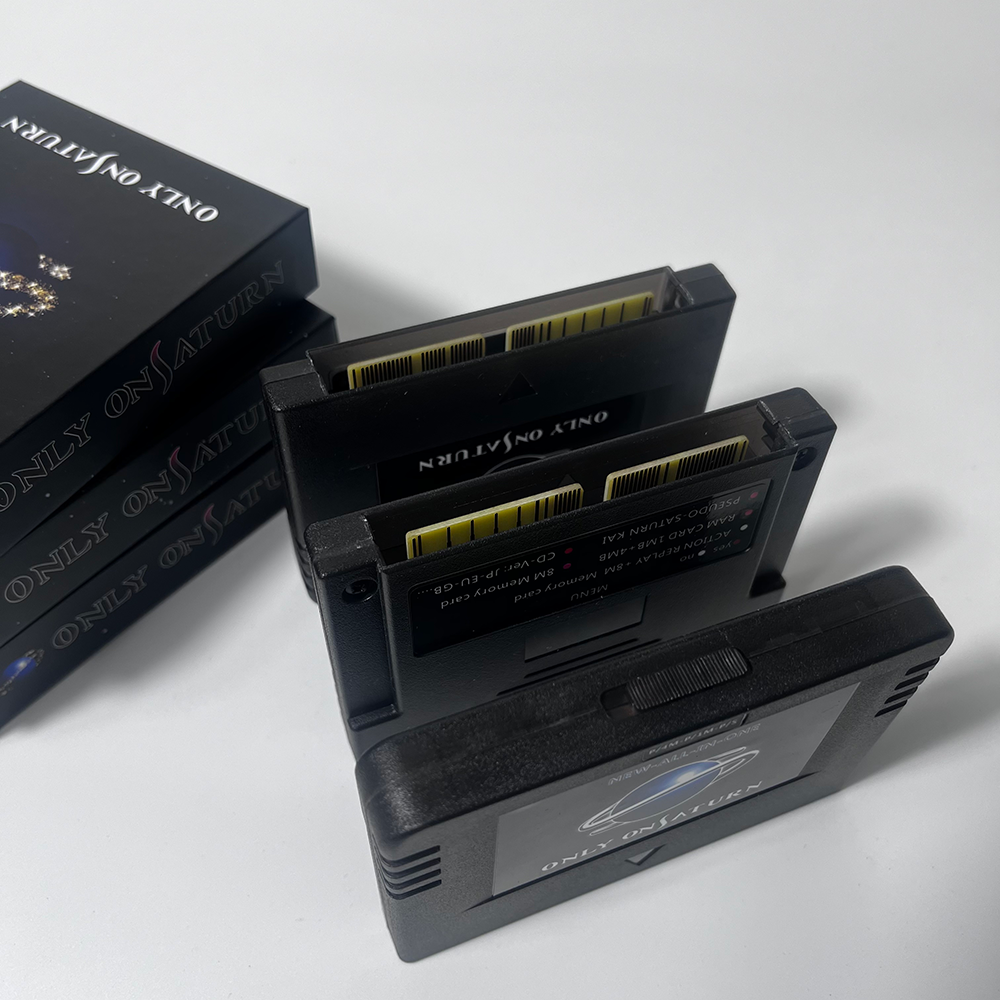
4: Tips for inserting the card: When inserting the card, you can swing it left and right or insert it, or push it up or down a little. If it doesn't work, you can use the back of the card to hold it because the dust cover in front of the card is biased against the card.
Description:
Works on both US / JAPAN/ EUR version SEGA SATURN console, No modification required on your console
1. Play Saturn CD-Rs in all zone
2. Act as a regional free card (Play import titles on your USA SEGA saturn console or the other way around)
Version: kai lite 6.274 upgradable firmware
Function: will not play any games that required RAM expansion card, NO RAM built in, thus it will NOT play X-MEN VS Street Fighter (required 4M expansion)
Notice: A weak laser lens and/or bad capacitors on your console will result in read disc error, if you ever having hard time inserting this cartridge into your Saturn slot, please use alcohol and cotton stick to clean up the slot, utility card have been double verified prior to shipment
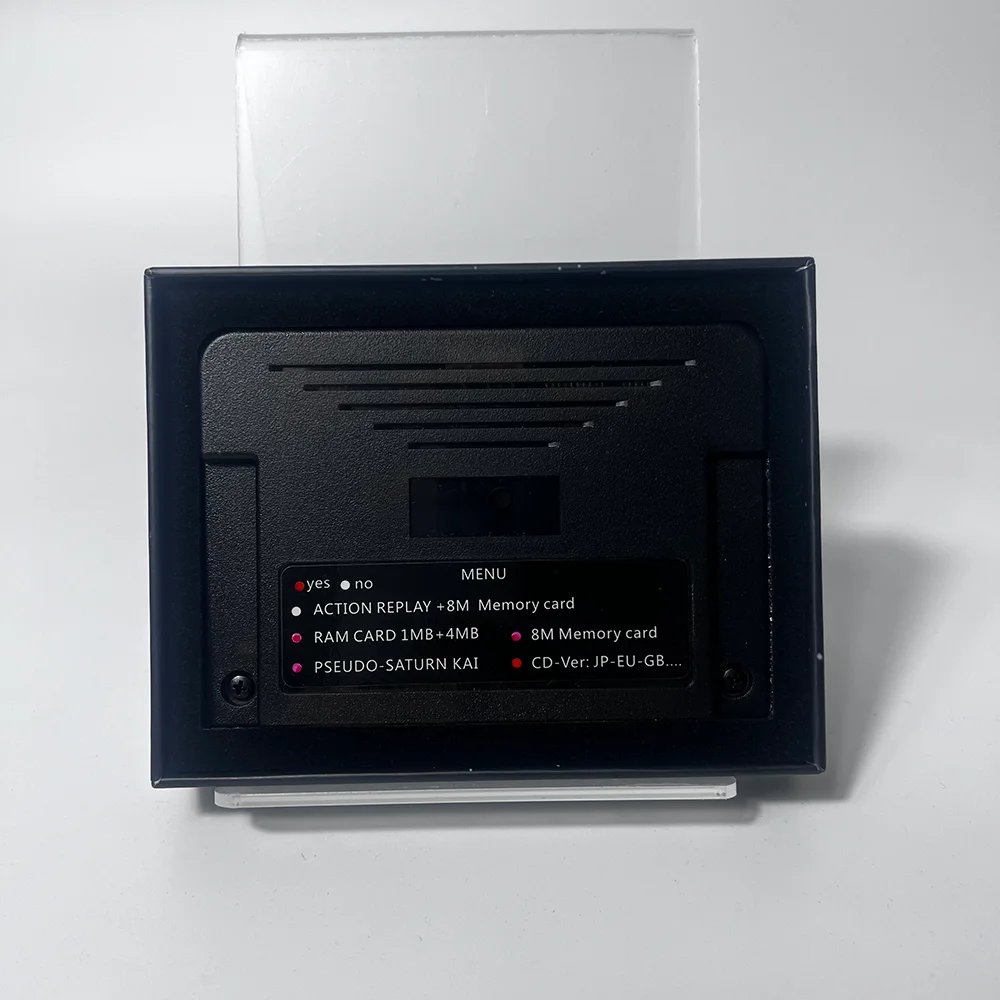
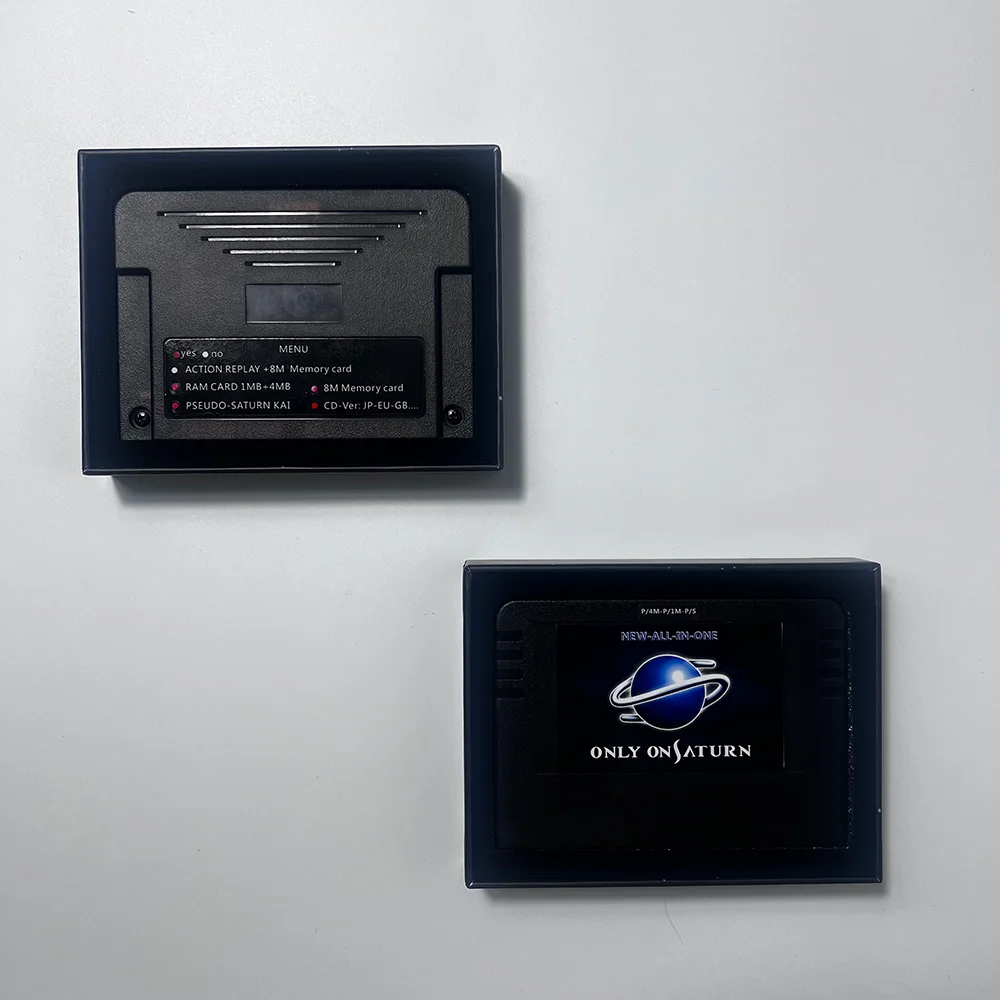
· ACTION REPLAY+8M Memory: gold finger card + 8M expansion memory card
Allow edit accumulated fund, experience, infinity life etc. Games save feature must be enhanced prior to game start not during game play (For built in 8MB cartridge).
· RAM CARD 1MB+4MB: accelerator card 1MB+4MB
1MB RAM: Mostly SNK games, such as KOF 96, Samurai Shodown series, Real Bout series and Metal Slug etc
4MB RAM: Mostly CAPCOM games, such as Street Fighter zero 3, Vampire Savior-The Lord of Vampire and Marvel Super Heroes vs. Street Fighter etc. You must select correct selection 4MB for KOF97 as an example
· PSEUDO-SATURN-KAI: direct reading card
Can read burned discs or other pirated discs. Read backup game discs
· 8M Memory card: 8M memory card
Same functionality as an official 8M memory card, notice not all the games support game saving functions.
· CD-Ver: game version
The game version is unlimited. Cartridge suitable for All region consoles JP-EU-GB.
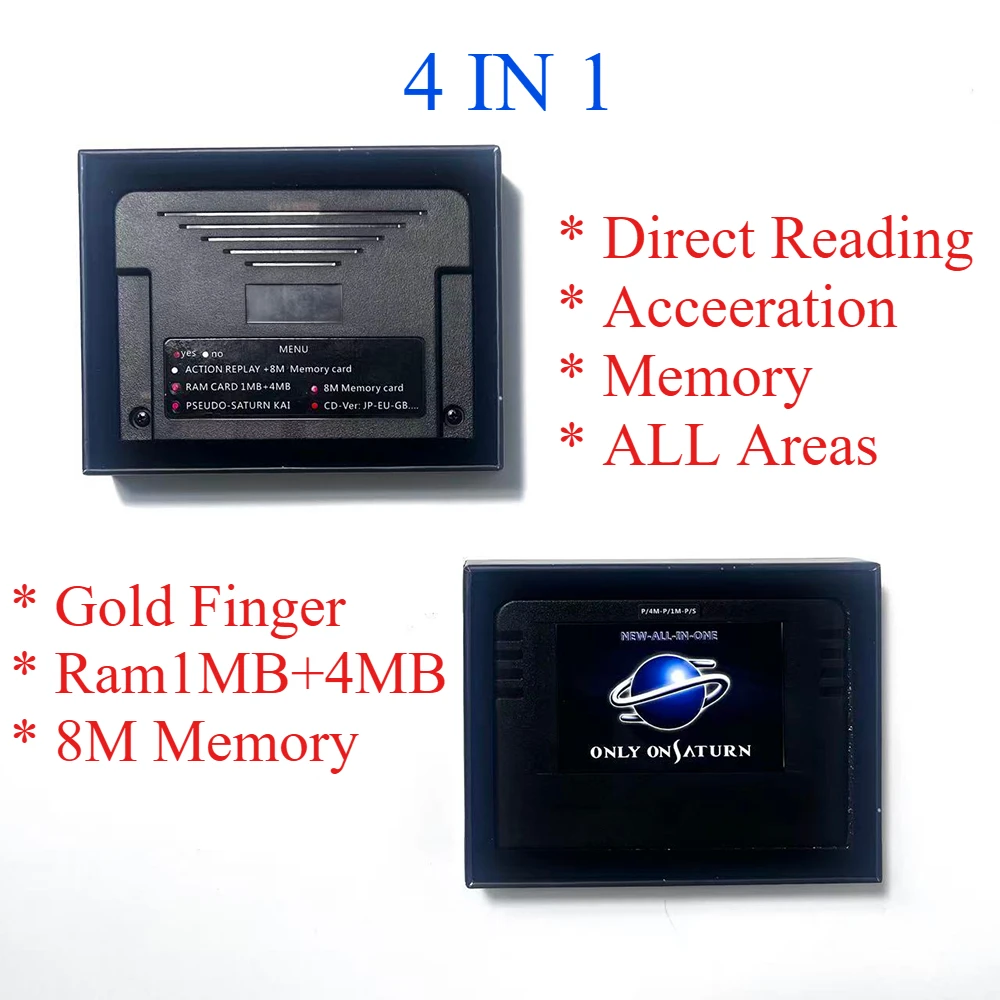
4 in 1:
1. Direct reading function, you don't need to change the machine to install the built-in direct reading to read the D disc. You can use which machine you want to insert, regardless of the model. It is convenient and simple to use! Instructions for use: After inserting the card, turn on the opportunity to enter the direct reading screen (if not, please follow the card inserting technique below)
2: 1m+4m accelerator card function takes all accelerator card games except 95 boxing champion and Ultraman! Phenomenon such as no screen crashes are easier to use than the original ones. Note that 97 should be dialed to the 4m position.
3: Use the original 8M memory card chip, the use and performance are the same as the original.
4: All versions of the game take all games in the region, no need to divide the games of the United States, Japan and Europe.
5: Cheats modify the game function, only support part of the game, please test by yourself, press the x key on the direct reading screen to enter, after entering the modification option, press the x key to select the green to be selected, and then press start/a/c One button can start the game. It is recommended not to select multiple problems such as easy crashes. Golden Finger does not explain or reply to the function for the upgraded function, and cannot return the product for this function.
6: Card inserting skills: When inserting a card that is particularly difficult for some machines to recognize the card, you can insert it in the end and swing it left and right a few times. After inserting or inserting it, you can put it on the left or right. The picture has instructions.
関連製品