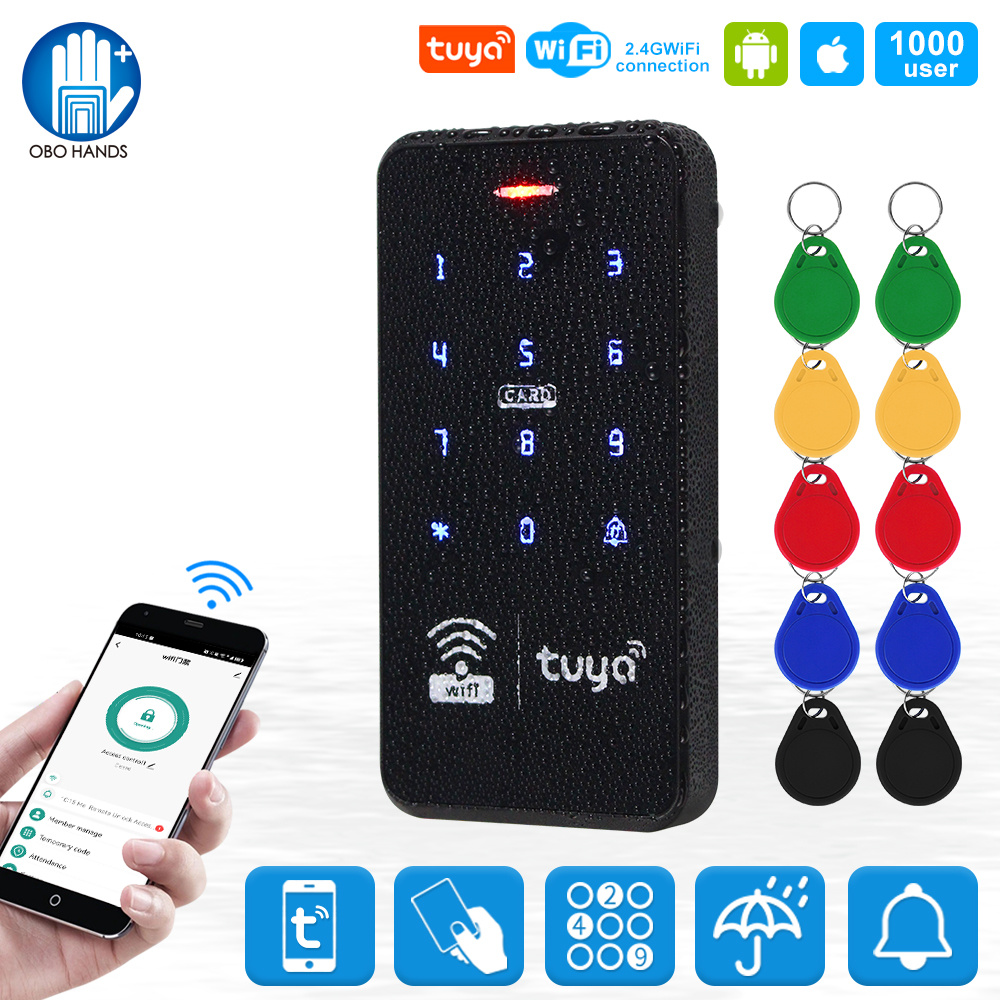











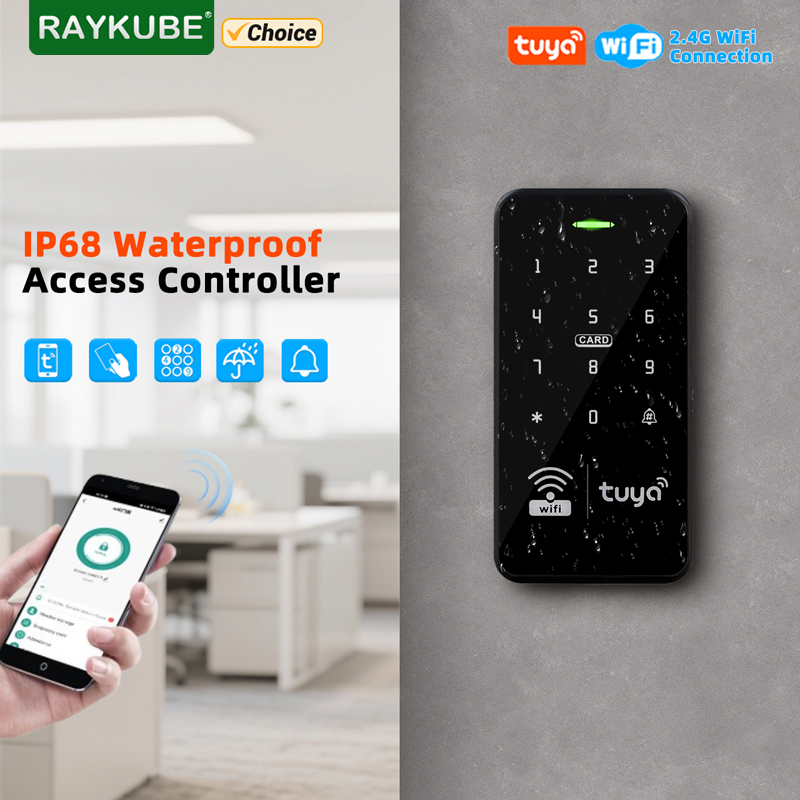
RAYKUBE S20 Waterproof Smart Tuya WiFi Access Controller Keypad 125KHz/13.56MHz RFID Card Password Keyboard Opener APP Unlock





RAYKUBE S20 Waterproof Smart Tuya WiFi Access Controller Keypad 125KHz/13.56MHz RFID Card Password Keyboard Opener APP Unlock
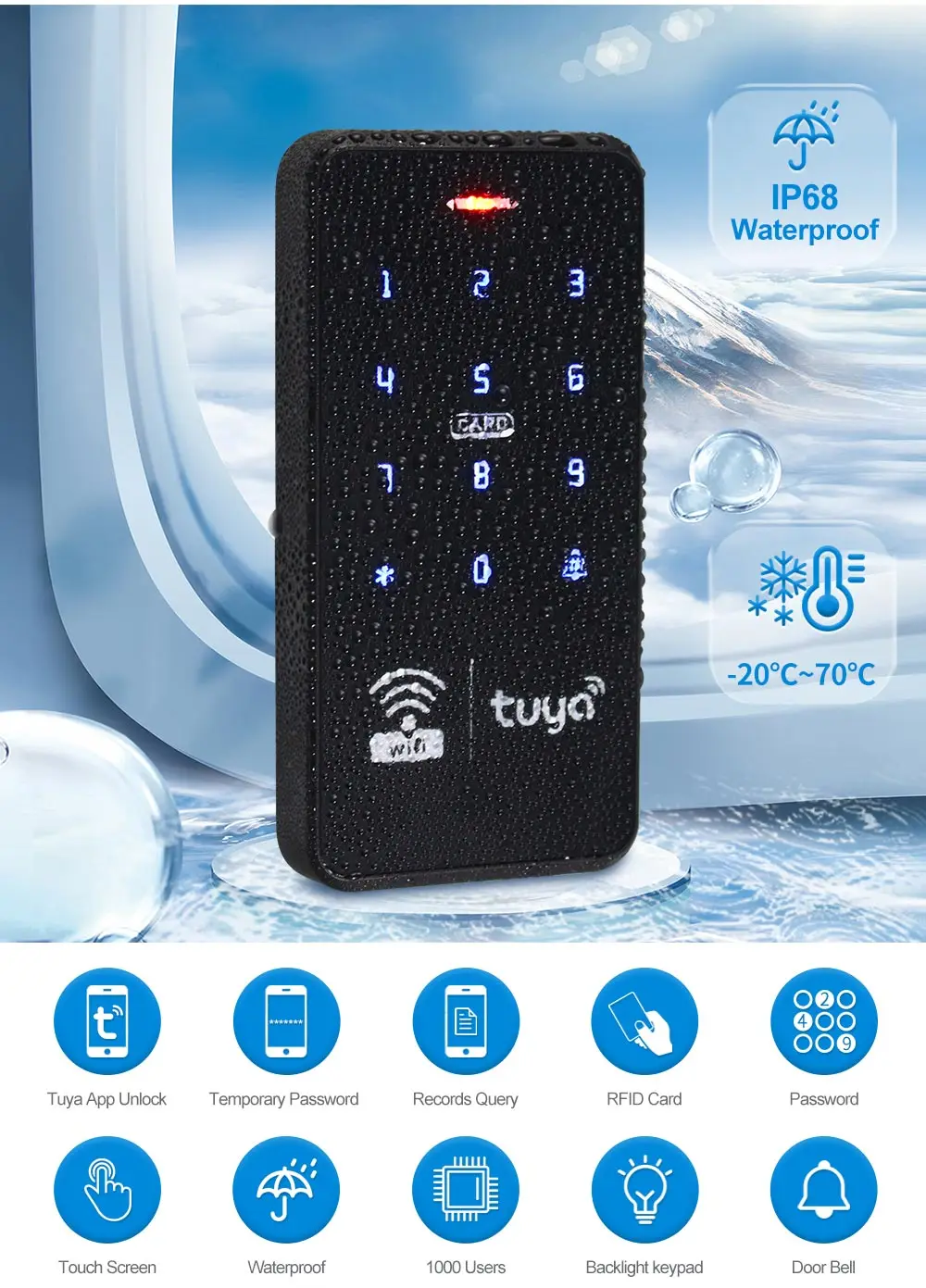
User capacity: 10,000 user
Material: ABS high quality material
Panel: touch screen panel
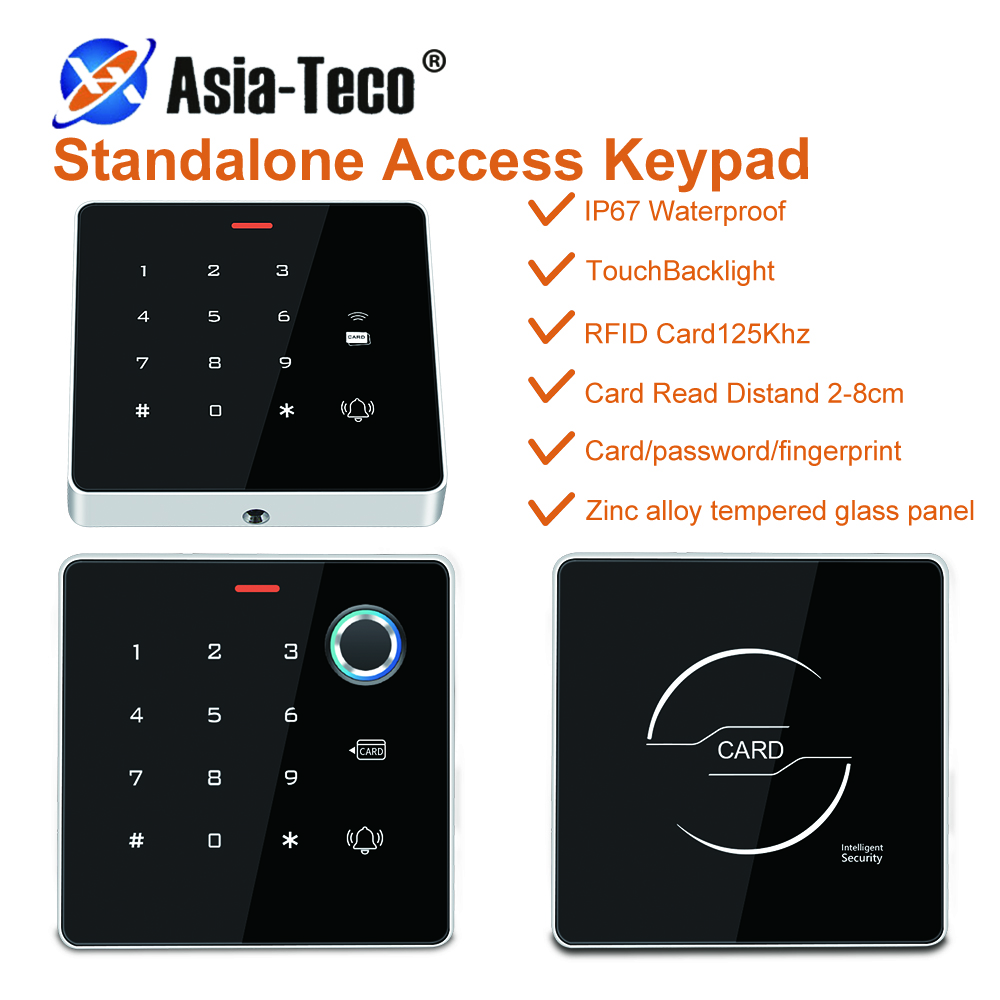
Working frequency: 125KHz and 13.56MHz
Card reading type: support EM ID and MF IC compatible card
Card reading distance: 0-5CM
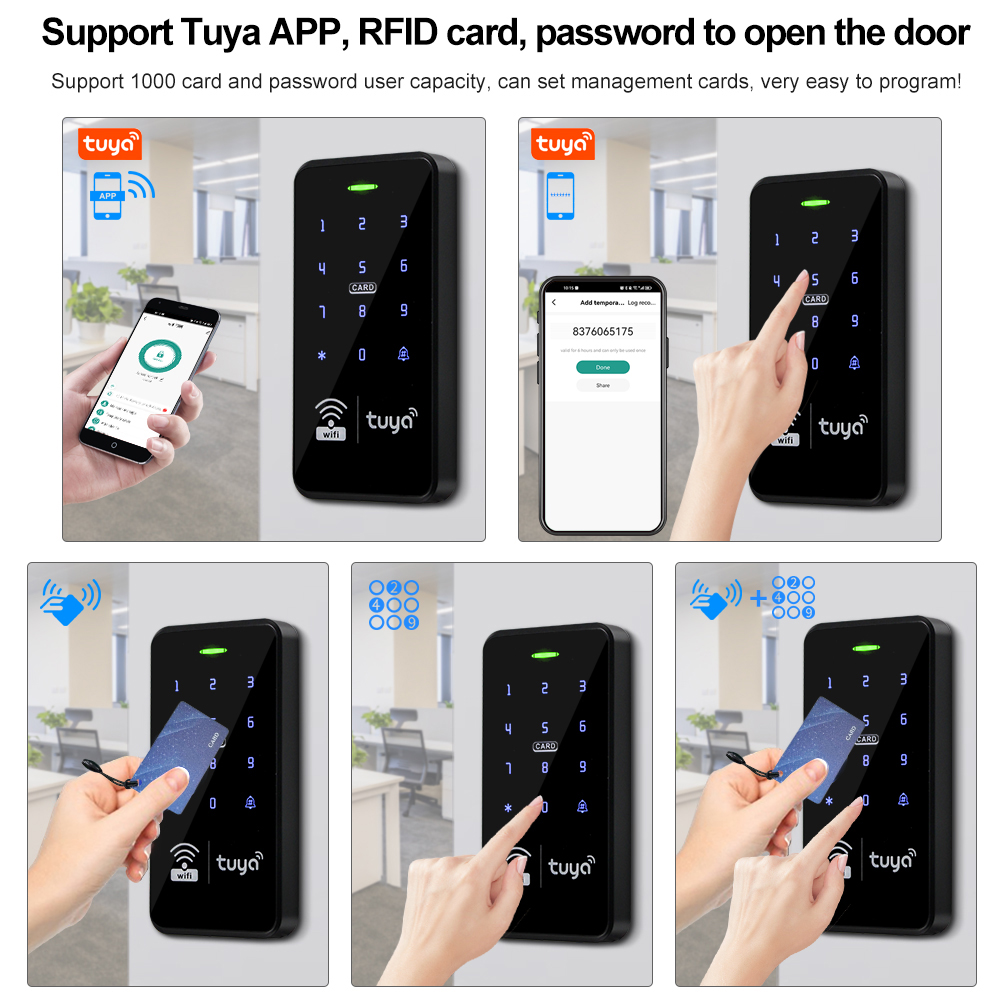
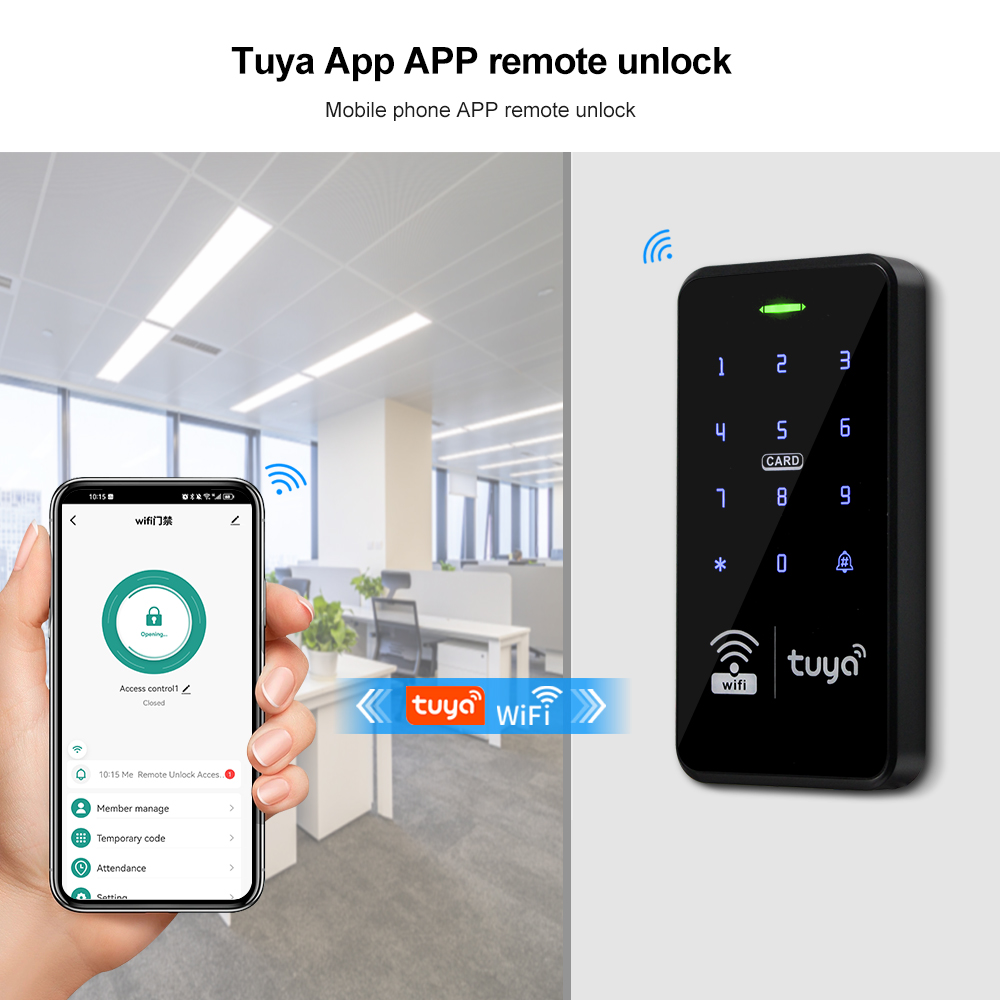
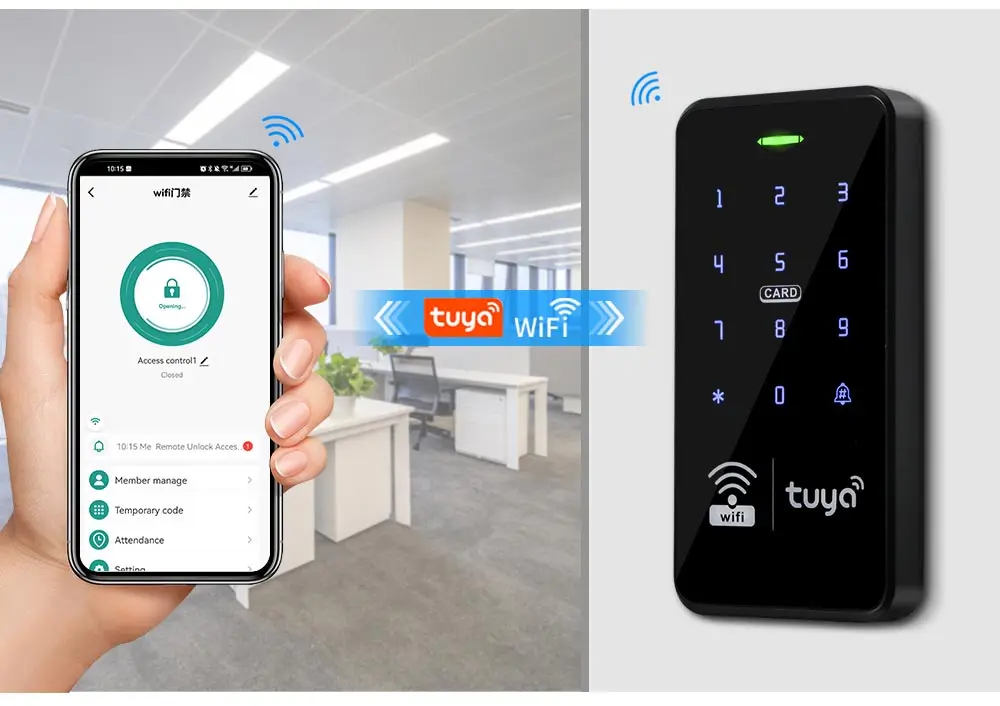
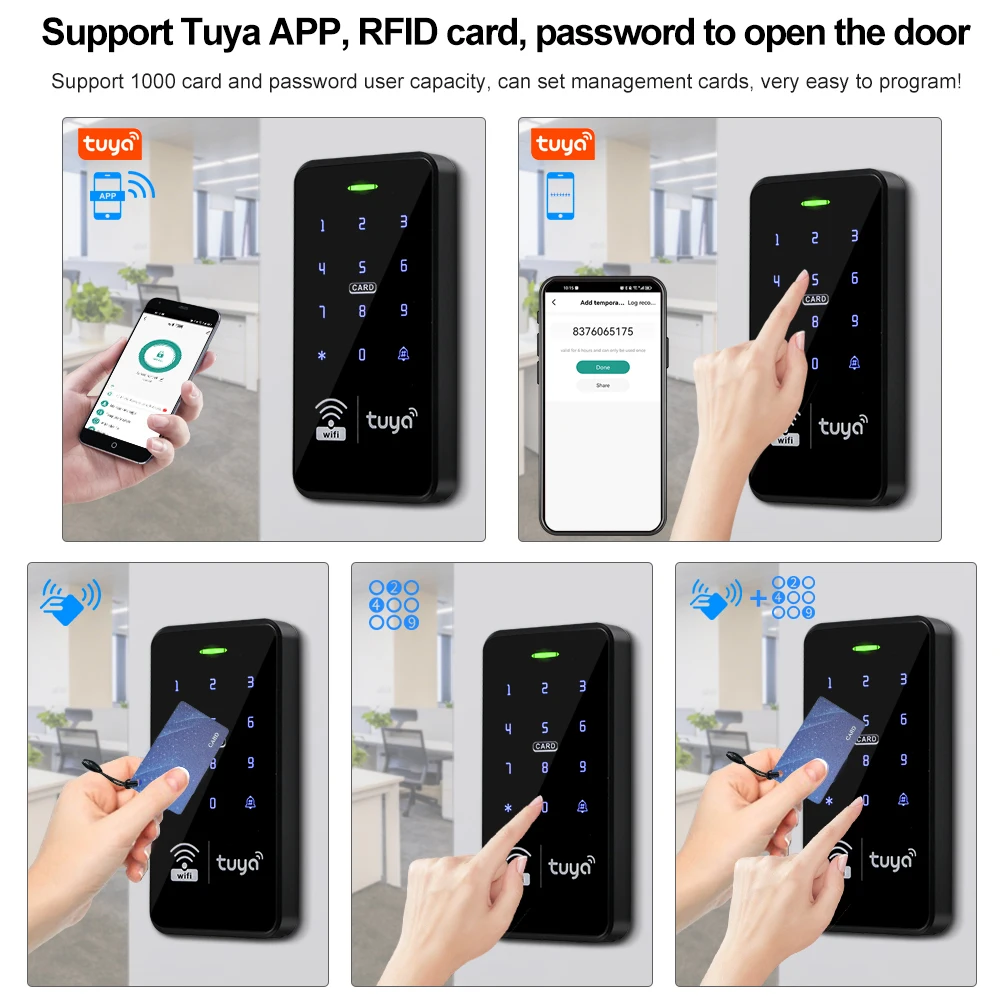
ldentification method: RFID card, Password, RFID Card plus Password, Tuya APP remote unlock.
Record capacity: Tuya APP remotely view the latest lock opening information
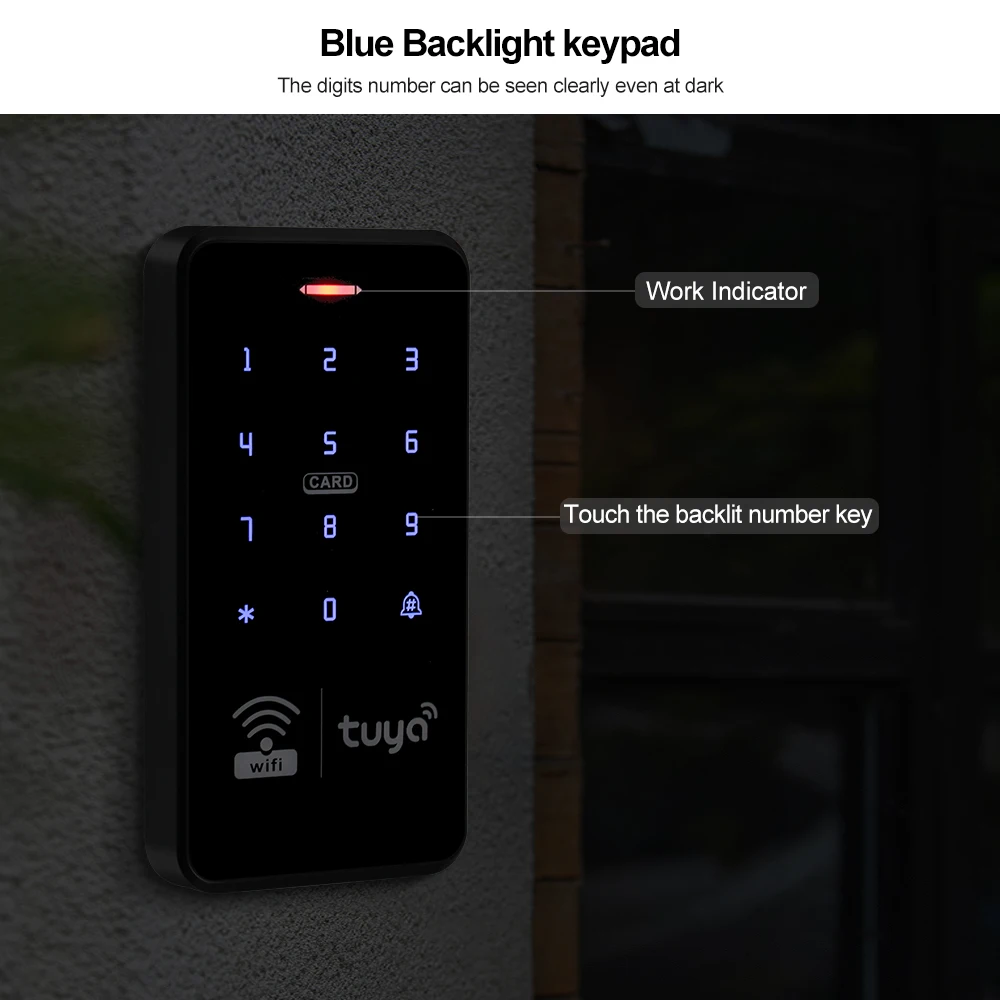
Backlight: has blue backlight
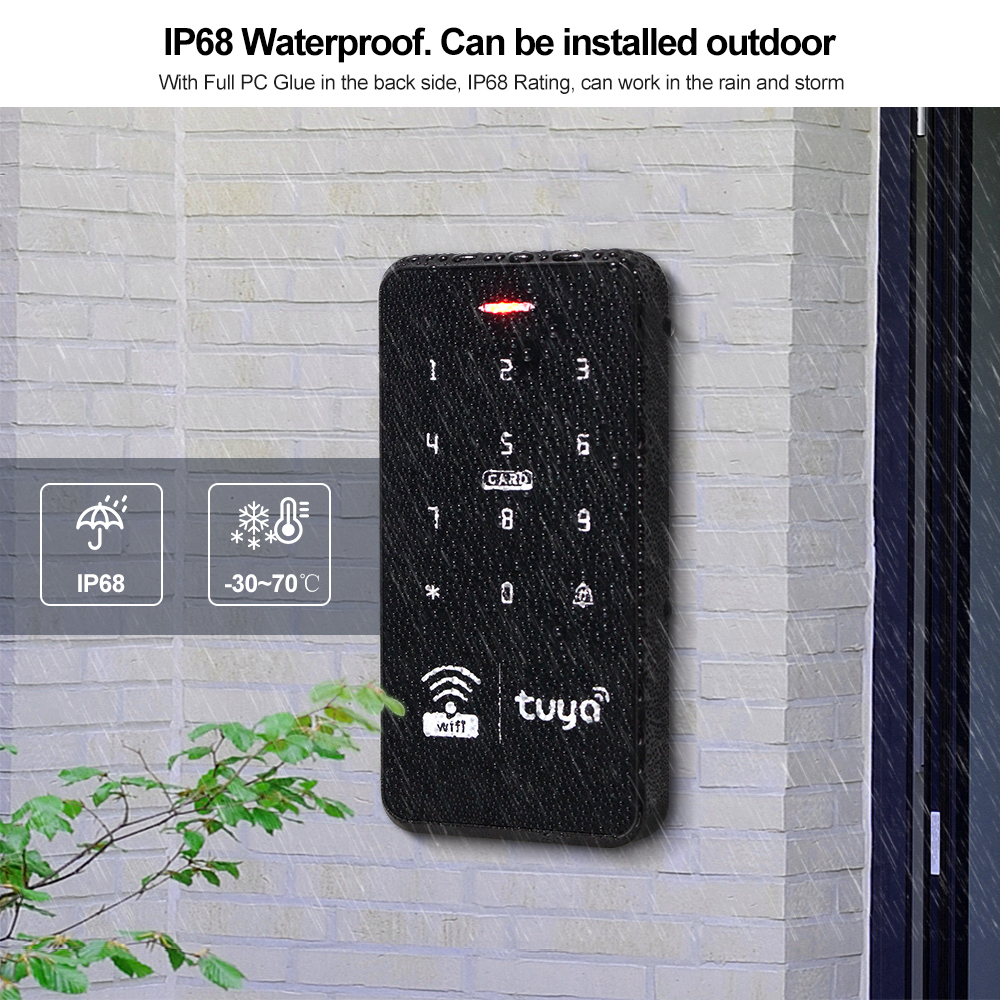
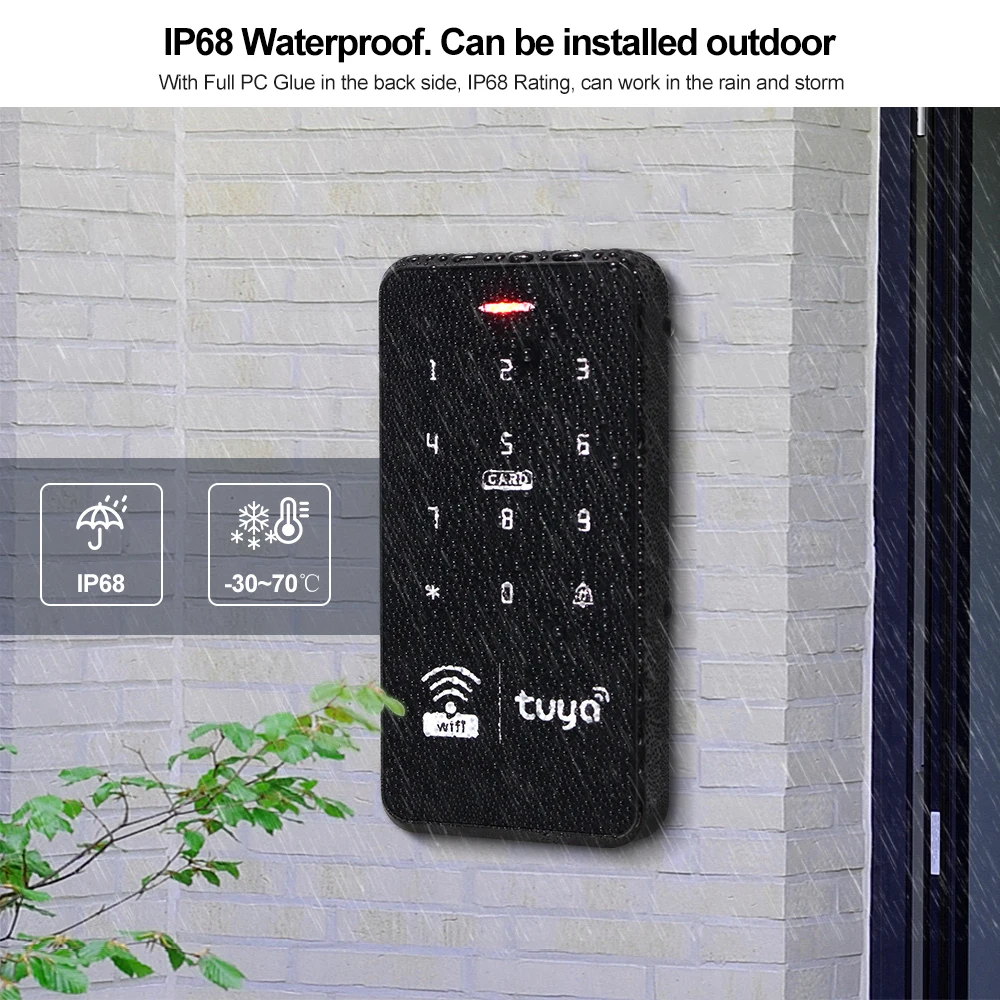
Waterproof function: IP68 waterproof, can be installed outdoor
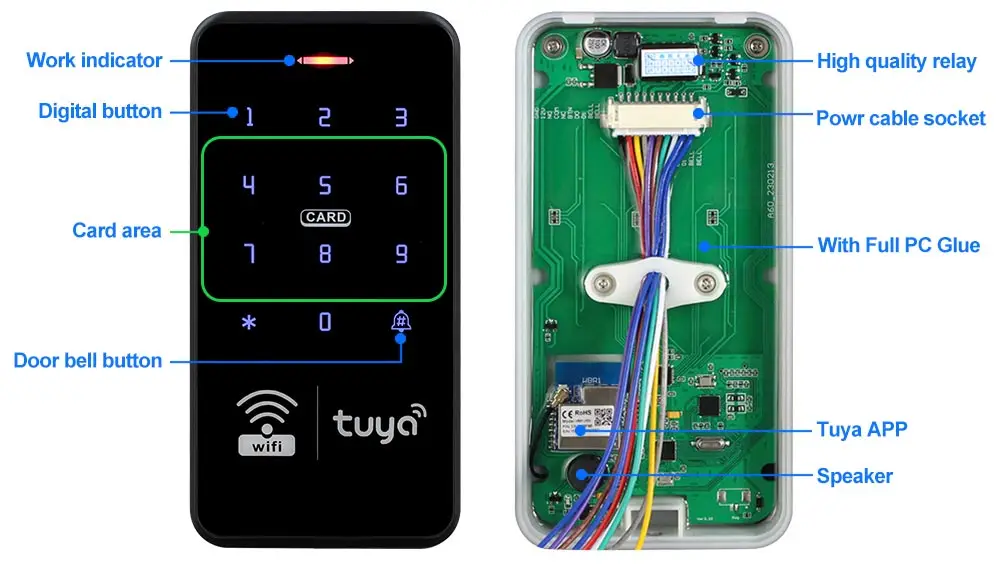
Doorbell button: support wired doorbell
Wiegand signal: WG26/34 output
Working voltage: DC 12V
Working current: ≤3A
Door opening time: 0~99 seconds
Can set Management card: Yes
Working temperature: -20 ~ 70 Degrees Celsius
Working Humidity: 10% ~ 90%
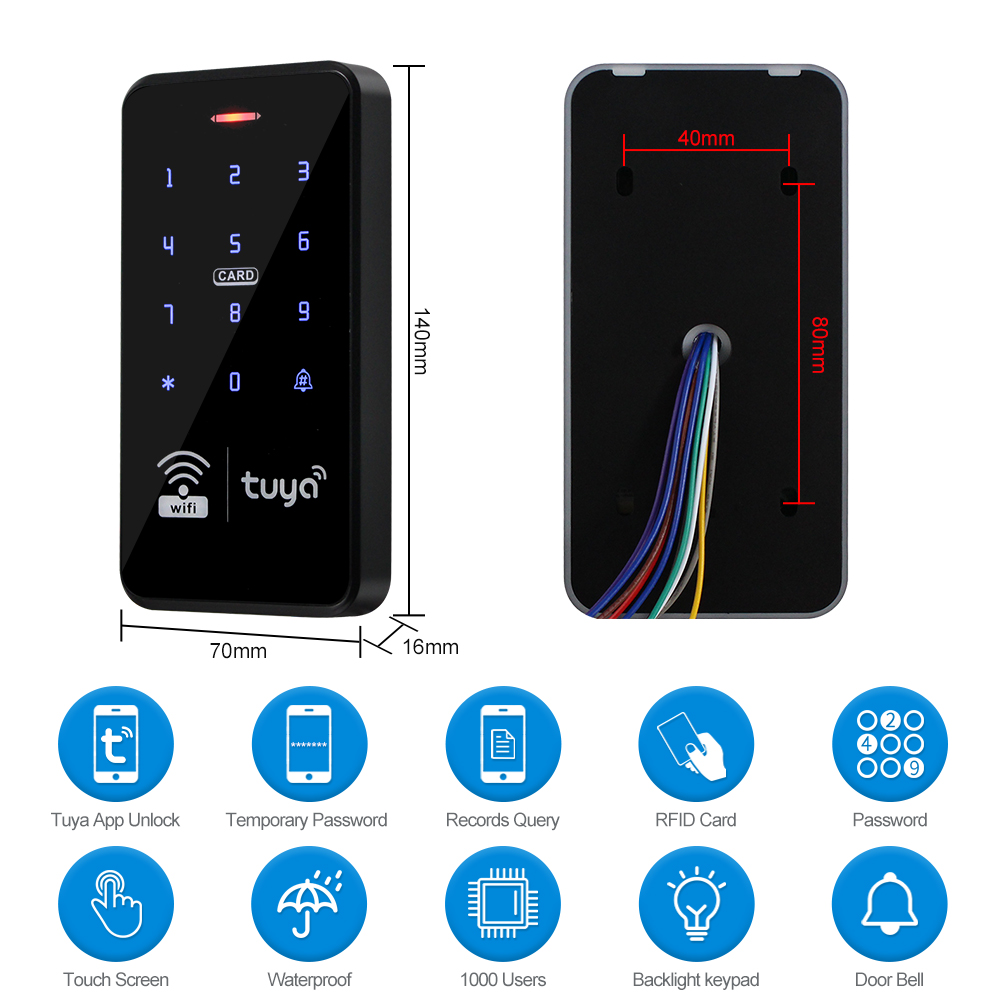
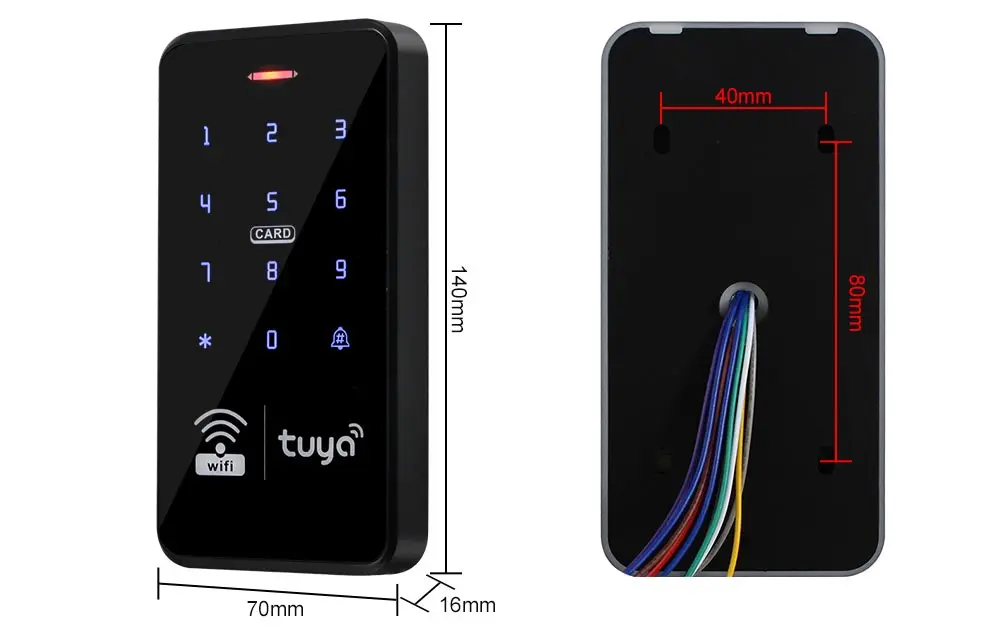
Product size: 115*72*17mm
You can hold and press the unlock icon to open the door
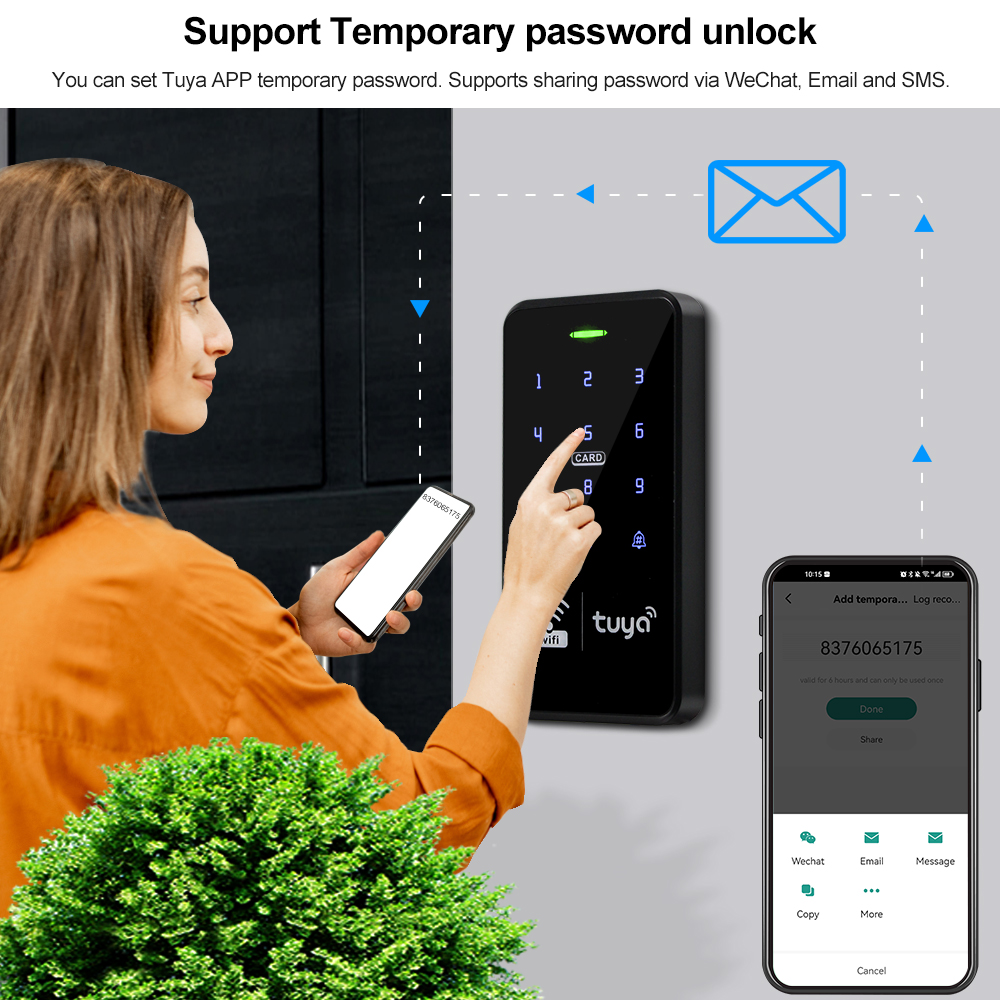
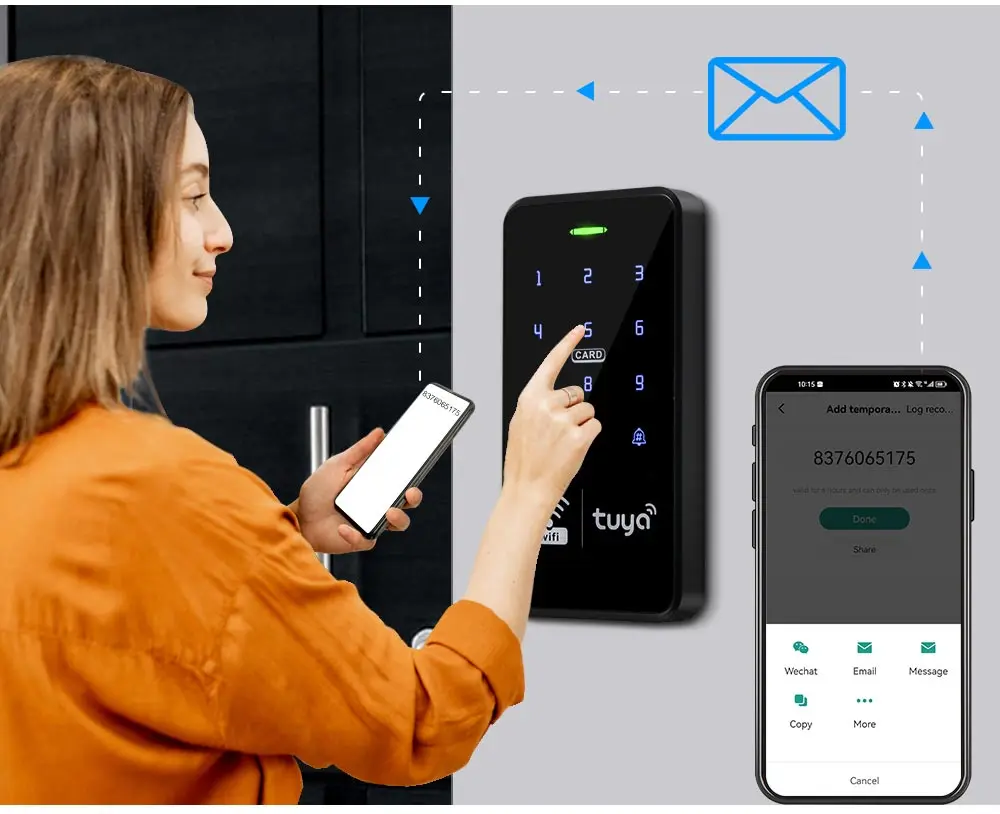
You can set Tuya APP temporary password. Supports sharing password via WeChat, Email and SMS.
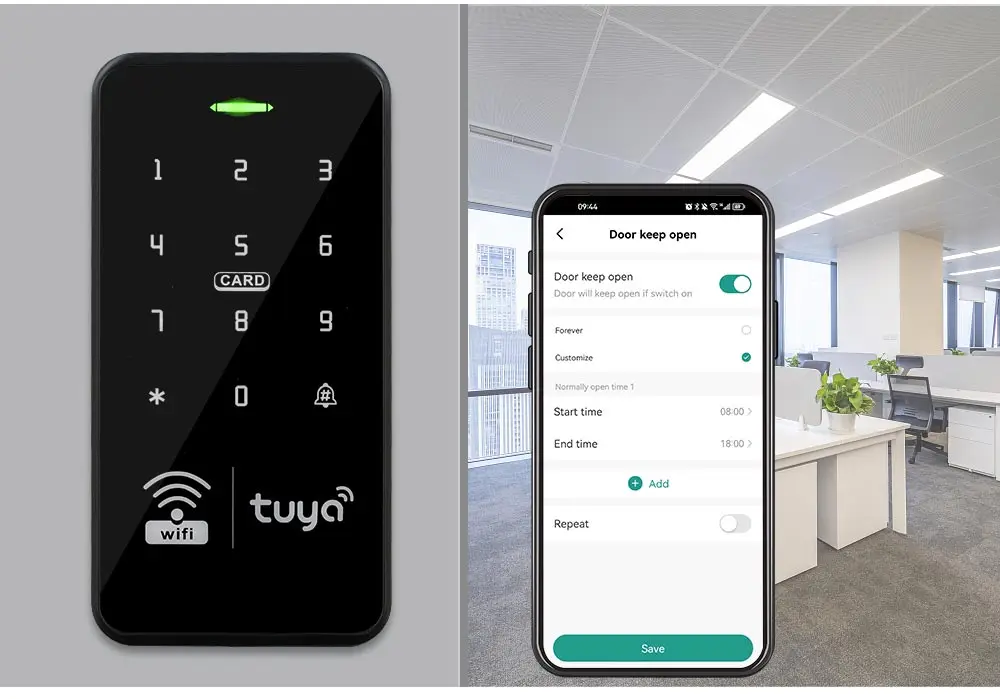
Frequent entry and exit can be set to normally open model
Support 10,000 RFID card and password user capacity.
Don't need to connect on computer.
Management cards was not included in the package, need to set them by yourself.
ABS fire retardant material shell
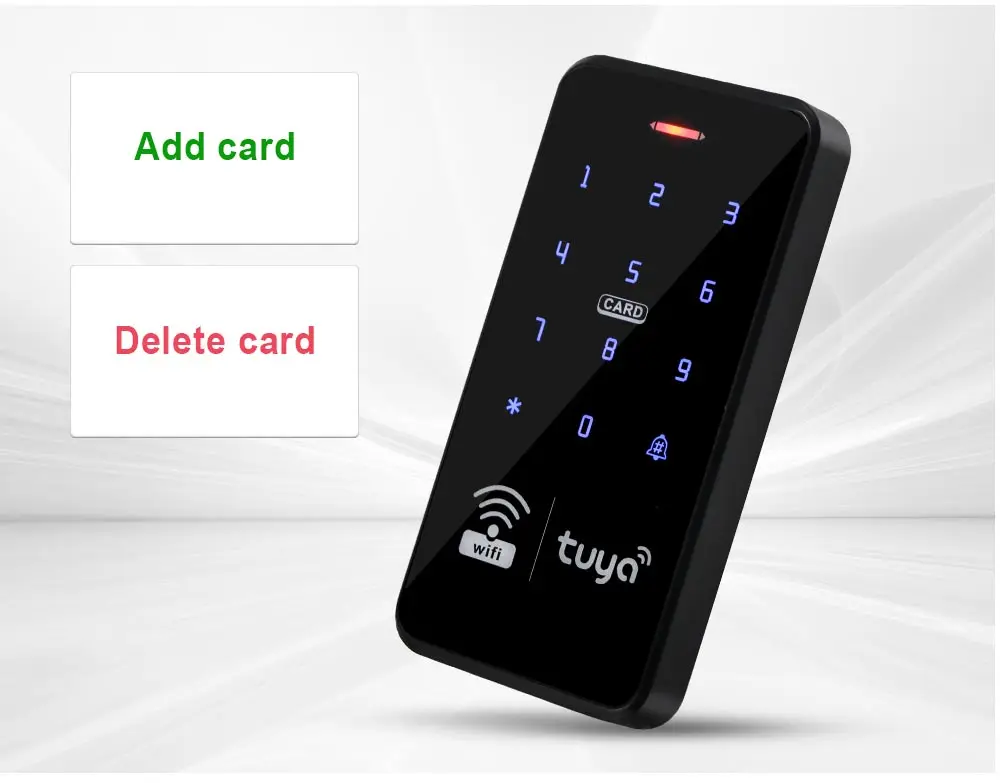
Touch keyboard, very beautiful design. Has a door bell button, can install a wired door bell
IP68 Waterproof. Can be installed outdoor
With Full PC Glue in the back side, IP68 Rating, can work in the rain and storm
Blue Backlight keypad
The digits number can be seen clearly even at dark
Easy installation and operation
Based on advanced technology, fast recognition speed, high sensitivity.
Suitable for most major access control solution.
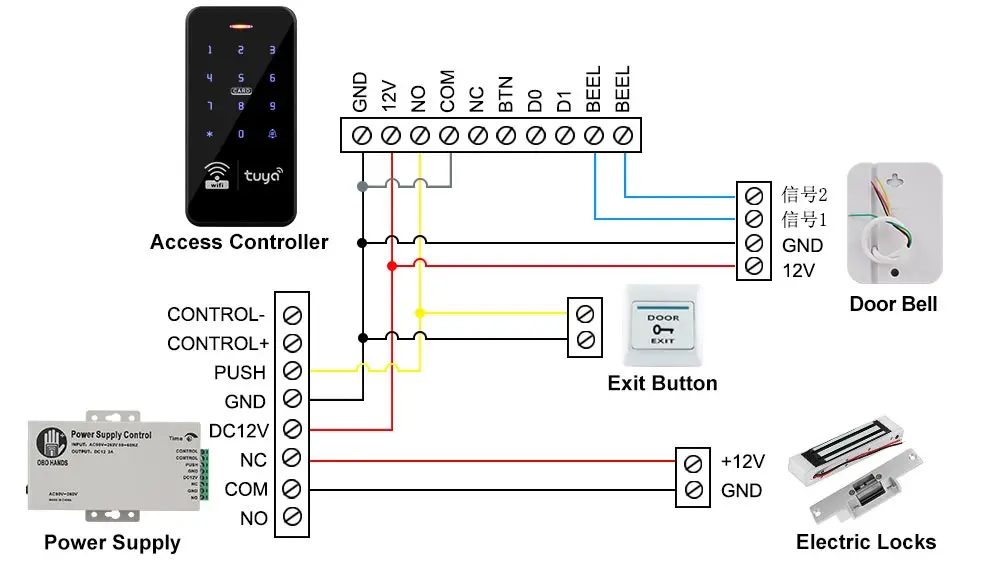
Wiring Diagram:
(Note: Both of the power supply, lock, exit button are Not included in the package, need to buy extra)
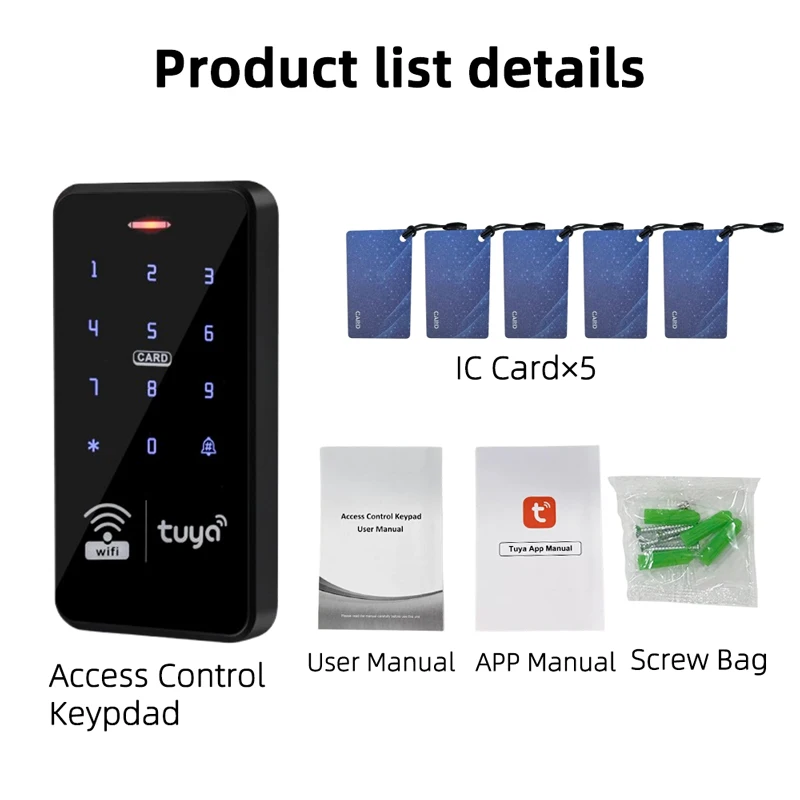
Package List:
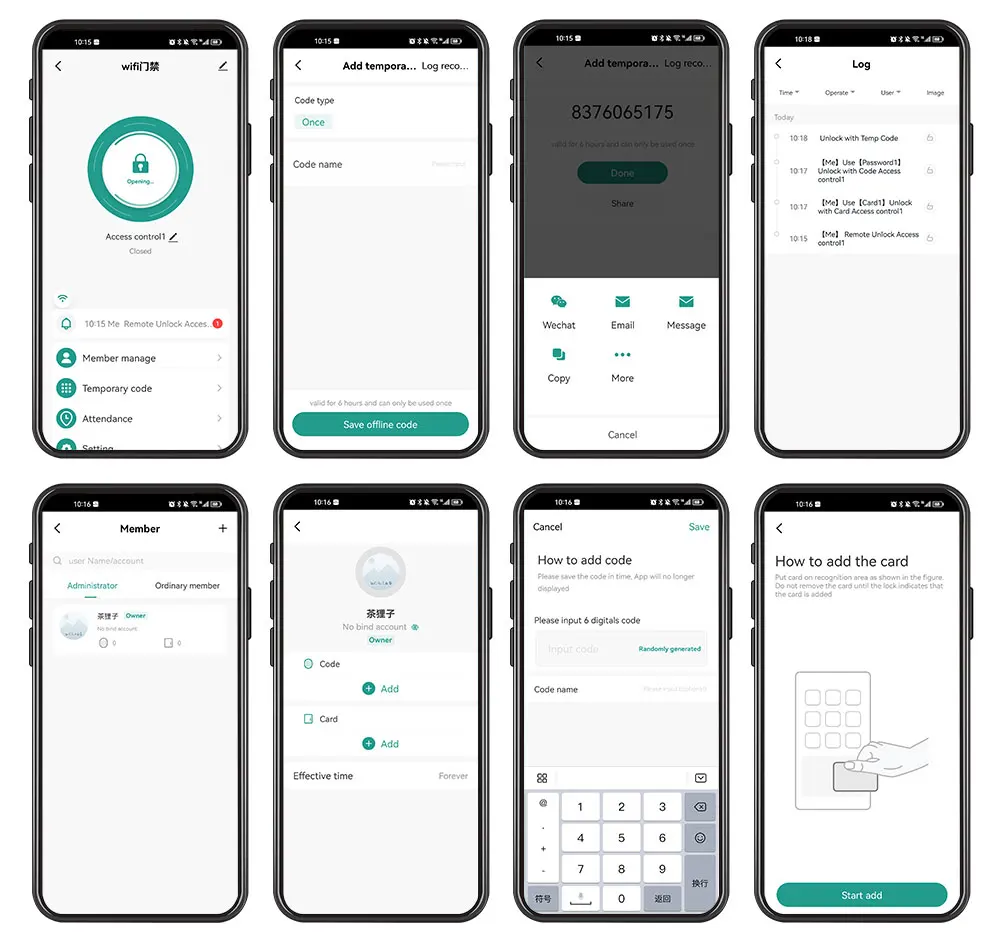
- You can add Password, RFID cards on the APP, it's very convenient.
- You can open the door with Tuya APP unlocking button, or Tuya password.
- A periodic password can be set, and the password is valid for a certain period of time.
- You can also set a one-time password to open the door, and the password will expire after being used once within 6 hours.
- Supports sharing password via WeChat, Email and SMS.
- Can view unlock records. Click reminder information to view logs.
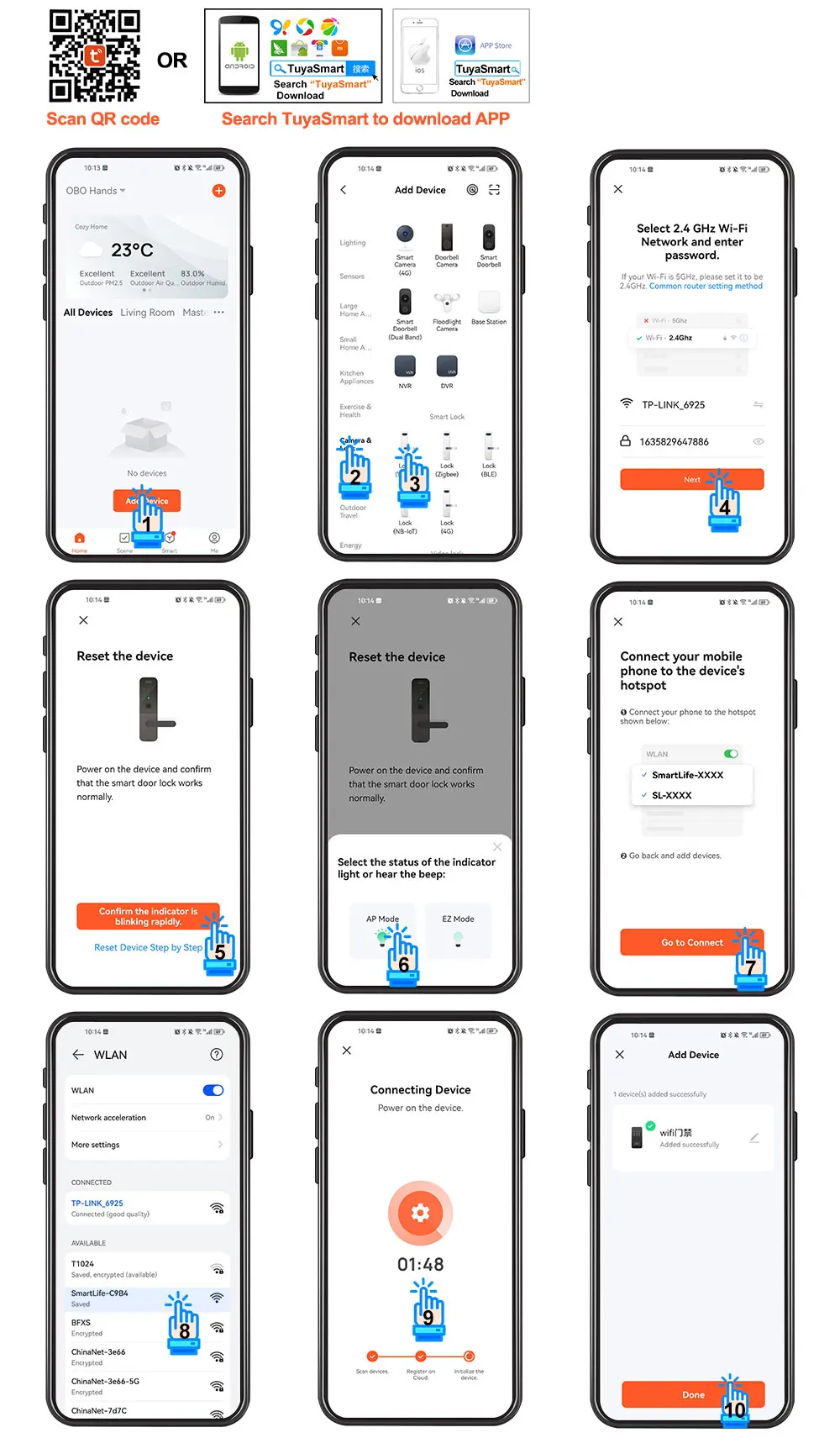
2) Enter *123456 # 041# on the access control machine, wait for 5 seconds for the indicator light to flash and start pairing, pair with the mobile phone via WiFi.
3) Open Tuya APP to add new equipment.
4) Select "Camera & Lock", click "Lock(Wi-Fi)".
5) Connect with available devices. Choose Wi-Fi and enter password.
6) Confirm that the device indicator flashes and click "Done".
7) Select "AP Mode".
8) Connect mobile WiFi to device hotspot.
9) Connecting, Added successfully, click "Done"
10) Click setting, open remote unlock setting.
11) Select user, click "+" to add user, fill in name, click next step, then click “Add" to input 6 digits code or generated code randomly, fill in code name or card name, click "Save".
12) Swiping one card within 60 seconds, add card successfully, then fill card name and click "Done".
13) Then input the related information and click "Next step".
14) Add temporary code, click "Once" , input code name, click "Save offline code" , Done.
Notice: The code valid time for 6 hours and only can be used once.
15) Add ordinary user by clicking ordinary member “+”.
関連製品