










CY01 2G G500M with OBD Extension Cable GPSTracker Car Tracker APP Multi-language Russian Satellite System Vehicle Anti-lost







Notice Before Order:
*if your country have closed 2G GSM network,We suggest you choose our 4G GPS tracker. These countries already closed 2G network: Australia, Japan, China Taiwan, Sourth korea, Singapore, Canada, New Zealand.
*If you are in Chile or Colombia, after you receive the product, you should register IMEI in your country as soon as possible, otherwise the device is not allowed to be used in your country.
*If you are in Turkey or Pakistan, you can note the valid IMEI number of the local country in the order request. We will modify it for you.
Main Features
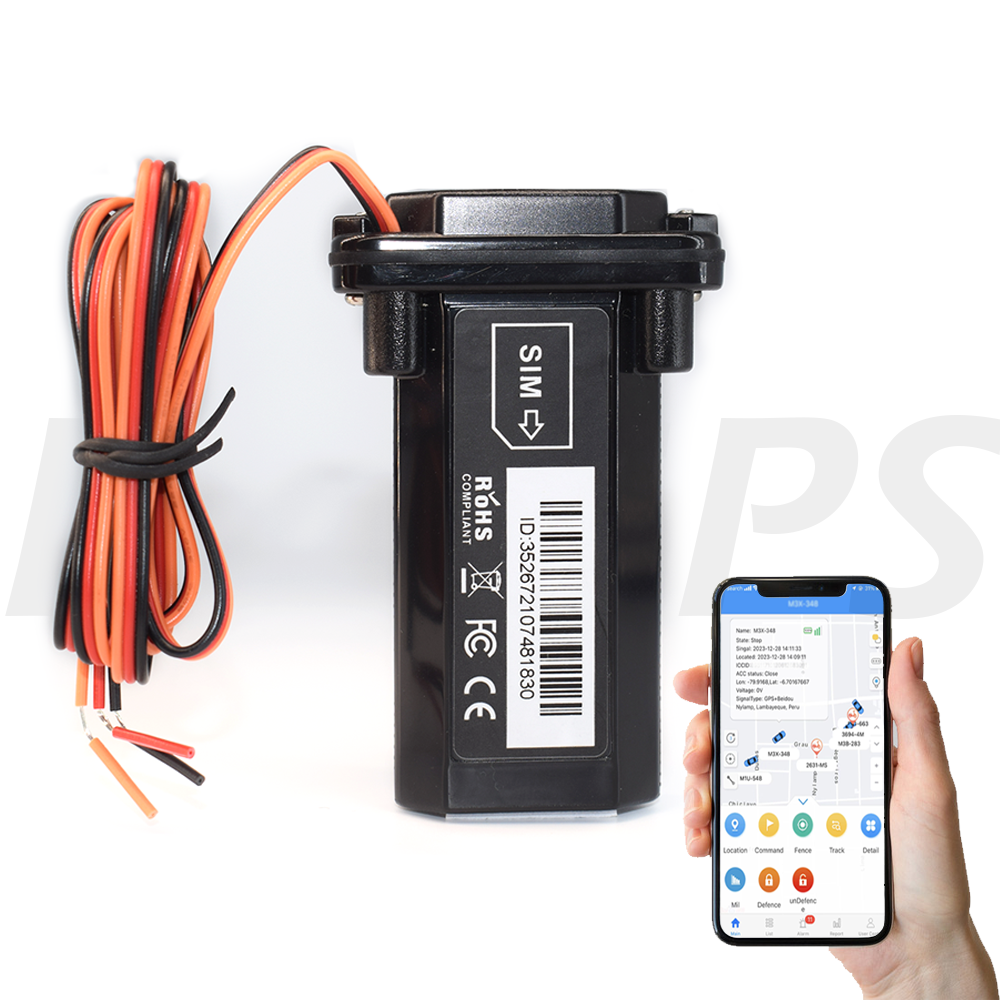
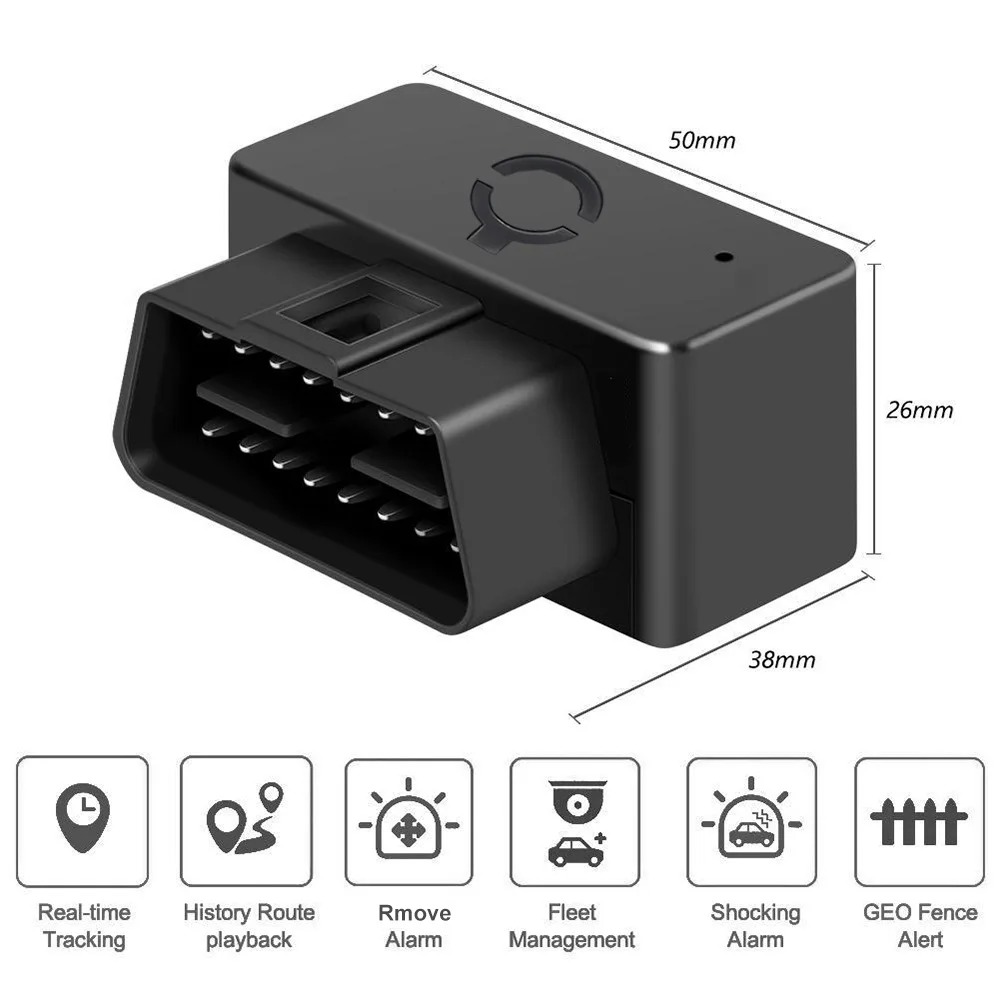
*Real-time tracking by SMS/platform/APP
*GPS+LBS positioning
*Geo-fence alarm
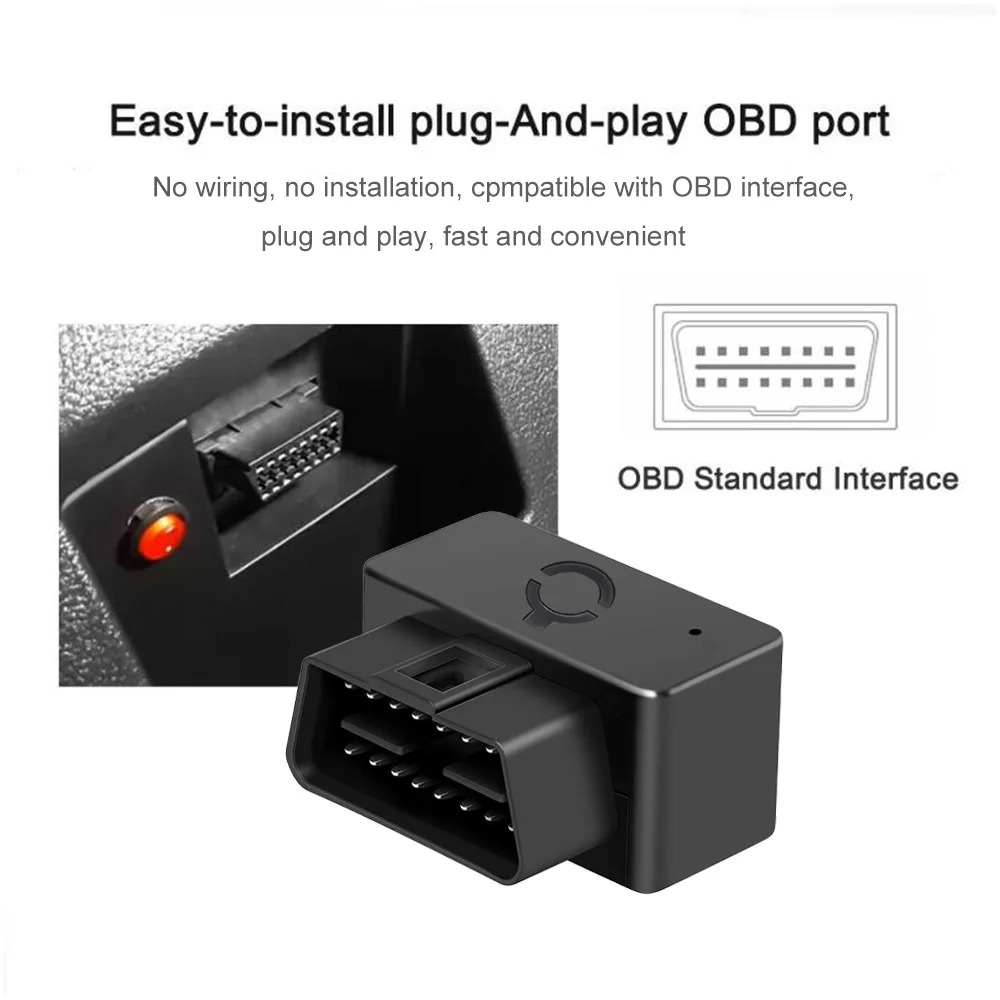
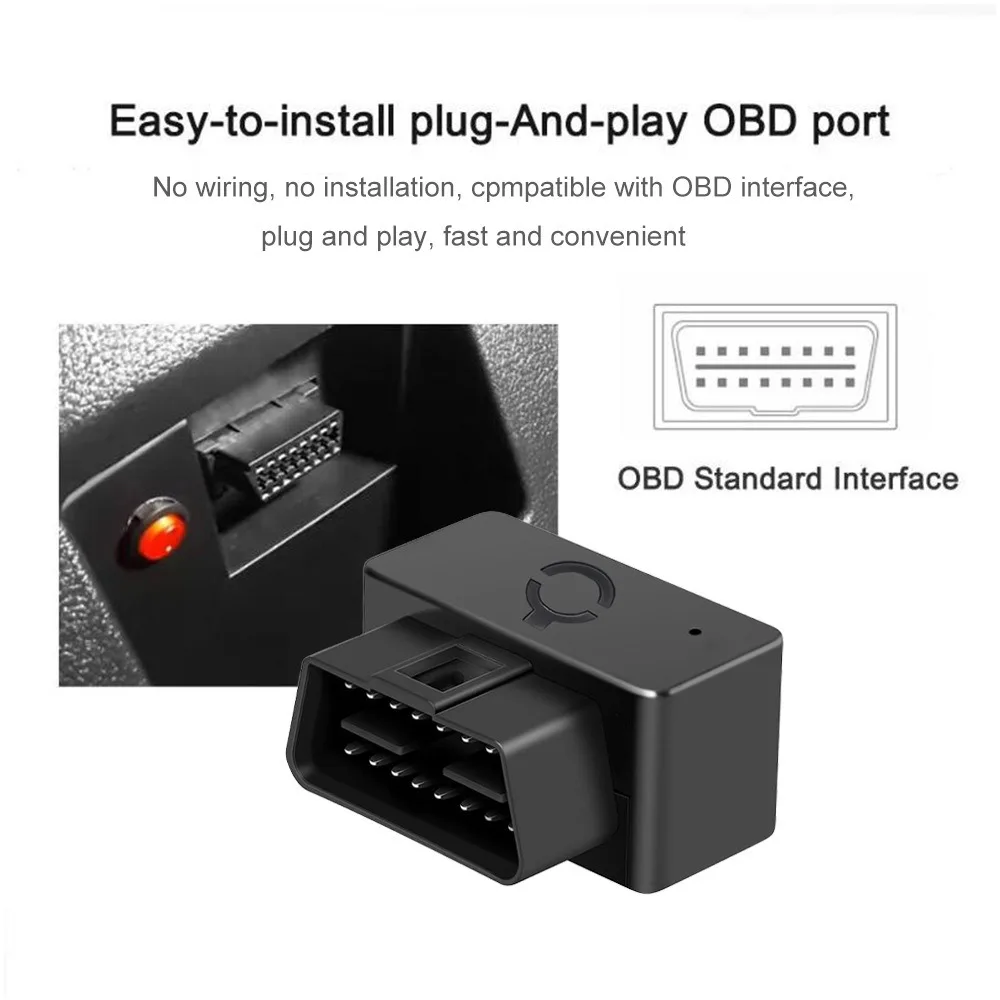
*OBD port design and easy installation
*Over speed alarm
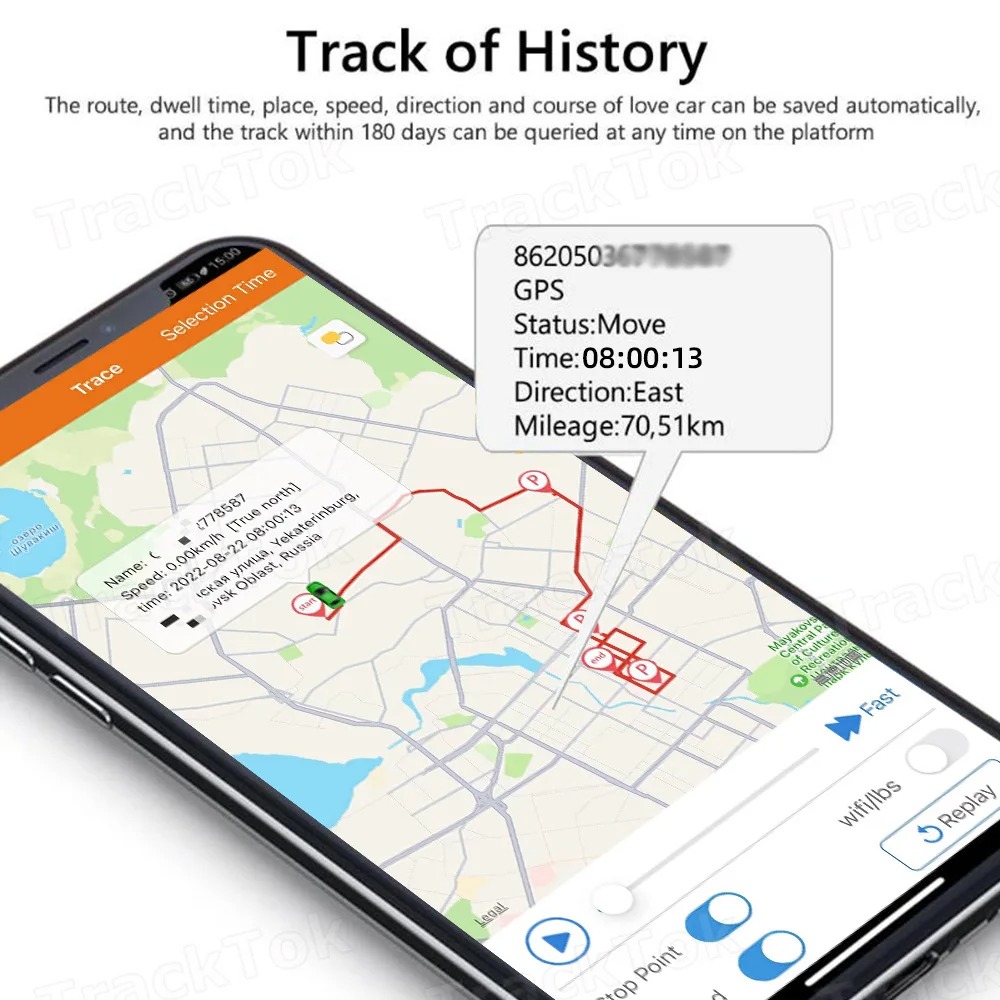
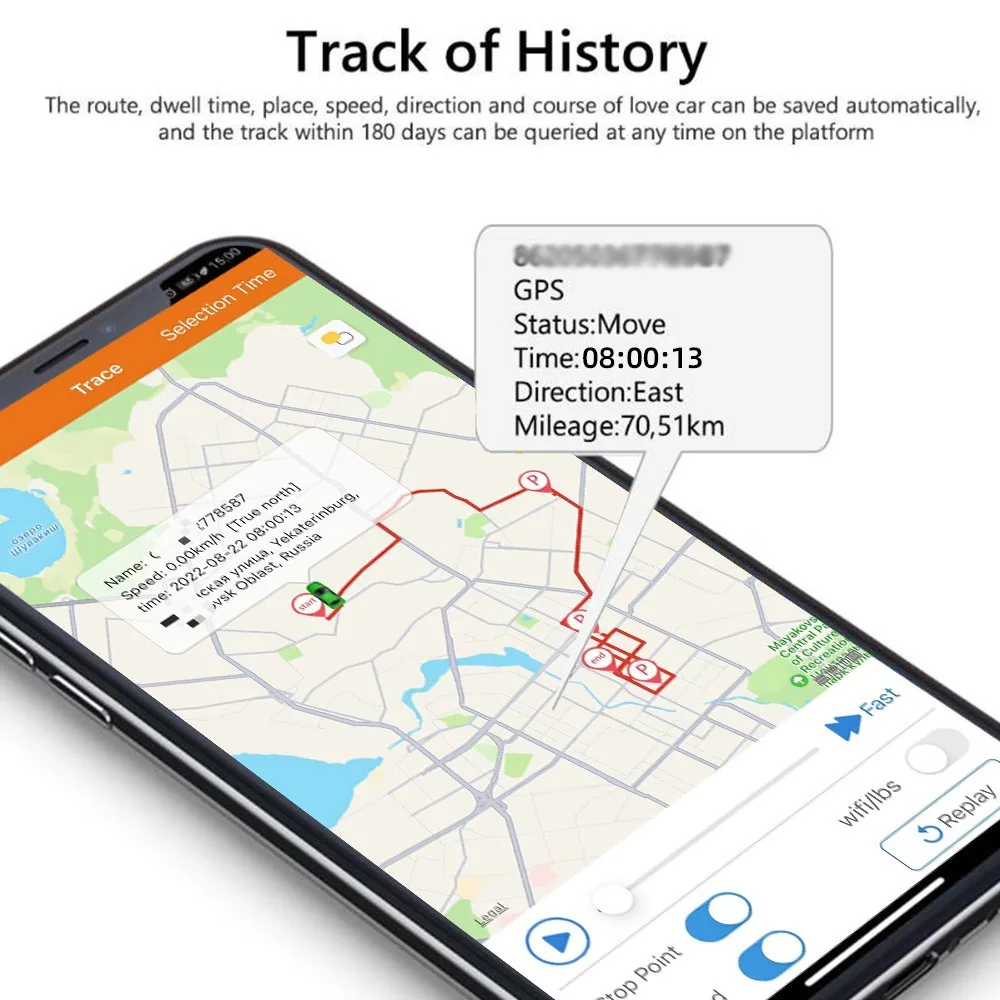
*History Tracking Playback
*Free Platform/APP
*Remove alarm(Need optional battery)
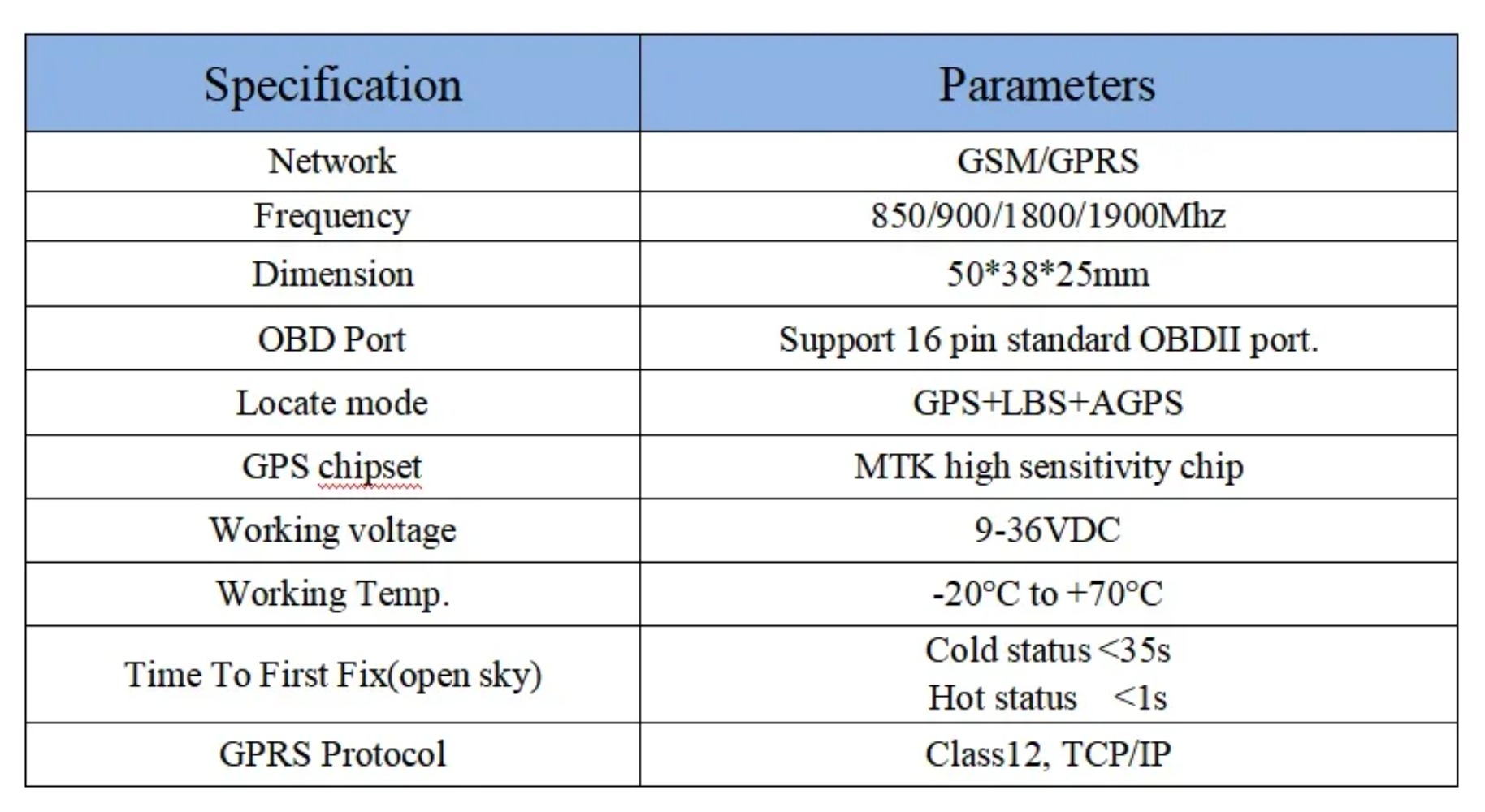
Specification
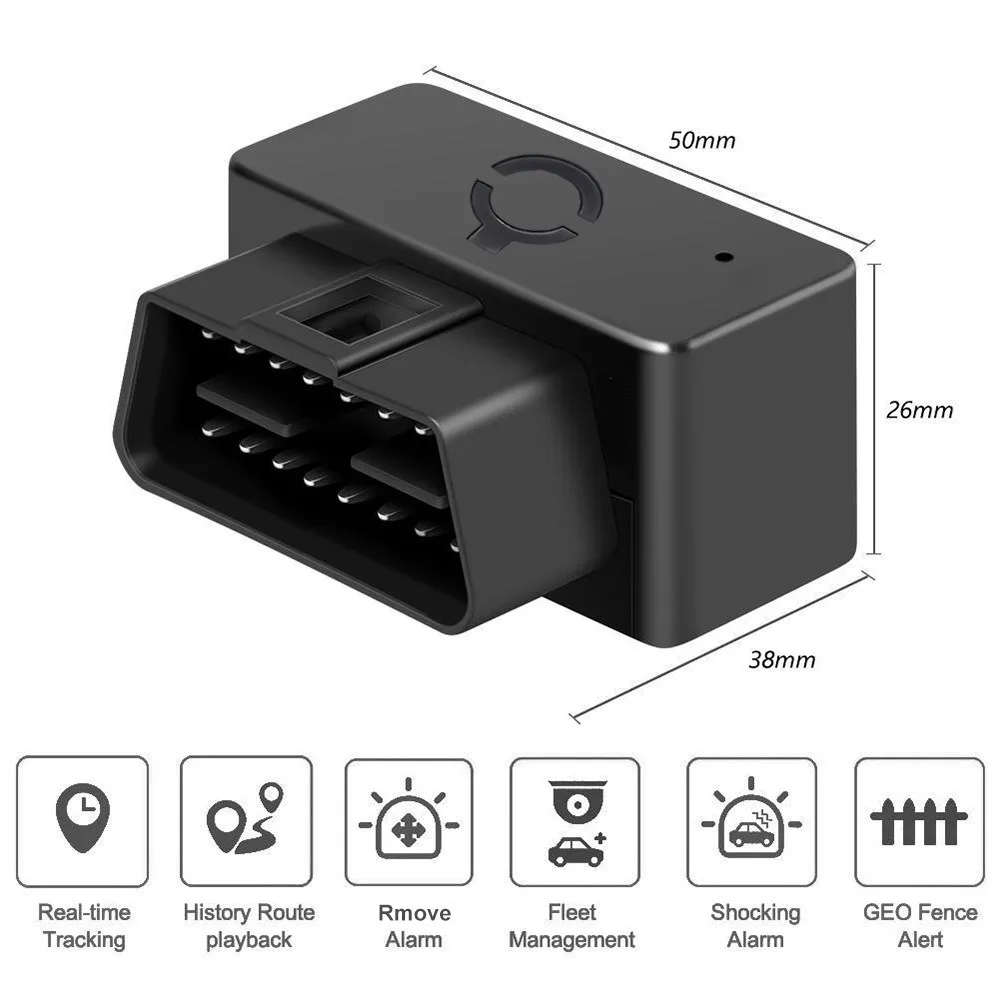
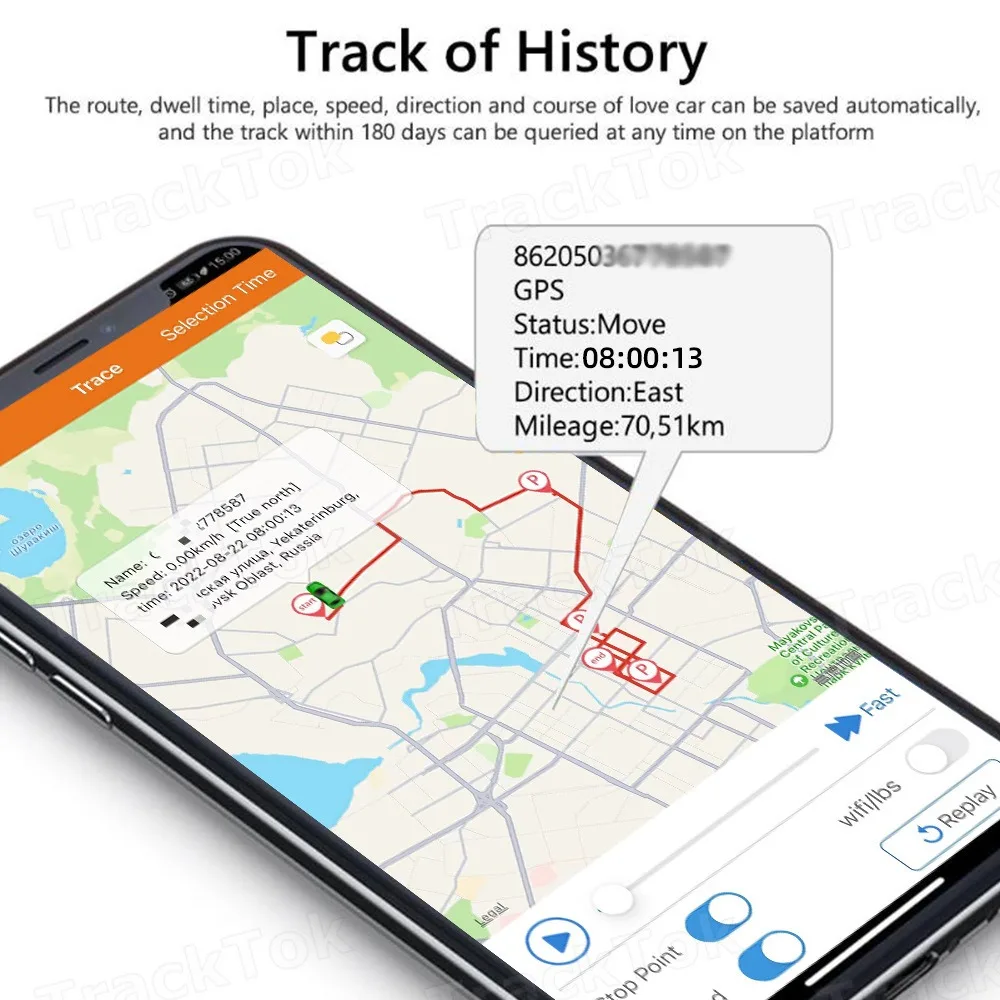
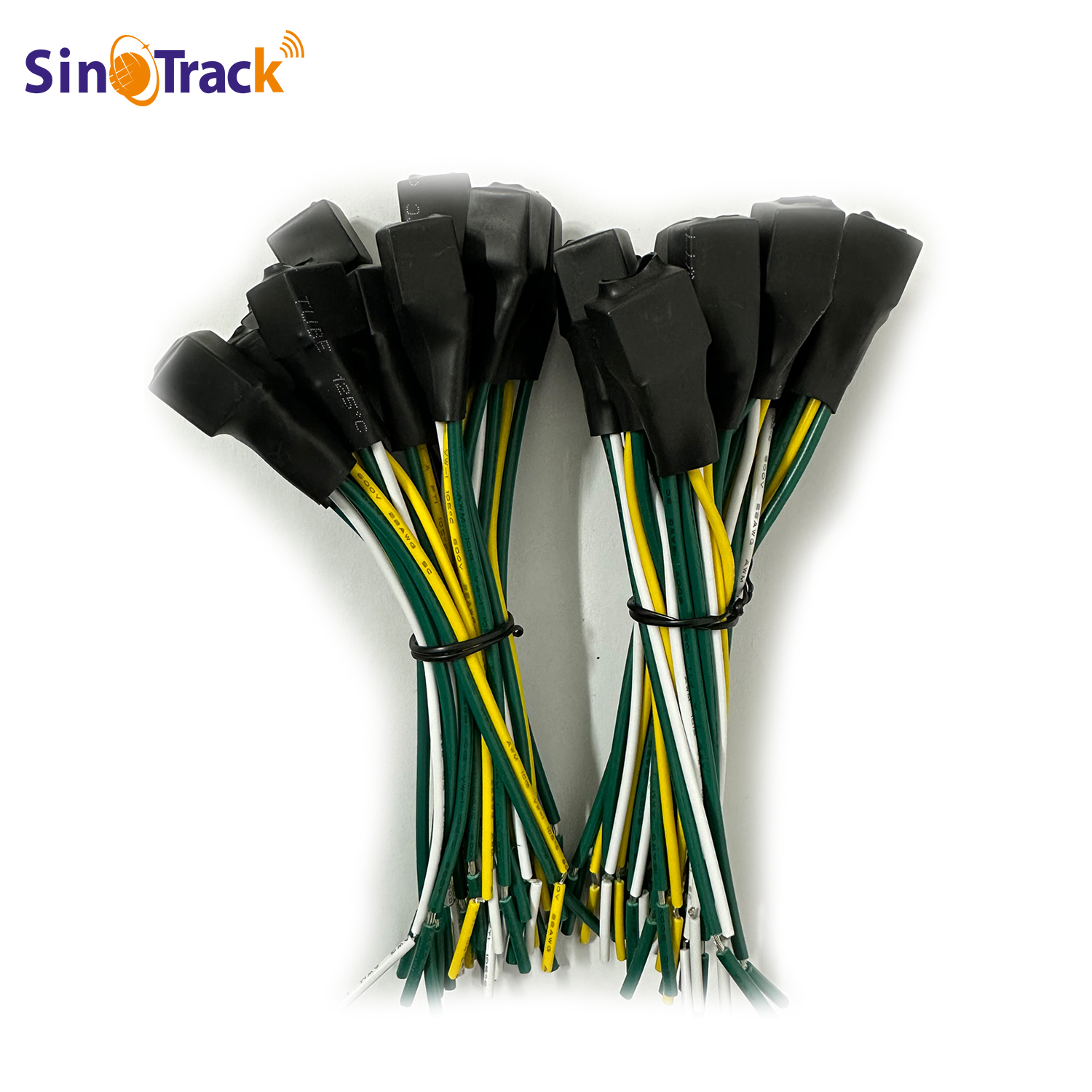
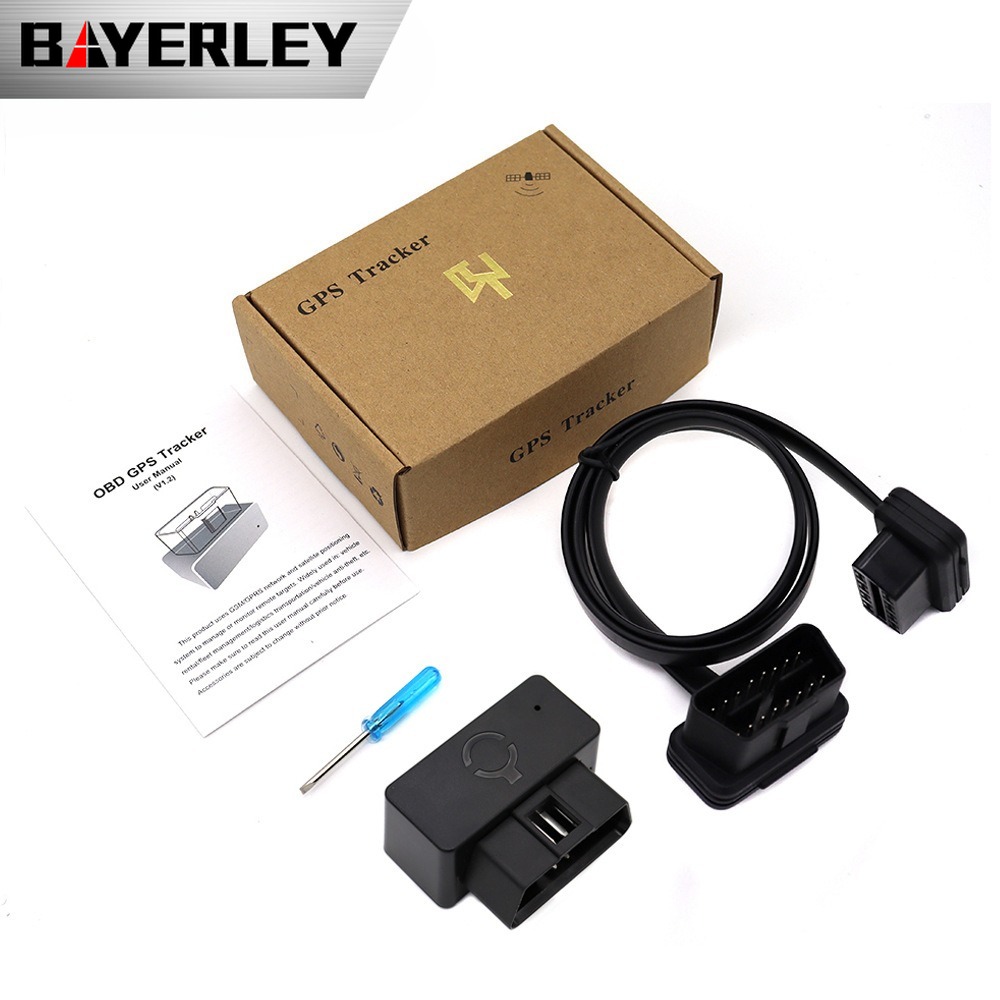
With OBD Interface Extension Cable
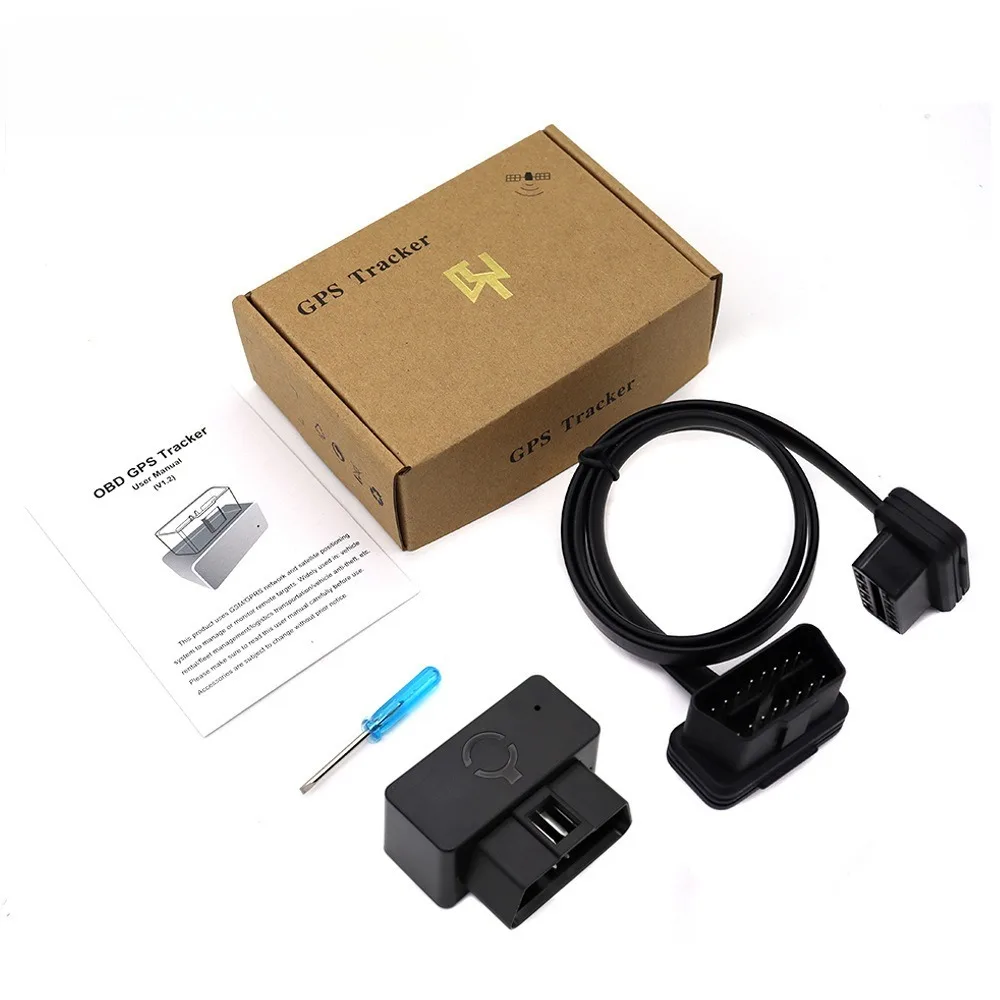
What should you prepare after got the device?
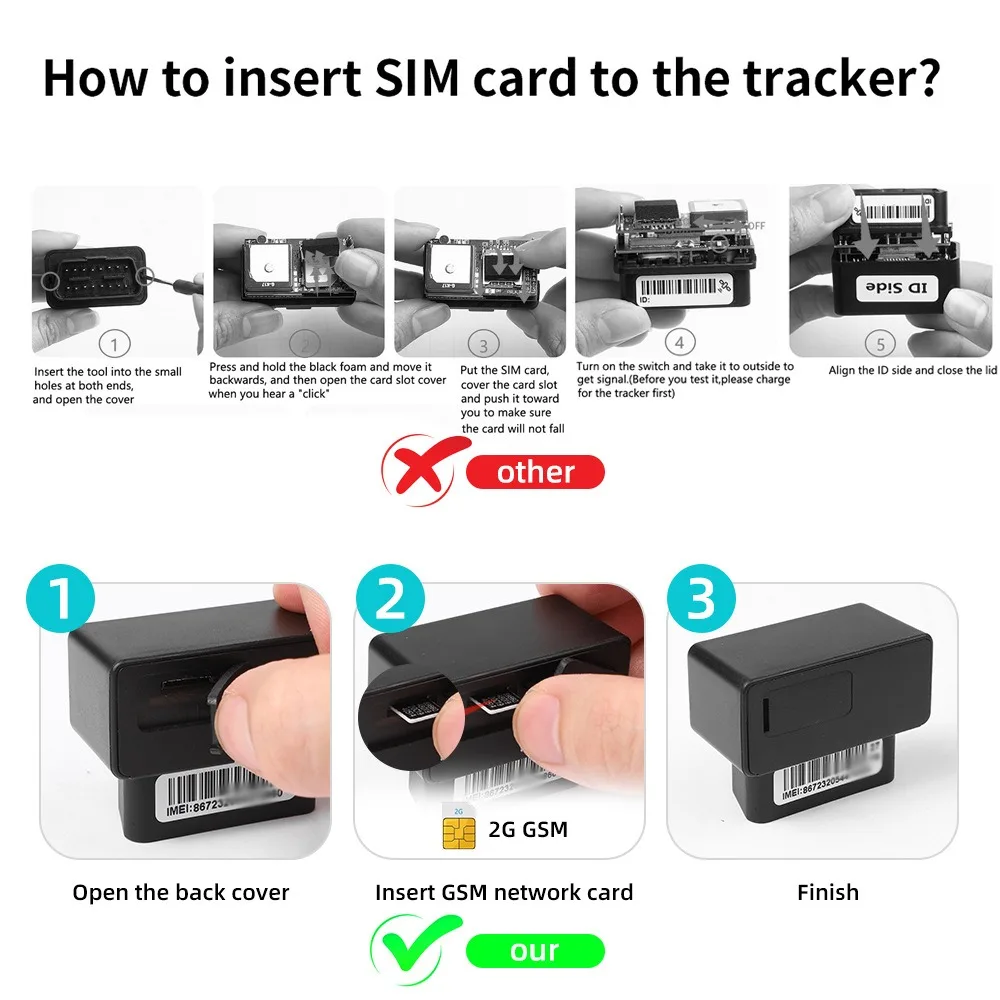
* Please get a suitable SIM card for this gps tracker, the SIM card must be compatible with 2G GSM network, and must be Nano Size SIM;
* Please enable the "GPRS internet data traffic" and "Caller ID Display" features of the SIM card
* Please make sure the SIM card has enough balance left and removed the PIN code;
* Please get these information from the SIM card provider: apn name,apn username, apn password.
How To Instell It?
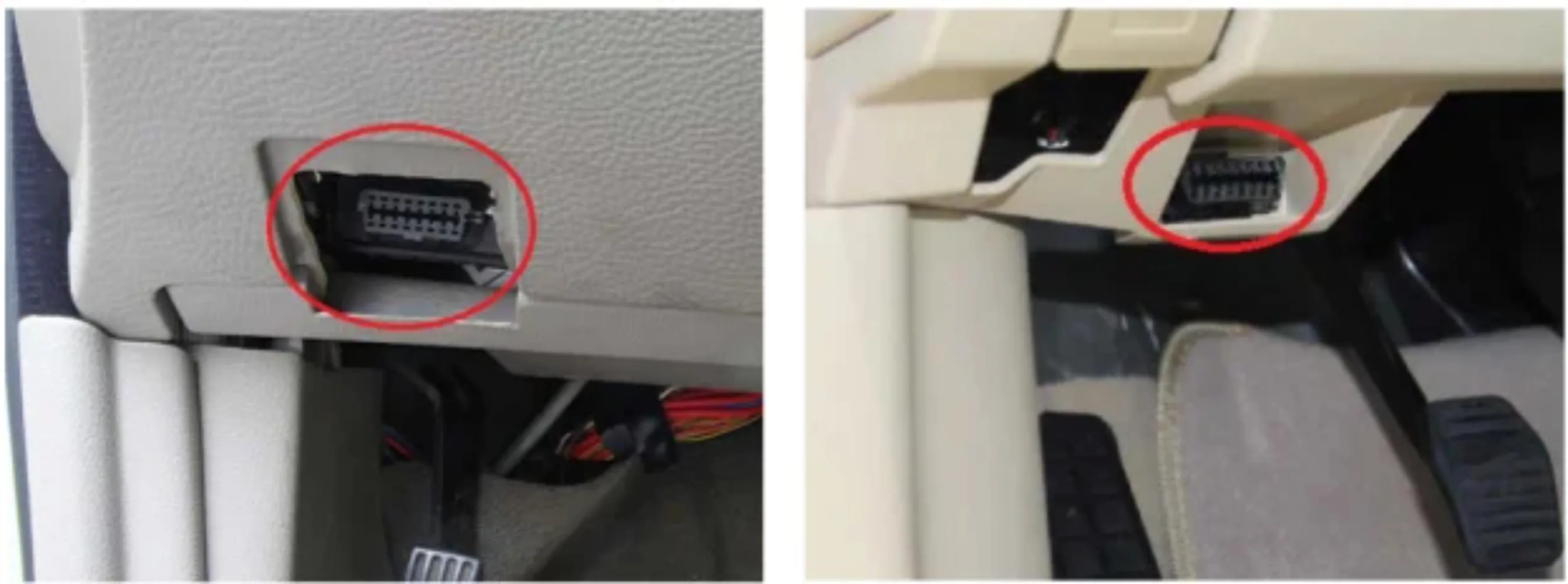
Install the device into the OBD interface of the car. In general, the OBD port is located in the driver or passenger cabin, from the edge of dash board on driver side to the border of 300mm. It is easy to touch by sitting in the driver's seat, the preferred location is within the area from steering post to the vehicle center-line.
How to log in mobile APP and web server?
1.Set APN
* Set the APN of device, then it will online tracking by platform
* If the device is already online after insert the SIM card, no need to set APN.
We have two ways to get the APN content of the device’s SIM card: Check the carrier on the internet or put the SIM card into cell phone to find out APN.
Set command:
APN,Apn name,Apn account,ApnPassword#
E. g:
If we got APN information below.
APN name:tim
APN username:brtim
APN password:tim
The SMS command: APN,123456,tim,brtim,tim#
If no APN name and APN password, no need input, E.g: apn,123456,cmnet#
2.Website Tracking
Website: www.gps2828.com
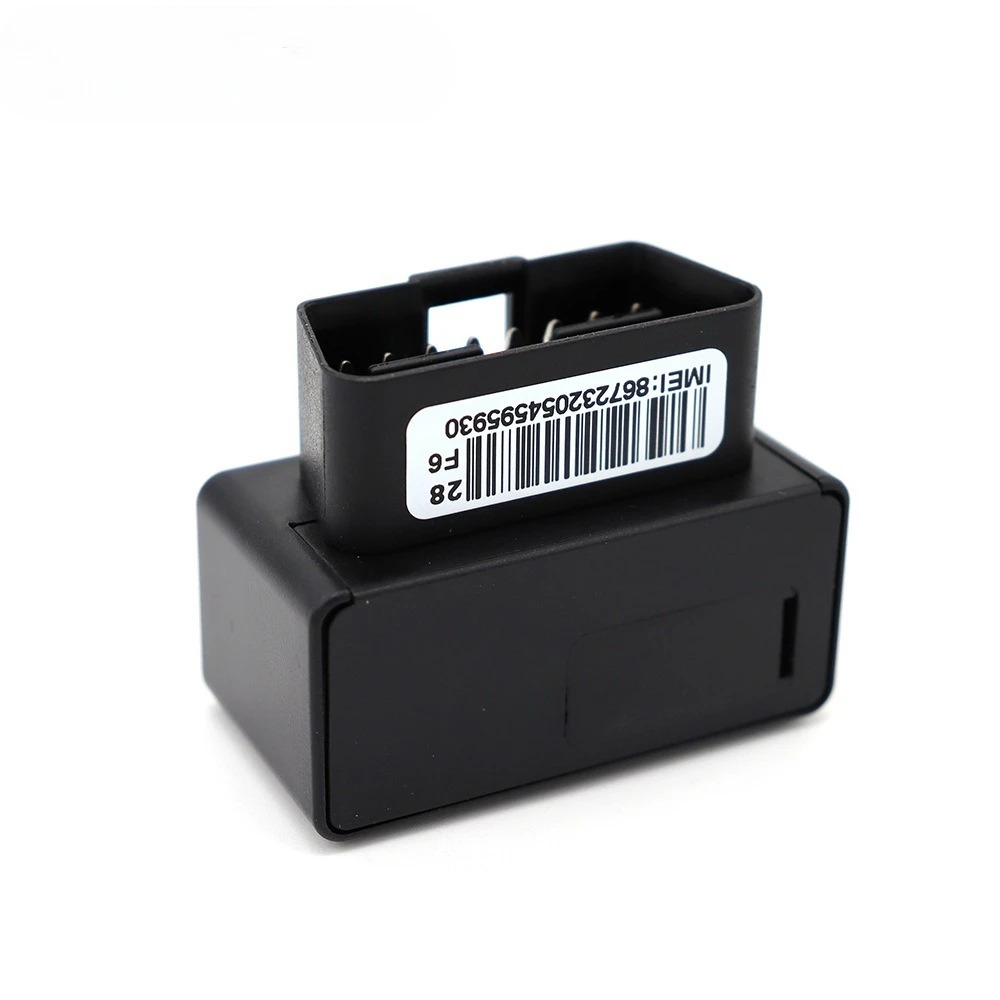
Use IMEI number to login, IMEI NO.: On the sticker of the device.
Password:123456
3.Applications for Android/IOS:
Search “secumoreplus”in the Apple/Google APP Store or Scan the QR Code to install the APP on your phone.
Use the IMEI/ID number to login.
Password:123456
4.Admin Account
If you need multi-devices management, you can contact our to create an admin account for your devices.
関連製品