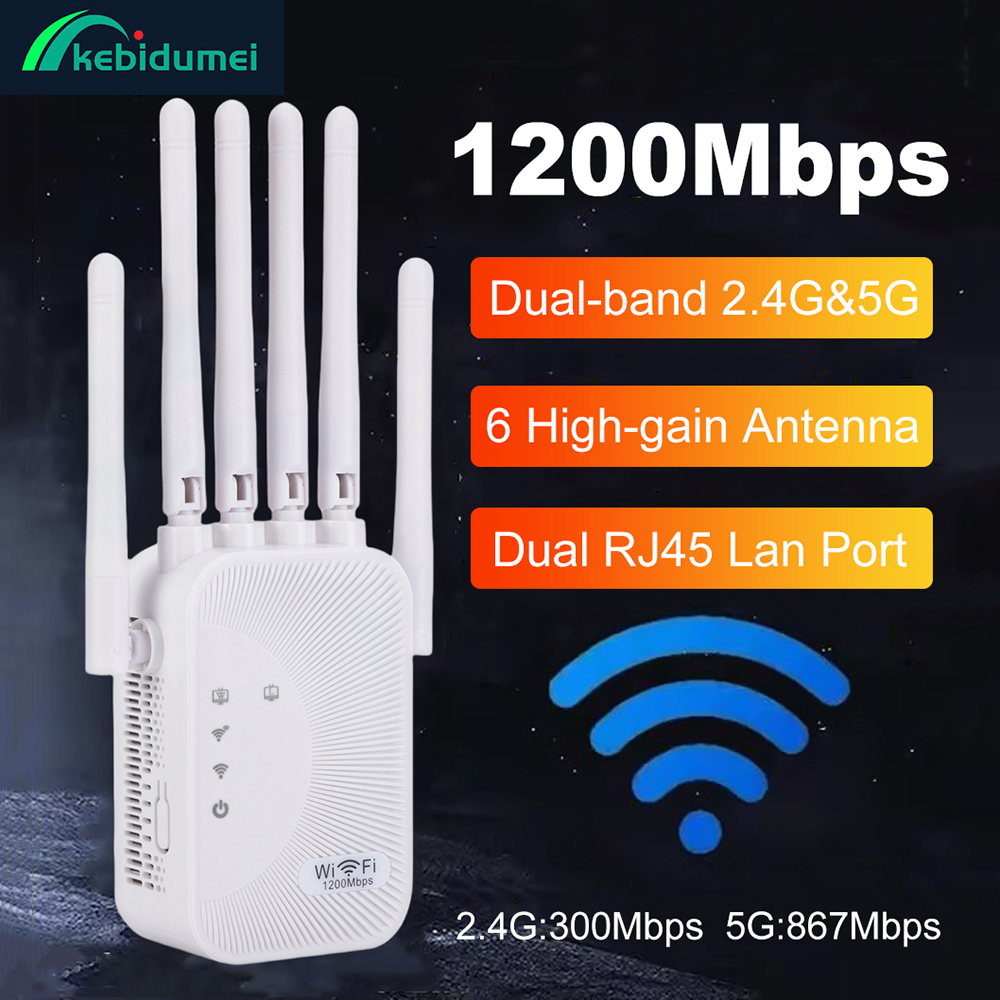











COMFAST WIFI 7 3570Mbps WiFi Range Extender 2.4G/5G Wi-Fi Repeater EU Plug WIFI Signal Amplifier 4*5dBi Antenna WPS/Reset Router






CF-WR773BE WiFi 7 Repeater – BE3600 Dual‑Band 3570Mbps | Wireless Signal Extender for Home/Office | 2.4GHz & 5GHz | Ethernet Port | Easy Setup | COMFAST
This product has standard European plugs, but does not have standard American, British, or Australian plugs, and comes with an adapter.
Key Selling Points (Bullet Points)
? WiFi 7 – Next‑Gen Speed
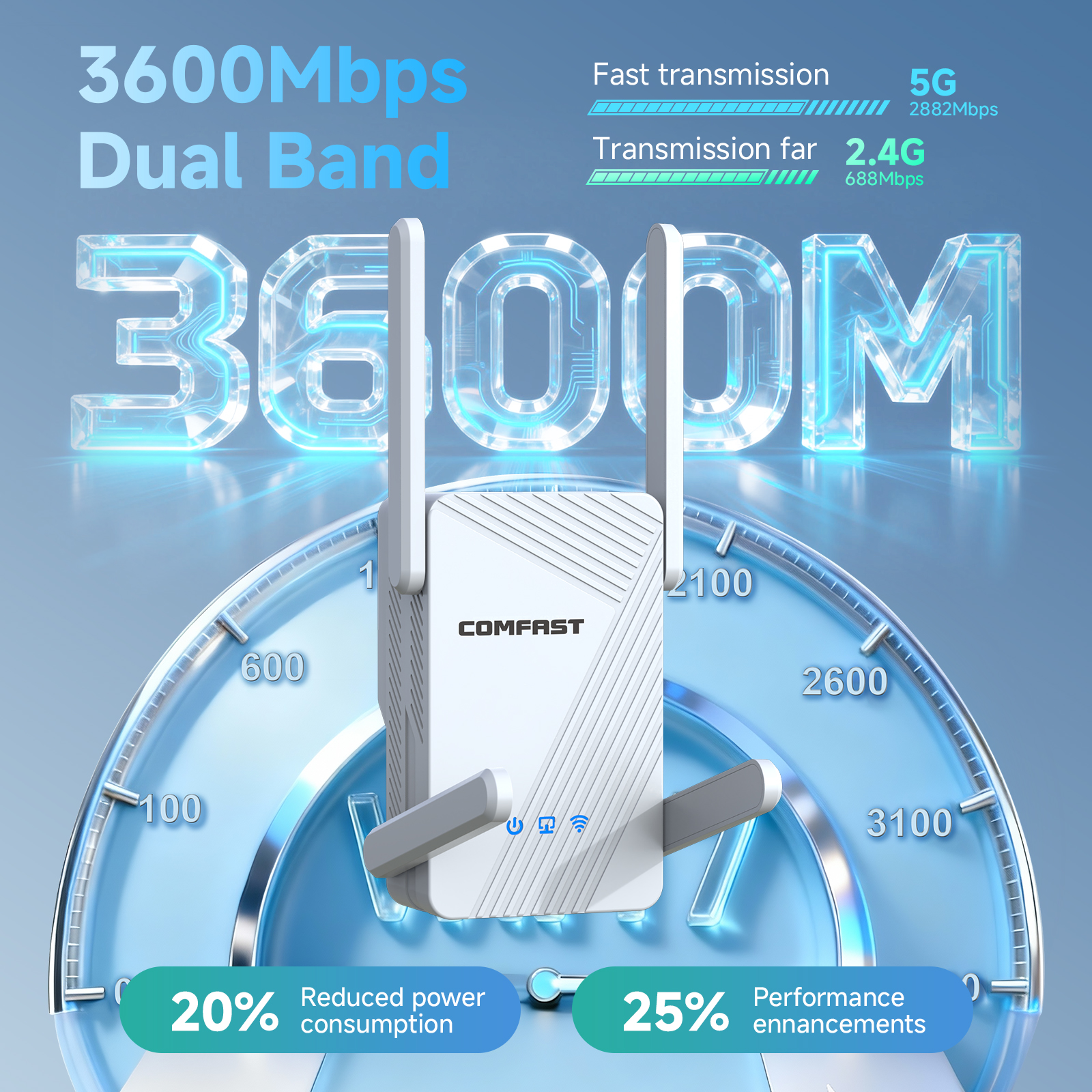
Latest IEEE 802.11be standard, backward compatible with WiFi 6/5/4. Total speed up to 3570Mbps (2.4GHz: 688Mbps, 5GHz: 2882Mbps). No buffering, no lag.? Dual‑Band Signal Extension
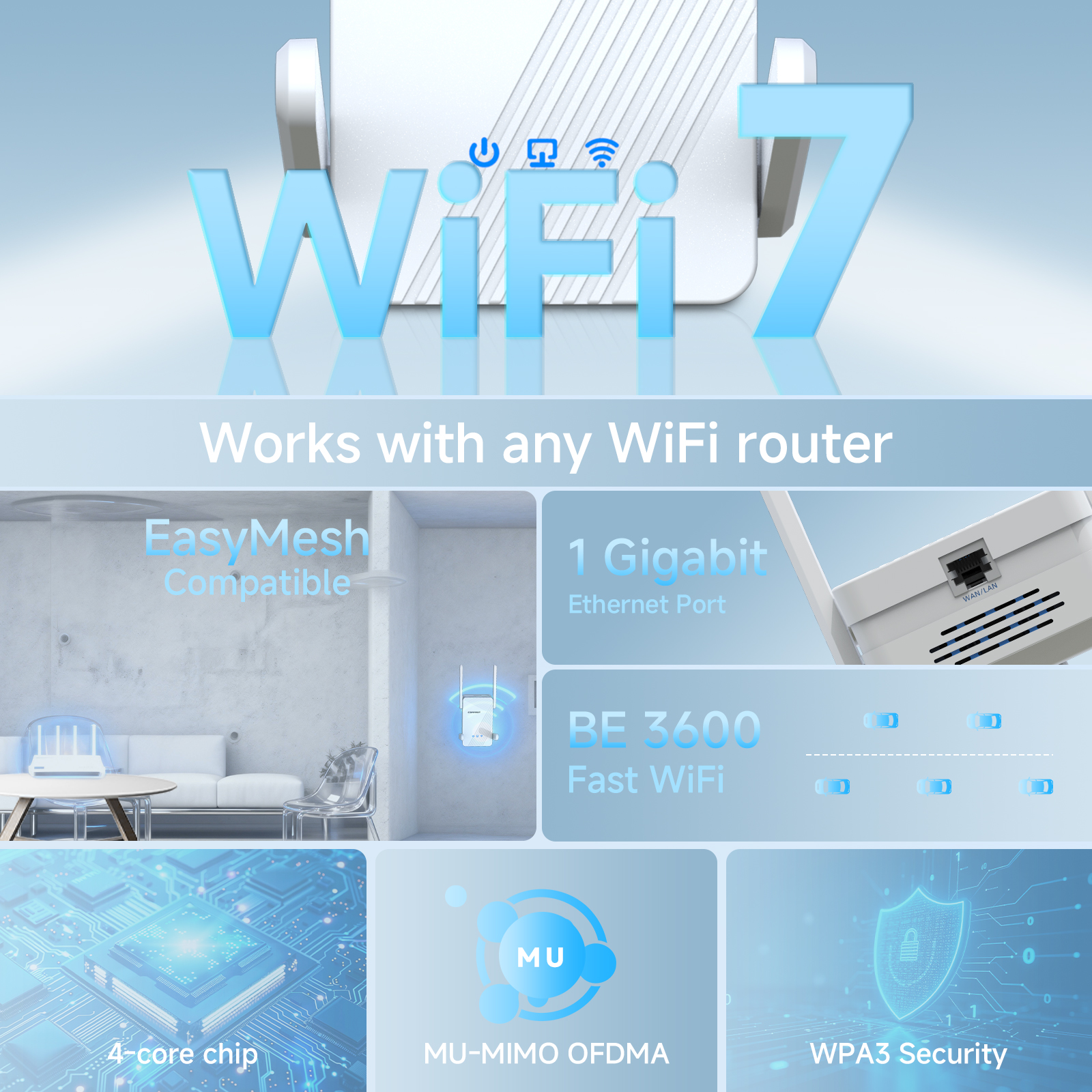
Eliminate dead zones in villas, multi‑floor houses, large apartments, or offices. Works with any WiFi router to boost coverage.? Wireless to Wired – Built‑in Ethernet Port
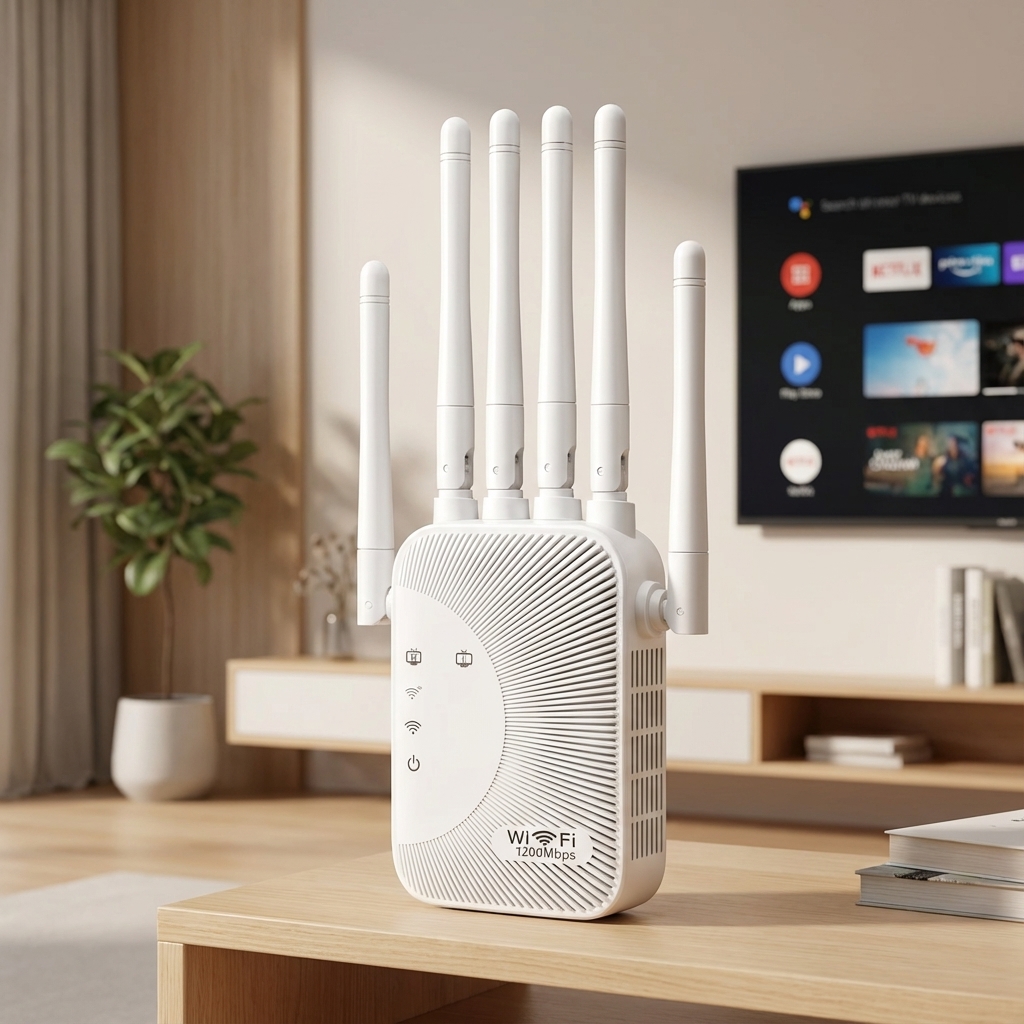
Bottom RJ45 port lets you connect a wired device (e.g., PC, smart TV, game console) to the extended network. Perfect for stable connections.? Rotatable High‑Gain Antennas
Adjust antenna angles for optimal signal reception. Stronger penetration through walls and floors.❄️ Efficient Heat Dissipation
Ventilation design and premium ABS housing keep the device cool and stable even under heavy load.⚡ Easy Setup in Minutes
Simple web or WPS button configuration. No technical skills required. Works with any standard router.? Compact & Home‑Friendly Design
Pure white, square body with LED indicator. Blends into any home decor. Wall‑mountable or placed on a desk.
What is CF-WR773BE?
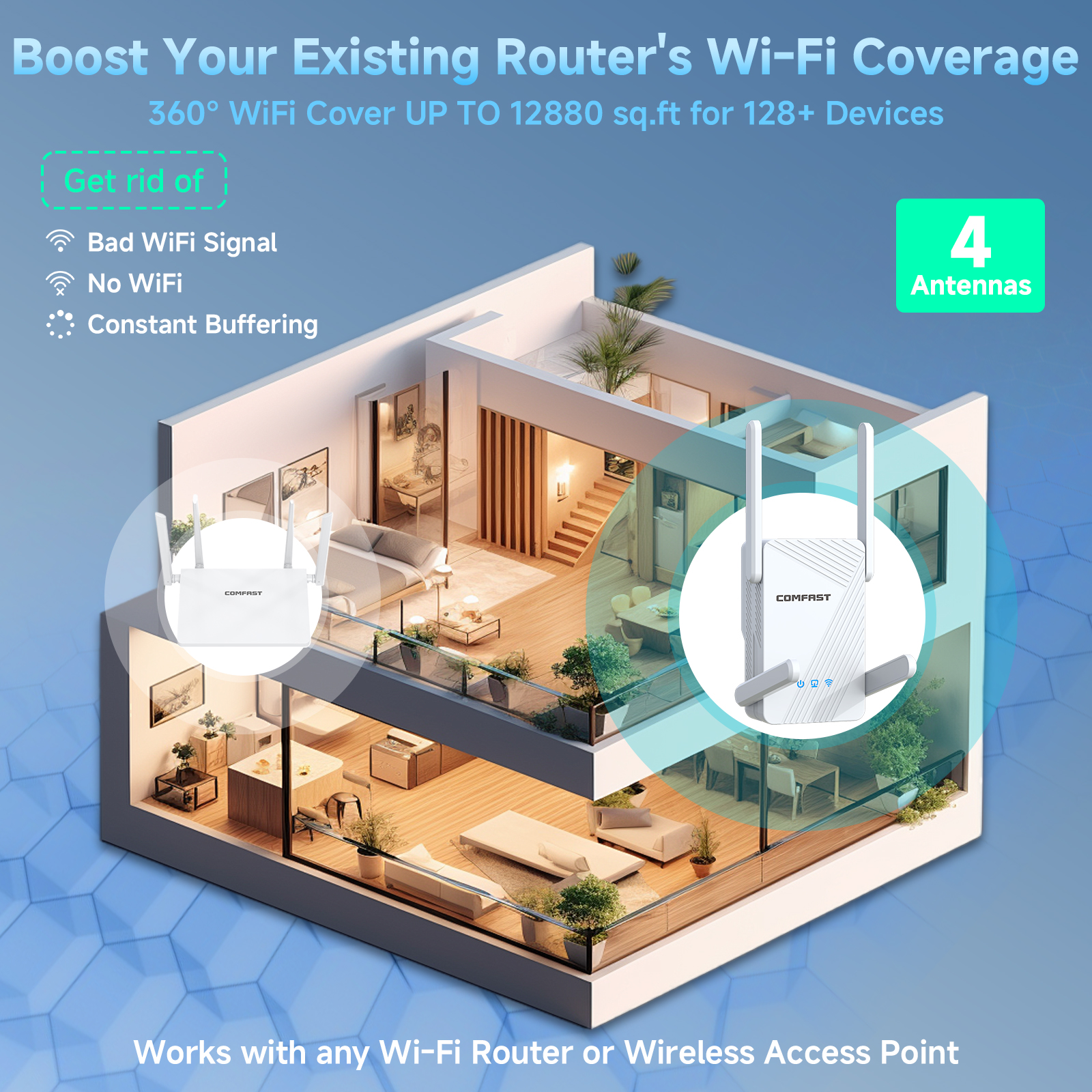
CF-WR773BE is a WiFi 7 wireless repeater / extender designed to eliminate signal dead zones. If your router’s WiFi cannot reach every corner of your house, office, or dormitory, simply place this repeater in a midway point – it receives the existing WiFi signal and rebroadcasts it, extending coverage up to twice the original range.
With dual‑band speeds up to 3570Mbps and the latest WiFi 7 (BE3600) technology, you get smoother 4K/8K streaming, lag‑free gaming, and stable video calls even in previously weak‑signal areas.
Why Choose CF-WR773BE over ordinary extenders?
Feature | Benefit |
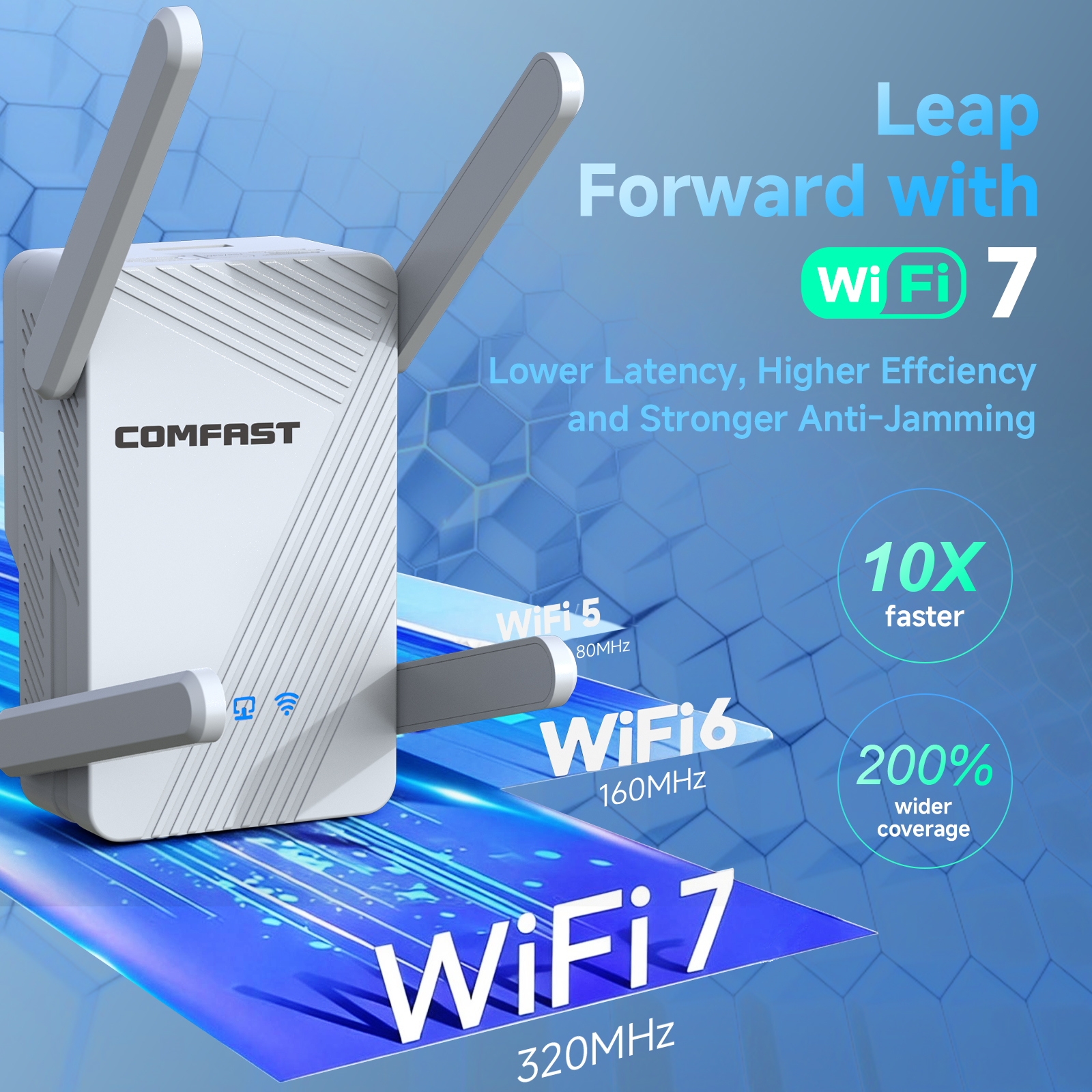
WiFi 7 (802.11be) | Up to 2.4× faster than WiFi 6. Lower latency, higher capacity, better efficiency. |
3570Mbps total speed | 688Mbps on 2.4GHz + 2882Mbps on 5GHz. Ideal for high‑bandwidth activities. |
Rotatable antennas | Customize signal direction for best coverage in complex layouts (villas, multi‑floor). |
Bottom Ethernet port | Turn any wired device into a high‑speed network node. Perfect for smart TVs or desktops without WiFi. |
Heat‑dissipating chassis | Long‑term reliability – no overheating during 24/7 operation. |
Simple installation | Press WPS button on your router and on CF-WR773BE – done. Or use the web UI for advanced settings. |
Perfect For:
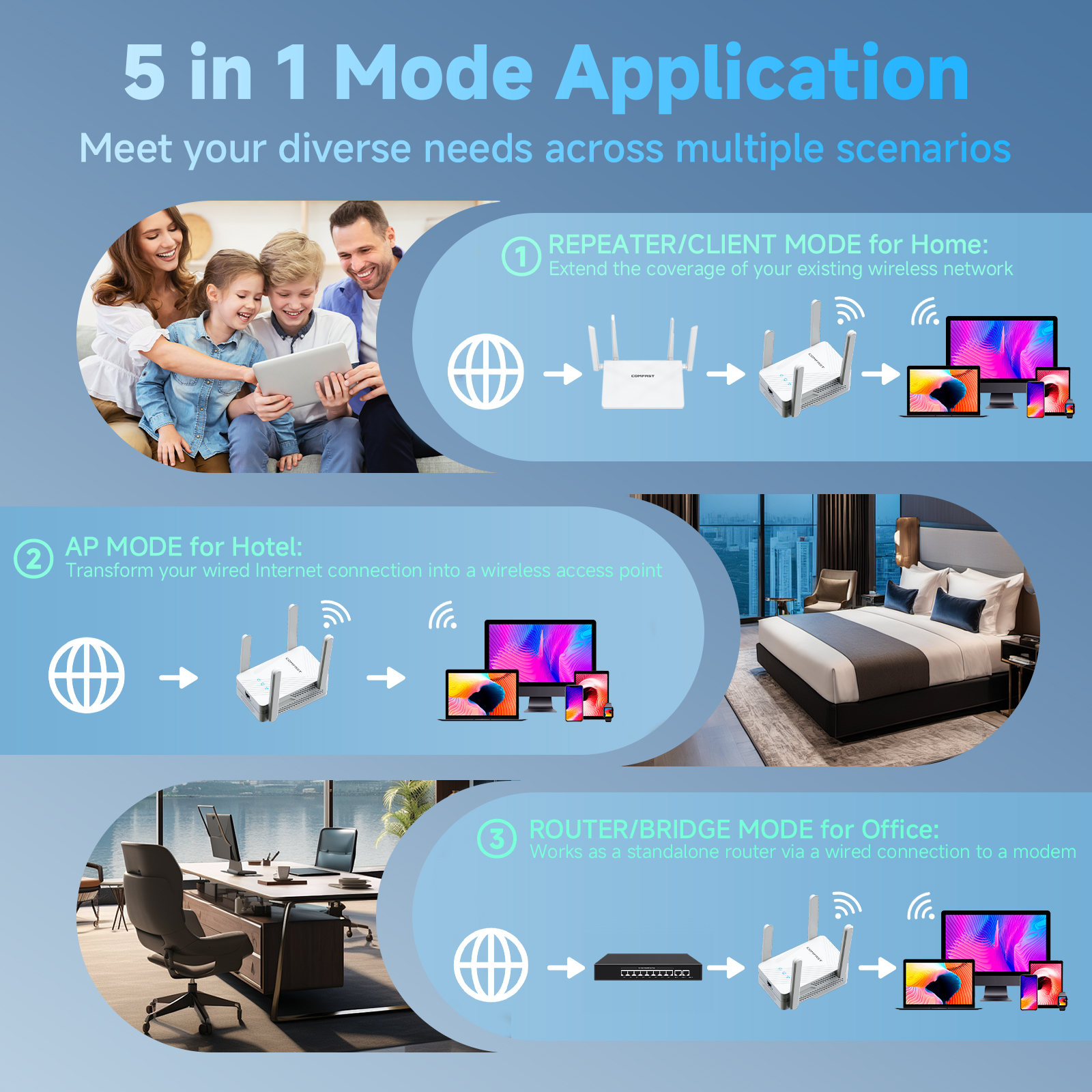
? Large homes & villas – eliminate dead zones in bedrooms, basements, or gardens.
? Offices & meeting rooms – ensure stable WiFi in every corner.
? Gamers & streamers – low latency and high speed for competitive gaming and 4K streaming.
? Dormitories – share one internet connection across multiple rooms.
Specification:
1* Network Cable
1* Quick Install Guide
Q&A (Frequently Asked Questions)
Q1: What is the difference between WiFi 7 and WiFi 6?
A: WiFi 7 (802.11be) offers higher speed (up to 3570Mbps vs typical WiFi 6 1800-3000Mbps), lower latency, and better performance in crowded environments. It is fully backward compatible, so it works with your existing WiFi 6/5 router.
Q2: Will this repeater slow down my internet speed?
A: Any repeater reduces speed by about half due to signal retransmission. However, with WiFi 7’s high bandwidth (3570Mbps) and dual‑band design, you still enjoy fast real‑world speeds – typically 200‑500Mbps for most home connections, which is more than enough for 4K streaming and gaming.
Q3: Can I use the Ethernet port to connect my PC?
A: Yes. The bottom RJ45 port allows you to connect a wired device (e.g., computer, smart TV, game console) to the extended WiFi network – effectively turning the repeater into a wireless bridge.
Q4: How do I set it up?
A: Two ways:
WPS method: Press WPS button on your router, then press WPS button on CF-WR773BE within 2 minutes.
Web method: Connect to the repeater’s WiFi (default SSID: COMFAST_XXX), open browser, go to 192.168.10.1, and follow the wizard.
Q5: Does it support 5GHz extension?
A: Yes. It repeats both 2.4GHz and 5GHz signals simultaneously. You can choose to extend either band or both.
Q6: How many devices can connect to it?
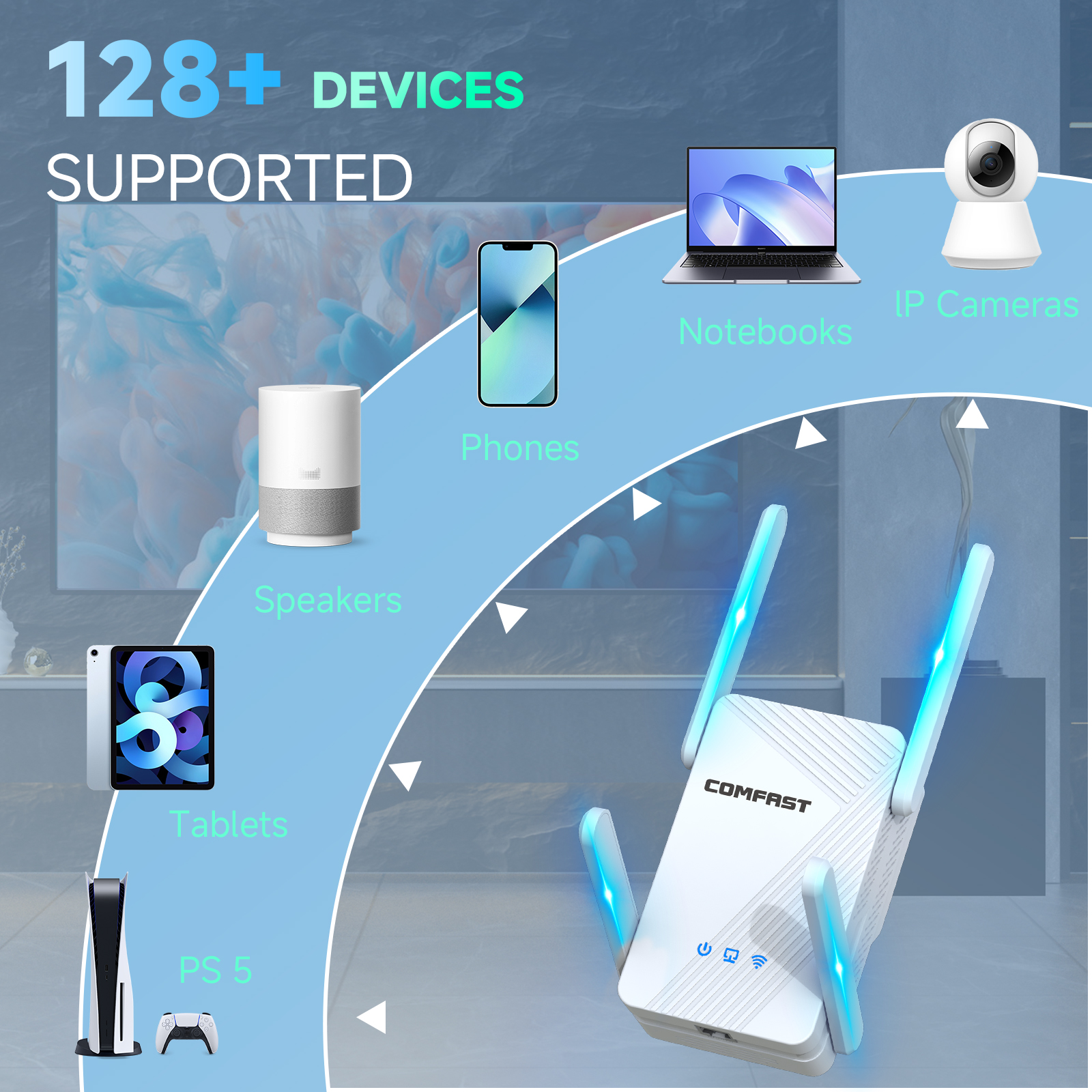
A: It can easily support 30‑50 devices (phones, laptops, smart home devices) without performance drop.
Q7: Will it work with my router from other brands?
A: Absolutely. CF-WR773BE is universal – compatible with any brand (TP-Link, ASUS, Xiaomi, Huawei, Netgear, etc.) as long as your router broadcasts a standard WiFi signal.
Q8: Why do I see “3570Mbps” but my internet plan is only 100Mbps?
A: The 3570Mbps is the internal WiFi link speed between the repeater and your router. It ensures zero bottleneck – even with a 100Mbps internet plan, you get full speed at the extended location. Higher internal speed also improves local file transfers and gaming latency.
Q9: Does it support WPA3 security?
A: Yes, WiFi 7 standard includes WPA3 encryption. It also supports WPA2/WPA3 mixed mode for compatibility.
Q10: Can I mount it on the wall?
A: Yes. The bottom has keyhole slots for wall mounting. Screws and anchors are included in the package.
Why Buy From COMFAST (Shenzhen四海众联)?
✅ Original manufacturer – 15+ years in networking
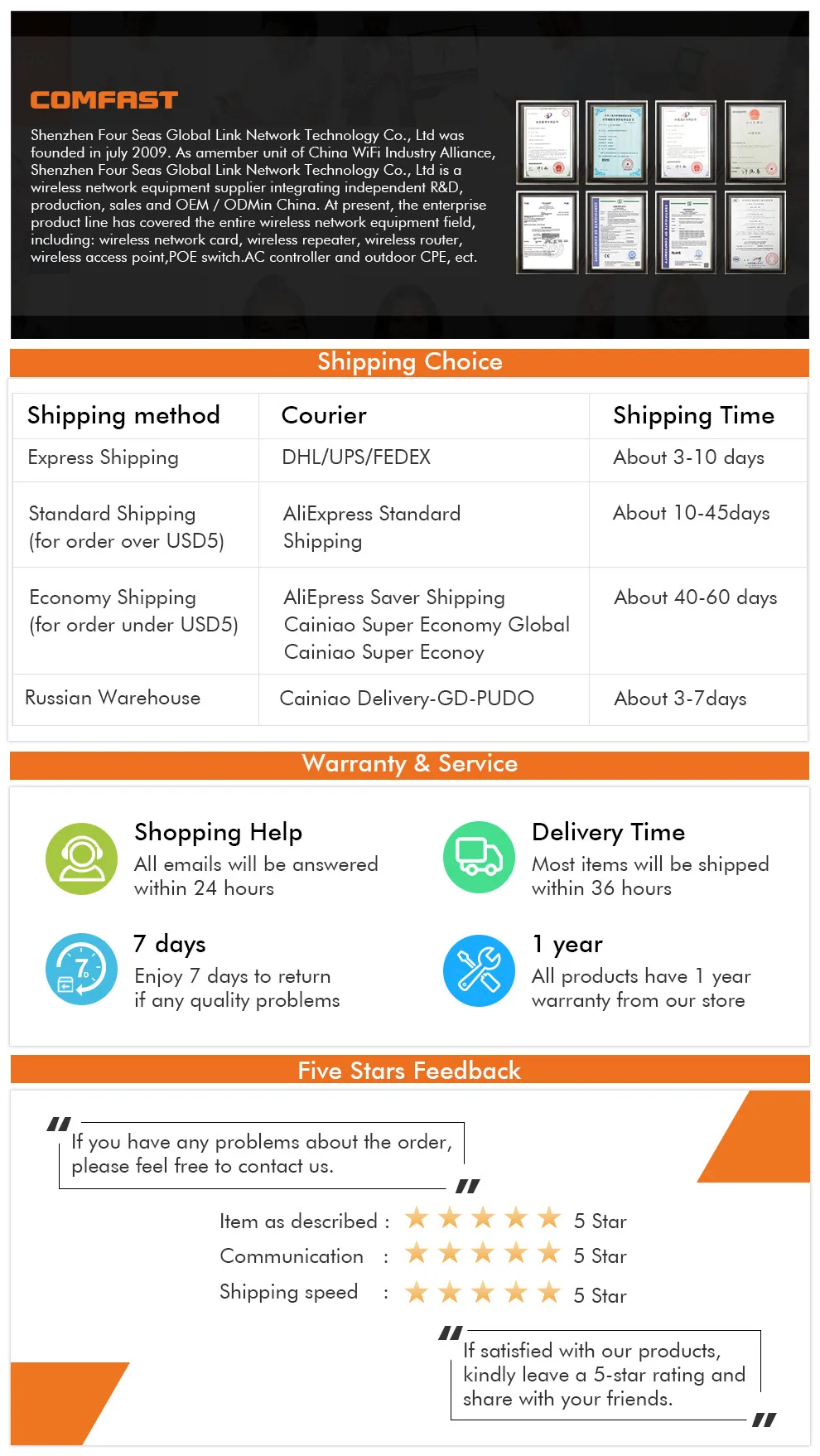
✅ 1‑year warranty & 24h technical support
✅ CE, FCC, RoHS certified
✅ Fast shipping from China warehouse
✅ English manual & online support
Set up guide:
Just three steps with a phone/computer/Ipad .
The default working mode is repeater mode.
1.Using Phone to connect ssid ,like NEWFAST-XXX
2.Input 192.168.10.1 in the browser,click repeater mode in Gui Page.
3. Choose the wifi signal which need to be extended, input password and clieck set up , waiting for 5 seconds, if the light is blue, then the setting is successful.
関連製品