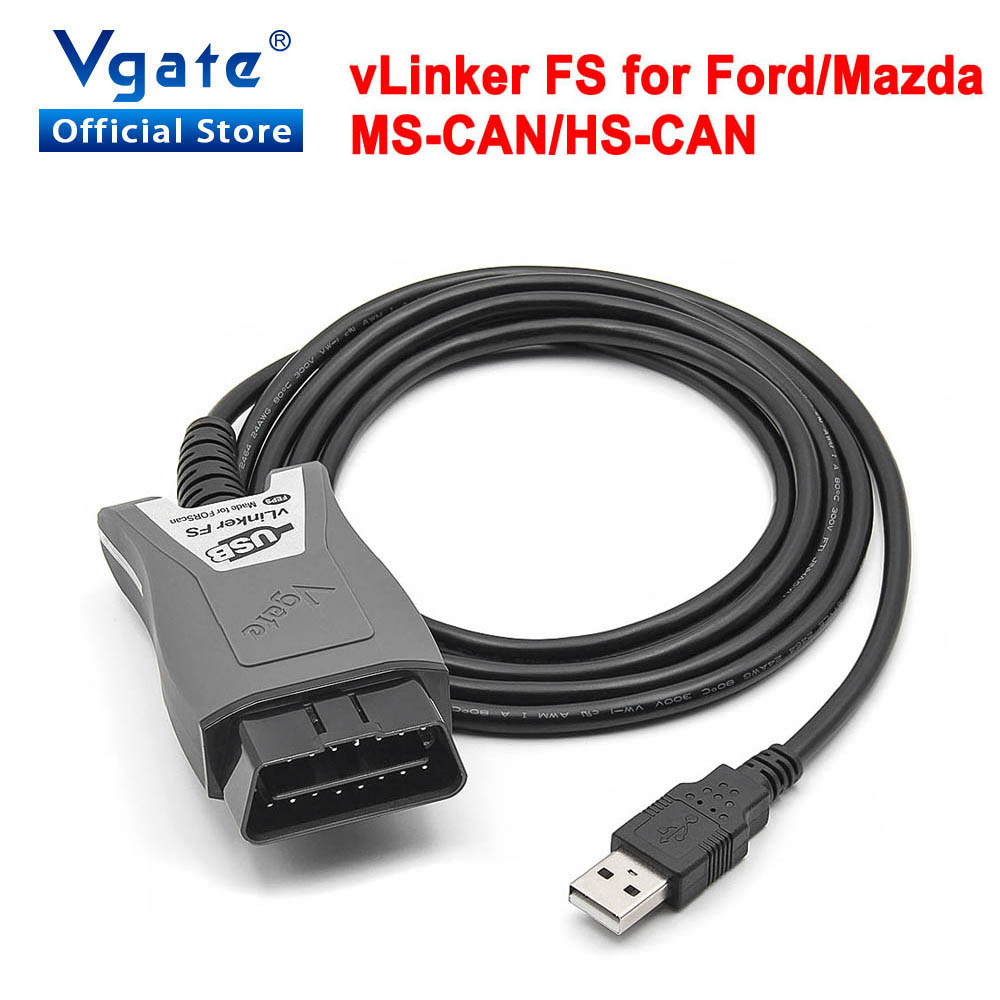





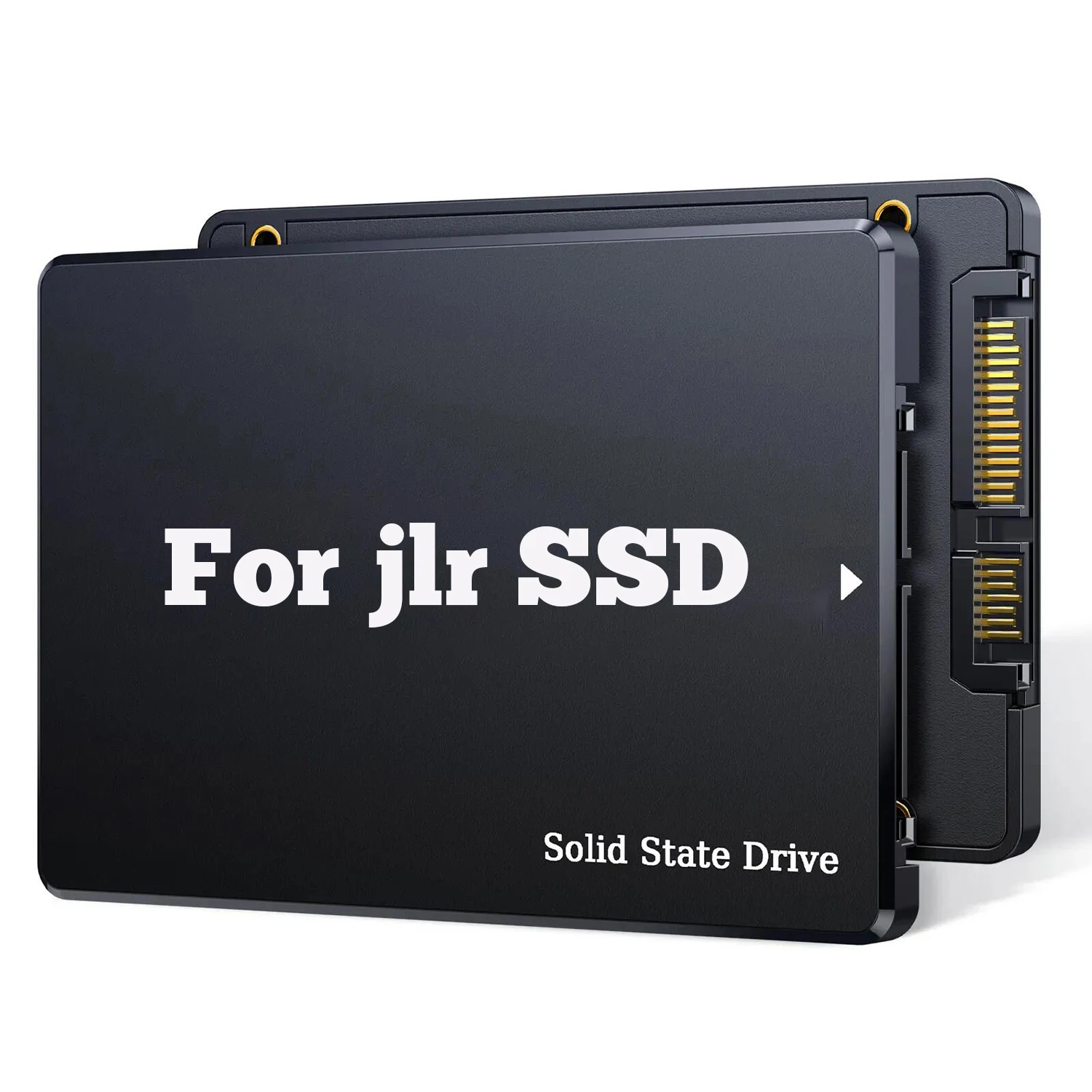
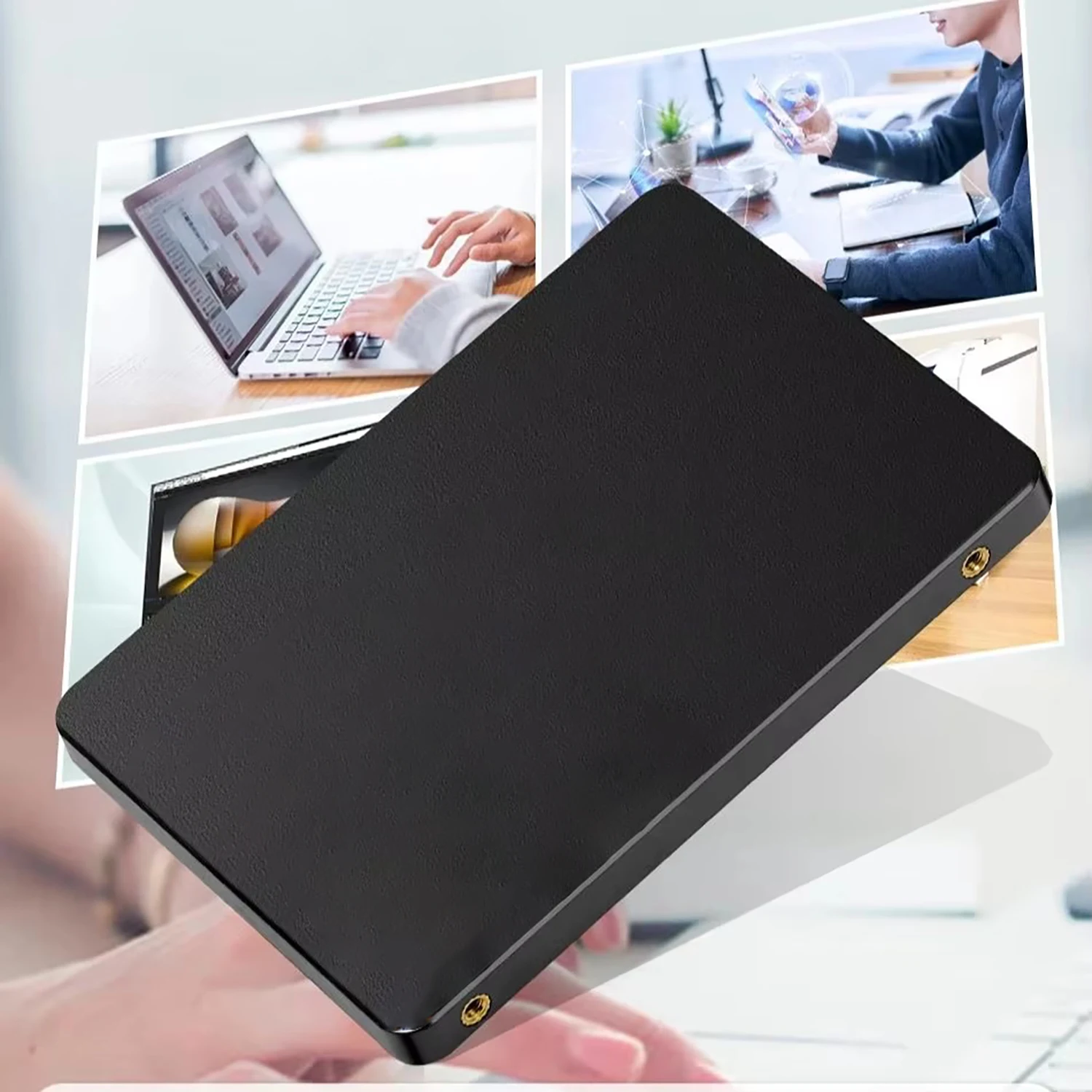
Note: SSD For VNCI JLR VCI and EUCLEIA T6 JLR VCI
Note: Please send us a photo of your VCI before purchasing, and we will send the corresponding SSD based on your VCI.
There are two types of hard drives. Please open your laptop's back cover to check your hard drive type before purchasing, and confirm before buying.
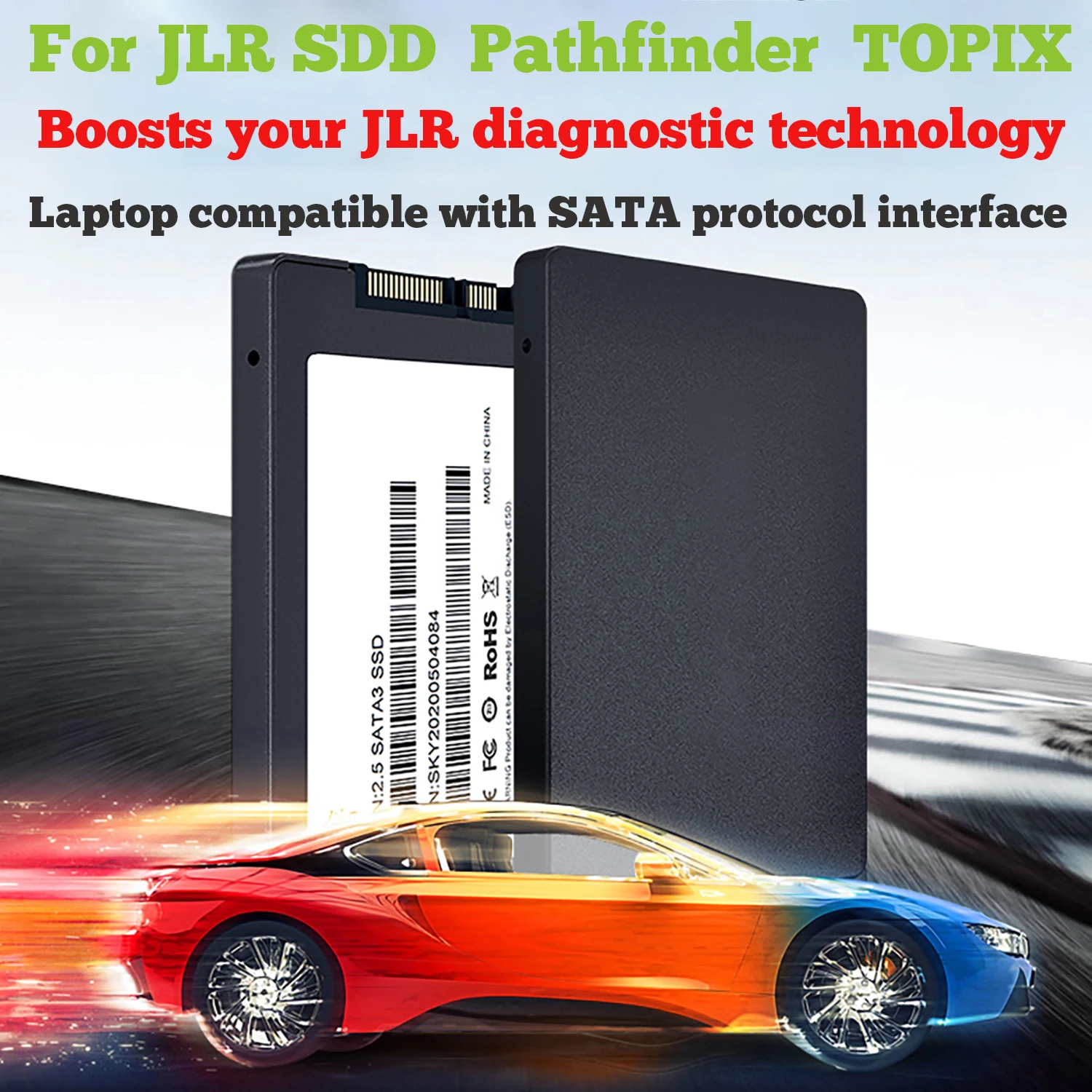
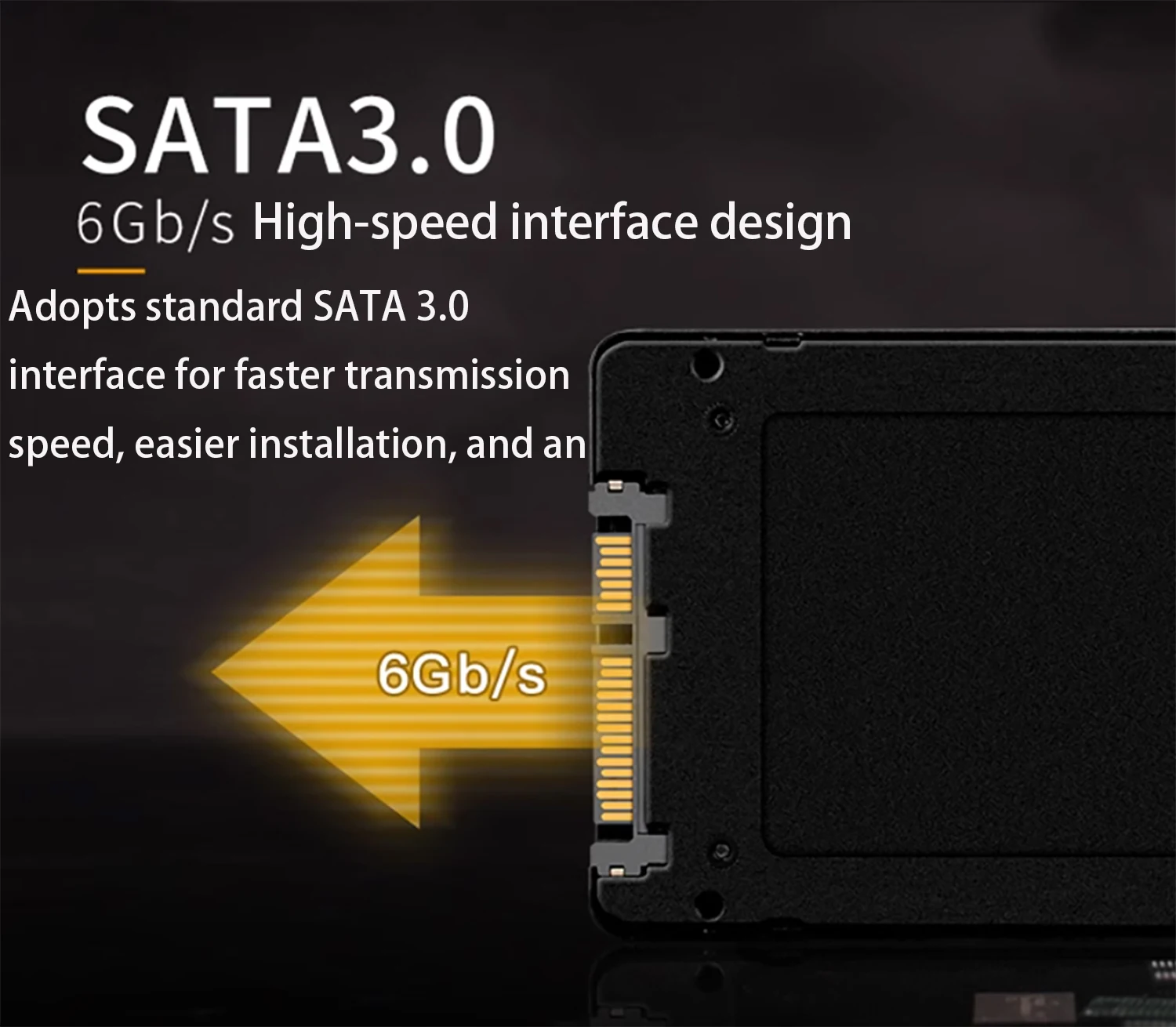
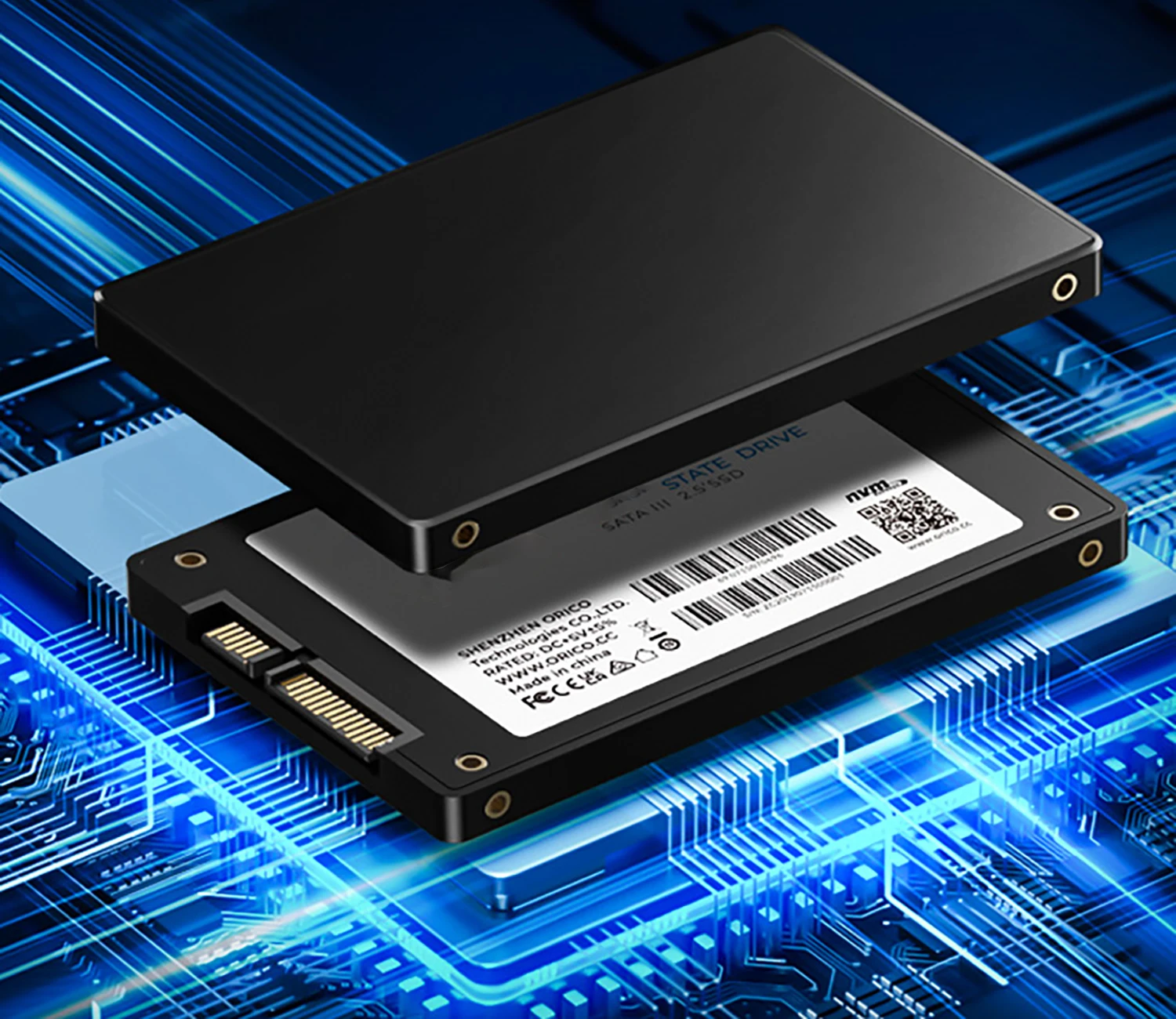
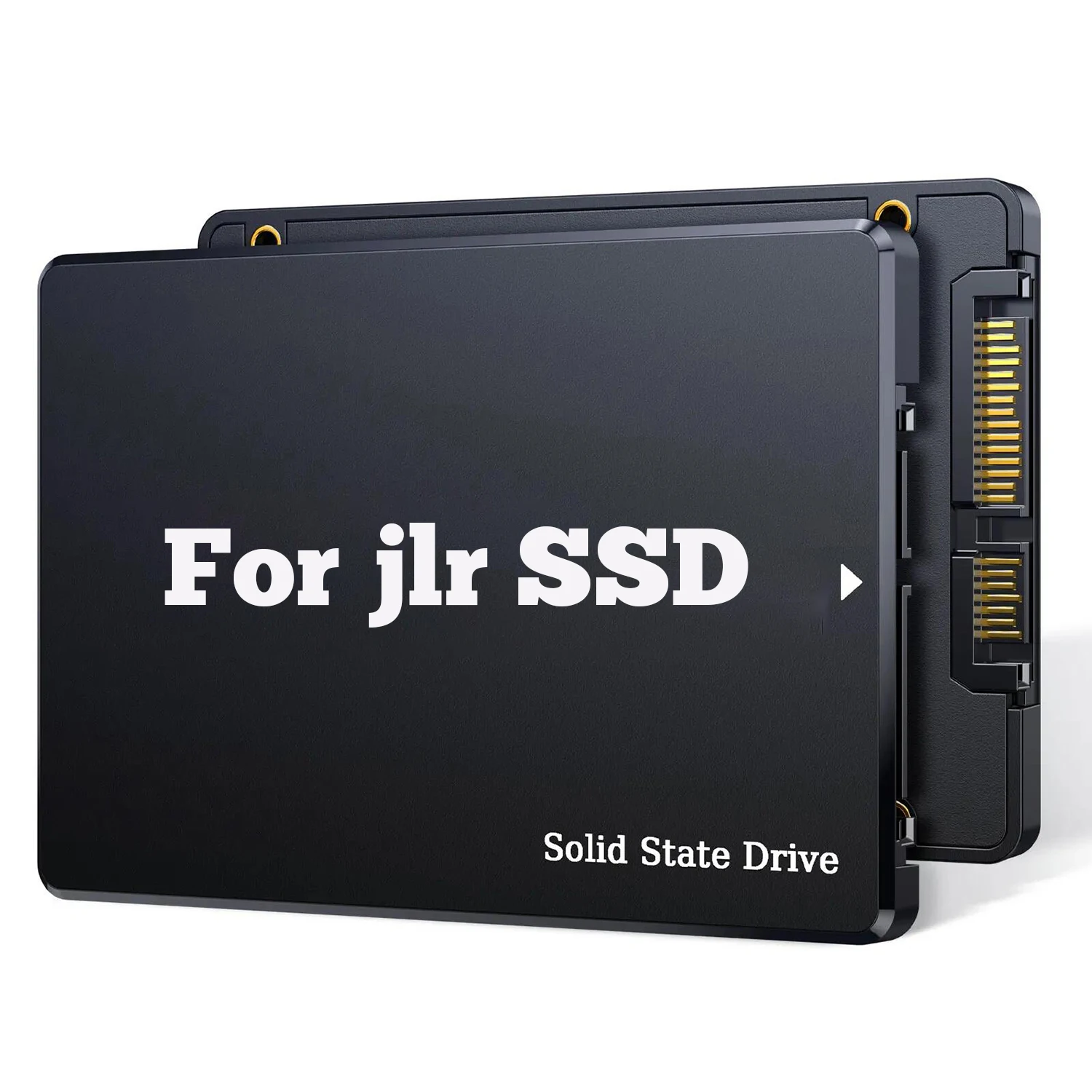
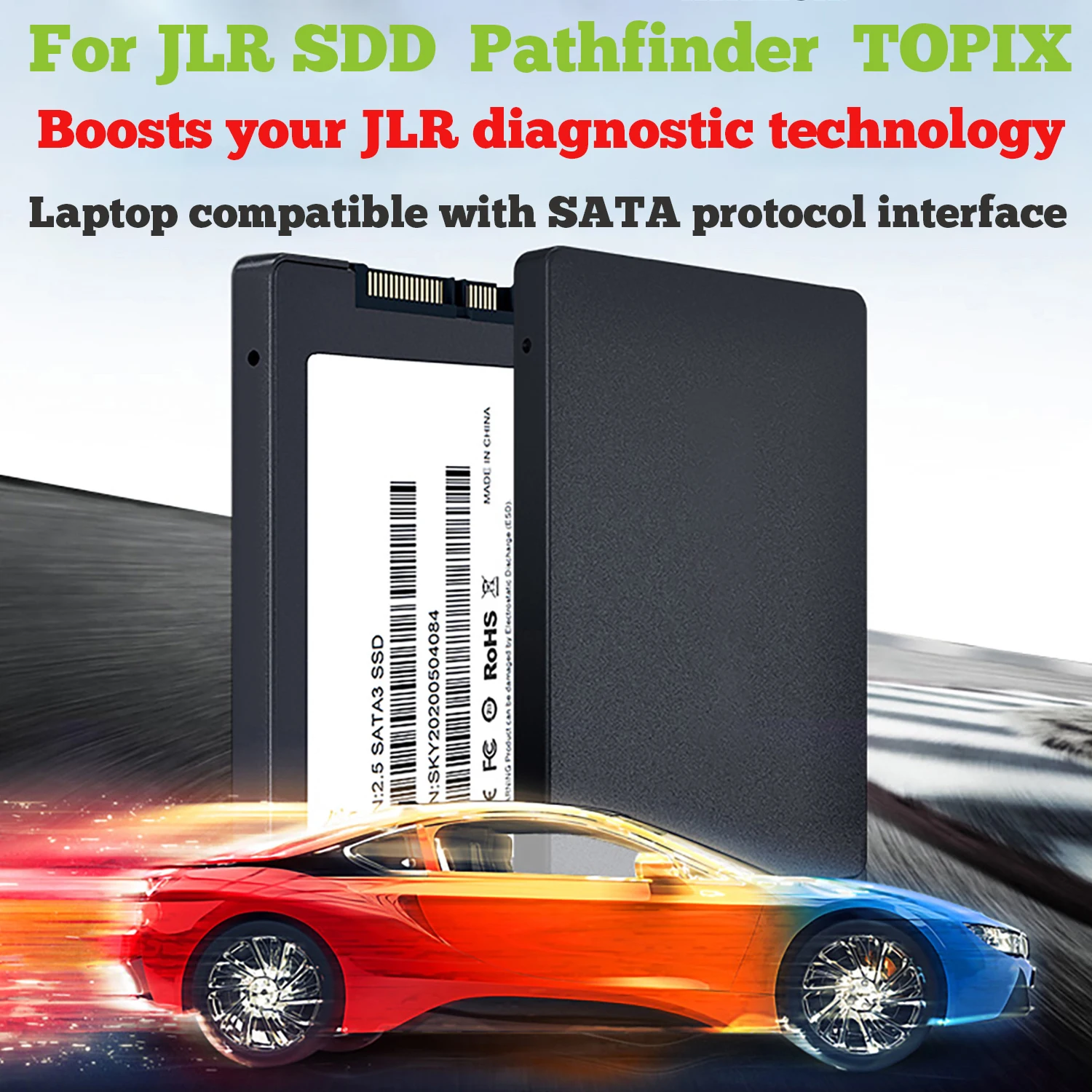
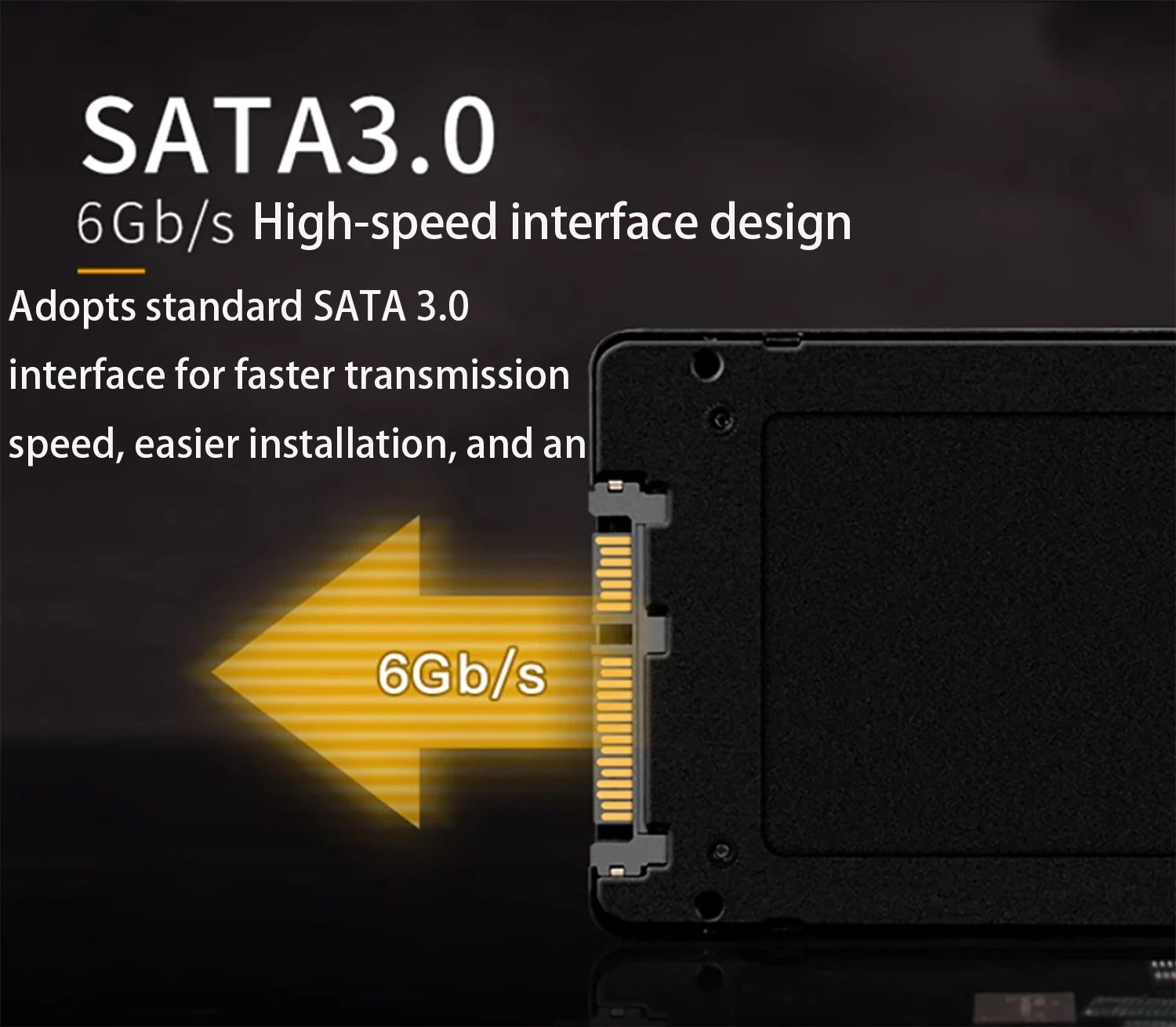
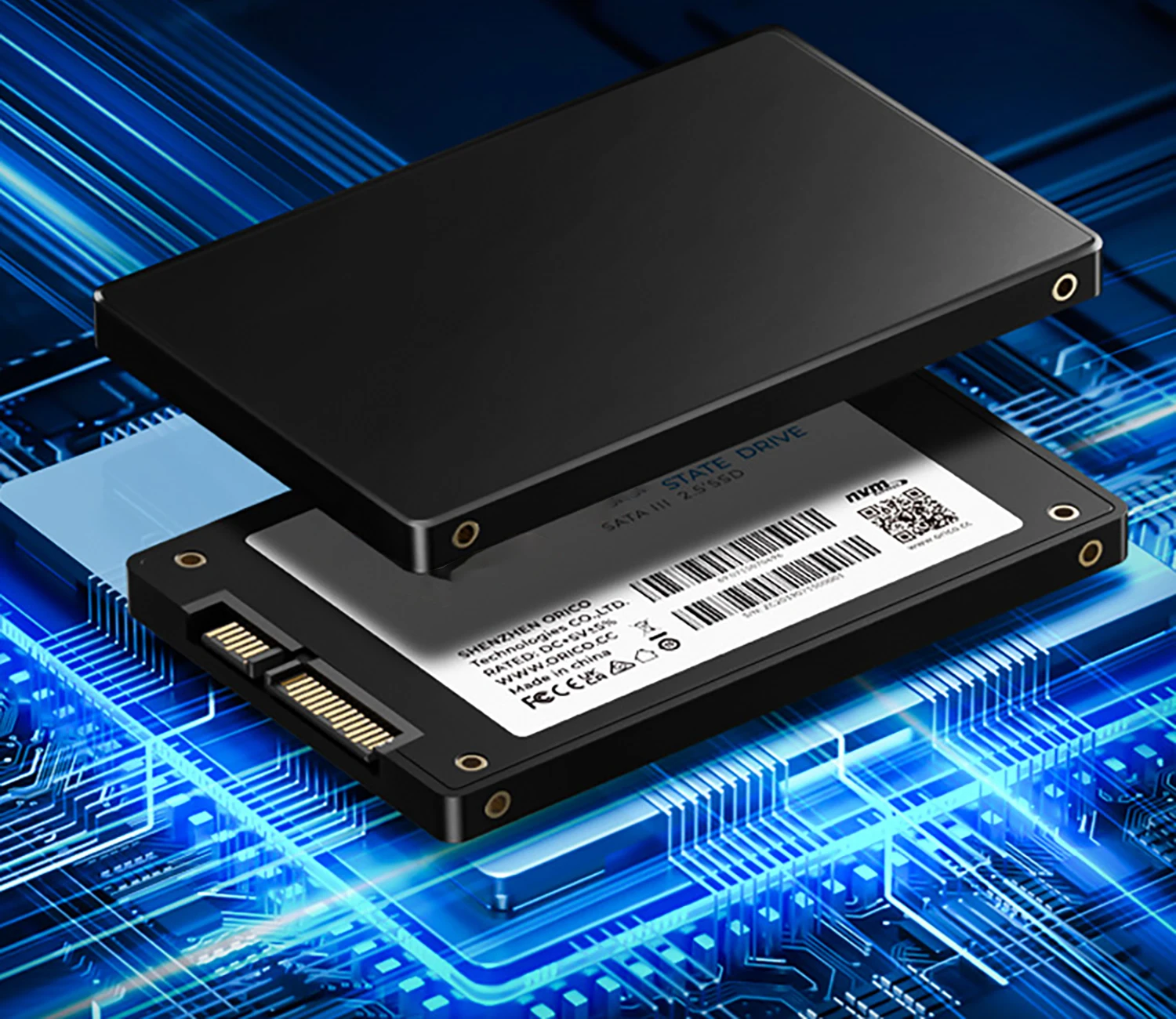
1.Only 2.5-inch SSD: This hard drive is suitable for older laptops, with a 2.5-inch size and SATA protocol interface.
2.Only NVMe M.2 SSD: This hard drive is suitable for newer laptops, with a 22*80(mm) size and NVMe protocol, offering faster speeds than the older SATA protocol.
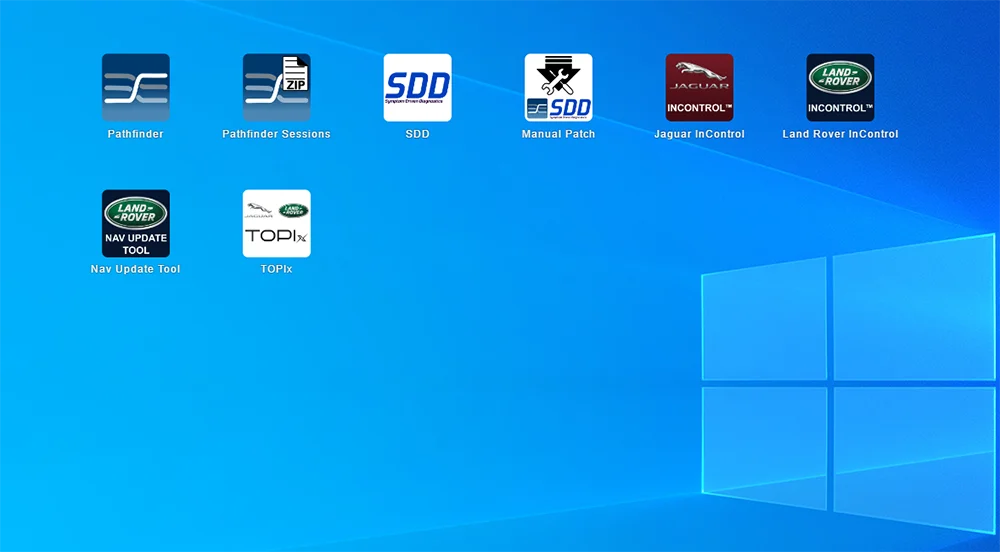
Note:SDD and Pathfinder can be used directly, but Topix requires an online server connection for diagnostics, so you must have a Topix account to use it.
Please, after receiving the hard drive, open the back cover of your laptop and install our hard drive.
Note:If you cannot boot the system after installing the hard drive, please follow these two modes to enter the BIOS and set the corresponding AHCI and UEFI settings.
Note:Hard disk mode: AHCI,System boot mode: UEFI