




シルバーショップ
最大利益:20%
ゴールドショップ
最大利益:21%
プラチナショップ
最大利益:22%
ショップに登録する

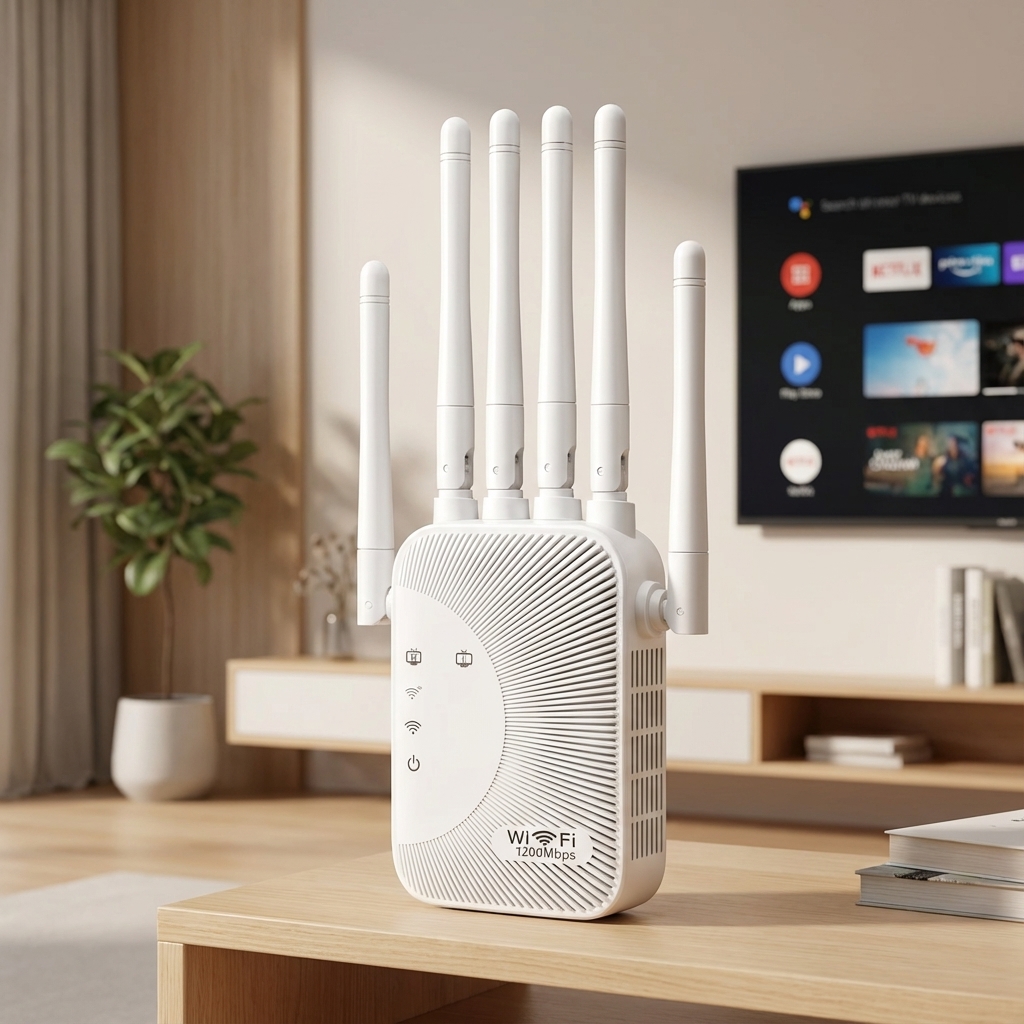
WONLINK 1200Mbps WiFi Repeater Long Range 5Ghz De Sinal Wifi Extenders Amplifier Signal Booster Antenna Repeator UK Plug Repetid


(0 レビュー)
発送予定時間: 3 日々

により販売されています: 自社製品

価格:
$27.68 /Pc

量:
(3718 利用可能)

合計金額:
払い戻し:
シェア:


Wonlink 1200Mbps WiFi Repeater Long Range 5Ghz De Sinal Wifi Extenders Amplifier Signal Booster Antenna Repeator UK Plug Repetidor


Product Description:

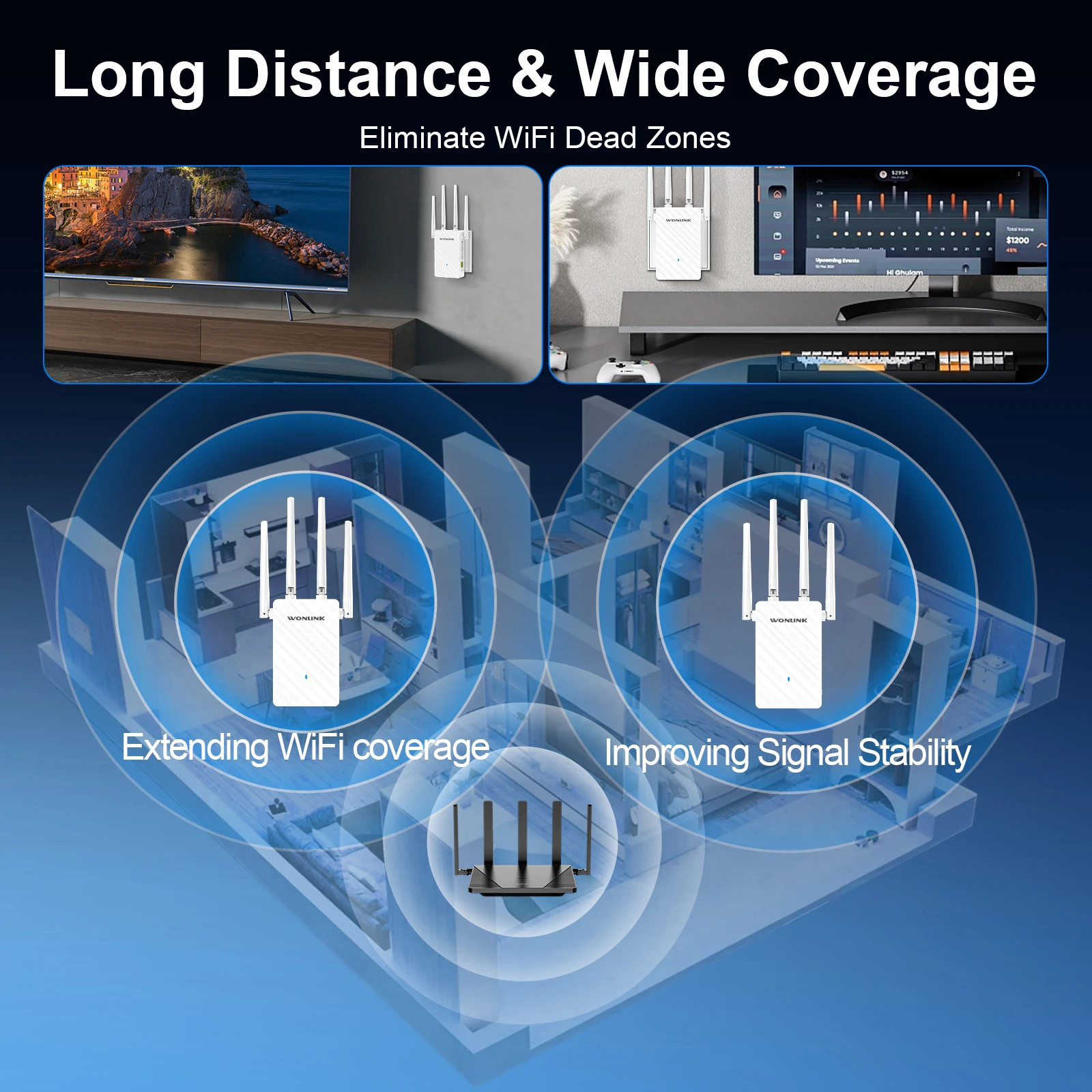
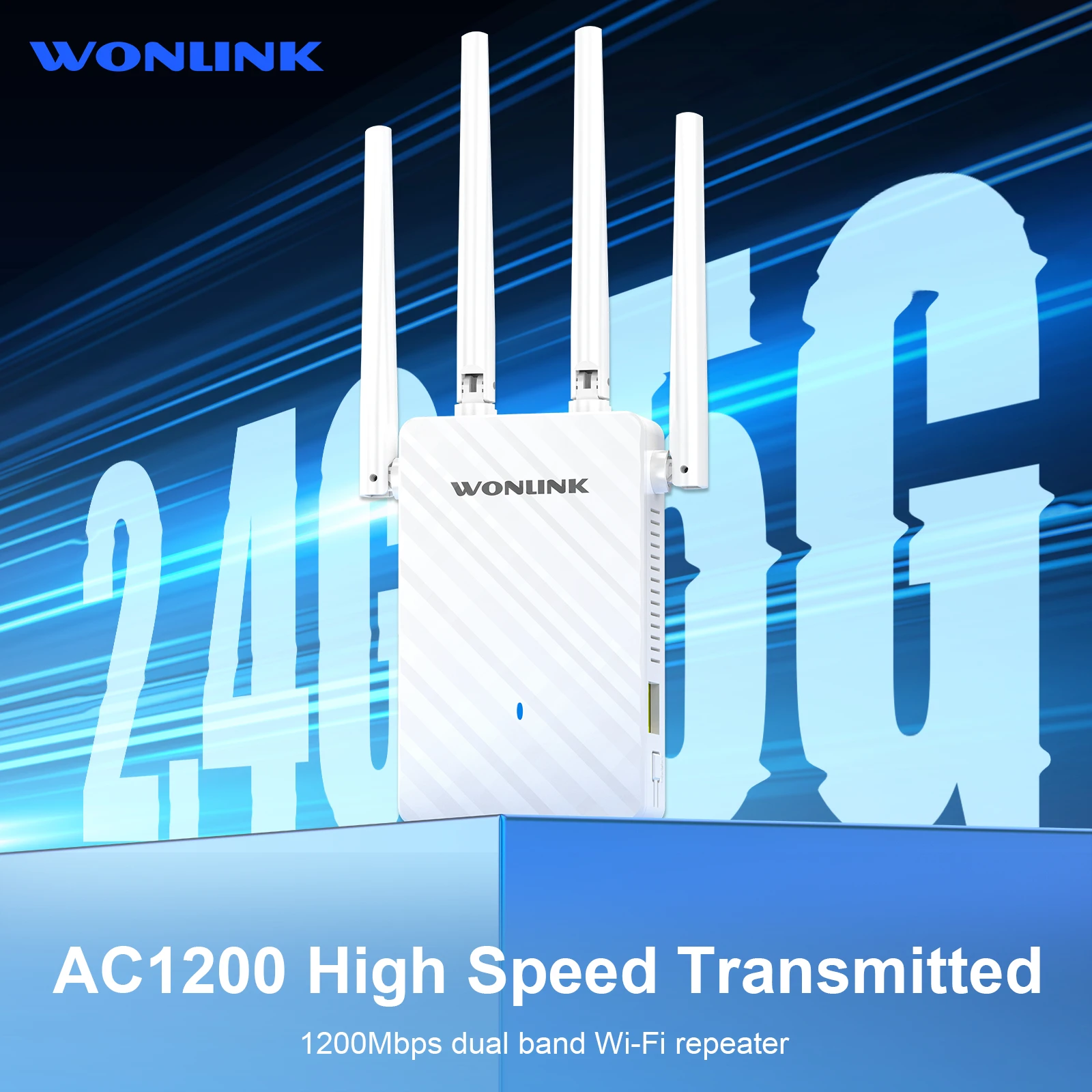
WL-NE3503 is a gigabit dual-band repeater , the user's setup and use are more simple and intuitive.can also get started easily, and he knows the working of his repeater like the back of his hand. It is suitable for scenarios with incomplete routing coverage of houses such as large flats, villas, duplex buildings, and corporate offices.


Features:

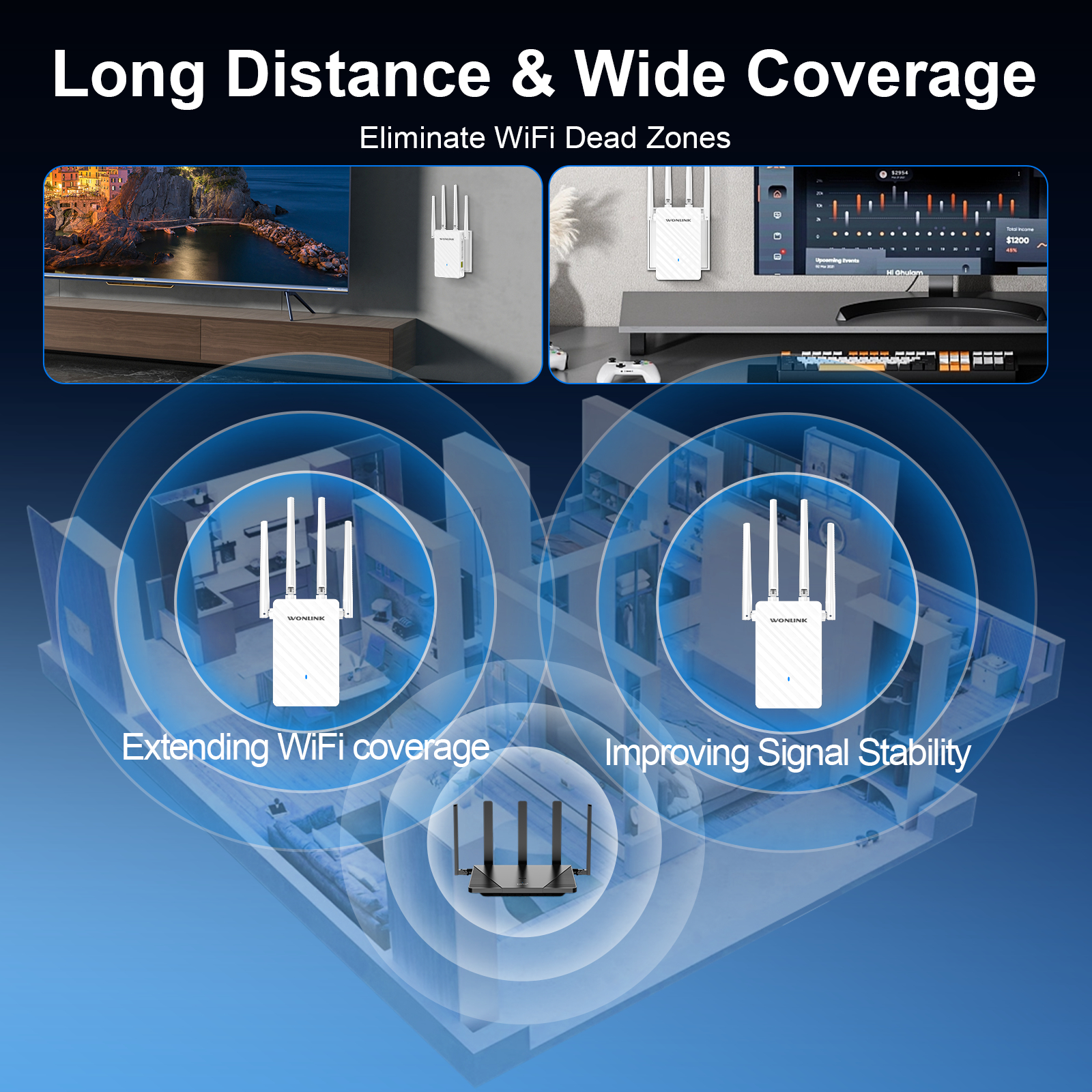
1.Wi-Fi expansion, eliminating dead spots of wireless signals;

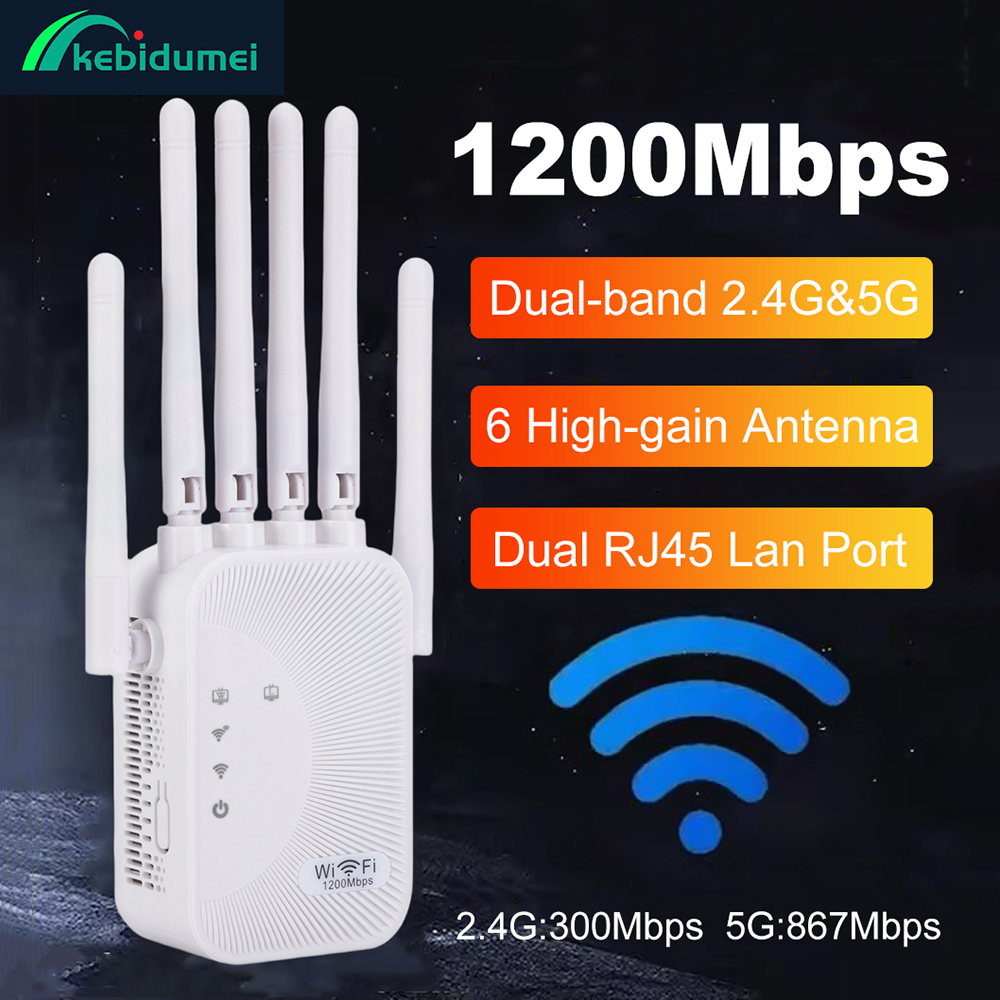
2.1200Mbps dual-band, stronger anti-interference, high speed, more compatible with gigabit home routing;

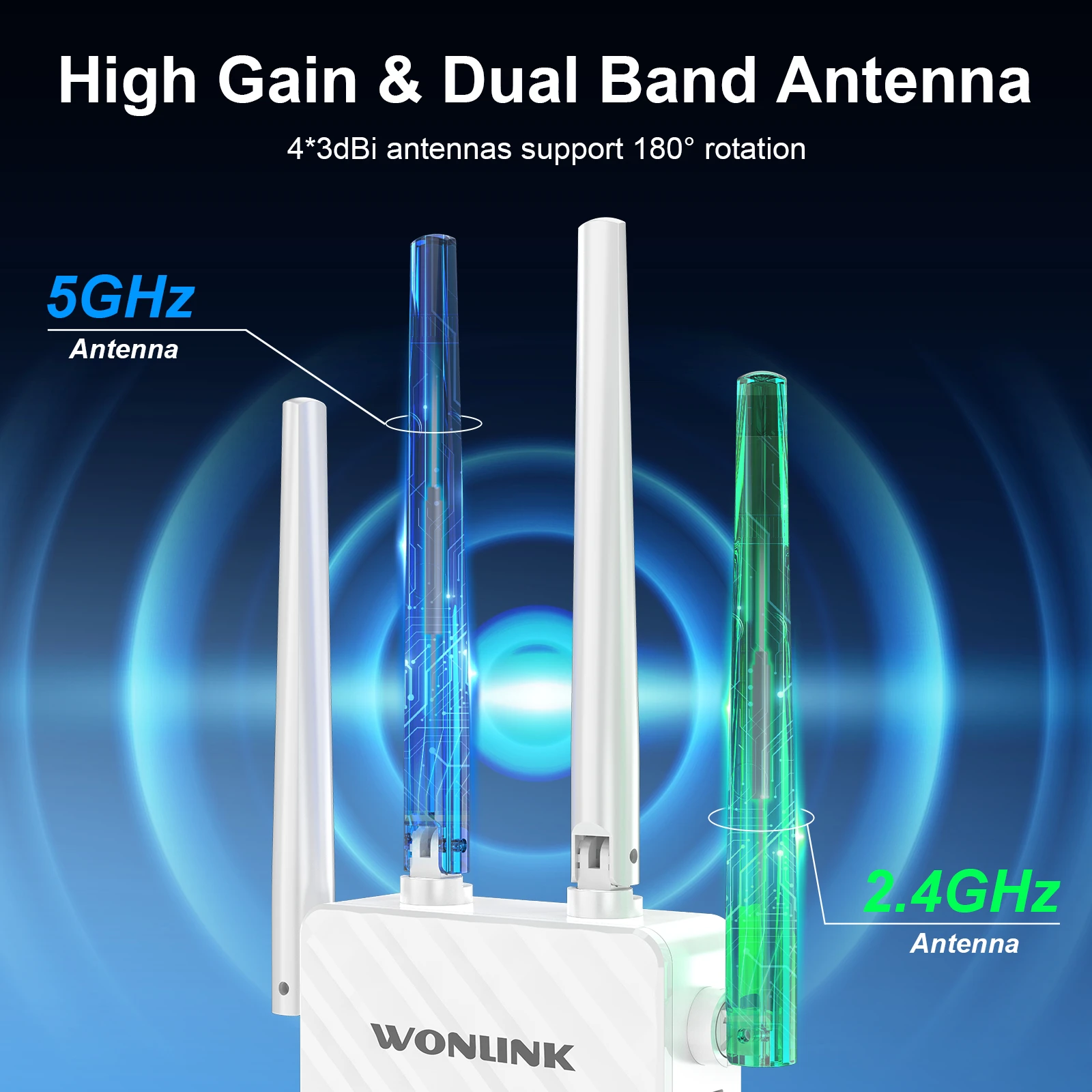
3.4 antenna signal enhancement, signal coverage and wall penetration are significantly improved;

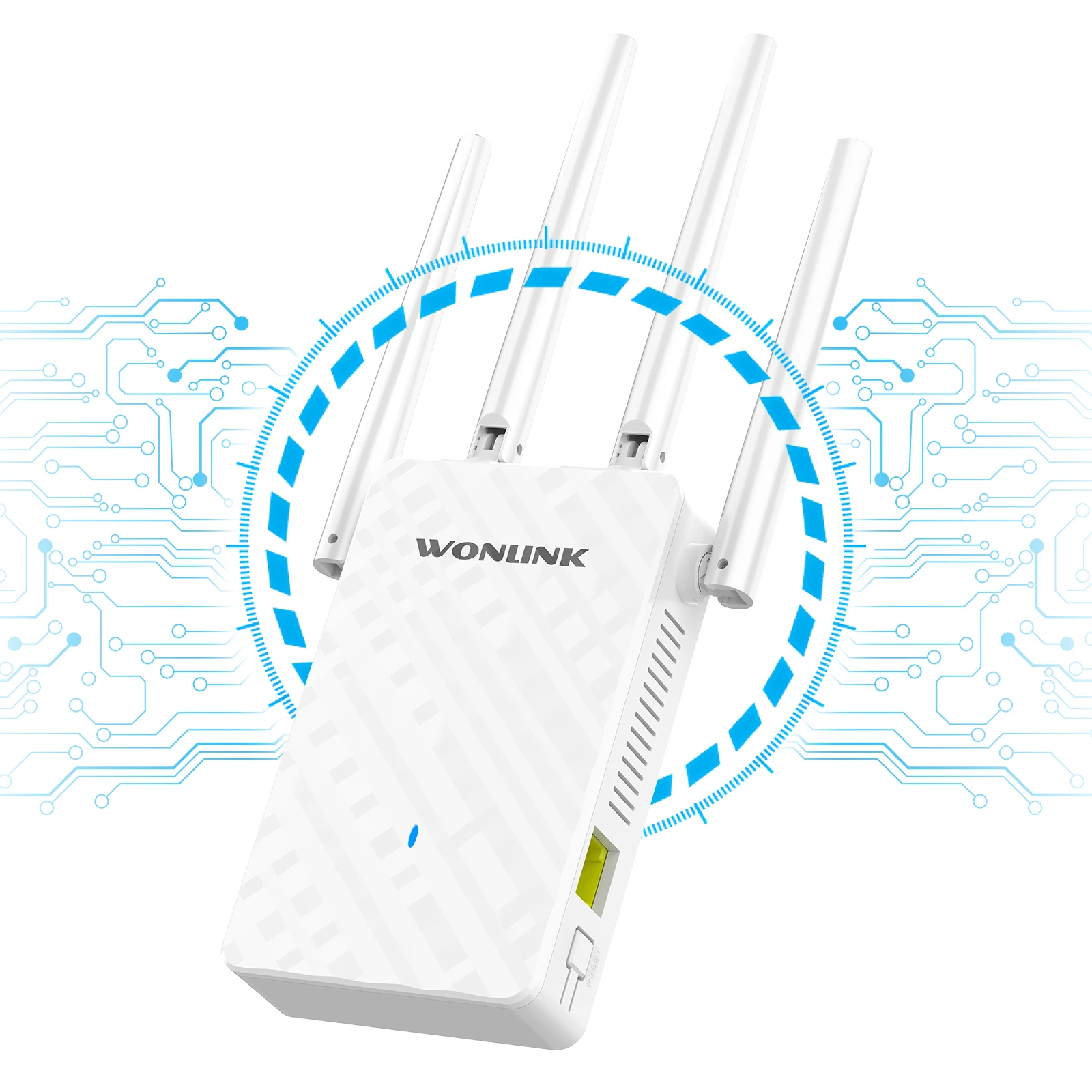
4.The antenna can be rotated flexibly, and the user can adjust the angle of the antenna to adjust the signal transmission and reception;

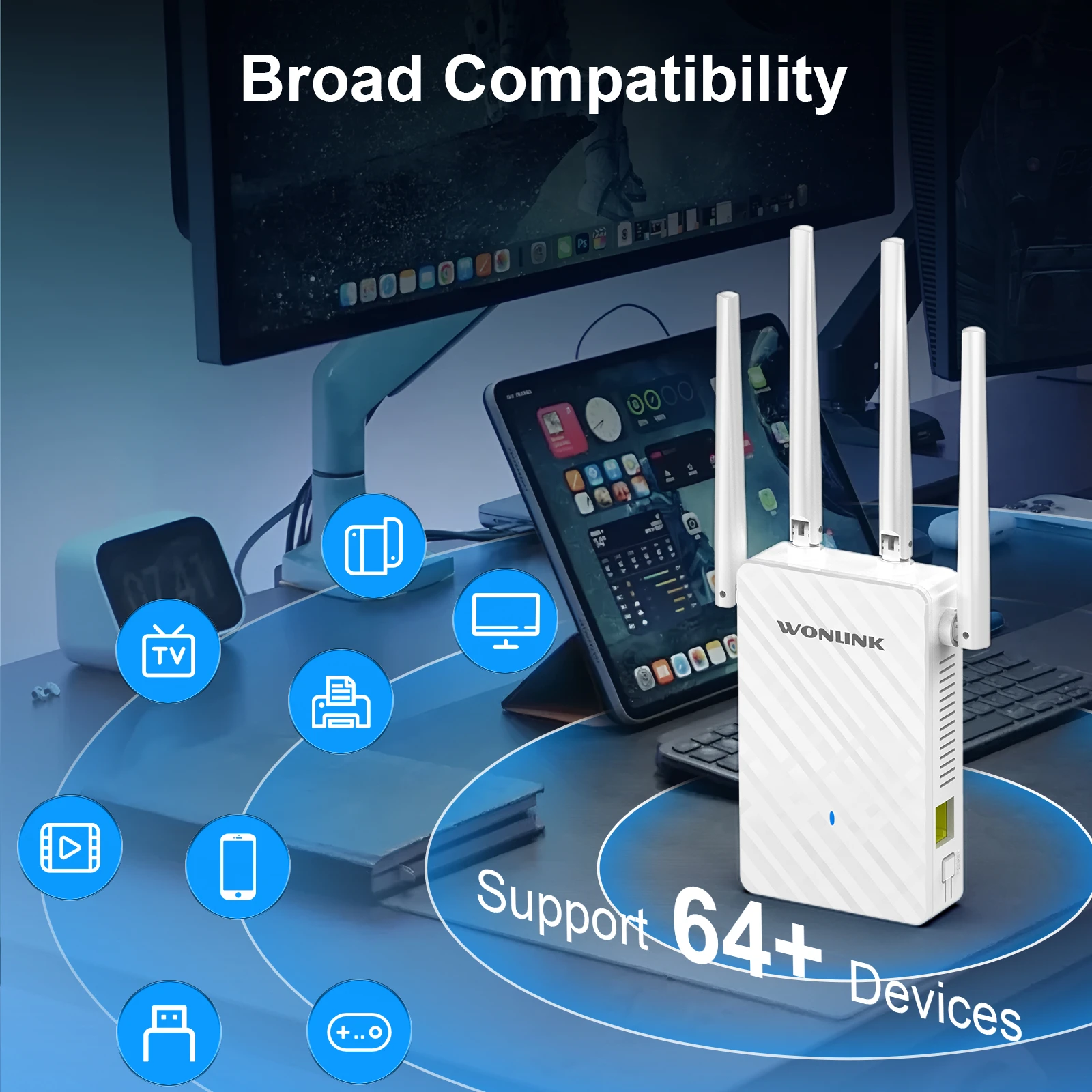
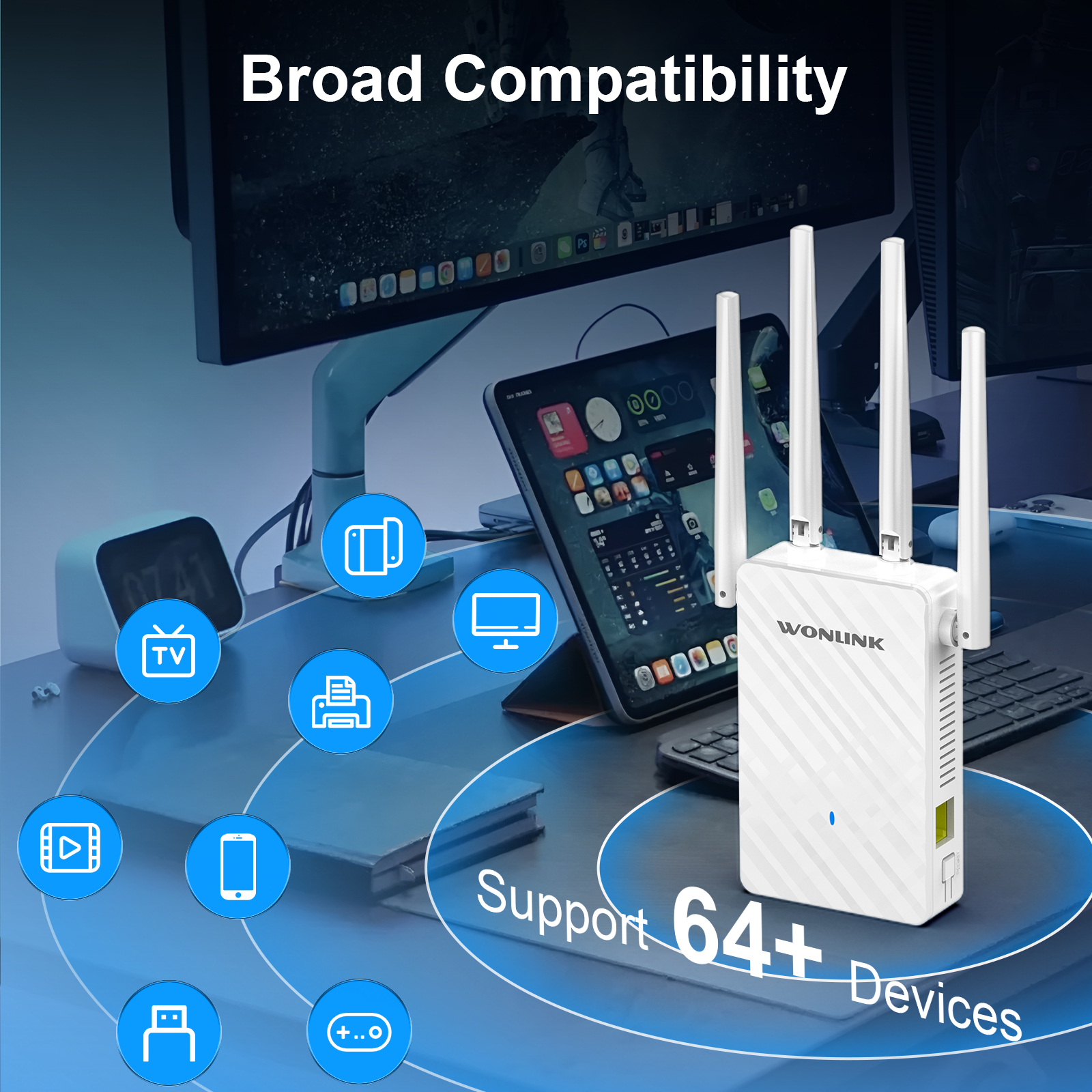
5.Support WiFi to wired, can be connected to TV, computer, etc. to connect with wired and stable work;

6.Scientific heat dissipation design, the device supports 24h stable work without disconnection, avoiding overheating and aging of components;


Specification:

1.Brand: Wonlink
2.Model: WL-NE3503
3.Colour: Black  EU/UK Plug
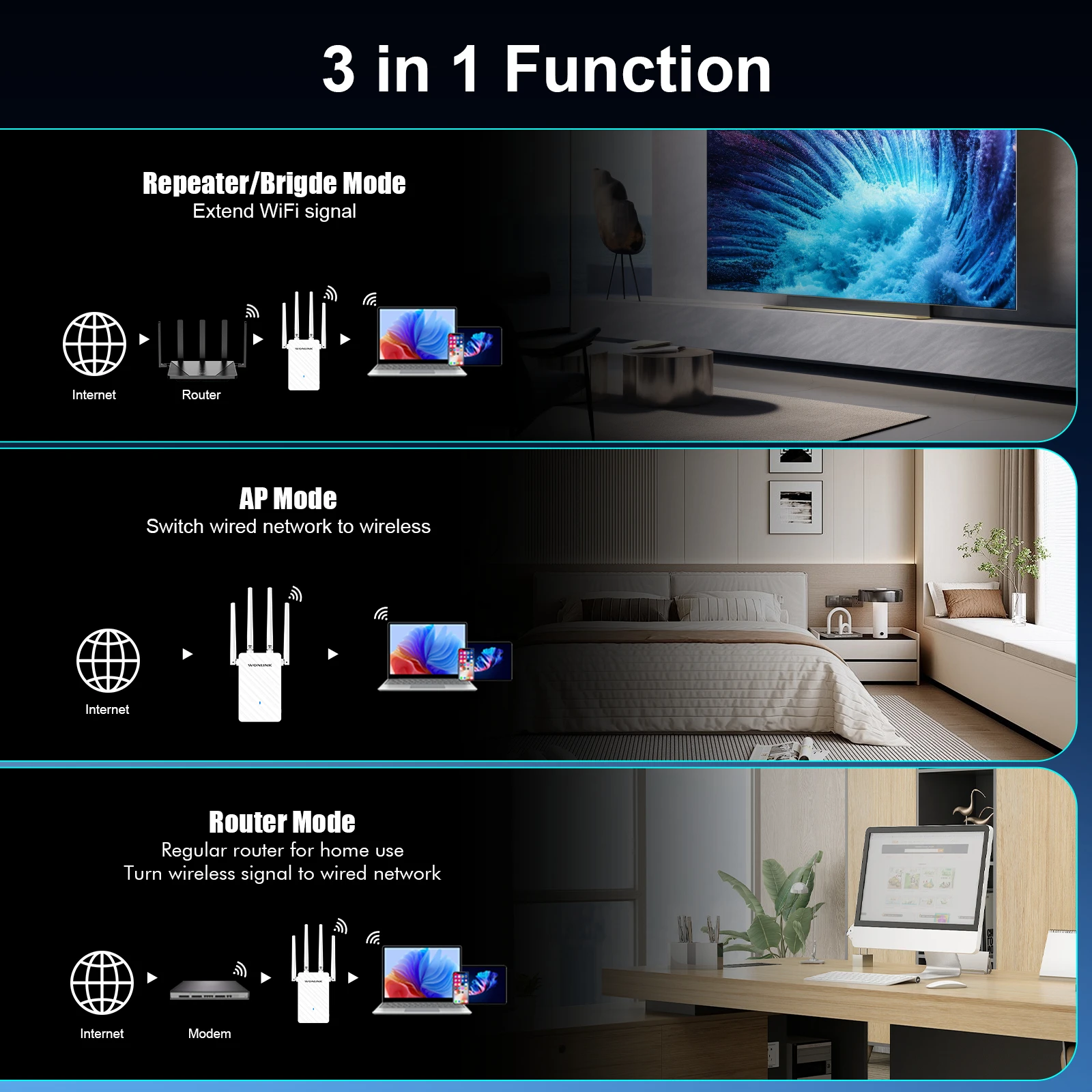
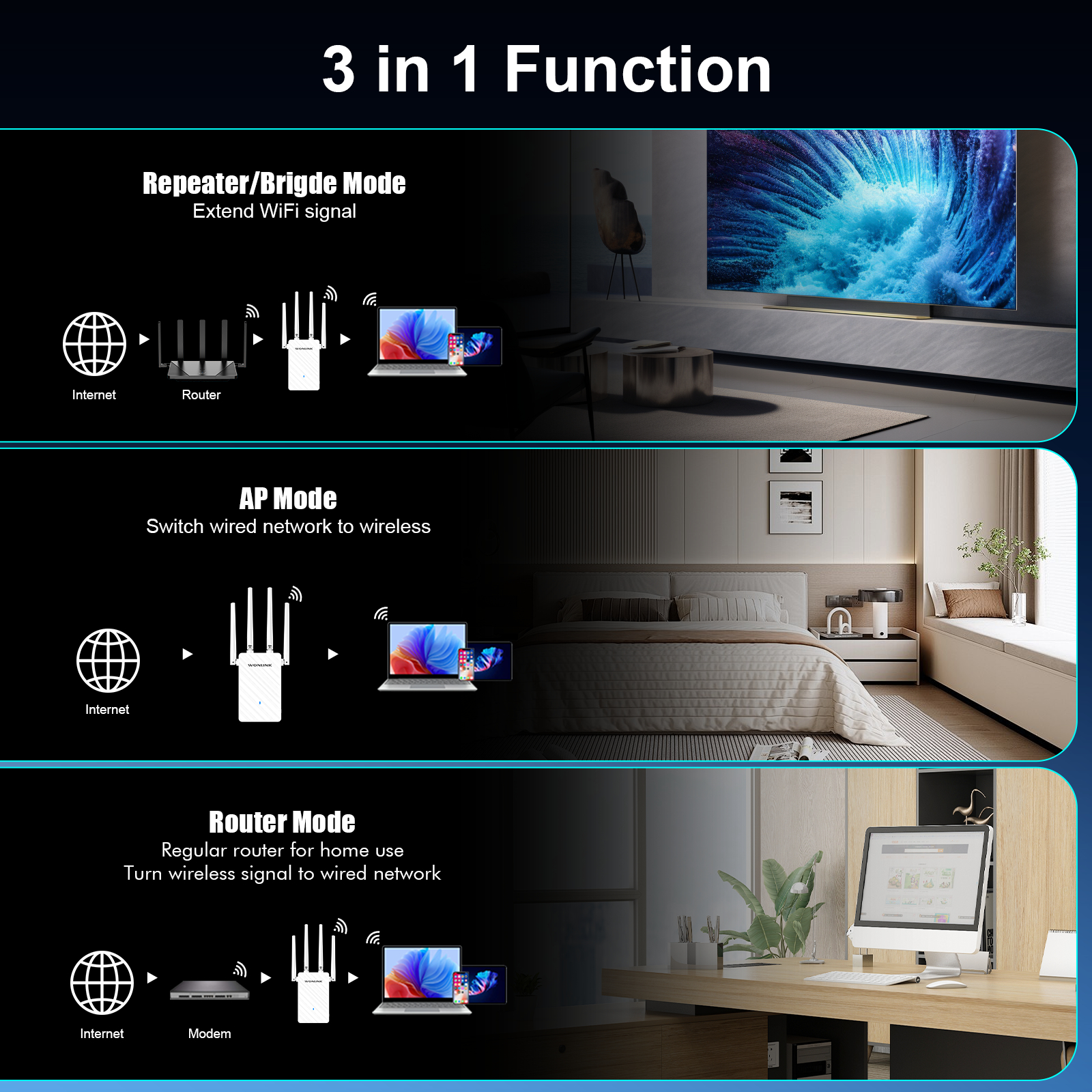
4.Operating mode :Repeater / Router / AP / Bridge
5.Chipset:MT7628DAN + MT7613BEN,RAM: 64MB; Flash: 8MB;
6.Antenna: 4*3dBi high-gain Omnidirectional antenna
7.Wireless Standard:IEEE802.11a/b/g/n/ac standard
8.RF Parameters:Transmit Power: 126mW(21dBm)
9.Acceptance Sensitivity: -96dBm
10.Working Frequency: 2.412-2.472GHz : 5. 180-5.825GHz
11.Transmission Rate:2.4GHz : 300Mbps 5.8GHz: 867Mbps
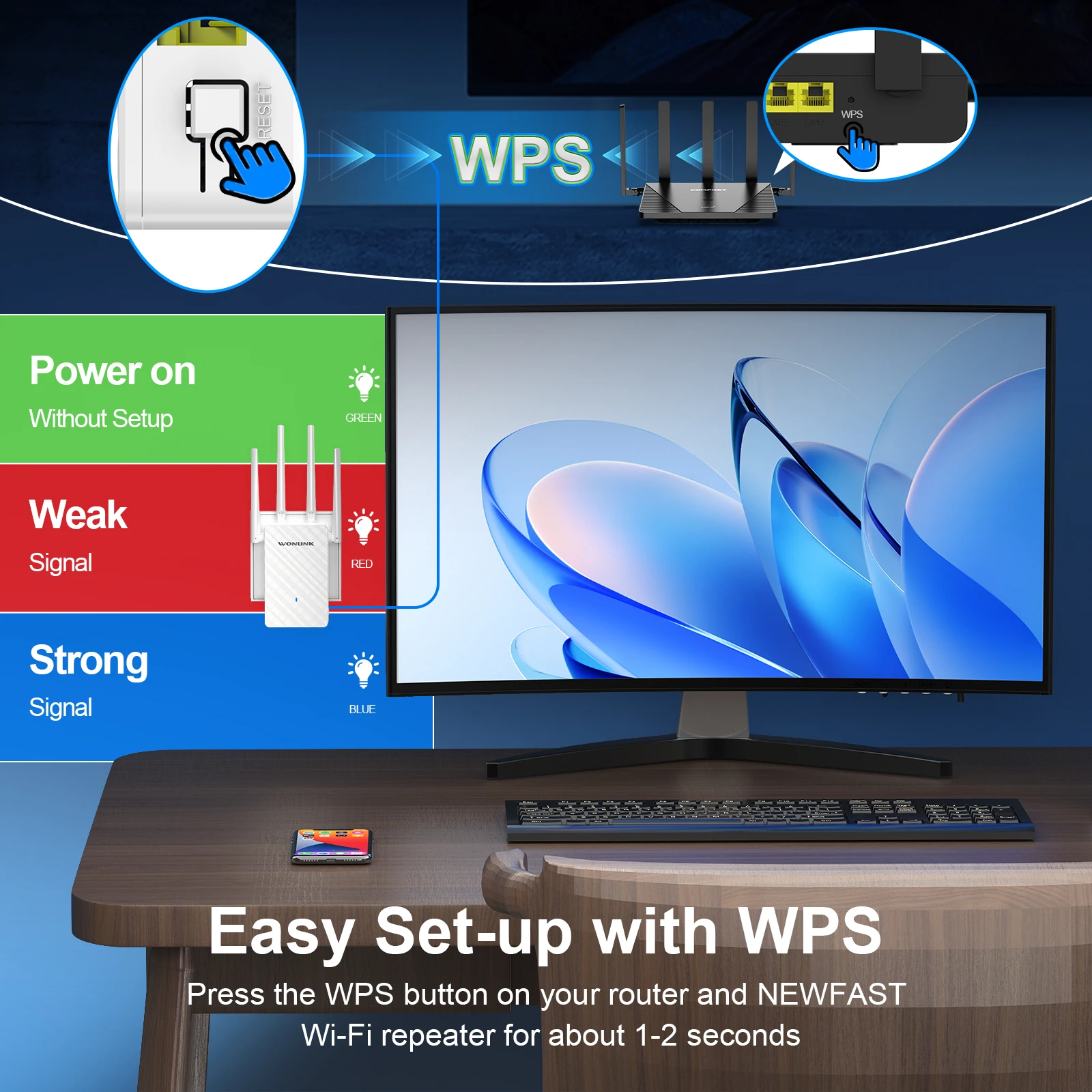
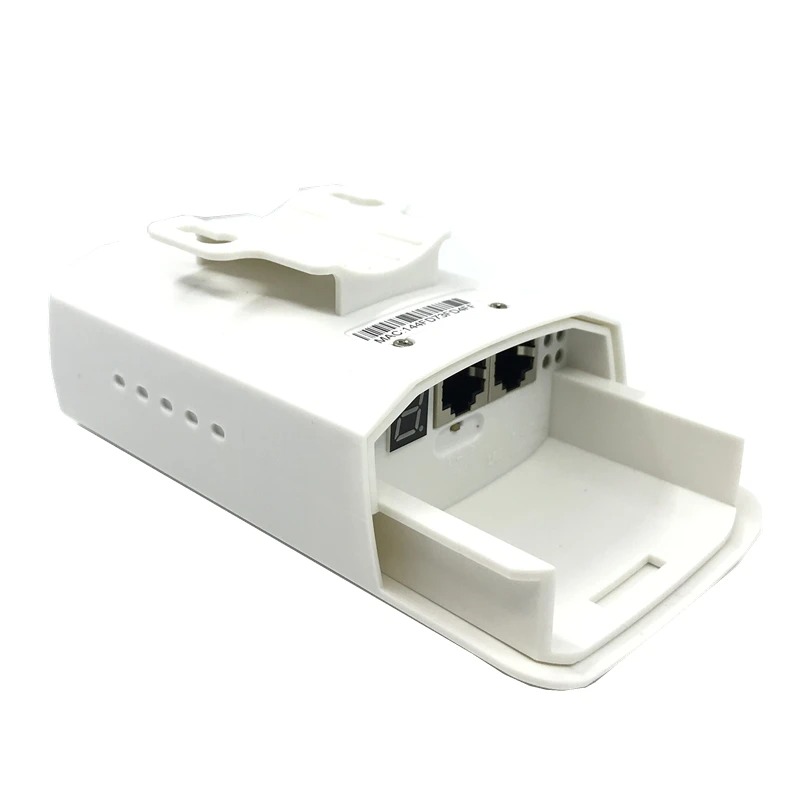
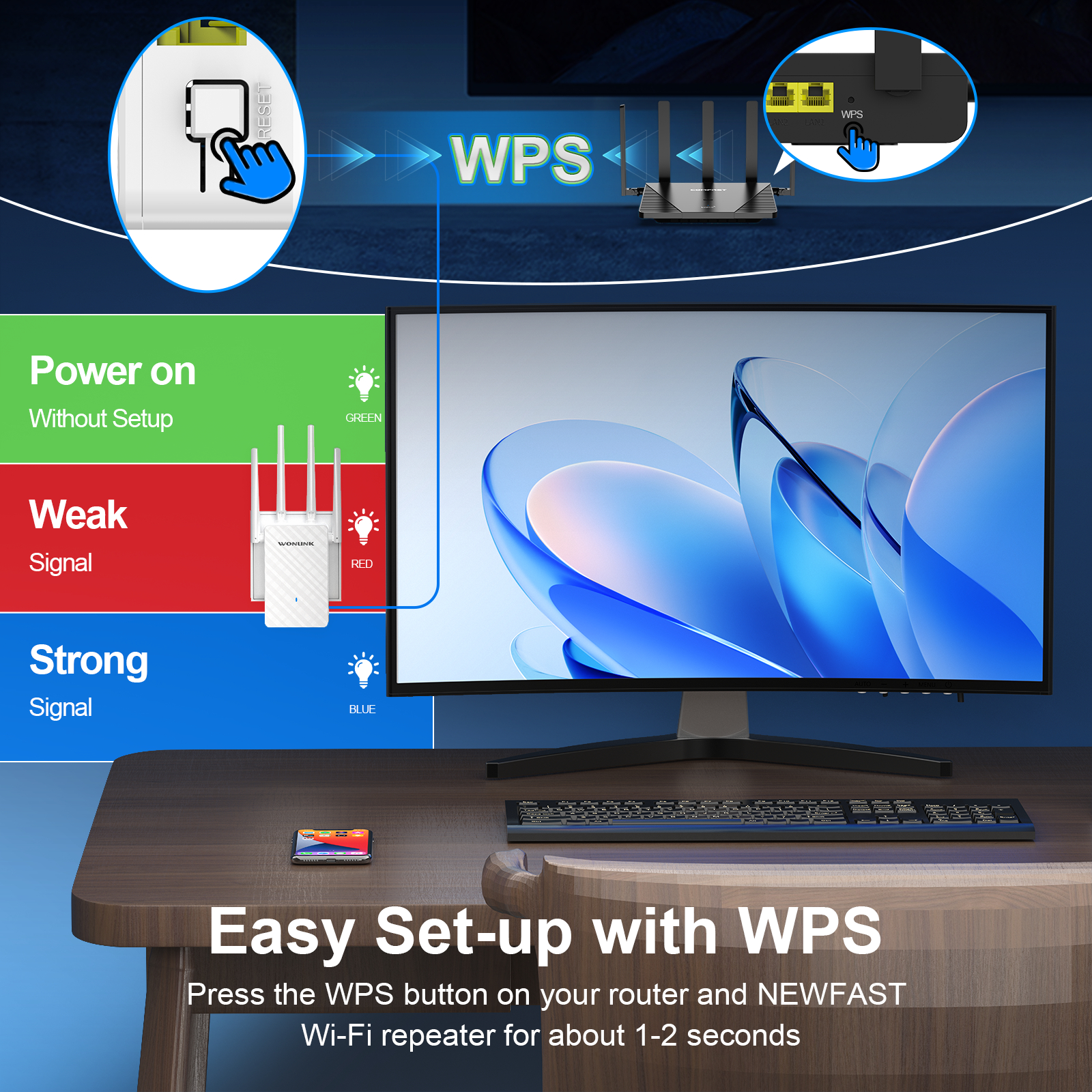
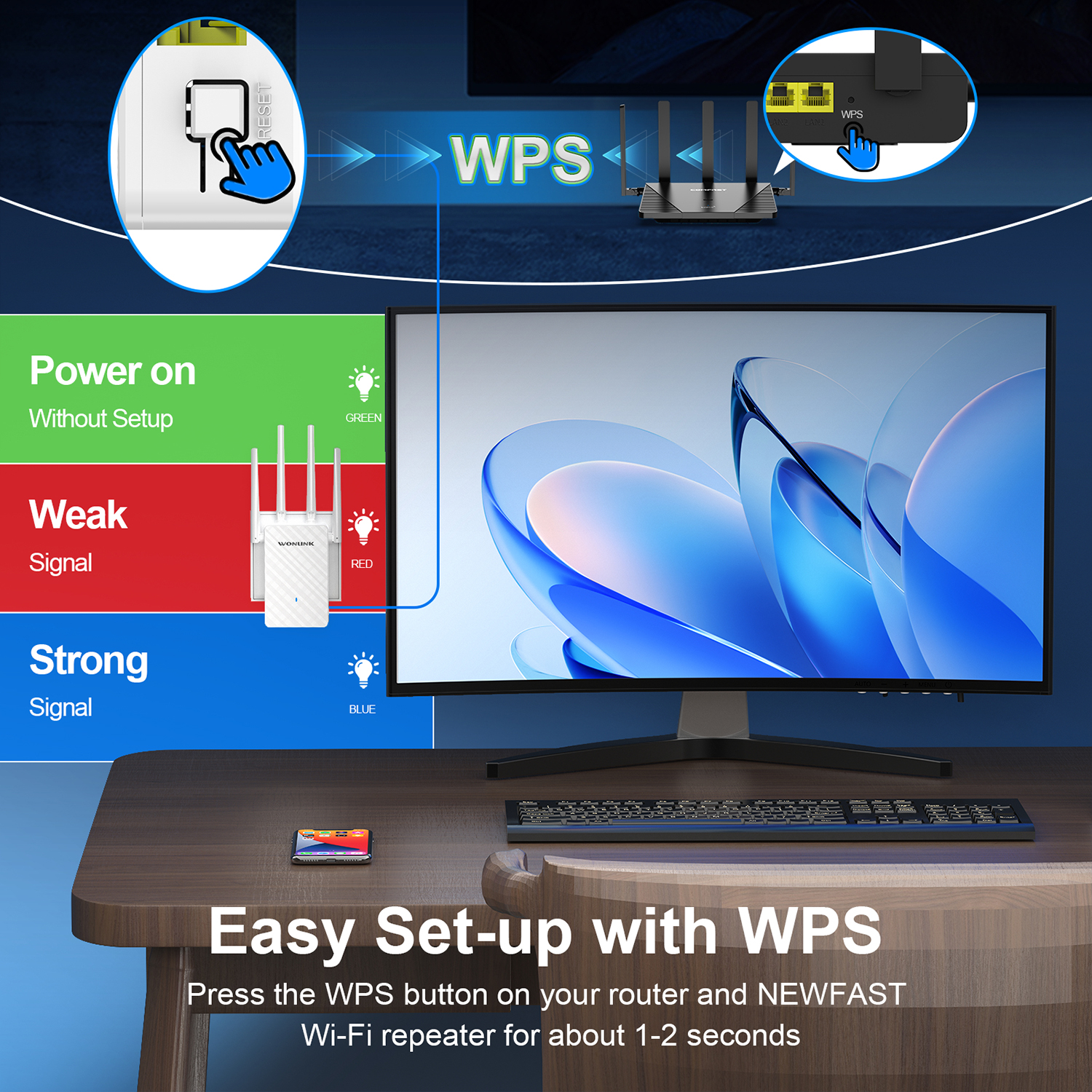
12.Physical interface : 1*10/100Mbps LAN/WAN RJ45 Ethernet port , 1*RESET/WPS Button ;
13.Power : 100-240V,50/60Hz
14.Channel bandwidth :20/40/80 MHz Auto
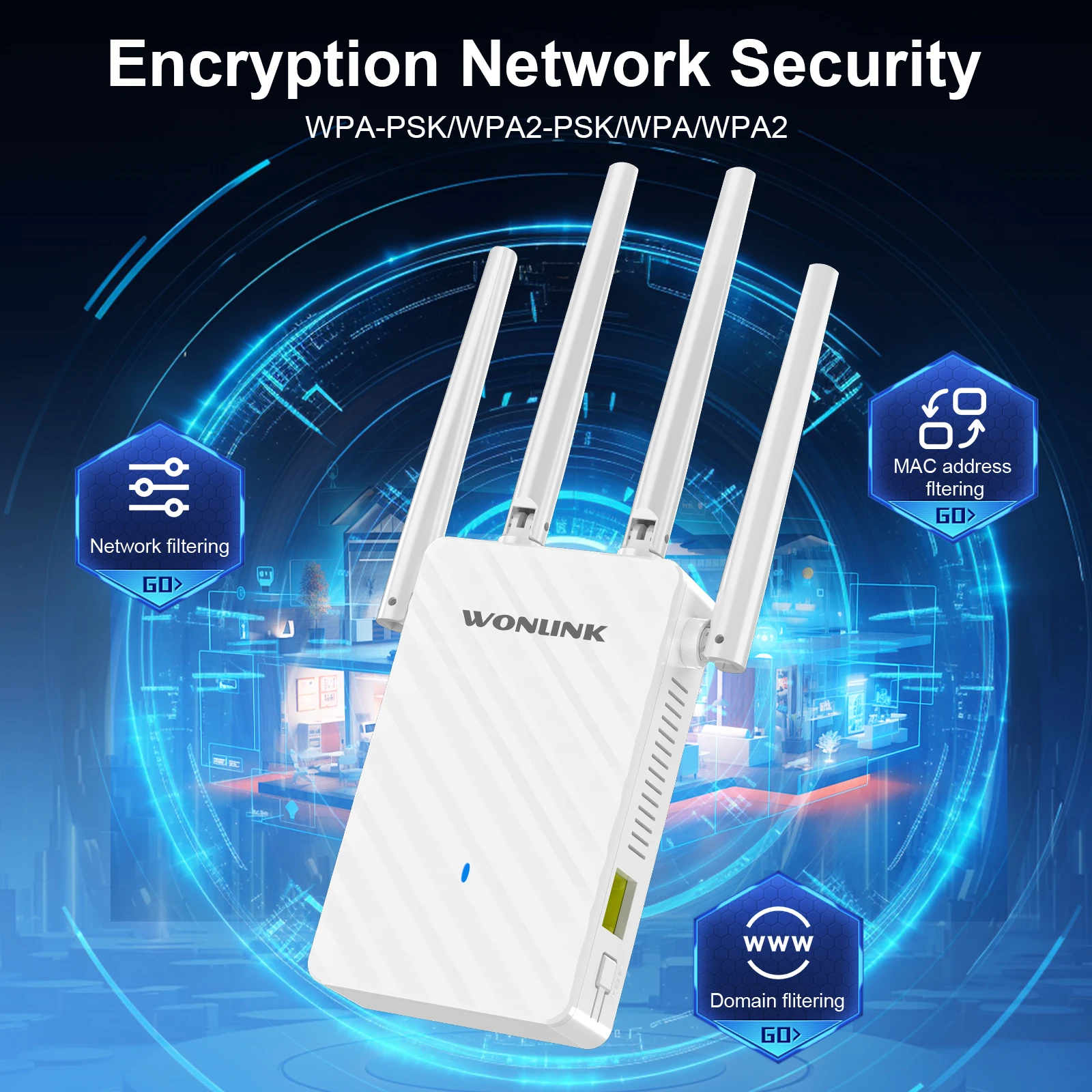
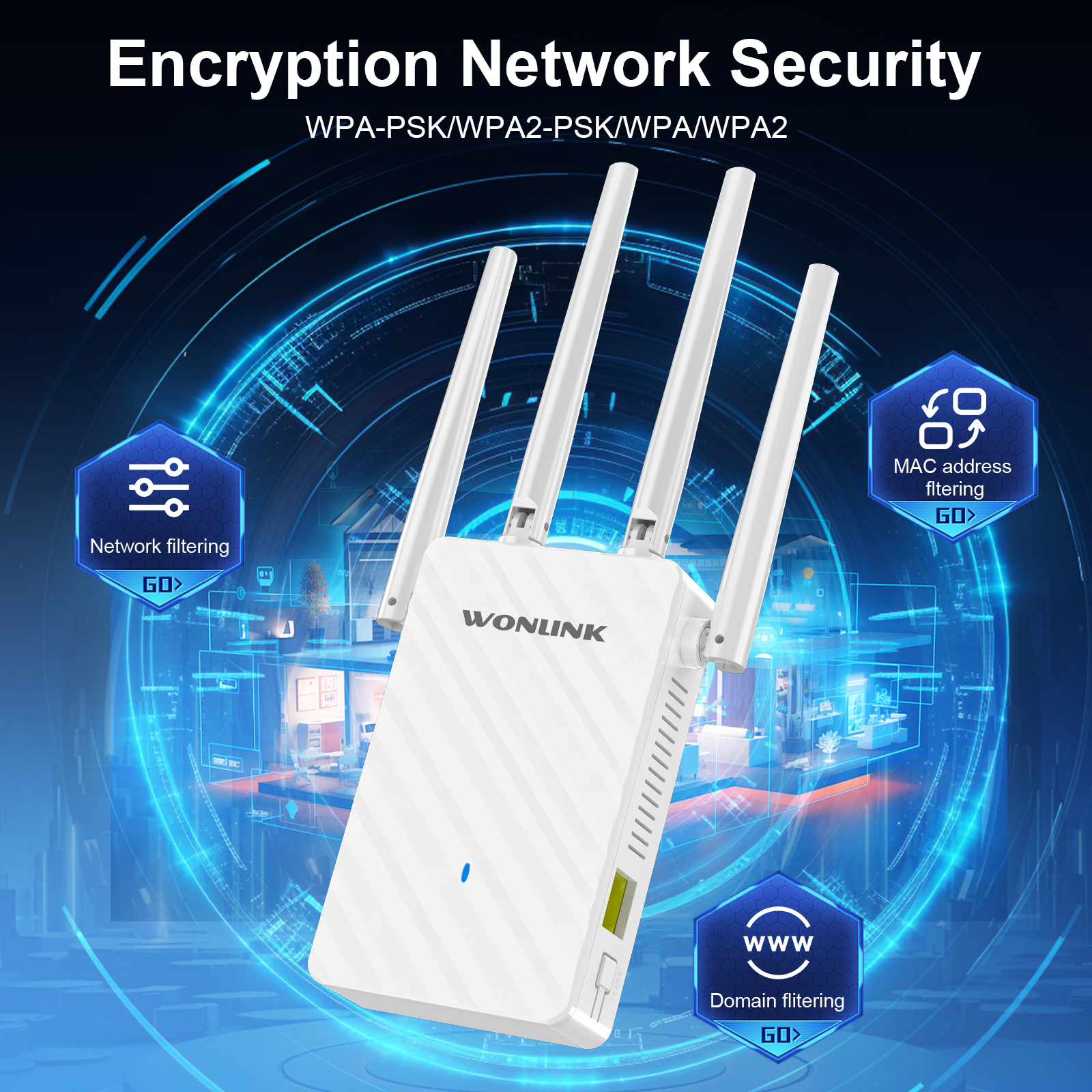
15.Safety features:WPA-PSK/WPA2-PSK WPA/WPA2
16.Case:ABS Material + plastic shell
 
Package included:
1* 1200Mbps Wifi Repeater

1* Network Cable

1* Quick Install Guide

Note:About the signal,The repeater should be placed between the router and the distance to be transmitted, and it must be ensured that the repeater can receive the full signal before it can relay the signal well.


Set up guide:

Just three steps with a phone/computer/Ipad .
The default working mode is repeater mode.
1.Using Phone to connect ssid ,like Wonlink-XXX
2.Input 192.168.10.1 in the browser,click repeater mode in Gui Page.

3. Choose the wifi signal which need to be extended, input password and clieck set up , waiting for 5 seconds, if the light is blue, then the setting is successful.
FAQ
Q1: Can't connect to internet after finished setting ?
A1: Please check whether you enter the same password as your router, and check is there any special characters in it, such as *&^%$#@!. If yes, please change your router password. Repeater can not identify special characters.
Q2: How to reset the repeater ?
A2: Please long press the reset button for 10 seconds under powered.
Q3: What should I do if I cannot access the Repeater' s web managementpage?
A3:
①Make sure your computer is connected to the extended network.
② Make sure your computer is set to obtain an IP address automatically.
③ If the Repeater has connected to the router,you should go to your router' sDHCP client list to obtain the Repeater' s current IP address.
④ Reset the Repeater.
Q4: Why does the wireless transmission rate speed down,when the wirelesssigna! is stronger after repeated by the Repeater?
A4:Repeater has to process one-way communication between your root Wireless
In compliance with the wireless transmission protocol,all the Repeater devicesare set to work in half-duplex instead of full-duplex mode.In other words,therouter(or AP) and the terminal clients; so the transmission time will be double-increased,while the speed will be decreased.Recommends that youconnect to the extender when your home network connection is poor ,or whenyou want a larger wireless coverage to eliminate' dead zones''
Q5: Why the devices connected to the Repeater cannot get an IP addressfrom the Repeater and cannot access the Internet?
A5:
①Maybe you enabled a wireless for MAC filter ,wireless access control,or accesscontrol list(ACL) on your router. To solve this problem,please log into yourrouter and disable the for MAC filter,wireless access control or ACL.
②Maybe the Repeater has not been successfully connected to your router,please reset the Repeater and Reconfiguration.
③Maybe the IP address of the router is occupied or the wireless device connected by the router has reached the limit. please reboot your router,then reset the Repeater and Reconfiquration.


この製品のレビューはまだありません。

関連製品

商品に関するお問い合わせ (0)

ログイン or 登録する販売者に質問を送信するには

その他の質問

まだ誰も販売者に問い合わせていません

$27.68 価格