









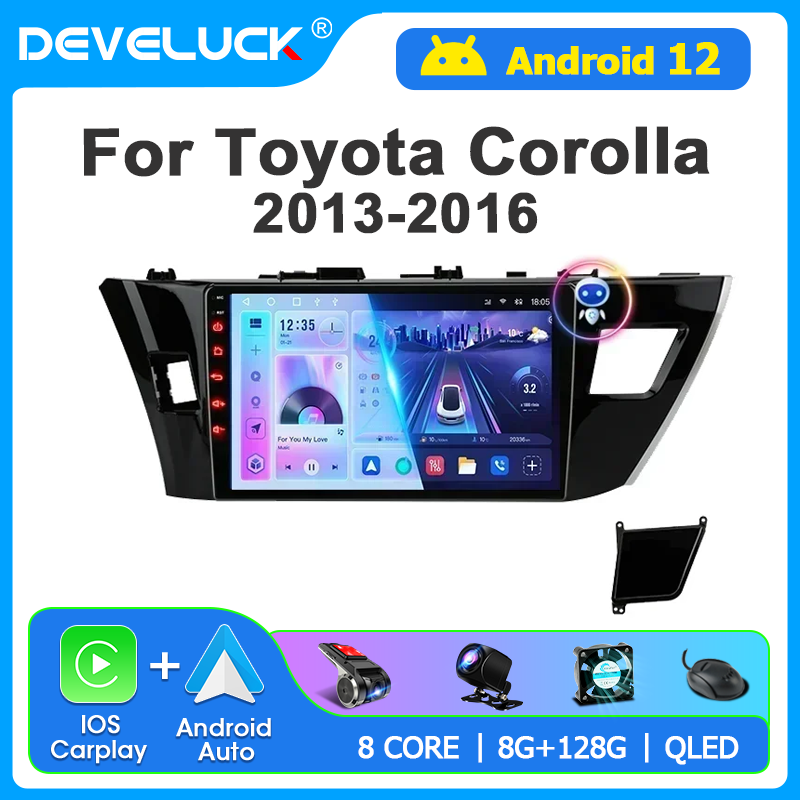
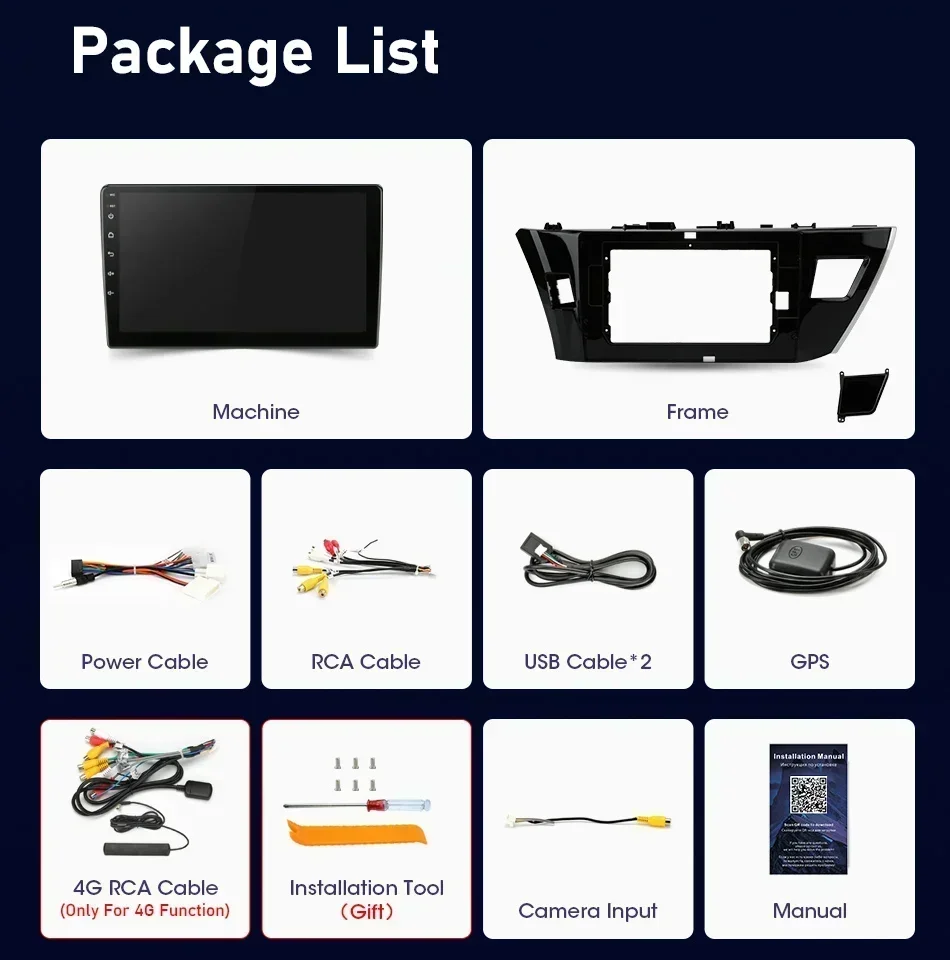
Develuck Android 12 Carplay Auto Radio For Toyota Corolla Ralink 2013 2014 2015 2016 Multimedia Video Player Navigaion 2 Din GPS








Most Corolla-14-16 cars are B-type frameworks. Please confirm that your original car panel is selected for ordering! If you are not sure which one you are in accordance with, you can contact our professional customer service, or pay attention when ordering. Please note that it takes a long time to make a wrong reissue. Thank you for your understanding! Intersection Intersection
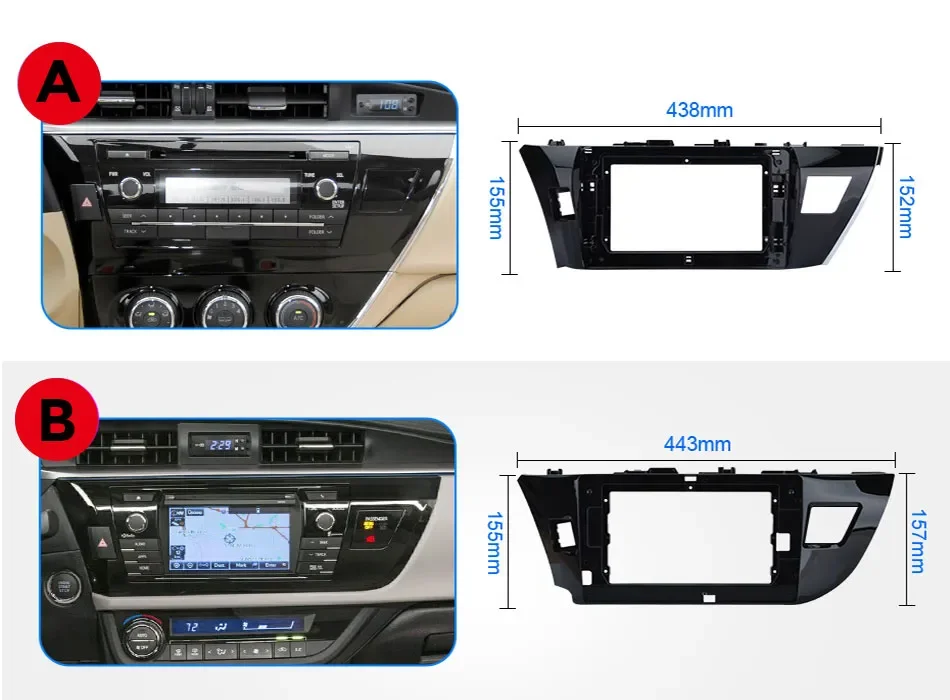


If your car is of the following model and you need a C-model, Please do not purchase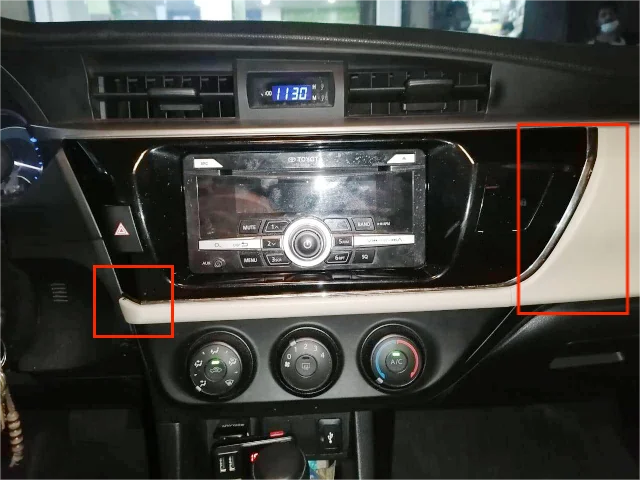

This is the default power cord, please confirm before buying, if you find it is not suitable for your car, please leave a message on the order or contact us before buying
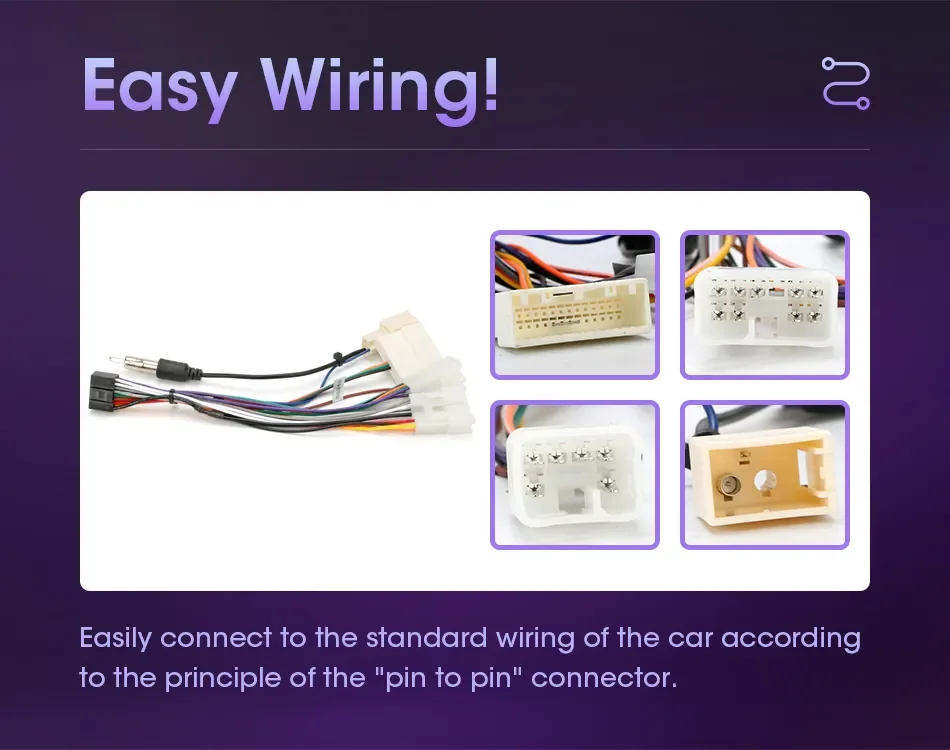
If your car contains a large screen or original car viewing the camera function, please order CANBUS power cords below to support your machine, or contact our professional customer service to check if you need to buy CANBUS cable! Intersection

Purchase FAQ:

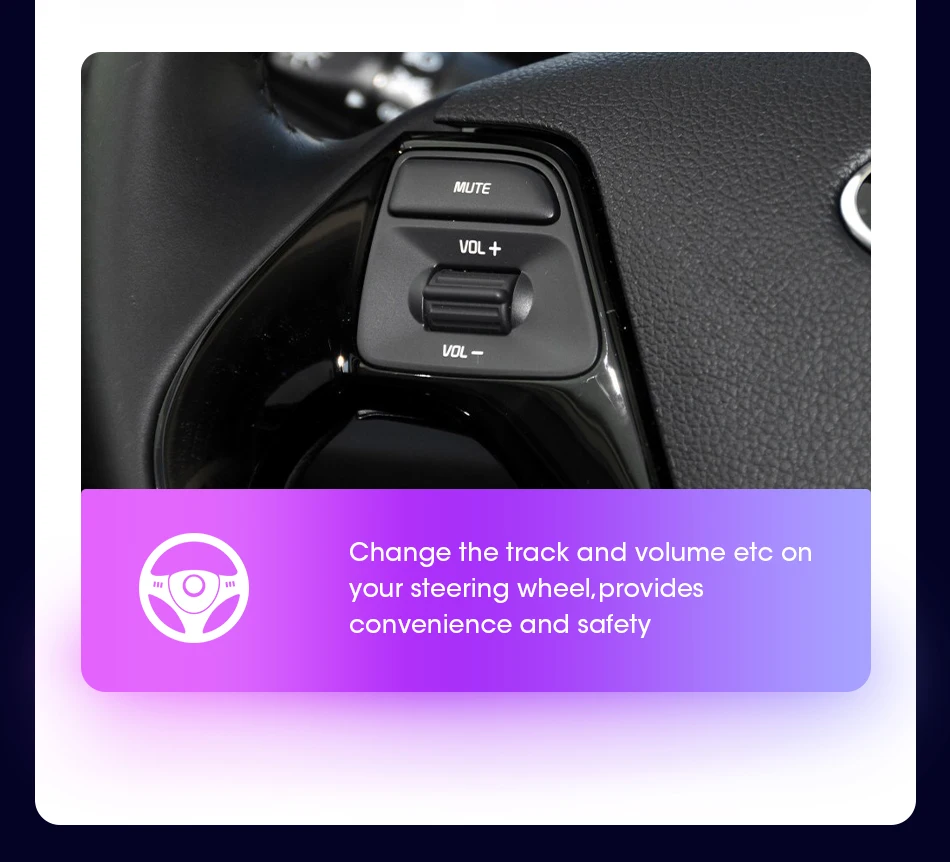
All radio models support the steering wheel control of the original car
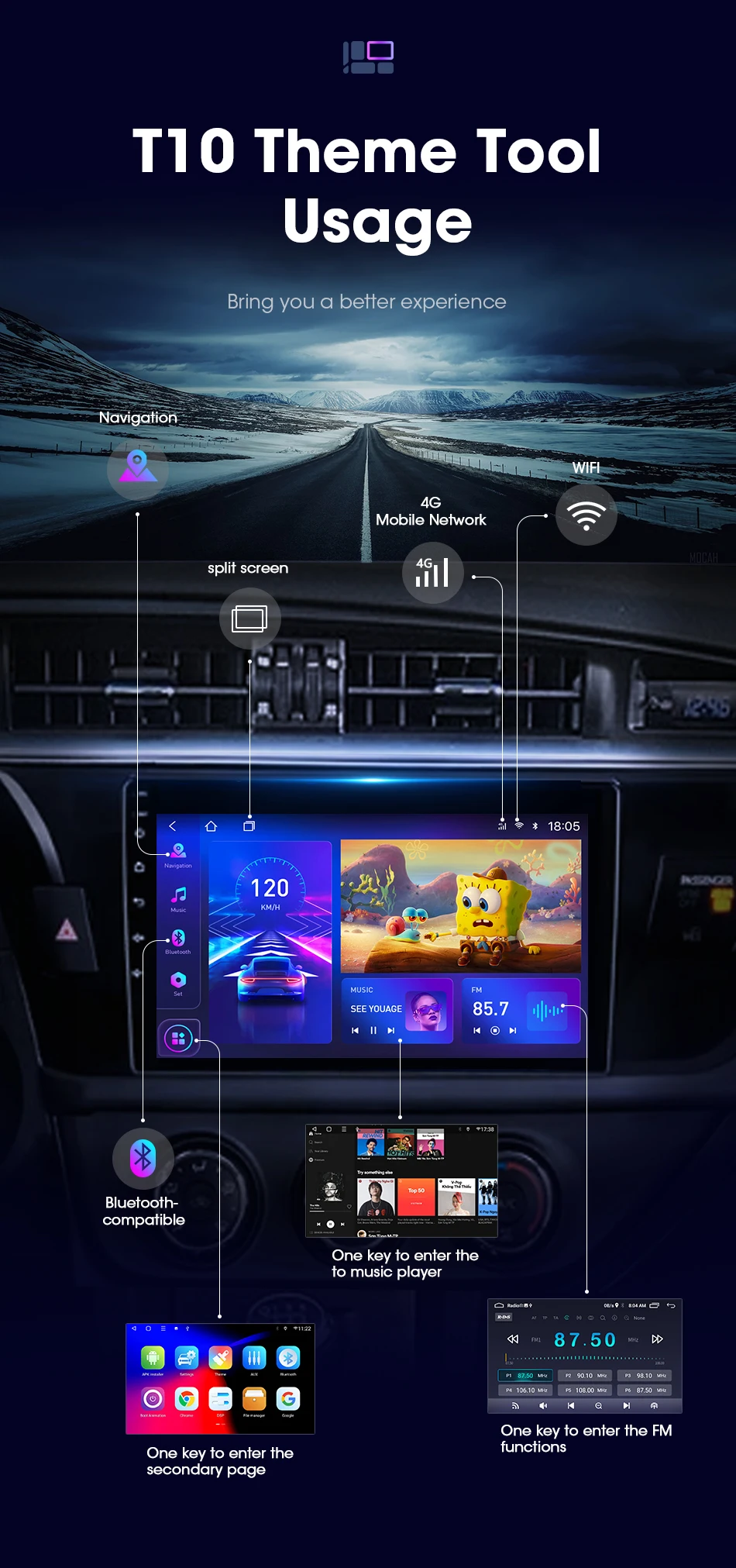
The latest technology, using advanced Android navigation solutions, supports more custom settings and opens more options to users


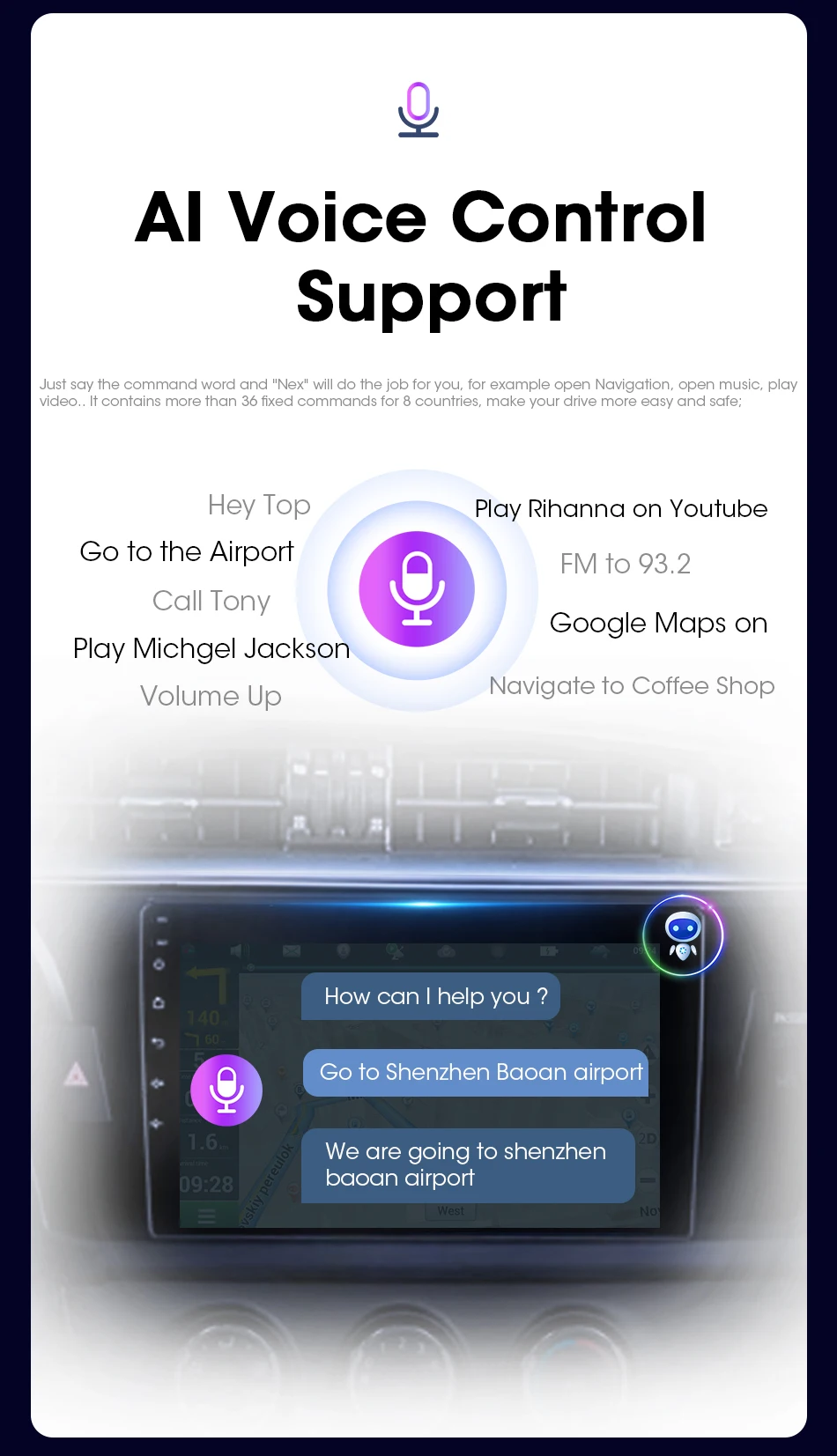
It has more than 30 offline wake-up-free voice control technologies, and supports offline calls to simplify operations and improve driving safety.

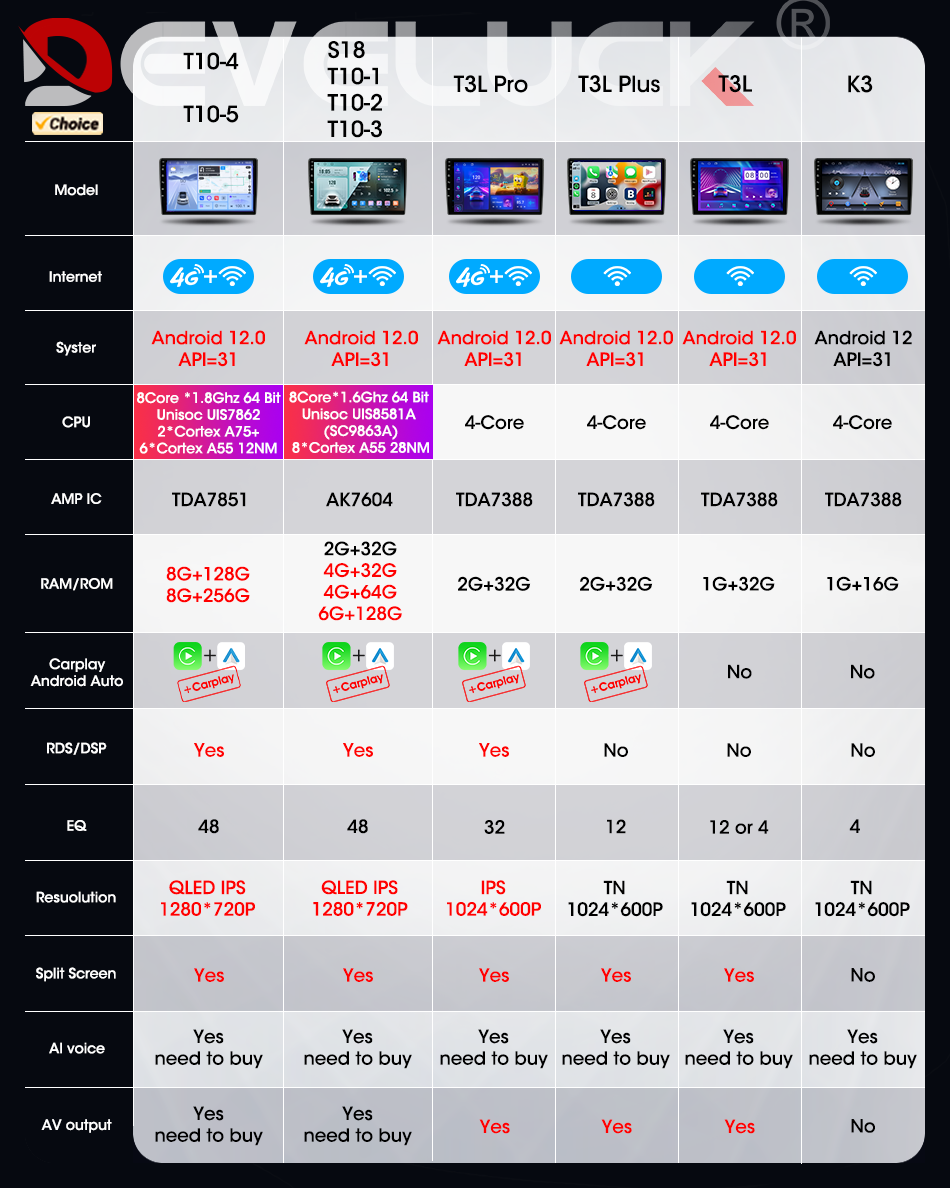
T3Pro/S18/T10-1/T10-2/T10-3/T10-4/T10-5 Support multiple 5G+WIFI Network bands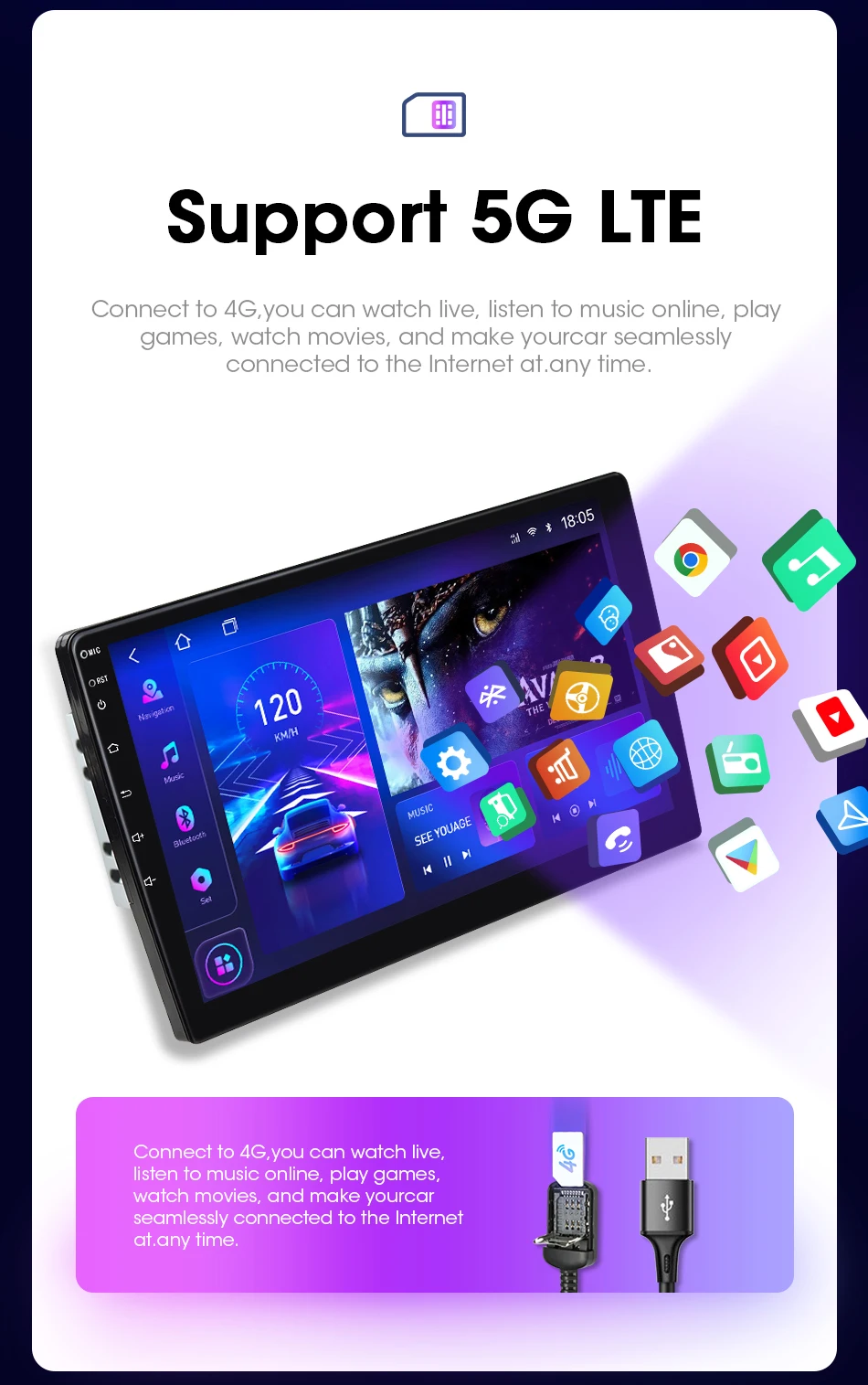
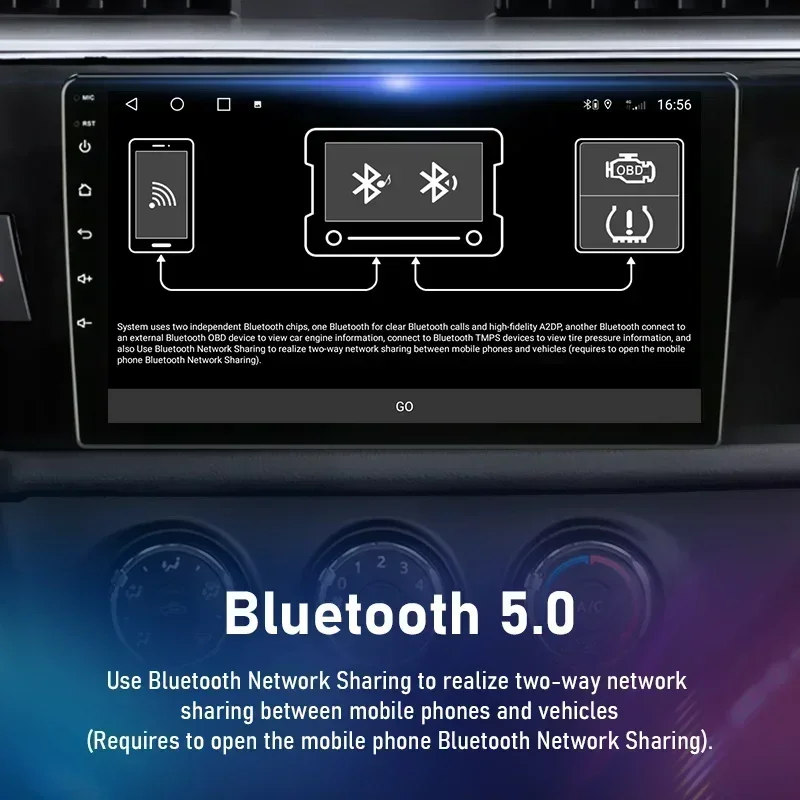
Bluetooth 5.0: Ultra-long-distance reception of Bluetooth signal, stable signal, anti-interference
With the exception of the K3 and T3, all models support Carplay and Android Auto.
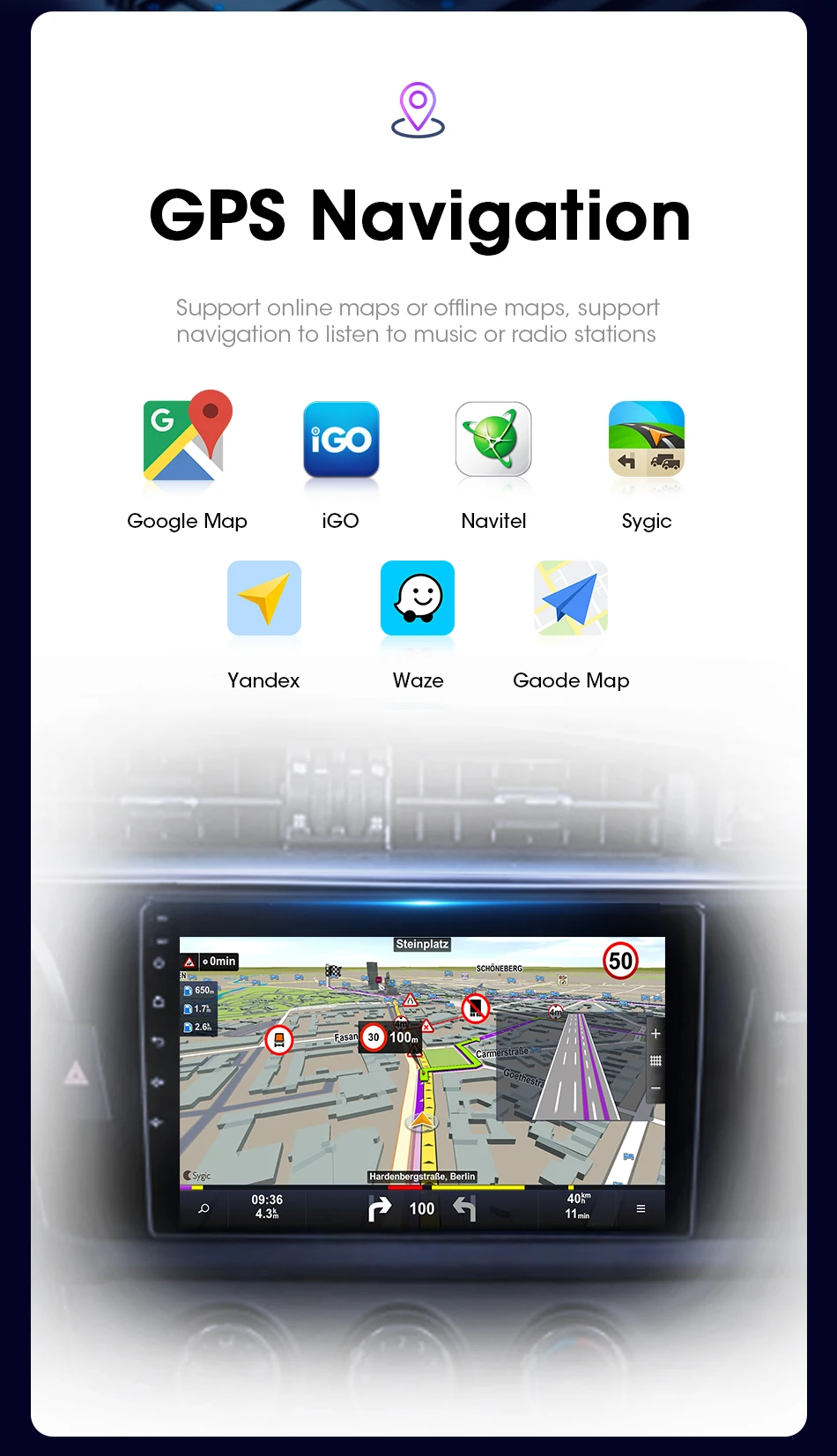
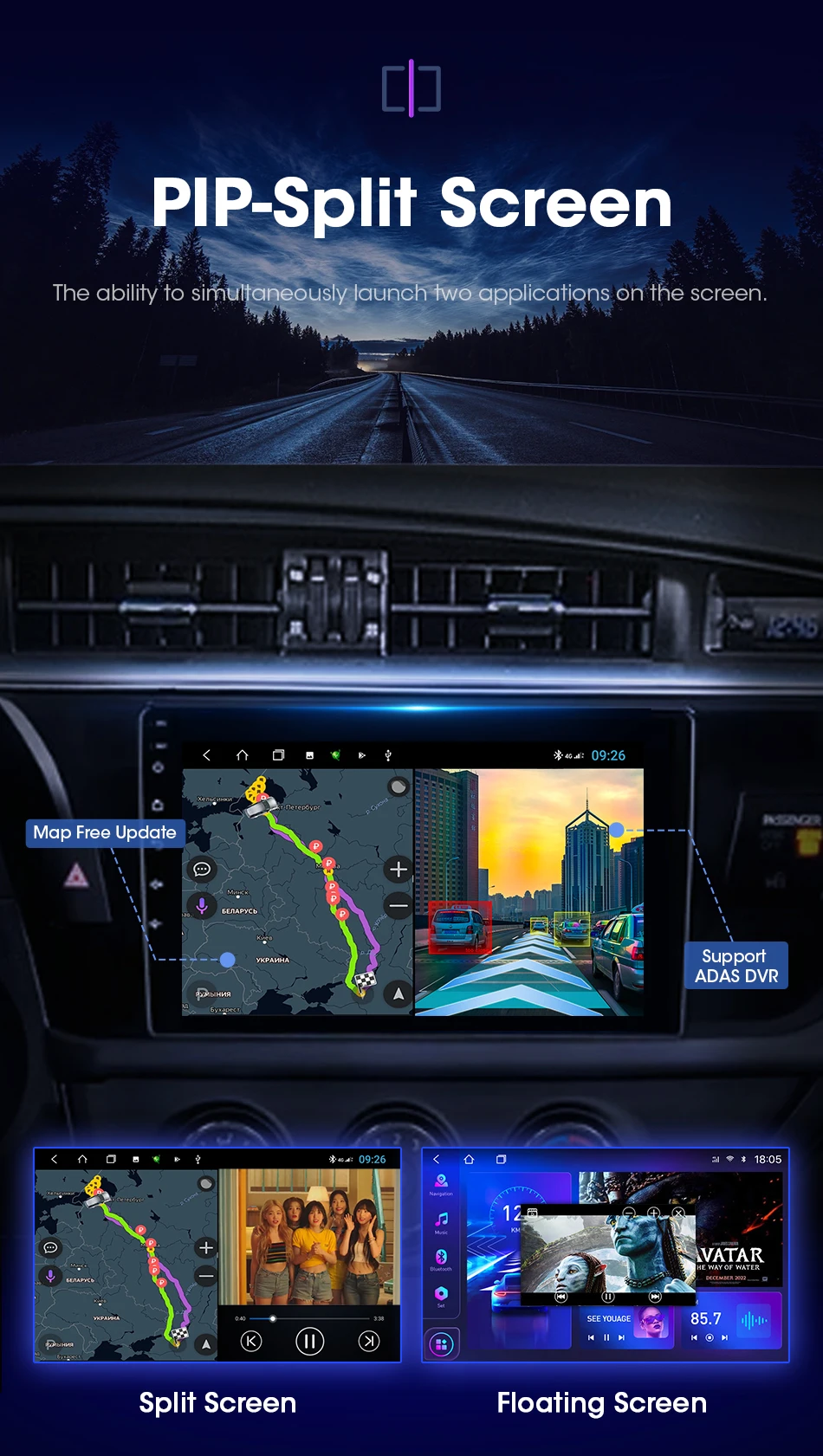
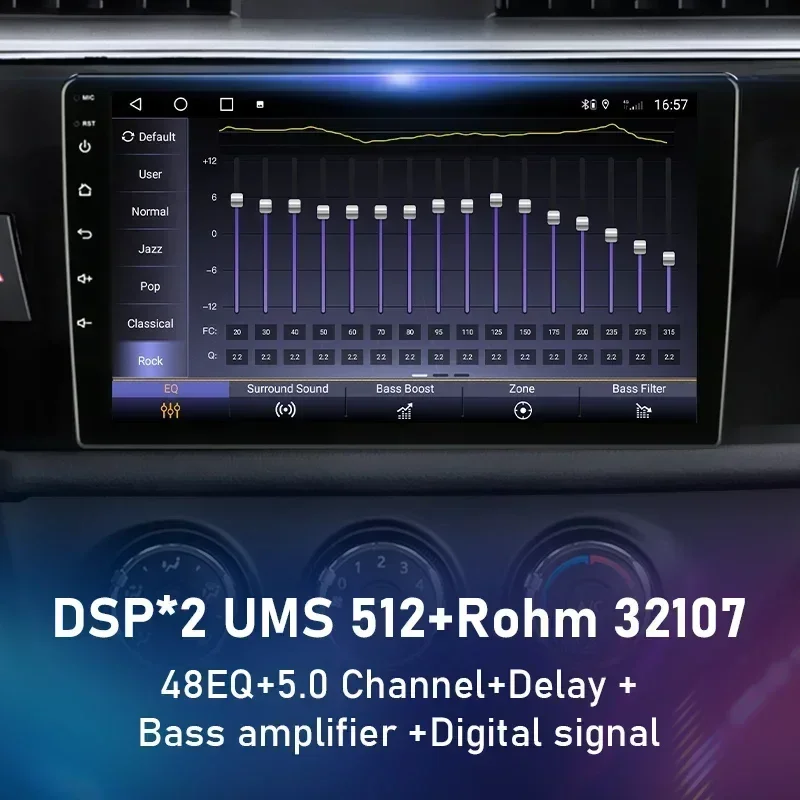
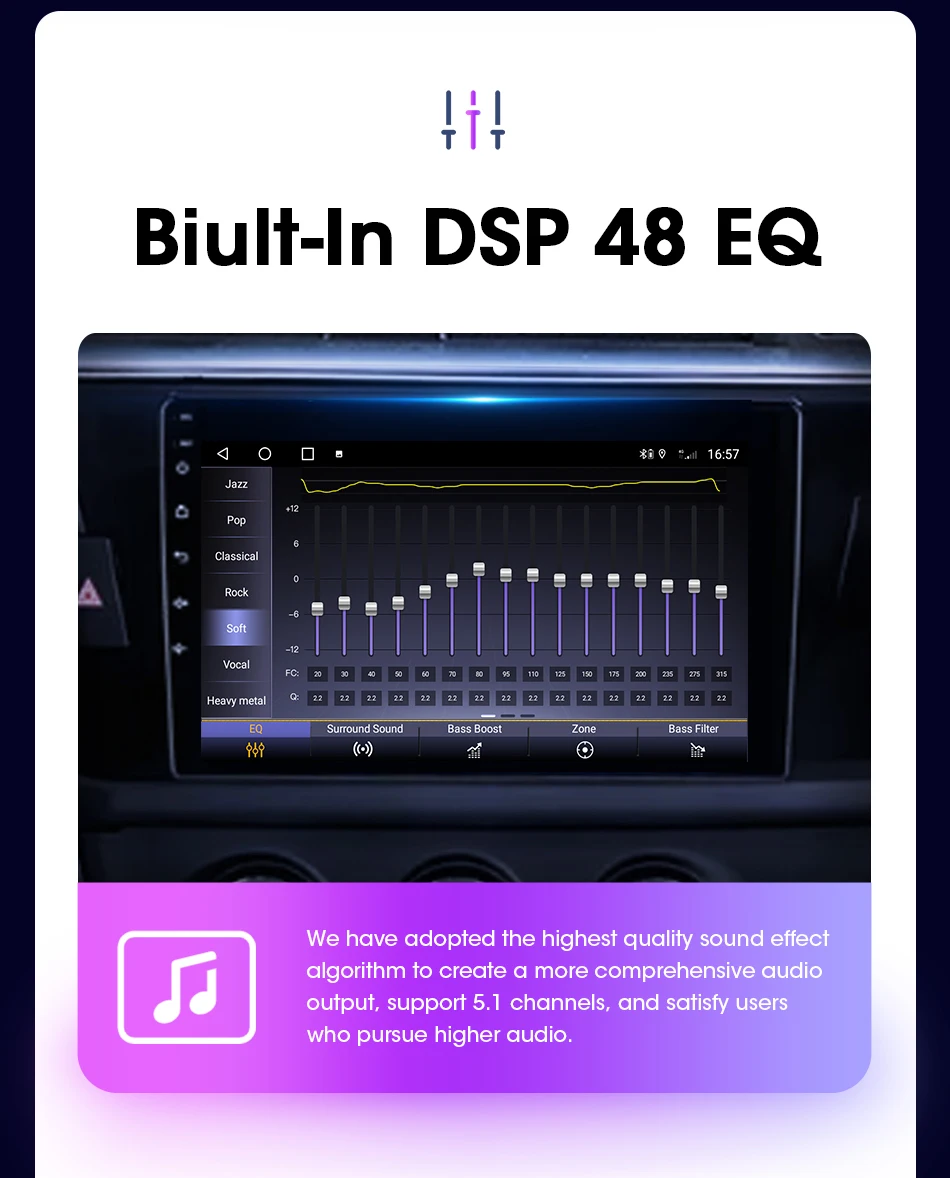
Satisfy users' higher pursuit of car audio improvement
At the same time, surround sound can be set, allowing you to immerse yourself in beautiful music.

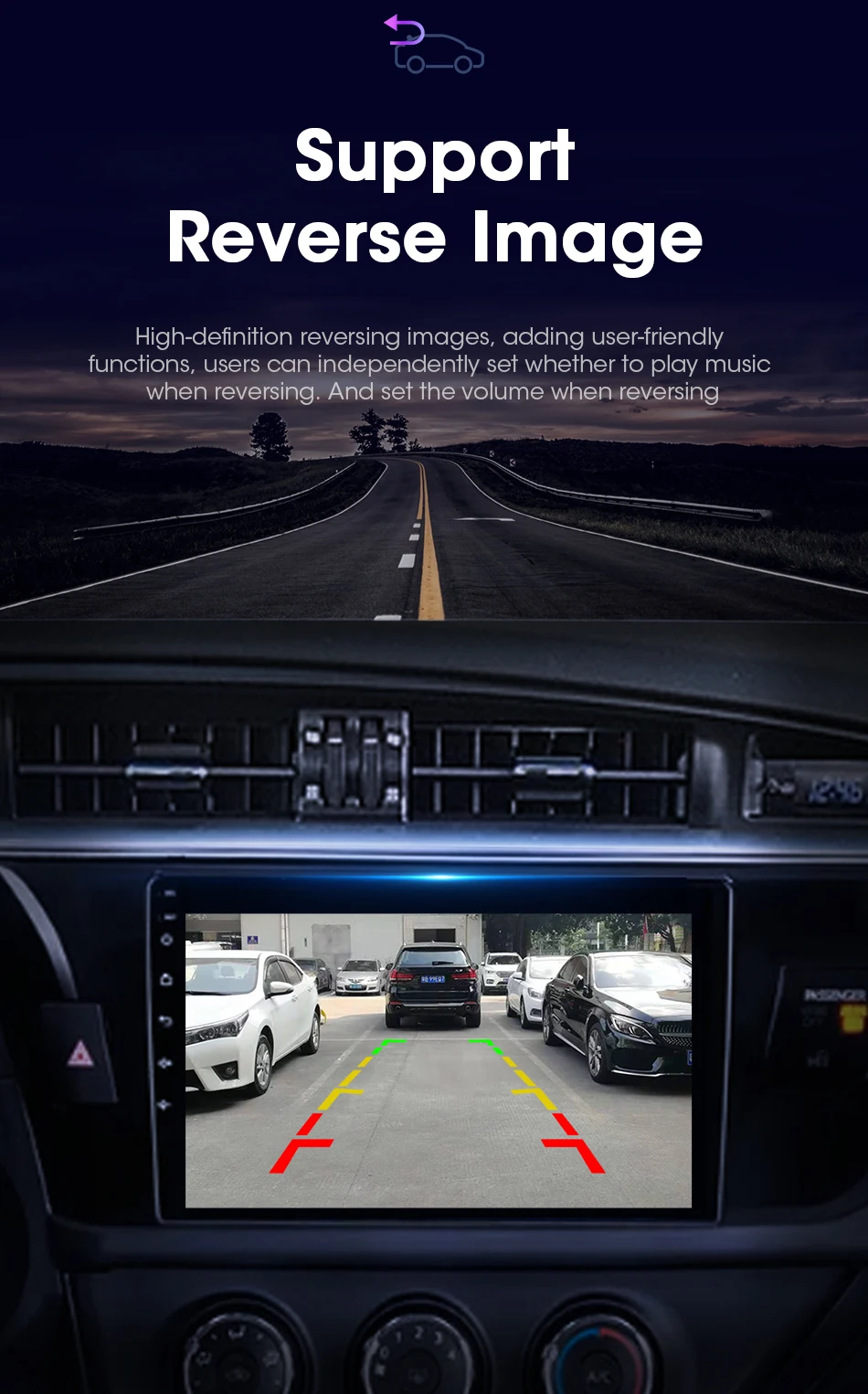


OBD2 can help you diagnose faults in your car and make your driving safer.

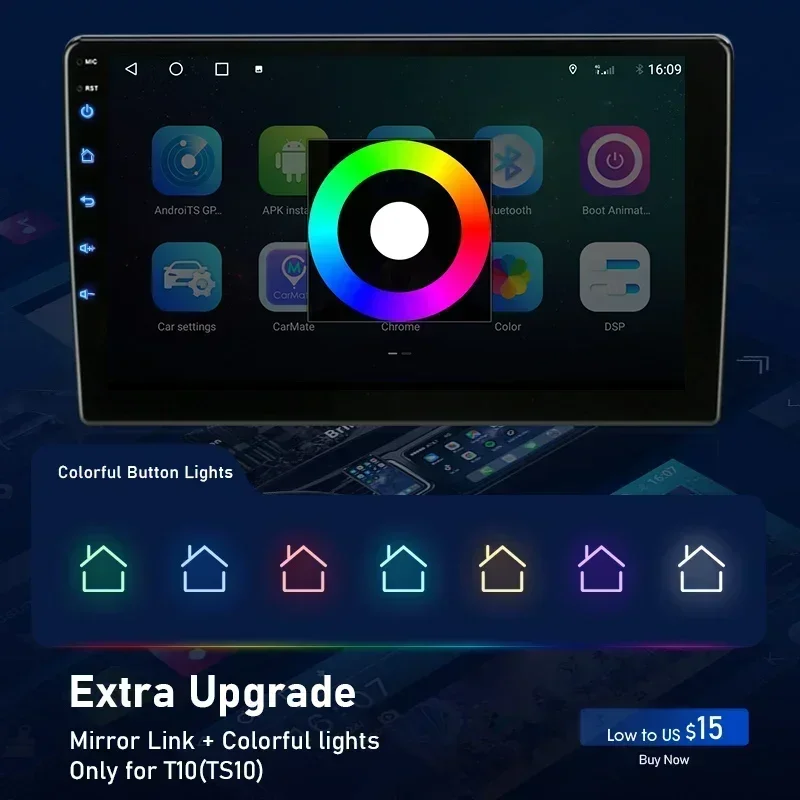
The new Develuck UI brings you a cool look.


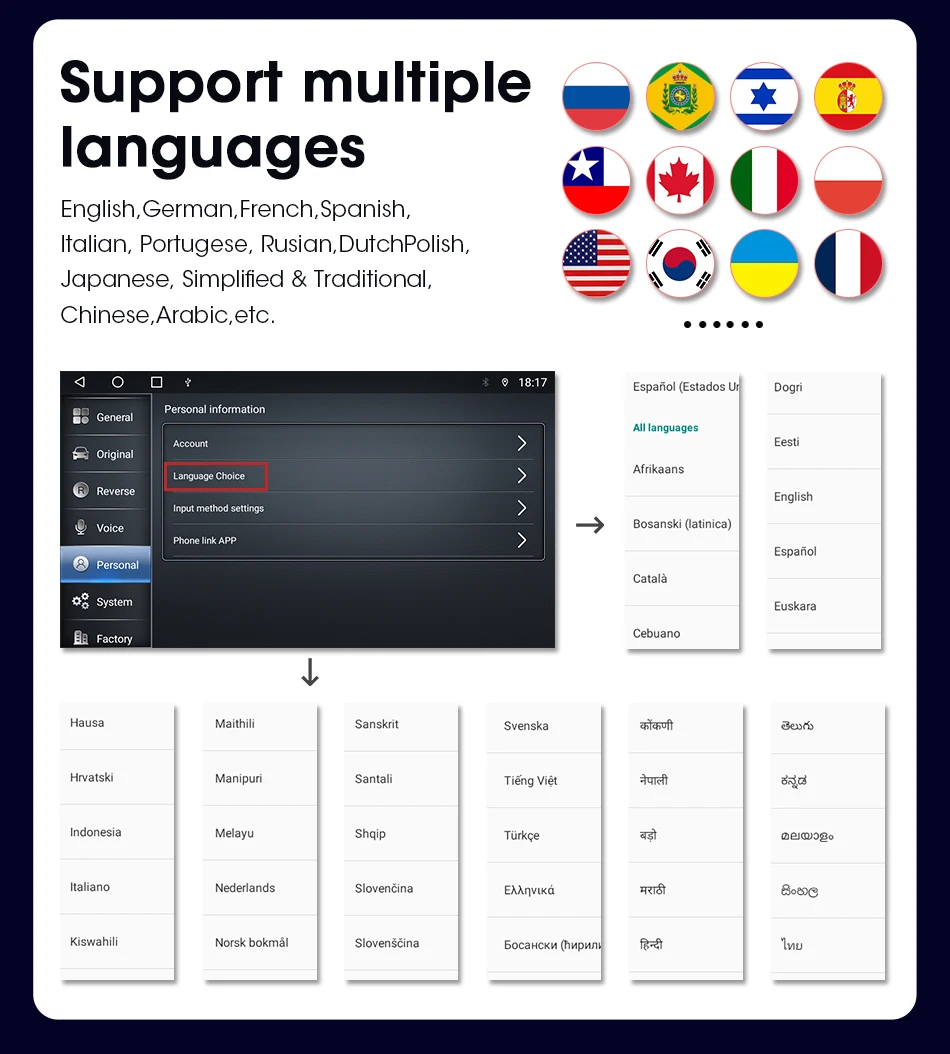
Support languages all over the world.

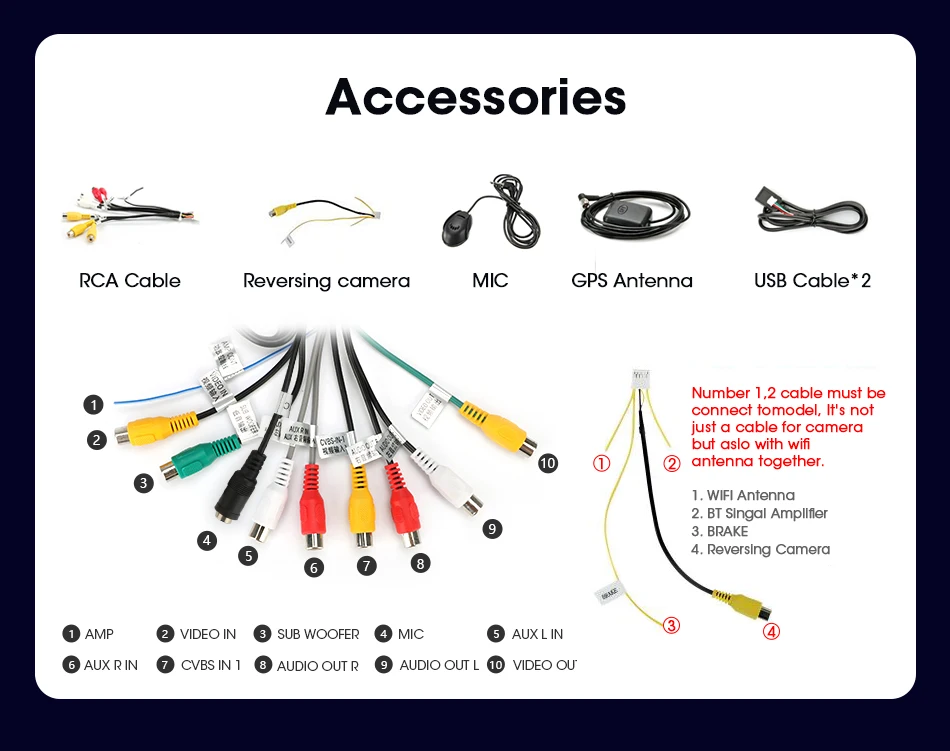
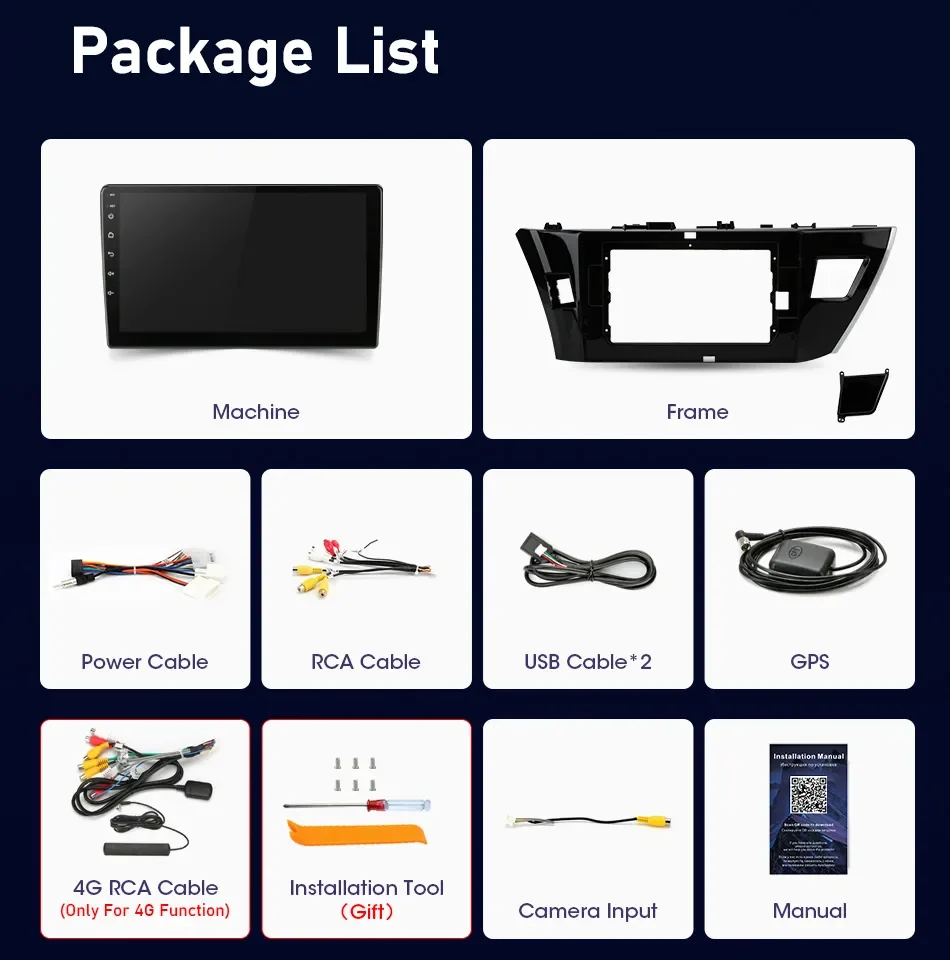



FAQ:
1.Why can't turn on the car radio ?
1.1Please check the Voltage of car radio : 12V
1.2When you test this car radio,you can combine the red and yellow wires and connect them to the positive side of the power supply.Black line to negative power supply.
1.3Replace the same type of insurance to test the car radio.
Note: Please must use our power cables to connect our car radio,it is not possible to insert the original car plug directly into our machine.
2.Why the car radio will show "No Signal" when we reversing?
Please check if the camera's line is properly connected to the car radio.
Note:The video port of rear camera must insert the "CAMIN" port of car radio.
3.Why does the camera display "!" and "Can't watch video while driving" when I use USB to watch videos?
Please turn off the "Video Warning" function in the settings,then will be OK.
4.Why can't search FM?
4.1: No radio antenna inserted;
4.2: Please check if the radio antenna is plugged in. Please insert more antennas several times to make it well contacted;
4.3: The signal of your location is not good. Please go to a better place to test again
4.4: The radio antenna on the car is broken/no effect; please replace the radio antenna and test again.
Please don't give us bad reviews and disputes before contacting us. If there is any problem with the product please contact us first, we will help you solve the problem.thank you!
関連製品