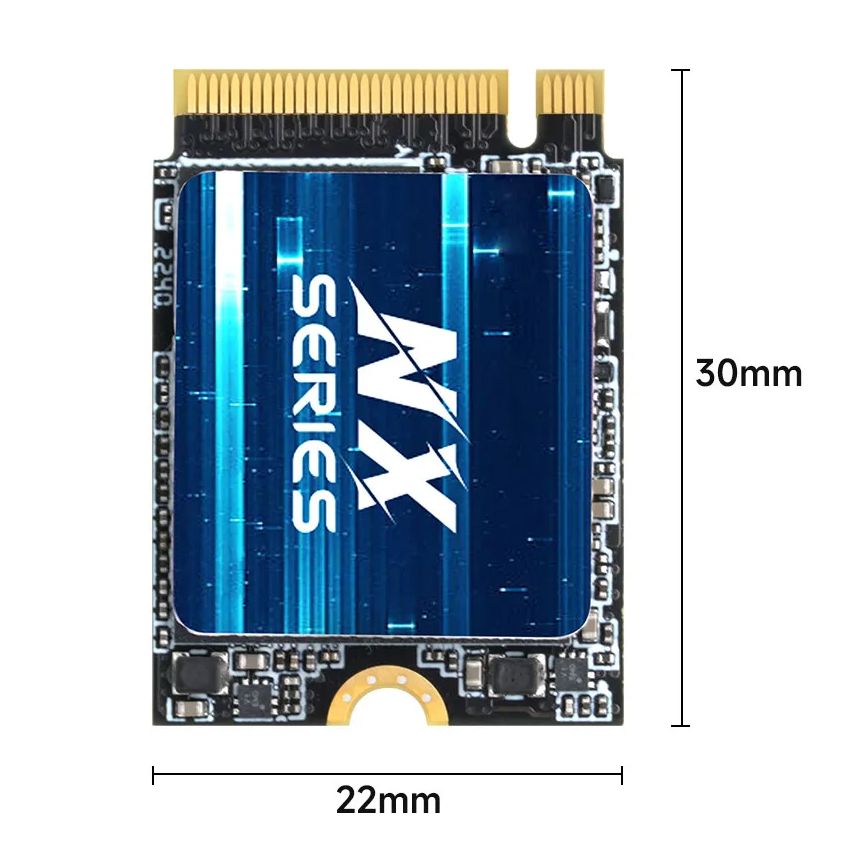











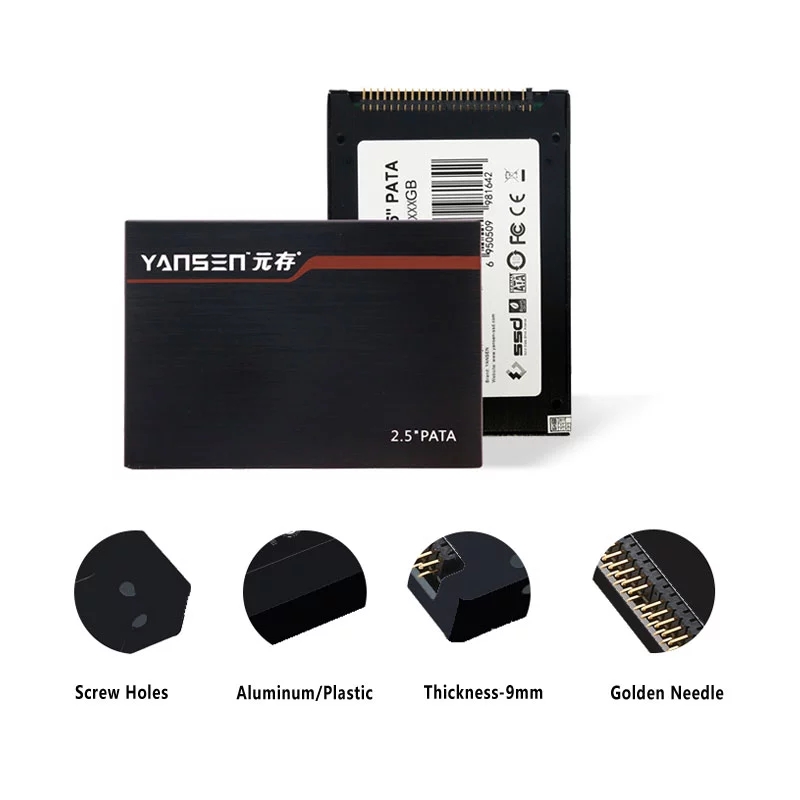
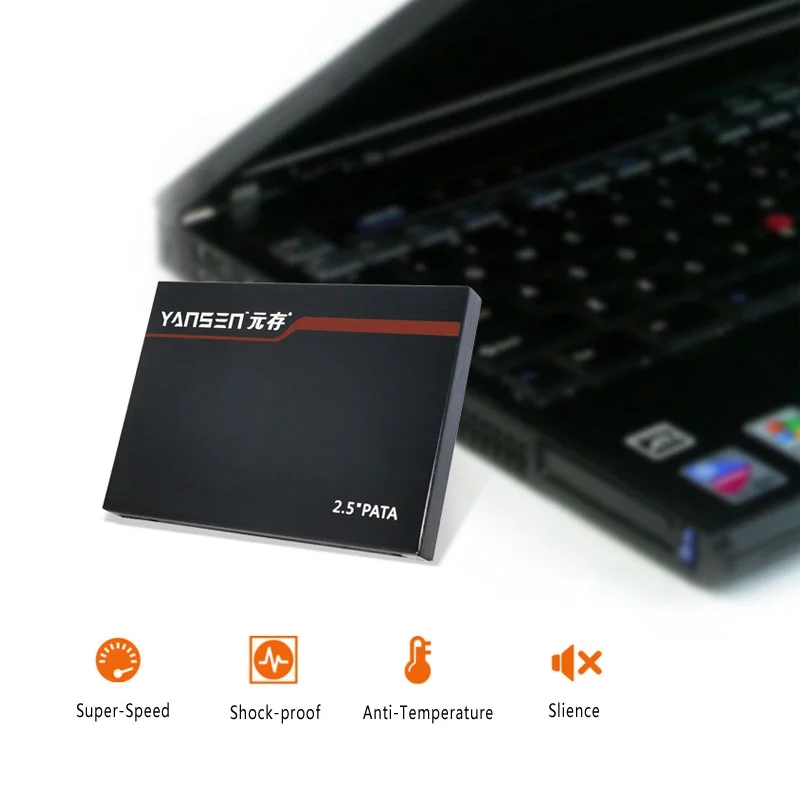
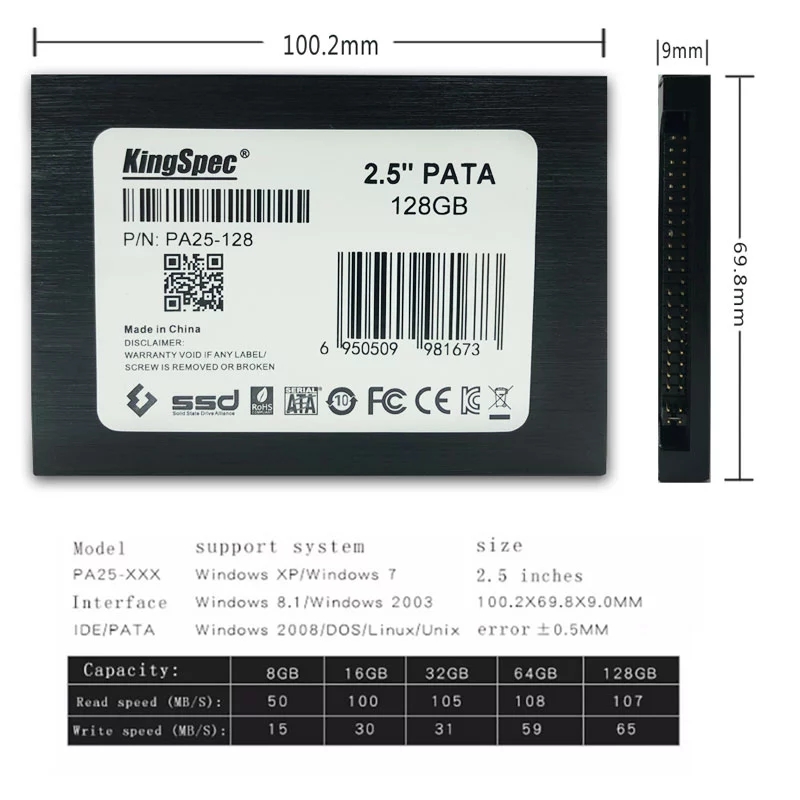
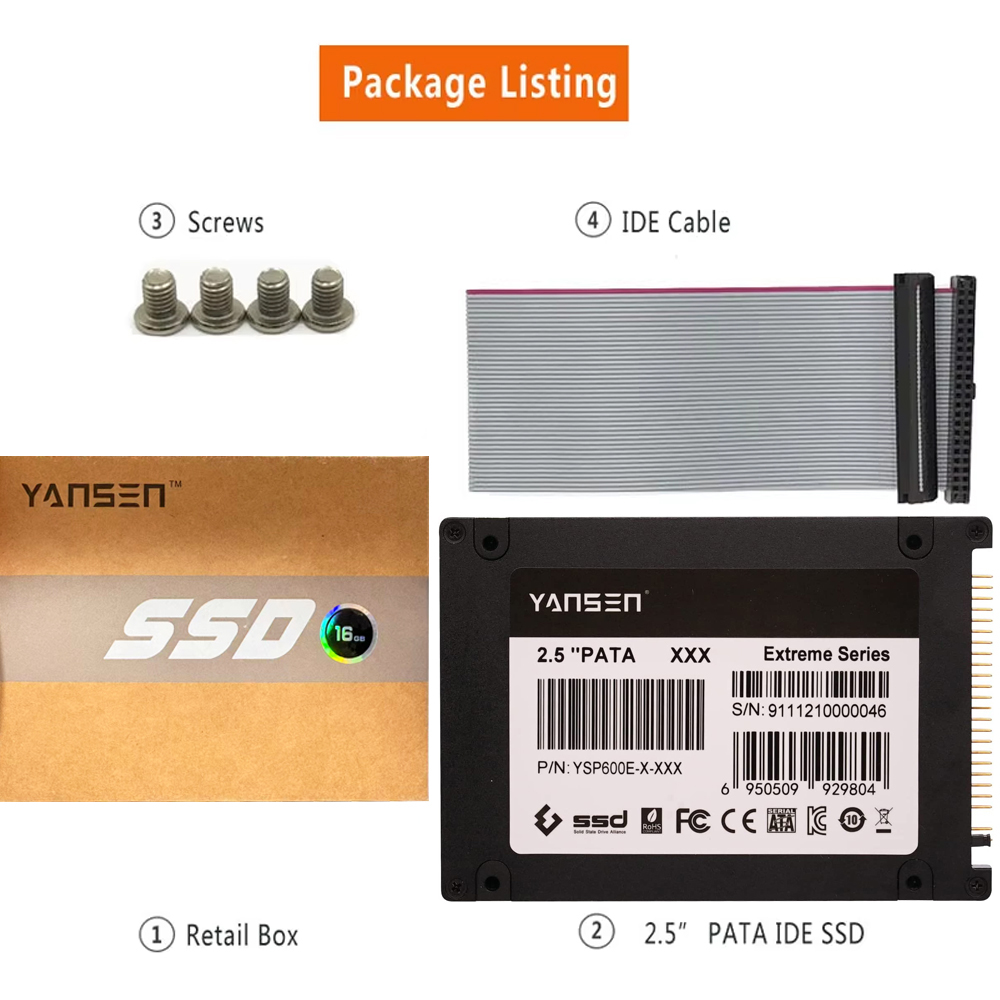

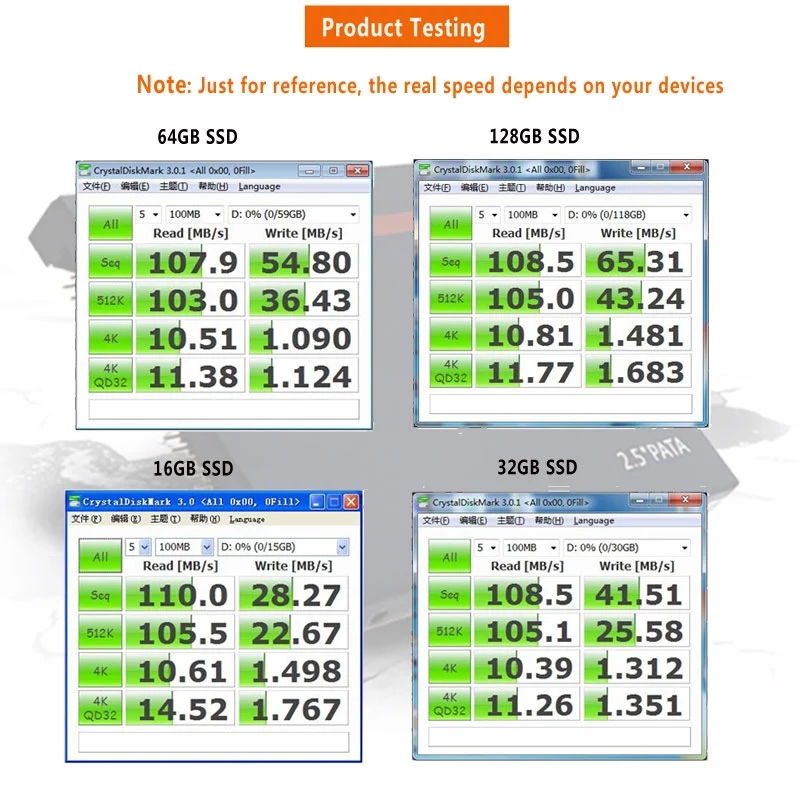
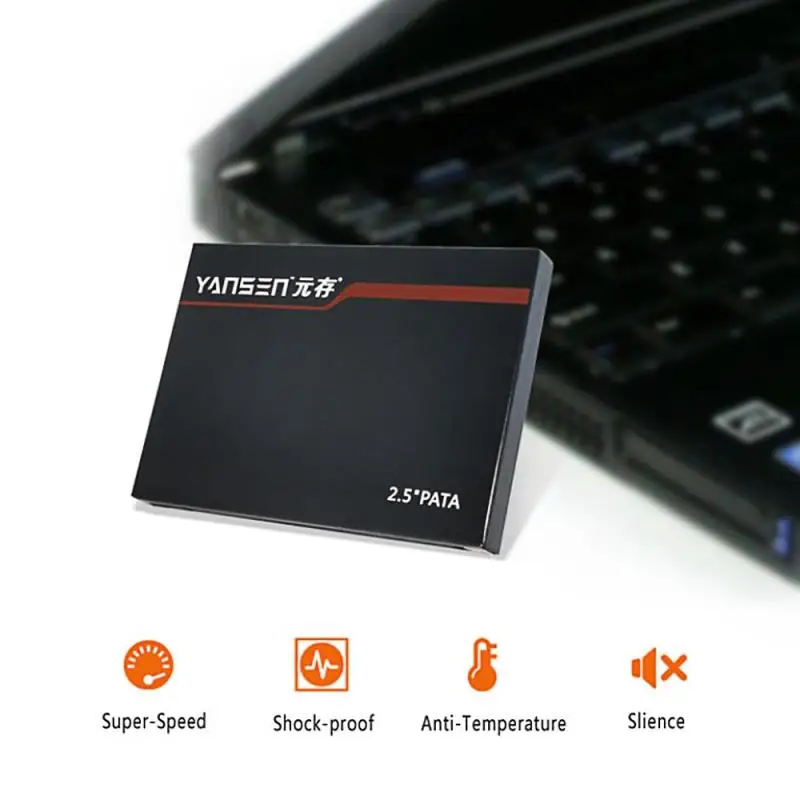
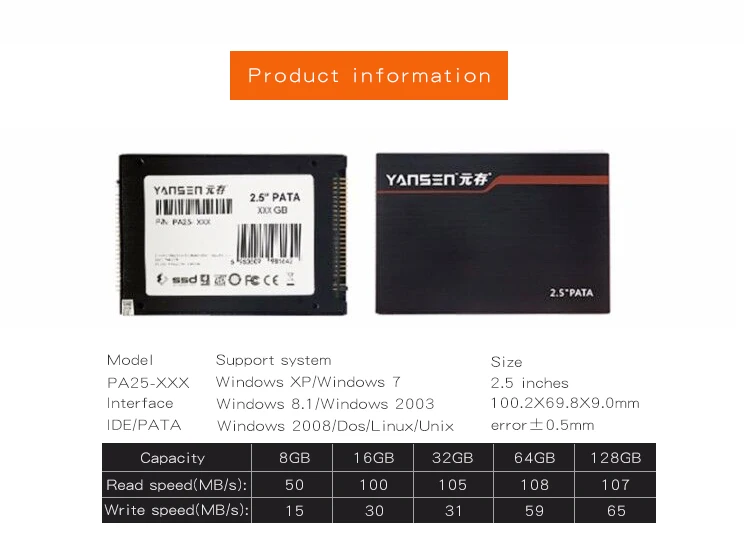
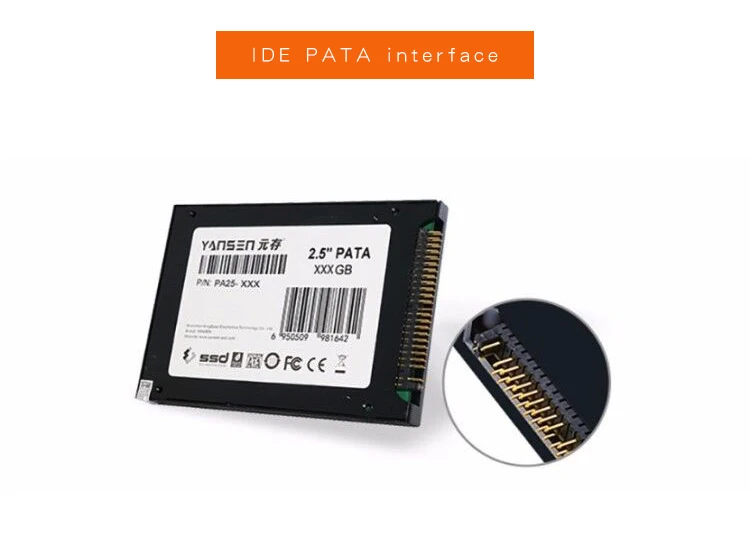
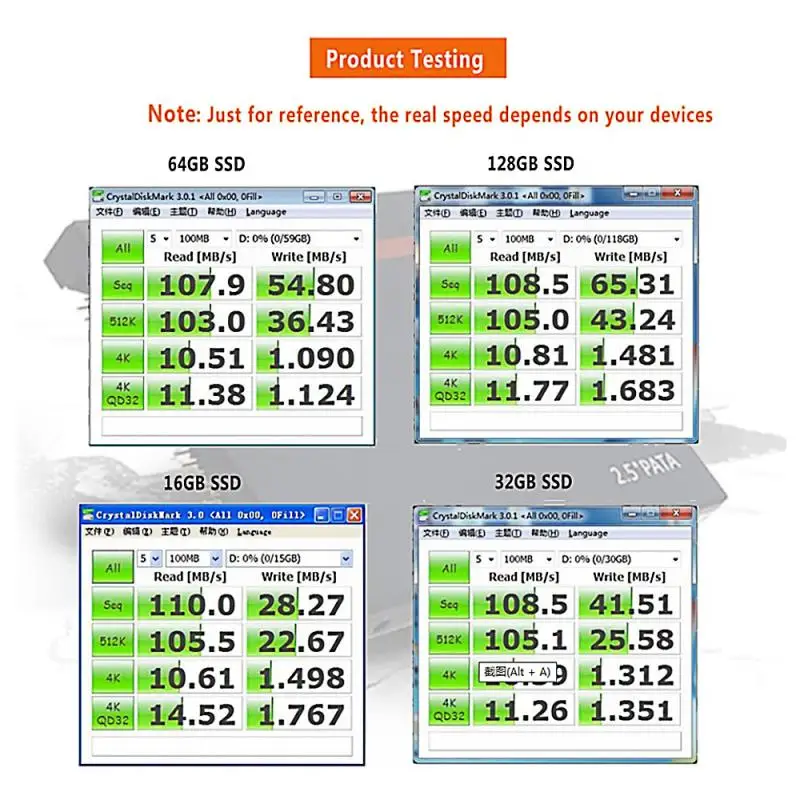
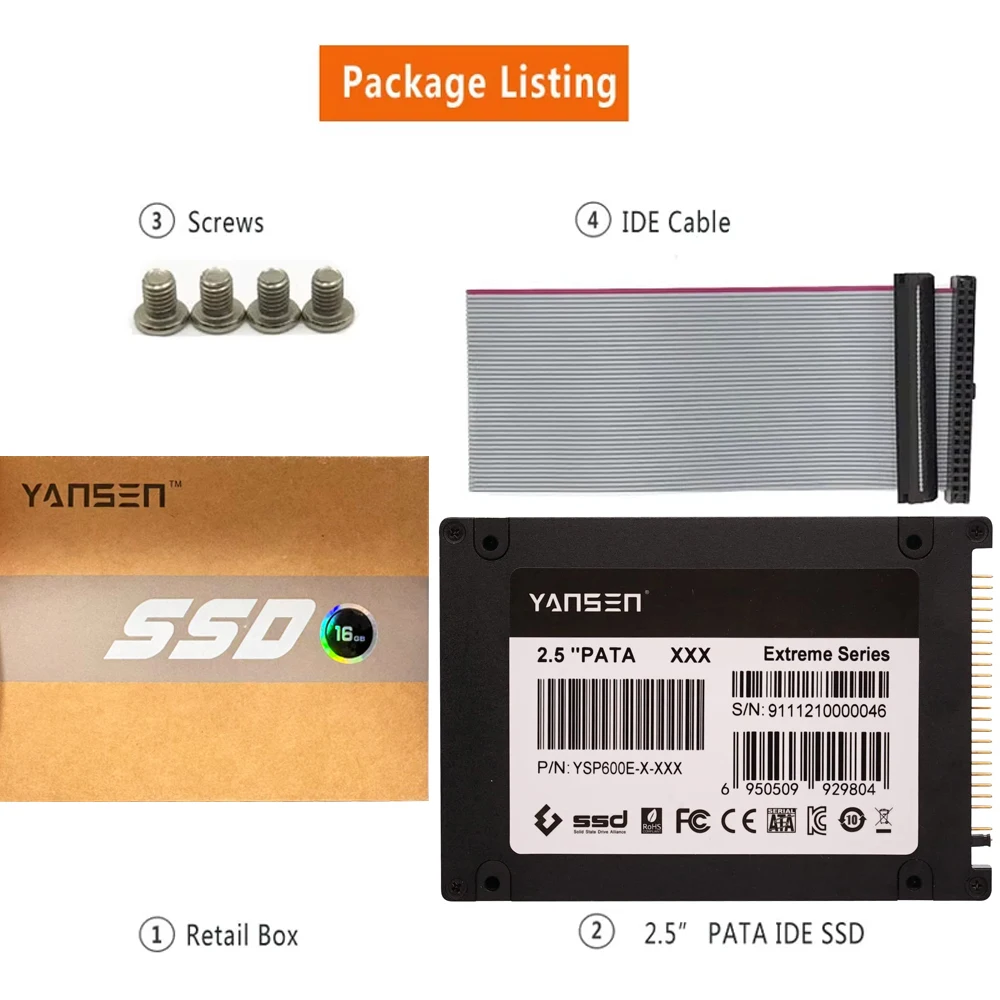
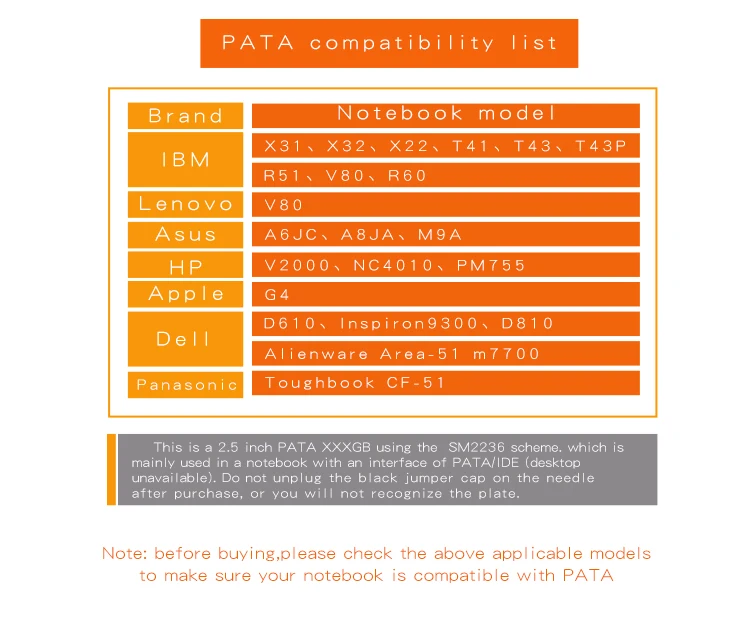
Kingspec 2.5 inch PATA ID ESSD Drive 44pin PATA SSD HD 8GB 16G 32GB 64GB 128GB 256GB 4C MLC ide ssd 2.5 for notebook Replace









Before you use:
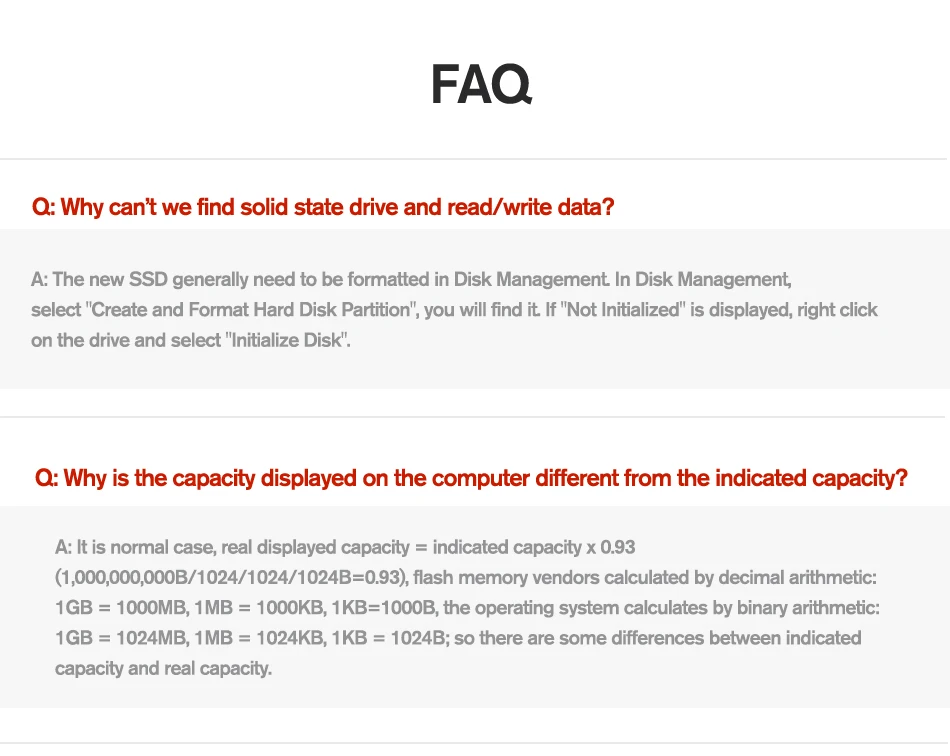
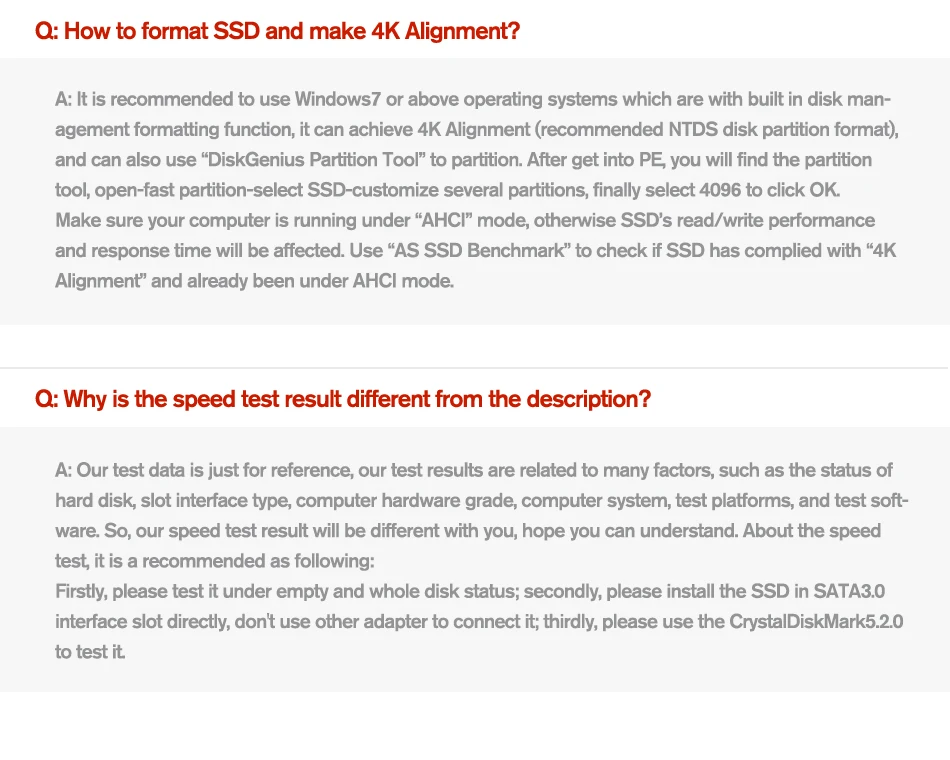
For new SSD, please finish disk initialization according to the following steps.
1. Open Start. Search for "Create and format hard disk partitions" and click the top result to open the Disk Management console.
2. Right click "Computer" - "Manage" - "Disk Management".
Find your unallocated disk, right click "Unallocated", and choose "New Simple Volume Wizard". So then your SSD can be detected.





Please Kindly Note:
About product:
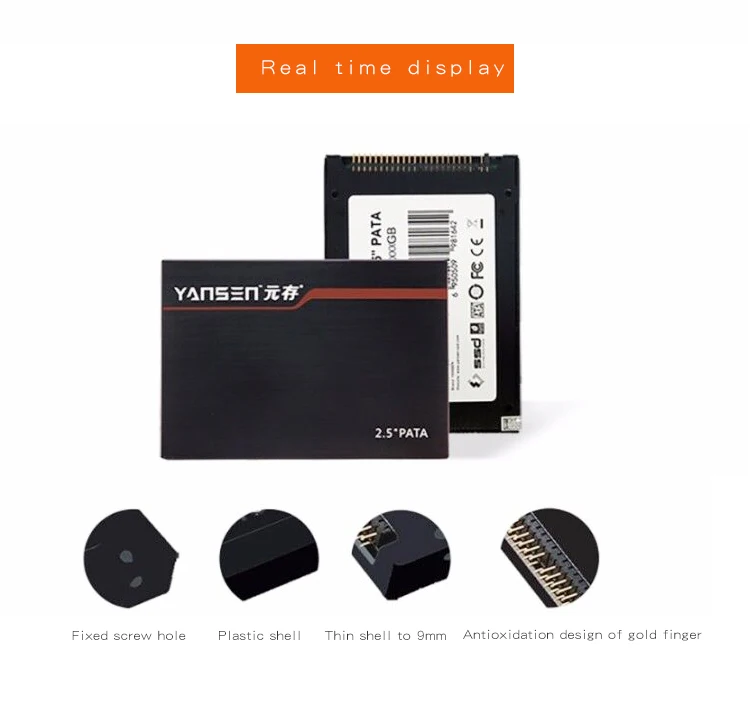
All product pictures and model numbers are for reference only. As product appearance and model numbers are in the process of replacement recently. Old and new casing will be delivered randomly ever since. Thanks for your understanding.Please don't worry about if it is original from our factory or it, if you get a new case different from the weblink you ordered.
About real capacity:
Real capacity = display capacity X 0.93
Flash memory vendors are using decimal arithmetic:1MB = 1000KB,1G = 1000MB calculated, the operating system using binary arithmetic:1MB = 1024KB,1GB = 1024MB; so there are some differences between display capacity and real capacity.
About shipping:
1. We usually ship item out within 48 hours after payment cleared except weekend in normal condition.
2. Please make sure your shipping address and contact name are right.
3. Please kindly do not 1-3 low scores on shipping cause the oversea shipping will be affected by many factors such as customs processing, post strike, etc.
関連製品




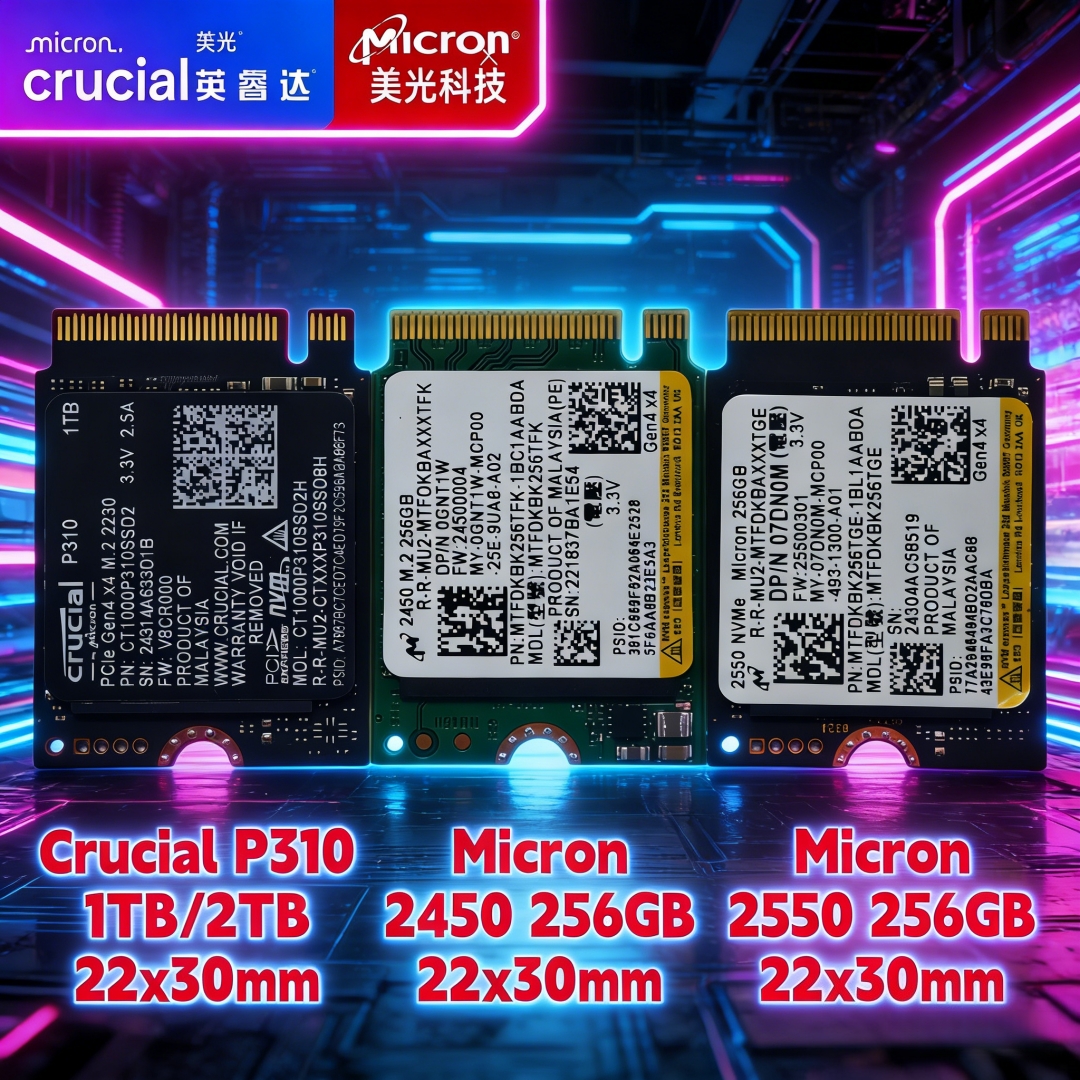
Crucial P310 1TB 2TB