










Newfast 1200Mbps WiFi Repeater Long Range OLED 5Ghz De Sinal Wifi Extenders Amplifier Signal Booster Antenna Repeator UK Plug







1200M WiFi Repeater Long Range smart OLED 5Ghz Wireless Wifi Extender Wi-Fi Amplifier Wifi Signal Booster Antenna Wifi Repeator
Product Description:
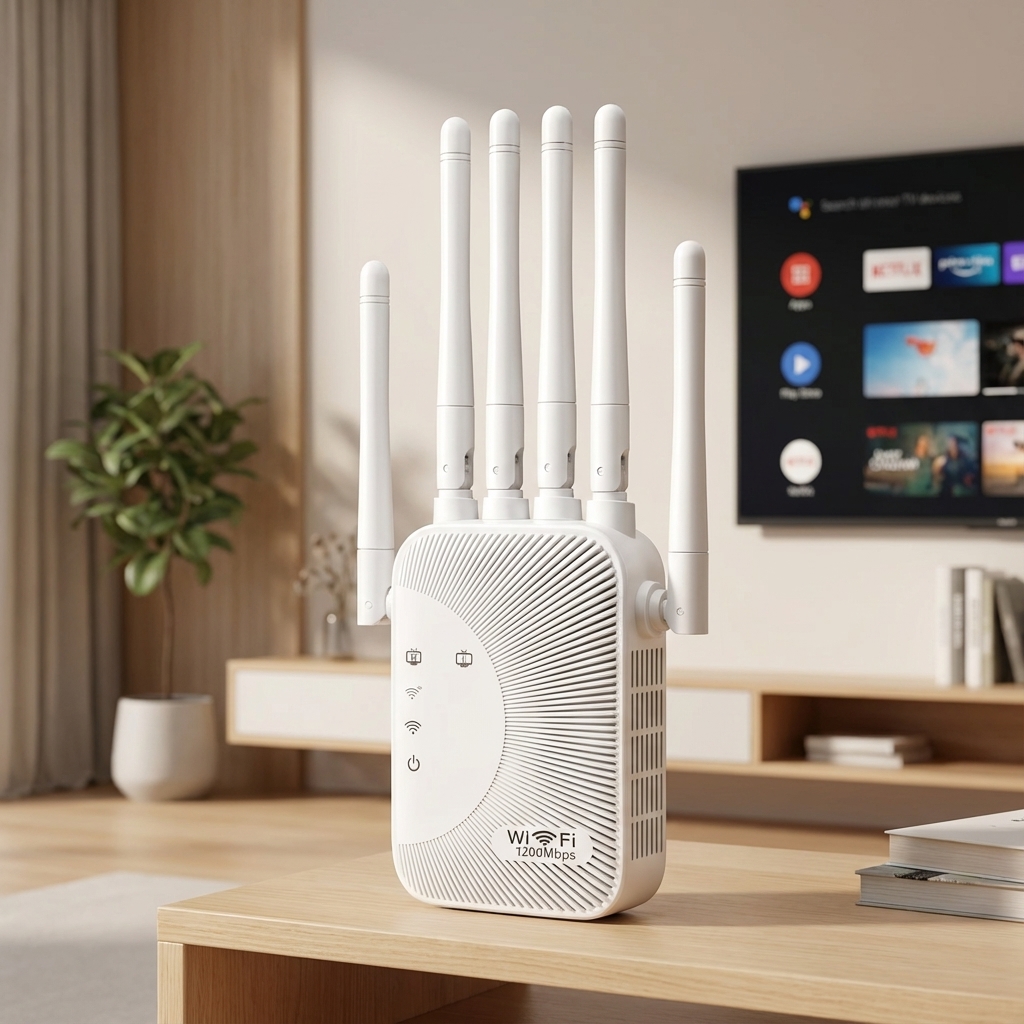
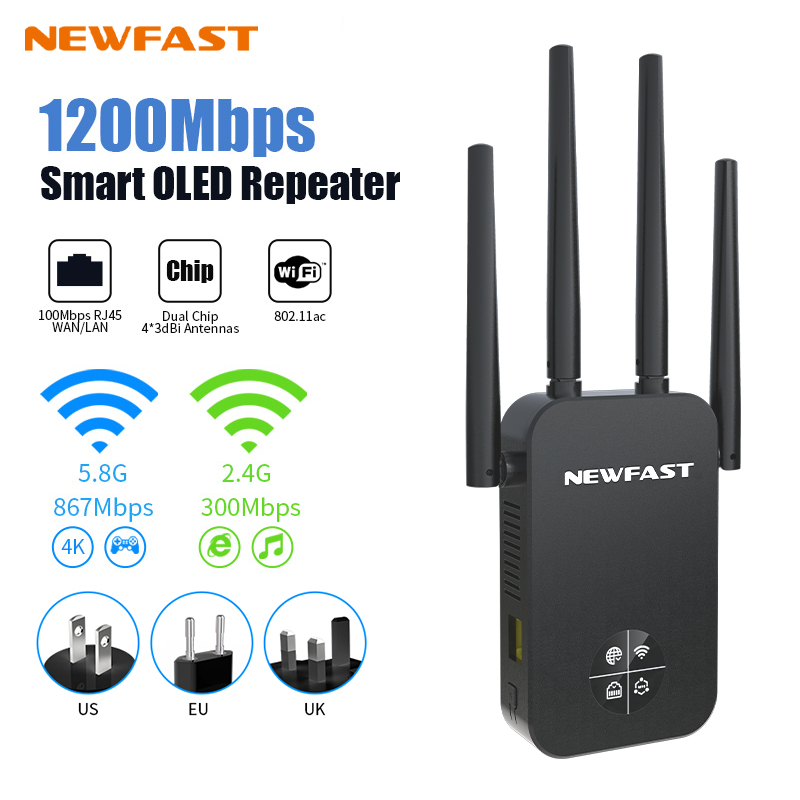
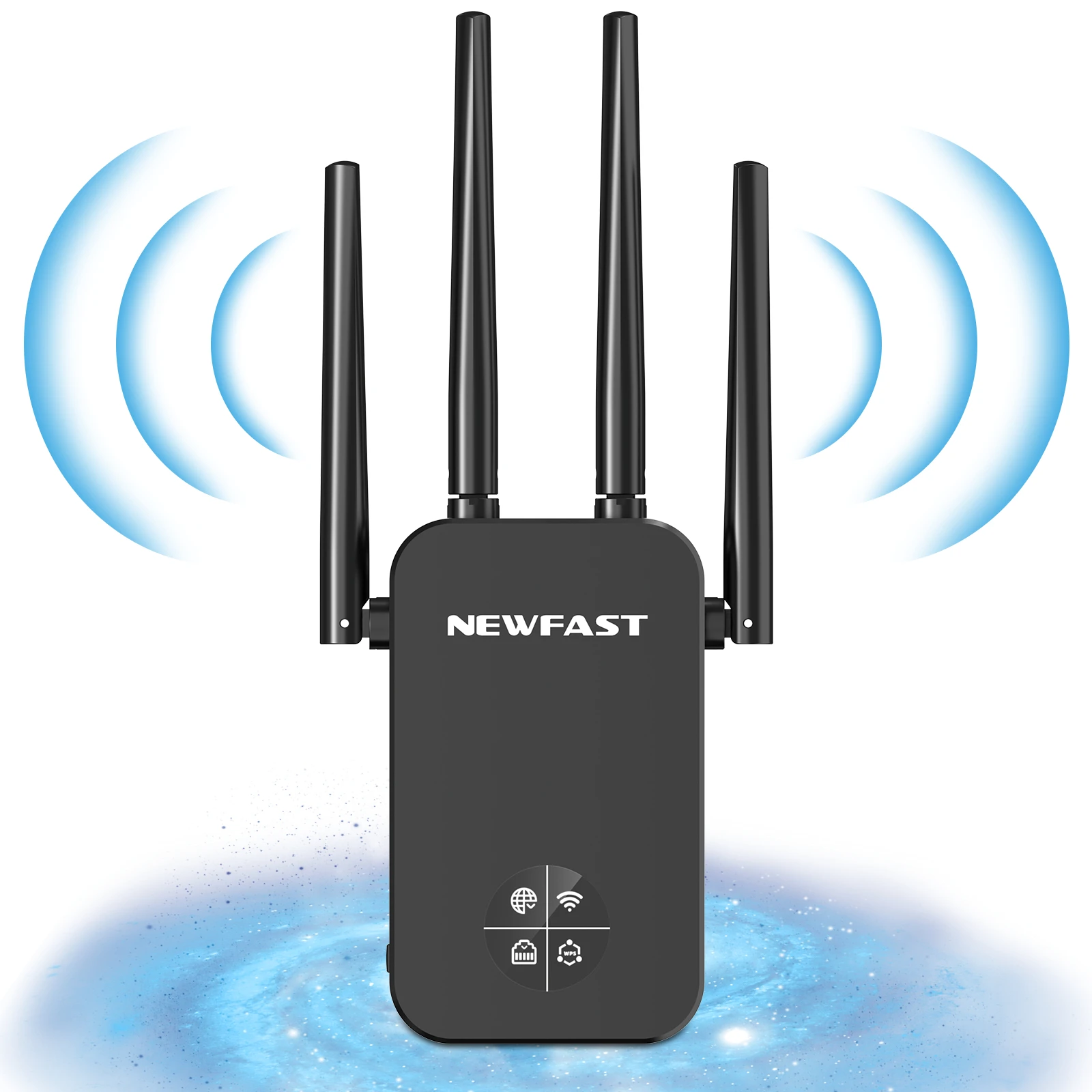
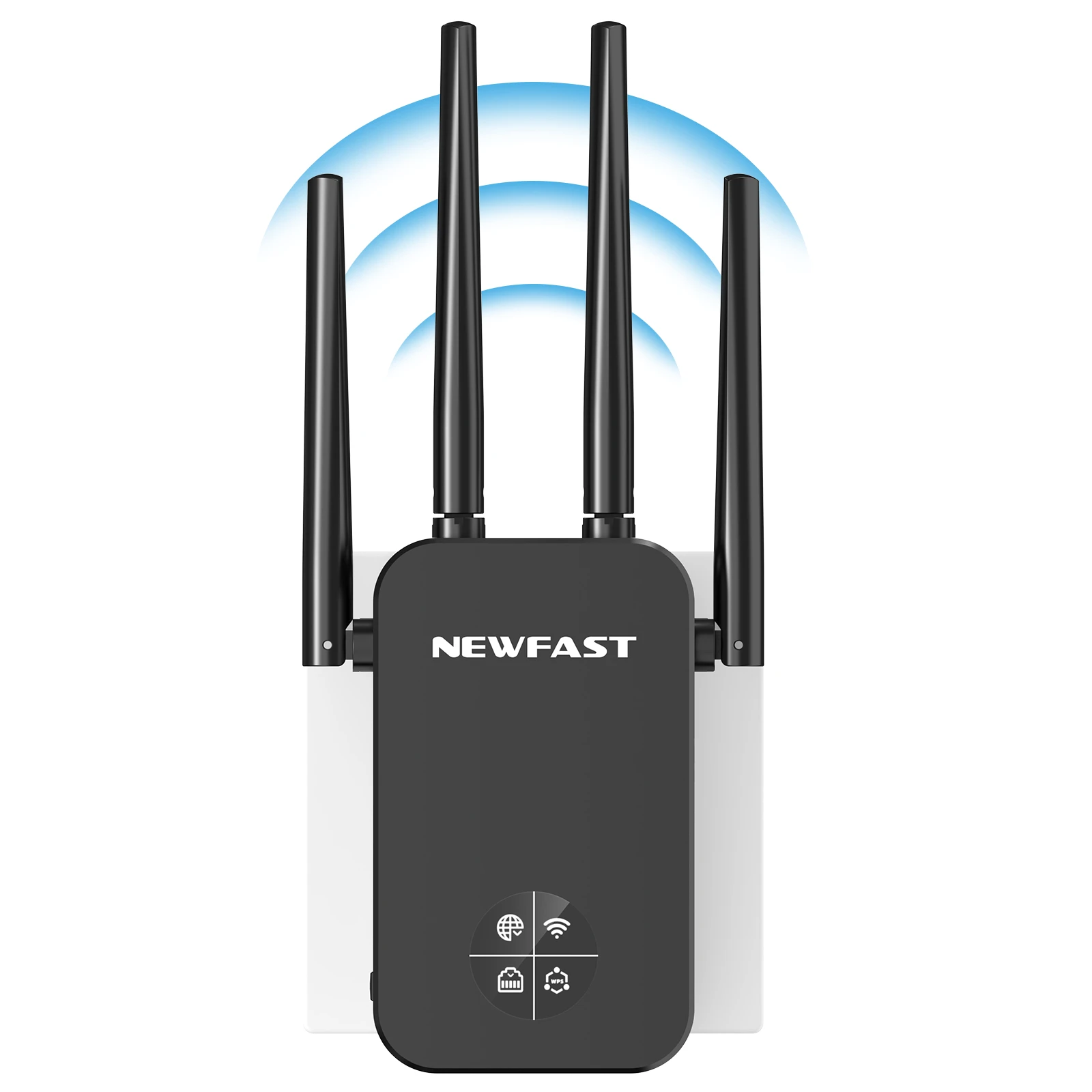
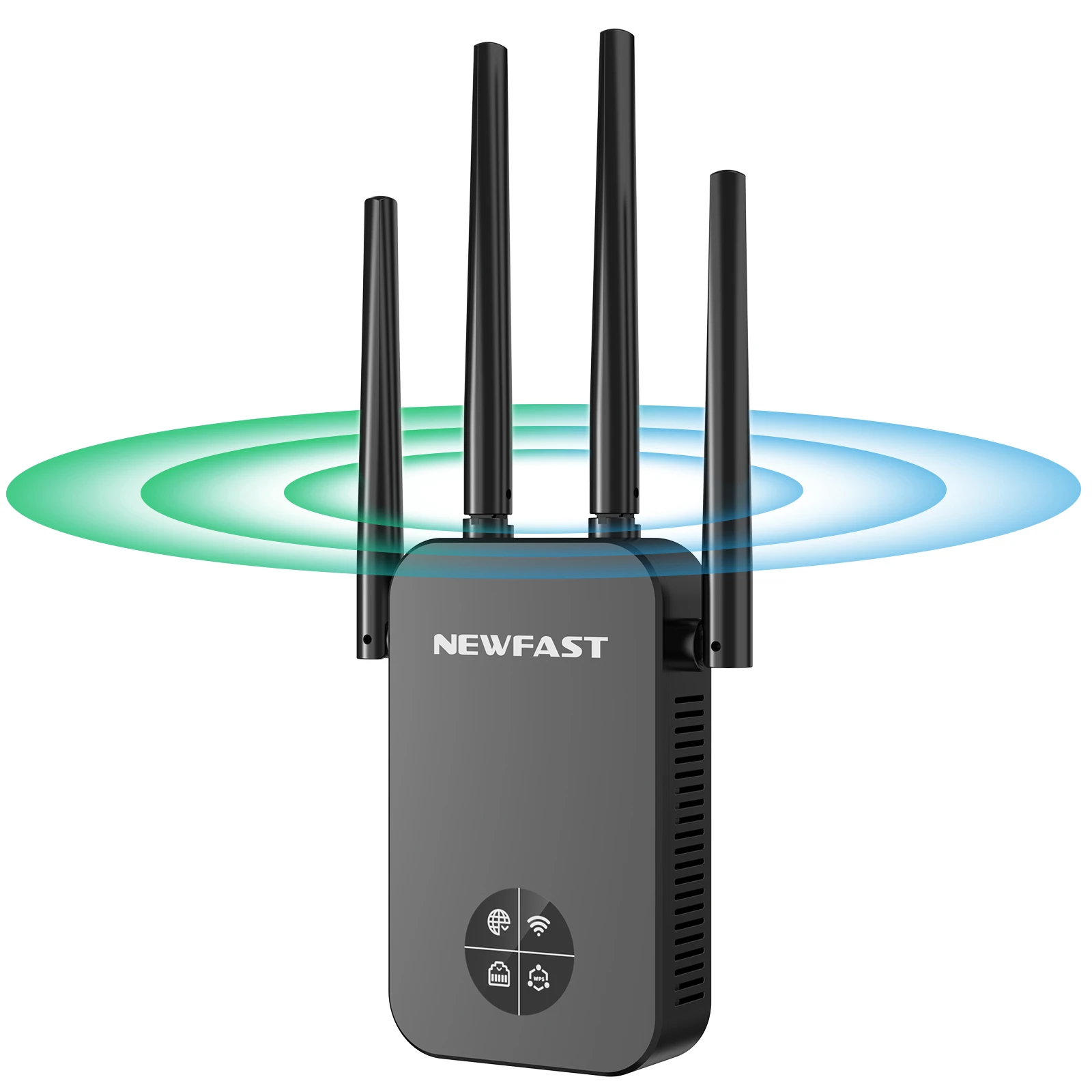
NF-RE523 is a gigabit dual-band repeater with OLED smart screen. Innovative OLED compared with the traditional repeater, the user's setup and use are more simple and intuitive. Xiaobai can also get started easily, and he knows the working of his repeater like the back of his hand. It is suitable for scenarios with incomplete routing coverage of houses such as large flats, villas, duplex buildings, and corporate offices.
Features:
1.Wi-Fi expansion, eliminating dead spots of wireless signals;
2.OLED screen display, working status - - clear at a glance, the device is easier to use and easier to use;
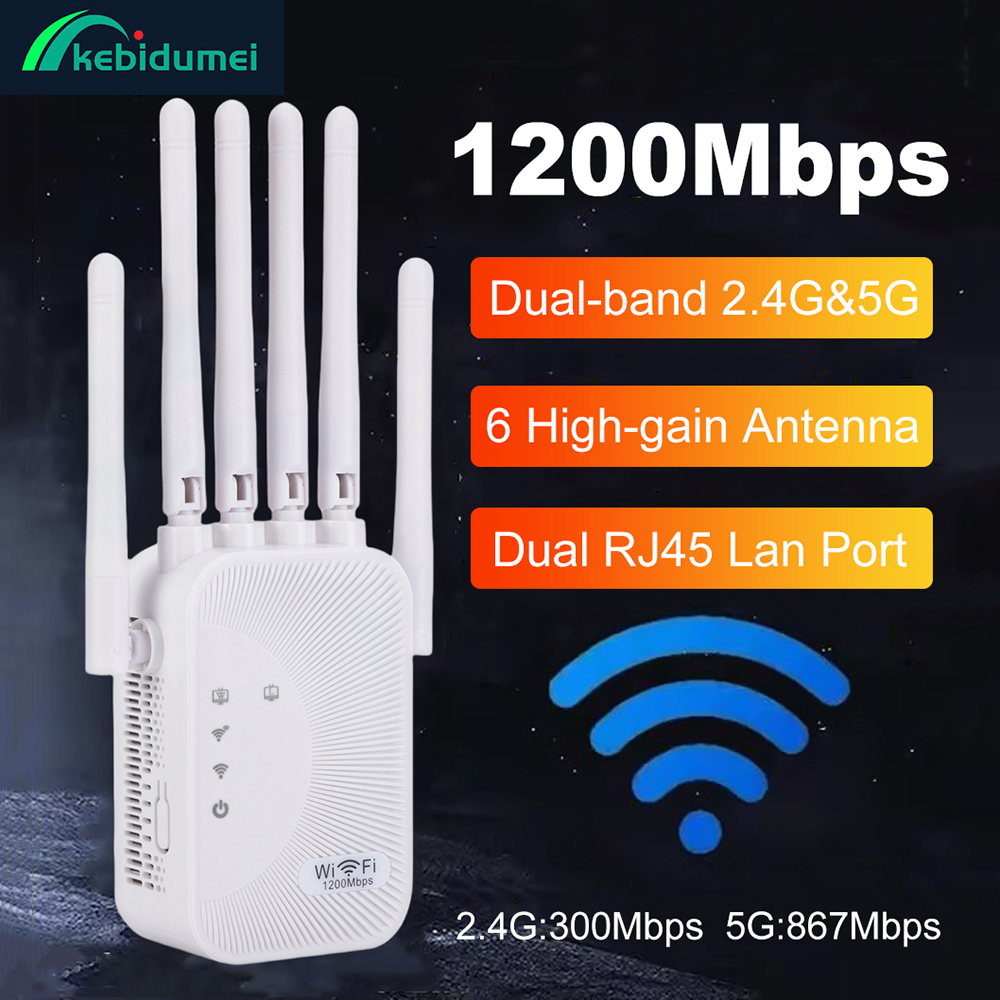
3.1200Mbps dual-band, stronger anti-interference, high speed, more compatible with gigabit home routing;
4.4 antenna signal enhancement, signal coverage and wall penetration are significantly improved;
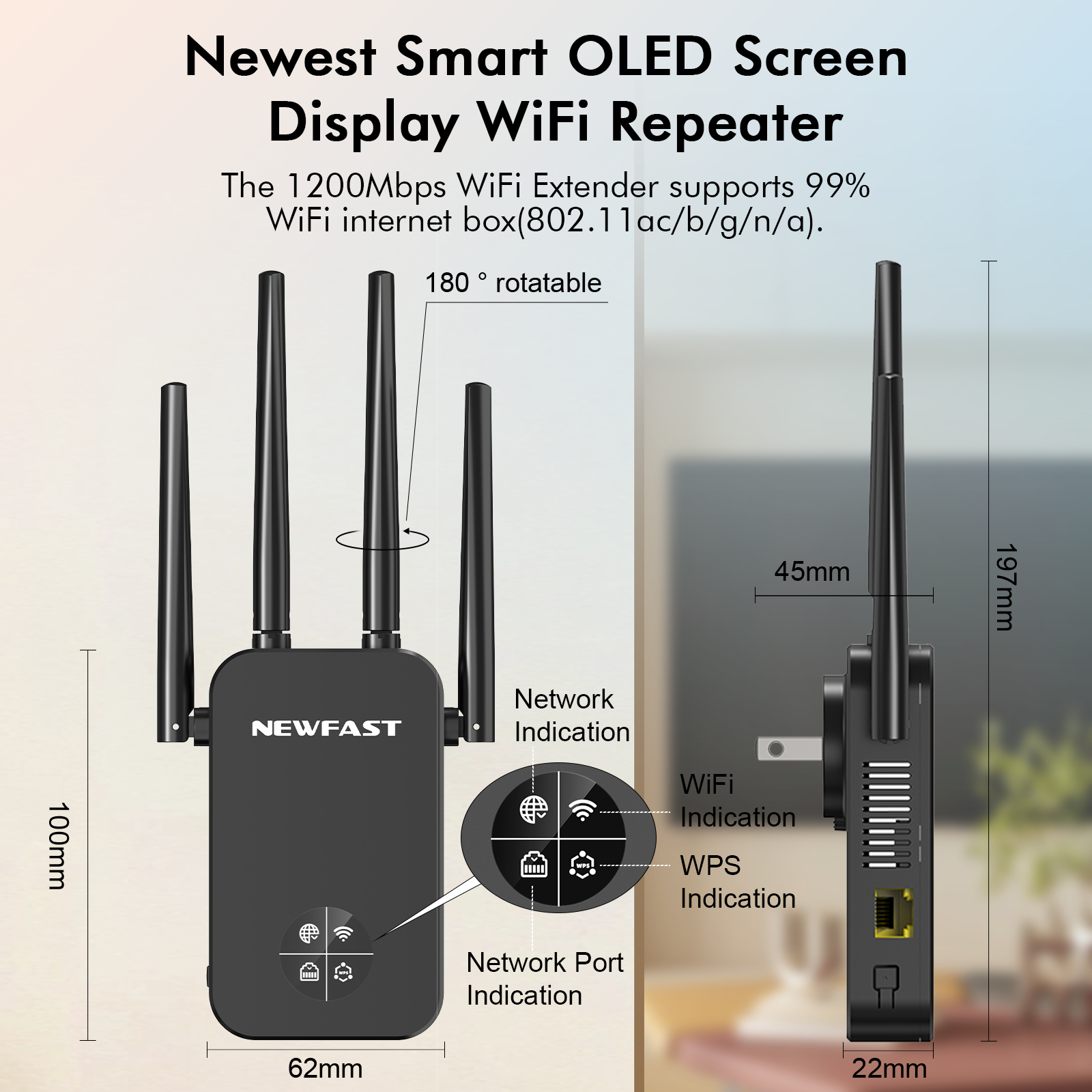
5.The antenna can be rotated flexibly, and the user can adjust the angle of the antenna to adjust the signal transmission and reception;
6.Support WiFi to wired, can be connected to TV, computer, etc. to connect with wired and stable work;
7.Scientific heat dissipation design, the device supports 24h stable work without disconnection, avoiding overheating and aging of components;
8.ApplicationCF-WR761AC is suitable for scenarios such as duplex buildings, large flats, villas, and offices where large-area routers arE not fully covered.
Specification:
1* Network Cable
1* Quick Install Guide

Newfast Smart Oled Screen Display wifi repeater
the 1200Mbps wifi extender support 99% Wifi internet box (802.11ac/b/g/n/a)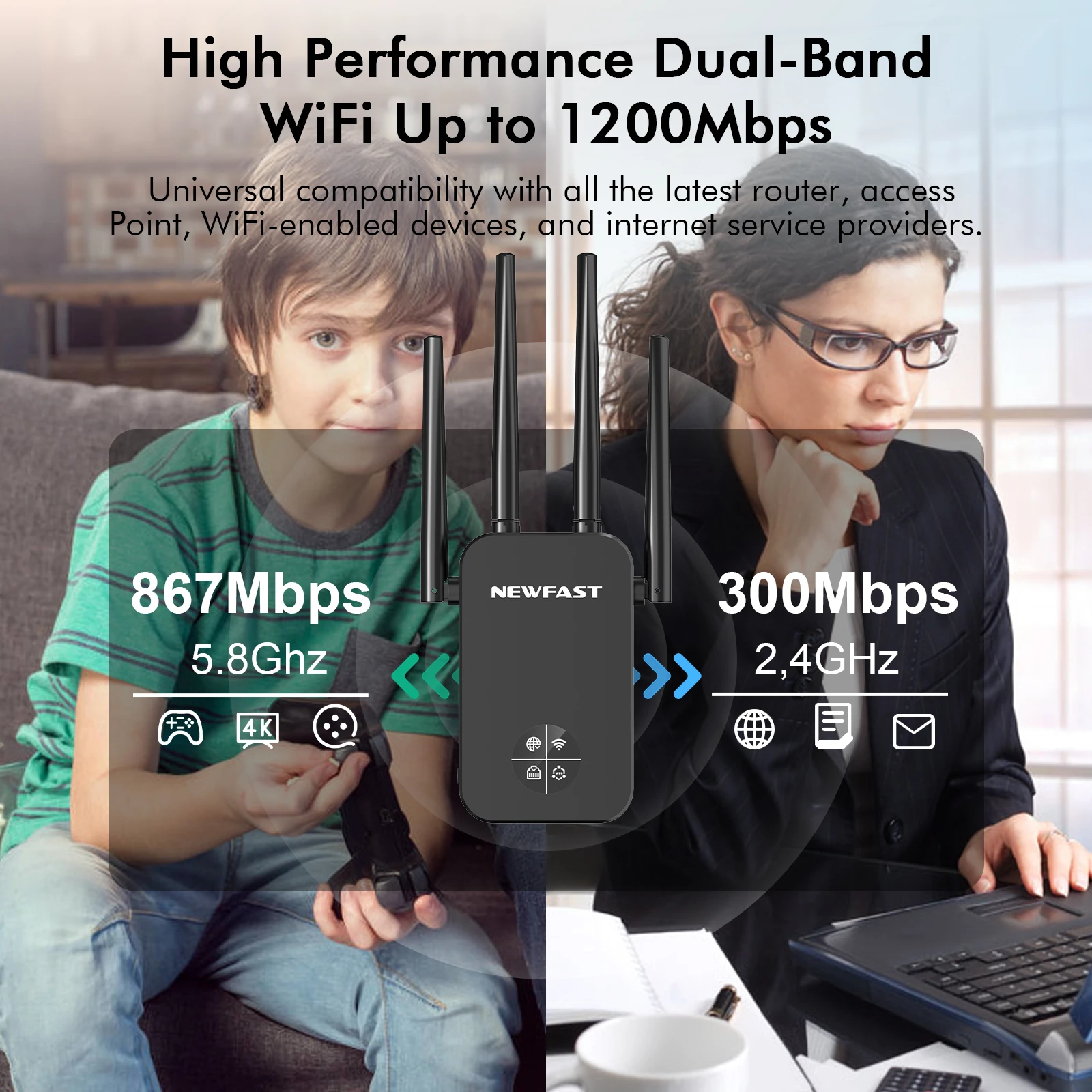
Newfast Smart Oled Screen Display wifi repeater
the 1200Mbps wifi extender support 99% Wifi internet box (802.11ac/b/g/n/a).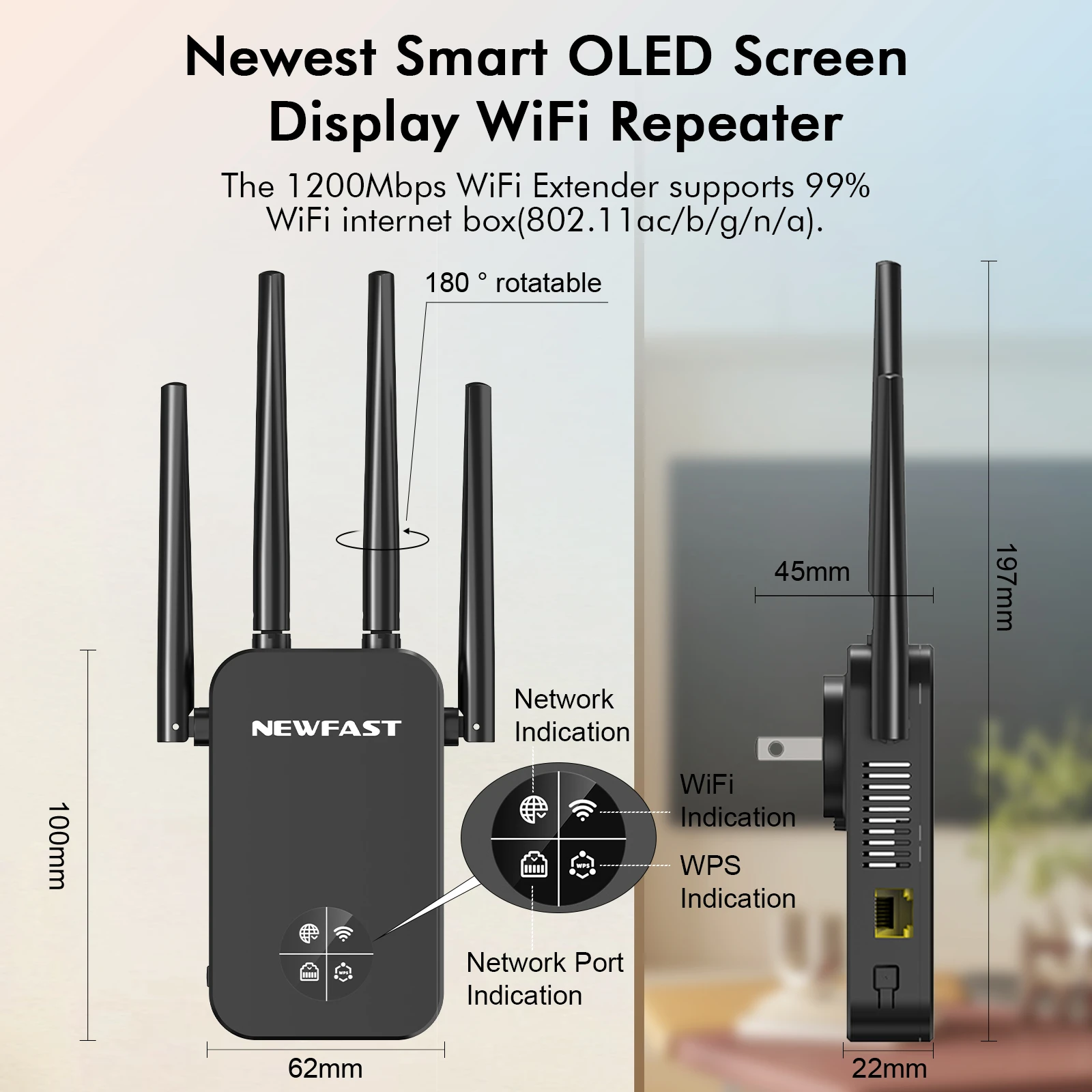
The latest smart chips
Stronger anti-interference, high speed ,perfec matching with your home routing.
Maximum 20dbm transmitting power and 4*3dbi antennas easily throuht the wall ,powerful 4 high gain external antennas 180 rotatable.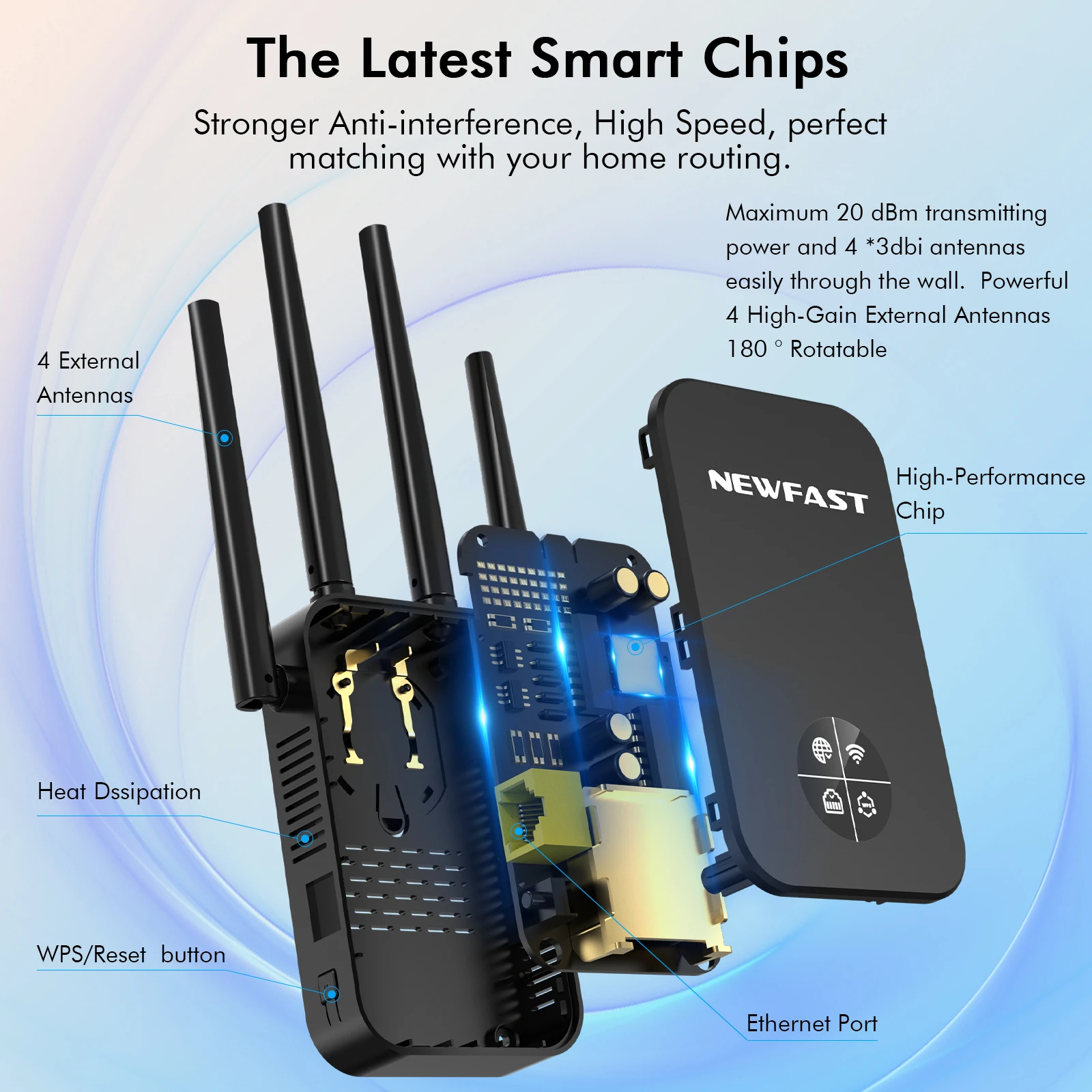
No wifi Dead zone
Booster your existing router's wifi coverage experience a better ,wider wifi coverage.
The WiFi Extender Booster expand your routers WiFi coverage up to 1500sq.ft, WiFi speeds up to 1200Mbps.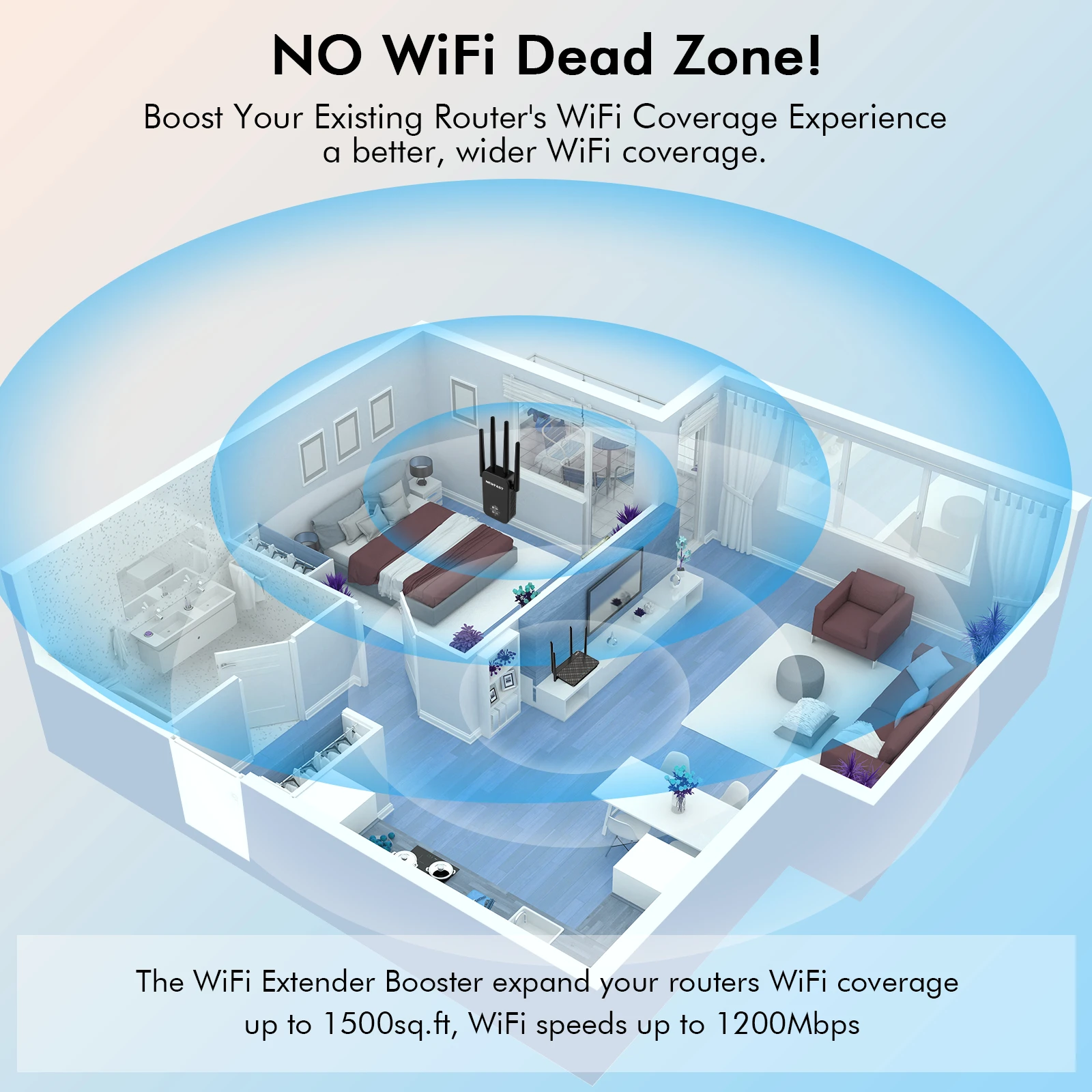
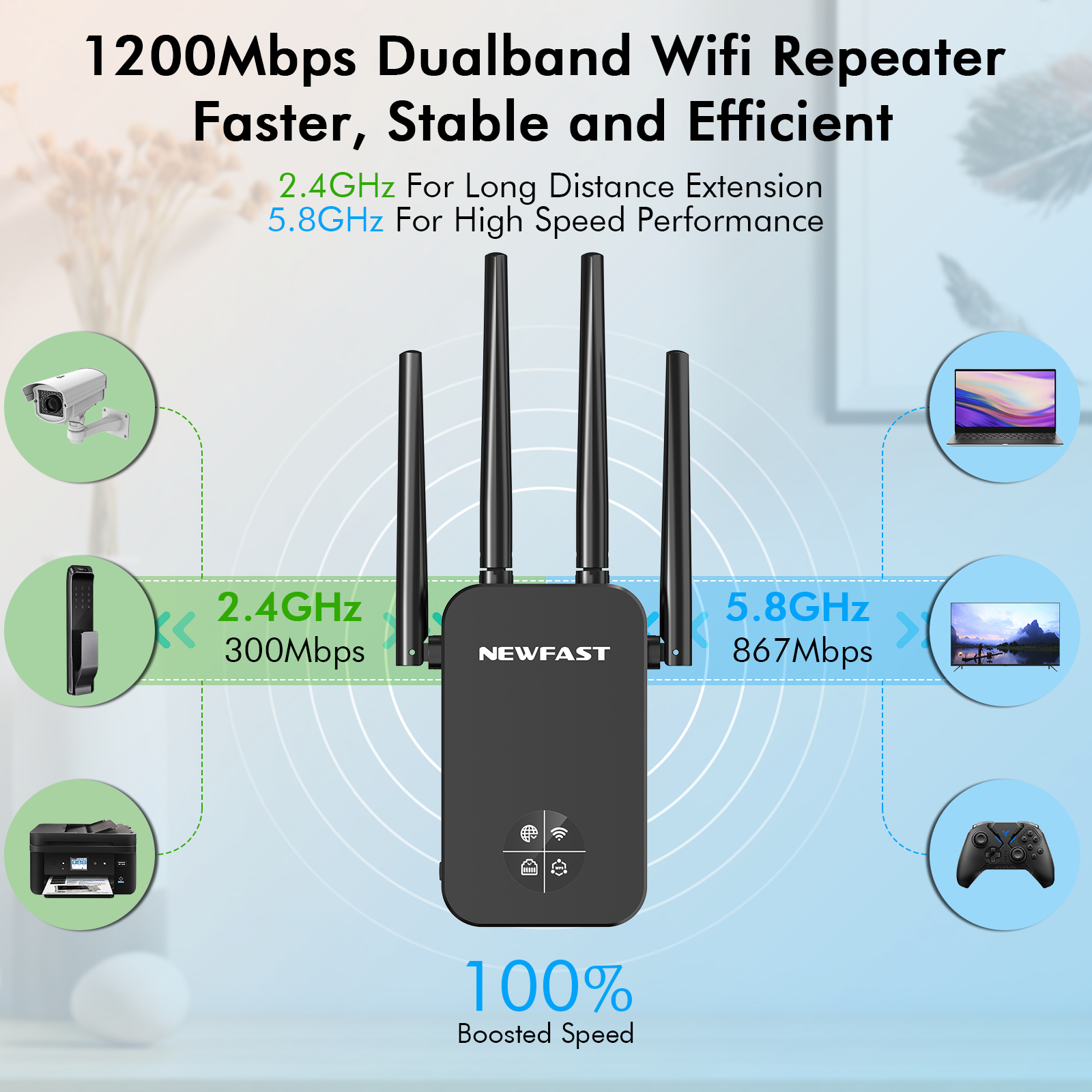
1200Mbps Dual Band Wifi Repeater Faster,Stable and efficient
2.4Ghz for long Distance Extension
5.8Ghz for high speed performance 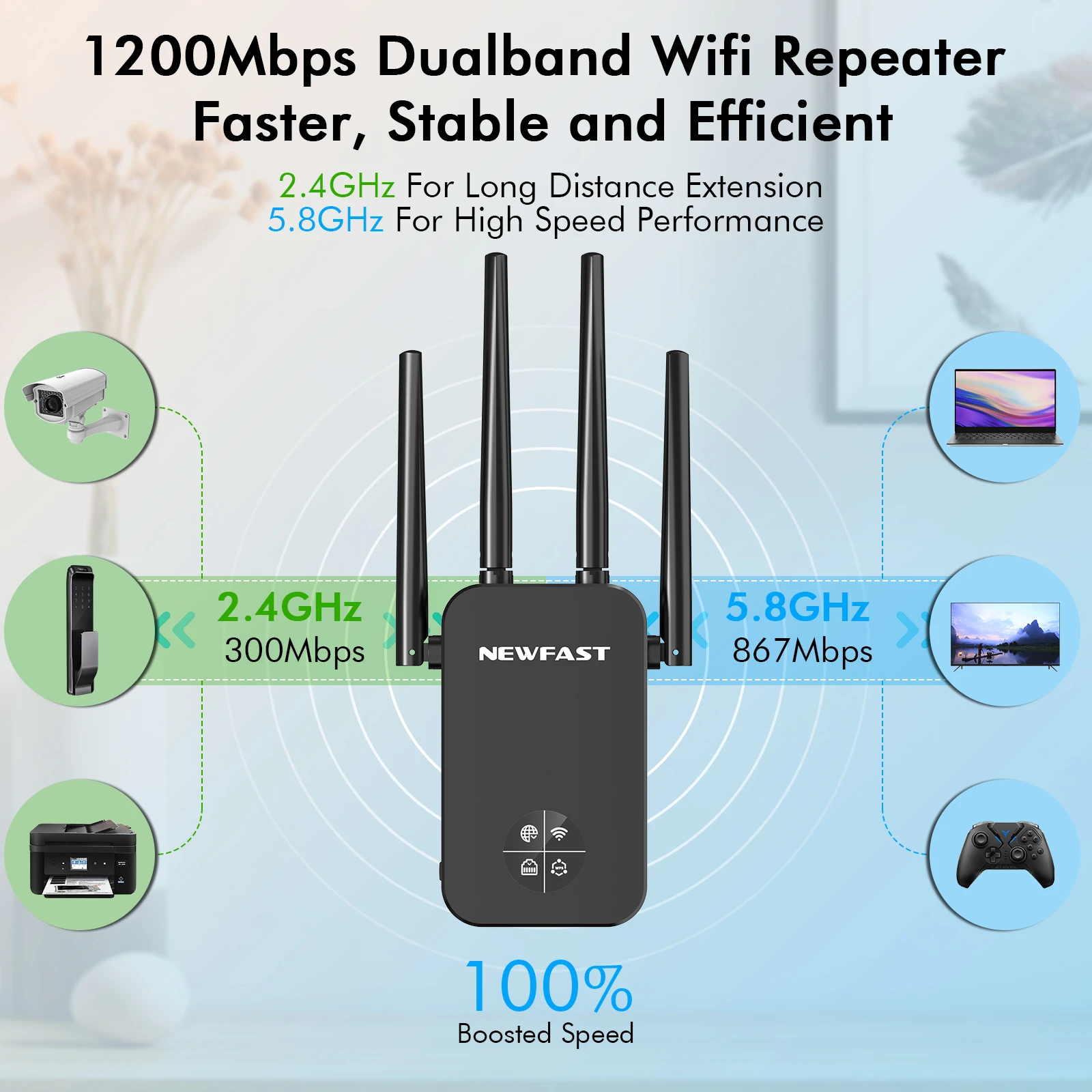
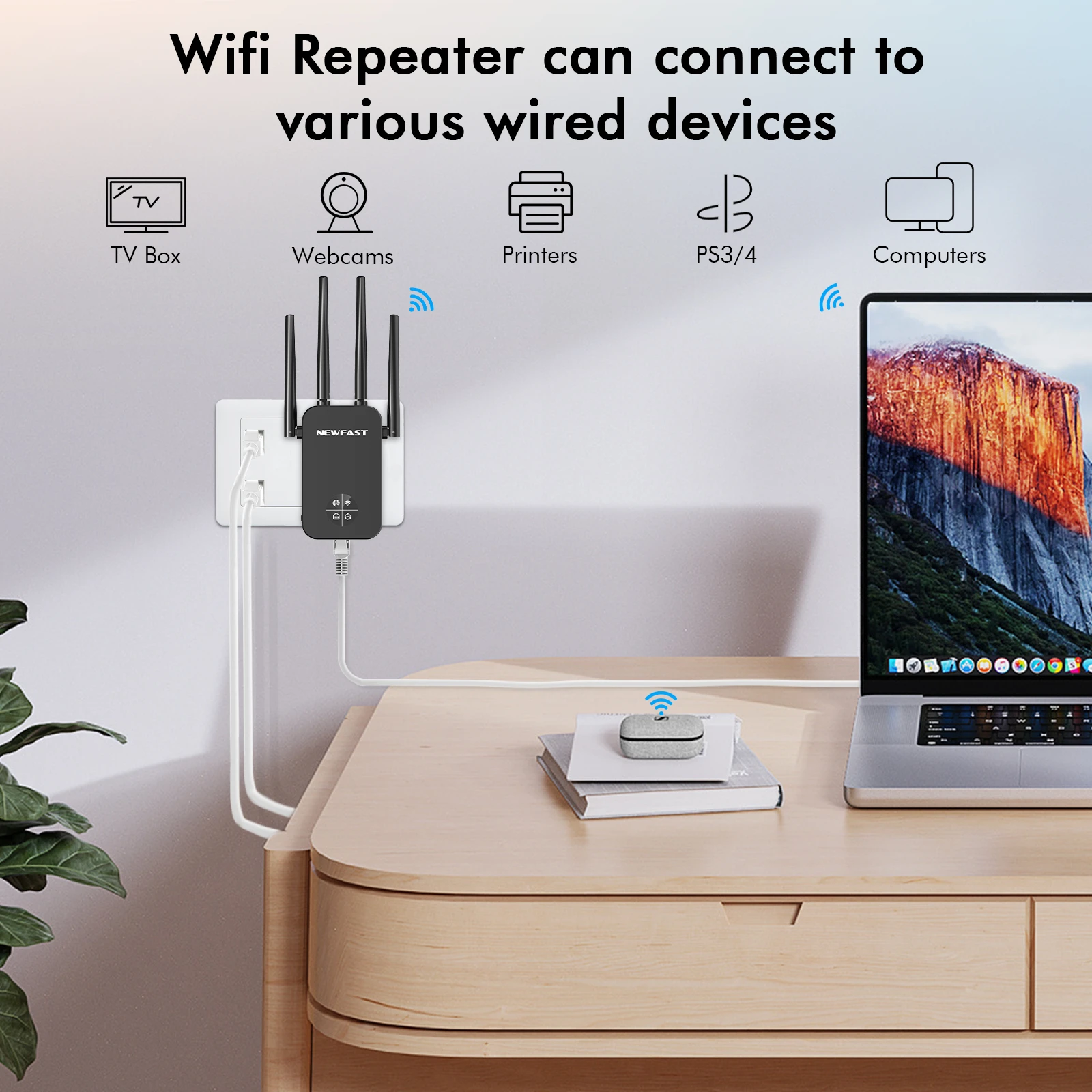
Wifi repeater can connect to various wired devices
TV Box/Webcams/Printers/PS3/4/Computers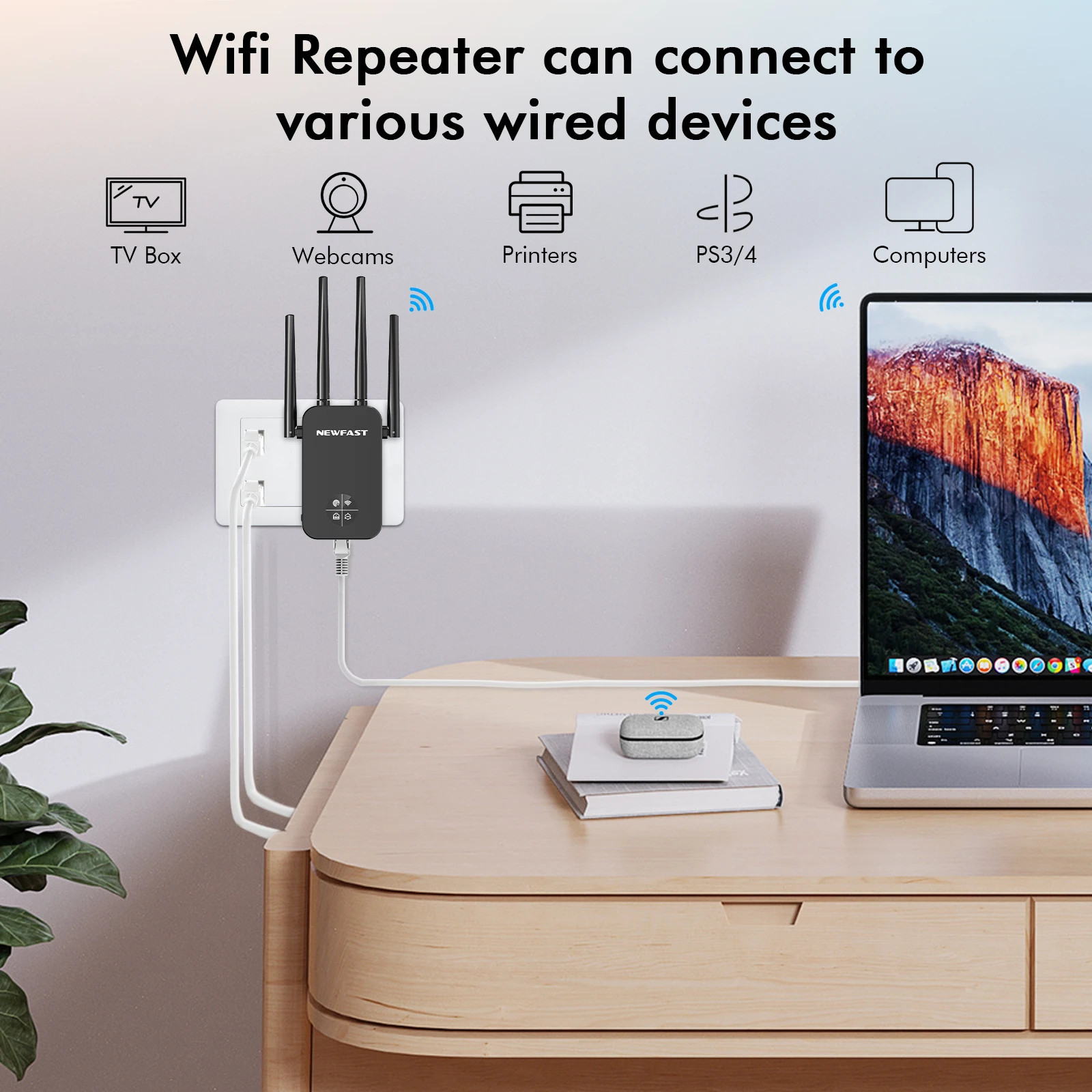
Compatible with Various WiFi Devices
The extender can connect up to 35 wireless devices at the same time, the signal is still stable and smooth.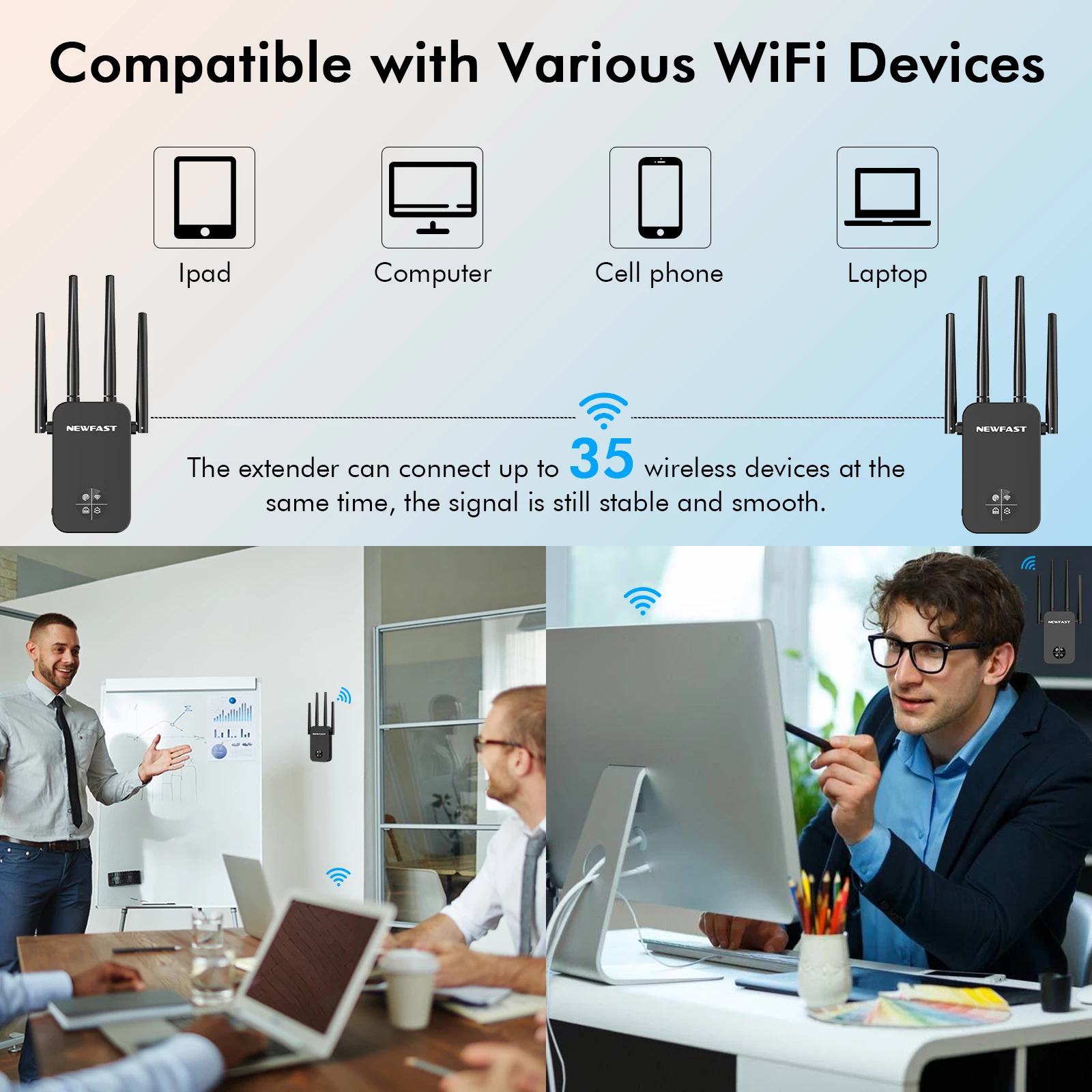
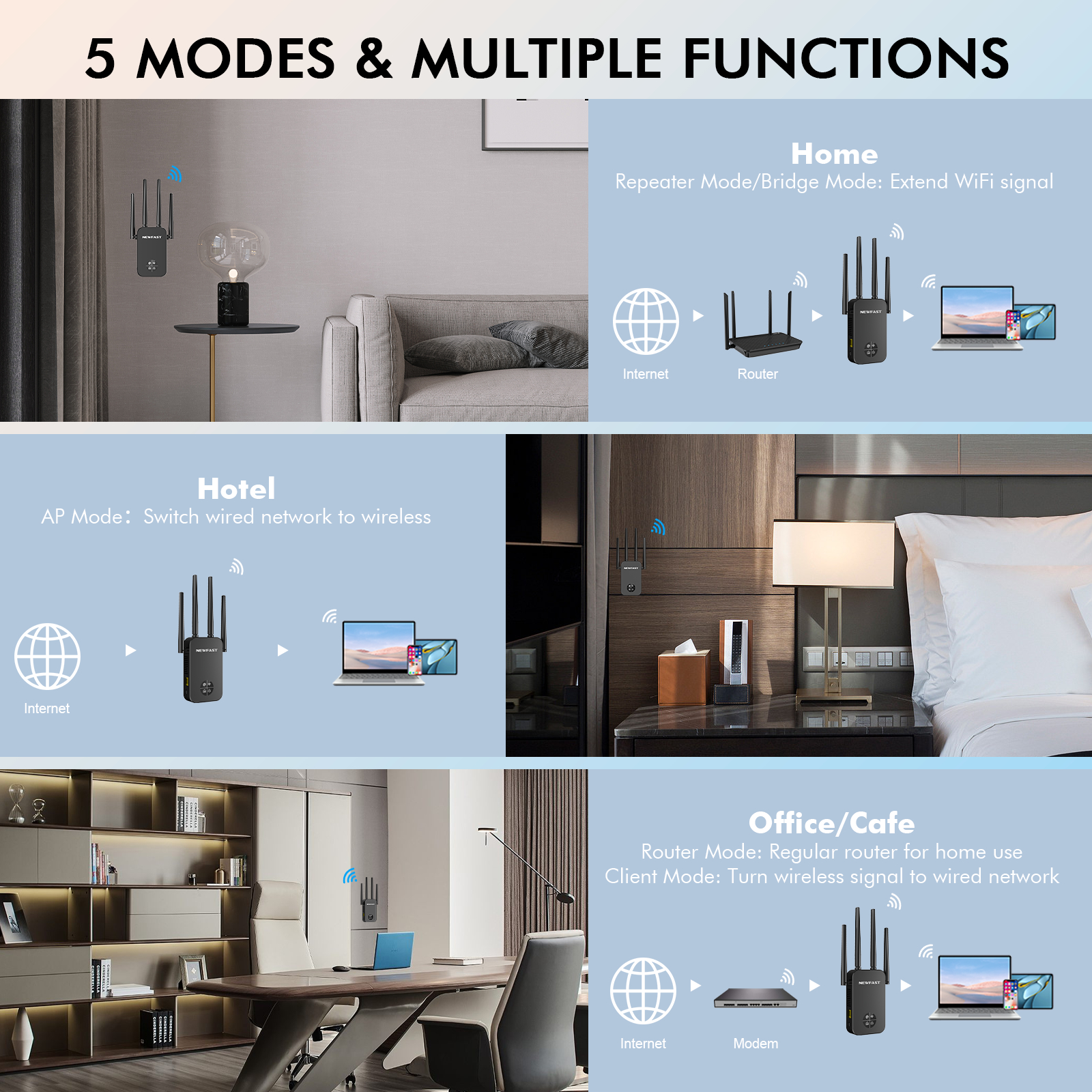
5 modes & Multiple Functions Home Repeater mode:
Bridge mode: Extend wifi signal
Hotel: AP Mode Switch wired network to wireless
Office/Cafe : Router mode : Regular router for home use
Client mode : Turn wireless signal to wired network 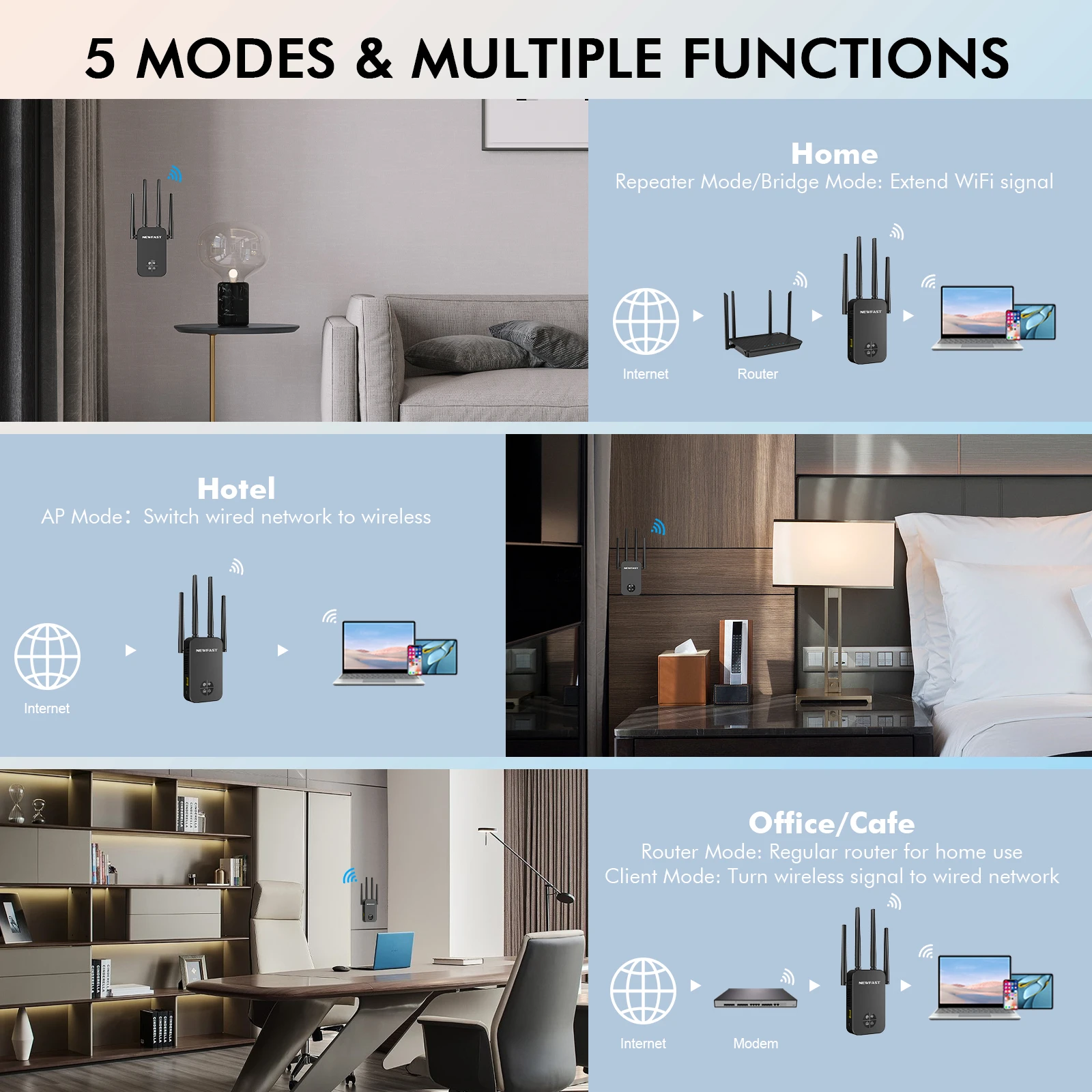
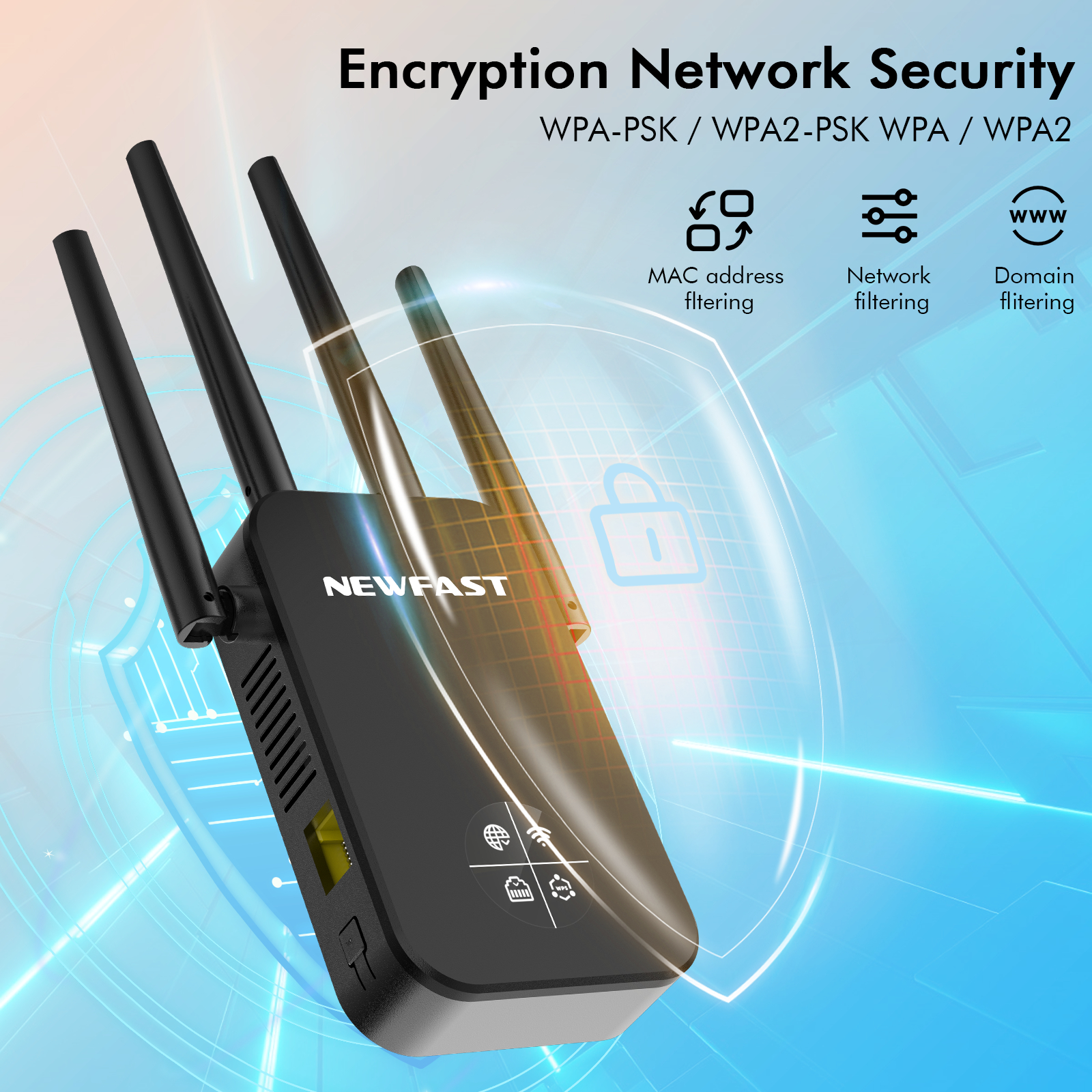
Encryption Network Security
WPA-PSK/WPA2-PSK WPA/WPA2 
Multiple scenario application
Applying the extendr to these large areas can effectively solve the problem of signal instability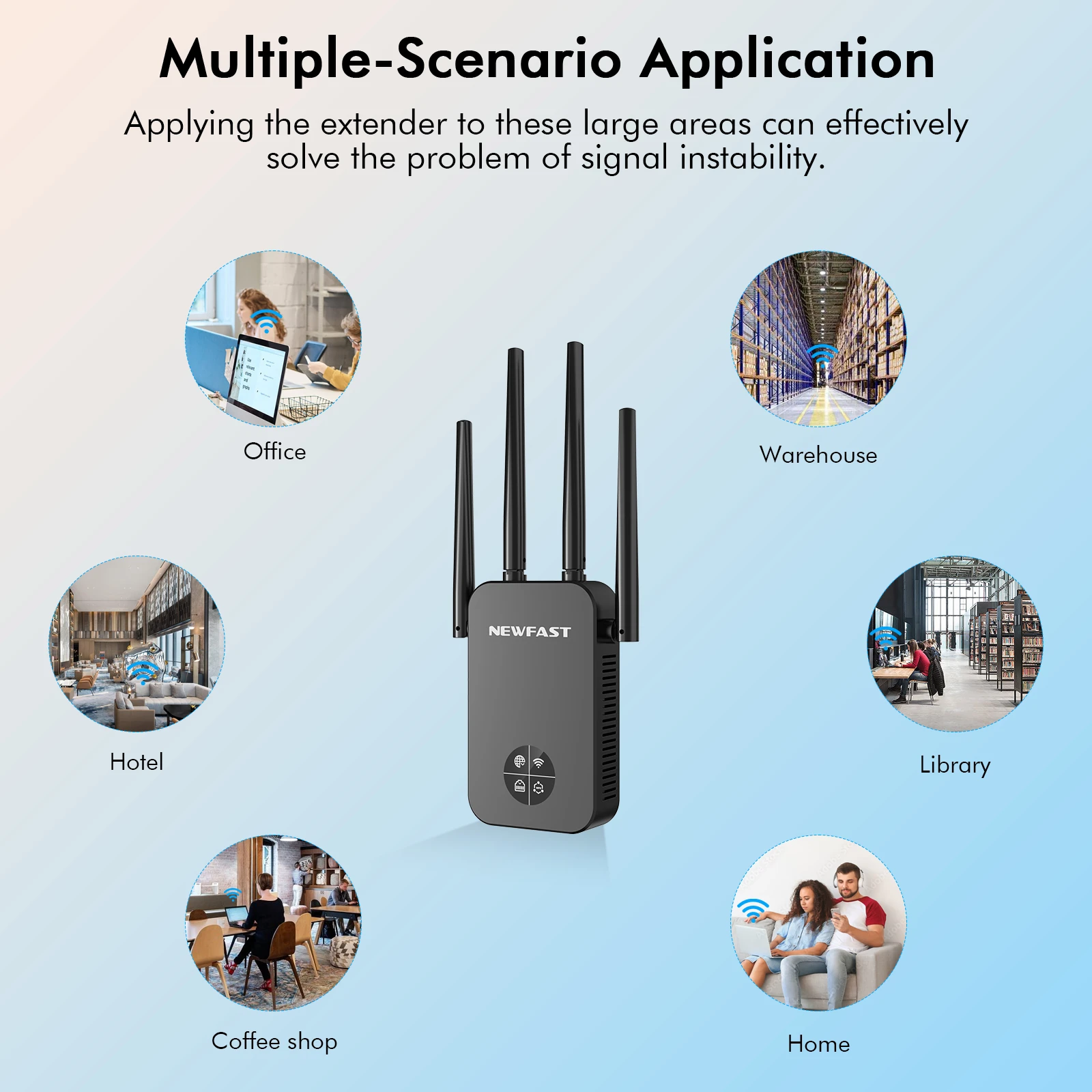

Set up guide:
Just three steps with a phone/computer/Ipad .
The default working mode is repeater mode.
1.Using Phone to connect ssid ,like NEWFAST-XXX
2.Input 192.168.10.1 in the browser,click repeater mode in Gui Page.
3. Choose the wifi signal which need to be extended, input password and clieck set up , waiting for 5 seconds, if the light is blue, then the setting is successful.
関連製品