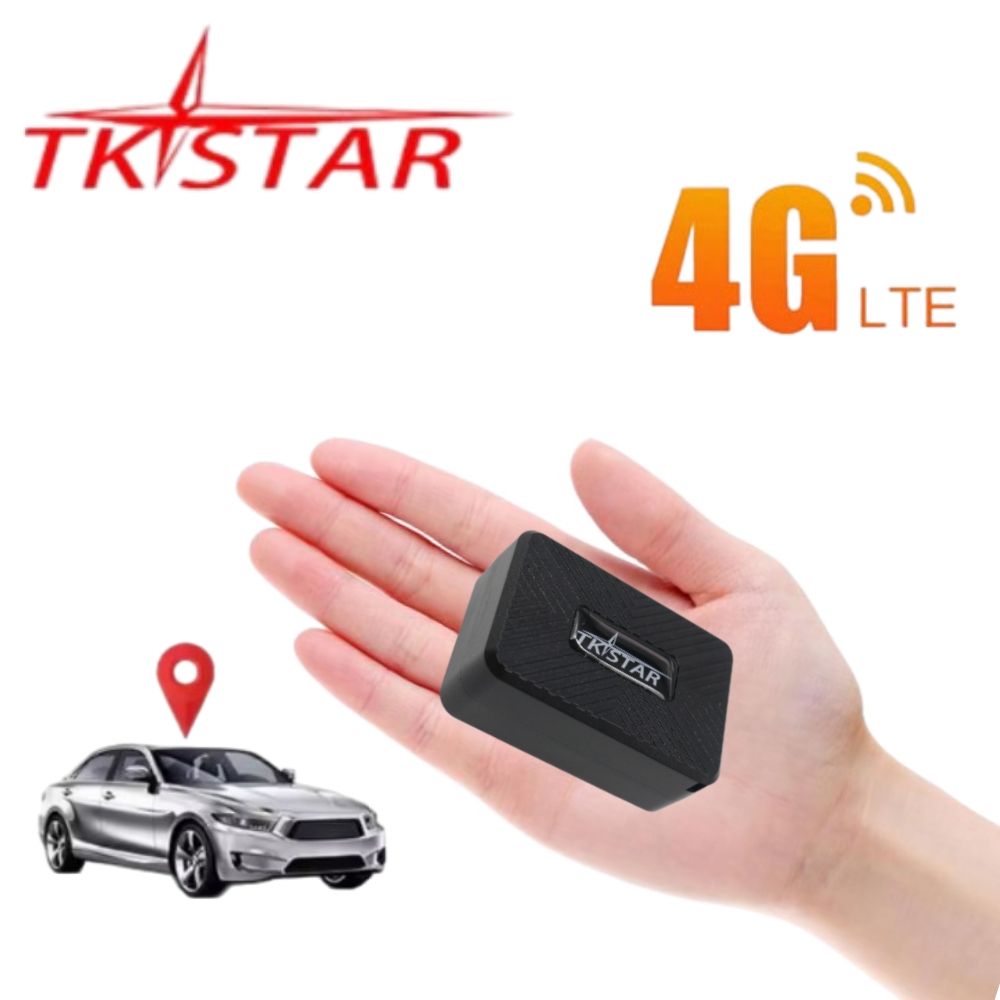











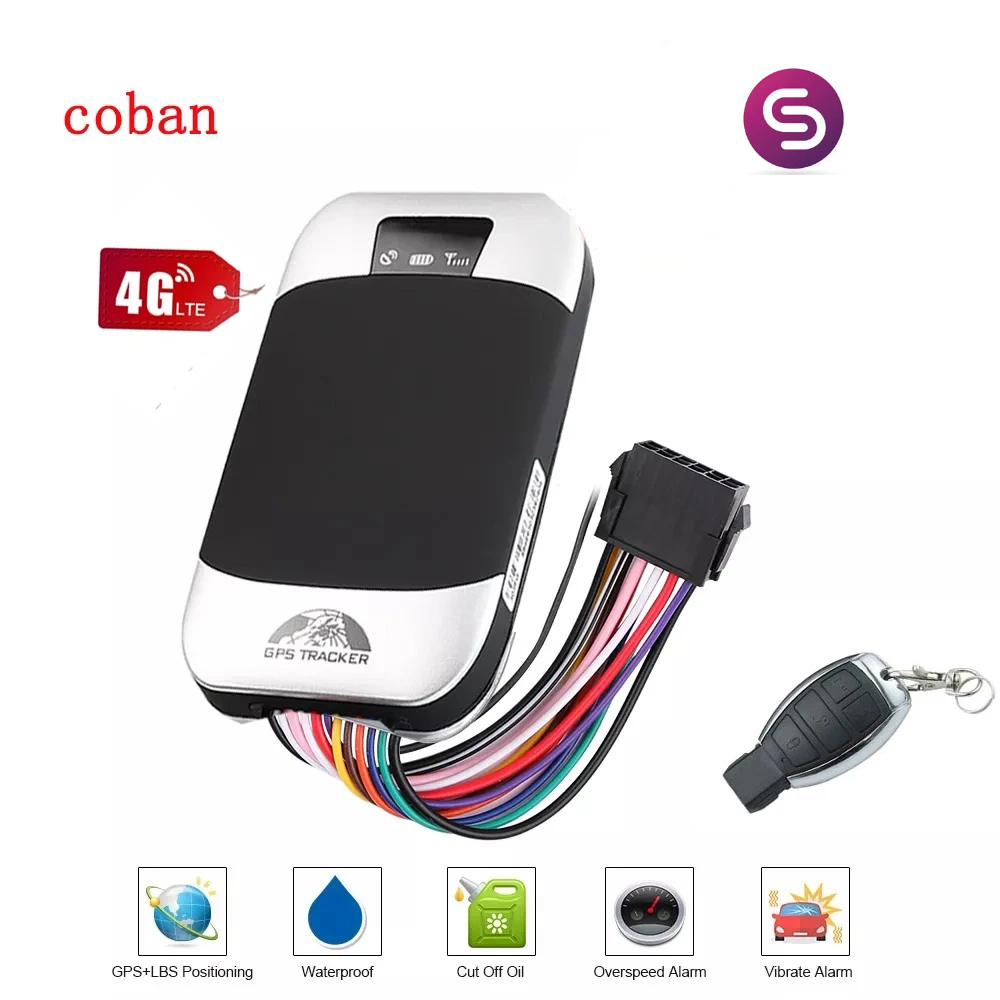
4G coban Car GPS Tracker tk303G With Remote Control SOS For Car Real Time Tracking Device GSM for Car motorcycle gps
価格:
$38.50
/Pc
払い戻し:

シェア:
売れ筋商品






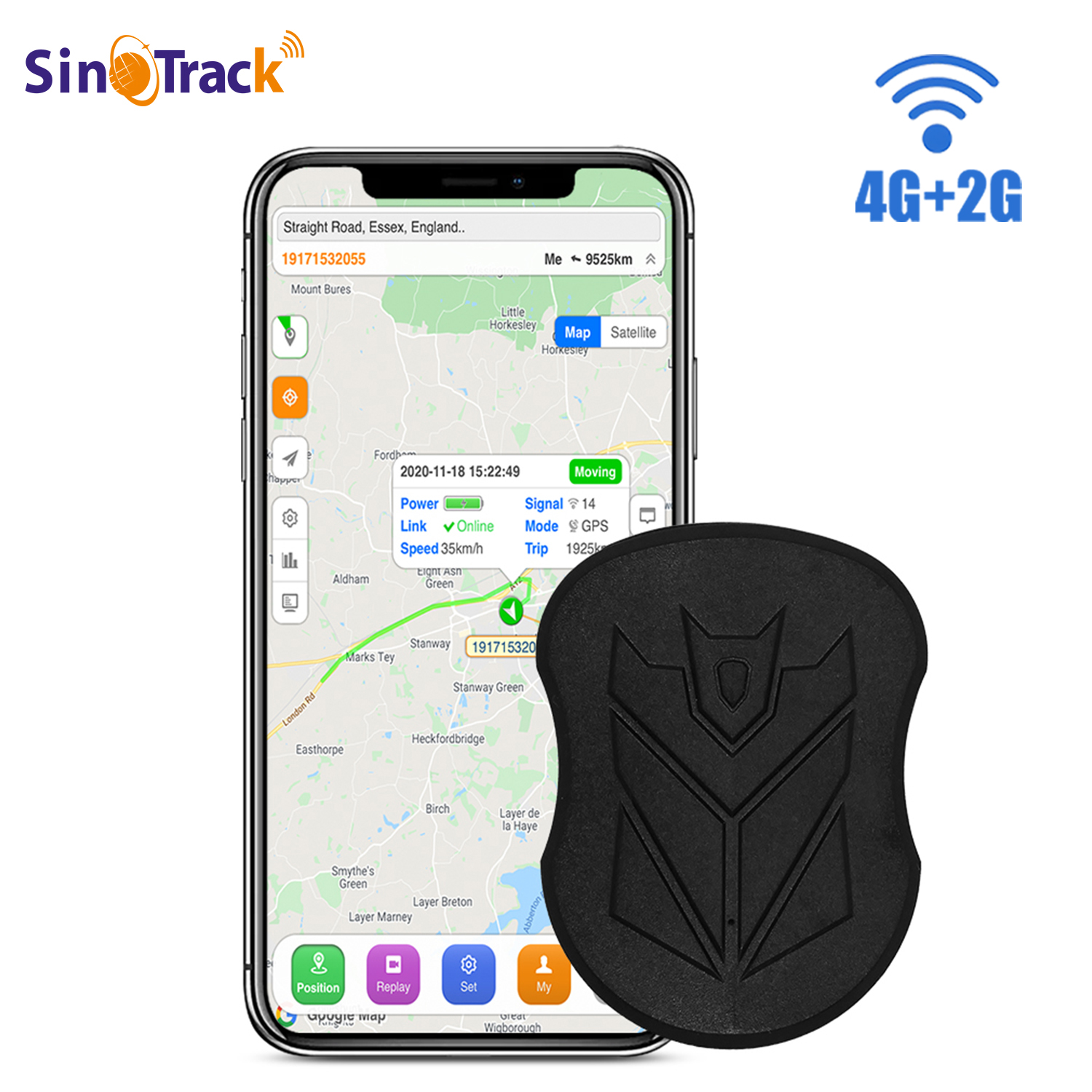
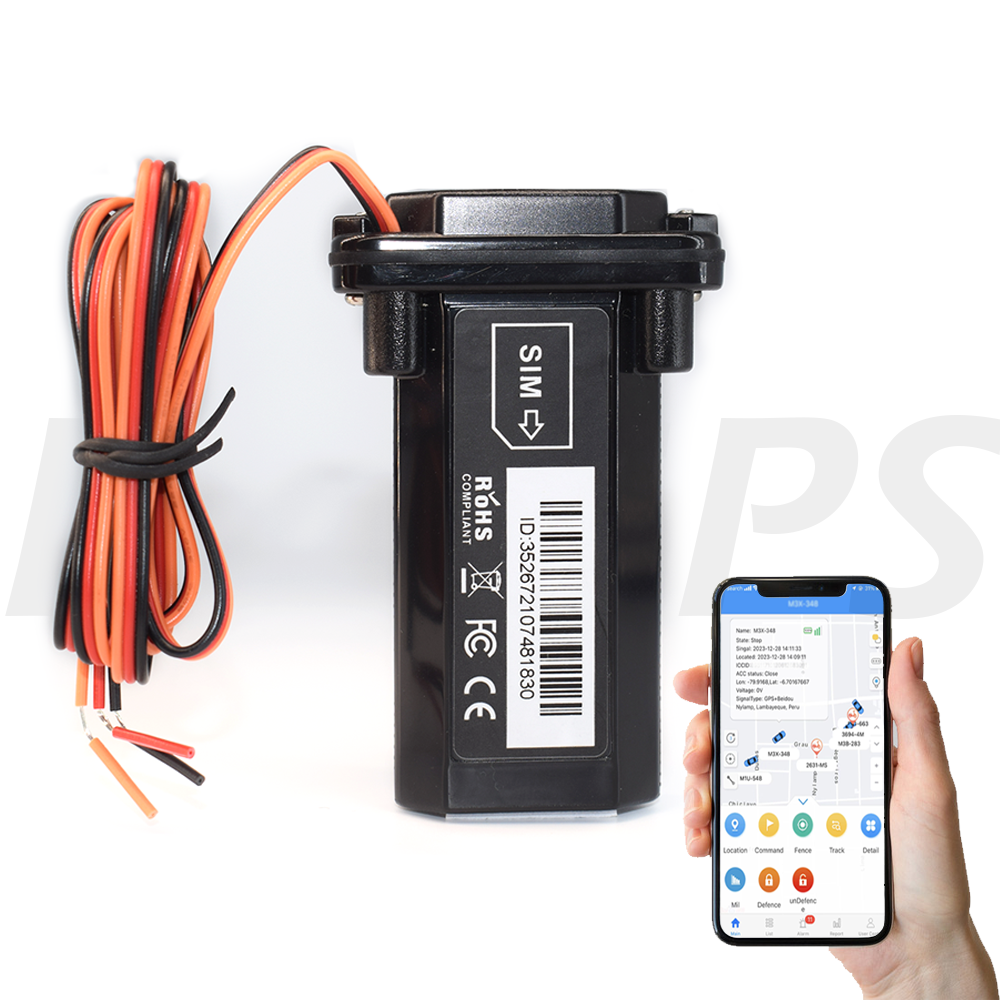
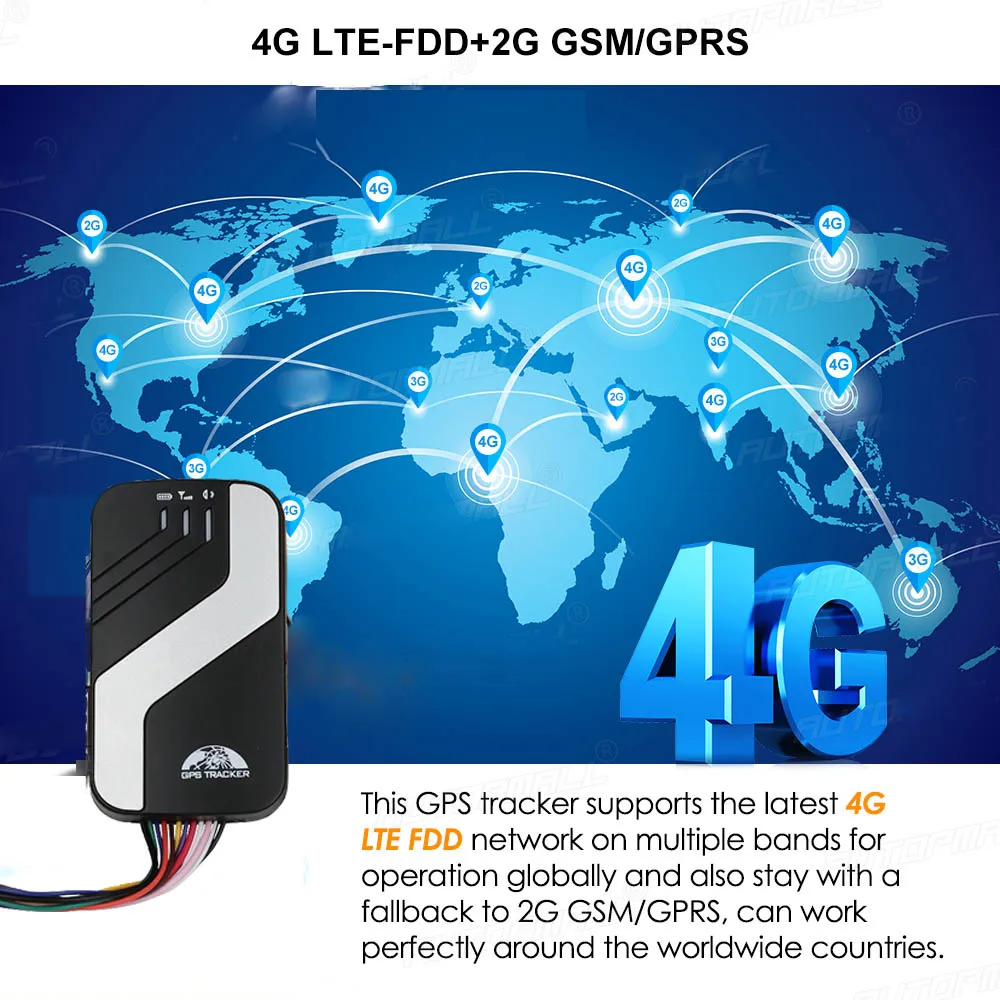
Multi functional 4G LTE FDD Vehicle GPS Tracker




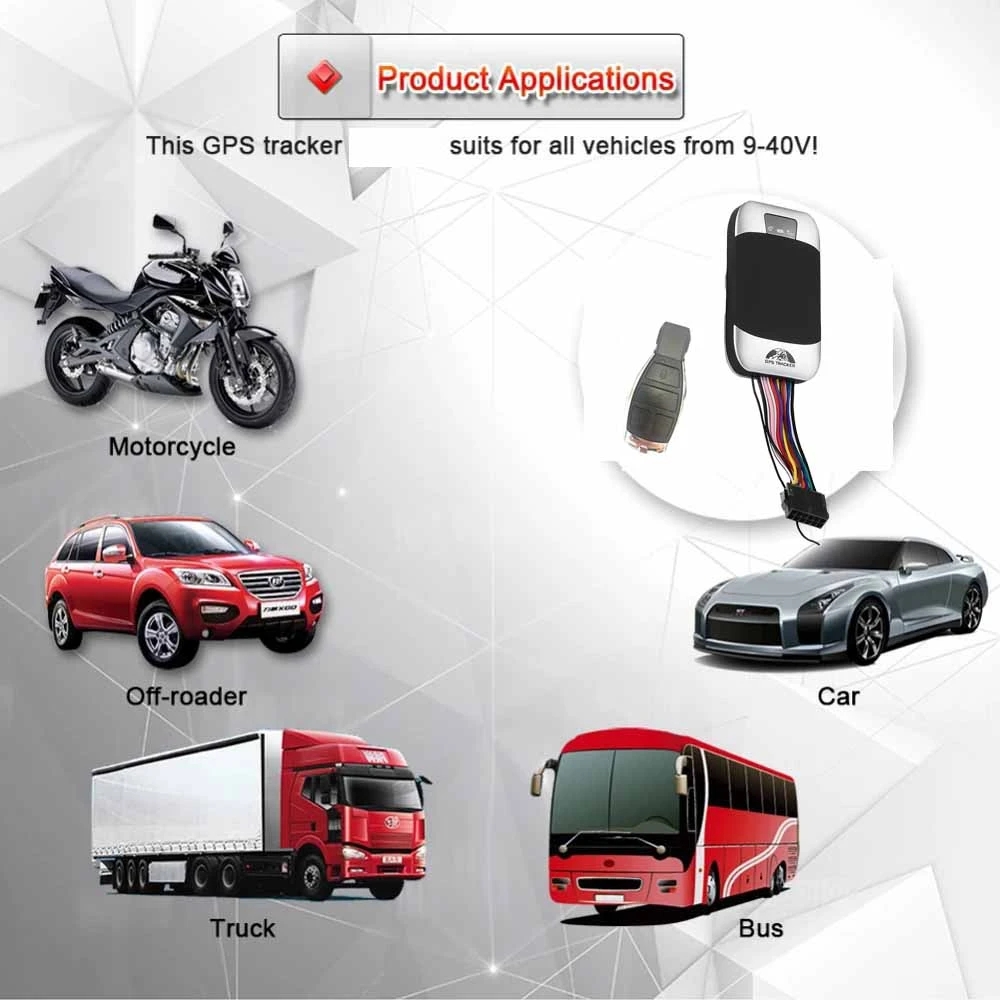
Applications
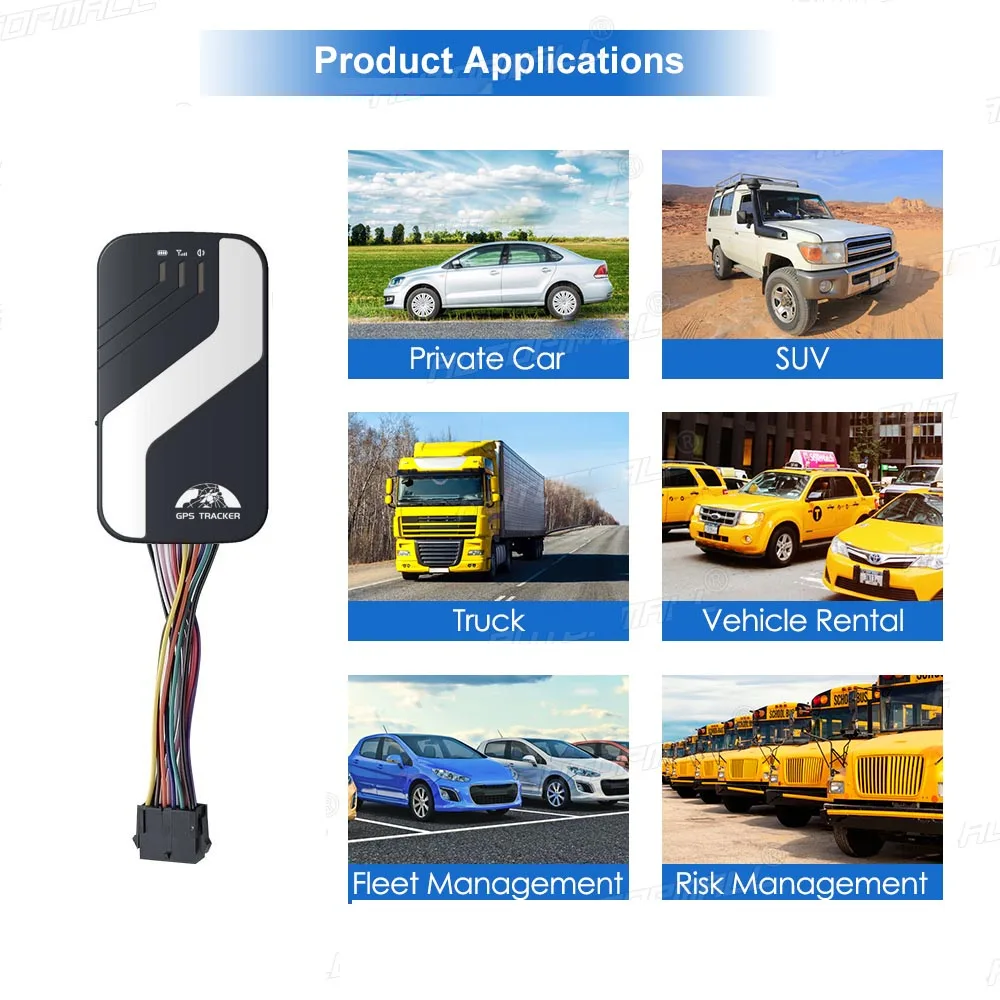
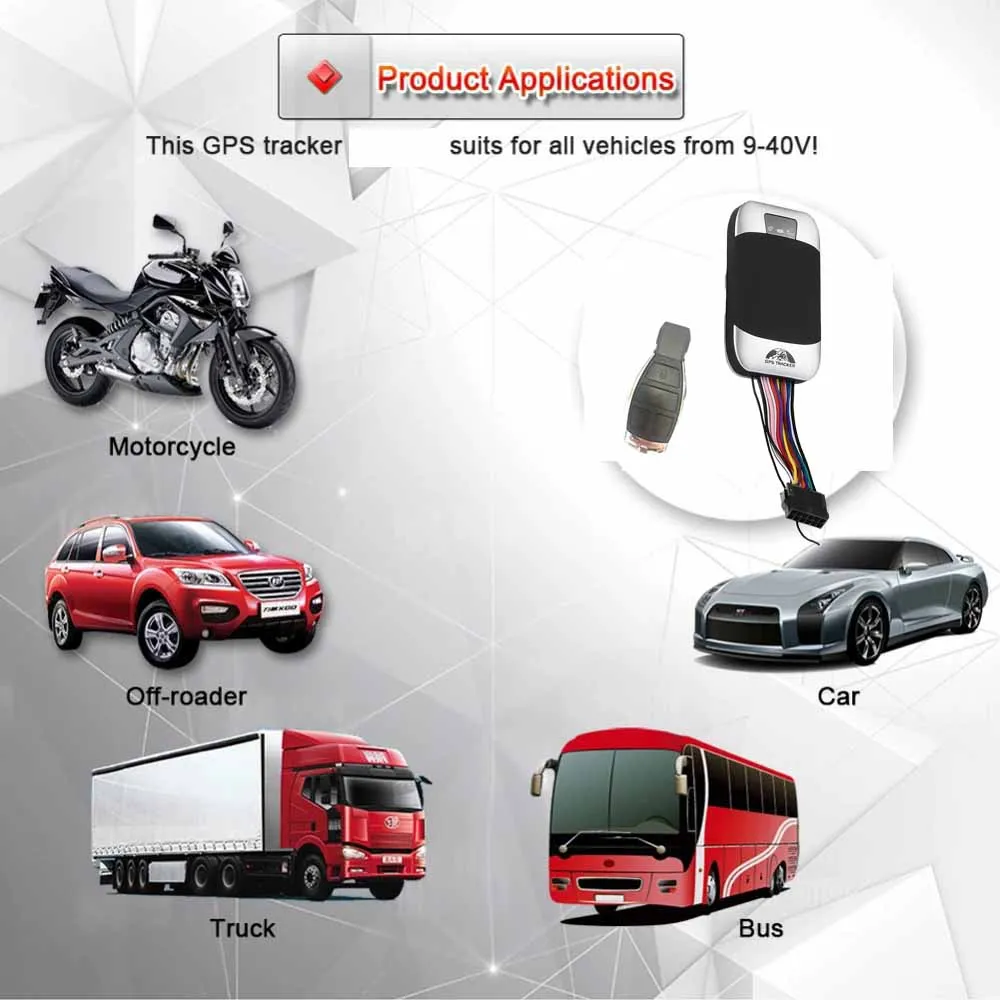
* Used widely for vehicle and other moving objects tracking.
Features
* Support 9-40V.
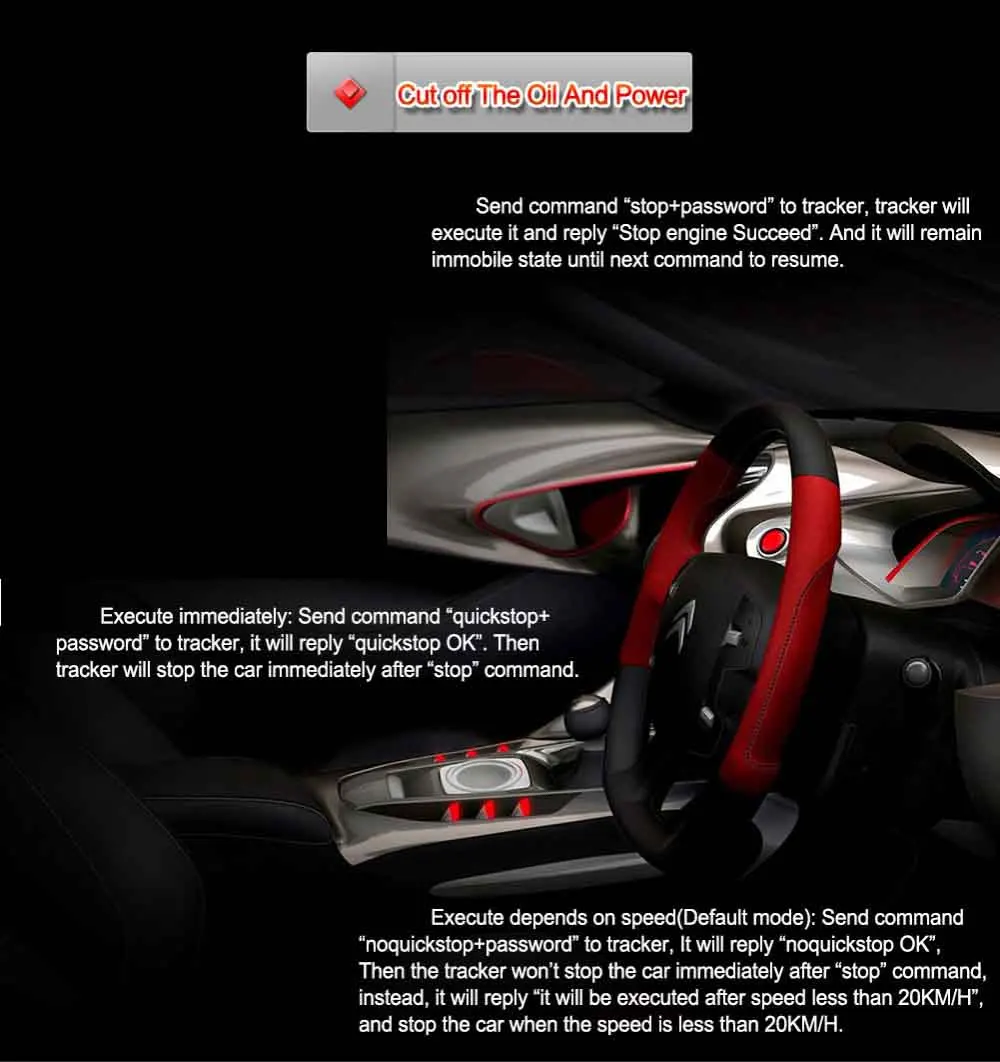
* Cut off the Oil and Power System.
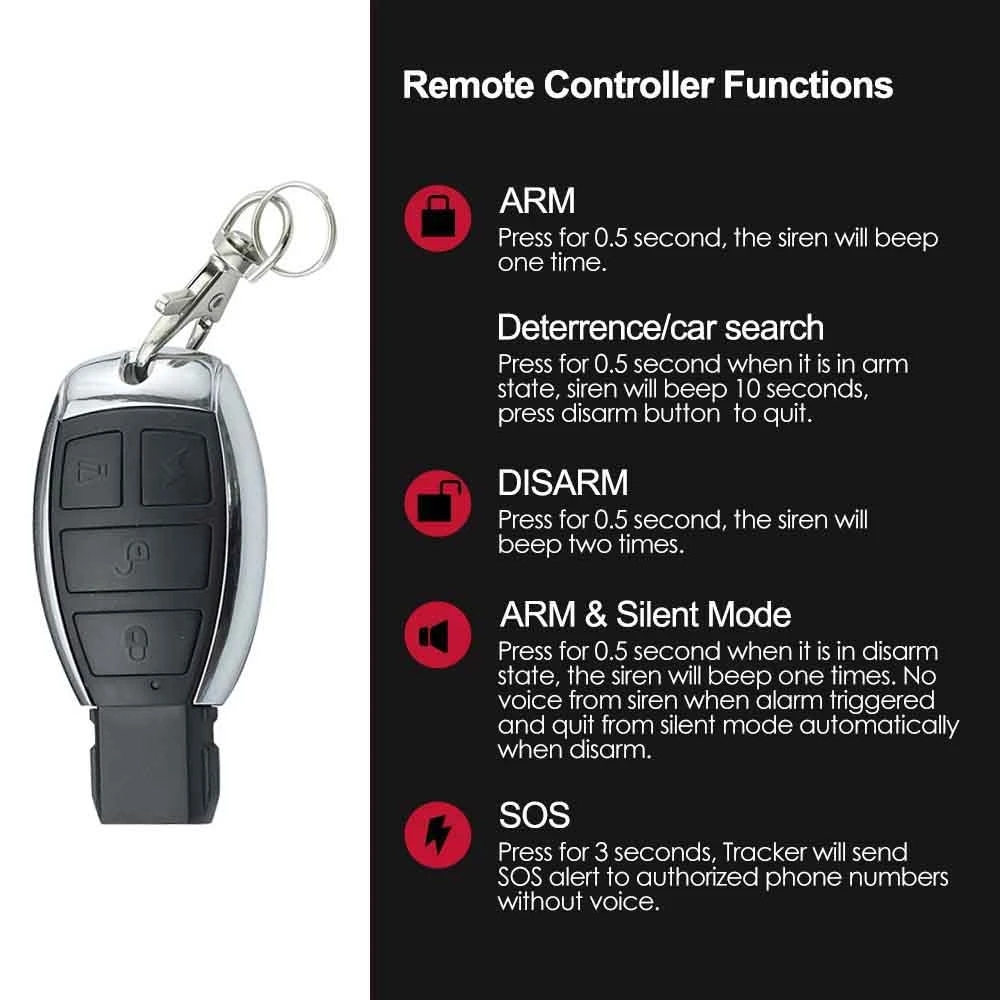
* Support Remote Controller.
* Internal GPS&GSM antenna, compact, elegant appearance
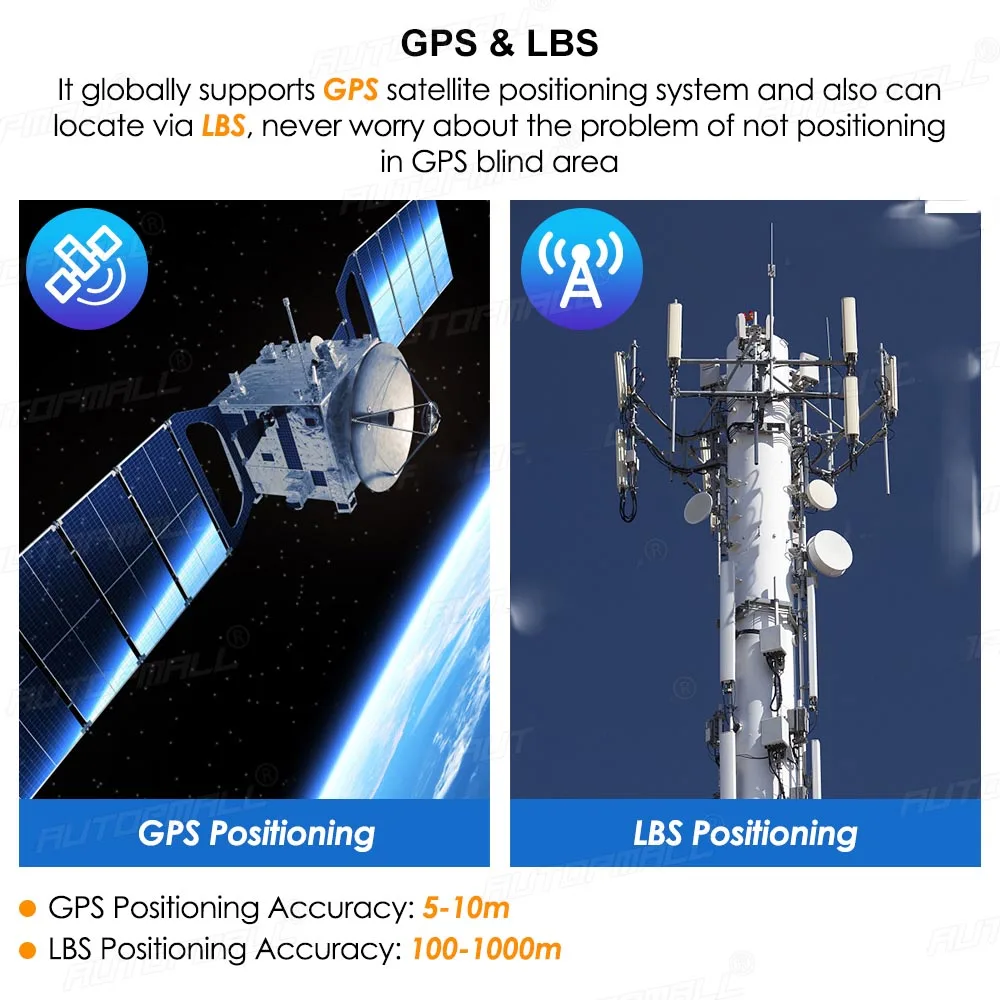
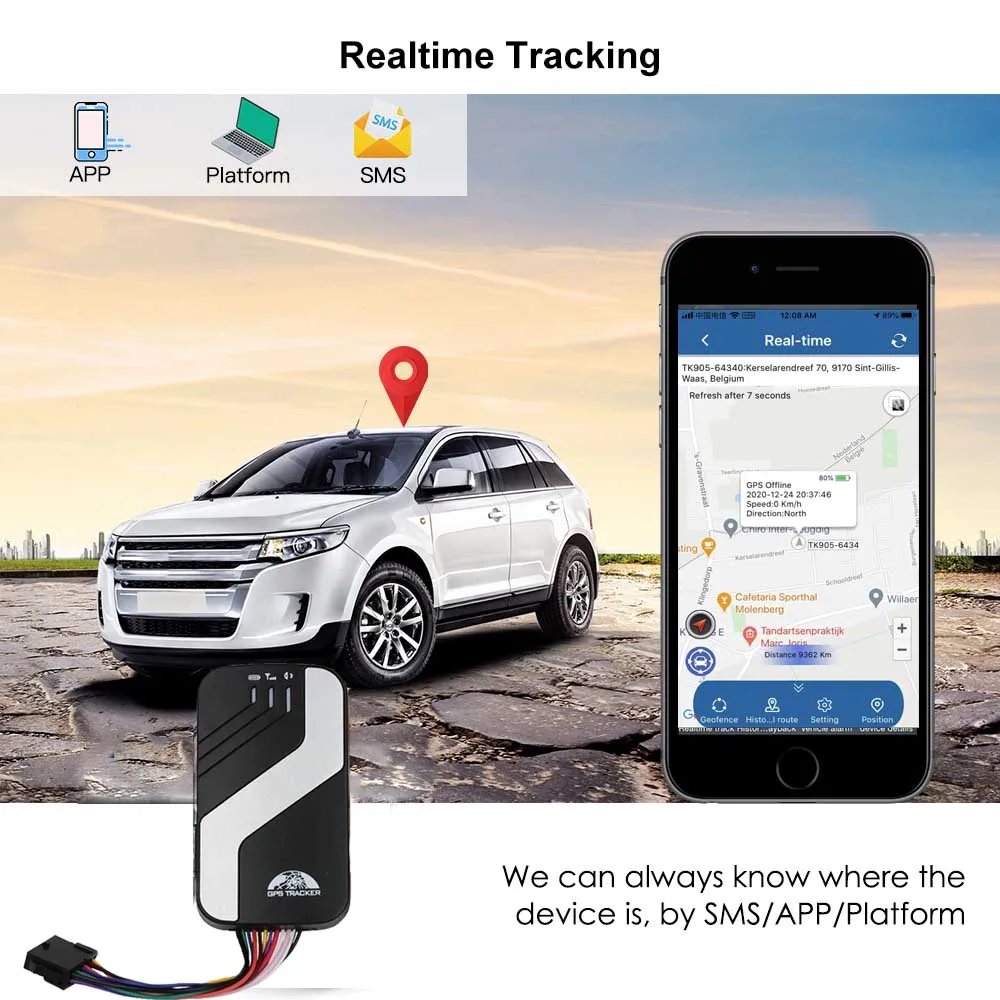
* Support GPS and LBS (Location based service) double tracking solutions.
* Support SMS/GPRS/Internet Network data transmission (GPRS/Internet instructions includes in CD in package)
* Support configure the settings remotely
* Sets multiple functions of security, tracking, monitoring surveillance, emergency alarms and management in its entirety
3. Hardware Description
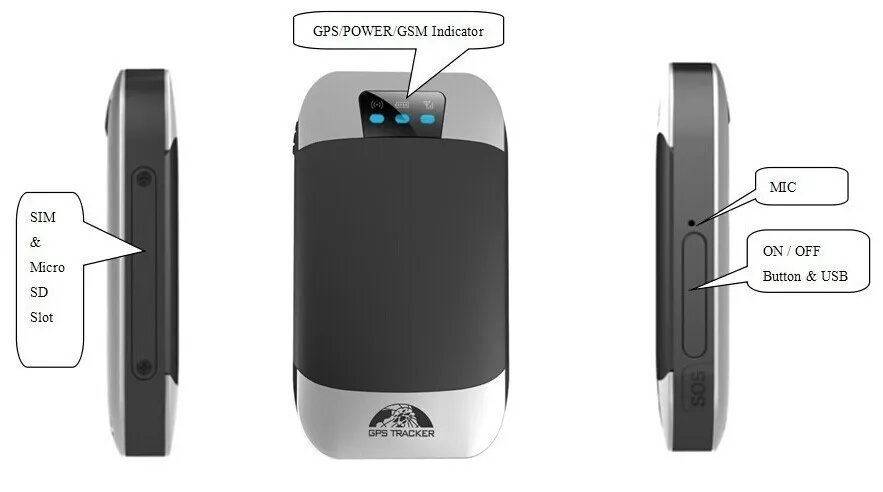


Main Features
1. Single Locating

2. Auto track continuously
* Track with limited times upon time interval
* Track with unlimited times upon time interval
* Smart track upon time and distance interval
3. Automatic update positions of vehicle turns
4. GPS drift suppression
5. Absolute street address by SMS
6. Location based service (LBS)
7. Voice Monitor
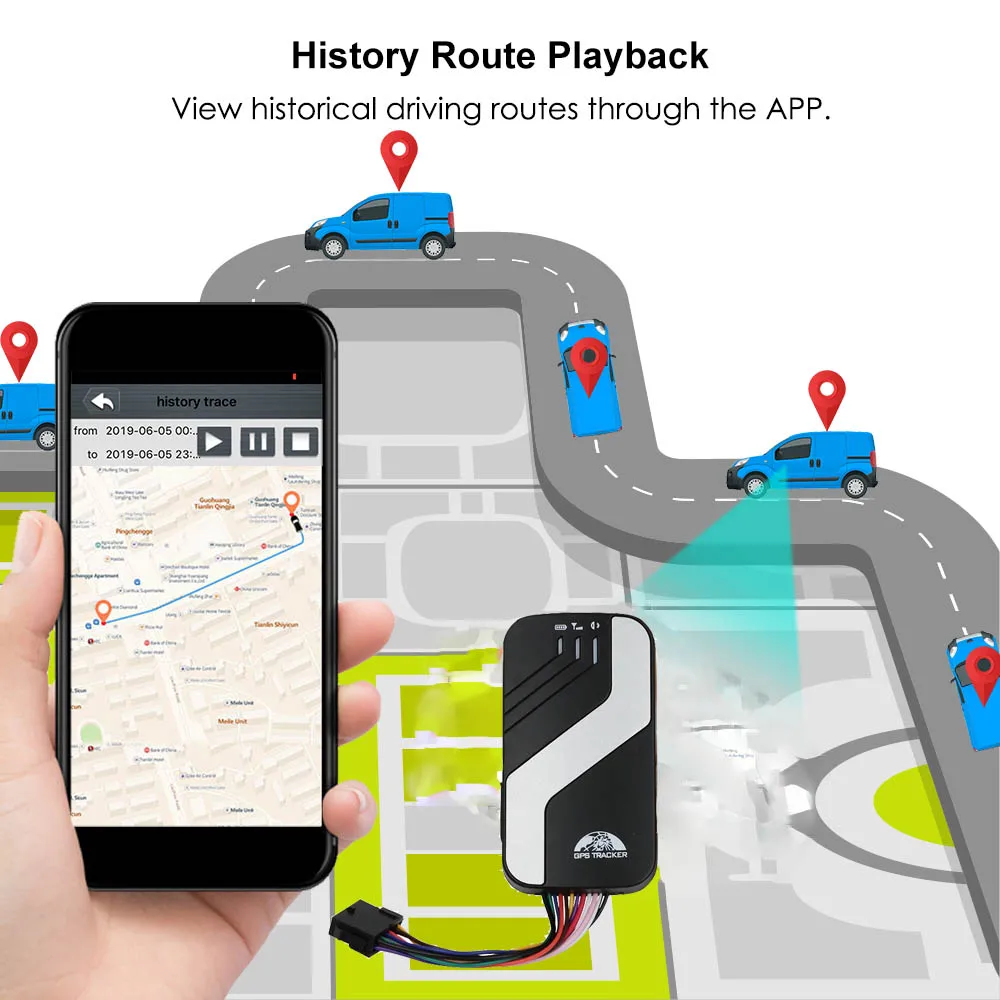
8. Data logging
9. Data Load
10. Forward the third parties’ message
11. Charges Inquiry
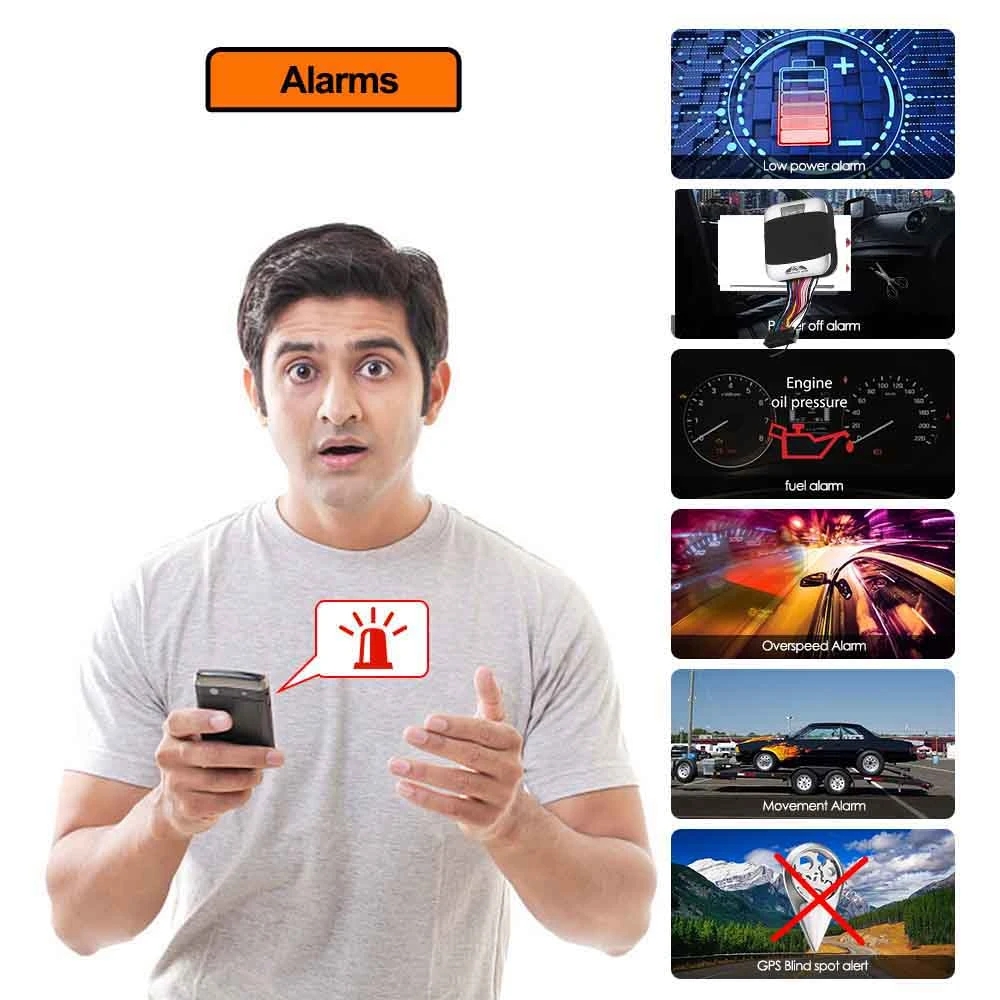
12. Alarm Function
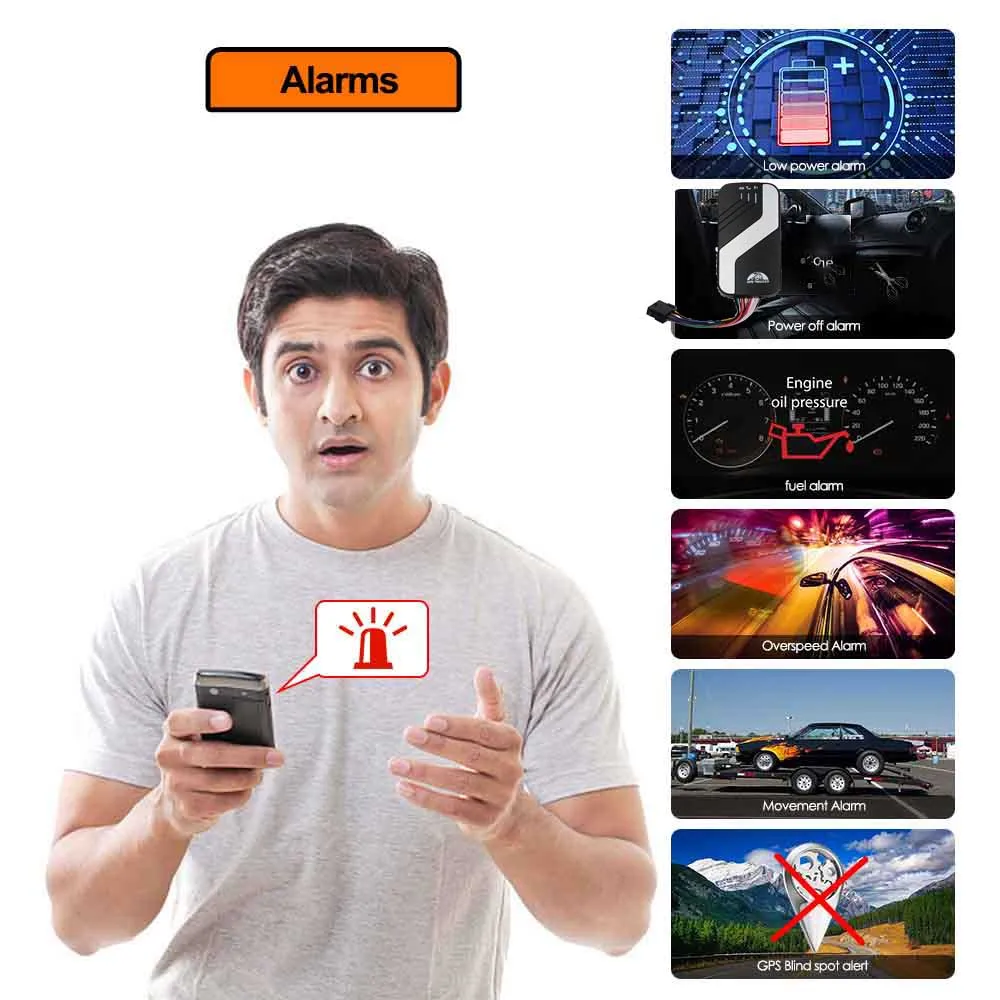
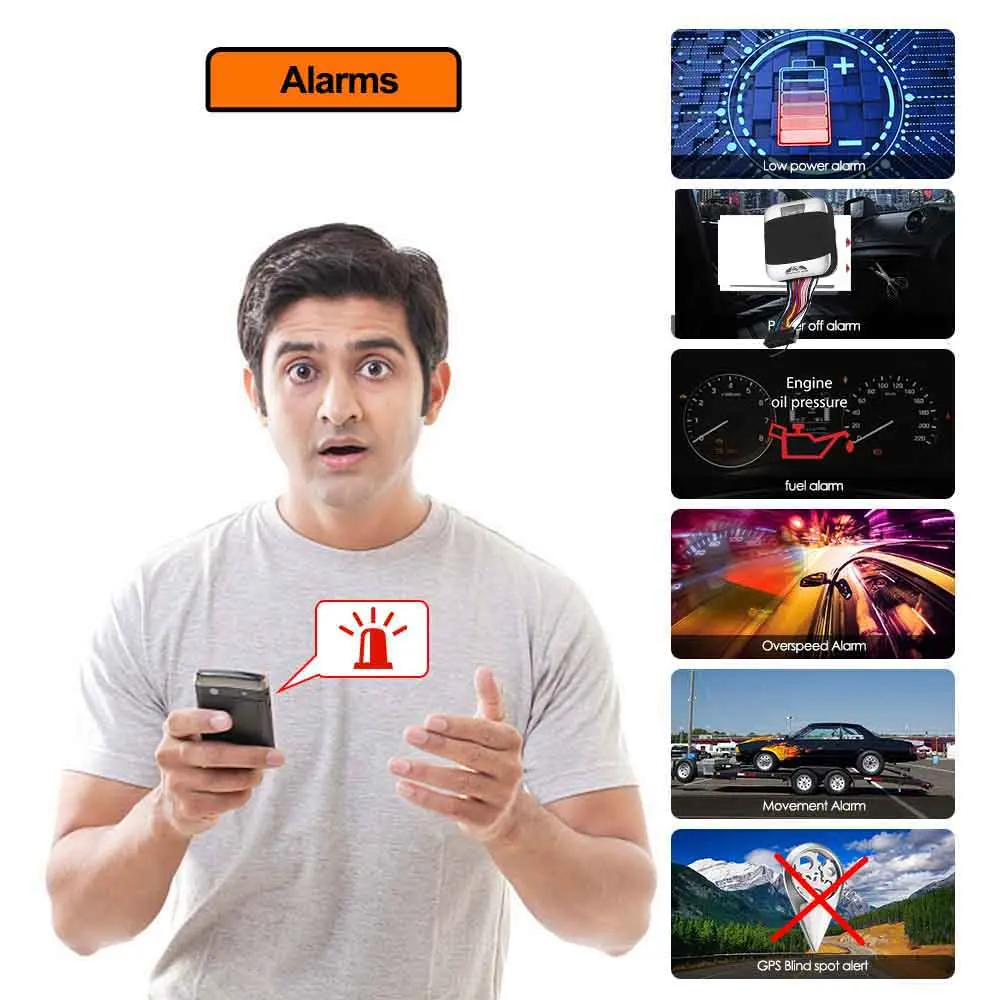
* Low battery alarm
* External Power off alarm
* GPS blind Spot alert
* SOS
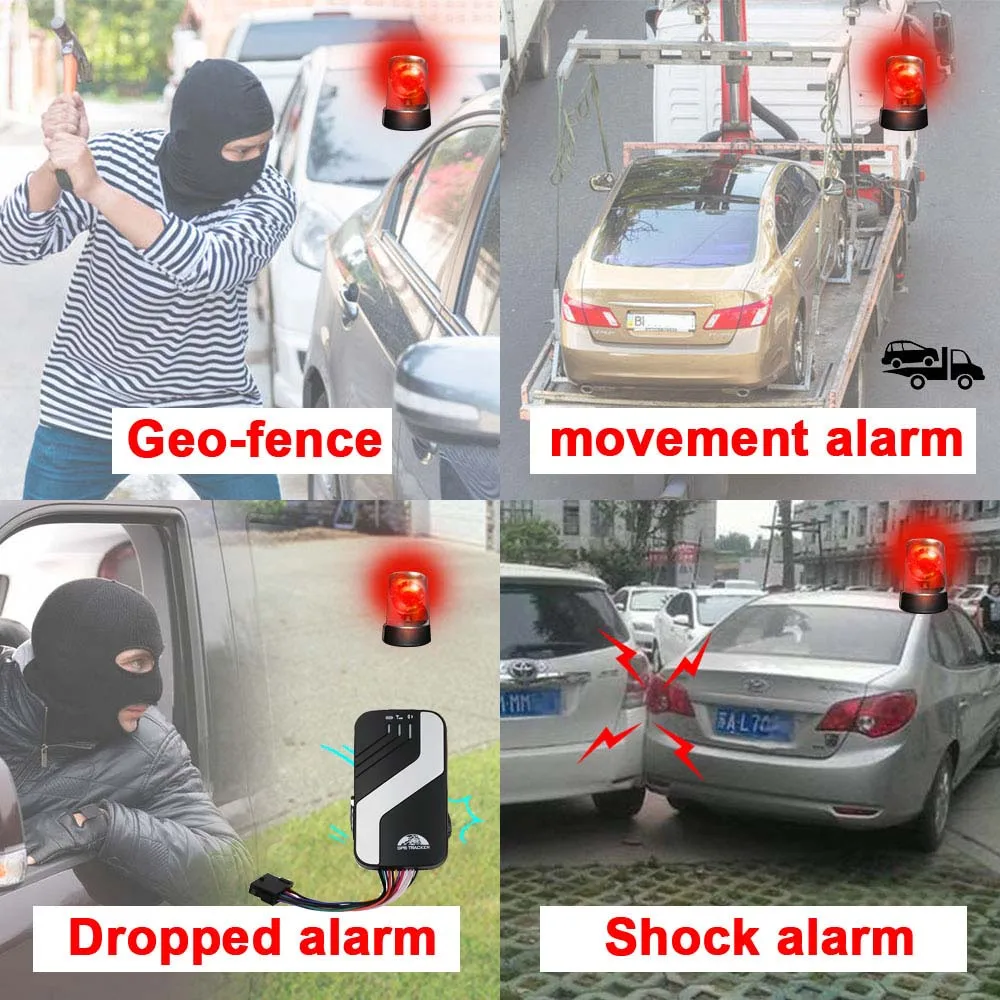
* Geo-fence
* Multi-area management
* Movement alarm
* Over speed alarm
* ACC working alarm
* Fuel alarm
13. Arm
* Set up arm by SMS
14. DISARM
* DISARM BY SMS
15. Silent Mode
* Set up silent mode by SMS
16. Alarms under Arm State
* Door alarm
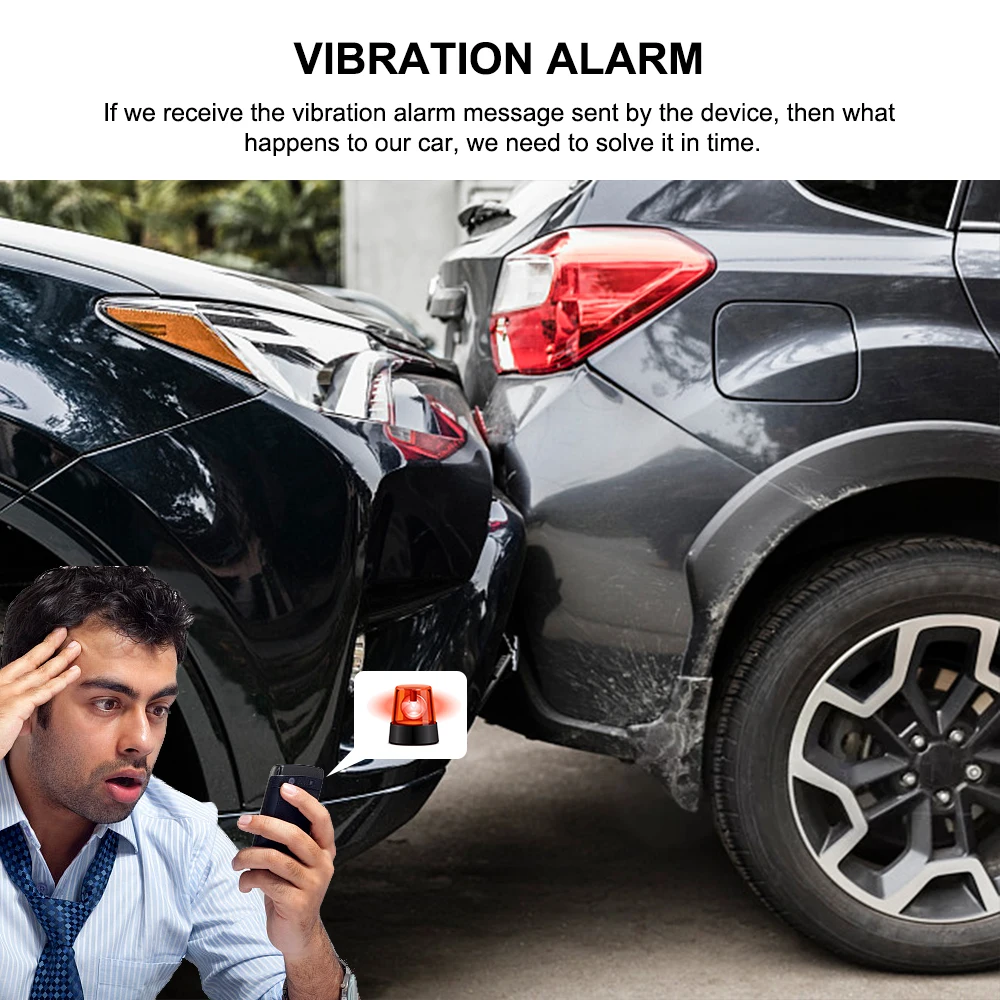
* Shock sensor alarm
* ACC alarm
17. Check the Vehicle State
18. Reset Hardware
19. Sleep Mode
* Sleep by time
* Sleep by shock sensor
* Deep sleep by shock sensor
* No sleep mode
20. Scheduled wake-up
21. Silent mode
22. Set up Terminal (local) Time
23. TCP / UDP Switch
24. Less GPRS traffic
25. Set up monitor center number
26. Alarm without GSM network service
27. Cut off the Oil and Power System
28. Activate "Fuel" value in GPRS data
29. Reset hardware
30. Less GPRS traffic
31. Set up monitor center number
32. Support remote controller
33. Configure parameters by USB
Find the USB cable in the package to connect tracker with computer, open the memory of the tracker, find and open the initial configuration file with notepad, operate according the instructions.
Note: Correct password is needed every time you configure the tracker.
Web platform and PC installation tracking software:
a. Web based platform www.gpstrackerxy.com Configuration IP: 202.104.150.75 Port: 9000. Please check "software platform
user manual" included in the CD for detailed operation information.
Web platform and PC installation tracking software:
a. Web based platformwww.gpstrackerxy.comConfiguration IP: 202.104.150.75 Port: 9000. Please check "software platform
.
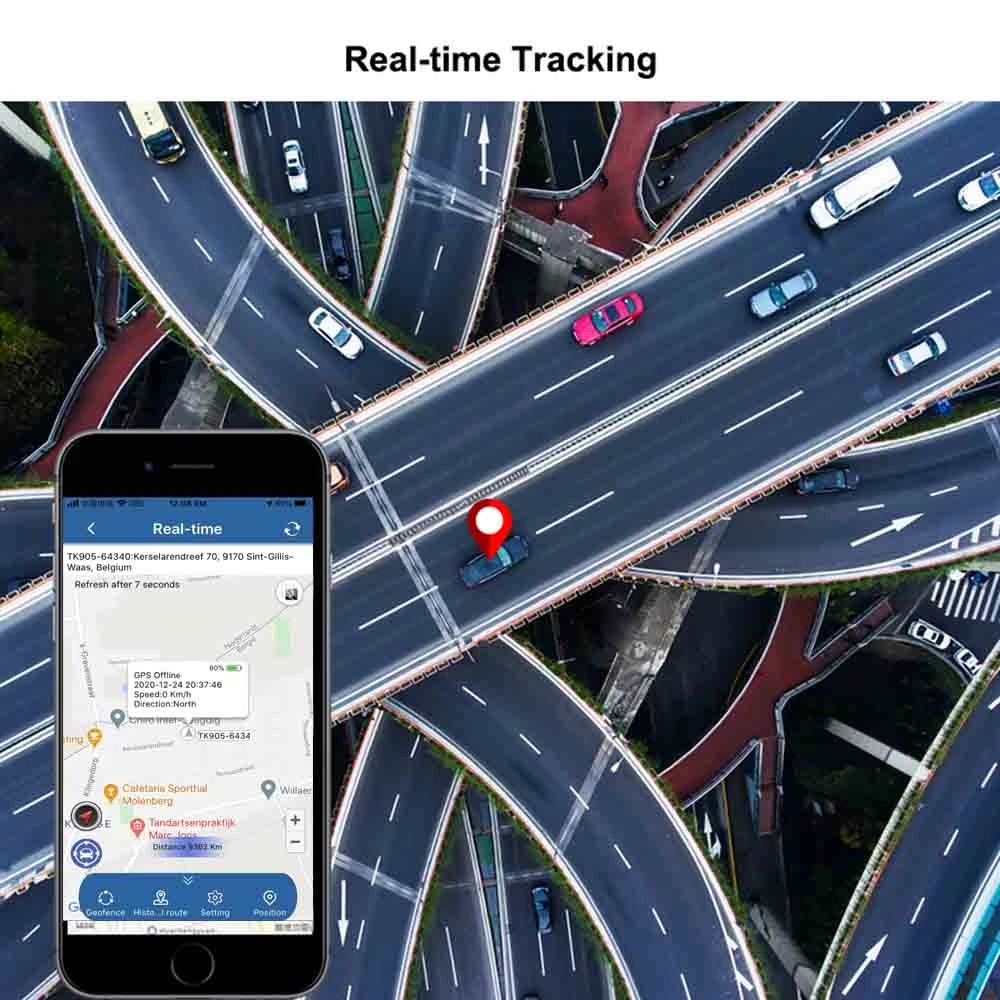
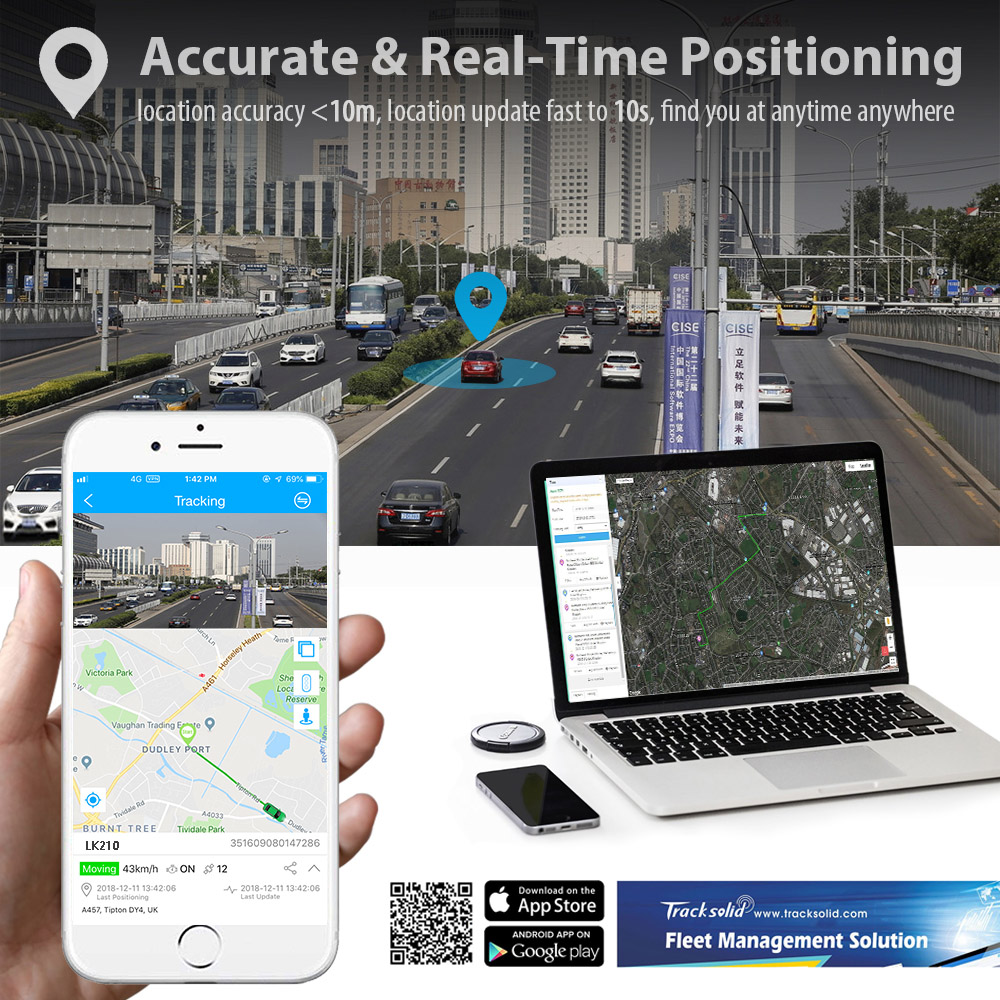
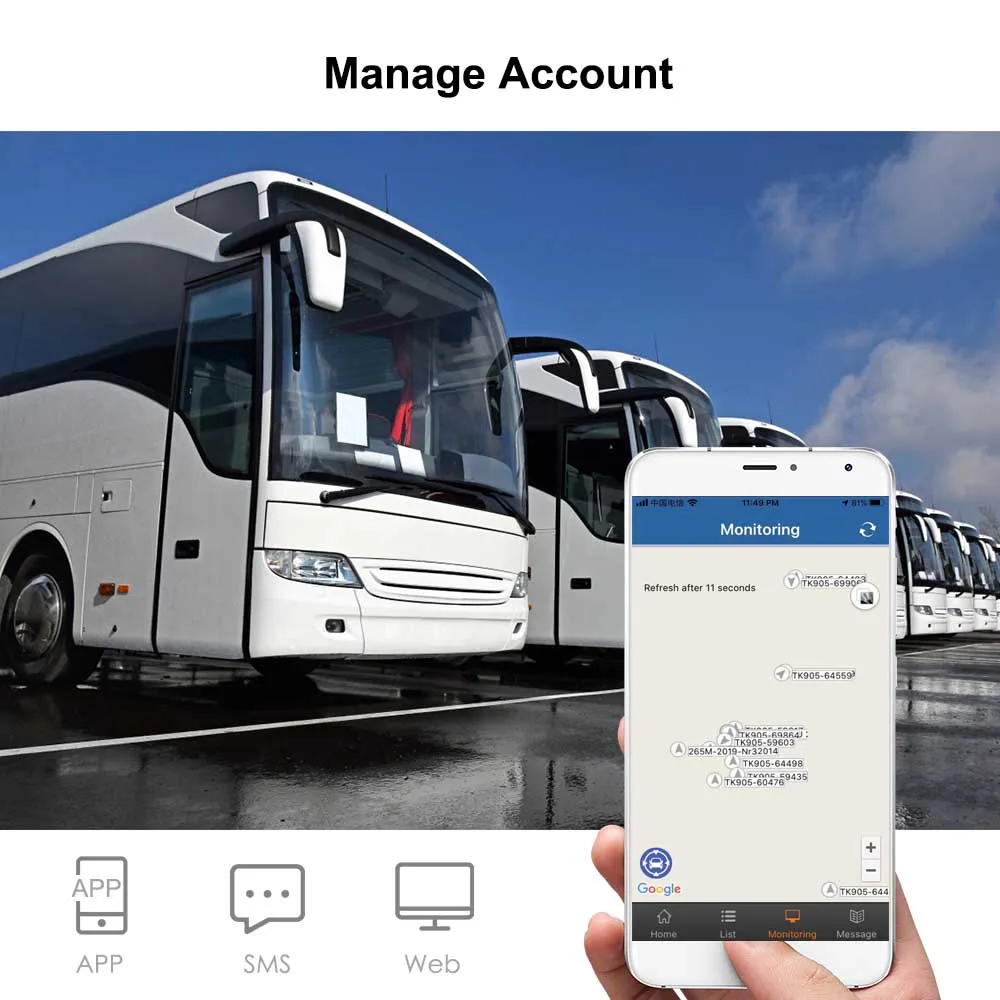
Web tracking software for tracking all your vehicles Live and Real-time, can send commands, cut off power, set Geo-
fence, movement area from this web platform, which support over 17 languages NOW ,


この製品のレビューはまだありません。
関連製品