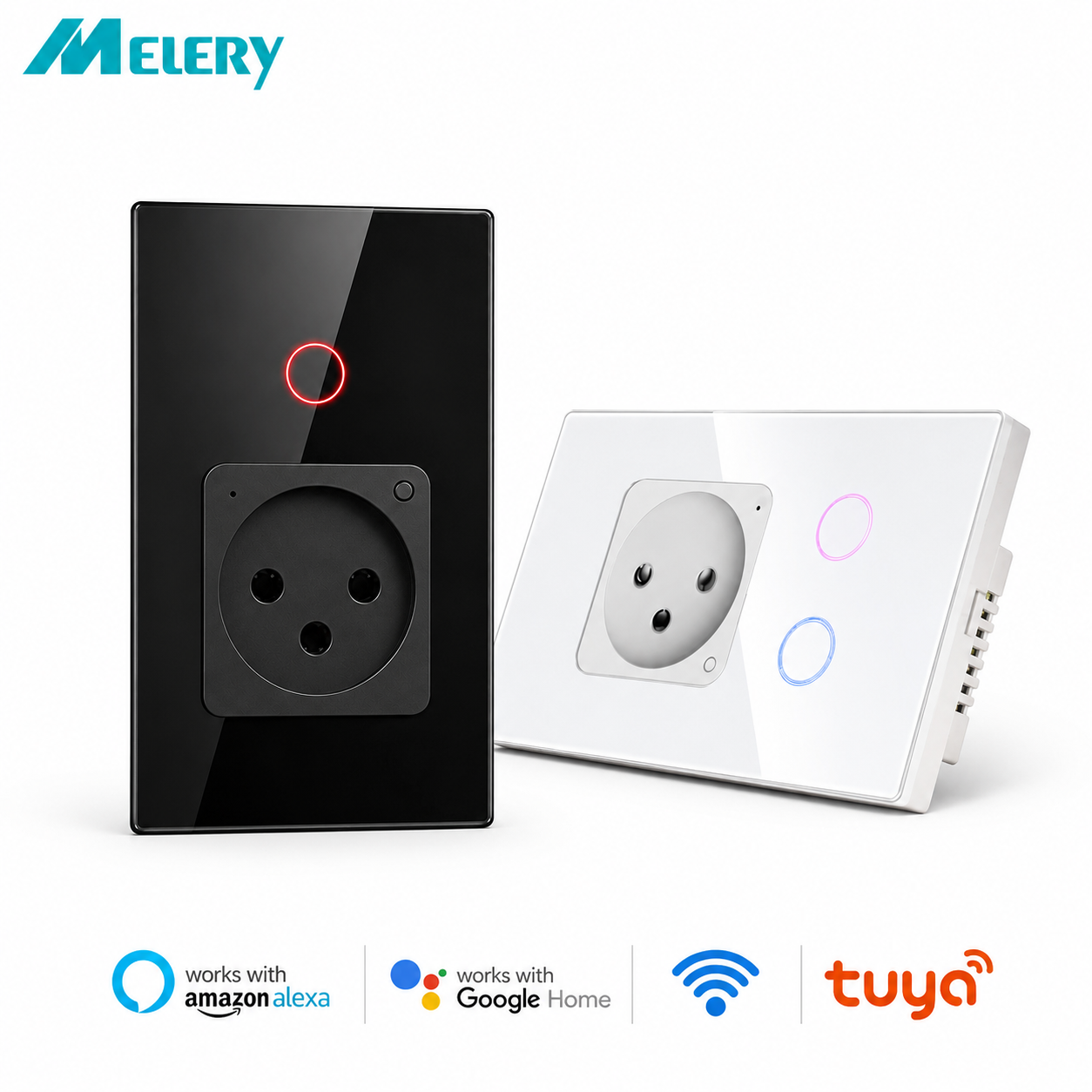









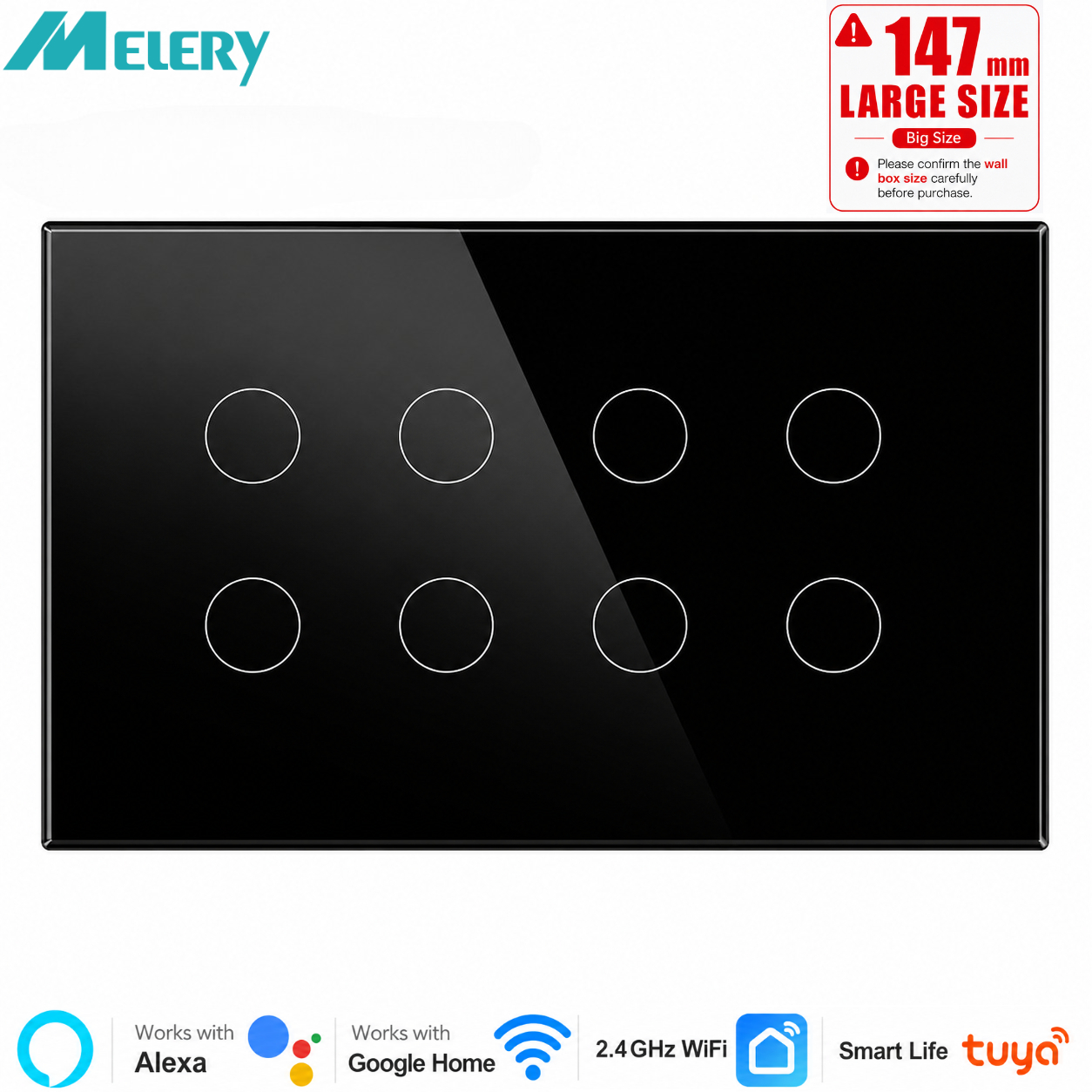
Melery Smart WIFI Touch Light Wall Switch Interruptor Glass Panel 147mm Remote by Tuya SmartLife Alexa Google Home Assistant
価格:
$31.39
/Pc
払い戻し:

シェア:
売れ筋商品


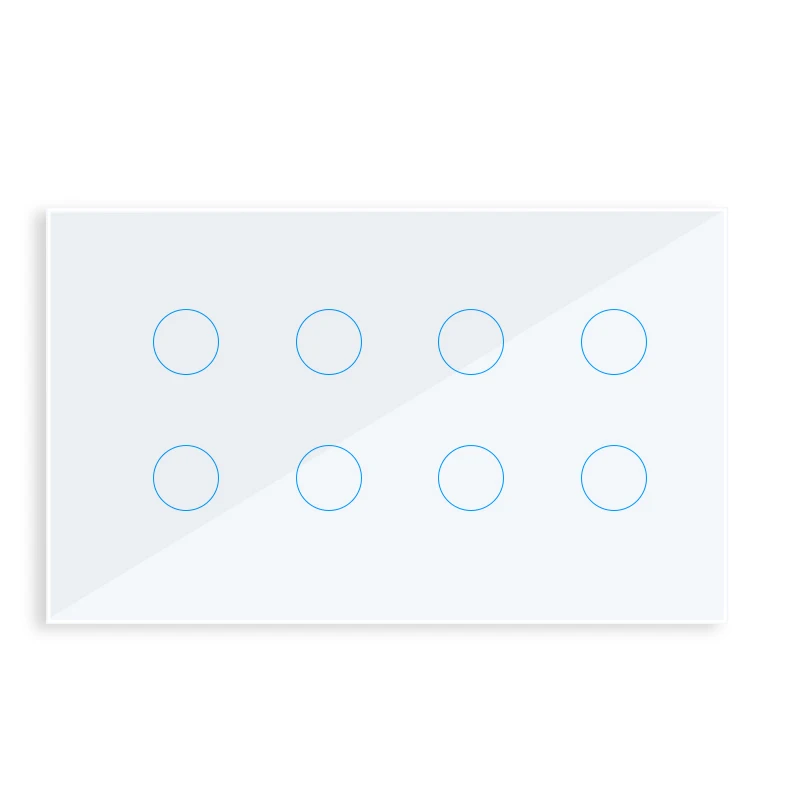
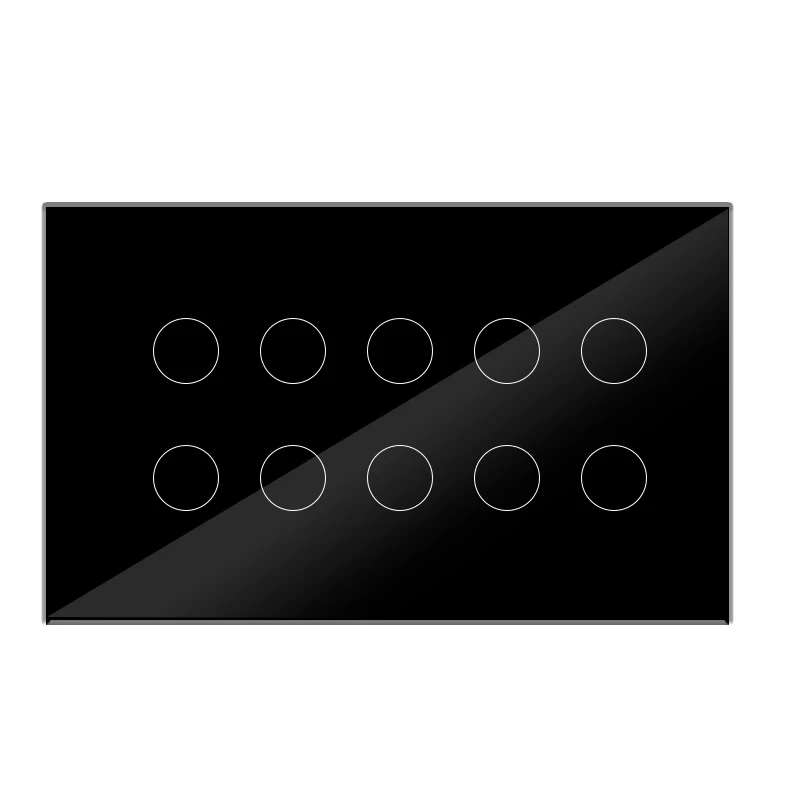
Melery Smart WIFI Touch Light Wall Switch - 8/10 Gang Glass Panel, Tuya Smart Life Compatible with Alexa & Google Home
Upgrade your home to a smart lifestyle with the Melery Smart WIFI Touch Light Wall Switch! Designed with a sleek tempered glass panel and advanced smart features, this switch combines functionality, safety and convenience, making it the perfect addition to any modern home. Compatible with Tuya Smart Life App, Alexa and Google Home, it lets you control your lights anytime, anywhere—with just a touch, a voice command, or a tap on your phone.
Product Overview
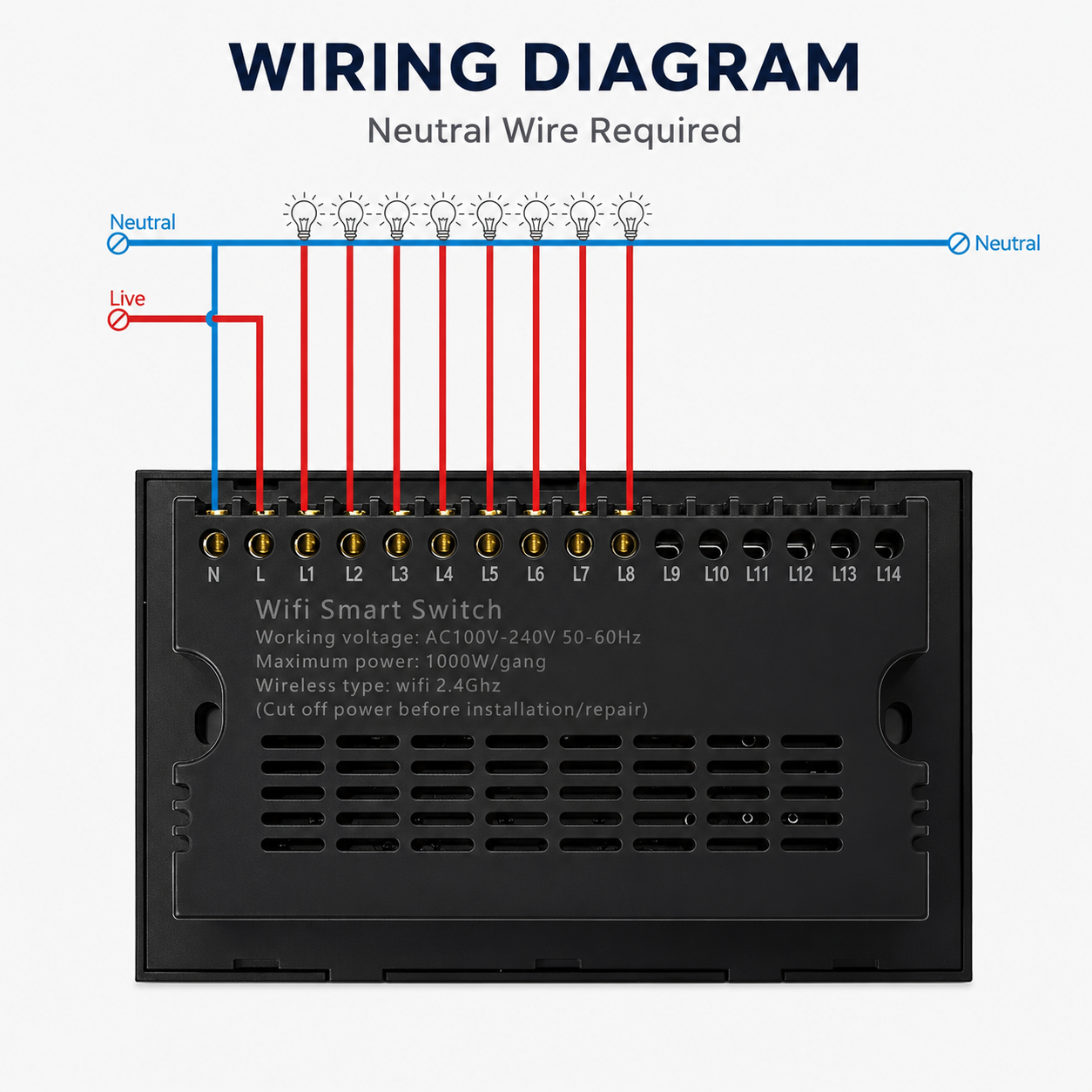
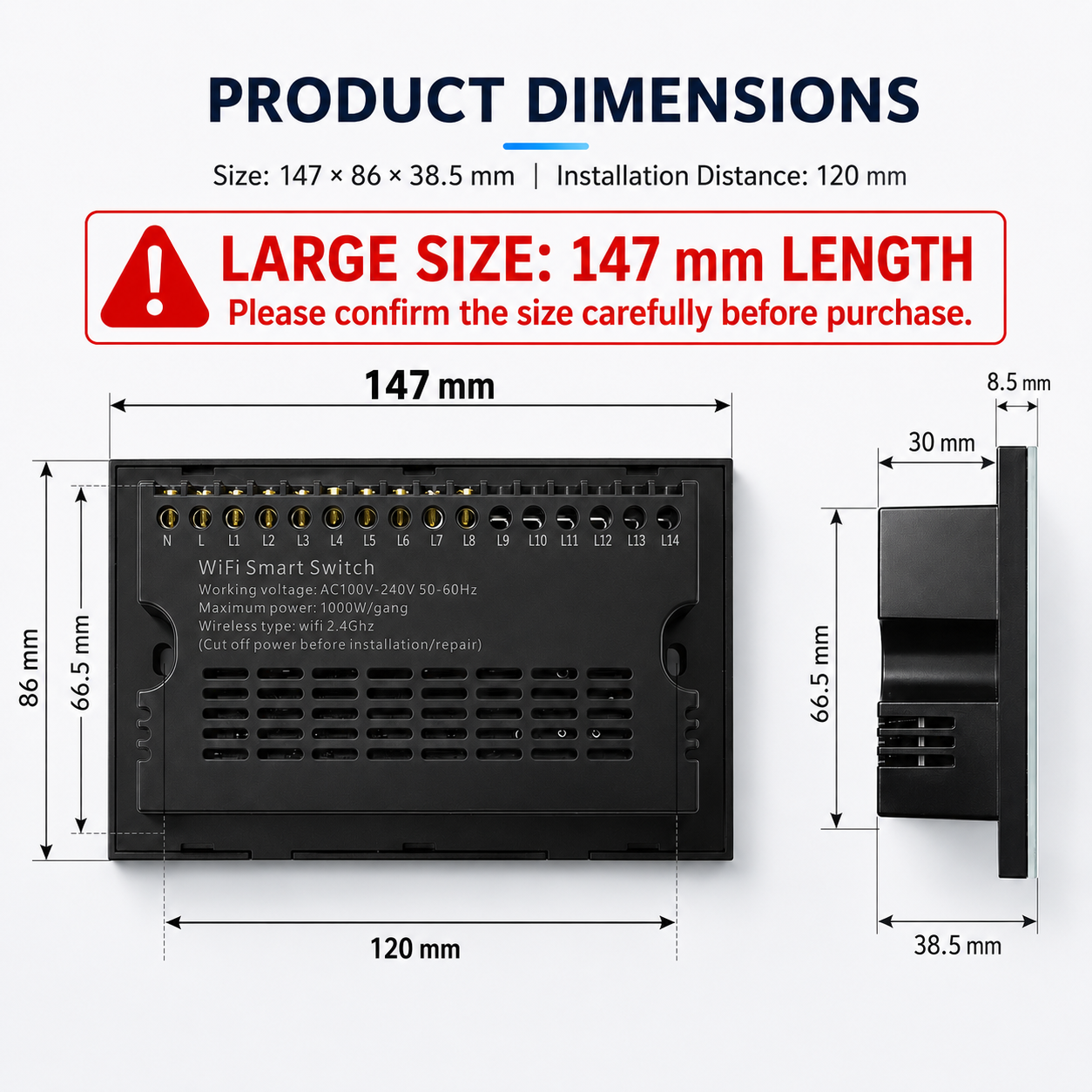
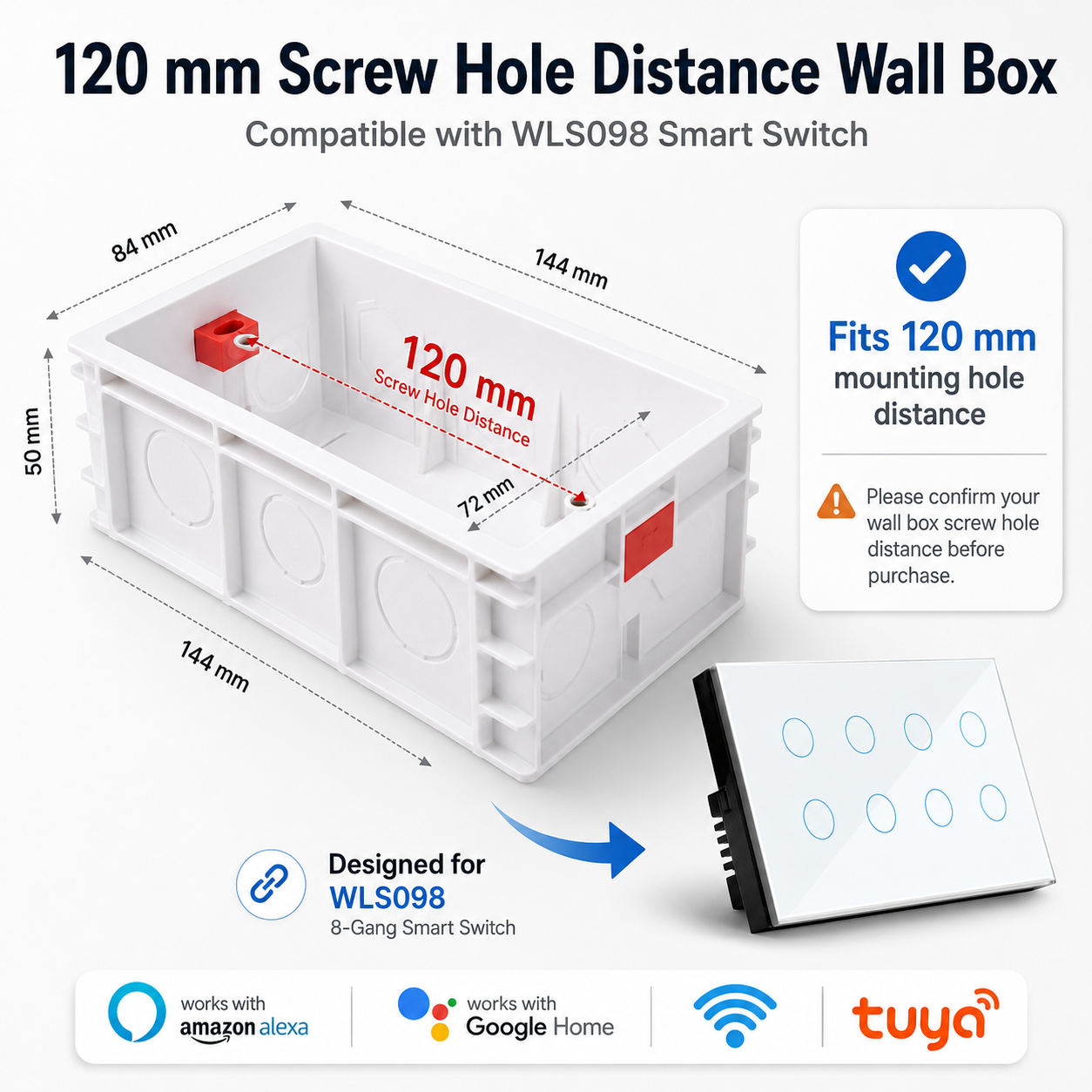
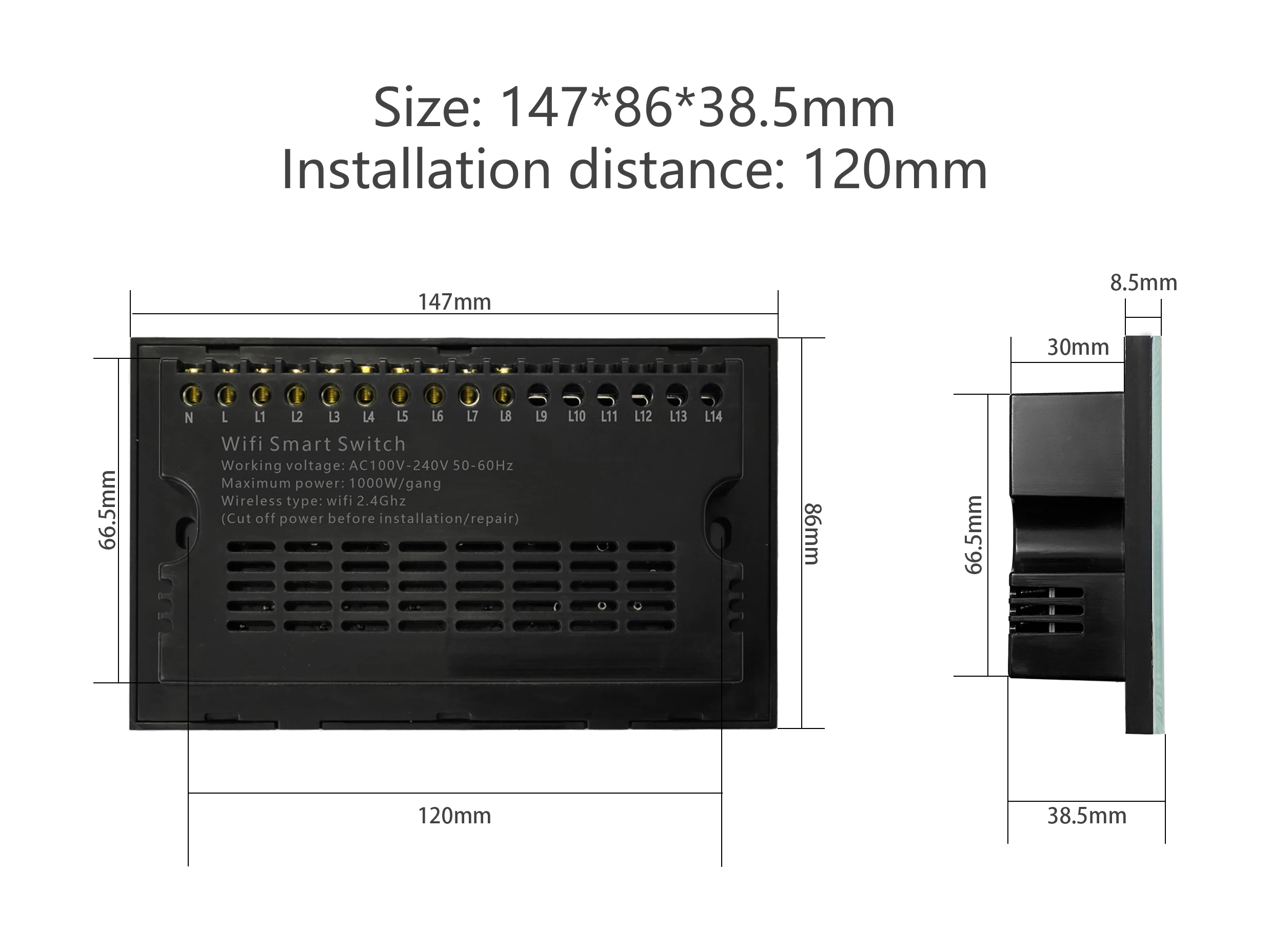
Model: Melery Smart WIFI Touch Light Wall Switch Panel Type: Tempered Glass Panel Gang Option: 8 Gang / 10 Gang Size: 147*86mm Compatibility: Tuya Smart Life App, Amazon Alexa, Google Home Installation Note: Neutral Line Required (Please confirm your home has a Neutral Line before purchase)
Key Specifications
-
Power Supply: 90-250V (wide voltage, suitable for global use)
-
Maximum Current: 10A per road
-
Maximum Power: 600W per road (total maximum 2200W, compatible with most lights and electrical devices)
-
Wireless Standard: 802.11 b/g/n (2.4GHz WIFI required)
-
Security Mechanism: WPA-PSK/WPA2-PSK (safe and stable connection)
-
Product Material: PC V0 Fireproof Shell + Tempered Glass Panel (high temperature resistant, anti-scratch, durable)
Powerful Smart Features
✅ WIFI Remote Control
Control your lights on/off from anywhere in the world, as long as your smartphone has 2G/3G/4G or WIFI network. No more worrying about forgetting to turn off the lights when you go out—manage your home lighting remotely with ease.
✅ Voice Control (No Hub Required)
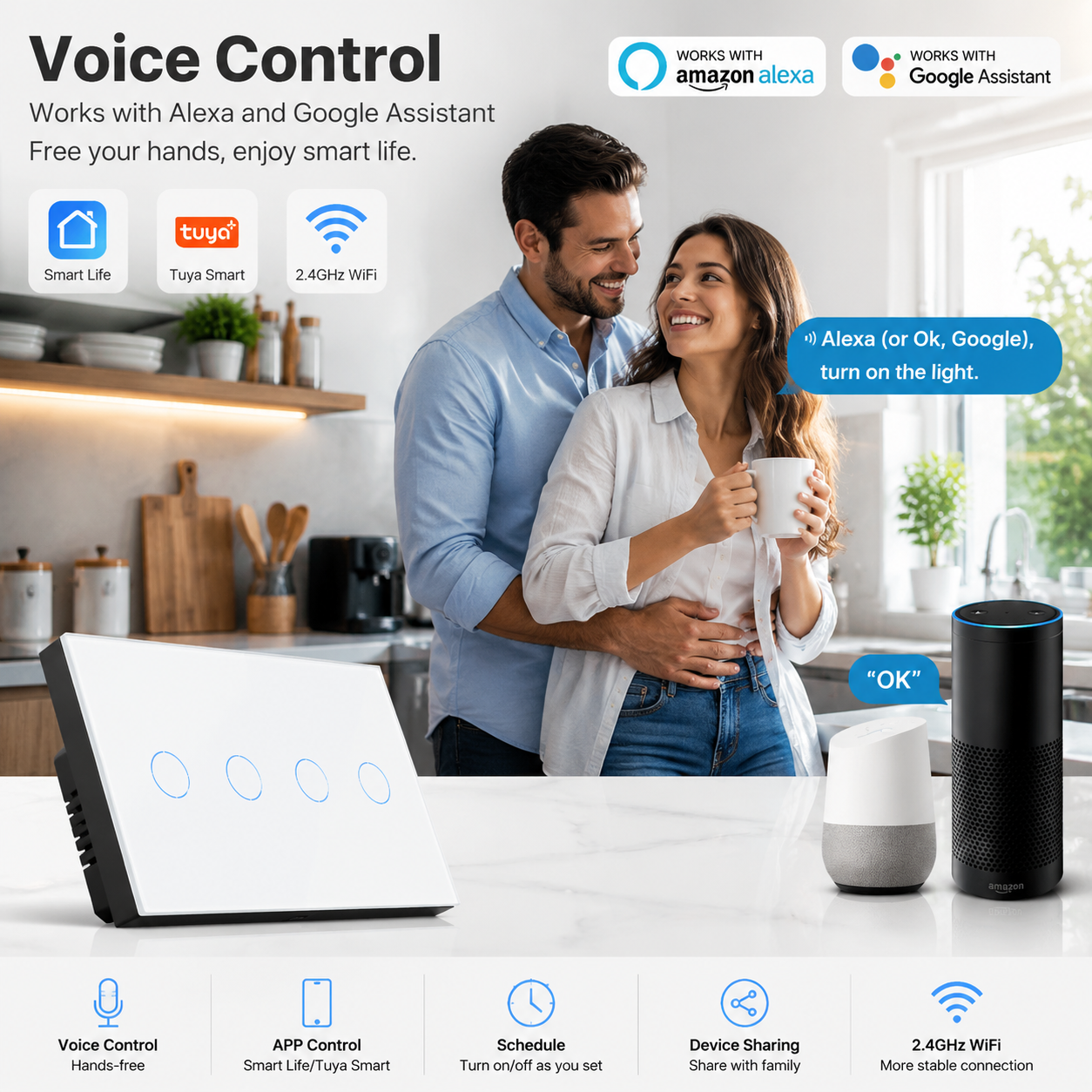
Seamlessly compatible with Amazon Alexa (Echo/Dot/Tap) and Google Home. Just give a simple voice command, such as "Alexa, turn on the living room light" or "Okay Google, turn off the bedroom light", and enjoy hands-free control. Perfect for when your hands are full or you’re relaxing on the couch.
✅ Sensitive Touch Control
The high-quality tempered glass touch panel is highly sensitive, responding quickly to every touch. After rigorous testing, it can withstand up to 20 million touches, ensuring long-term stable use. The sleek glass design also adds a modern and elegant touch to your home decor.
✅ Independent & Group Control
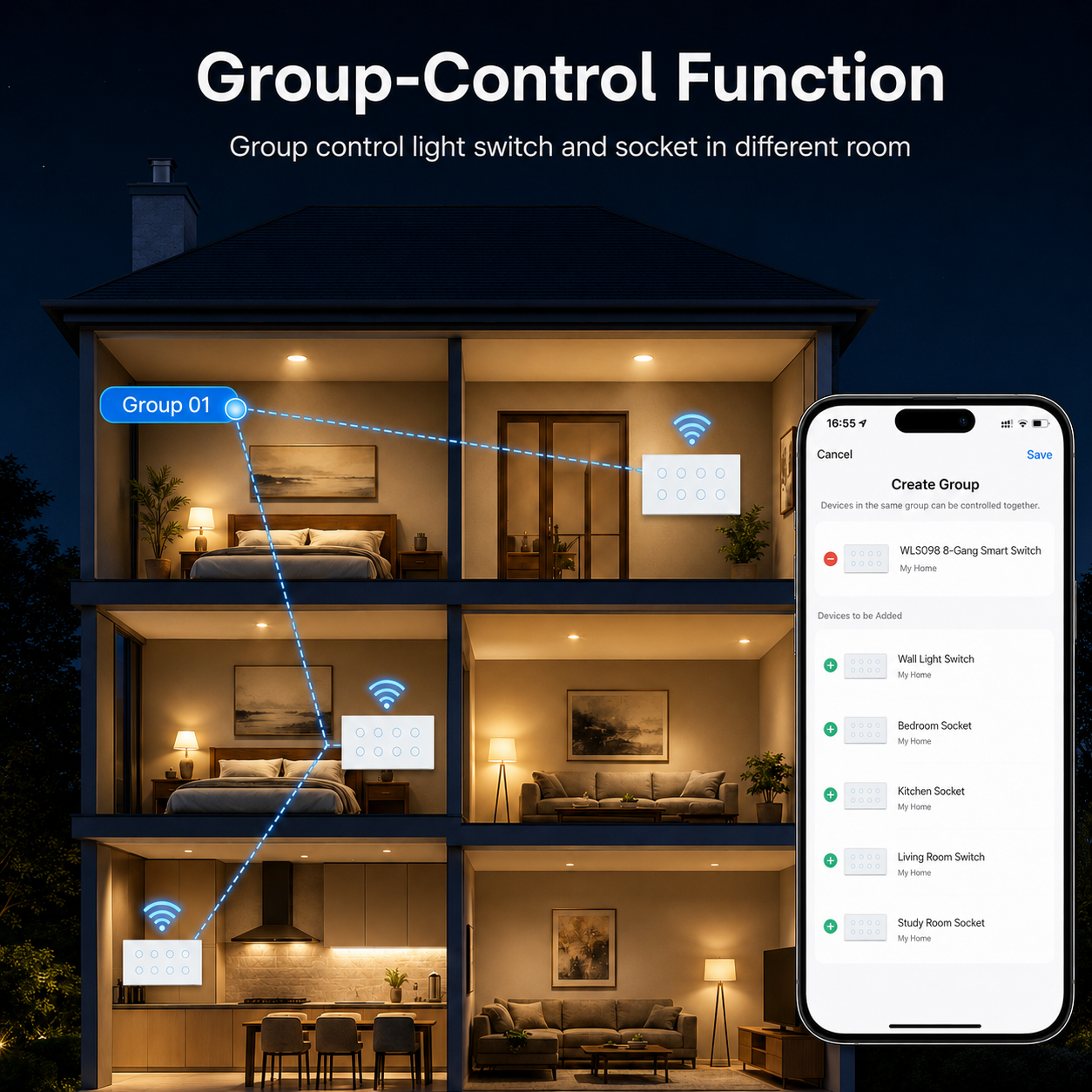
Each gang can be controlled independently, allowing you to turn on/off individual lights as needed. Support group control, 2-way control and ladder corridor switch mode—install in parallel, or connect 2-3 switches to the same lamp. You can program master and slave modes via the Smart Life App, making it ideal for staircases, corridors and large rooms.
✅ APP Timing Function
Set reservation or countdown timers to turn lights on/off at specified times. Support up to 8 groups of single or repeat timers, which works even in offline state. Great for simulating someone being home when you’re away, or waking up to soft light in the morning—bringing you a comfortable and intelligent daily life.
✅ Real-Time Status Synchronization
The Smart Life App displays the real-time status of the switch (on/off) at all times, so you can clearly know the state of your home lights without going to check them in person. Avoid unnecessary energy waste and ensure home safety.
Easy Installation & Setup
-
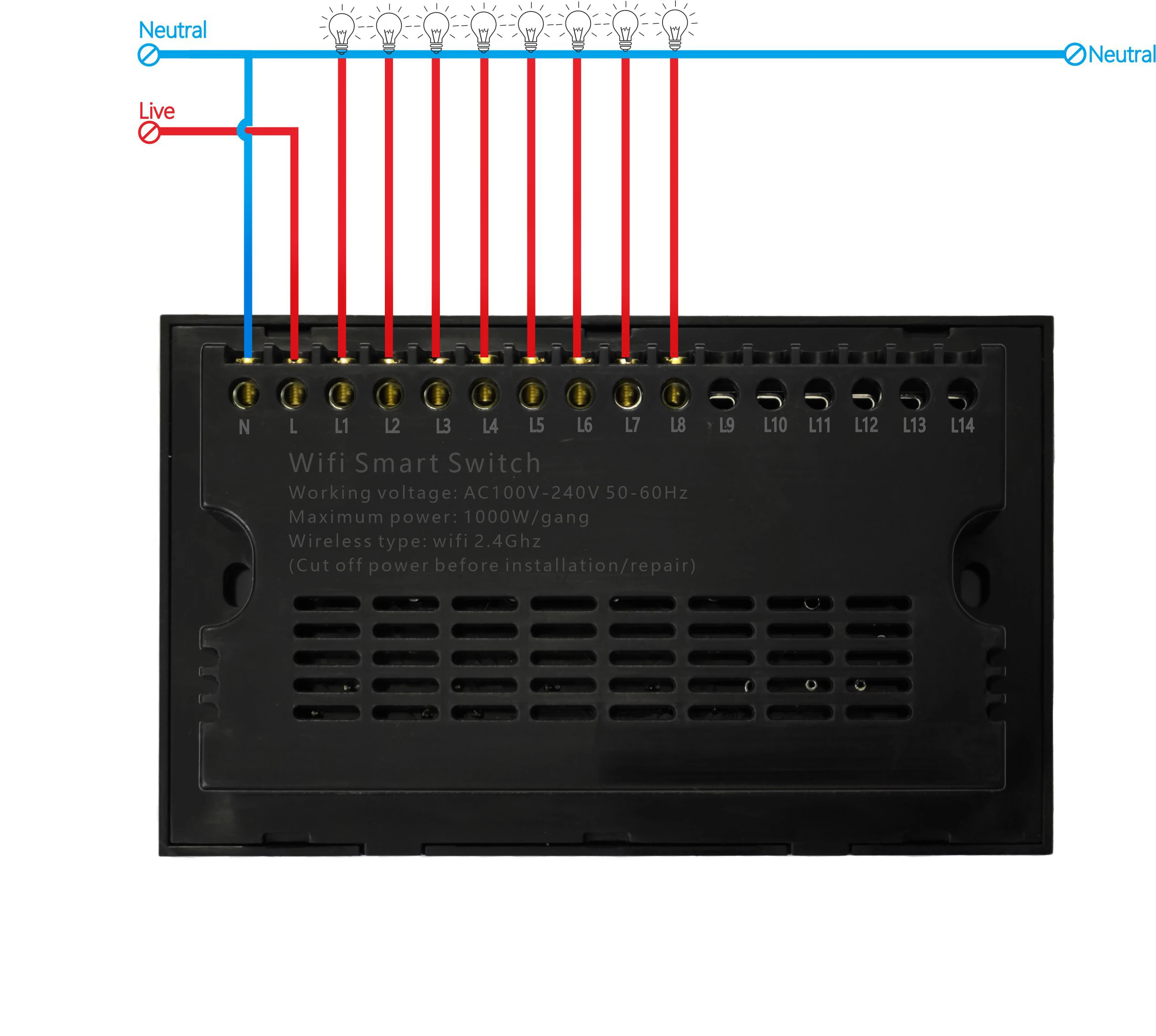
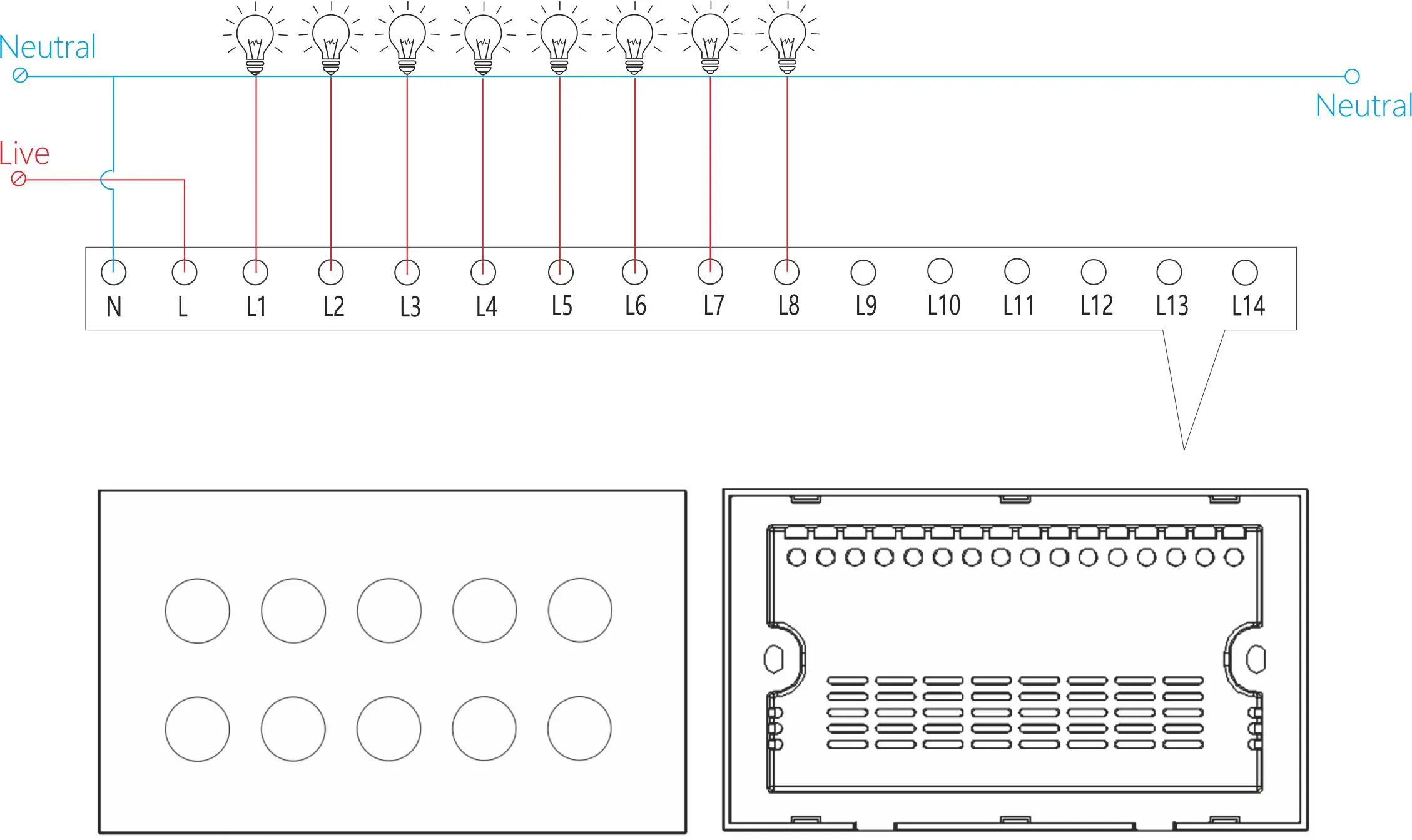
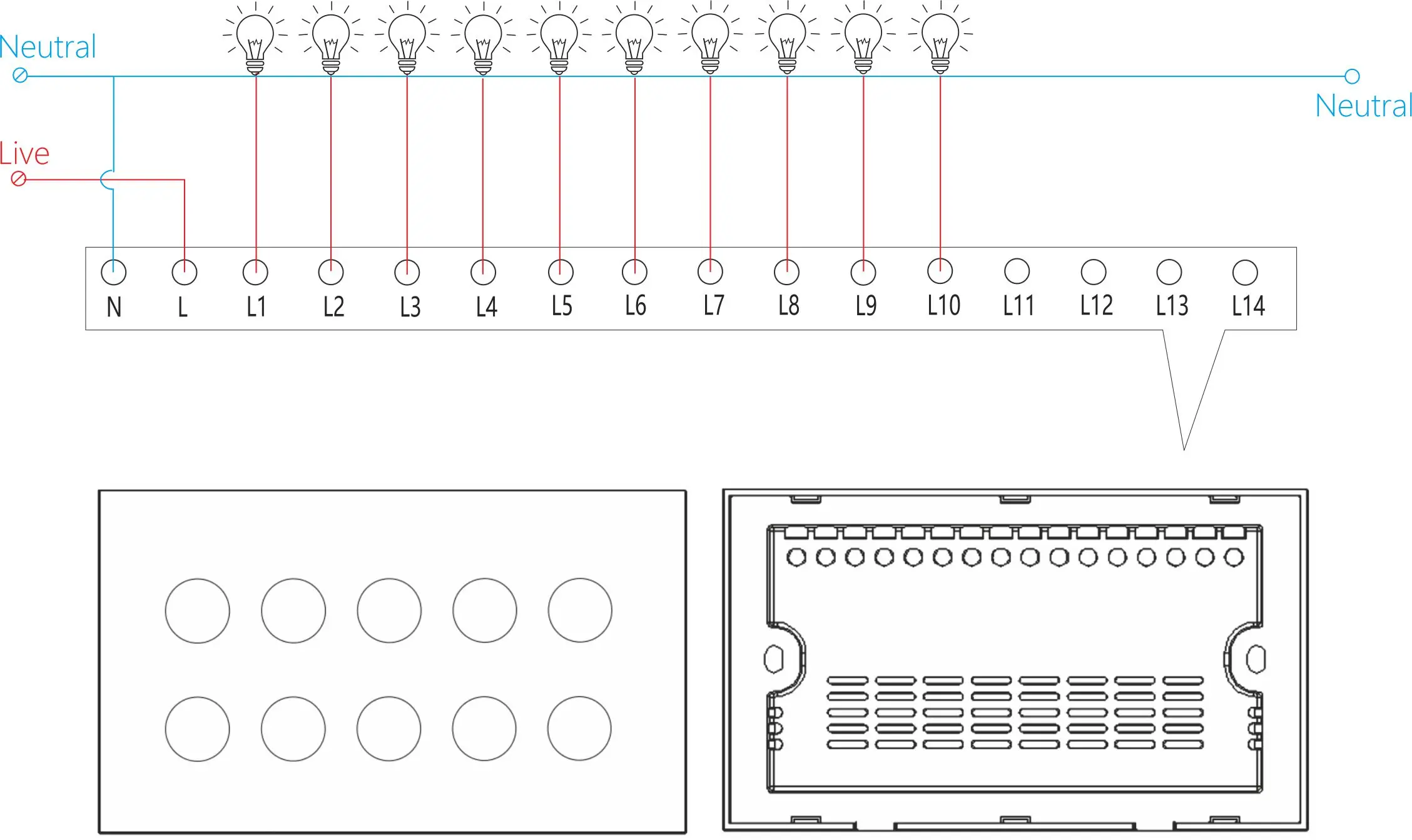
Confirm your home has a Neutral Line (essential for the switch to work).
-
Install the switch in parallel (follow the installation guide for 2-way or ladder mode).
-
Download the "Smart Life" App from the App Store (iOS) or Google Play Store (Android).
-
Connect your mobile device to a 2.4GHz WIFI network, find the switch in the App, and complete the pairing.
-
Finish the setup and start enjoying smart control!
Pairing Methods with Tuya Smart Life, Alexa & Google Home
After completing the switch installation and initial setup, follow the steps below to pair with Tuya Smart Life, Amazon Alexa, and Google Home for a more convenient smart experience. All pairings require no additional hub, ensuring simple operation[7].
1. Pairing with Tuya Smart Life App (Basic Pairing)
-
Ensure your switch is powered on and your mobile device is connected to a 2.4GHz WIFI network (5GHz WIFI is not supported).
-
Open the Tuya Smart Life App (or download it from App Store/Google Play if not installed) and log in to your account. If you don’t have an account, register one with your email or phone number.
-
Tap the "+" icon in the upper right corner of the App homepage, select "Add Device", and choose "Light Switch" from the device list.
-
Follow the App prompts to put the switch into pairing mode (long press the touch panel for 5-10 seconds until the indicator light flashes quickly).
-
Enter your WIFI password in the App, tap "Next", and wait for 1-3 minutes until the pairing is successful. The switch will be displayed in the App, and you can rename it (e.g., "Living Room Light Switch") for easy management.
2. Pairing with Amazon Alexa
-
Make sure your switch has been successfully paired with the Tuya Smart Life App first.
-
Open the Amazon Alexa App on your mobile device and log in to your Amazon account.
-
Tap "More" in the bottom right corner, select "Skills & Games", then search for "Tuya Smart" or "Smart Life" skill.
-
Enable the skill and log in with the same account you used for the Tuya Smart Life App to link your accounts.
-
After linking, tap "Discover Devices" in the Alexa App, and Alexa will automatically search for and add your Melery smart switch.
-
Once discovered, you can control the switch with voice commands (e.g., "Alexa, turn on the bedroom light") as needed.
3. Pairing with Google Home
-
Ensure the switch is paired with the Tuya Smart Life App and your Google Home device is connected to the same WIFI network as the switch.
-
Open the Google Home App, log in to your Google account, and tap the "+" icon in the upper left corner.
-
Select "Set up device", then choose "Works with Google" from the options.
-
Search for "Tuya Smart" or "Smart Life" in the list of compatible services, tap it, and log in with your Tuya Smart Life App account to authorize the connection.
-
Google Home will automatically sync your switch device. After syncing is complete, you can control the switch via Google Assistant voice commands (e.g., "Okay Google, turn off the kitchen light").
Note: If pairing fails, please check if your WIFI is 2.4GHz, ensure the switch is in pairing mode, and confirm that the Tuya Smart Life App, Alexa App, and Google Home App are updated to the latest version. You can also restart the switch and your mobile device, then try pairing again.
Important Reminders
Neutral Line is required for this switch to work. Before purchasing, please confirm whether your home has a Neutral Line. If you are not sure, you can consult an electrician or contact our customer service for help.
When using 2-way or ladder mode: Only one switch needs to be connected to the light, and the other switch only needs to be connected to phase and neutral to power the switch itself.
Our Warranty & Certification
The Melery Smart WIFI Touch Switch is CE / FCC / RoHS / ETL certified, ensuring high quality and safety. We provide a 12-month warranty for all our products—you can buy with confidence, no risk!
If you have any questions, doubts or need technical support, please contact our customer service team. We will respond within 24 hours and provide you with a satisfactory solution.
Why Choose Melery Smart Switch?
-
Safe & Durable: PC V0 fireproof material + tempered glass panel, anti-scratch and high temperature resistant.
-
Multi-Control Modes: Touch, voice, remote APP control—meet all your daily needs.
-
Wide Compatibility: Works with Tuya Smart Life, Alexa, Google Home—no hub needed.
-
Practical Features: Timing, group control, real-time status synchronization—make your life easier.
-
Global Voltage: 90-250V, suitable for most countries and regions.
Upgrade your home with Melery Smart WIFI Touch Light Wall Switch, and experience the convenience of a smart home today!


この製品のレビューはまだありません。
関連製品