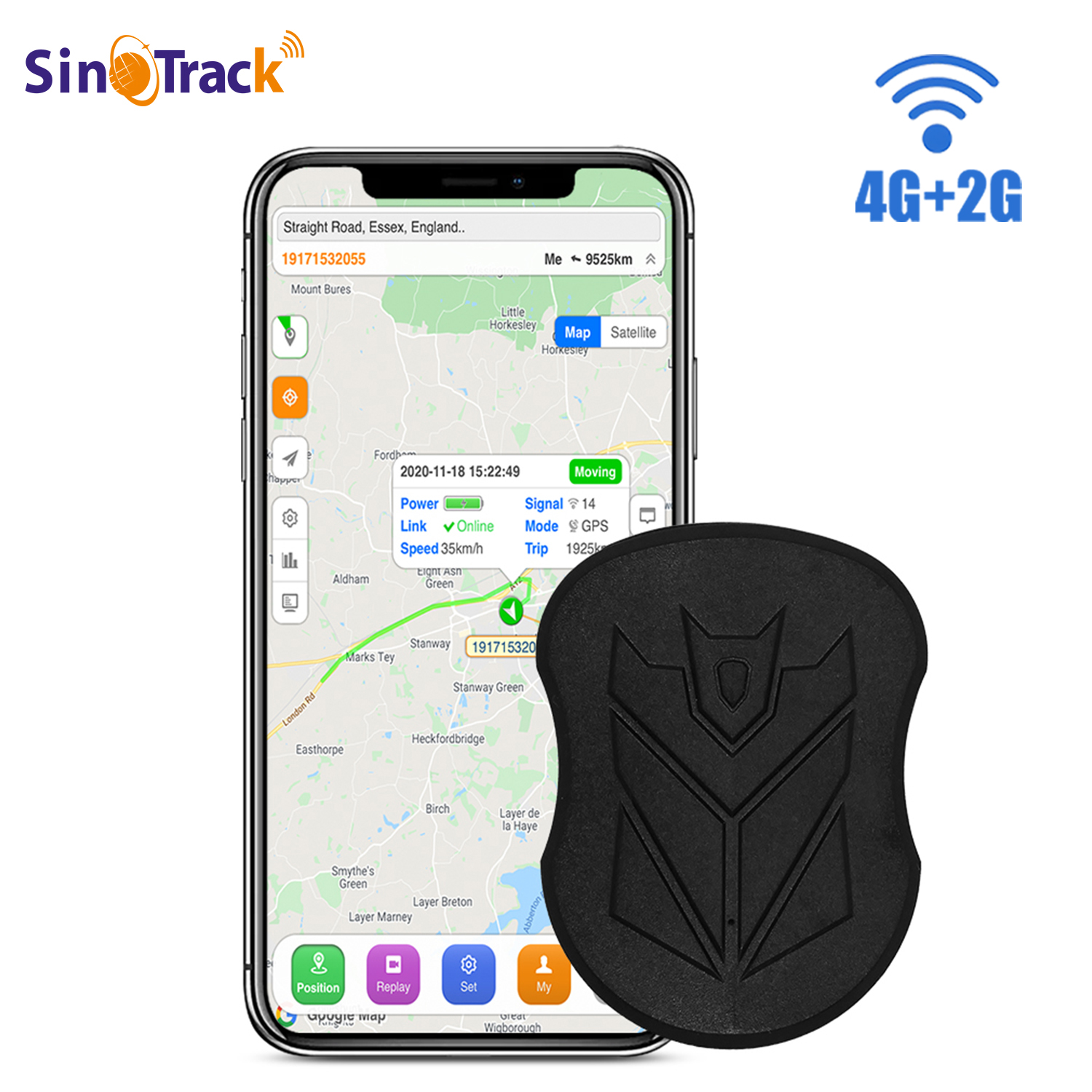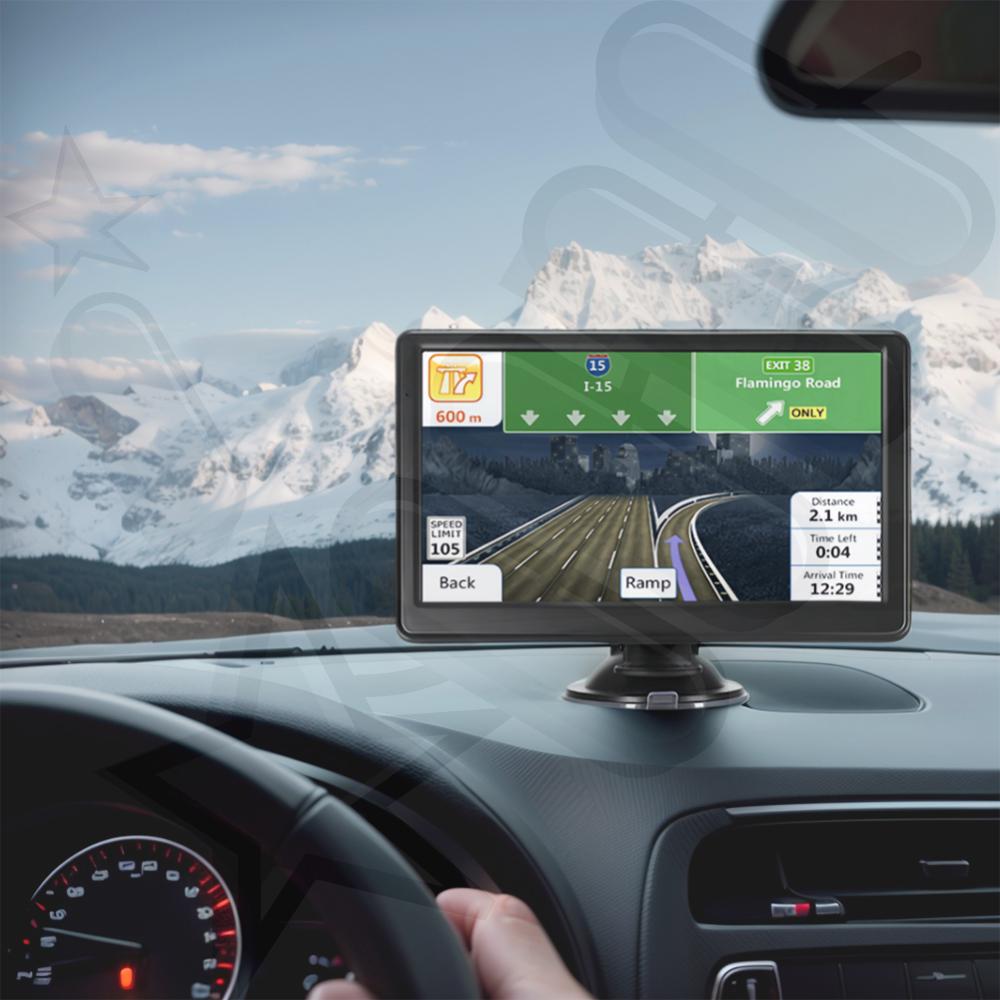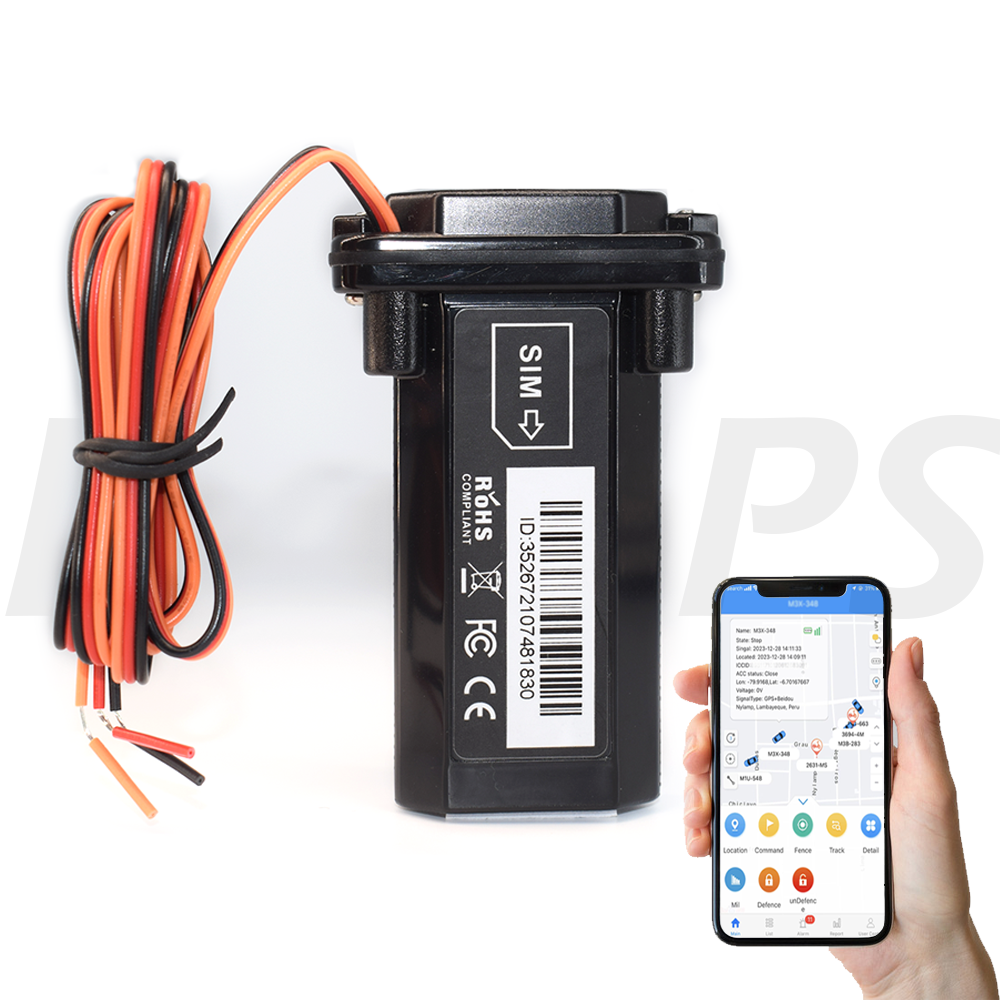











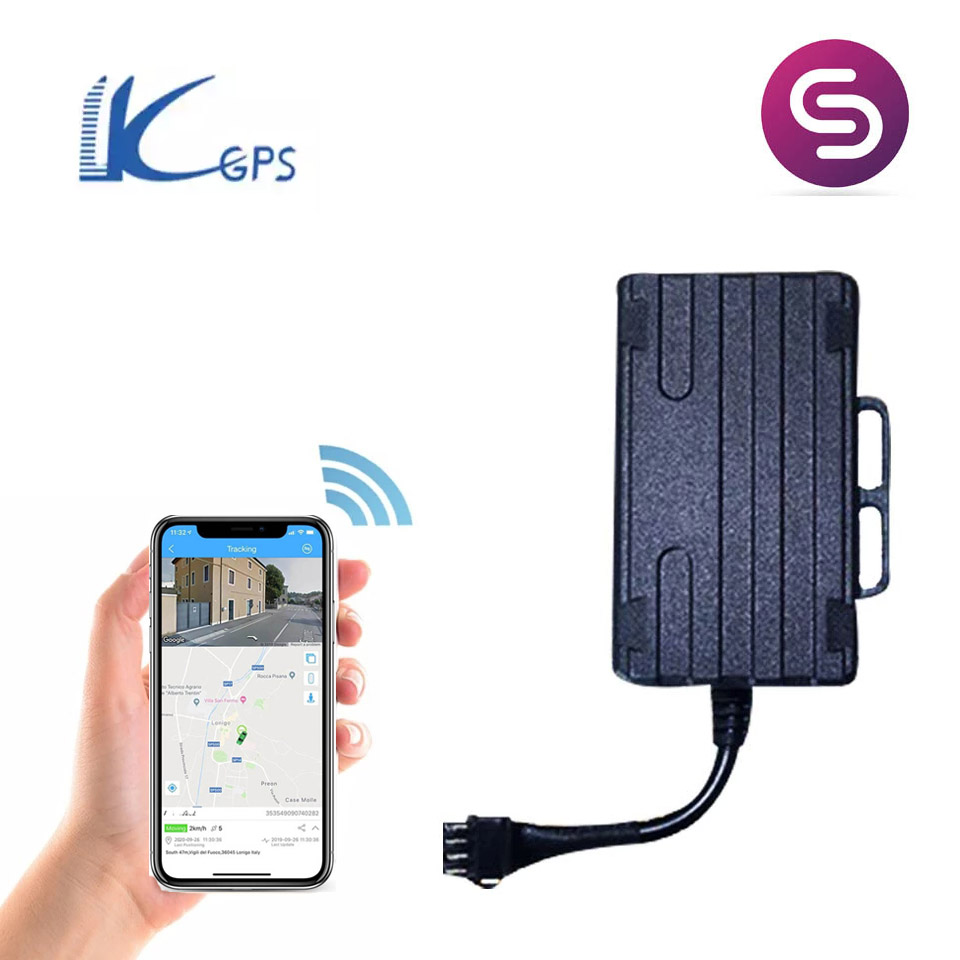
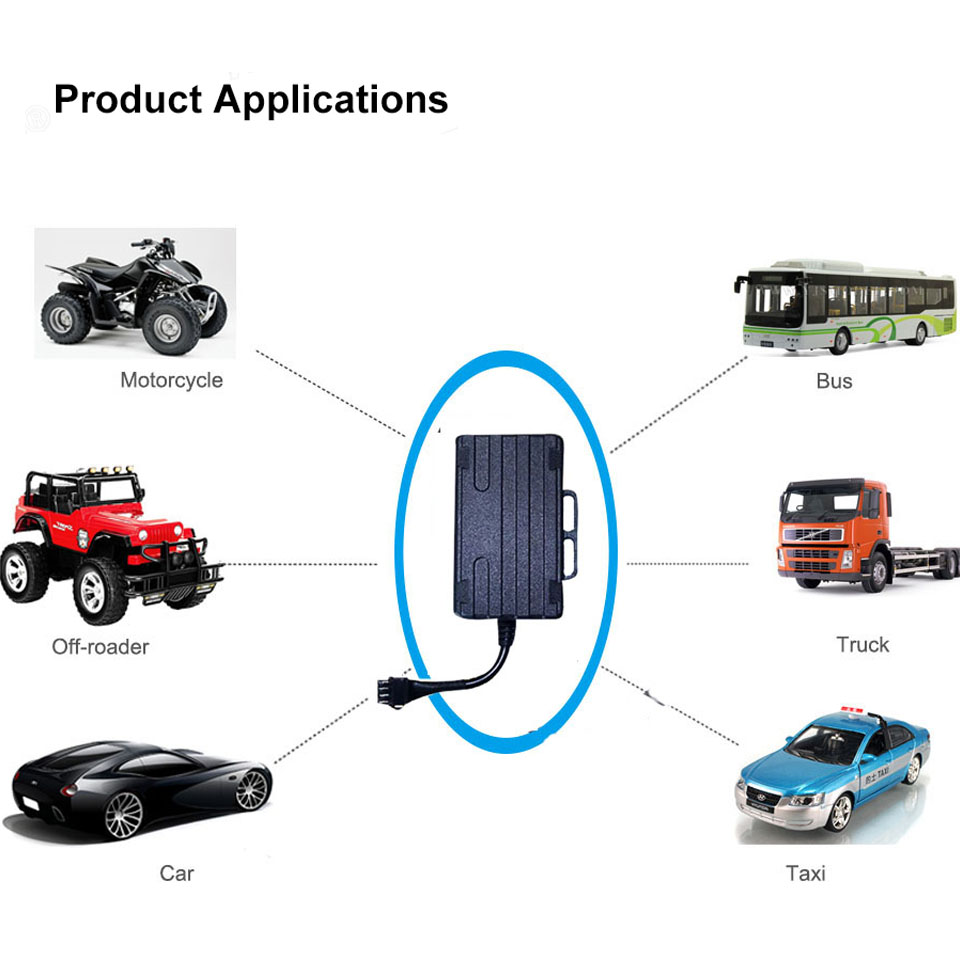
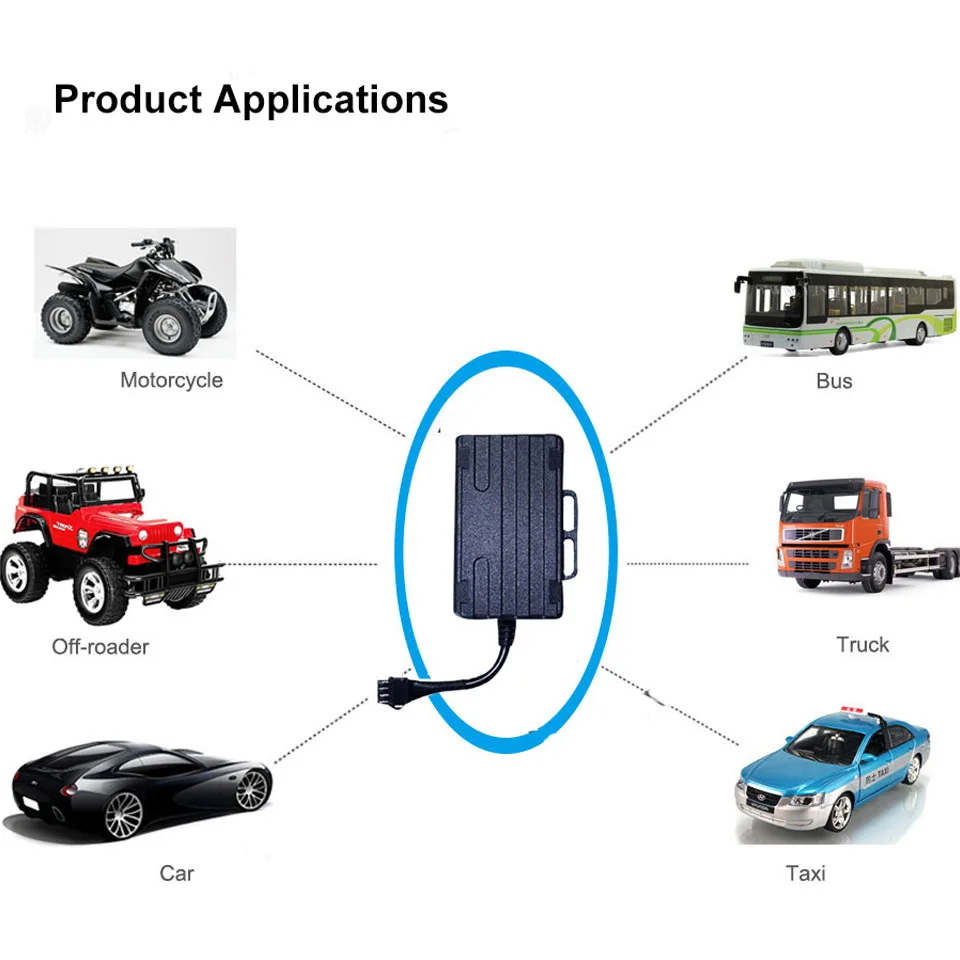
Motorcycle Vehicle Car GPS Tracker GPS GSM GPRS Anti-lost Monitor Real Time Tracking Device LK210 Gps Tracker bus truck free app
価格:
$19.79
/Pc
払い戻し:

シェア:
売れ筋商品







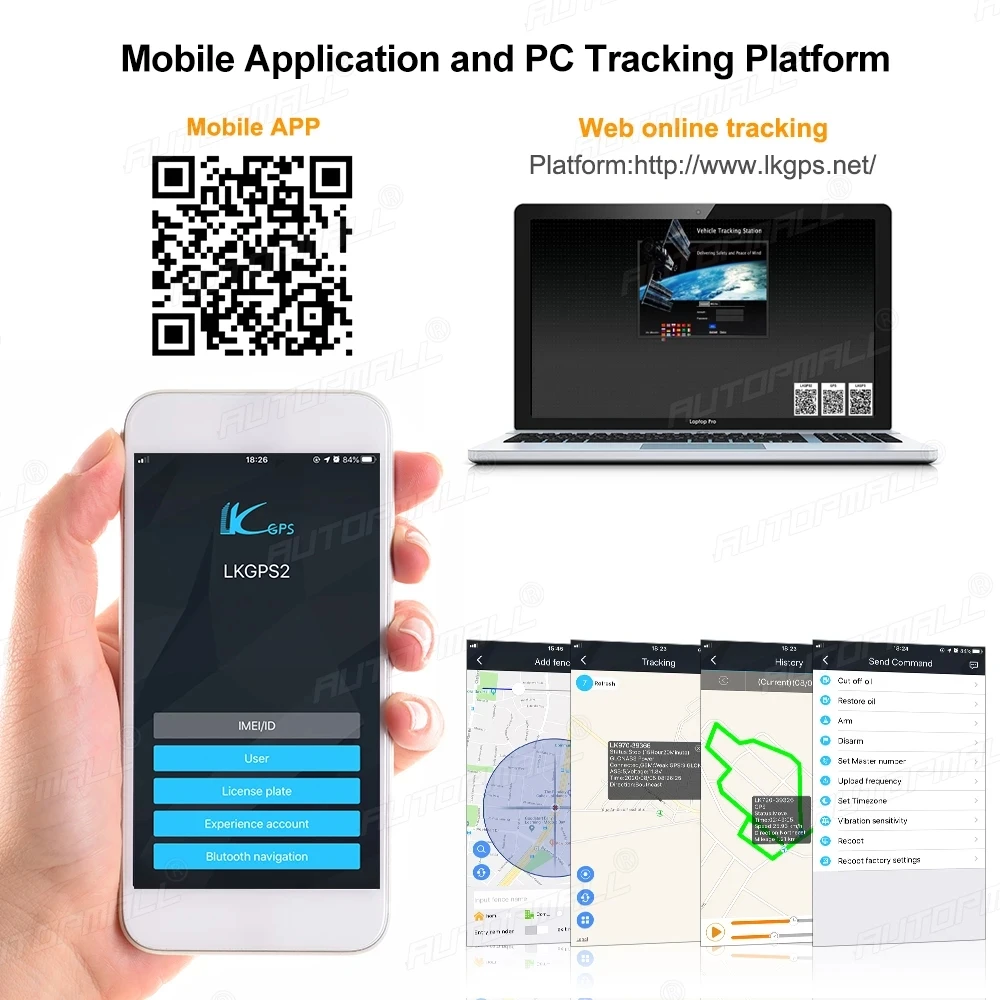
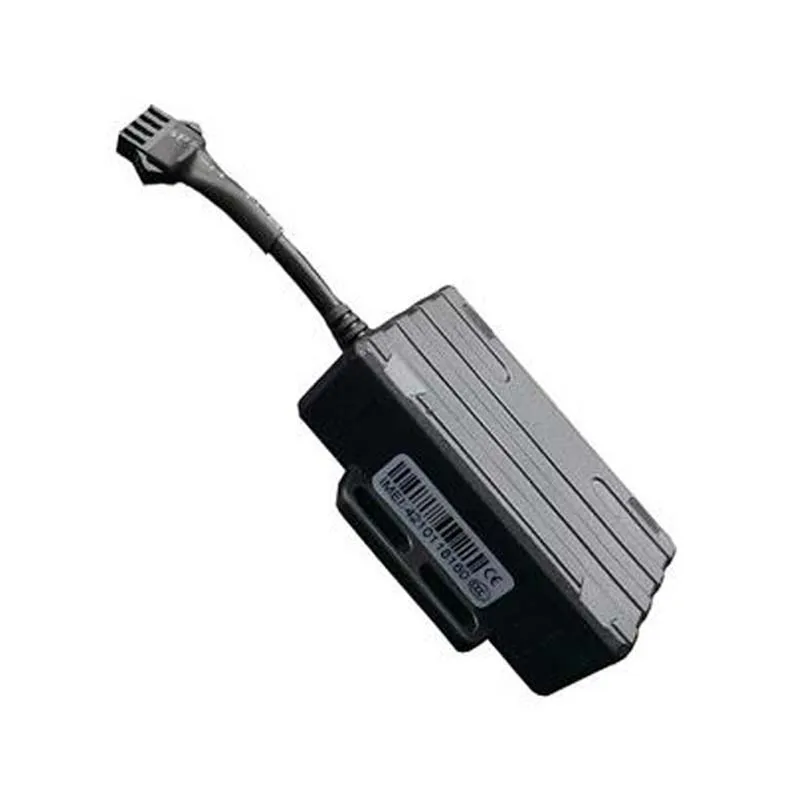
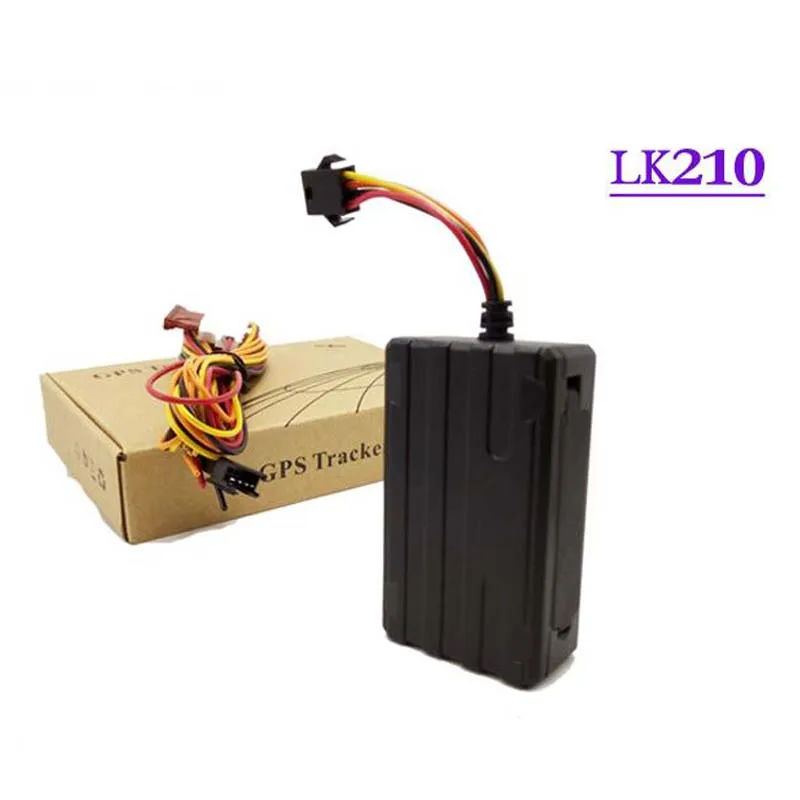

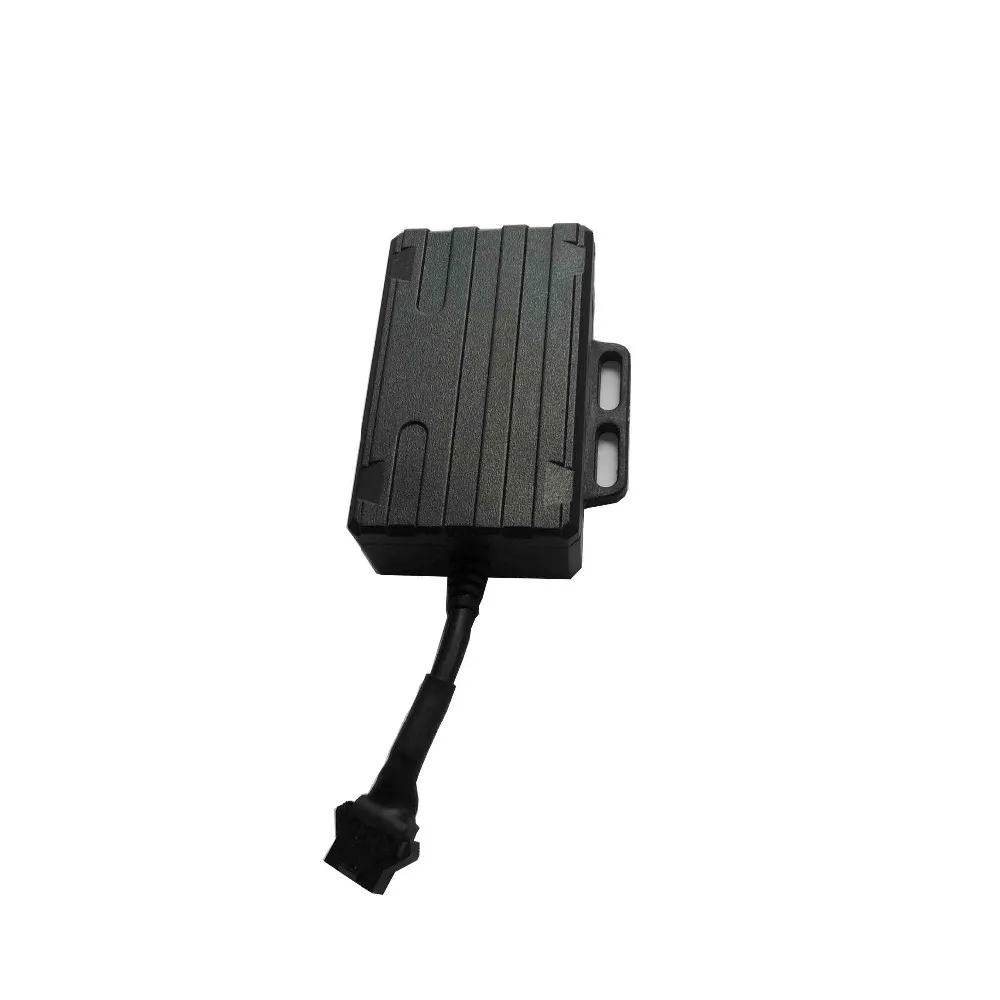

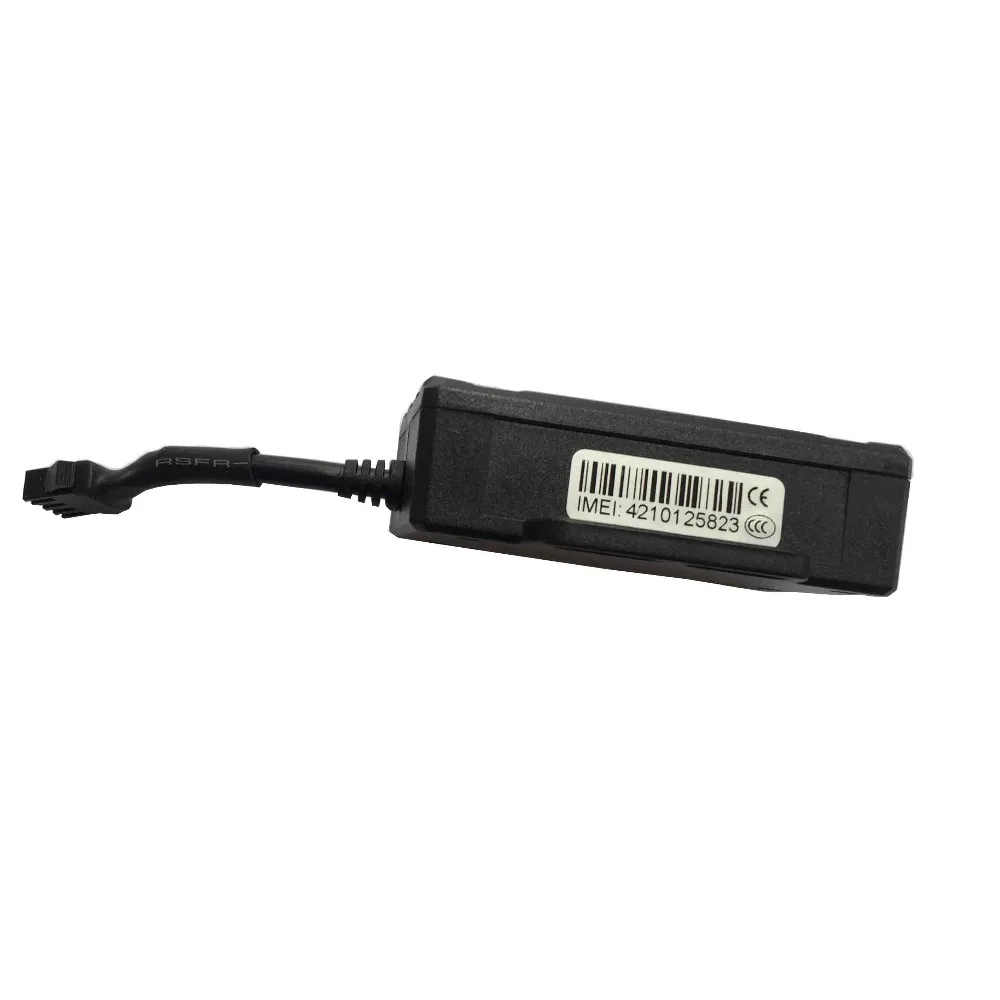


1. product packaging accessories:
1.1 power 4P line 1pc (standard accessory)
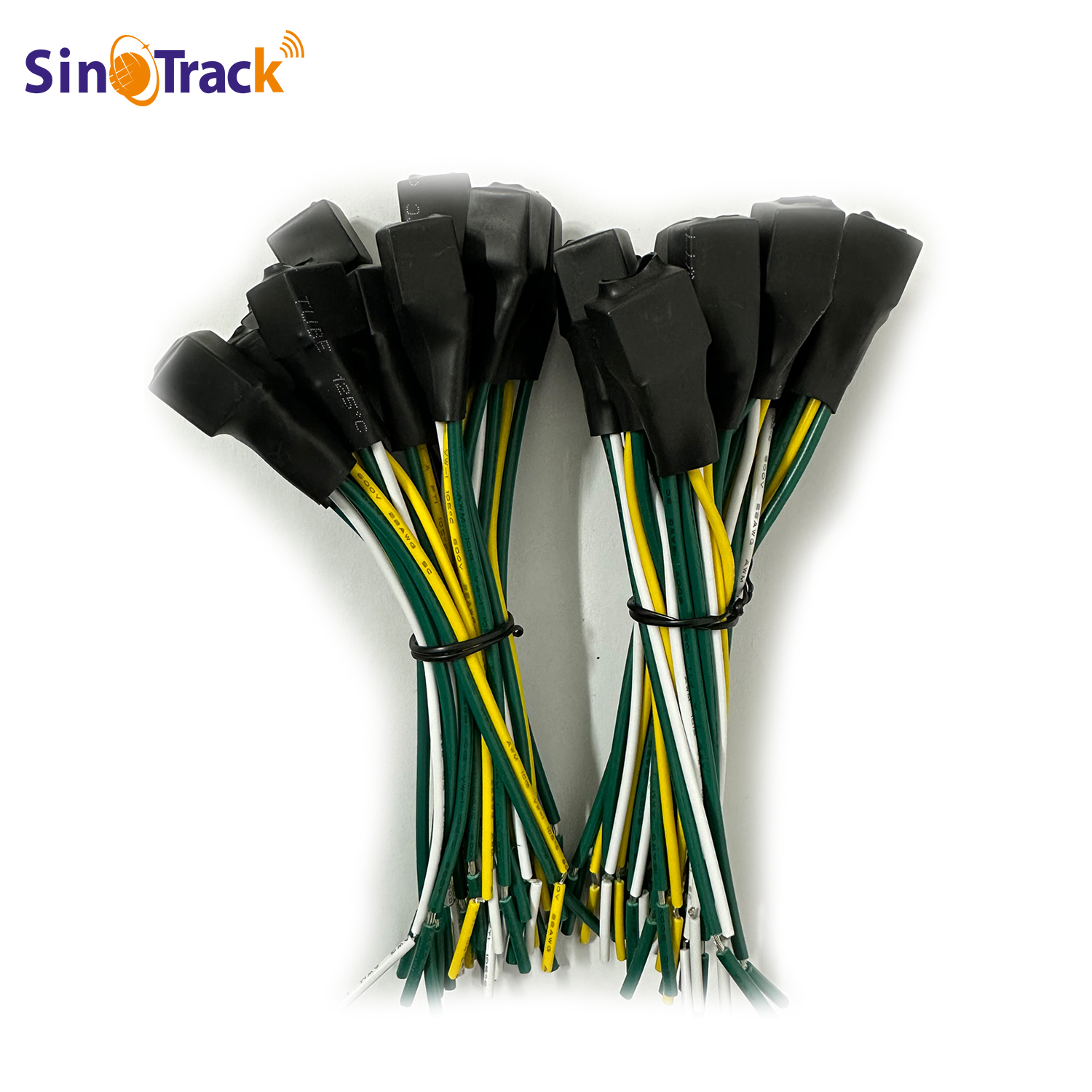
1.4 electric relay 1pc (optional accessory)
1.5 User manual 1pc (standard accessory)
(Accessories products refer to the actual product)
2. Product features
2.1 GSM four frequency(GSM850/900/1800/1900MHZ) system global general;
2.2 built-in switching power supply, exceed wide voltage input range: 10-75 VDC;
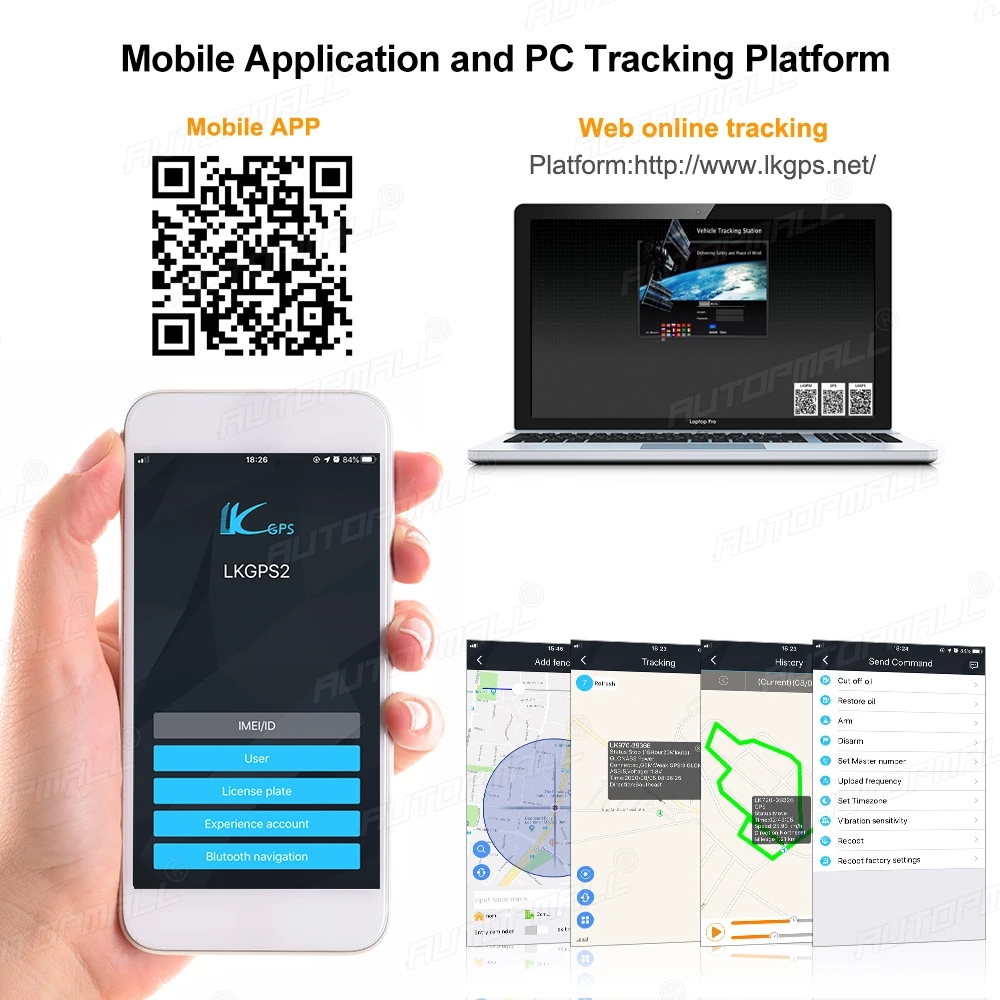
2.3 GPS continuous GPS positioning, GPRS report regularly;
2.4 Support SMS message to check the location info;
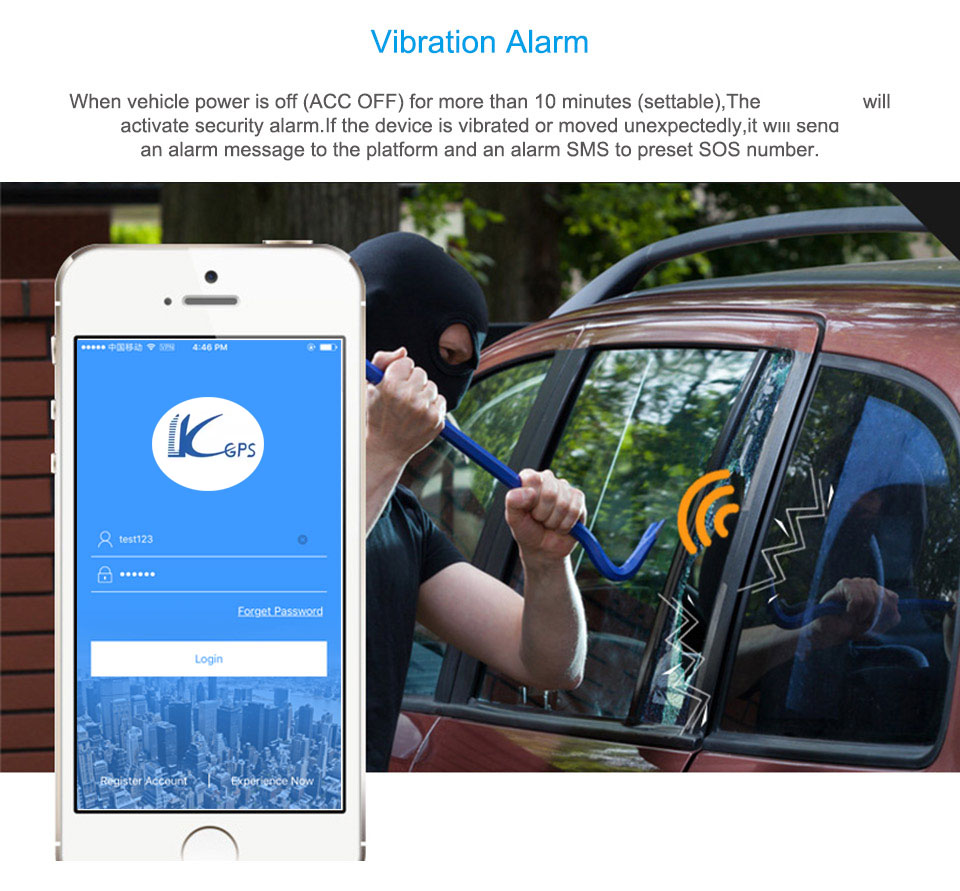
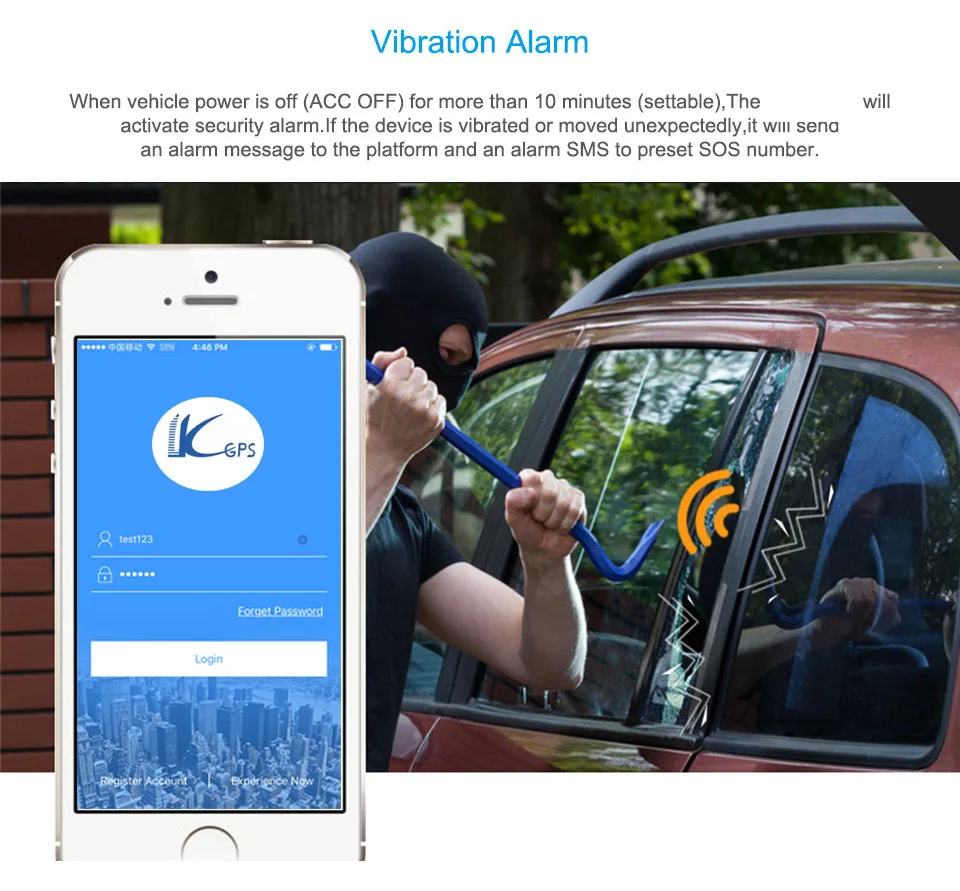
2.5 built-in vibration sensor, realization vehicle anti-theft intelligently;
2.6 ACC the ignition signal detection,vehicle status prompted;
2.7 waterproof designed
2.11 built-in backup battery, realize the illegal cut the line alarm;
Content | Specs. |
Dim. | 70mm x 40mm x 20mm |
Weight | 85g |
Network | GSM/GPRS |
Band | 850/900/1800/1900Mhz |
GPS chip | UBLOX |
GPS sensitivity | -159dBm |
GPS accuracy | 10m |
Time To First Fix | Cold status 35-80s Warm status 35s Hot status 1s |
voltage input | 9 --75V input |
Battery | Build-in 3.7V 370mAh Li-ion battery |
Storage Temp. | -40°C to +85°C |
Operation Temp. | -20°C to +55°C |
Humidity | 5%--95% non-condensing |
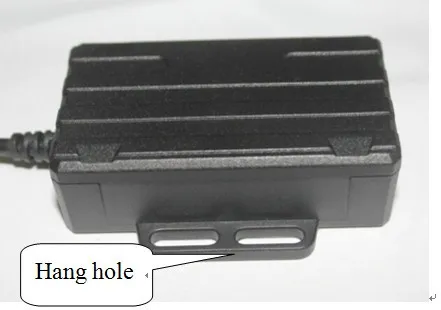
4. Appearance scheme

5. Preparation Installation
5.1.. Check the product
5.1.1 Open the package, and check product model and accessories. If there is something wrong or missing, please contact the distributor.
5.1.2. The selection of SIM card must follow the distributor’s suggestion.
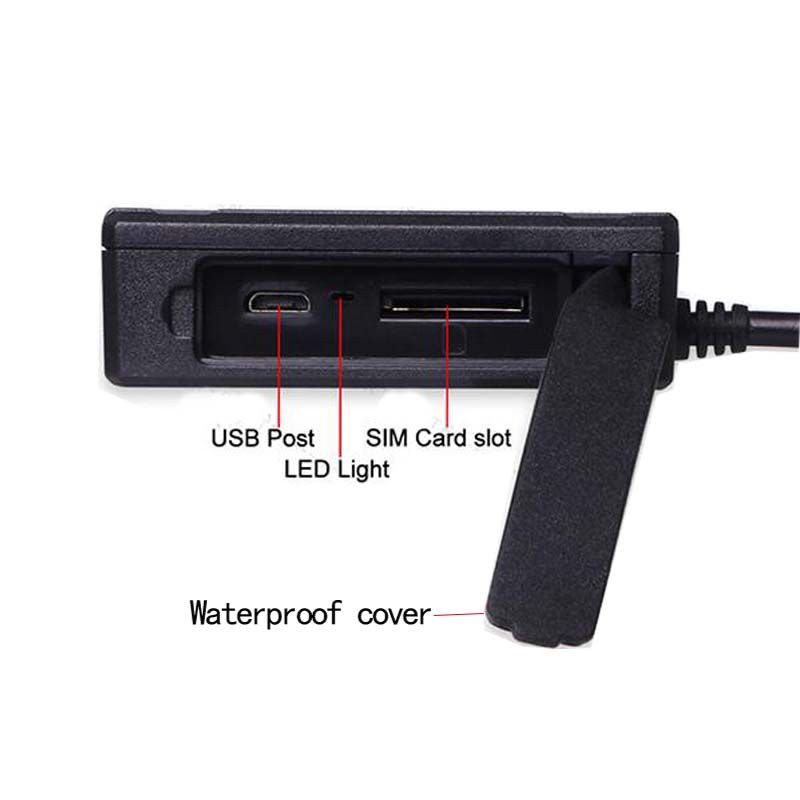
5.1.3. Install SIM card
Firstly, open the cover of the waterproof , secondly, insert the card ; finally, recover the waterproof cover

Tips:
Don't insert the SIM card up-side-down.•
Make sure the SIM card with GPRS service.
If the SIM card has been inserted, but it requires you to input SIM PIN, please close the SIM PIN function under the instruction of your mobile phone user ’s manual.
Make sure the SIM card account has enough money
5.2. Installation
Install the tracker is hidden installation, you'd better to install it with the help of professional companies or workers authorized by the distributor. Please install it according to the following instruction.
5.2.1. To avoid the thief’s destruction, the tracker should be installed in a hidden place.
5.2.2 Don't put the tracker together with the emission sources, such as the parking radar system, alarms and other vehicle-carried communication terminals.
5.2.3 You can fix the tracker with the cable tie, or glue it with wide strong sponge double-sided tapes.
5.2.4 Because the tracker has GSM and GPS antenna inside, please make sure the reception side of GPS is upward (facing the sky), and there is no metal shelter above the tracker. Suggestions are as follow:
a, Hidden area under the decoration board below the front windshield or back windshield;
b, Hidden area around the front panel (with a surface made of non-metal materials);
Attention: If there is a metal insulation or a heating layer glued in the windshield, it will reduce the efficiency of GPS signal reception, and the GPS can’t work well, you need to find other places to install again.
5.4 Terminal wiring diagram

Relay connectted

6. Equipm
ent connect the matters needing attention
Power supply, the original car guard against theft, broken oil and electricity control line (4 pin)
6.1 This equipment is standard for power supply 10V-75VDC, please choose the original provide power supply cord, red line power positive, the black line for power negative; When installation, please choose to separate negative power grounding wires or by iron, don't and other ground were answered
6.2 The original car security line (Orange line)
7. Terminal parameter setting
Message set data: The car owner’s mobile phone No. send the message code to the SIM card of the GPS device. Separated symbols is comma. The commas of the following functions data setting command is the English input format.
7.1 Basic operation Settings
7.1.1 Special No. setting (i.e., the owner number)
Special No. is the alarm No. You can send the command of adding special No. message to terminal for adding the No. Under the status of alarm, the terminal will send the position message to the setting special No. and call the No. repeat till the phone is connected.
7.1.2 Modify the terminal password: please remember the password, if forget available owner send factory default command center number
The default terminal password123456
Command formatpwd123456 666888(666888 for the new password,must be 6 to digital)
Reply message:OK! New password: ******. Safe keeping!
P.S.: the following instructions will send can achieve center number, be sure to keep in mind
7.2 Anti-theft alarm location query set
7.2.5 Vibration alarm setting
Continuous vibration time for 3 seconds by default,vibration alarm time interval 5 minutes by default
Alarm way:1 = SMS, 2 = phone call, 3 = SMS + Call , 0 = closed
Command format:vib2,3
Reply message:OK! Vibration Level:X Alarm mode: Call/SMS/Call & SMS
Alarm content:VibrationPlease check it now! Lat: Lon: GPS:A/V 2013-07-20 16:23
7.2.6 Shift alarm setting(default open)
7.2.6.1 Open Command format:move300
Reply message:OK! Move alarm: on
7.2.6.2 Close Connand format:move0
Reply message:OK! Move alarm:OFF
7.2.7 Over speed alarm(default close)
7.2.7.1 Open Command format:spd080
Reply message:OK! Over speed alarm: km/h
7.2.7.2 Close Connand format:spd0
P.S.: set the range value of 50-300, speed limit 3 digits, the unit is km/hour
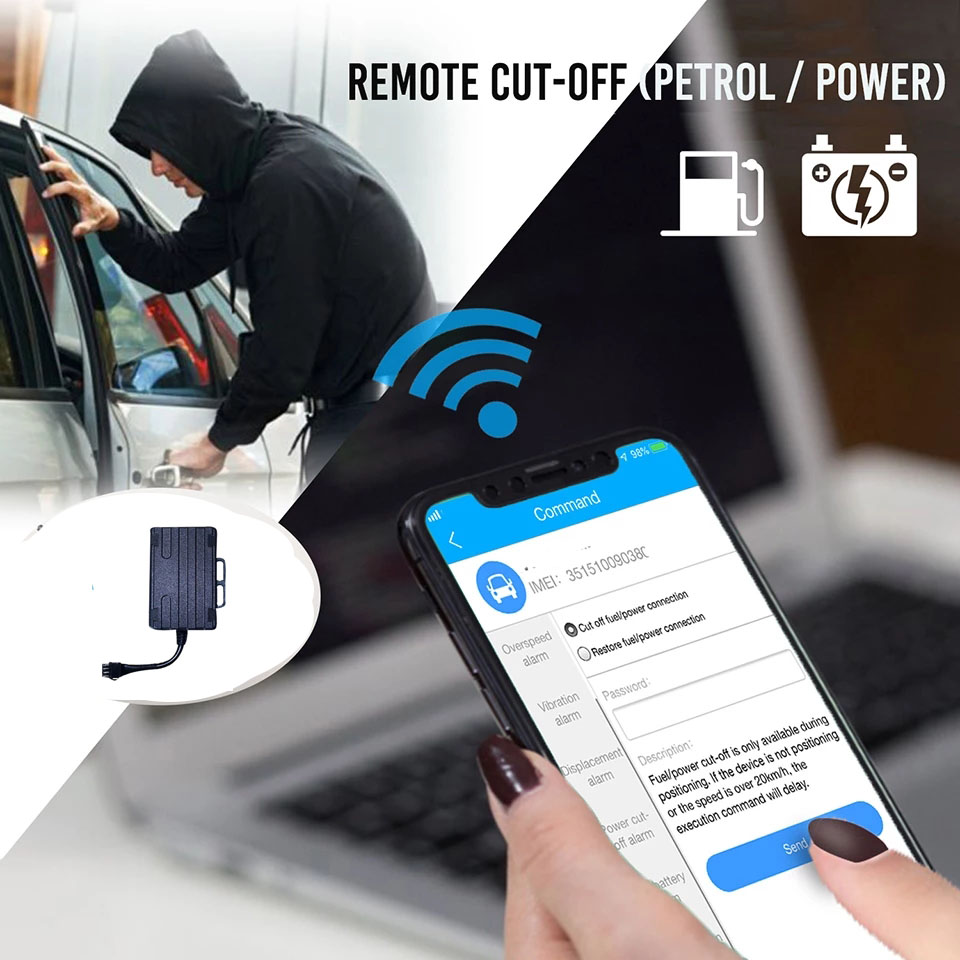
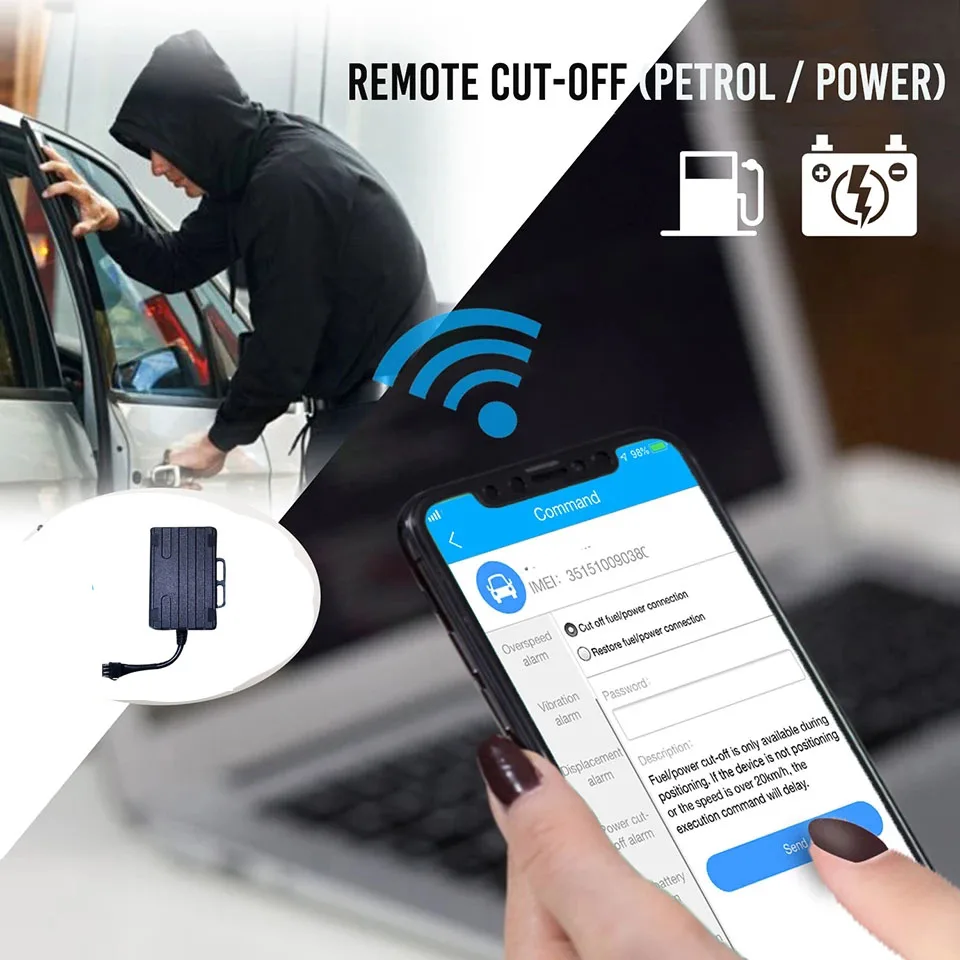
7.2.8 Oil outage & power outage
7.2.8.1 cutting off the oil
Command format:555
Reply message:CUT OIL OK!
7.2.8.2 opening the oil
Command format:666
Reply message:RESUME OIL OK!
When the car is stolen, the monitor platform will send the command of Oil cut-off power outages. For keeping the car safe drive the oil of the stolen car is cut off and the car can not be started.
P.S:In order to keep the car safe, the terminal is only under GPS effective position status and make sure the car is less than 20km/h or the car is still, the oil outage and power outage can be operated .when the theft alarm is relieved, the monitor platform restore the oil & power command, the terminal recover the oil & power and you can go on driving the car.
P.S.: Make sure to set the special No. before achieving this function
7.3 Equipment to restore the query set
7.3.1 Recover the factory setting:
Command format:format
Reply message:The tracker will immediately restore the factory settings. All previous settings will be canceled.
7.3.2 GPS re-start:
Command format:RST
Reply message:The tracker will immediately restart!


この製品のレビューはまだありません。
関連製品